How to Ignore Invalid and Self-Signed Certificates Using cURL
Use curl -k for controlled diagnostics, then fix trust with --cacert. Learn the risks, proxy options, code examples, and troubleshooting steps.
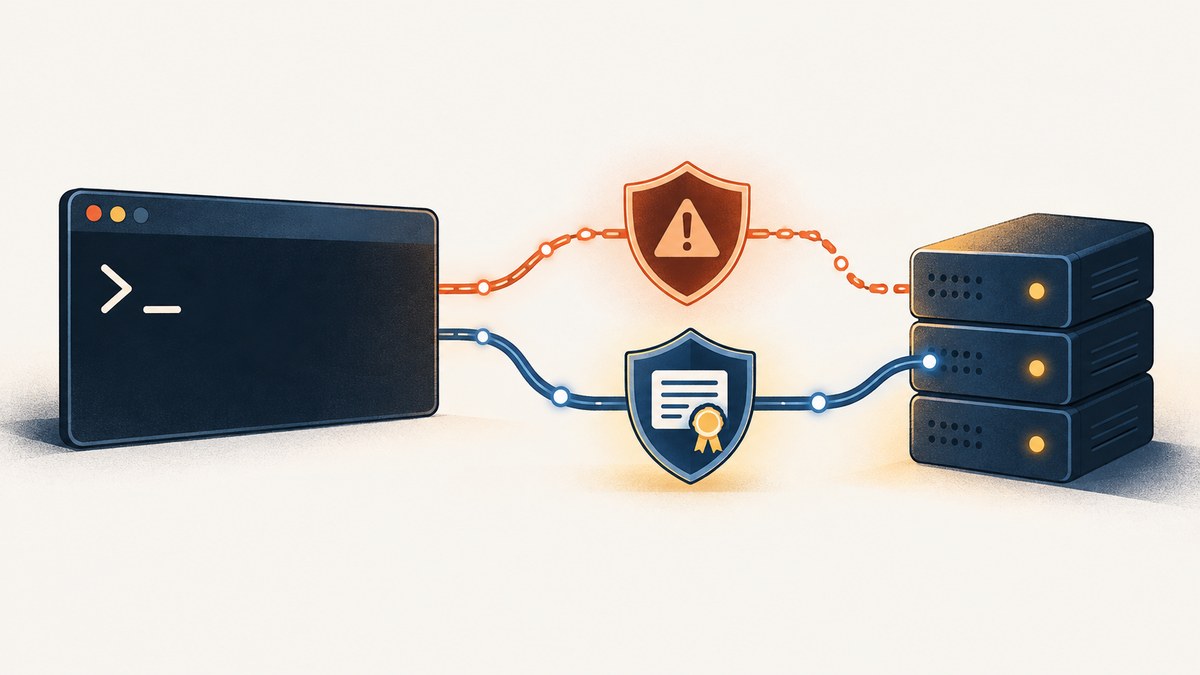
Direct answer: add -k or --insecure to a cURL command to skip peer certificate verification for that transfer:
curl --insecure https://example.com
# Short form
curl -k https://example.com
This lets the connection continue when the certificate is self-signed, expired, issued by an unknown CA, or otherwise fails verification. It does not repair the certificate or prove that you reached the intended server. The curl project recommends avoiding disabled verification in production. See the official SSL CA Certificates guide and curl man page.
What cURL normally verifies
For HTTPS, curl checks the server certificate against its configured CA trust source and checks that the certificate identity matches the hostname in the URL. A failure is commonly reported as curl: (60) SSL certificate problem. A self-signed certificate can cause error 60, but an incomplete certificate chain, an expired certificate, an unknown issuing CA, or a hostname mismatch can also be responsible.
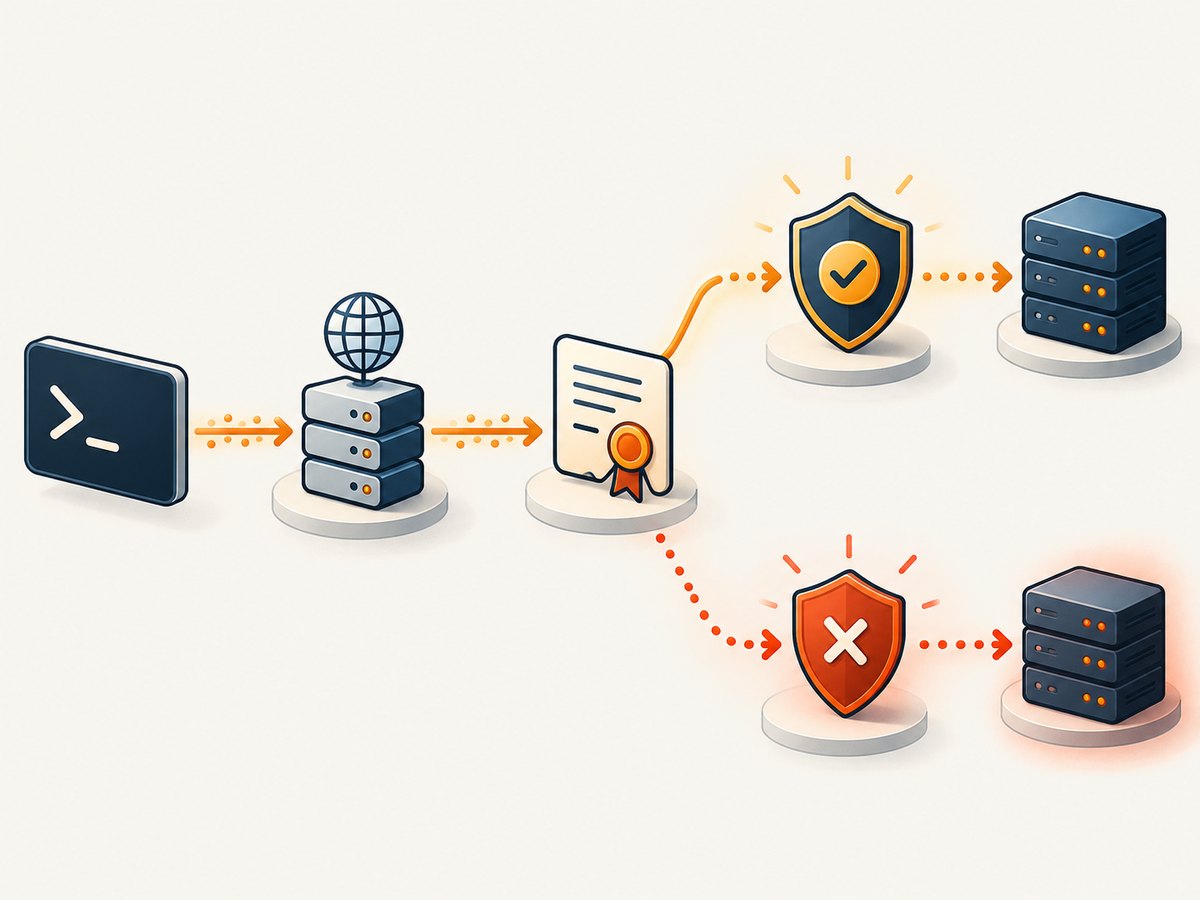
Use -k only when you deliberately accept that loss of assurance, such as a local development server or a short diagnostic. The libcurl security guidance is explicit: “Never ever switch off certificate verification.”
Fast diagnostic commands
Ignore verification for one request
curl -k https://internal.example.test/healthShow the TLS and HTTP exchange
curl -vk https://internal.example.test/health-v prints connection details, certificate information, and the negotiated protocol. Do not paste private headers or tokens from verbose output into tickets or logs.
Save a response while ignoring verification
curl --insecure --fail --location \
  --output response.json \
  https://internal.example.test/api/status
--fail makes HTTP 4xx/5xx responses return a failure status, while --location follows redirects. Neither option changes TLS verification.
Safer fix: trust the expected CA
If the endpoint is yours or intentionally uses a private PKI, obtain its CA certificate through a trusted channel and keep certificate checks enabled.
Use a CA file for one command
curl --cacert path/to/ca.pem https://internal.example.test/Use a CA bundle for a script or environment
export CURL_CA_BUNDLE=/absolute/path/company-ca.pem
curl https://internal.example.test/
Depending on the curl build and TLS backend, SSL_CERT_FILE and SSL_CERT_DIR can select a CA file or directory. Check curl -V to see the TLS backend and consult the platform-specific CA documentation. Schannel builds commonly use the Windows native certificate store; other builds often use a file-based store.
Install the CA in the operating-system trust store
For a long-lived internal service, installing the issuing CA in the host trust store avoids adding flags to every command. The exact steps differ by operating system and distribution. Confirm the resulting trust with a normal command that does not include -k.
Hostname mismatches are a separate problem
A certificate can be trusted and still be invalid for the hostname in the URL. Verify that the URL uses a name listed in the certificate’s Subject Alternative Name. Disabling peer verification is not a general hostname fix, and it removes a key protection against connecting to the wrong server. Keep hostname verification enabled whenever possible; libcurl documents this separately in CURLOPT_SSL_VERIFYHOST.
HTTPS proxy certificates
There can be two TLS connections: curl to the HTTPS proxy, and the proxy tunnel to the origin server. The options apply to different connections:
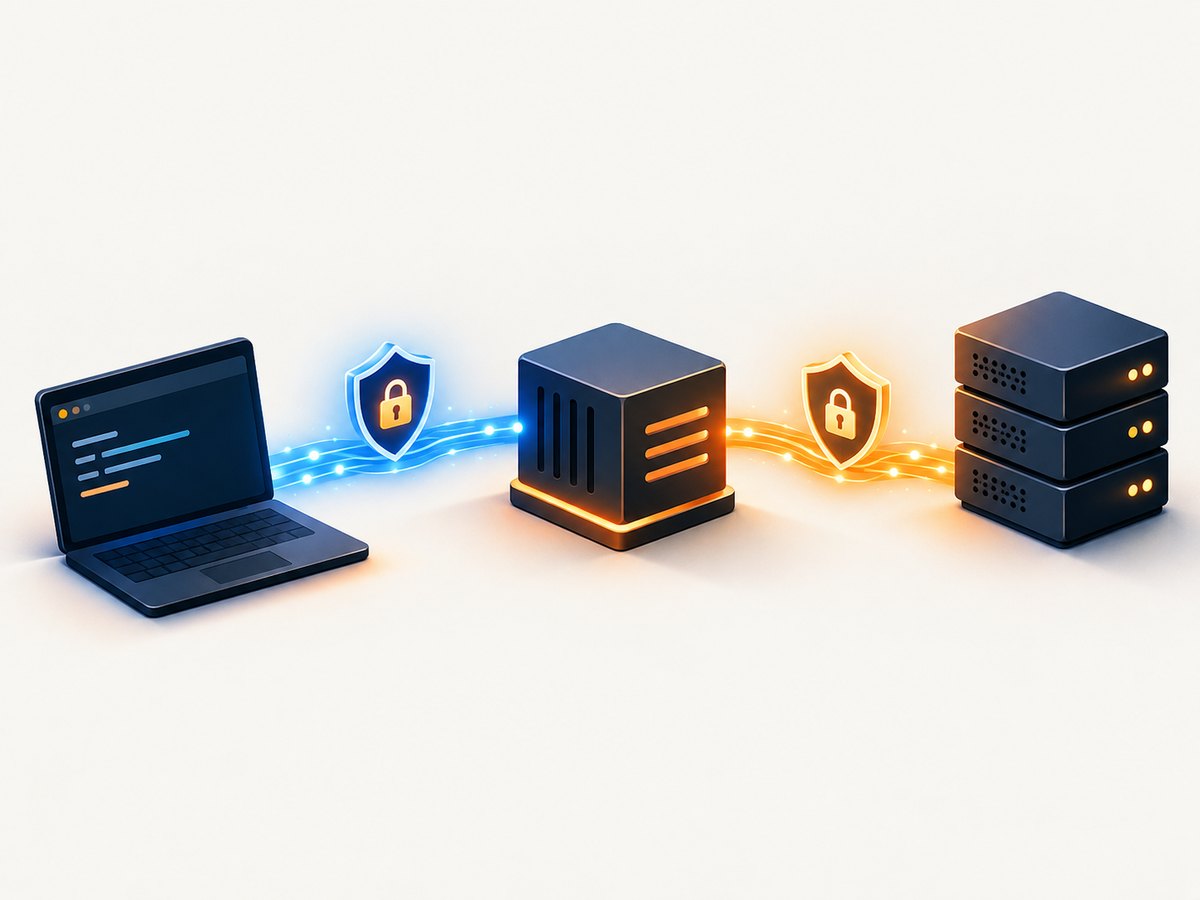
| Option | Connection affected | Use |
|---|---|---|
--insecure |
Origin server | Skip origin certificate verification |
--cacert FILE |
Origin server | Trust a CA for the origin |
--proxy-insecure |
HTTPS proxy | Skip proxy certificate verification |
--proxy-cacert FILE |
HTTPS proxy | Trust a CA for the proxy |
curl --proxy https://proxy.example.test:8443 \
  --proxy-cacert proxy-ca.pem \
  --cacert origin-ca.pem \
  https://internal.example.test/
Use --proxy-insecure only for a constrained diagnostic of the proxy connection. It does not disable verification for the origin.
Complete examples in common languages
cURL
#!/usr/bin/env sh
set -eu

# Diagnostic only: skip peer verification for this request.
curl --insecure --fail --show-error \
  --header 'Accept: application/json' \
  --output response.json \
  https://internal.example.test/api/status

# Preferred: use the expected private CA instead.
curl --cacert ./company-root-ca.pem --fail --show-error \
  https://internal.example.test/api/status
Python (requests)
import requests

url = "https://internal.example.test/api/status"

# Diagnostic only. This emits an InsecureRequestWarning by design.
r = requests.get(url, verify=False, timeout=30)
r.raise_for_status()
print(r.text)

# Preferred: point requests at the expected CA bundle.
r = requests.get(url, verify="./company-root-ca.pem", timeout=30)
r.raise_for_status()
print(r.text)
Node.js
import https from "node:https";

const url = "https://internal.example.test/api/status";

// Diagnostic only: do not use this setting in production.
const insecureAgent = new https.Agent({ rejectUnauthorized: false });
const response = await fetch(url, { agent: insecureAgent });
if (!response.ok) throw new Error(`HTTP ${response.status}`);
console.log(await response.text());

// Preferred: provide the expected CA and retain verification.
import fs from "node:fs";
const secureAgent = new https.Agent({
  ca: fs.readFileSync("./company-root-ca.pem")
});
const secureResponse = await fetch(url, { agent: secureAgent });
if (!secureResponse.ok) throw new Error(`HTTP ${secureResponse.status}`);
Node’s fetch and agent behavior can vary by Node version. Keep the insecure agent local to a diagnostic command and never set a process-wide equivalent such as NODE_TLS_REJECT_UNAUTHORIZED=0 in a deployed service.
Choosing between --cacert and --insecure
| Path | Security | Scope | Best use |
|---|---|---|---|
--cacert or a correctly configured trust store |
Retains CA and hostname checks | One command, script, or host | Expected private/self-signed certificates and ongoing use |
-k/--insecure |
Skips peer certificate verification | That transfer | Short, isolated diagnostics or experimentation |
With verification disabled, an attacker who can intercept traffic may impersonate the endpoint. curl also warns that trusting server-supplied HSTS or Alt-Svc information while using --insecure can have security consequences; see the official man page and libcurl security considerations.
Edge cases and operational details
- Redirects:
--insecureremains in effect for redirected requests. Treat redirected hosts as untrusted and restrict redirects when the URL is user-controlled. - Client certificates:
--certand--keyauthenticate your client; they do not replace server verification. You may need both those options and--cacert. - Only one request: Put the flag on the individual command instead of a shell alias or global configuration file.
- Configuration files: Check
~/.curlrcand system configuration if a command behaves as though verification is disabled. Remove accidentalinsecureentries. - Old curl builds: CA locations and supported TLS features depend on the build and backend. Record
curl -Vwhen comparing machines. - HTTP versus HTTPS:
-khas no useful effect on plain HTTP because there is no certificate to verify.
Troubleshooting curl error 60
| Symptom | Likely cause | Fix |
|---|---|---|
self signed certificate |
The issuer is not in curl’s trust store | Obtain the expected CA and use --cacert; use -k only for a controlled diagnostic. |
unable to get local issuer certificate |
Missing CA or incomplete server chain | Install the correct CA and configure the server to send its intermediate chain. |
certificate subject name does not match |
URL hostname is absent from the certificate identity | Use the correct hostname or issue a certificate covering it. Do not treat -k as a production fix. |
Works with -k but not normally |
Trust-store, chain, expiry, or hostname problem | Run curl -v, inspect the presented chain, check curl -V, and repair trust or server configuration. |
| Proxy connection fails | Proxy CA is distinct from origin CA | Use --proxy-cacert or, for a diagnostic, --proxy-insecure. |
Python works with verify=False only |
Requests lacks the private CA | Pass the CA path with verify="ca.pem" or install it in the environment. |
Performance, reliability, and cost
Skipping verification can remove certificate-chain and hostname checks, but it is not a dependable performance optimization. The network, DNS, server response, redirects, and payload usually dominate transfer time. A trusted CA configuration improves reliability by preserving the checks that detect misrouting and interception.
There is no special service fee for either curl option: both are local command-line settings. The operational cost is security exposure and potentially harder incident response if an endpoint is impersonated. For repeatable jobs, pin the expected CA path, set explicit timeouts, use --fail, and monitor exit codes.
Or skip the browser setup
If your goal is to turn a URL into a clean image or PDF rather than debug a TLS transfer, ScreenshotNeo handles the capture request for you. See the API documentation.
curl -G "https://api.screenshotneo.com/v1/shot" -d access_key=YOUR_API_KEY --data-urlencode url=https://stripe.com -o shot.webpScreenshotNeo removes cookie and consent banners, newsletter popups, and chat widgets before the shot. Bot checks, blank pages, failed loads, timeouts, and cache hits are not billed, and the response identifies the result with X-Page-Verdict and X-Billed headers. Its MCP server lets Claude, Cursor, and other MCP clients call take_screenshot, get_page_info, and capture_pdf. The free plan includes 1,000 screenshots per month with no card; paid plans start at $5 for 3,000 shots.
FAQ
What is the difference between -k and --insecure?
Nothing: they are short and long spellings of the same curl option.
Does -k make a self-signed certificate valid?
No. It tells curl not to verify the peer certificate for that transfer.
Can I disable only hostname verification?
Do not use that as a workaround. Certificate trust and hostname checks protect different properties; fix the certificate or URL identity instead.
Why does curl fail when a browser succeeds?
The browser and curl may use different CA stores, TLS backends, proxy settings, or certificate-chain handling. Compare the endpoint, trust store, and curl -V output.
How do I confirm I removed the insecure setting?
Run the command without -k, inspect your curl configuration files, and require a successful transfer with normal verification enabled.
Create a free ScreenshotNeo account for 1,000 screenshots each month with no card.


