How to Use Custom Fonts and Background Colors with wkhtmltopdf and wkhtmltoimage
Make custom fonts and background colors render reliably in wkhtmltopdf and wkhtmltoimage with practical CSS, flags, diagnostics, and alternatives.
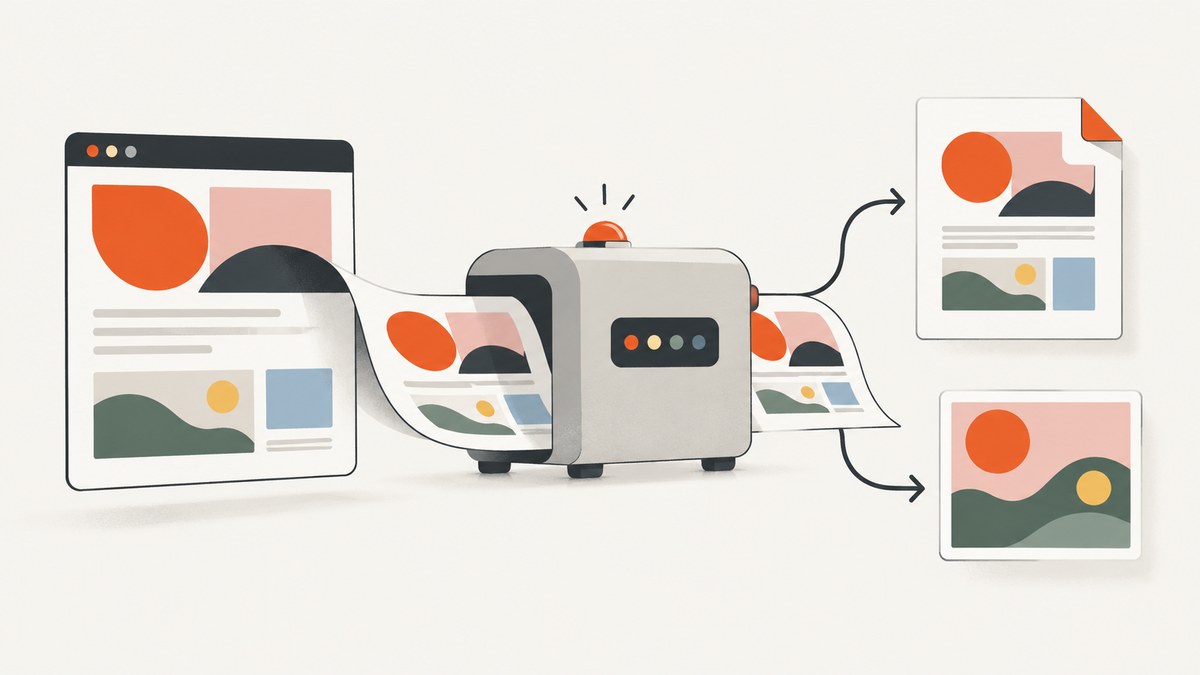
Direct answer: define the background and font in the HTML/CSS that wkhtmltopdf or wkhtmltoimage receives, make every stylesheet, font, and image reachable from the renderer, and choose the output’s media mode deliberately. For PDFs, background printing is enabled by default with --background; use --no-background only when you want to suppress it. wkhtmltopdf uses screen media by default, while --print-media-type switches PDF rendering to print CSS. That setting has no effect for wkhtmltoimage.
Custom fonts are a resource-loading problem before they are a CSS problem. A browser process must be able to read the font URL, the CSS must use the correct family and weight, and the installed wkhtml build must support the font format and CSS features you chose. The official documentation describes the controls, but it does not promise that every font format behaves identically on every operating system or build. Treat your target binary and host as part of the rendering environment.
1. Build a minimal document that proves the basics
Start with a small HTML file. This separates font and background issues from application templates, JavaScript, and layout complexity.

<!doctype html>
<html lang="en">
<head>
  <meta charset="utf-8">
  <title>Font and background test</title>
  <style>
    @font-face {
      font-family: "Brand Sans";
      src: url("fonts/brand-sans.woff2") format("woff2"),
           url("fonts/brand-sans.woff") format("woff");
      font-weight: 400;
      font-style: normal;
      font-display: swap;
    }

    @font-face {
      font-family: "Brand Sans";
      src: url("fonts/brand-sans-bold.woff2") format("woff2"),
           url("fonts/brand-sans-bold.woff") format("woff");
      font-weight: 700;
      font-style: normal;
      font-display: swap;
    }

    html, body {
      margin: 0;
      min-height: 100%;
      background: #132238;
    }

    body {
      color: #f4f7fb;
      font-family: "Brand Sans", Arial, sans-serif;
    }

    .sheet {
      box-sizing: border-box;
      min-height: 100vh;
      padding: 48px;
      background: #132238;
    }

    h1 { font-weight: 700; }
  </style>
</head>
<body>
  <main class="sheet">
    <h1>Custom font test</h1>
    <p>If this paragraph has the intended typeface and the page is dark,
      the basic resource and background path is working.</p>
  </main>
</body>
</html>
Use a file URL or a local HTTP server while diagnosing. Relative URLs are resolved from the document URL, so a missing base path can make a perfectly valid @font-face declaration fail.
2. Render the file with wkhtmltopdf
For a local document, run:
wkhtmltopdf \
  --background \
  --enable-local-file-access \
  --allow /path/to/project \
  input.html output.pdf
The official usage manual documents --background as “Do print background (default).” The explicit flag makes intent clear and protects a script if another option or wrapper changes defaults. --no-background disables background painting.
If your stylesheet uses print rules, request them explicitly:
wkhtmltopdf \
  --background \
  --print-media-type \
  --enable-local-file-access \
  --allow /path/to/project \
  input.html output-print.pdf
wkhtmltopdf defaults to screen media. With --print-media-type, selectors inside @media print can replace or override screen styles. Check both versions when a background or font appears to “vanish”; the print stylesheet may intentionally set a different color, remove backgrounds, or change the font family.
3. Render an image with wkhtmltoimage
The image command accepts many of the same page-loading and resource options:
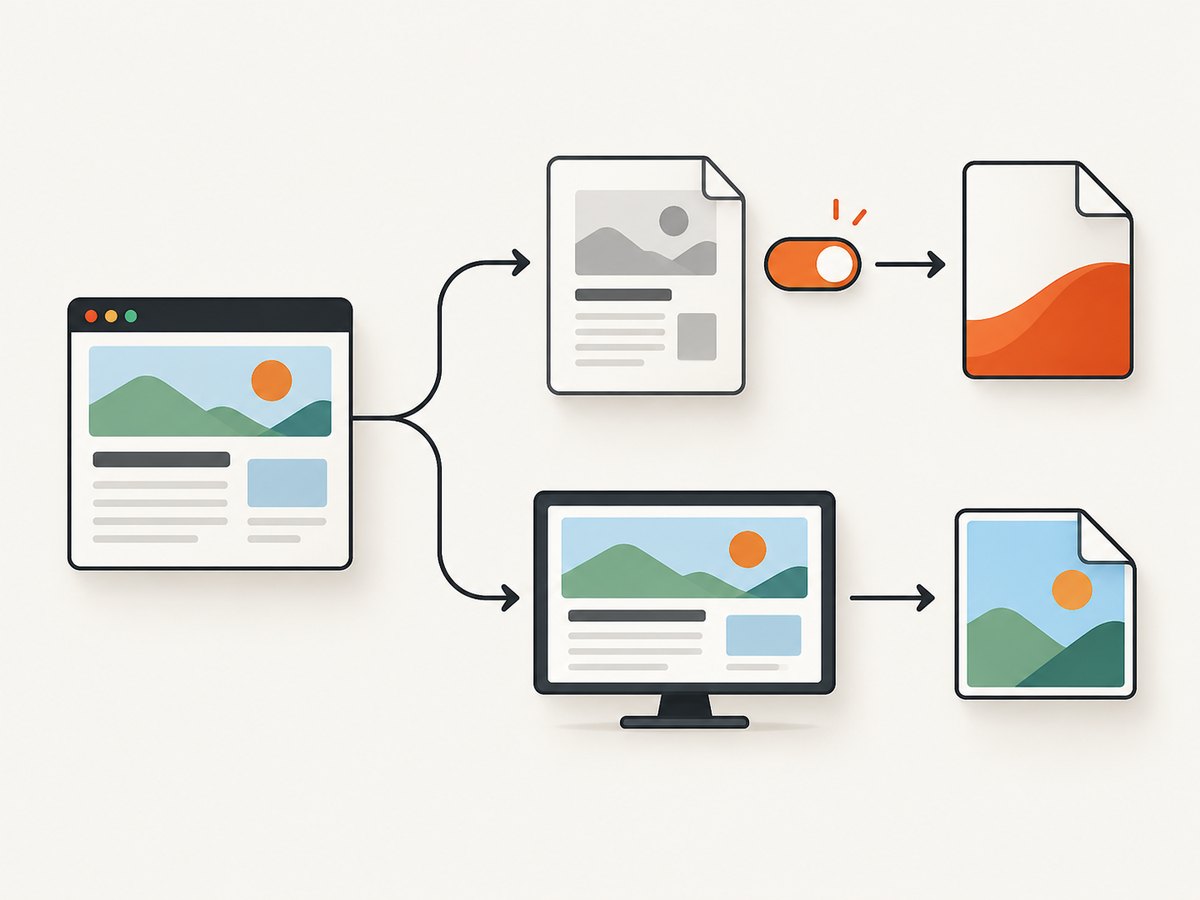
wkhtmltoimage \
  --enable-local-file-access \
  --allow /path/to/project \
  --format png \
  input.html output.png
Do not add --print-media-type expecting it to change image CSS. The libwkhtmltox settings reference says the corresponding load.printMediaType setting has no effect for wkhtmltoimage. Image output therefore follows screen media behavior for this purpose. Put image-specific rules in normal CSS or use a separate input stylesheet.
You can select an image format supported by your build, such as PNG or JPEG, and set dimensions when your layout requires a fixed viewport:
wkhtmltoimage \
  --width 1440 \
  --height 900 \
  --format png \
  --enable-local-file-access \
  --allow /path/to/project \
  input.html output.png
For a page that should grow vertically, avoid assuming that an image renderer and a PDF renderer calculate page height in exactly the same way. Validate the output dimensions and inspect overflow separately.
4. Make fonts available to the renderer
Use a reachable URL
For web-hosted pages, use an absolute HTTPS font URL or serve the font from the same origin as the page. Confirm that the URL returns the font bytes without an authentication redirect. A font URL that works in your interactive browser can fail in a headless process because of cookies, network policy, TLS differences, or a redirect.
Use local files deliberately
When HTML, CSS, and fonts are on disk, grant access to the smallest directory that contains them:
wkhtmltopdf \
  --enable-local-file-access \
  --allow /srv/report-assets \
  --user-style-sheet /srv/report-assets/overrides.css \
  /srv/report-assets/report.html /srv/report-assets/report.pdf
--user-style-sheet loads an additional user stylesheet. --allow grants access to local files or folders. Keep the paths stable and use absolute paths in automated jobs. If your distribution exposes only the older access behavior, check the installed binary’s help output and test the exact flags it accepts.
Match family, weight, and style
Browsers synthesize a bold or italic face when a requested file is missing. That can look like a font-loading failure even though the family name is present. Declare each face with the correct font-weight and font-style, then request those values in the element CSS. Keep a fallback such as Arial or sans-serif so text remains legible when the custom file cannot load.
Check format and build differences
The cited wkhtmltopdf documentation exposes font and resource settings but does not provide a universal compatibility matrix for every font format, operating system, and patched-Qt build. If WOFF2 fails, test a WOFF or another format your target environment supports, and verify the result on the same host and binary used in production. Do not infer support from a different browser or workstation.
5. Make background colors and images survive conversion
Set the background on the element that owns the visual area. Applying a color only to a short child element may leave the rest of a PDF page white.
html, body { background: #132238; }
.page {
  min-height: 100vh;
  background-color: #132238;
  background-image: url("images/pattern.png");
  background-repeat: no-repeat;
  background-position: center top;
  background-size: cover;
}

@media print {
  /* Keep this only if print output should retain the color. */
  html, body, .page { background-color: #132238; }
}
For PDF output, verify that no wrapper invokes --no-background. For image output, investigate the CSS and resource path instead of changing print-media flags. Background images are also subject to local-file access and network loading rules, just like fonts.
Some document styles intentionally remove backgrounds in print media to save ink. If the screen capture is correct but the PDF is white, search all stylesheets for @media print, background: none, background-color: transparent, and rules targeting body or the page wrapper.
6. Use JavaScript and load settings only when needed
Web fonts can be loaded after the initial HTML arrives. If your template depends on JavaScript or delayed resources, make sure the renderer waits long enough for the page to settle. The wkhtmltopdf settings expose controls for JavaScript, image loading, default encoding, minimum font size, and load-error behavior. Exact flag names and availability vary by binary, so inspect:
wkhtmltopdf --extended-help
wkhtmltoimage --extended-help
Keep JavaScript enabled only when the page needs it. A deterministic report is easier to debug when the HTML contains the final text and CSS. If the page is generated by a client-side app, use a known delay or an application-specific “ready” marker, then capture.
7. Diagnose missing fonts and colors
| Symptom | Likely cause | Fix |
|---|---|---|
| Text falls back to Arial | Font URL is wrong, blocked, or redirected | Open the exact URL from the capture host; use an absolute URL or correct relative base; grant local access. |
| Only bold text is wrong | No face declared for weight 700 | Add a matching @font-face with font-weight: 700, or request a weight that exists. |
| PDF background is white | --no-background, print CSS, or background on a short child |
Use --background, inspect @media print, and set the color on html, body, and the page wrapper. |
| Image has the screen color but PDF does not | PDF selected print media | Remove --print-media-type or add an explicit print rule. |
| Changing print media does nothing to PNG | Expected behavior for wkhtmltoimage | Move the desired rule into screen CSS; the setting has no effect for image output. |
| Local stylesheet or font is ignored | File access denied | Use --enable-local-file-access where supported and --allow for the asset directory. |
| Layout is unexpectedly small in PDF | Smart shrinking changed the pixel-to-DPI relationship | Test --disable-smart-shrinking; the manual identifies this as available only with patched Qt. |
| Conversion exits before assets load | Network timeout, bad certificate, or load-error policy | Serve assets reliably, remove accidental redirects, and review load and error settings in the binary’s help. |
When debugging, save the exact HTML, CSS, asset directory, command line, binary version, operating system, and output. Then change one variable at a time. This catches differences between a developer laptop and a worker container faster than editing a large production template.
8. Reliability, performance, and cost considerations
Reliability
- Pin the wkhtmltopdf/wkhtmltoimage version and operating-system image used by workers.
- Prefer local, versioned assets for invoices and reports that must remain reproducible.
- Use explicit encodings, absolute paths, and a controlled working directory.
- Record stderr and exit codes. A generated file does not prove that every font or image loaded.
- Run a small visual fixture after upgrades: one normal face, one bold face, a solid background, and a background image.
Performance
Fonts and large background images increase download and decode time. Reuse a small set of font files, compress images, and avoid loading unused faces. Local files usually remove network latency, but they still need correct permissions and access flags. JavaScript delays improve completeness only when the page actually needs them; otherwise they make every job slower.
Cost
wkhtmltopdf and wkhtmltoimage run in your own process, so the direct cost is your compute, storage, and maintenance. At scale, include worker CPU and memory, font and asset storage, queue time, and the engineering time needed to keep a legacy WebKit renderer compatible with your templates.
9. Or skip the browser setup
If your goal is a clean screenshot rather than control of a local wkhtml binary, ScreenshotNeo provides a website screenshot API. It removes cookie and consent banners, newsletter popups, and chat widgets before capture. Bot checks, blank pages, failed loads, timeouts, and cache hits are not billed, and response headers identify the page verdict and billing result. Its MCP server provides take_screenshot, get_page_info, and capture_pdf for Claude, Cursor, and other MCP clients.
Here is the one-call request; see the ScreenshotNeo API documentation for the available options.
curl -G "https://api.screenshotneo.com/v1/shot" -d access_key=YOUR_API_KEY --data-urlencode url=https://stripe.com -o shot.webpimport requests
r = requests.get("https://api.screenshotneo.com/v1/shot", params={"access_key": "YOUR_API_KEY", "url": "https://stripe.com"}, timeout=90)
open("shot.webp", "wb").write(r.content)const q = new URLSearchParams({ access_key: 'YOUR_API_KEY', url: 'https://stripe.com' });
const res = await fetch(`https://api.screenshotneo.com/v1/shot?${q}`);ScreenshotNeo also supports custom CSS and JavaScript, dark mode, full-page and element capture, device presets or custom viewports, retina scale, PDF settings, waiting rules, request blocking, headers, cookies, user agents, authorization, timezone, geolocation, transparent backgrounds, resizing, caching, signed links, asynchronous jobs, bulk capture, usage information, and an OpenAPI specification. One thousand screenshots per month are free with no card; paid plans start at $5 for 3,000 shots. Create a free ScreenshotNeo account.
10. Short FAQ
Is --background required?
It is documented as the default for wkhtmltopdf, but specifying it makes a script’s intent explicit. Use --no-background to turn background printing off.
Does --print-media-type work with wkhtmltoimage?
No. The library settings documentation states that the print-media setting has no effect for wkhtmltoimage.
Should I install the font on the server?
Not necessarily. A reachable web or local font file can work, but the actual renderer build and host determine compatibility. Test the font in the production runtime.
Why does the browser show the font but wkhtml not?
The renderer may be unable to reach the font URL, may lack local-file permission, or may use a build with different format support. Check the URL, access flags, and binary version first.
When should I disable smart shrinking?
Use --disable-smart-shrinking as a PDF layout diagnostic when sizing is unexpectedly reduced. The option is available only in patched-Qt builds.


