How to Send Custom HTTP Headers with Python Website Capture Requests
Set custom headers with Python Requests, reuse them safely, troubleshoot capture failures, and compare a standard-library approach with ScreenshotNeo.

To send custom HTTP headers with a Python website capture request, pass a dictionary to Requests’ headers argument. Set an explicit timeout, call raise_for_status(), and read the response only after checking that the request succeeded.
import requests

url = 'https://example.com/page'
headers = {
    'User-Agent': 'SiteCaptureBot/1.0 (+https://example.com/bot-info)',
    'Accept': 'text/html,application/xhtml+xml',
    'Accept-Language': 'en-US,en;q=0.9',
}

response = requests.get(url, headers=headers, timeout=(5, 20))
response.raise_for_status()
html = response.text
print(len(html))
Requests passes custom headers through to the final HTTP request. Header values should be strings, bytestrings, or Unicode values. A header can describe the client, request a language, provide authentication, or satisfy a genuine application workflow; it does not bypass access controls, CAPTCHA challenges, rate limits, robots policies, or JavaScript requirements. The Requests quickstart documents the headers parameter and header behavior.
What custom headers do in a website capture
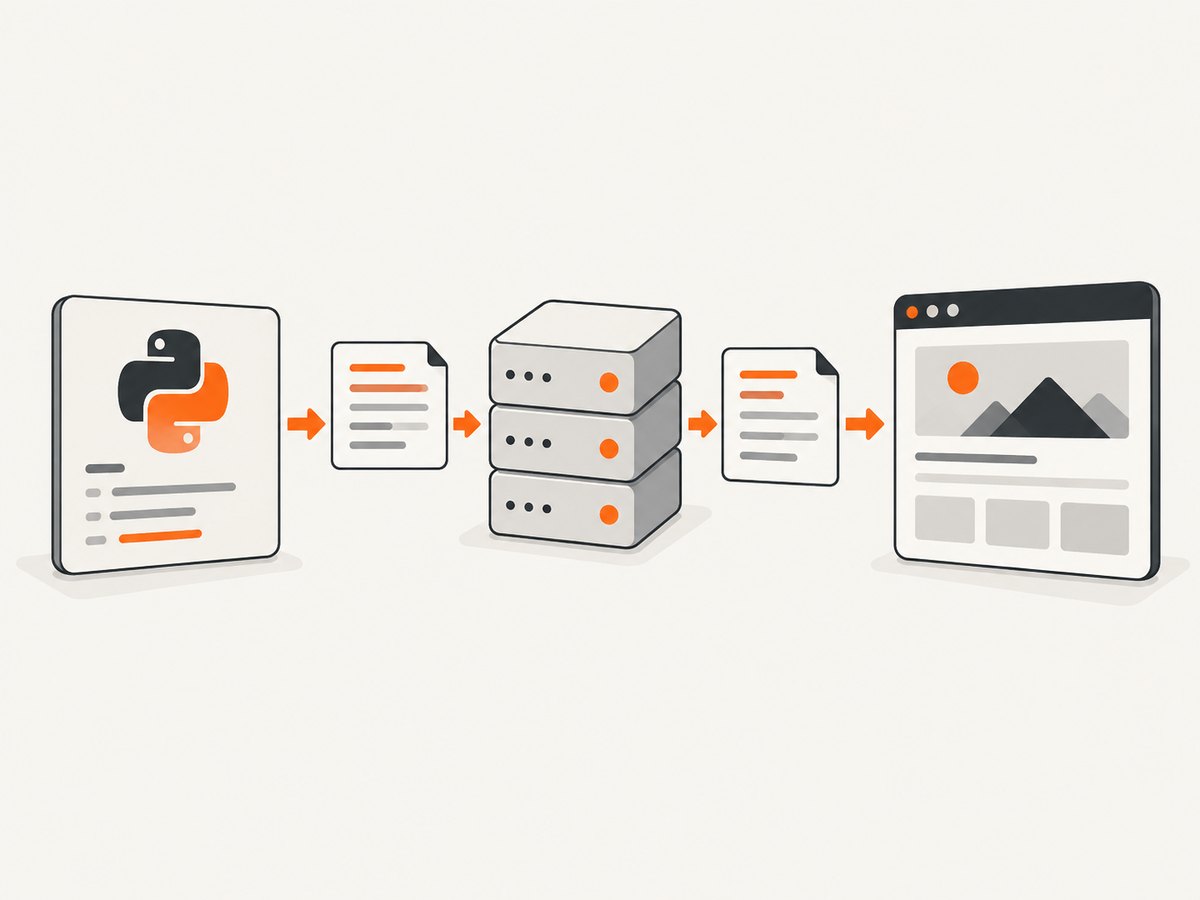
A website capture has two separate stages. Your Python program first makes an HTTP request. The returned HTML may then be parsed, rendered, or handed to a browser. Custom headers affect the HTTP request stage. They can influence which representation the server returns, which language is selected, whether an authenticated endpoint responds, and whether the server recognizes your client.
Headers do not automatically execute JavaScript. If the page is assembled by a client-side application, a plain Requests call may receive only an application shell. In that case you need a browser renderer or a screenshot API that runs a browser. Adding User-Agent: Mozilla/5.0 does not turn Requests into a browser.
| Header | Use it when | Practical guidance |
|---|---|---|
User-Agent |
You need to identify the capture client | Use a truthful product name and contact or policy URL. |
Accept |
The server negotiates response media types | List formats your parser actually handles. |
Accept-Language |
The capture must be localized | Set a deterministic language and keep it consistent across runs. |
Referer |
The target workflow genuinely checks navigation context | Send the real referring page; do not fabricate one. |
Authorization |
An API or private page requires credentials | Prefer supported authentication helpers and protect the secret. |
Cookie |
A specific session is required | Prefer a Session cookie jar over manually copying sensitive cookies. |
Build a reliable Requests capture
Install and make one request
Install Requests in the environment that runs your capture worker:
python -m pip install requestsThen use a small function that keeps the URL, headers, timeout, and error handling visible:
import requests


def fetch_page(url: str) -> str:
    headers = {
        'User-Agent': 'SiteCaptureBot/1.0 (+https://example.com/bot-info)',
        'Accept': 'text/html,application/xhtml+xml',
        'Accept-Language': 'en-US,en;q=0.9',
    }
    response = requests.get(url, headers=headers, timeout=(5, 20))
    response.raise_for_status()
    return response.text

html = fetch_page('https://example.com/page')
print(html[:200])
A timeout tuple separates connection time from the time Requests waits for response data. Without an explicit timeout, a stalled server can leave a worker waiting indefinitely. The Requests timeout documentation explains that the read timeout applies while waiting for bytes, rather than imposing a whole-download deadline.
Reuse defaults with a Session
When several captures share the same headers, update a Session. It reuses connections and gives you one place to define defaults:
import requests

with requests.Session() as session:
    session.headers.update({
        'User-Agent': 'SiteCaptureBot/1.0 (+https://example.com/bot-info)',
        'Accept': 'text/html',
        'Accept-Language': 'en-US,en;q=0.9',
    })

    for url in [
        'https://example.com/page-a',
        'https://example.com/page-b',
    ]:
        response = session.get(url, timeout=(5, 20))
        response.raise_for_status()
        print(url, response.status_code, len(response.content))
Use headers={...} on an individual call when one capture needs a temporary override. Session defaults and per-call headers are merged, with the more specific request value taking precedence. The Session documentation covers default headers, cookies, and connection reuse.
Authentication and sensitive headers
Keep secrets out of URLs, source control, exception messages, and normal request logs. Read them from environment variables or a secret manager:
import os
import requests

api_token = os.environ['TARGET_API_TOKEN']
headers = {
    'User-Agent': 'SiteCaptureBot/1.0 (+https://example.com/bot-info)',
    'Authorization': f'Bearer {api_token}',
}

response = requests.get(
    'https://example.com/private-report',
    headers=headers,
    timeout=(5, 20),
)
response.raise_for_status()
Requests documents that authentication mechanisms can override an Authorization header and that authorization headers may be removed when a redirect changes hosts. Treat redirects across domains as a security boundary. If the destination is different, decide deliberately whether credentials should be sent again.
Cookies and state
For login flows, use a Session and let Requests maintain cookies:
import requests

with requests.Session() as session:
    session.headers.update({
        'User-Agent': 'SiteCaptureBot/1.0 (+https://example.com/bot-info)',
        'Accept': 'text/html',
    })
    login = session.post(
        'https://example.com/login',
        data={'username': 'capture-user', 'password': 'secret'},
        timeout=(5, 20),
    )
    login.raise_for_status()

    page = session.get('https://example.com/account', timeout=(5, 20))
    page.raise_for_status()
    html = page.text
Do not paste a production session cookie into a command line where shell history can retain it. A manually supplied Cookie header can be useful for a disposable test, but a cookie jar is safer for a sequence of requests.
Header precedence, redirects, and values
Keep header values textual. Requests may replace Content-Length when it can determine the body length. More specific authentication settings can override a manually supplied authorization header. Redirects can also change which headers are safe to forward.
For deterministic captures, decide how redirects should behave. Requests follows normal redirects by default. Inspect the final URL when the page can move between hosts:
response = requests.get(
    'https://example.com/start',
    headers={'User-Agent': 'SiteCaptureBot/1.0'},
    timeout=(5, 20),
    allow_redirects=True,
)
response.raise_for_status()
print(response.url)
print(response.history)
Never use a custom header as a substitute for permission. A server may reject an unknown client, require a signed request, or return a challenge page. The correct fix is to follow the site’s documented access method or obtain authorization.
Standard-library alternative with urllib.request
If adding Requests is not desirable, Python’s standard library accepts headers on a Request object:
from urllib.request import Request, urlopen

request = Request(
    'https://example.com/page',
    headers={
        'User-Agent': 'SiteCaptureBot/1.0 (+https://example.com/bot-info)',
        'Accept': 'text/html',
        'Accept-Language': 'en-US,en;q=0.9',
    },
)

with urlopen(request, timeout=20) as response:
    html = response.read()
    print(response.status, response.headers.get('Content-Type'))
urllib.request is built in and avoids an external dependency. Requests usually requires less code for sessions, cookies, status checks, and separate connect/read timeouts. The Python urllib documentation describes headers on Request and the role of User-Agent.
When headers are not enough for a screenshot
A raw HTTP response is not a rendered screenshot. You need a browser when the page depends on JavaScript, layout, fonts, canvas, lazy loading, or interaction. Browser automation also introduces waiting, viewport, cookie, and resource-blocking decisions.
If you build that pipeline yourself, define a consistent capture contract:
- Send truthful headers and any authorized cookies.
- Wait for a known selector, a bounded delay, or network idle.
- Set a fixed viewport, device scale, timezone, and locale.
- Scroll or otherwise trigger lazy-loaded images before capturing.
- Record the final URL, status, timing, and failure reason.
- Retry transient network failures with a limit and backoff.
Or skip the browser setup
ScreenshotNeo provides a website screenshot API and MCP server. The same request accepts custom headers, cookies, user agents, and Authorization values while handling browser rendering:
curl -G 'https://api.screenshotneo.com/v1/shot' \
  -d access_key=YOUR_API_KEY \
  --data-urlencode url=https://stripe.com \
  -d 'headers[User-Agent]=SiteCaptureBot/1.0 (+https://example.com/bot-info)' \
  -d 'headers[Accept-Language]=en-US' \
  -o shot.webp
See the ScreenshotNeo API documentation for the complete parameter list. The equivalent basic calls are:
import requests

r = requests.get('https://api.screenshotneo.com/v1/shot', params={'access_key': 'YOUR_API_KEY', 'url': 'https://stripe.com'}, timeout=90)
open('shot.webp', 'wb').write(r.content)
const q = new URLSearchParams({ access_key: 'YOUR_API_KEY', url: 'https://stripe.com' });
const res = await fetch(`https://api.screenshotneo.com/v1/shot?${q}`);Before capture, ScreenshotNeo accepts cookie and consent banners and removes more than 60 known consent platforms, newsletter popups, and chat widgets. Each cleanup step can be turned off. It supports full-page shots with lazy images loaded, CSS element capture, dark mode, device presets or custom viewports, retina scale, custom CSS and JavaScript, clicks, selector waits, delays, network idle, blocked ads or trackers, resource-type blocking, timezone and geolocation, transparent backgrounds, resizing, caching with a chosen TTL, signed links, PDFs, HTML/CSS rendering, async jobs with signed webhooks, bulk capture of up to 100 URLs per call, usage reporting, and an OpenAPI specification.
Only clean shots are billed. Bot checks or CAPTCHAs, blank pages, timeouts, failed loads, and cache hits cost nothing; the response identifies the result with X-Page-Verdict and X-Billed headers. An MCP server exposes take_screenshot, get_page_info, and capture_pdf to Claude, Cursor, and other MCP clients.
The Free plan includes 1,000 shots per month with no card. Paid plans start at $5 for 3,000 shots; yearly billing gives two months free, and every feature is available on every plan. Create a free ScreenshotNeo account and start with the included monthly shots.
Troubleshooting custom-header captures
| Symptom | Likely cause | Fix |
|---|---|---|
| 401 or 403 | Missing, expired, or malformed credentials | Confirm the documented auth scheme, load the secret from a secure source, and inspect redirects. |
| Wrong language | Locale is selected by cookies, URL, or server defaults | Set Accept-Language consistently and establish the site’s locale cookie or path when authorized. |
| HTML is an app shell | Content is rendered by JavaScript | Use a browser renderer or ScreenshotNeo; headers alone do not execute scripts. |
| Request hangs | No timeout or a slow server | Set timeout=(connect, read), bound retries, and log elapsed time. |
| Header appears ignored | Wrong spelling, redirect, proxy change, or server does not use it | Inspect the final URL and response, use exact standard names, and verify server-side behavior. |
| Cookie works once then fails | Session state was not preserved | Use one Session for login and subsequent requests; avoid copying transient cookies. |
| Screenshot contains a popup | Raw capture has no consent or widget cleanup | Implement dismissal in the browser flow or use ScreenshotNeo’s cleanup options. |
| 429 responses | Rate limit exceeded | Honor server guidance, reduce concurrency, and retry with exponential backoff only when appropriate. |
Performance, reliability, and cost notes
- Reuse connections: A Session reduces setup overhead for batches of captures.
- Bound work: Use connect and read timeouts, a maximum response size, and a retry budget.
- Control concurrency: More workers can trigger rate limits and increase memory use. Tune concurrency to the target site and your renderer.
- Make results reproducible: Pin User-Agent, language, viewport, timezone, cookies, and wait conditions.
- Cache deliberately: Cache only when a stale image is acceptable. ScreenshotNeo lets you choose a cache TTL and does not bill cache hits.
- Measure the right result: Record status, final URL, response bytes, render time, verdict, and billing state rather than treating every HTTP 200 as a successful screenshot.
- Protect credentials: Redact Authorization and Cookie values from logs and error reports.

FAQ
Can I set a User-Agent with Requests?
Yes. Put it in the dictionary passed to headers=, and identify the client truthfully.
Should I use a Session for one request?
A direct call is fine for one request. Use a Session for shared defaults, cookies, or repeated captures.
Does a custom header make scraping legal or permitted?
No. Headers describe a request; they do not grant permission or bypass a site’s controls. Follow the target site’s policies and applicable authorization.
Why does my Python request return different content from a browser?
The browser may run JavaScript, send cookies, negotiate a different language, or pass bot checks. Compare the complete request and use a browser-based capture when rendering is required.
Can I upload a file with per-part headers?
Requests supports headers in a multipart file tuple. That is separate from ordinary page capture request headers.
What should I log for a failed capture?
Log the URL host, status, final URL, elapsed time, retry count, and sanitized error. Never log authorization tokens or session cookies.


