How to Scrape Flipkart Products: Names, Prices, Ratings, and Specs
Use Flipkart’s authorized Seller API for listing names, prices, and specs, understand why ratings are absent, and avoid prohibited page scraping.
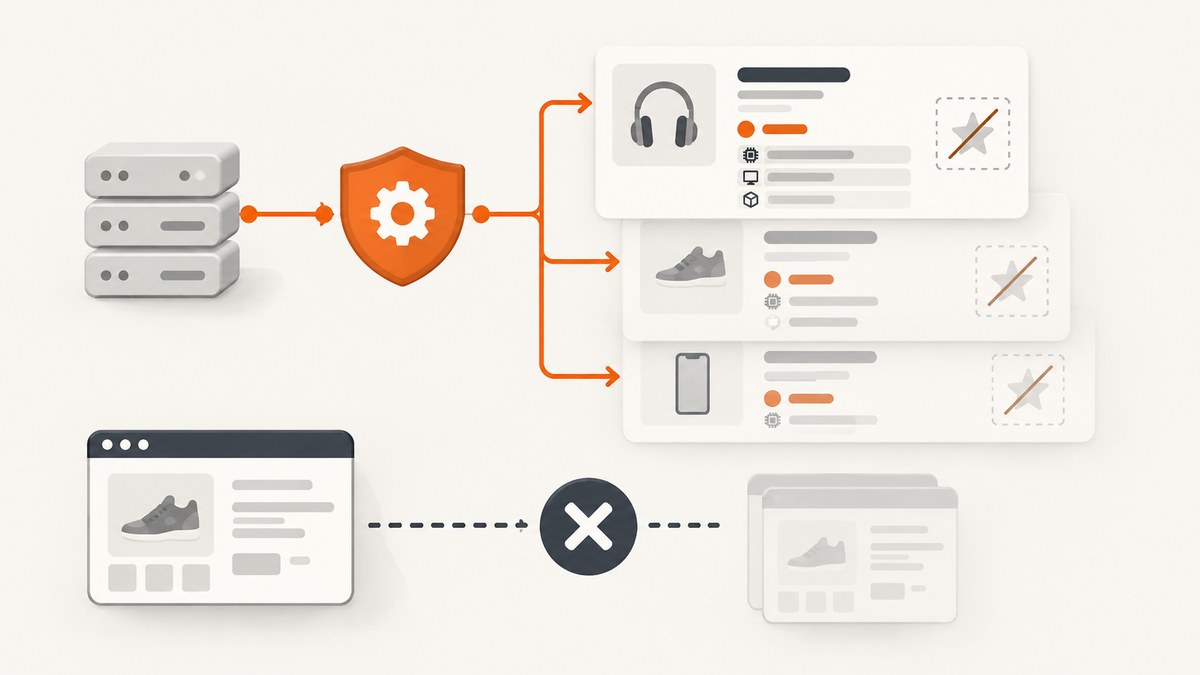
Direct answer: do not build an unattended scraper for Flipkart product pages. Flipkart’s published marketplace terms prohibit page scraping, robots, spiders, and equivalent automated or manual processes used to obtain platform content through means not purposely made available. For an approved seller integration, use the authenticated Marketplace Seller API instead. Its documented POST /listings/v3/product/search operation searches that seller’s listings, returns up to 20 records per batch, and exposes names, listing identifiers, prices, dimensions, and weight. The reference does not list ratings, so you must not promise rating data from this endpoint.
This guide shows the compliant workflow, runnable request patterns, pagination, field caveats, failure handling, and ways to decide whether the seller API actually covers your use case. If you need screenshots of pages for QA or documentation, a separate option appears after the API walkthrough.
1. What “scrape Flipkart products” can legally and technically mean
There are two very different activities:
- Page extraction: downloading arbitrary public product pages and parsing their HTML. Flipkart’s Seller Hub terms say: “You shall not use any ‘deep-link’, ‘page-scrape’, ‘robot’, ‘spider’, automatic device, program, algorithm, methodology, or any similar or equivalent manual process…” to obtain platform content through means not purposely made available. The terms also reserve the right to bar that activity. Read the current Flipkart Seller Hub terms and policies before designing an integration.
- Seller API access: an authenticated application uses documented Marketplace Seller APIs for a seller’s marketplace workflow. This is the official programmatic route described in the developer documentation; it is not open, unrestricted catalog access.
Seller registration alone does not grant API access. A seller creates a self-access application in Seller Dashboard under Manage Profile → Developer Access, requests an access token, and calls the API over HTTPS. A partner or aggregator follows a separate Partner Dashboard application, Flipkart verification, third-party application, and seller-authorization flow. Never send a seller’s self-access credentials to a partner; the guide says those credentials are for the seller’s own use.
2. Decide whether the Seller API fits your data need
| You need | What the documented response establishes | Qualification |
|---|---|---|
| Product name | product_name is a mandatory response field. |
It is the name on a seller listing, not a canonical name for every public catalog item. |
| Price | Product description includes ssp, esp (which may be null), and mrp. |
Keep the fields distinct. They are not a universal checkout-price promise and can change. |
| Specifications | Dimensions (breadth, length, height in cm) and weight (kg) are listed. | These fields do not establish complete technical specifications for every category. |
| Ratings | No rating field appears in the endpoint’s documented response-field list. | Treat ratings as unavailable through this reference unless Flipkart grants you another documented capability. |
The API searches seller listings using an internalState filter and optional searchText. Pagination uses batchNo, beginning at zero; each batch contains at most 20 listings and the response includes a total count. Scope, authorization, and the documented fields are materially narrower than arbitrary page scraping.
3. Get authorized access
- Register as a marketplace seller, if you are integrating your own seller account.
- In Seller Dashboard, open Manage Profile → Developer Access and create a self-access application.
- Generate an access token. Store it in a secret manager or environment variable; never commit it or put it in browser JavaScript.
- For a partner integration, use Partner Dashboard, complete verification, create a third-party application, and obtain seller authorization through the authorization-code flow.
- Plan token renewal. Seller API access tokens expire; a seller login password is not an API credential.
Use HTTPS for every request. Keep an audit record of which seller authorized each call and which listing state you queried.
4. Call product search
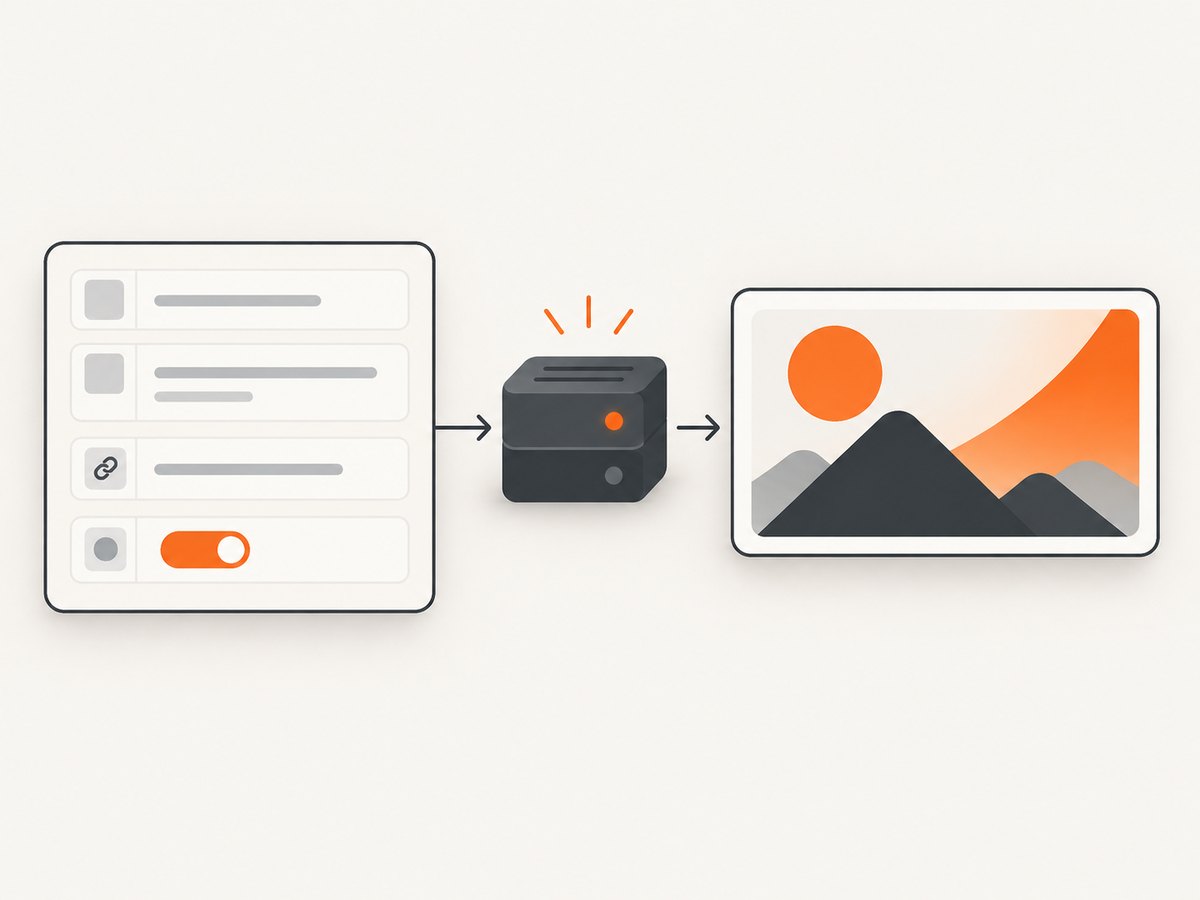
The operation is POST /listings/v3/product/search. The exact host, authorization scheme, and request envelope should be copied from your approved Developer API v3.0 application because Flipkart can require account-specific onboarding details. The following examples show the documented operation and parameters without embedding a real token.
cURL
curl --request POST \
  --url 'https://<flipkart-api-host>/listings/v3/product/search' \
  --header 'Authorization: Bearer $FLIPKART_ACCESS_TOKEN' \
  --header 'Content-Type: application/json' \
  --data '{
    "internalState": "<state-from-your-api-schema>",
    "searchText": "wireless headphones",
    "batchNo": 0
  }'
internalState is required by the operation. Use only values accepted by your account’s schema; do not guess a state name from an HTML page.
Python
import os
import requests

host = os.environ['FLIPKART_API_HOST']
token = os.environ['FLIPKART_ACCESS_TOKEN']
payload = {
    'internalState': os.environ['FLIPKART_INTERNAL_STATE'],
    'searchText': 'wireless headphones',
    'batchNo': 0,
}

r = requests.post(
    f'{host}/listings/v3/product/search',
    headers={'Authorization': f'Bearer {token}', 'Content-Type': 'application/json'},
    json=payload,
    timeout=30,
)
r.raise_for_status()
data = r.json()
for listing in data.get('listings', []):
    print(listing.get('product_name'))
Node.js
const host = process.env.FLIPKART_API_HOST;
const token = process.env.FLIPKART_ACCESS_TOKEN;

const response = await fetch(`${host}/listings/v3/product/search`, {
  method: 'POST',
  headers: {
    Authorization: `Bearer ${token}`,
    'Content-Type': 'application/json'
  },
  body: JSON.stringify({
    internalState: process.env.FLIPKART_INTERNAL_STATE,
    searchText: 'wireless headphones',
    batchNo: 0
  })
});
if (!response.ok) throw new Error(`${response.status} ${await response.text()}`);
const data = await response.json();
for (const listing of (data.listings || [])) console.log(listing.product_name);
Response property names and the surrounding envelope can vary with the documented schema version. Log the complete JSON during initial integration, then map only fields your approved schema documents.
5. Paginate safely and normalize fields
Start at batch zero, read the returned total count, and stop when you have covered that count or a page is empty. Do not assume every page has 20 records. A defensive loop also prevents an accidental infinite loop when a service repeats a page.
def all_listings(search_text, internal_state, request_page):
    batch = 0
    seen_ids = set()
    while True:
        page = request_page(internal_state, search_text, batch)
        rows = page.get('listings', [])
        if not rows:
            break
        for row in rows:
            key = row.get('listing_id') or row.get('product_id')
            if key and key in seen_ids:
                continue
            if key:
                seen_ids.add(key)
            product = row.get('product_description', {})
            yield {
                'name': row.get('product_name'),
                'ssp': product.get('ssp'),
                'esp': product.get('esp'),
                'mrp': product.get('mrp'),
                'dimensions_cm': product.get('dimensions'),
                'weight_kg': product.get('weight'),
            }
        total = page.get('total_count')
        if isinstance(total, int) and (batch + 1) * 20 >= total:
            break
        batch += 1
Keep ssp, esp, and mrp as separate nullable fields. Preserve the source currency and timestamp in your own database. Treat a null effective selling price as a real value, not as zero. Store dimensions with units and validate that weight is numeric before calculations.
6. Ratings and specifications: avoid false completeness
The product-search reference does not list ratings. Do not scrape a rating from a page as a workaround when the terms prohibit page scraping, and do not label a locally inferred score as an API rating. If ratings are a requirement, ask Flipkart whether an authorized product or partner capability supplies them.
Likewise, dimensions and weight are named fields, not a promise of a full specification sheet. Category-specific attributes may be absent, null, or represented differently. Design your schema with optional columns, retain the raw authorized response for traceability, and show “not provided” instead of manufacturing a value.
7. Reliability, performance, and cost controls
- Rate discipline: keep concurrency within limits communicated during onboarding. Use bounded workers, exponential backoff for 429 and transient 5xx responses, and a maximum retry count.
- Idempotency: key records by the documented listing or product identifier and upsert. This makes a retry safe.
- Freshness: prices and inventory can change. Record retrieval time and schedule refreshes according to your business need.
- Pagination cost: 20 records per batch means a large seller catalog requires many authorized requests. Cache unchanged pages where your agreement permits it.
- Observability: log status, latency, batch number, seller/application ID, and a request correlation ID. Redact tokens and personal data.
- Failure isolation: send one failed batch to a retry queue rather than discarding a whole export. Alert when the observed total count changes unexpectedly.
No benchmark or quota is established by the cited materials. Use the limits in your approved Flipkart contract and dashboard, and measure your own latency and error rate before setting SLAs.
8. Troubleshooting
| Symptom | Likely cause | Fix |
|---|---|---|
| 401 or 403 | Missing, expired, or unauthorized token; wrong application type. | Renew the access token, verify seller authorization, and confirm the request is from the approved application. |
| 400 validation error | Missing internalState, invalid state value, malformed JSON, or invalid batch number. |
Validate against the v3.0 schema, start batchNo at 0, and send JSON with the documented content type. |
| Empty results | No listings match the state/search text, or the account has no authorized listings. | Try a known state and no searchText; confirm seller authorization and inspect the total count. |
| Duplicate rows | Retry or pagination overlap. | Upsert by listing/product identifier and retain a set of IDs per export. |
| Missing price or specs | Optional field, category variation, or null effective price. | Keep nullable fields, preserve raw JSON, and display “not provided.” |
| Ratings absent | The documented endpoint does not expose a rating field. | Do not infer or scrape it; request an authorized capability from Flipkart. |
| Token works briefly then fails | Access token expiry. | Implement renewal before expiry and rotate secrets without downtime. |
9. Or skip the browser setup
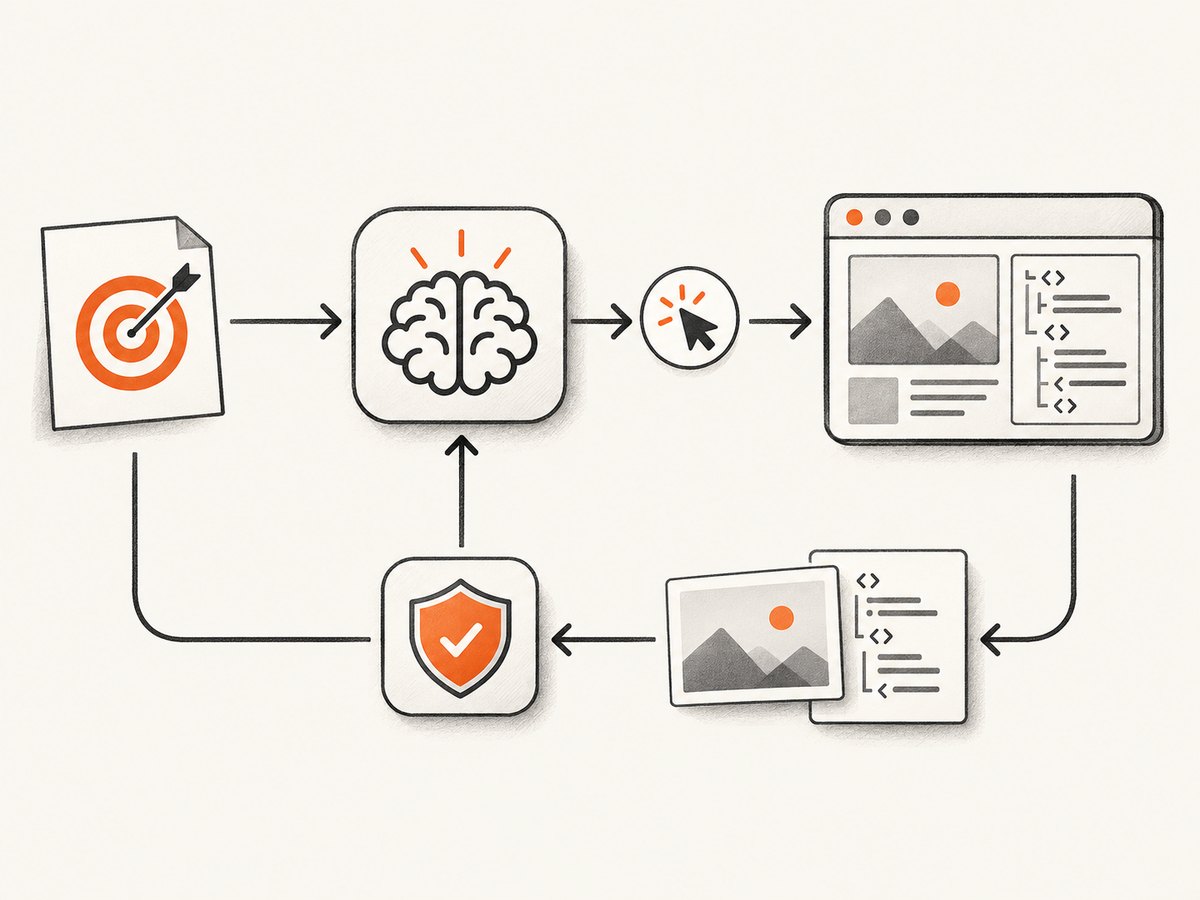
If your actual task is to capture a visual record of a Flipkart page for QA, reports, or documentation, ScreenshotNeo provides a website screenshot API. It does not turn a screenshot into an authorized product-data feed, so use the Seller API for listing data. For a capture, one GET request returns PNG, JPEG, WebP, or PDF; the full option set is in the ScreenshotNeo API docs.
curl -G "https://api.screenshotneo.com/v1/shot" -d access_key=YOUR_API_KEY --data-urlencode url=https://flipkart.com -o shot.webpimport requests
r = requests.get("https://api.screenshotneo.com/v1/shot", params={"access_key": "YOUR_API_KEY", "url": "https://flipkart.com"}, timeout=90)
open("shot.webp", "wb").write(r.content)const q = new URLSearchParams({ access_key: 'YOUR_API_KEY', url: 'https://flipkart.com' });
const res = await fetch(`https://api.screenshotneo.com/v1/shot?${q}`);Cookie banners, newsletter popups, and chat widgets are removed before the shot. Bot checks, blank pages, failed loads, timeouts, and cache hits are not billed, and the response identifies the result with X-Page-Verdict and X-Billed headers. An MCP server lets Claude, Cursor, and other MCP clients call take_screenshot, get_page_info, and capture_pdf. The Free plan includes 1,000 screenshots per month with no card; paid plans start at $5 for 3,000.
Create a free ScreenshotNeo account to try the capture workflow.
10. FAQ
Can I collect every public Flipkart product with this API?
No. The documented operation searches authorized seller listings. It is not described as a general public catalog API.
Does seller registration automatically enable API calls?
No. You must create an application and obtain authorized access and a token.
Is esp always present?
No. The reference says effective selling price may be null; preserve that null.
Can I use a seller login password in my script?
No. Use the application’s access token over HTTPS and implement token renewal.
How many listings can one response contain?
The documented batch size is up to 20 listings; continue with batchNo pagination.


