How to Customize the Cypress Terminal Summary
Change Cypress terminal output with reporters, reporter options, CLI flags, JUnit files, and multi-reporter setups that keep CI useful.
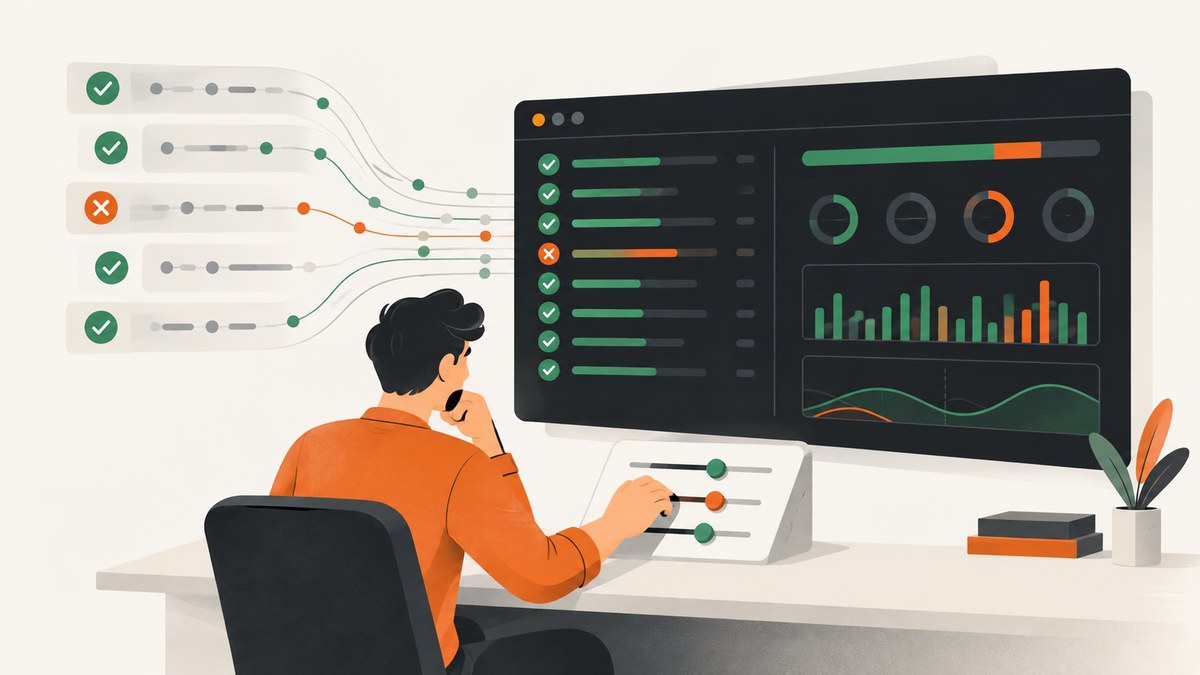
Use Cypress’s reporter settings to customize the terminal summary. Cypress uses Mocha reporters when you run cypress run. The default is spec, which writes test results to standard output. Set reporter in cypress.config.js, or pass --reporter to the CLI. Configure that reporter with reporterOptions or --reporter-options. The available options depend on the reporter you choose.
This guide shows the built-in reporters, custom and npm reporters, JUnit output, multiple reporters, per-spec files, quiet mode, troubleshooting, and CI-friendly patterns.
1. Choose the output you need
| Goal | Recommended route | Important detail |
|---|---|---|
| Readable live output | Default spec reporter |
It prints test-by-test progress and a summary to STDOUT. |
| JUnit XML for CI | Built-in junit reporter |
Use a unique filename for each spec. |
| TeamCity service messages | teamcity reporter |
Use the format expected by your TeamCity build. |
| Custom formatting | Local reporter or installed npm reporter | Check that reporter’s options and Cypress compatibility. |
| Live output plus an artifact | cypress-multi-reporters |
Requires an additional package and reporter configuration. |
| Less Cypress wrapper output | --quiet |
Configured reporter output still appears. |
See the official Cypress reporter documentation for the current reporter list and compatibility details.
2. Set a reporter in cypress.config.js
The configuration applies when Cypress runs in run mode. This CommonJS example selects a locally installed reporter:
const { defineConfig } = require('cypress')

module.exports = defineConfig({
  reporter: 'reporters/custom.js',
})
A reporter installed from npm is selected by package name:
const { defineConfig } = require('cypress')

module.exports = defineConfig({
  reporter: 'mochawesome',
})
The path can be relative or absolute. Resolve local paths from the project where Cypress runs, and keep the reporter package in the same dependency set used by CI.
3. Configure JUnit XML and terminal output
Cypress includes a junit reporter. The following configuration writes an XML report and also sends reporter output to the console:
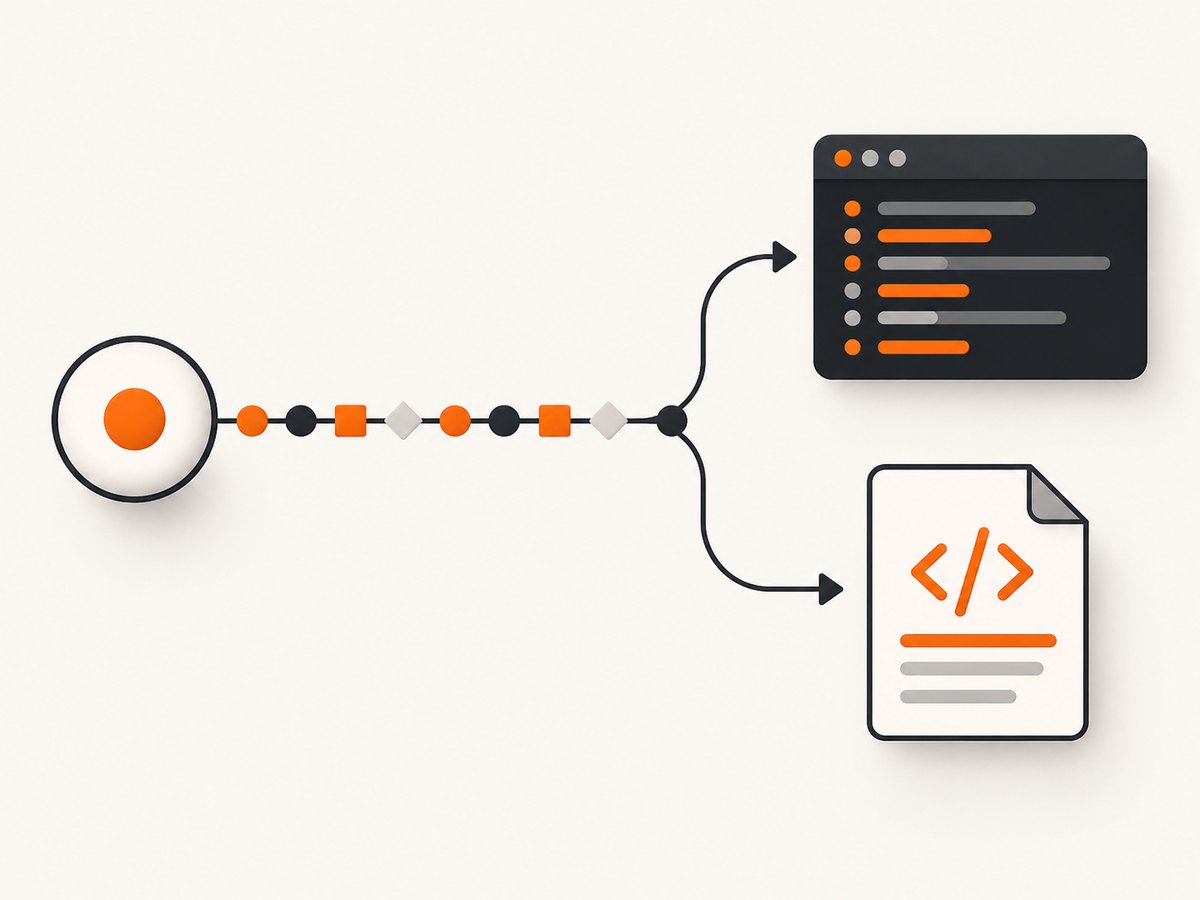
const { defineConfig } = require('cypress')

module.exports = defineConfig({
  reporter: 'junit',
  reporterOptions: {
    mochaFile: 'results/my-test-output.xml',
    toConsole: true,
  },
})
The same settings can be supplied for a one-off run:
npx cypress run --reporter junit --reporter-options "mochaFile=results/my-test-output.xml,toConsole=true"Reporter option names are reporter-specific. Do not assume an option accepted by JUnit also works with spec, teamcity, or an npm reporter. Confirm the selected reporter’s documentation before adding options.
4. Prevent reports from being overwritten
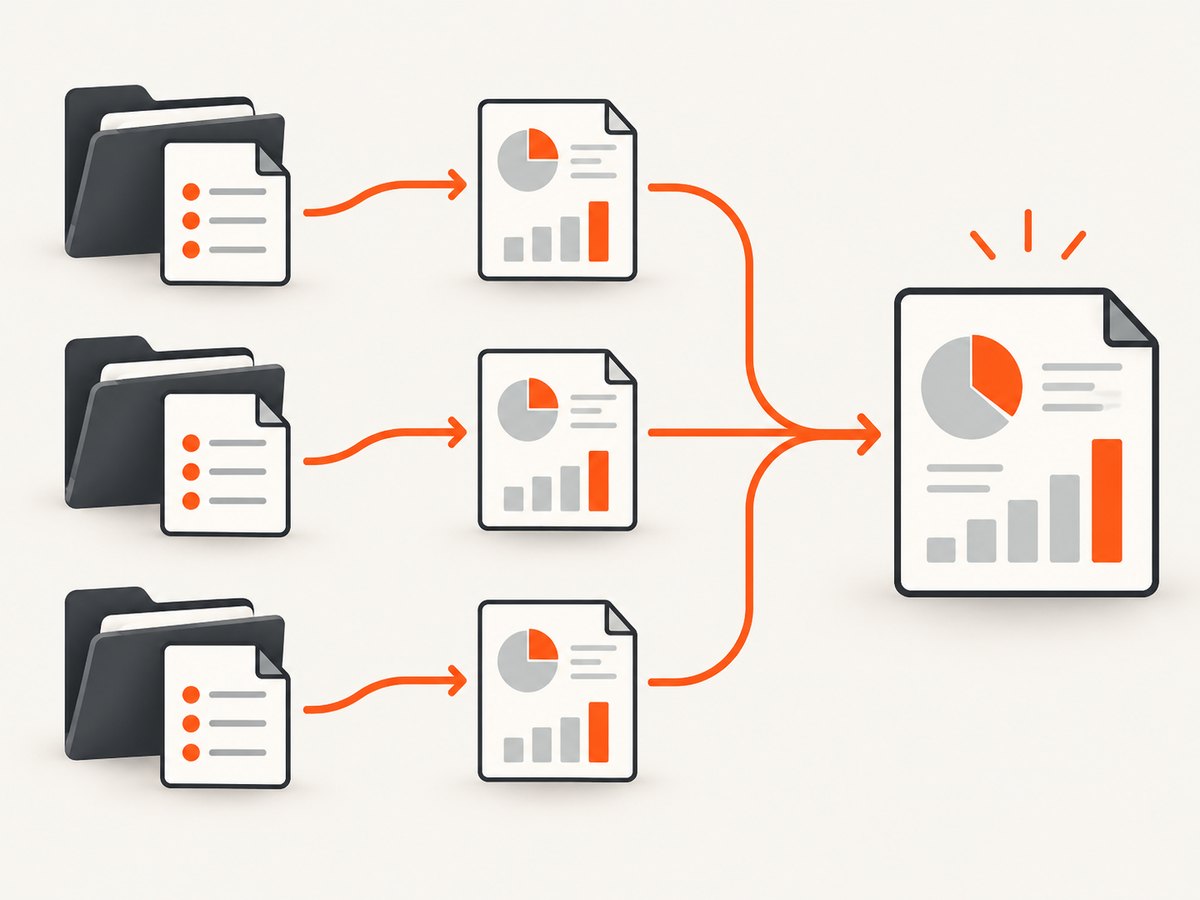
Cypress processes each spec separately. If every spec writes to the same static mochaFile, later specs can overwrite earlier files. Use a per-spec filename pattern such as [hash], then merge the files in a separate CI step if your reporting system needs one combined document.
const { defineConfig } = require('cypress')

module.exports = defineConfig({
  reporter: 'junit',
  reporterOptions: {
    mochaFile: 'results/junit-[hash].xml',
    toConsole: false,
  },
})
Choose an output directory that your CI job uploads as an artifact. Clean or isolate that directory between runs so stale XML files are not mistaken for current results.
5. Use the CLI for temporary changes
The CLI is useful when you want a different summary locally or in one CI job without changing committed configuration.
# Use the default reporter explicitly
npx cypress run --reporter spec

# Use JUnit for one run
npx cypress run --reporter junit

# Pass reporter-specific options
npx cypress run \
  --reporter junit \
  --reporter-options "mochaFile=results/junit-[hash].xml,toConsole=true"

# Reduce Cypress's surrounding standard output
npx cypress run --quiet
--quiet does not select a reporter and does not suppress the configured reporter’s own output. It only reduces other Cypress standard-output messages.
6. Keep terminal progress and save a report
When developers need readable live output while CI needs an XML artifact, use cypress-multi-reporters with a separate reporter configuration. Cypress documents this pattern with reporters such as spec and mocha-junit-reporter.
npm install --save-dev cypress-multi-reporters mocha-junit-reporter// cypress.config.js
const { defineConfig } = require('cypress')
module.exports = defineConfig({
reporter: 'cypress-multi-reporters',
reporterOptions: {
configFile: 'reporter-config.json',
},
}){
"reporterEnabled": "spec, mocha-junit-reporter",
"mochaJunitReporterReporterOptions": {
"mochaFile": "results/junit-[hash].xml",
"toConsole": false
}
}Package names and option nesting can vary by the versions you install. Follow the selected reporters’ documentation and verify the generated files in CI.
7. A practical decision process
- Identify the consumer. Humans usually prefer
spec; CI test-reporting systems usually need JUnit XML. - Choose one reporter first. Confirm it starts and produces the expected output before adding a second reporter.
- Put stable settings in configuration. Keep one-off experiments on the CLI.
- Make filenames unique. Include
[hash]or another per-spec value when multiple specs run. - Upload only current artifacts. Start each CI run with a clean results directory.
- Check compatibility. Reporter packages and Cypress versions must be compatible with the Node.js version used by CI.
8. Troubleshooting
The terminal still shows the old format
Cause: The command may be running a different Cypress config, or a CLI --reporter value is overriding the file. Fix: print the exact command used by CI, remove the override, and run npx cypress run --reporter ... locally to isolate configuration.
--quiet hides less than expected
Cause: --quiet reduces Cypress’s surrounding output but leaves reporter output. Fix: select a less verbose reporter or configure the current reporter according to its own options.
Only one JUnit file remains
Cause: Every spec writes the same static mochaFile. Fix: use a per-spec pattern such as results/junit-[hash].xml, then merge files separately if required.
Cypress cannot load a custom reporter
Cause: The path is wrong, the file is not present in CI, or the package is not installed in the production dependency set used by the job. Fix: use a relative or absolute path that exists in the job workspace and declare npm reporters in the project’s dependencies.
Reporter options are ignored
Cause: The option belongs to another reporter, or the CLI string is malformed. Fix: check the selected reporter’s documentation and quote comma-separated CLI options exactly as required.
Multi-reporter output fails during startup
Cause: A missing package, invalid reporter configuration file, or incompatible reporter version. Fix: install every reporter explicitly, validate the JSON file, and check package compatibility with the installed Cypress version.
CI has no report artifact
Cause: The output directory is not created, the path differs from the upload pattern, or the run stops before the reporter writes its file. Fix: create the directory before the run, use an identical upload glob, and preserve files even when tests fail.
9. Performance, reliability, and cost
- Performance: Reporter formatting adds work after tests produce events. XML and multi-reporter output can increase filesystem activity, especially with many specs.
- Reliability: Per-spec files reduce data loss from overwrites and make retries easier to inspect. Keep reporter dependencies pinned through your normal lockfile workflow.
- CI storage: JUnit files are small compared with screenshots and videos, but a large spec count can produce many artifacts. Retain only the period your debugging and compliance needs require.
- Reproducibility: Keep the reporter name, options, Cypress version, Node.js version, and command line visible in CI logs.
- Cost: Cypress reporter configuration itself has no separate service charge. Any cost comes from the CI runner, artifact storage, or reporting platform that consumes the files.
10. Verify a customized summary
- Run one spec with the intended reporter.
- Confirm the terminal contains the expected summary.
- Run at least two specs and verify that each expected report file exists.
- Open one XML file and confirm it contains the current run’s suites and cases.
- Repeat with the exact CI command and artifact-upload step.
11. Or skip the browser setup
If the reason you are changing terminal output is that you need screenshots for debugging or documentation, ScreenshotNeo provides a single screenshot request instead of maintaining browser capture code. The API accepts a URL and returns PNG, JPEG, WebP, or PDF; see the ScreenshotNeo API documentation for the full option set.
curl -G "https://api.screenshotneo.com/v1/shot" -d access_key=YOUR_API_KEY --data-urlencode url=https://stripe.com -o shot.webpimport requests
r = requests.get("https://api.screenshotneo.com/v1/shot", params={"access_key": "YOUR_API_KEY", "url": "https://stripe.com"}, timeout=90)
open("shot.webp", "wb").write(r.content)const q = new URLSearchParams({ access_key: 'YOUR_API_KEY', url: 'https://stripe.com' });
const res = await fetch(`https://api.screenshotneo.com/v1/shot?${q}`);Cookie banners, newsletter popups, and chat widgets are removed before the shot. Bot checks, blank pages, timeouts, failed loads, and cache hits are not billed, and response headers identify the page verdict and billing status. An MCP server lets AI agents take screenshots, inspect pages, and capture PDFs. The Free plan includes 1,000 screenshots a month with no card; paid plans start at $5 for 3,000.
Create a free ScreenshotNeo account.
12. FAQ
Does changing the reporter affect Cypress test behavior?
No. Reporters consume test events and format output; they do not change the assertions or browser commands in your specs.
Can I configure a reporter only for one command?
Yes. Use --reporter and --reporter-options on that cypress run invocation.
Why does each spec need its own report file?
Cypress processes specs separately, so a shared static filename can be overwritten. A per-spec filename preserves every result.
Is spec the only built-in reporter?
No. Cypress documents built-in choices including spec, teamcity, and junit, plus local and npm reporters.
Where should I look for an option that is not documented here?
Use the documentation for the exact reporter package and compare it with your installed Cypress and Node.js versions.


