How to Use cy.stub() Inside a Loop in Cypress
Learn how to create, configure, and assert multiple Cypress stubs in loops without confusing synchronous Sinon stubs with Cypress commands.
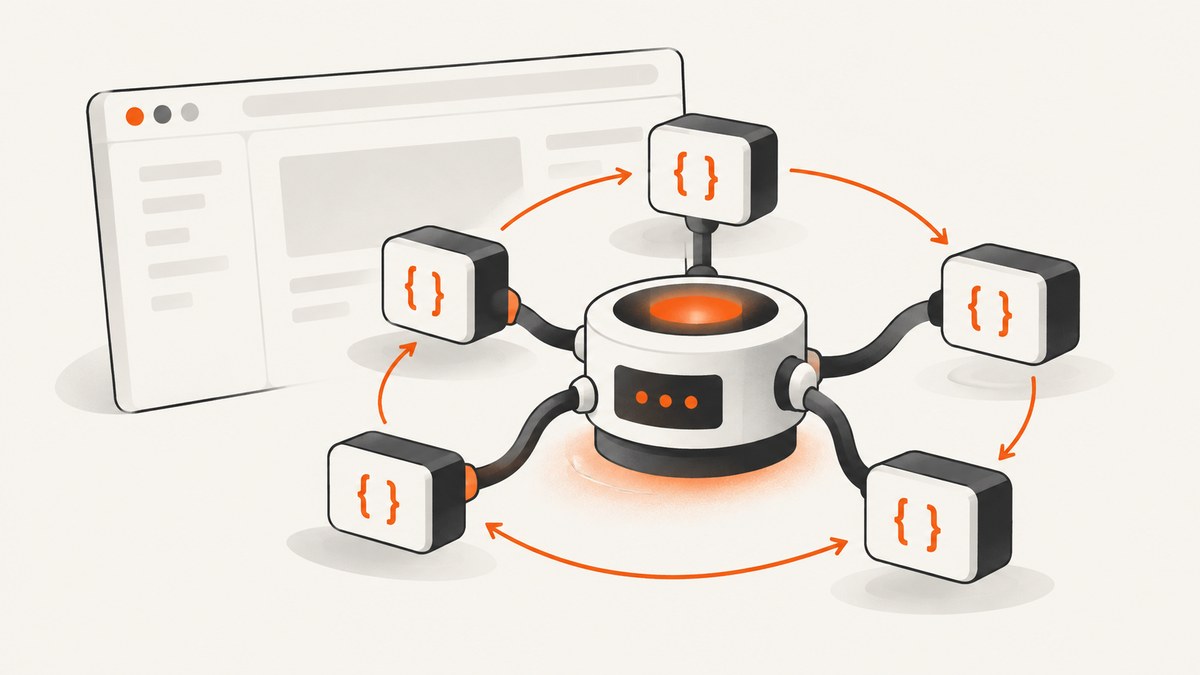
Yes, you can use cy.stub() inside a normal JavaScript loop. The key detail is that cy.stub() is synchronous: it returns a Sinon stub immediately, rather than queuing a Cypress command. Create the stubs with forEach, map, or a for...of loop, retain the returned references or aliases, then run the application behavior and assert on those stubs.
This distinction explains most failures involving loops, cy.each(), and stubs. Cypress commands are queued and yield subjects later. A stub is created at the moment JavaScript evaluates the call.
1. The basic loop pattern
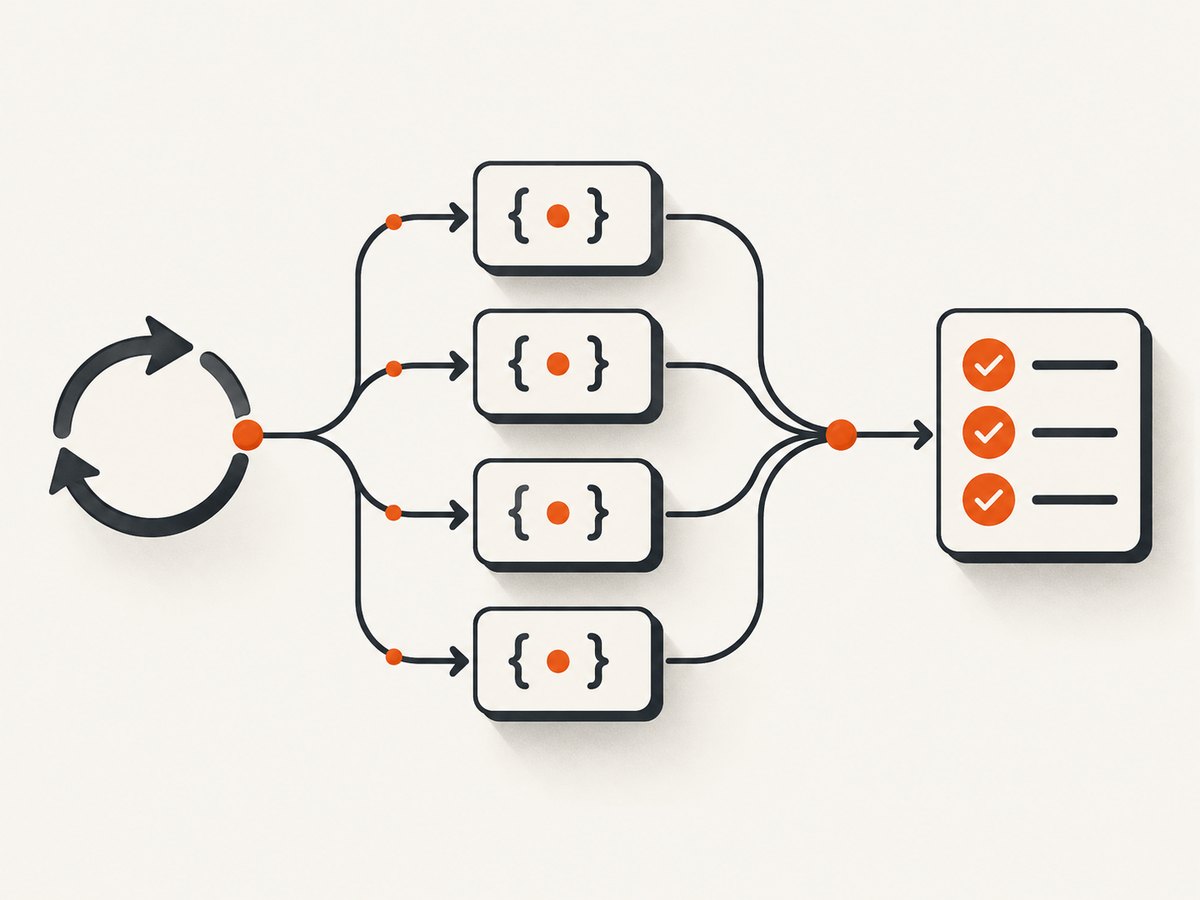
Suppose an API object has several methods that your application should call. Build the method list, create one stub per method, and keep the results:
describe('save workflow', () => {
  it('calls every required API method', () => {
    const api = {
      save: () => {},
      remove: () => {},
      refresh: () => {},
    }

    const methodNames = ['save', 'remove', 'refresh']
    const stubs = methodNames.map((name) => cy.stub(api, name).as(name))

    // Trigger the application behavior here.
    // app.run(api)

    expect(stubs[0]).to.have.been.called
    cy.get('@remove').should('have.been.called')
    cy.get('@refresh').should('have.been.called')
  })
})
The loop is ordinary JavaScript setup. Cypress does not wait for map() or forEach(), and it should not: the returned Sinon stubs are already available. Cypress documents cy.stub() as a utility function rather than a command, query, or assertion (official API documentation).
2. Creating several stubs on one object
Use this form when every method belongs to the same object and follows the same setup policy.
const methodNames = ['save', 'remove', 'refresh']
const stubsByName = {}

methodNames.forEach((name) => {
  stubsByName[name] = cy.stub(api, name).as(name)
})

// Exercise the code under test.
service.sync(api)

expect(stubsByName.save).to.have.been.calledOnce
expect(stubsByName.remove).to.have.been.calledWith('old-record')
cy.get('@refresh').should('have.been.called')
An object keyed by method name can be easier to read than numeric indexes. It also produces clearer failures when a method is added or removed from the list.
Use explicit names for aliases
Aliases must be unique within the test. A generated alias makes a data-driven loop predictable:
const stubs = methodNames.map((name) => {
  return cy.stub(api, name).as(`api-${name}`)
})

cy.get('@api-save').should('have.been.called')
cy.get('@api-refresh').should('have.been.calledOnce')
Keep the returned array as well when you need synchronous Sinon-Chai assertions such as calledOnce, calledWith, or firstCall.args.
3. Stubbing matching methods on multiple objects
If several objects expose the same method, iterate over the objects instead of the method names:
const clients = [primaryClient, backupClient, auditClient]

const notifyStubs = clients.map((client, index) => {
  return cy.stub(client, 'notify').as(`notify${index}`)
})

controller.broadcast('ready')

expect(notifyStubs[1]).to.have.been.calledWith('ready')
cy.get('@notify2').should('have.been.calledOnce')
This is useful when the production code receives a collection of collaborators. The loop should describe a real data relationship. If each object requires different behavior, explicit setup may communicate intent better than a dense loop.
4. Configure behavior while creating each stub
Sinon stubs can replace a function and define what it returns or resolves to. Cypress exposes the Sinon methods documented in its stubs, spies, and clocks guide.
Different return values with withArgs()
const keys = ['user:1', 'user:2', 'user:3']

const lookups = keys.map((key) => {
  return cy
    .stub(cache, 'get')
    .withArgs(key)
    .returns(`value:${key}`)
})

expect(cache.get('user:2')).to.equal('value:user:2')
Use withArgs() when the same function is called with different inputs and each input needs a specific result. Calls that do not match the configured arguments retain the stub’s default behavior unless you configure a separate default.
Promises with resolves() and rejects()
const requests = [
  { id: 1, result: { ok: true } },
  { id: 2, result: { ok: false } },
]

const fetchStubs = requests.map(({ id, result }) => {
  return cy
    .stub(api, 'fetch')
    .withArgs(id)
    .resolves(result)
})

const errorStub = cy
  .stub(api, 'fetch')
  .withArgs(99)
  .rejects(new Error('not found'))
Configure the stub before invoking the code under test. A loop that creates stubs after the application has already started cannot retroactively replace calls that already happened.
5. forEach, map, and for...of
All three forms can work because the operation is synchronous. Choose based on whether you need a result collection.
| Loop | Best use | Result |
|---|---|---|
map() |
Create a parallel array of stubs | Returns the new array |
forEach() |
Store stubs in an object or perform setup | Returns undefined |
for...of |
Readable sequential setup with conditional logic | No automatic collection |
const stubs = []

for (const name of methodNames) {
  const stub = cy.stub(api, name).as(name)
  stubs.push(stub)
}

expect(stubs).to.have.length(methodNames.length)
Do not add await to cy.stub(). There is no Cypress command chain to await, and awaiting a synchronous value does not make the test more deterministic.
6. Why cy.each() is usually the wrong tool
cy.each() is a Cypress command intended to iterate over a yielded collection. It queues Cypress commands and has command-chain timing rules. Creating stubs is setup work that returns values immediately, so a normal JavaScript loop is clearer.
This pattern is misleading:
cy.wrap(methodNames).each((name) => {
  return cy.stub(api, name)
})
The callback is running inside Cypress’s command queue, while cy.stub() itself is not a queued command. You also lose a straightforward array of returned stubs. Use map() or forEach() before the command chain instead:
const stubs = methodNames.map((name) => cy.stub(api, name))

cy.get('[data-cy=run]').click()
cy.then(() => {
  expect(stubs[0]).to.have.been.called
})
7. E2E timing: stub window methods in onBeforeLoad
For end-to-end tests, browser code may call window.alert, window.prompt, or another method during page initialization. Install those stubs in the onBeforeLoad callback so they exist after navigation starts but before the application code runs.
describe('confirmation dialog', () => {
  it('stubs every window method before app startup', () => {
    const methods = ['prompt', 'alert']
    const stubs = {}

    cy.visit('/', {
      onBeforeLoad(win) {
        methods.forEach((method) => {
          stubs[method] = cy.stub(win, method).as(`window-${method}`)
        })
      },
    })

    cy.get('[data-cy=delete]').click()

    cy.get('@window-prompt').should('have.been.called')
    cy.get('@window-alert').should('have.been.called')
  })
})
If you create the stub after cy.visit() has completed, initialization code may already have captured or called the original function. The stub then appears correct but cannot affect the earlier call.
8. Component tests: install stubs before mounting
In a component test, create the stubs before cy.mount(). Mounting can synchronously execute lifecycle code, so setup after mount may be too late.
it('reports status through every notifier', () => {
  const methods = ['success', 'error']
  const stubs = methods.map((name) => cy.stub(notifier, name).as(name))

  cy.mount(<StatusPanel notifier={notifier} />)
  cy.get('[data-cy=submit]').click()

  expect(stubs[0]).to.have.been.called
  cy.get('@error').should('not.have.been.called')
})
9. Stub, spy, or intercept?
Select the test double based on what you need to replace.
| Need | Use | Effect |
|---|---|---|
| Replace an in-memory function and control its result | cy.stub() |
The original method is replaced |
| Record calls while preserving original behavior | cy.spy() |
The original method still runs |
| Control an HTTP response | cy.intercept() |
The browser request is handled by Cypress’s network proxy |
A loop of stubs cannot replace a network response. For that, use cy.intercept() and match the request URL, method, or headers. Conversely, cy.intercept() does not replace an arbitrary function already held in memory.
10. Assertions that remain readable
Use the narrowest assertion that describes the contract:
expect(stubsByName.save).to.have.been.calledOnce
expect(stubsByName.remove).to.have.been.calledWith('old-record')
expect(stubsByName.refresh).to.have.been.calledBefore(stubsByName.save)

cy.get('@api-save').should('have.been.calledWithMatch', {
  id: '123',
})
For a loop-generated collection, include the method name in a failure message when possible:
methodNames.forEach((name, index) => {
  expect(stubs[index], `${name} stub`).to.have.been.called
})
Aliases are convenient inside Cypress chains. Direct references are convenient when inspecting calls, arguments, call order, or return behavior in a cy.then() callback.
11. Common errors and fixes
“Cannot stub non-existent own property”
Cause: The method name is misspelled, the property is inherited differently than expected, or the object shape is not what the test assumes.
Fix: Log or inspect the object before the loop, keep the method list explicit, and verify every target exists. A data-driven loop does not hide an invalid target; Sinon will fail when it tries to replace it.
The stub was never called
Cause: Setup happened after the call, the code uses a different object reference, or the branch under test was not reached.
Fix: Create stubs before mounting or before application startup. In E2E tests, use onBeforeLoad for window methods. Confirm that the application receives the same object whose method you replaced.
The original function still runs
Cause: You used cy.spy(), stubbed the wrong object, or the code copied the function into another variable before setup.
Fix: Use cy.stub() when replacement is required, and install it before the function is captured. Use a spy intentionally when preserving behavior is the goal.
“Cannot read properties of undefined” while building aliases
Cause: The object or method list is undefined at test setup time.
Fix: Initialize fixtures before creating stubs. Do not rely on a value that is assigned later by a Cypress command; command results are yielded asynchronously.
Assertions run before the application call
Cause: A direct assertion was placed in JavaScript before the queued Cypress commands triggered the behavior.
Fix: Put the assertion after the action in the Cypress chain, or inside cy.then() after the action:
const saveStub = cy.stub(api, 'save')

cy.get('[data-cy=save]').click()
cy.then(() => {
  expect(saveStub).to.have.been.calledOnce
})
Aliases collide across iterations
Cause: Every iteration used the same alias, such as .as('notify').
Fix: Include the index or a stable key: .as(`notify-${index}`). Prefer names based on business meaning when available.
12. Lifecycle, isolation, and cleanup
Cypress creates stubs in a sandbox and automatically resets and restores them between tests. You generally do not need manual restoration in an afterEach. Keeping tests independent still matters: do not depend on a stub or mutated object left by an earlier test.
Test isolation resets the browser context between E2E tests. Create the loop-generated stubs in each test or in a setup hook that runs for each test. If a shared fixture is intentionally reused, reset its data and references so one test cannot affect another.
13. Performance and maintainability
Creating a few dozen synchronous stubs is inexpensive compared with browser startup and application rendering. The practical cost is readability and diagnosis. Keep the collection limited to methods that the test actually needs, use stable names, and avoid hiding different policies in one abstraction.
- Use
map()when you need the returned stubs. - Use an object keyed by method name when assertions should read like the production API.
- Split setup when individual methods need materially different behavior.
- Keep network control in
cy.intercept(), not in function stubs. - Install browser globals before navigation code executes.
14. A complete example
describe('order submission', () => {
  it('calls the repository methods with controlled results', () => {
    const repository = {
      validate: async () => ({ valid: true }),
      save: async () => ({ id: 'real-id' }),
      audit: async () => undefined,
    }

    const stubs = {
      validate: cy.stub(repository, 'validate').resolves({ valid: true }).as('validate'),
      save: cy.stub(repository, 'save').resolves({ id: 'test-id' }).as('save'),
      audit: cy.stub(repository, 'audit').resolves().as('audit'),
    }

    const required = ['validate', 'save', 'audit']
    required.forEach((name) => {
      expect(stubs[name], `${name} stub`).to.exist
    })

    cy.mount(<OrderForm repository={repository} />)
    cy.get('[data-cy=submit]').click()

    cy.get('@validate').should('have.been.calledOnce')
    cy.get('@save').should('have.been.calledWithMatch', { items: Cypress.sinon.match.array })
    cy.get('@audit').should('have.been.calledOnce')
  })
})
15. Or skip the browser setup
If your goal is to capture a rendered page for documentation, visual checks, or an AI workflow rather than test an in-memory function, ScreenshotNeo provides a single screenshot API request. Cookie banners, newsletter popups, and chat widgets are removed before the shot. Bot checks, blank pages, timeouts, failed loads, and cache hits are not billed, and response headers identify the page verdict and billing status. Its MCP server lets Claude, Cursor, and other MCP clients use take_screenshot, get_page_info, and capture_pdf.

See the ScreenshotNeo API documentation for all options.
cURL
curl -G "https://api.screenshotneo.com/v1/shot" -d access_key=YOUR_API_KEY --data-urlencode url=https://stripe.com -o shot.webpPython
import requests

r = requests.get(
    "https://api.screenshotneo.com/v1/shot",
    params={"access_key": "YOUR_API_KEY", "url": "https://stripe.com"},
    timeout=90,
)
r.raise_for_status()
open("shot.webp", "wb").write(r.content)
Node.js
const q = new URLSearchParams({
  access_key: 'YOUR_API_KEY',
  url: 'https://stripe.com',
})

const res = await fetch(`https://api.screenshotneo.com/v1/shot?${q}`)
if (!res.ok) throw new Error(`HTTP ${res.status}`)
await Bun.write('shot.webp', res)
ScreenshotNeo supports full-page and element captures, device presets, custom viewports, retina scale, dark mode, JavaScript and CSS, waits, request blocking, headers, cookies, authentication, geolocation, PDFs, caching, signed links, asynchronous jobs, bulk capture, and a usage API. It accepts the parameter names used by other screenshot APIs, which helps when switching.
There is a free plan with 1,000 screenshots per month and no card. Paid plans start at $5 for 3,000 shots. Create a free ScreenshotNeo account.
16. FAQ
Can I put cy.stub() directly in a for loop?
Yes. A standard JavaScript loop is appropriate because the function returns synchronously.
Should I return the stub from a Cypress command callback?
No. Keep stub creation as setup and retain the returned Sinon stub or assign an alias.
How do I stub a method before a page loads?
Use cy.visit()‘s onBeforeLoad callback and create the window stubs there.
Will Cypress restore loop-created stubs?
Yes. Cypress’s Sinon sandbox resets and restores stubs between tests.
Can a stub control an API request?
No. Use cy.intercept() for browser network requests. Use cy.stub() for in-memory functions.
When should I use a spy?
Use cy.spy() when the original implementation should continue running while you record calls.


