How to Capture Full-Page Screenshots in Cypress 5.0
Capture an entire page in Cypress 5.0 with fullPage, stable test setup, output paths, troubleshooting, and a no-browser ScreenshotNeo option.

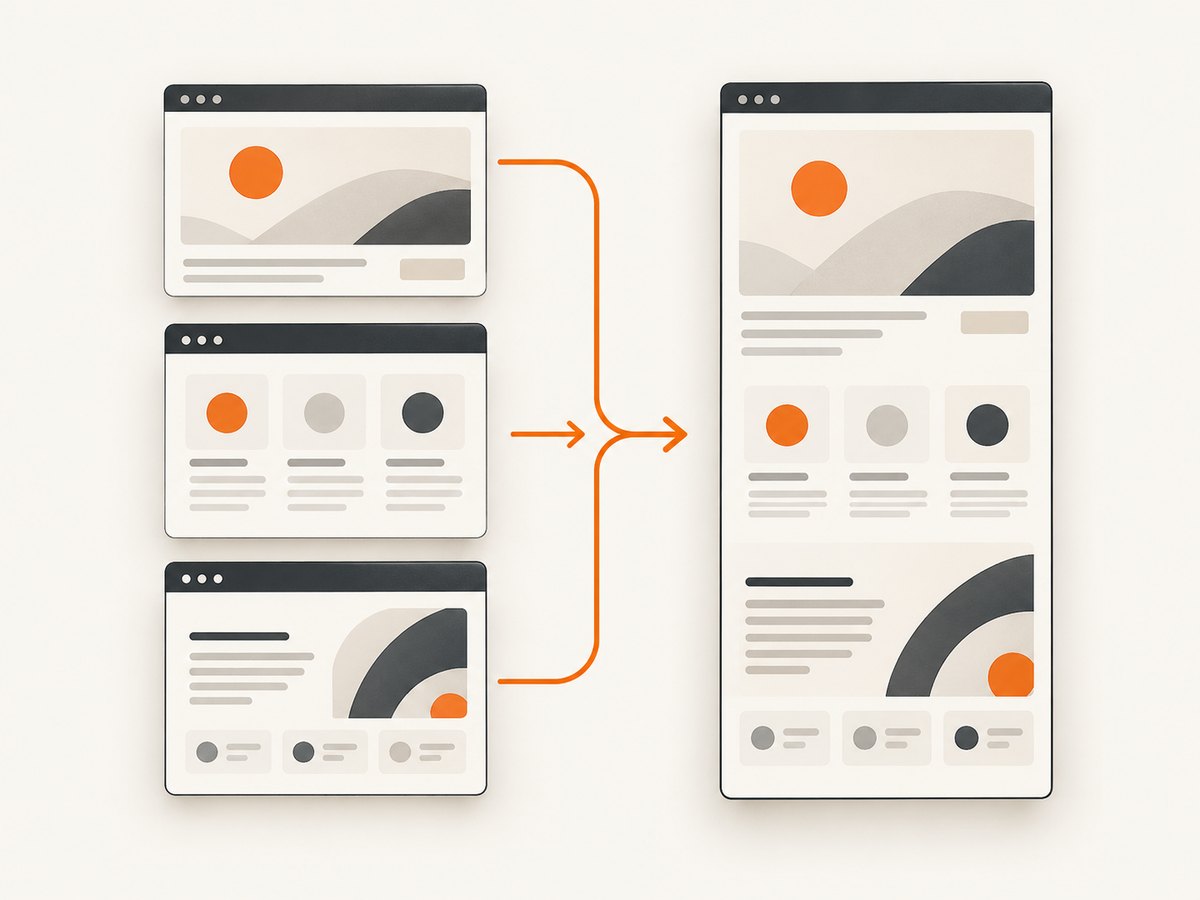
Direct answer: call cy.screenshot('full-page', { capture: 'fullPage' }) after the page is ready. Cypress scrolls the application from top to bottom and stitches the captures into one image. The current command reference documents this API; if your project is pinned to Cypress 5.0, verify exact behavior against that installed version before depending on later edge-case fixes.
This guide covers setup, responsive layouts, stable page preparation, output paths, failure modes, and alternatives when you do not want to maintain a browser runner.
1. Minimal full-page screenshot
describe('full-page capture', () => {
  it('saves the whole page', () => {
    cy.visit('/docs')
    cy.screenshot('full-page', { capture: 'fullPage' })
  })
})
The first argument is optional. Without it, Cypress still creates a screenshot with an automatic name. Screenshots are written to cypress/screenshots by default.
2. A reliable Cypress 5.0 workflow
- Navigate with
cy.visit(). - Set the required responsive layout with
cy.viewport(width, height). - Log in, seed data, dismiss dialogs, and expand sections that must appear.
- Wait for a meaningful element or the request that supplies page content.
- Capture with
cy.screenshot(name, { capture: 'fullPage' }).
describe('docs page at desktop width', () => {
  beforeEach(() => {
    cy.viewport(1440, 900)
    cy.intercept('GET', '**/api/docs/**').as('docsData')
    cy.visit('/docs')
    cy.wait('@docsData')
    cy.get('[data-testid="docs-content"]').should('be.visible')
  })

  it('captures the complete document', () => {
    cy.screenshot('docs-desktop-full', { capture: 'fullPage' })
  })
})
Full-page capture uses multiple scroll captures and stitching. Content that changes while the page is being scrolled can therefore appear inconsistent.
3. Capture modes and scope
| Mode | Code | Scope |
|---|---|---|
| Full page | { capture: 'fullPage' } |
Application from top to bottom. |
| Viewport | { capture: 'viewport' } |
Only the visible application viewport. |
| Runner | { capture: 'runner' } |
Browser view including Cypress Test Runner UI. |
| Element | cy.get('.card').screenshot() |
One DOM element; capture mode is ignored. |
cy.screenshot('visible-area', { capture: 'viewport' })
cy.screenshot('with-runner', { capture: 'runner' })
cy.get('[data-testid="invoice"]').screenshot('invoice-card')
4. Set viewport and responsive conditions
cy.viewport(375, 812)
cy.visit('/pricing')
cy.get('h1').should('be.visible')
cy.screenshot('pricing-mobile-full', { capture: 'fullPage' })
cy.viewport() controls application dimensions independently of screenshot capture. Capture separate files for each breakpoint you need to document or compare.
5. Project-wide defaults
Set full-page mode for all manual screenshots with:
Cypress.Screenshot.defaults({ capture: 'fullPage' })

cy.screenshot('account-page')
Use the per-call option when only selected tests need full-page output. Check the API for your installed Cypress version before copying newer screenshot settings into a Cypress 5.0 project.
6. Make long pages stable before scrolling
- Wait for a specific readiness assertion instead of an arbitrary delay.
- Finish authentication and close UI that should not appear.
- Freeze timers and animations when motion changes layout.
- Load required lazy sections deliberately and assert their presence.
- Keep data, locale, timezone, and feature flags fixed.
- Review pages with sticky headers, infinite scrolling, scroll-triggered effects, or reflow. Exact Cypress 5.0 behavior for sticky elements is not established by the available documentation.
cy.visit('/catalog')
cy.get('[data-testid="catalog-ready"]').should('have.attr', 'data-loaded', 'true')
cy.get('[data-testid="load-more"]').click()
cy.get('[data-testid="catalog-item-40"]').should('be.visible')
cy.screenshot('catalog-full', { capture: 'fullPage' })
7. Where Cypress saves files
The default folder is cypress/screenshots. Configure the screenshots folder if your CI artifact collector expects another path. Manual screenshots work in interactive and run workflows. Automatic failure screenshots are taken during cypress run, not cypress open.
8. Manual captures versus visual regression
cy.screenshot() saves an image; it does not compare that image with a baseline. Add a separate visual-testing workflow for regression or cross-browser comparison. Cypress names Applitools, Happo, and Sauce Labs Visual as optional services.
9. Troubleshooting
| Symptom | Cause | Fix |
|---|---|---|
| Only the visible area appears | Viewport mode or an overriding default. | Pass { capture: 'fullPage' } explicitly and inspect screenshot defaults. |
| Runner UI appears | capture: 'runner' or an older setup. |
Use capture: 'fullPage' and verify behavior in the pinned 5.0 install. |
| Bottom content is missing | Lazy loading or API work is unfinished. | Wait on the request or a bottom sentinel, then capture. |
| Sections overlap or repeat | Sticky elements or scroll handlers mutate the page during stitching. | Disable nonessential scroll effects and inspect the result; do not assume later fixes exist in 5.0. |
| CI cannot find the file | Artifacts are collected from the wrong folder. | Collect cypress/screenshots or configure a documented custom folder. |
| No failure screenshot exists | The test ran in interactive mode. | Use cypress run for automatic failure captures; keep manual calls for deliberate artifacts. |
| Visual diff fails unexpectedly | Viewport, data, fonts, animation, or timing differs. | Normalize those inputs before comparing images. |
10. Performance, reliability, and cost
- Performance: full-page mode performs multiple captures and stitching, so it is slower and larger than a viewport image. Limit it to required pages and breakpoints.
- Reliability: deterministic data, explicit readiness assertions, and disabled motion reduce run-to-run differences. Dynamic ads, live counters, infinite scroll, and scroll-triggered requests need special handling.
- Storage: use descriptive names and apply a CI retention policy.
- Cost: Cypress does not add a separate screenshot API charge; browser, CI, and artifact-storage resources are the practical costs.
11. Or skip the browser setup
ScreenshotNeo provides a website screenshot API when you need an image or PDF from a URL without maintaining Cypress setup. One GET request returns PNG, JPEG, WebP, or PDF. Cookie and consent banners are accepted and 60+ known consent platforms, newsletter popups, and chat widgets are removed before capture; each step can be disabled. Bot checks, CAPTCHAs, blank pages, timeouts, failed loads, and cache hits are not billed, and response headers report the page verdict and billing result.

See the ScreenshotNeo API documentation for full-page capture with lazy images loaded, CSS-element capture, dark mode, 12 device presets or custom viewports, retina scale, custom CSS and JavaScript, clicks, waits, request blocking, headers, cookies, user agents, Authorization, timezone, geolocation, transparent backgrounds, resizing, TTL caching, signed links, asynchronous jobs and signed webhooks, bulk capture of up to 100 URLs, usage, and the OpenAPI specification.
curl -G 'https://api.screenshotneo.com/v1/shot' -d access_key=YOUR_API_KEY --data-urlencode url=https://stripe.com -o shot.webpimport requests
r = requests.get('https://api.screenshotneo.com/v1/shot', params={'access_key': 'YOUR_API_KEY', 'url': 'https://stripe.com'}, timeout=90)
open('shot.webp', 'wb').write(r.content)const q = new URLSearchParams({ access_key: 'YOUR_API_KEY', url: 'https://stripe.com' });
const res = await fetch(`https://api.screenshotneo.com/v1/shot?${q}`);ScreenshotNeo also has an MCP server with take_screenshot, get_page_info, and capture_pdf tools for Claude, Cursor, and other MCP clients. The Free plan includes 1,000 shots per month with no card; paid plans start at $5 for 3,000 shots, and every feature is on every plan.
Create a free ScreenshotNeo account and start with 1,000 screenshots a month at no charge.
12. FAQ
Does fullPage include the Cypress Command Log?
No. Application capture and runner capture are separate modes.
Can I use a filename with fullPage?
Yes: cy.screenshot('home-full', { capture: 'fullPage' }).
Does Cypress compare screenshots automatically?
No. It writes an image; comparison requires a separate visual-testing or image-diff step.
What should I verify for an exact Cypress 5.0 build?
Run the command in that installed version and inspect the generated image, especially for sticky elements, lazy content, and screenshot defaults. Documentation and Cypress 6.0 release notes confirm the full-page approach existed before 6.0, but they do not define every 5.0 edge case.


