How to Keep Cypress AG Grid Cell Focus While Using type()
Keep AG Grid focus predictable in Cypress: use press() for navigation, type() in the real editor, and assert focus after each state change.
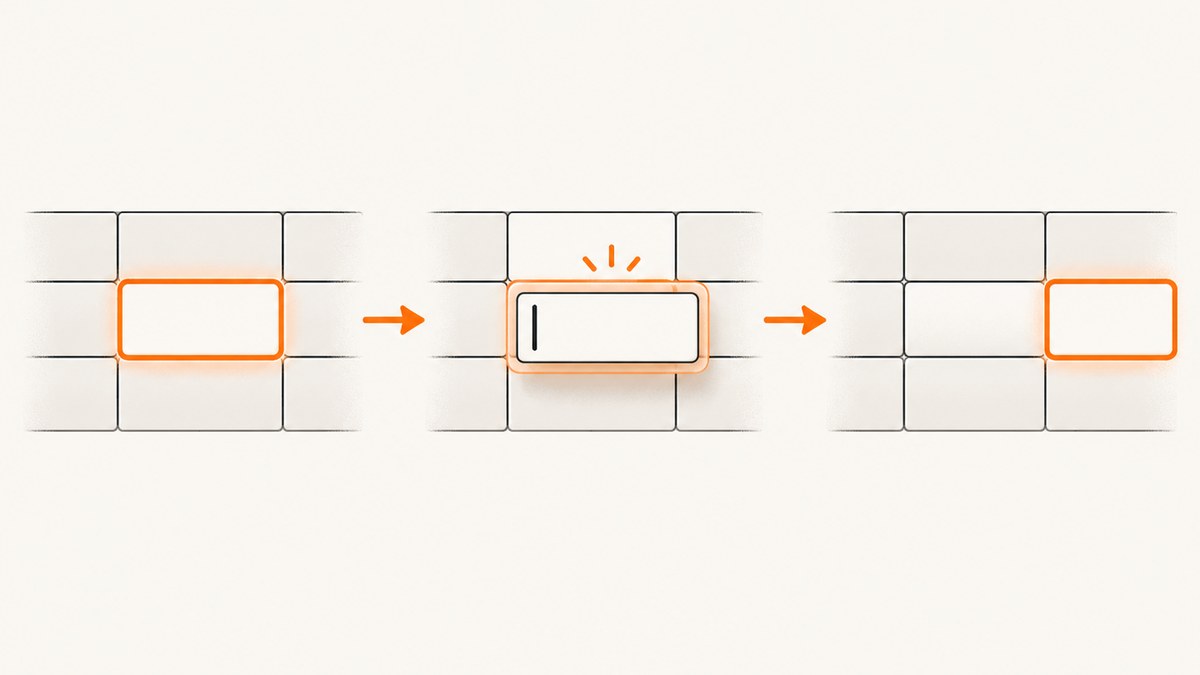
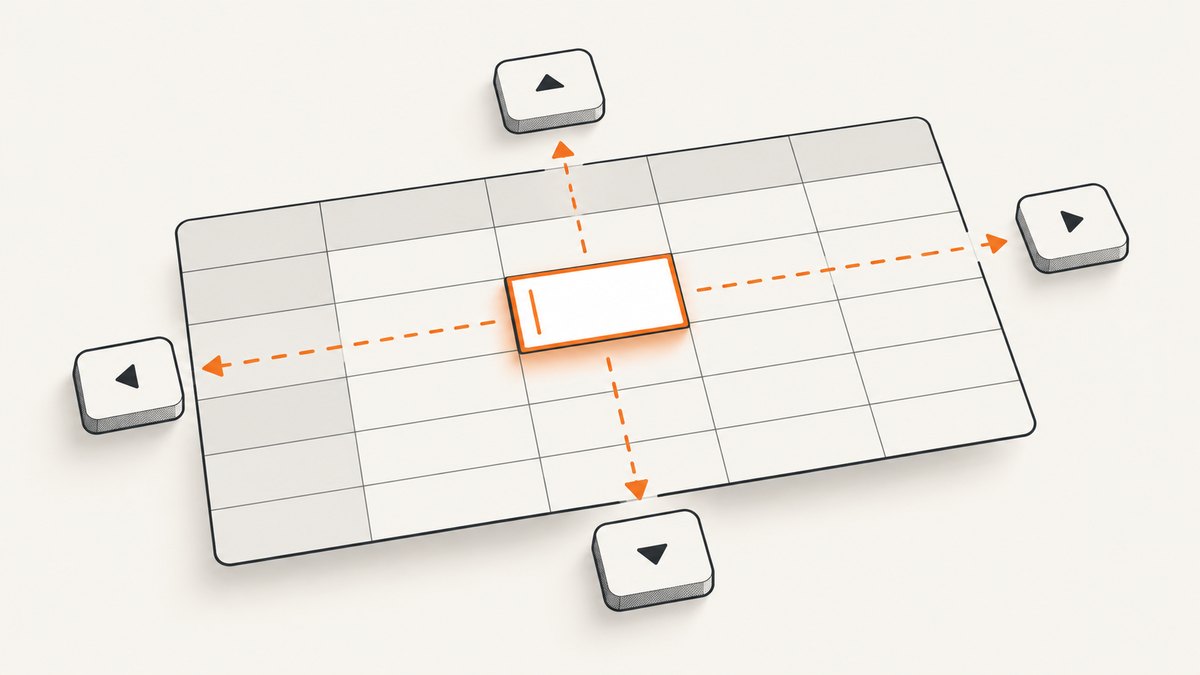
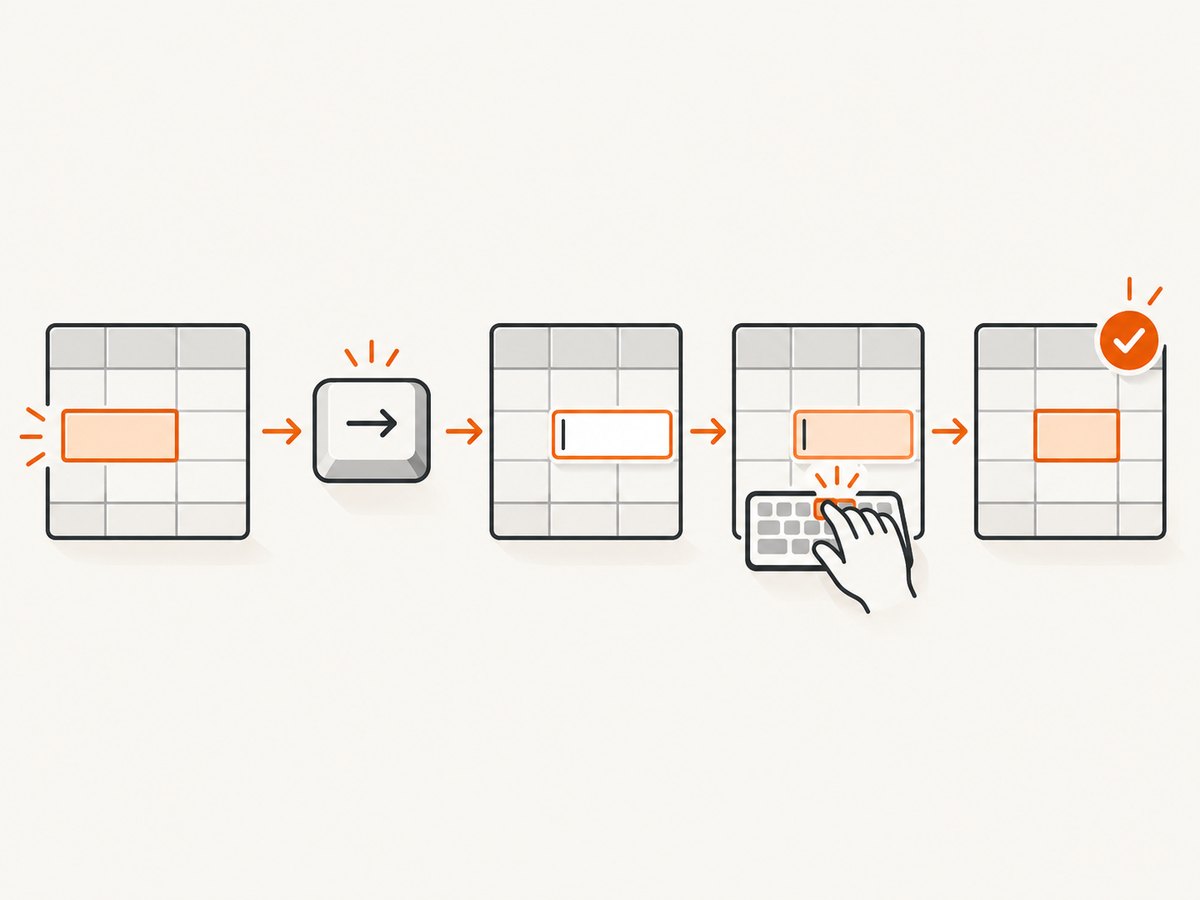
Direct answer: Keep navigation and text entry separate. Use cy.press() for arrows, Tab, and Enter when moving through AG Grid, then use .type() on the actual input or contenteditable editor that AG Grid opens. A grid cell and its editor can be different focus targets. Assert focus when entering edit mode and after the edit is committed, and re-query elements after .type().
Cypress documents that .type() clicks an unfocused subject before typing, so targeting a cell wrapper, stale editor, or hidden element can move focus unexpectedly. Cypress also warns that chaining commands that rely on the subject after .type() is unsafe. AG Grid’s default keyboard behavior can be changed by grid options, navigation callbacks, custom components, and suppressCellFocus.
1. The reliable focus pattern
Adapt the selectors and edit key to your application. Some grids enter edit mode with Enter, others with F2, a double-click, or a custom handler.
describe('AG Grid editing focus', () => {
  it('focuses the editor before typing and verifies the result', () => {
    cy.get('[data-testid="target-cell"]')
      .click()
      .should('have.focus');

    // Use the key your grid is configured to use for editing.
    cy.press(Cypress.Keyboard.Keys.ENTER);

    cy.get('[data-testid="cell-editor"]')
      .should('be.visible')
      .should('have.focus')
      .type('new value');

    // Re-query after type(); do not rely on the yielded subject.
    cy.get('[data-testid="cell-editor"]')
      .should('have.value', 'new value');
  });
});
The important distinction is that .type() receives characters, while cy.press() represents a single native key used for navigation or focus management. See the Cypress type() documentation and Cypress press() documentation.
2. Why focus moves when you call type()
.type() focuses its subject
.type(text) requires a supported DOM subject such as an input, textarea, contenteditable element, the body, or an element with tabindex. If that subject is not already focused, Cypress clicks it first. Therefore this command can move focus:
cy.get('.ag-cell').type('abc');That is only correct when .ag-cell itself is the focusable editor. In many AG Grid configurations the cell is a wrapper and the editor is a child input created after edit mode starts.
Cell focus and editor focus are separate states
Before editing, AG Grid may focus a cell element. During editing, focus commonly moves to an input, textarea, select, or custom component inside that cell. After Enter, Tab, blur, or another commit action, focus may return to a cell or move to another cell according to the grid configuration.
Chaining after type() can use stale state
Cypress explicitly says: “It is unsafe to chain further commands that rely on the subject after .type().” Re-query the editor or cell for later assertions.
3. Navigate with cy.press(), then type into the editor
Use cy.press() for keyboard navigation and assert each important transition:
cy.get('[data-testid="name-cell"]')
  .click()
  .should('have.focus');

cy.press(Cypress.Keyboard.Keys.ARROWDOWN);
cy.get('[data-testid="next-cell"]').should('have.focus');

cy.press(Cypress.Keyboard.Keys.ENTER);
cy.get('[data-testid="cell-editor"]')
  .should('have.focus')
  .type('Ada Lovelace');

// Choose the commit key used by your application.
cy.press(Cypress.Keyboard.Keys.ENTER);
cy.get('[data-testid="name-cell"]')
  .should('contain.text', 'Ada Lovelace');
Do not use .type('{downarrow}') as a substitute for navigation unless your application specifically needs a text command sequence. Cypress recommends cy.press() for arrows, Tab, and Enter in non-form contexts.
4. Find the real AG Grid editor
- Inspect the DOM after entering edit mode.
- Identify the element that receives keyboard events: usually an input, textarea, select, or element with
contenteditable. - Give that element a stable selector such as
data-testid="cell-editor". - Assert visibility and focus before calling
.type().
// input editor
cy.get('[role="gridcell"][col-id="email"]')
  .click();
cy.press(Cypress.Keyboard.Keys.ENTER);
cy.get('input[data-testid="email-editor"]')
  .should('have.focus')
  .clear()
  .type('user@example.com');

// contenteditable editor: target the element carrying the attribute.
cy.get('[data-testid="rich-editor"][contenteditable="true"]')
  .should('have.focus')
  .type('Updated description');
For contenteditable editors, target the element with contenteditable, not a text node or child span.
5. Commit behavior and post-edit focus
Focus after typing depends on your grid and application. Determine whether editing commits on:
- Enter: often commits and moves according to grid settings.
- Tab: may commit and move to the next editable cell.
- Blur: clicking elsewhere may commit or cancel.
- Escape: commonly cancels, but custom editors can override it.
Test the behavior your users rely on rather than assuming a universal result:
cy.get('[data-testid="cell-editor"]')
  .should('have.focus')
  .type('42');

cy.press(Cypress.Keyboard.Keys.TAB);

// Re-query the expected destination and assert your configured behavior.
cy.get('[data-testid="next-editable-cell"]')
  .should('have.focus');
6. AG Grid settings that change focus
| Setting or hook | Effect on tests | What to verify |
|---|---|---|
suppressCellFocus |
Disables normal cell focus. | Use the editor or another explicitly focusable element as the assertion target. |
navigateToNextCell |
Changes arrow-key navigation. | Assert the callback’s destination instead of assuming the adjacent row or column. |
tabToNextCell |
Changes Tab navigation. | Verify which cell or editor receives focus after Tab. |
suppressKeyboardEvent |
Can prevent grid handling for selected keys. | Check whether Enter, arrows, or Tab are being intercepted. |
| Custom cell components | Internal buttons, links, or inputs own their focus behavior. | Test the component’s focus rules and its keyboard event handling. |
AG Grid’s keyboard documentation describes cell movement, Enter/F2 editing, custom navigation callbacks, and custom component responsibilities. Match the examples to the AG Grid version installed in your project; the official page currently identifies JavaScript Grid documentation version 36.2.0.
7. Common failures and fixes
| Symptom | Likely cause | Fix |
|---|---|---|
| Typing focuses the wrong cell | The subject passed to .type() was not focused, so Cypress clicked it. |
Enter edit mode first, then select the actual editor and assert have.focus. |
cy.press() does nothing |
Focus is on the document, a non-grid element, or an editor that handles the key itself. | Assert the current focus before pressing; inspect custom handlers and suppressKeyboardEvent. |
| Editor cannot be found | The editor is rendered only after the edit trigger or uses a different selector. | Trigger Enter/F2/double-click, wait for the editor to be visible, and use a stable test id. |
| Focus assertion fails after Enter | Commit behavior or navigation callbacks differ from the assumed default. | Check whether Enter commits, moves, or is intercepted; assert the configured destination. |
| Value assertion reads the old value | The edit has not committed, or the command was chained from a stale subject. | Commit with the app’s key, re-query the editor or cell, and then assert its value or text. |
| Arrow keys change text instead of moving cells | Focus remains inside a text editor. | Commit or exit the editor first, then use cy.press() while the cell/grid owns focus. |
| Custom renderer traps focus | Internal controls implement their own keyboard navigation. | Inspect the custom component and add explicit focus assertions for each internal control. |
| Tests are flaky with virtualized rows | The target row is not currently rendered or was recycled after scrolling. | Scroll or navigate to the row, then re-query immediately before interacting. |
8. A complete reusable helper
function editGridCell({ cell, editor, value, commit = 'ENTER' }) {
  cy.get(cell)
    .scrollIntoView()
    .click()
    .should('have.focus');

  cy.press(Cypress.Keyboard.Keys[commit]);

  cy.get(editor)
    .should('be.visible')
    .should('have.focus')
    .clear()
    .type(value);

  cy.press(Cypress.Keyboard.Keys[commit]);
  cy.get(cell).should('contain.text', value);
}

it('edits a quantity', () => {
  editGridCell({
    cell: '[data-testid="quantity-cell"]',
    editor: '[data-testid="quantity-editor"]',
    value: '42'
  });
});
Keep this helper small. The selectors, edit trigger, and expected post-commit focus are application-specific and should remain visible in tests when they carry business meaning.
9. Performance and reliability practices
- Prefer stable
data-testidor semantic selectors over generated AG Grid class names. - Assert state transitions at boundaries: focused cell, focused editor, committed value, and final destination.
- Re-query after editing, scrolling, virtualization, or any action that can replace DOM nodes.
- Avoid arbitrary delays. Wait for a visible editor, a focused target, or a committed value.
- Keep one test responsible for one focus path; long chains hide the action that changed focus.
- Run the same test against the grid configuration used in production, including custom navigation callbacks.
10. Or skip the browser setup
If your goal is to capture a page or test artifact rather than maintain a browser screenshot workflow, ScreenshotNeo provides a single screenshot API request. Its cleanup steps accept cookie or consent banners and remove more than 60 known consent platforms, newsletter popups, and chat widgets before capture; each step can be disabled. Bot checks, blank pages, timeouts, failed loads, and cache hits are not billed, and the response identifies the result with X-Page-Verdict and X-Billed headers. ScreenshotNeo also provides an MCP server so Claude, Cursor, and other MCP clients can call take_screenshot, get_page_info, and capture_pdf.
See the ScreenshotNeo API documentation for all options.
curl -G "https://api.screenshotneo.com/v1/shot" -d access_key=YOUR_API_KEY --data-urlencode url=https://stripe.com -o shot.webpimport requests
r = requests.get("https://api.screenshotneo.com/v1/shot", params={"access_key": "YOUR_API_KEY", "url": "https://stripe.com"}, timeout=90)
open("shot.webp", "wb").write(r.content)const q = new URLSearchParams({ access_key: 'YOUR_API_KEY', url: 'https://stripe.com' });
const res = await fetch(`https://api.screenshotneo.com/v1/shot?${q}`);The Free plan includes 1,000 screenshots each month without a card. Paid plans start at $5 for 3,000 screenshots; every feature is included on every plan. Create a free ScreenshotNeo account.
11. FAQ
Should I call .type() on the AG Grid cell?
Only when that cell is itself the focusable editor. Otherwise enter edit mode and call .type() on the input, textarea, or contenteditable editor.
Can I use .type('{enter}') to navigate?
Use cy.press(Cypress.Keyboard.Keys.ENTER) for navigation and focus management. Use .type() for text content.
Why does focus differ between browsers?
Custom editors, event handlers, rendering timing, and grid configuration can change the final focus target. Assert the behavior your application specifies.
What if the grid intentionally has no cell focus?
When suppressCellFocus is enabled, assert focus on the editor or custom control that users actually operate.
How do I know whether editing committed?
Use the application’s commit key or blur action, then re-query the cell and assert its displayed value or the component’s save state.
12. Final checklist
- Cell or grid focus is asserted before navigation.
cy.press()handles arrows, Tab, and Enter.- Edit mode is opened using the configured trigger.
.type()targets the real focusable editor.- Editor focus is asserted before typing.
- The editor or cell is re-queried after
.type(). - Commit behavior and post-commit focus match your AG Grid configuration.
- Custom components and keyboard suppression are covered.


