How to Run Cypress from the Command Line with Multiple Configuration Parameters
Pass multiple Cypress config, environment, and public values correctly from npm, CI, Bash, and PowerShell.
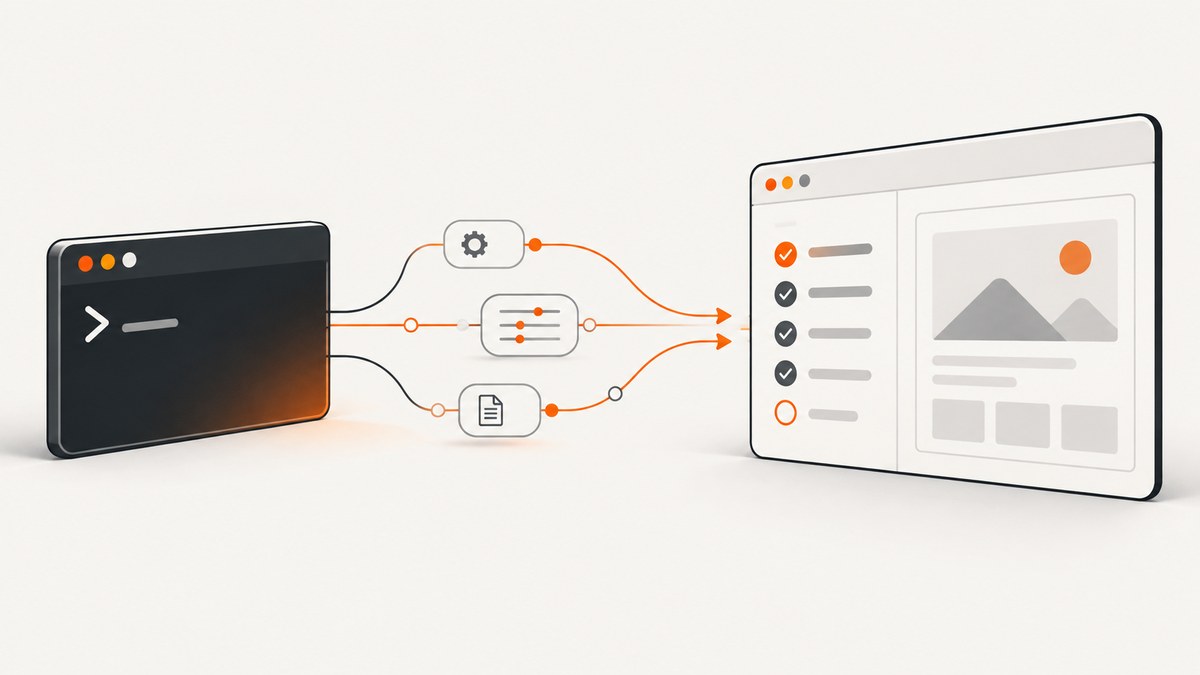
Short answer: run Cypress from your project root and put multiple configuration overrides in one comma-separated --config value:
npx cypress run --config pageLoadTimeout=100000,watchForFileChanges=falseUse --env for values your tests read as environment data, and --expose for public values read through Cypress.expose(). These flags have different purposes. Cypress runs tests to completion and headlessly with cypress run; use cypress open for the interactive app. The official references are the Cypress command-line guide and configuration reference.
1. The basic command
Install Cypress in the project, open a terminal at the project root, then run the command that matches your package manager:
# npm
npx cypress run --config pageLoadTimeout=100000,watchForFileChanges=false

# Yarn
yarn cypress run --config pageLoadTimeout=100000,watchForFileChanges=false

# pnpm
pnpm cypress run --config pageLoadTimeout=100000,watchForFileChanges=false

# Bun
bunx cypress run --config pageLoadTimeout=100000,watchForFileChanges=false
Options go after run. The short form of --config is -c:
npx cypress run -c pageLoadTimeout=100000,watchForFileChanges=falseDo not split the pairs into separate shell arguments. Cypress expects one comma-separated argument.
2. Passing several Cypress configuration values
Use key=value pairs separated by commas, with no spaces between pairs:
npx cypress run --config \
  baseUrl=https://staging.example.com,\
  viewportWidth=1440,\
  viewportHeight=900,\
  video=false,\
  retries=2
In a POSIX shell, the backslashes above continue one command. The equivalent single line is:
npx cypress run --config baseUrl=https://staging.example.com,viewportWidth=1440,viewportHeight=900,video=false,retries=2Typical overrides include:
| Setting | Example | Why override it |
|---|---|---|
baseUrl |
baseUrl=https://staging.example.com |
Point tests at a deployment. |
pageLoadTimeout |
pageLoadTimeout=100000 |
Allow slow pages more time to load. |
viewportWidth/viewportHeight |
viewportWidth=1440,viewportHeight=900 |
Set a desktop viewport for a run. |
watchForFileChanges |
watchForFileChanges=false |
Make a run deterministic in CI. |
video |
video=false |
Reduce CI storage and upload time. |
retries |
retries=2 |
Retry failed tests where your project supports retries. |
CLI values override corresponding values from the Cypress configuration file. Check the configuration reference before overriding a field: some settings are read-only while tests are running.
JSON for arrays and objects
Comma syntax becomes awkward for arrays, objects, and values containing commas. Pass one JSON-stringified object instead:
npx cypress run --config '{"watchForFileChanges":false,"specPattern":["**/*.cy.js","**/*.cy.ts"]}'Use quoting appropriate for the shell that actually runs the command. A CI runner may parse quotes differently from your local Bash, PowerShell, or Windows command prompt.
3. Choosing a configuration file
Use --config-file (or -C) when a project has more than one Cypress configuration:
npx cypress run \
  --config-file tests/cypress.config.js \
  --config pageLoadTimeout=100000,watchForFileChanges=false
The selected file supplies the baseline. Individual values supplied with --config override values from that file.
4. Passing multiple test environment values with --env
--env (short form -e) is for values that tests read as environment data. It does not change Cypress configuration:
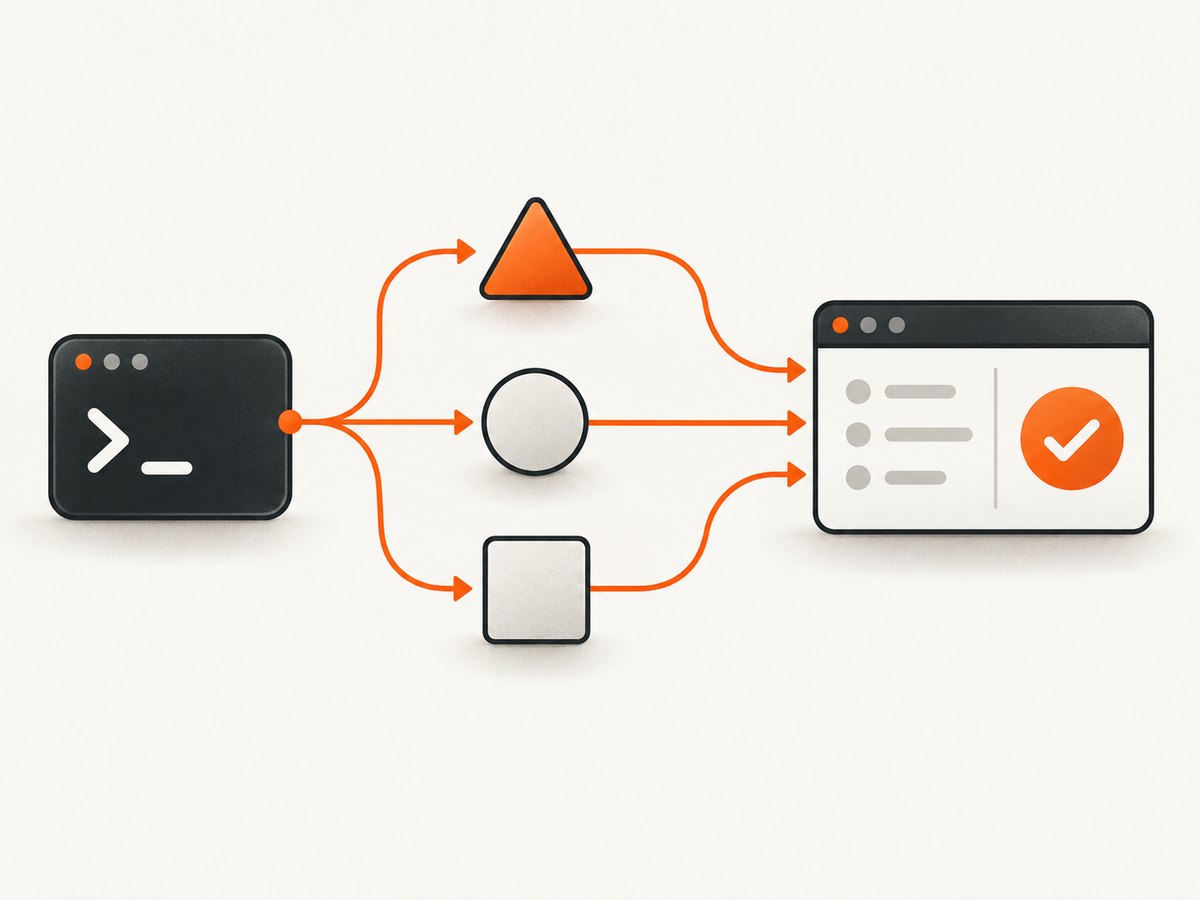
npx cypress run --env apiUrl=https://api.example.com,featureSet=smoke,port=4222Multiple values are comma-separated. Cypress converts numeric values from strings in the documented CLI examples. For nested data or values containing commas, spaces, or quotes, pass a JSON string as one value:
npx cypress run --env 'credentials={"apiKey":"example","auth":{"user":"jane"}}'Keep production secrets out of command lines because CI logs and process listings can expose them. Store secrets in your CI provider’s secret manager and read only the named sensitive values needed by a test with cy.env(). See the environment guidance.
5. Passing public values with --expose
Use --expose (short form -x) for public configuration that application code or tests access with Cypress.expose():
npx cypress run --expose apiVersion=v2,featureFlag=trueKeep the three channels distinct:
| Flag | Purpose | Read or used by |
|---|---|---|
--config |
Override Cypress settings. | The Cypress runner and configuration. |
--env |
Provide test environment values. | Tests through the current environment APIs. |
--expose |
Provide public values. | Code using Cypress.expose(). |
In Cypress 16.0, Cypress.env() was removed. Migrate sensitive values to cy.env() and public configuration to Cypress.expose() according to the migration guidance.
6. Combining flags in one run
You can combine a configuration file, configuration overrides, test environment values, and public values:
npx cypress run \
  --config-file cypress.config.js \
  --config baseUrl=https://staging.example.com,video=false,watchForFileChanges=false \
  --env apiUrl=https://api.example.com,featureSet=smoke \
  --expose apiVersion=v2,featureFlag=true
This is the normal pattern for a CI smoke run: the file contains stable project defaults, --config selects run behavior, --env supplies test data, and --expose supplies values that are intentionally public.
7. Shell quoting: Bash, PowerShell, and CI
Bash and other POSIX shells
Use single quotes around JSON so the shell does not interpret its double quotes:
npx cypress run --env 'credentials={"apiKey":"example","auth":{"user":"jane"}}'PowerShell
PowerShell may require quotes around comma-separated values:
npx cypress run --env "host=api.dev.local,port=4222"

npx cypress run --config "baseUrl=https://staging.example.com,watchForFileChanges=false"
For JSON, preserve the complete string through PowerShell’s parser and verify the exact command in the same shell used by CI. Do not assume Bash quoting transfers unchanged.
CI scripts
Put long commands in a checked-in script or package-manager script when that improves readability. Keep secret values in CI secret storage rather than interpolating them into a command. For Cypress Cloud recording, use --record only after the project has a projectId and Record Key. Group and parallelize recorded runs with --group, --parallel, and --ci-build-id when those options fit your CI design. Supply the Record Key through CYPRESS_RECORD_KEY, not as a hard-coded argument.
8. A repeatable command checklist
- Run from the project root so Cypress resolves the intended installation and configuration.
- Choose
runfor a headless completion run oropenfor the interactive app. - Put Cypress settings in
--config. - Put test data in
--env. - Put intentionally public values in
--expose. - Join multiple pairs with commas inside one argument.
- Use JSON for nested objects, arrays, or values containing commas.
- Quote the argument for the shell used by your local machine or CI runner.
- Keep API keys and record keys in secret storage.
9. Troubleshooting common errors
| Symptom | Cause | Fix |
|---|---|---|
| Only the first setting is applied | Pairs were passed as separate space-delimited arguments. | Use one argument: --config key1=value1,key2=value2. |
A test cannot read a value supplied with --config |
--config changes Cypress settings, not test environment data. |
Move the value to --env or --expose, depending on whether it is sensitive or public. |
| A configuration value appears unchanged | The key may be read-only at runtime, misspelled, or overridden by another source. | Check the configuration reference, spelling, selected --config-file, and CI variables. |
| PowerShell reports a parsing or binding error | Unquoted commas, braces, or quotes were parsed by PowerShell. | Quote the complete argument and use shell-appropriate JSON quoting. |
| JSON is rejected | The shell removed or changed quotes before Cypress received the value. | Print or inspect the final command safely, then adjust quoting for that shell. |
| A secret appears in CI output | The secret was placed directly in the command. | Use CI secret storage and access it through cy.env(); rotate an exposed secret. |
| Old examples fail after upgrading | Current Cypress 16.0 projects no longer support Cypress.env(). |
Use cy.env() for sensitive values and Cypress.expose() for public values. |
| Recorded run fails before tests start | Cloud recording setup is incomplete or the Record Key is unavailable. | Configure projectId, provide CYPRESS_RECORD_KEY securely, and verify the recording options. |
10. Performance, reliability, and cost considerations
- Performance: disabling file watching and video for CI can reduce unnecessary work. Use retries deliberately: retries can hide flaky tests and increase run time.
- Reliability: keep stable defaults in the configuration file and make per-environment differences explicit in the command or CI script. Pin the shell and package-manager command used by CI.
- Configuration safety: prefer a JSON object for complex values instead of trying to encode nested data as comma-separated pairs.
- Secrets: command-line arguments can be logged. Use CI secret storage for API keys, credentials, and Cypress Cloud Record Keys.
- Cost: Cypress CLI flags themselves do not create a separate charge. Cypress Cloud recording is a separate service context; use
--recordonly when your project is configured for it.
11. Or skip the browser setup
If your goal is a clean screenshot rather than running a browser test, ScreenshotNeo provides a single HTTP request for a PNG, JPEG, WebP, or PDF. See the ScreenshotNeo API documentation for all options.

cURL
curl -G "https://api.screenshotneo.com/v1/shot" -d access_key=YOUR_API_KEY --data-urlencode url=https://stripe.com -o shot.webpPython
import requests

r = requests.get(
    "https://api.screenshotneo.com/v1/shot",
    params={"access_key": "YOUR_API_KEY", "url": "https://stripe.com"},
    timeout=90,
)
r.raise_for_status()
open("shot.webp", "wb").write(r.content)
Node.js
const q = new URLSearchParams({ access_key: 'YOUR_API_KEY', url: 'https://stripe.com' });
const res = await fetch(`https://api.screenshotneo.com/v1/shot?${q}`);
if (!res.ok) throw new Error(`Screenshot failed: ${res.status}`);
const fs = await import('node:fs/promises');
await fs.writeFile('shot.webp', Buffer.from(await res.arrayBuffer()));
ScreenshotNeo removes cookie and consent banners, newsletter popups, and chat widgets before capture. Bot checks, blank pages, failed loads, timeouts, and cache hits are not billed; response headers identify the page verdict and whether the shot was billed. Its MCP server gives Claude, Cursor, and other MCP clients take_screenshot, get_page_info, and capture_pdf tools. The Free plan includes 1,000 screenshots per month with no card; paid plans start at $5 for 3,000 screenshots. Create a free ScreenshotNeo account.
12. FAQ
How do I pass multiple config values to Cypress?
Put comma-separated pairs in one --config argument, such as --config pageLoadTimeout=100000,video=false.
Can I use --config and --env together?
Yes. They serve different purposes and can appear in the same cypress run command.
How do I pass an environment variable containing a comma?
Pass a JSON string as one quoted --env value so the comma is not treated as a separator.
Should I use cypress run or cypress open?
Use run for an automated, headless completion run and open when you need the interactive Cypress app.
Where should Cypress secrets live?
Use your CI provider’s secret manager and current Cypress sensitive-value APIs. Avoid putting secrets directly in commands that CI may log.


