How to Run Data-Driven Cypress Tests with Excel
Parse Excel in Cypress’s Node setup, expose validated rows, and generate reliable tests synchronously— with fixes for timing, fixtures, secrets, and scale.
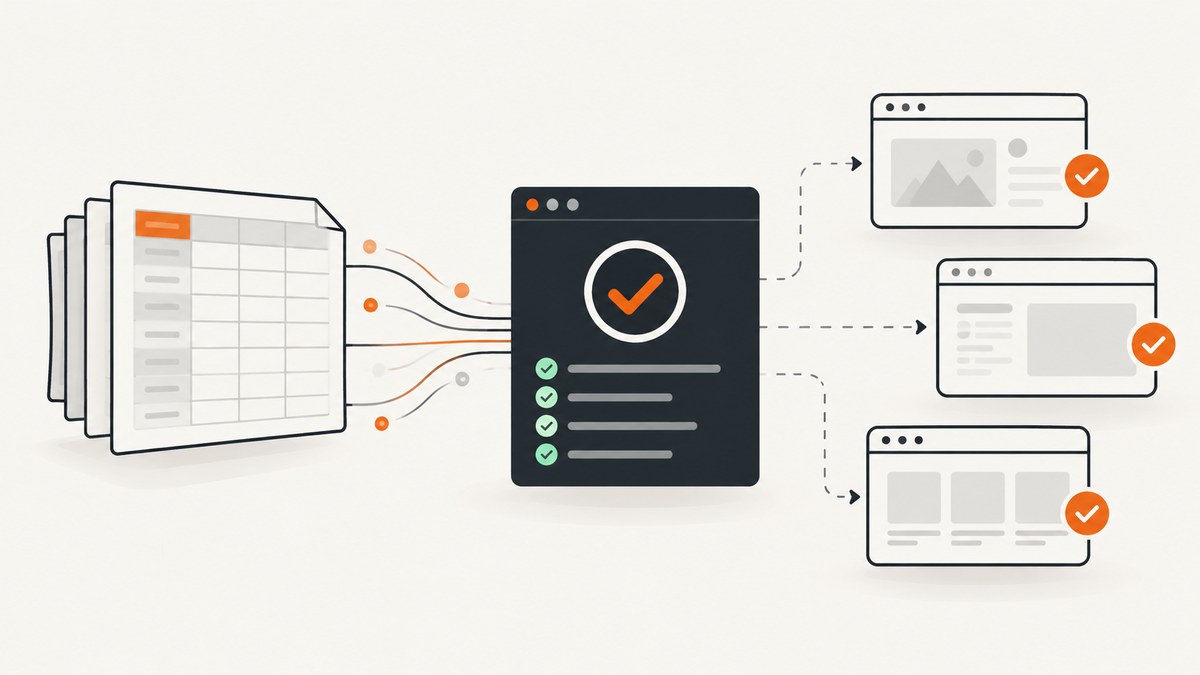
Parse the Excel workbook in Cypress’s Node configuration, expose only the validated scenario rows, then synchronously create one it() block per row. Cypress builds the suite while the spec loads, so asynchronous commands such as cy.fixture(), cy.readFile(), and cy.task() cannot create test blocks after loading.
Architecture: Excel to Cypress tests
- Install an XLSX parser in the project.
- Read and parse the workbook inside
setupNodeEvents. - Normalize and validate rows before exposing them.
- Expose only non-secret scenario data with
config.expose. - Read the rows synchronously with
Cypress.expose(). - Generate the
it()blocks while the spec is evaluated.
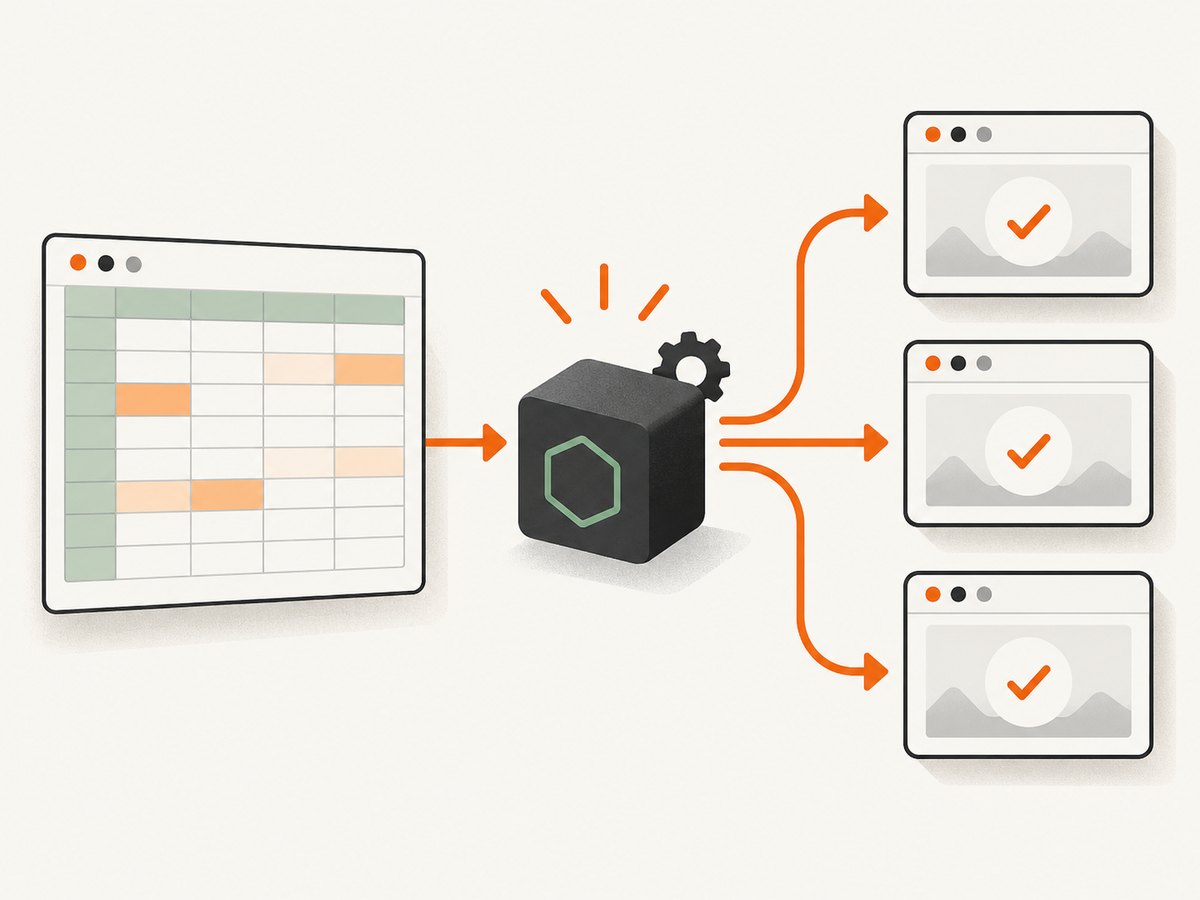
This separation keeps filesystem and workbook handling in Node while browser-side tests receive simple JSON values.
Install the parser and create the workbook
npm install --save-dev xlsxCreate cypress/fixtures/scenarios.xlsx. Put the headers on the first row. For example:
| title | username | password | expectedMessage |
|---|---|---|---|
| Valid login | alice@example.com | demo-password | Welcome, Alice |
| Invalid password | alice@example.com | wrong-password | Invalid credentials |
Do not store production passwords, API keys, tokens, or other secrets in this workbook.
Parse Excel in cypress.config.js
const { defineConfig } = require('cypress')
const XLSX = require('xlsx')
const { readFileSync } = require('fs')

function normalizeCell(value) {
  return typeof value === 'string' ? value.trim() : value
}

function readScenarios() {
  const workbook = XLSX.read(
    readFileSync('cypress/fixtures/scenarios.xlsx'),
    { type: 'buffer' }
  )

  if (!workbook.SheetNames.length) {
    throw new Error('scenarios.xlsx does not contain a worksheet')
  }

  const firstSheet = workbook.Sheets[workbook.SheetNames[0]]
  const rawRows = XLSX.utils.sheet_to_json(firstSheet, {
    defval: '',
    raw: false,
  })

  const required = ['title', 'username', 'password', 'expectedMessage']
  const seenTitles = new Set()

  return rawRows
    .map((row, index) => {
      const scenario = Object.fromEntries(
        Object.entries(row).map(([key, value]) => [
          key.trim(),
          normalizeCell(value),
        ])
      )

      const missing = required.filter((key) => !scenario[key])
      if (missing.length) {
        throw new Error(
          `Row ${index + 2} is missing: ${missing.join(', ')}`
        )
      }

      if (seenTitles.has(scenario.title)) {
        throw new Error(`Duplicate scenario title: ${scenario.title}`)
      }
      seenTitles.add(scenario.title)

      return {
        title: String(scenario.title),
        username: String(scenario.username),
        password: String(scenario.password),
        expectedMessage: String(scenario.expectedMessage),
      }
    })
}

module.exports = defineConfig({
  e2e: {
    setupNodeEvents(on, config) {
      const scenarios = readScenarios()

      config.expose = {
        ...(config.expose || {}),
        scenarios,
      }

      return config
    },
  },
})
The parser uses SheetJS’s XLSX.read API and converts the selected worksheet into objects. Selecting the worksheet explicitly is safer when a workbook contains multiple sheets.
Generate one Cypress test per Excel row
const scenarios = Cypress.expose('scenarios')

if (!Array.isArray(scenarios) || scenarios.length === 0) {
  throw new Error('No valid scenarios were exposed from Excel')
}

describe('Excel-driven login scenarios', () => {
  scenarios.forEach((scenario) => {
    it(scenario.title, () => {
      cy.visit('/login')
      cy.get('[data-testid="username"]').type(scenario.username)
      cy.get('[data-testid="password"]').type(scenario.password)
      cy.get('[data-testid="submit"]').click()
      cy.contains(scenario.expectedMessage).should('be.visible')
    })
  })
})
Keep the callback that defines it() synchronous. Cypress commands inside each test may remain asynchronous; Cypress queues and runs them after the suite has been constructed.
Why cy.fixture() cannot generate the tests
cy.fixture() is useful for stable test input consumed by an already-defined test, and Cypress caches a fixture after its first read. However, it returns through the Cypress command queue. The same timing rule applies to cy.task(): it can perform Node-side work and return a result to a test, but it cannot add new it() blocks after the spec has loaded.
// This does not work for generating one test per row:
cy.fixture('scenarios.xlsx').then((rows) => {
  rows.forEach((row) => {
    it(row.title, () => {})
  })
})
The suite must know its structure at load time. Parse Excel before the spec defines its tests, then read the exposed array synchronously.
Choose the right data-loading method
| Need | Use | Reason |
|---|---|---|
| Rows define which tests exist | Node parsing in setupNodeEvents plus Cypress.expose() |
Data is available while the spec loads |
| Fixed input consumed inside a test | cy.fixture() |
Designed for stable fixture data and cached reads |
| File changes during a run | cy.readFile() |
Rereads the file and retries while assertions are pending |
| Large or Node-only processing | cy.task() |
Keep filesystem and transformation work out of the browser |
| Testing workbook upload behavior | .selectFile() |
Attach a representative workbook to the application’s file input |
Validate workbook shape before creating tests
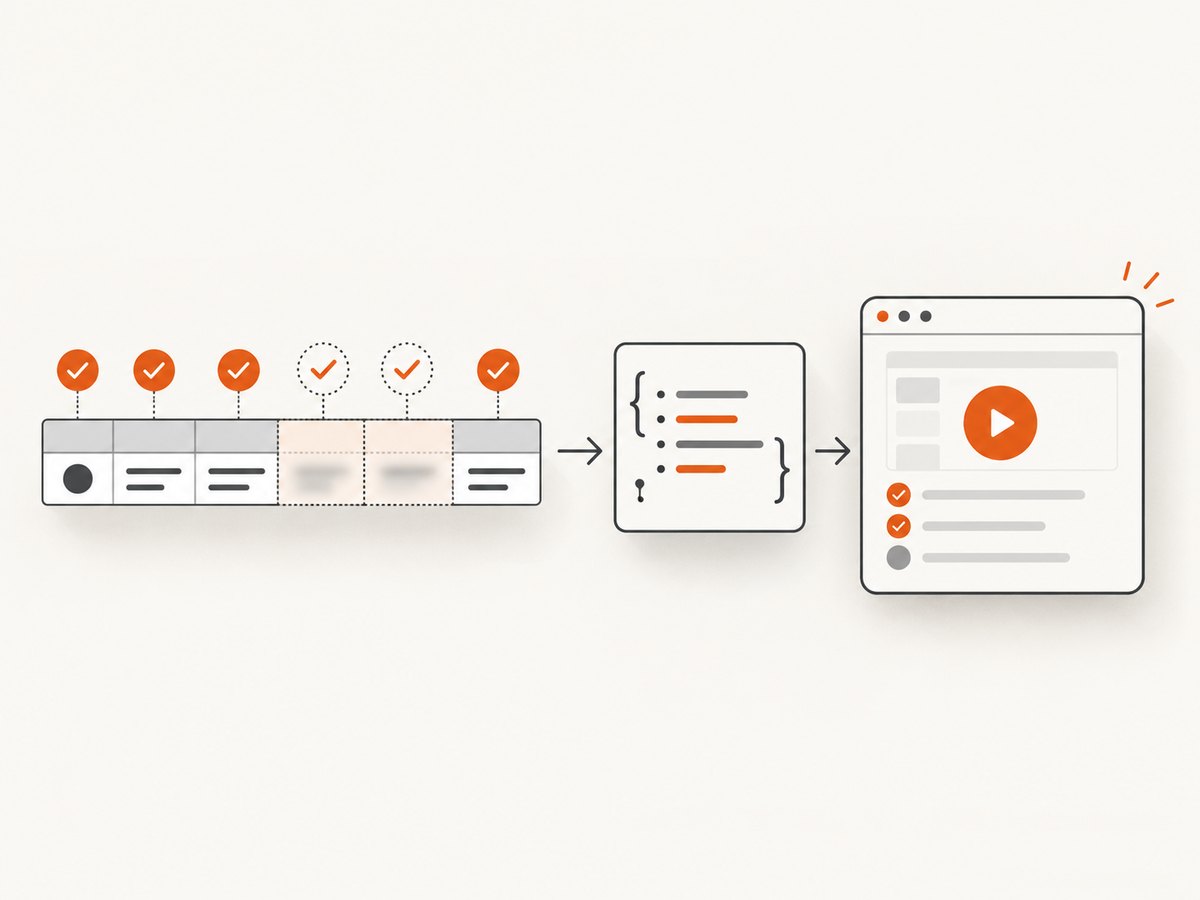
- Fail when there is no worksheet.
- Choose the intended sheet instead of assuming the first sheet is always correct.
- Use
defval: ''so missing cells are visible during validation. - Trim header names and string values.
- Reject missing required columns or cells.
- Reject empty workbooks and duplicate scenario titles.
- Convert dates and numbers deliberately; Excel cell types may not match application input types.
- Give every row a stable title so CI failures identify the scenario.
- Expose only fields needed by the browser test.
Multiple worksheets and explicit column mapping
const sheetName = 'Login cases'
if (!workbook.Sheets[sheetName]) {
  throw new Error(`Missing worksheet: ${sheetName}`)
}

const rows = XLSX.utils.sheet_to_json(workbook.Sheets[sheetName], {
  defval: '',
  raw: false,
})

const scenarios = rows.map((row, index) => ({
  title: String(row.case_name || `Excel row ${index + 2}`),
  username: String(row.login_email || ''),
  password: String(row.login_password || ''),
  expectedMessage: String(row.expected_text || ''),
}))
Explicit mapping prevents a spreadsheet rename from silently changing the test’s meaning.
Keep secrets out of config.expose
Values exposed with Cypress.expose() are accessible in the browser context. Treat them as public to the test runner. Use environment variables, CI secret stores, or a Node-side cy.task() for credentials. If a scenario needs a secret, expose a non-sensitive identifier and resolve the secret inside a task at execution time.
Large workbooks and changing data
Do not pass an entire workbook or unused columns to the browser. Filter rows, select columns, and expose only the scenarios required for the run. For files generated by another process, read them at the appropriate lifecycle point rather than treating mutable output as a checked-in fixture. If the file can change during a run, use cy.readFile() for values consumed inside a test, or a task for Node-side processing.
Testing uploads is a separate concern
Data-driven tests use workbook rows as test parameters. Upload tests verify that the application accepts and processes an XLSX file. Keep these concerns separate:
it('uploads a workbook', () => {
  cy.visit('/imports')
  cy.get('input[type="file"]').selectFile(
    'cypress/fixtures/scenarios.xlsx'
  )
  cy.contains('Upload complete').should('be.visible')
})
Troubleshooting
| Symptom | Cause | Fix |
|---|---|---|
Cypress.expose is not a function |
The project’s Cypress version does not provide the expose API used by this pattern. | Confirm the installed Cypress version and current configuration API; upgrade or use the version-compatible documented handoff. |
| No tests appear | The array is empty, the wrong sheet was selected, or the workbook path is wrong. | Log row counts in Node setup, check SheetNames, and verify the relative path from the project root. |
| Tests are created too late | Rows were loaded with cy.fixture() or cy.task() inside a spec. |
Parse Excel in setupNodeEvents and expose rows before the spec’s describe() runs. |
| Required values are undefined | Header spelling, whitespace, casing, or blank cells differ from the expected schema. | Normalize headers, validate required keys, and fail with the row number. |
| Duplicate or confusing test names | Titles are missing or repeated. | Require unique titles or compose one from a stable case ID and description. |
| Credentials appear in browser logs | Sensitive values were exposed or printed. | Remove secrets from config.expose and resolve them in Node-side code. |
| Numbers or dates do not match | Excel cell conversion differs from the application’s expected format. | Use deliberate formatting and raw: false, then normalize values before exposure. |
| CI cannot find the workbook | The file was not checked in, or the working directory differs. | Verify the fixture exists in CI and resolve paths from the repository root. |
Performance and reliability notes
- Parse the workbook once during configuration instead of once per test.
- Filter scenarios before exposing them to reduce browser memory and startup work.
- Split very large suites by worksheet, tag, or CI environment.
- Use deterministic row ordering unless order is part of the behavior under test.
- Make each test independent so one failed row does not corrupt another.
- Keep titles stable so retries and CI reports remain searchable.
- Pin compatible Node, Cypress, and XLSX versions according to the project’s lockfile.
Or skip the browser setup
If the goal is to capture pages associated with test cases, ScreenshotNeo provides a single screenshot request instead of maintaining browser automation for image capture. Cookie banners, newsletter popups, and chat widgets are removed before the shot. Bot checks, blank pages, failed loads, timeouts, and cache hits are not billed, and response headers report the page verdict and billing status. Its MCP server lets Claude, Cursor, and other MCP clients call take_screenshot, get_page_info, and capture_pdf.
curl -G "https://api.screenshotneo.com/v1/shot" \
  -d access_key=YOUR_API_KEY \
  --data-urlencode url=https://example.com \
  -o shot.webp
import requests
r = requests.get(
"https://api.screenshotneo.com/v1/shot",
params={"access_key": "YOUR_API_KEY", "url": "https://example.com"},
timeout=90,
)
r.raise_for_status()
open("shot.webp", "wb").write(r.content)const q = new URLSearchParams({
access_key: 'YOUR_API_KEY',
url: 'https://example.com'
})
const res = await fetch(`https://api.screenshotneo.com/v1/shot?${q}`)
if (!res.ok) throw new Error(`Screenshot failed: ${res.status}`)
const image = Buffer.from(await res.arrayBuffer())
await import('node:fs/promises').then((fs) => fs.writeFile('shot.webp', image))See the ScreenshotNeo API documentation for request options. The free plan includes 1,000 screenshots each month with no card; paid plans start at $5 for 3,000 shots. Create a free ScreenshotNeo account.
FAQ
Can an Excel row create a Cypress test?
Yes, when rows are available synchronously before the spec defines its it() blocks. Parse them in Node configuration and expose the resulting objects.
Does Cypress parse XLSX fixtures automatically?
No. A fixture read is not the same as workbook parsing. Use an XLSX parser in Node.
Should every spreadsheet column be exposed?
No. Expose only the fields the browser test needs, and never expose secrets.
How should generated files be handled?
Use changing-file patterns such as cy.readFile() or a Node task when the workbook is produced during the workflow.
Can this pattern run upload tests?
Yes, but upload behavior is a separate test. Attach the workbook with .selectFile() and validate the application’s import flow.


