How to Fix Cypress ENOENT No Such File or Directory Errors
Diagnose Cypress ENOENT errors by classifying the missing path, then fix specs, fixtures, binaries, caches, downloads, and Linux dependencies.
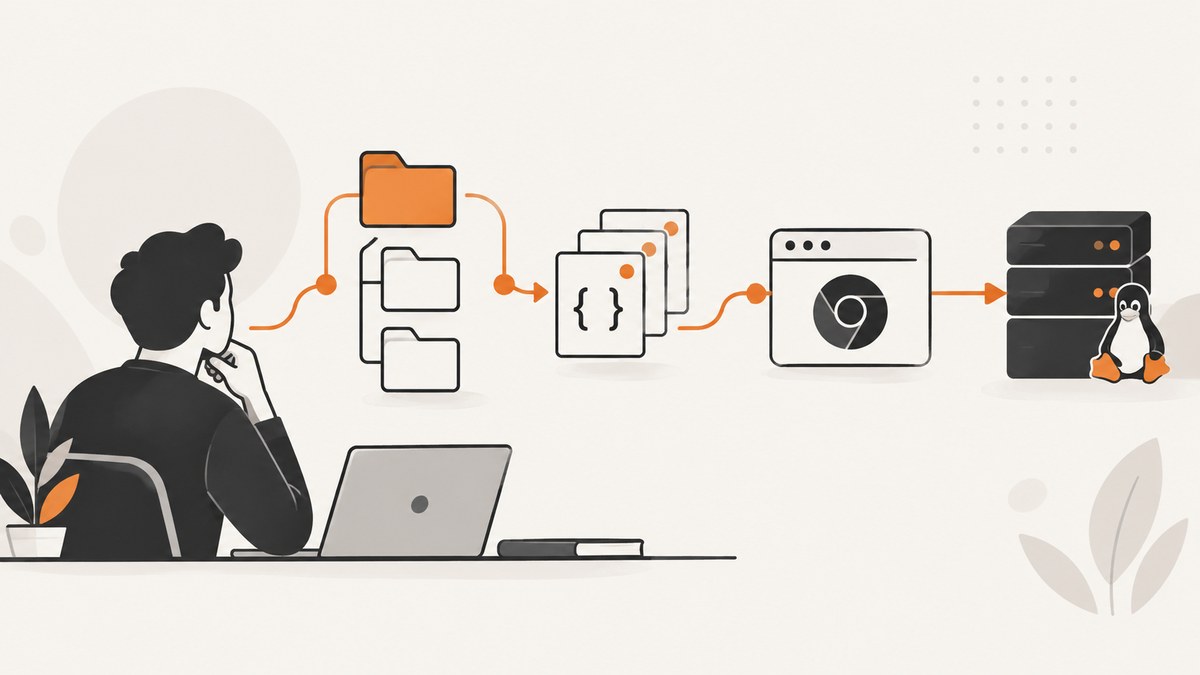
ENOENT means that a process tried to open a path that does not exist. In Cypress, the missing path may be a spec, fixture, generated download, Cypress executable, cache directory, or Linux shared library. Read the complete error first—especially the path after “no such file or directory”—and identify which process attempted to access it.
Use this sequence:
- Save the full stack trace, command, working directory, operating system, Node and Cypress versions, package manager, and whether the run is local or in CI.
- Classify the path: spec, fixture/generated file, screenshot/download/video, Cypress binary/cache, or host library.
- Check the relevant project configuration and environment variables.
- Re-run the smallest command that proves the classification, then apply the matching fix.
1. Capture the evidence before changing configuration
Do not treat every “Cypress ENOENT no such file or directory” message as a broken installation. Record the literal missing path and the operation that failed.

node --version
npx cypress version
npx cypress info
pwd
# Then run the same command that failed, for example:
npx cypress run --spec cypress/e2e/login.cy.js
Ask these questions:
- Does the path name a spec under the project?
- Does it name
cypress/fixturesor a file created during a test? - Does it name
cypress/downloads,cypress/screenshots, orcypress/videos? - Does it contain a Cypress version directory, cache path, or executable?
- Does startup mention a missing
.soshared library?
2. Cypress spec file not found
Cypress applies the --spec value together with the configured specPattern. The --spec path should be relative to the Cypress project folder. Supplying an exact path does not make a file eligible if it falls outside specPattern. See the Cypress configuration reference.
Check the project root and file
find cypress -type f | sort
npx cypress run --spec "cypress/e2e/login.cy.js"
Verify the command runs from the directory containing cypress.config.js (or cypress.config.ts), that the filename casing matches the filesystem, and that the file is checked into the CI checkout. In a monorepo, change into the package that owns the Cypress project or pass the correct project directory through your CI step.
const { defineConfig } = require('cypress')

module.exports = defineConfig({
  e2e: {
    specPattern: 'cypress/e2e/**/*.cy.{js,jsx,ts,tsx}'
  }
})
If the spec is stored elsewhere, either move it under the pattern or update the pattern to include it. Avoid broadening the pattern until you have confirmed the intended project root; a wrong working directory can make a valid path appear absent.
3. Cypress fixture or test-created file does not exist
Cypress uses cypress/fixtures by default. The folder can be changed with fixturesFolder or disabled. Check spelling, case, checkout contents, and the effective configuration. Cypress documents fixture organization and file access in Writing and organizing Cypress tests.
cy.fixture('users/admin.json').then((user) => {
  cy.request('/login', user)
})

cy.readFile('cypress/fixtures/report.json').should('have.property', 'status', 'ready')
cy.readFile() rereads the file during assertion retries, so it can wait for a report or other file to appear or finish changing. Ensure the writer uses the same absolute or project-relative location and completes its asynchronous write before the assertion deadline. Filesystem work that needs Node should run in a task:
// cypress.config.js
const { defineConfig } = require('cypress')
const fs = require('node:fs/promises')

module.exports = defineConfig({
  e2e: {
    setupNodeEvents(on) {
      on('task', {
        async writeReport({ path, contents }) {
          await fs.writeFile(path, contents, 'utf8')
          return null
        }
      })
    }
  }
})

// In a spec
cy.task('writeReport', {
  path: 'cypress/fixtures/report.json',
  contents: '{"status":"ready"}'
})
cy.readFile('cypress/fixtures/report.json').its('status').should('eq', 'ready')
4. Screenshot, download, or video path is missing
Cypress defaults downloads to cypress/downloads, screenshots to cypress/screenshots, and videos to cypress/videos. Configuration can change each path. During cypress run, trashAssetsBeforeRuns defaults to true, so contents of configured asset folders can be cleared before a run.
Generated screenshots and videos mirror the unique portion of the spec directory structure. A guessed path can therefore be wrong when the set of specs in a run changes. Read the resolved path from the screenshot result or Node events instead of constructing it manually.
cy.screenshot('checkout')

// cypress.config.js
module.exports = {
  e2e: {
    screenshotsFolder: 'artifacts/screenshots',
    videosFolder: 'artifacts/videos',
    downloadsFolder: 'artifacts/downloads'
  }
}
If another process expects an artifact, make that process consume the path reported by after:screenshot or after:spec. Also check whether CI cleanup, parallelization, or a changed spec name placed the file under a different nested directory.
5. Cypress binary not found in cache
Cypress downloads a platform-specific binary during package installation. If the install hook was skipped, the download failed, or CI restored an incomplete cache, cypress run and cypress verify can report an ENOENT or a “Cached Cypress Binary Could not be found” error. Follow the official common error guidance and CI guide.
# Reinstall dependencies with the install scripts enabled
rm -rf node_modules
npm ci
npx cypress verify
npx cypress cache path
npx cypress cache list
Do not assume that caching node_modules also provides a valid Cypress binary. Cache the package manager data and Cypress binary according to your CI provider’s cache mechanism, then run npx cypress verify in the job that executes tests. Add cache-path and cache-list diagnostics to failed jobs.
Custom cache and executable settings
CYPRESS_CACHE_FOLDER must point to a directory that exists when Cypress launches. CYPRESS_RUN_BINARY must point to an already unzipped Cypress executable, not merely the archive or its parent directory.
echo "$CYPRESS_CACHE_FOLDER"
echo "$CYPRESS_RUN_BINARY"
test -n "$CYPRESS_CACHE_FOLDER" && test -d "$CYPRESS_CACHE_FOLDER"
test -n "$CYPRESS_RUN_BINARY" && test -x "$CYPRESS_RUN_BINARY"
npx cypress verify
When unzipping a downloaded binary, inspect the resulting tree. Some archives create an additional top-level cypress directory, changing the executable path. Compare local and CI environment values without printing secrets.
6. Linux runtime dependency is missing
If the error occurs while Cypress launches and names a shared library, distinguish a missing library from a missing Cypress executable. Cypress’s troubleshooting guidance recommends a binary smoke test and ldd.
npx cypress verify
# Use the executable path printed by Cypress, then:
ldd /path/to/Cypress | grep 'not found'
Install the operating-system packages corresponding to every dependency marked not found, or run in a Cypress-supported Docker image that includes the required libraries. This branch does not fix a missing fixture or spec; only use it when startup evidence points to host dependencies.
7. Diagnostic decision tree
| Missing path contains | Likely branch | First check |
|---|---|---|
cypress/e2e, .cy.js, .cy.ts |
Spec discovery | Project root, file casing, specPattern, and --spec relativity |
cypress/fixtures or generated report |
Fixture/test file | Writer path, async completion, fixture configuration, and checkout contents |
downloads, screenshots, videos |
Generated asset | Configured folders, cleanup, nested spec path, and event-reported path |
| Cypress version directory or executable | Binary/cache | Install hook, cache restoration, CYPRESS_CACHE_FOLDER, and CYPRESS_RUN_BINARY |
.so library during launch |
Linux runtime | Smoke test and ldd output |
8. CI-specific checks
- Print OS, Node, Cypress version, package manager, working directory, and the effective Cypress cache path.
- Confirm the checkout includes the spec and fixture files, including case-sensitive names.
- Run dependency installation with Cypress’s install scripts enabled.
- Restore the Cypress binary cache before
cypress run, then executenpx cypress verify. - Check that the CI job’s working directory matches the project containing the Cypress config.
- For Linux containers, run the smoke test and inspect
lddonly if launch fails on a library.
9. Performance, reliability, and cost considerations
Use the narrowest --spec while diagnosing to reduce startup and feedback time. Keep cache keys tied to the Cypress version, operating system, architecture, and lockfile so a restored cache cannot point at an incompatible binary. Avoid writing test artifacts to shared locations when parallel jobs can race; include a run or shard identifier in generated paths. Let Cypress retry cy.readFile() for files that are expected to appear, but set a bounded command timeout and fail with the writer’s path when production code never creates the file. In CI, artifact retention and cache storage can add cost, so retain only the logs and screenshots needed to diagnose a failed run.
10. Common errors and fixes
| Error pattern | Cause | Fix |
|---|---|---|
Spec supplied with --spec is not found |
Path is outside specPattern or relative to the wrong directory |
Run from the Cypress project root and align the pattern and path |
| Fixture file does not exist | Wrong folder, spelling, case, or checkout | Check fixturesFolder, repository contents, and exact path |
| Generated report is missing | Writer has not completed or writes elsewhere | Use cy.task(), await the write, and let cy.readFile() retry |
| Screenshot/download path is absent | Assets were cleaned or stored under a nested spec path | Inspect configured folders and event callbacks |
| Cached Cypress Binary Could not be found | Install hook skipped or cache not restored | Run installation with scripts, restore a valid binary cache, and verify |
| Custom binary ENOENT | Environment variable points to an archive, parent directory, or nonexistent path | Point CYPRESS_RUN_BINARY at the executable and ensure cache folder exists |
| Linux launch reports a missing library | Host dependency is absent | Use ldd to identify “not found” libraries and install them or use a Cypress image |

Or skip the browser setup
If your goal is to capture pages for documentation, visual checks, or an automation workflow, ScreenshotNeo returns a screenshot or PDF from one GET request. It removes cookie and consent banners, newsletter popups, and chat widgets before capture; bot checks, blank pages, failed loads, and cache hits are not billed. Its MCP server provides take_screenshot, get_page_info, and capture_pdf for Claude, Cursor, and other MCP clients.
See the ScreenshotNeo API documentation for all options.
cURL
curl -G "https://api.screenshotneo.com/v1/shot" -d access_key=YOUR_API_KEY --data-urlencode url=https://stripe.com -o shot.webpPython
import requests
r = requests.get("https://api.screenshotneo.com/v1/shot", params={"access_key": "YOUR_API_KEY", "url": "https://stripe.com"}, timeout=90)
open("shot.webp", "wb").write(r.content)
Node.js
const q = new URLSearchParams({ access_key: 'YOUR_API_KEY', url: 'https://stripe.com' });
const res = await fetch(`https://api.screenshotneo.com/v1/shot?${q}`);
The free plan includes 1,000 screenshots each month with no card. Paid plans start at $5 for 3,000 shots, and every feature is available on every plan. Create a free ScreenshotNeo account.
FAQ
Does ENOENT always mean Cypress is not installed?
No. It only says that the requested path was absent. The path and failing process distinguish a project file, generated asset, binary, cache, or Linux library problem.
Why does a spec work locally but fail in CI?
CI commonly uses a different working directory, case-sensitive filesystem, checkout contents, Cypress cache, operating system, or install-script policy. Compare those values before changing the test.
Should I delete the Cypress cache?
Only after confirming the cache is stale or incomplete. First inspect the configured cache path and run npx cypress verify; deleting a valid cache adds a download without fixing a wrong project path.
Can I use cy.readFile() for a file created during a test?
Yes. Cypress rereads it during retries, which allows a file to appear or change. Put Node filesystem operations in cy.task() and make the writer finish before the assertion timeout.


