How to Use for Loops and Conditional Logic in Cypress
Learn when to use forEach, .each(), recursion, and stable-state branching in Cypress without hanging command queues or flaky tests.
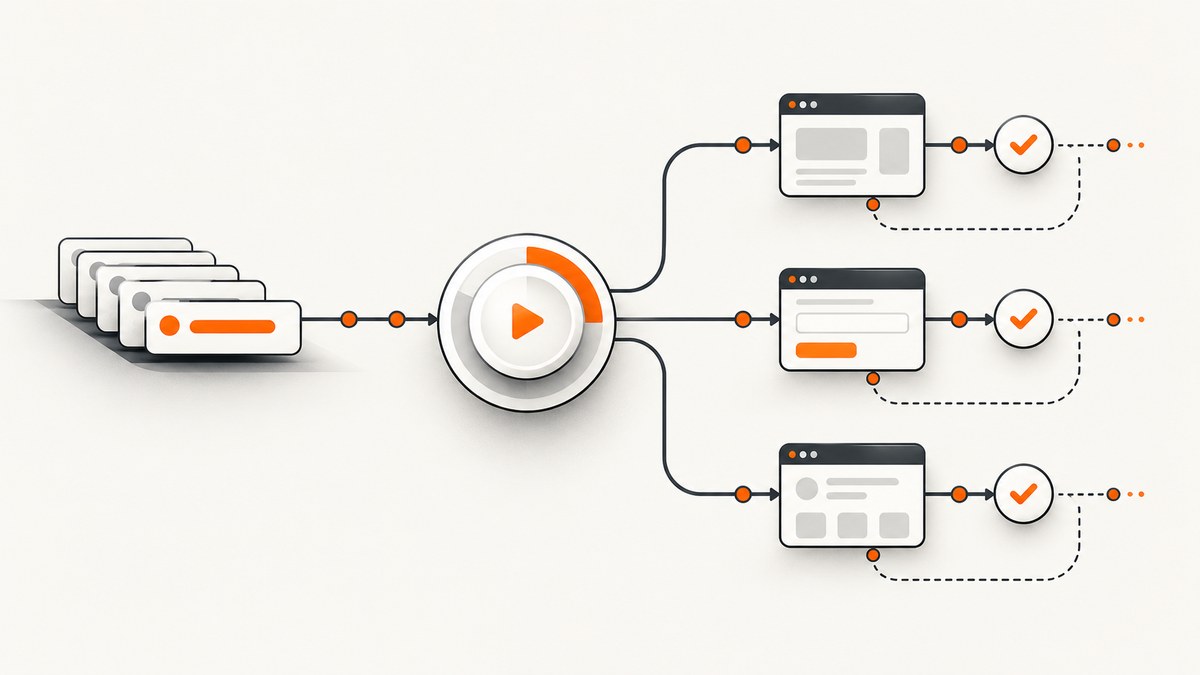
Use the loop that matches what you are repeating: JavaScript forEach to generate separate tests from data available when the spec loads, Cypress .each() to process elements yielded by a query, and bounded recursion when Cypress commands must execute between attempts. For conditional logic, branch from settled state such as a cookie, local storage value, server response, or stable data attribute. Avoid synchronous while loops around Cypress commands because Cypress queues commands for later execution.
How Cypress command queues change loop design
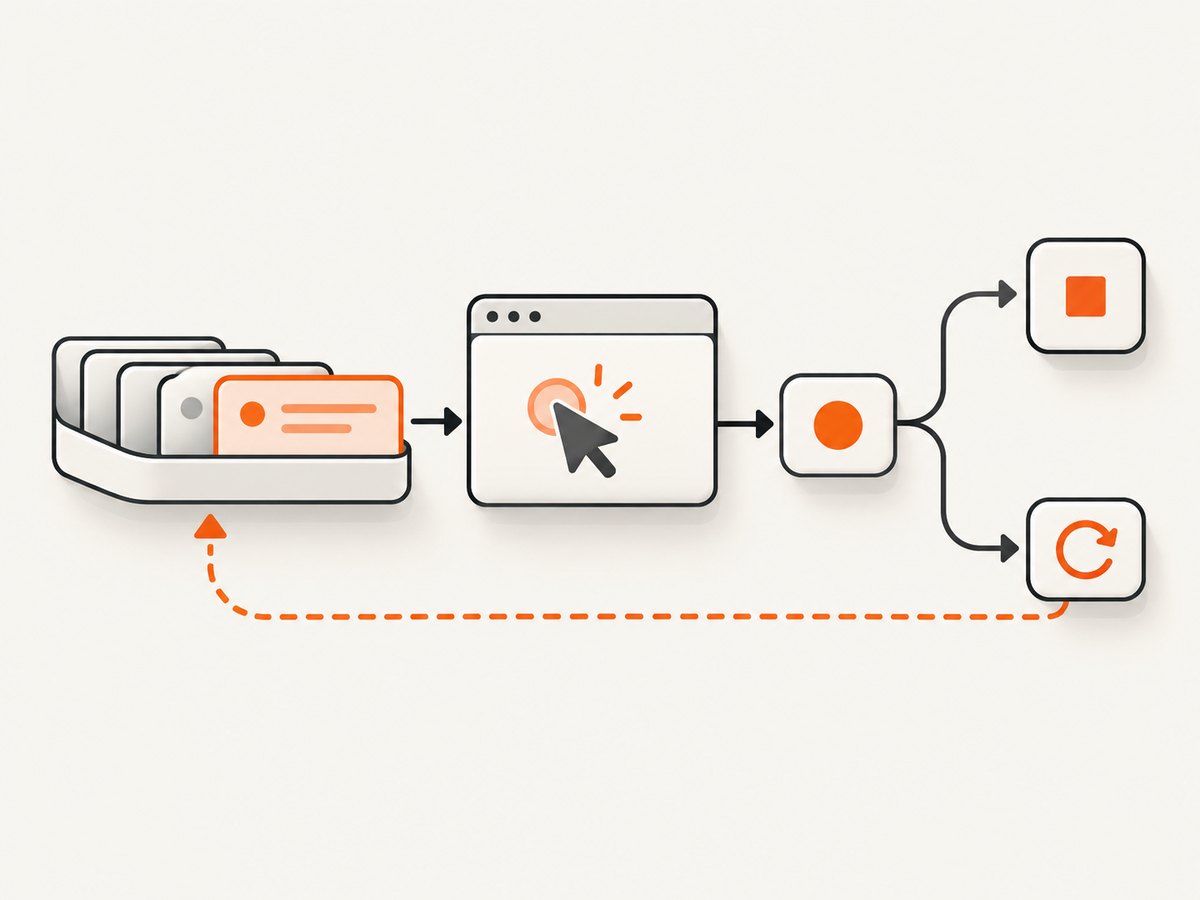
Cypress commands return immediately after being appended to a command queue. The browser executes that queue later. A normal JavaScript loop can therefore enqueue thousands of commands before the first command runs. A loop condition that depends on a Cypress result cannot be updated soon enough to stop the loop.
let foundSeven = false

// Unsafe: this can enqueue commands forever before any result is read.
while (!foundSeven) {
  cy.get('#result')
    .should('not.be.empty')
    .invoke('text')
    .then((text) => {
      const number = Number.parseInt(text, 10)
      if (number === 7) foundSeven = true
      else cy.reload()
    })
}
The same queue behavior explains why Cypress queries and assertions retry, while actions such as .click() run once. Design each iteration so one attempt can finish before the next attempt is scheduled.
Choose the right iteration pattern
| Goal | Pattern | When the data exists | Failure and reporting behavior |
|---|---|---|---|
| Create one test per case | forEach around it() |
Synchronously while the spec loads | Each case is isolated in test reports |
| Check every element from a query | .each() |
After Cypress yields the subject | Callbacks run for the current collection |
| Repeat until a condition is met | Bounded recursion | After each Cypress attempt | Explicit stop condition and attempt limit |
| Branch on optional UI | Read stable state, then if |
After a cookie, storage value, response, or settled attribute is available | Avoids failing probes against missing elements |
Generate tests with JavaScript forEach
Use forEach when scenarios are known synchronously at spec load time. This creates a separate it() block for every row, so a failure identifies one case instead of hiding many cases inside one test.
const scenarios = [
  {
    title: 'valid login',
    username: 'alice',
    password: 'correct',
    expected: 'Dashboard',
  },
  {
    title: 'invalid login',
    username: 'alice',
    password: 'wrong',
    expected: 'Invalid credentials',
  },
]

describe('login scenarios', () => {
  scenarios.forEach((scenario) => {
    it(scenario.title, () => {
      cy.visit('/login')
      cy.get('[data-testid="username"]').type(scenario.username)
      cy.get('[data-testid="password"]').type(scenario.password)
      cy.get('[data-testid="submit"]').click()
      cy.contains(scenario.expected).should('be.visible')
    })
  })
})
Data-loading limitation
The array must exist when the spec file is evaluated. cy.fixture() and cy.task() are asynchronous Cypress commands, so they cannot create new it() blocks after the suite has started. Load dynamic data before Cypress starts, generate the spec, or keep one test and iterate over data inside that test.
Iterate over queried elements with .each()
Use .each() when the loop operates on the current subject returned by a Cypress query. The callback receives the element, its zero-based index, and the complete list.
cy.get('[data-testid="nav-link"]').each(($link, index, $list) => {
  cy.wrap($link)
    .should('have.attr', 'href')
    .and('not.be.empty')

  cy.log(`Checked link ${index + 1} of ${$list.length}`)
})
Re-query after actions and re-renders
An action can trigger a framework re-render that detaches the element you just used. Keep the action at the end of its chain, then start a new query from cy for the next state.
cy.get('.row').each(($row) => {
  cy.wrap($row)
    .find('[data-testid="open"]')
    .click()

  cy.get('[data-testid="toast"]').should('be.visible')
})
For a list whose order or contents change after each click, do not keep using the original collection. Query the current list again, select the intended row by a stable identifier, and then act on it.
Repeat an operation with bounded recursion
Recursion lets one Cypress attempt execute before the next attempt is queued. Always include a maximum attempt count and fail with a useful message when the condition never becomes true.
function checkAndReload(attempt = 0) {
  if (attempt >= 10) {
    throw new Error('Number 7 was not found after 10 attempts')
  }

  cy.get('#result')
    .should('not.be.empty')
    .invoke('text')
    .then((text) => Number.parseInt(text, 10))
    .then((number) => {
      if (number === 7) {
        cy.log('found 7')
        return
      }

      cy.reload()
      checkAndReload(attempt + 1)
    })
}

checkAndReload()
Add a delay only when the application needs it
If the page exposes a reliable readiness signal, prefer waiting for that selector or assertion instead of a fixed delay. When polling an external process, a small delay can be added inside the recursive branch, but keep the attempt limit and total test time predictable.
function waitForExport(attempt = 0) {
  if (attempt >= 12) {
    throw new Error('Export did not finish after 12 checks')
  }

  cy.get('[data-testid="export-status"]')
    .invoke('text')
    .then((status) => {
      if (status.trim() === 'Ready') return

      cy.wait(500)
      waitForExport(attempt + 1)
    })
}

waitForExport()
Use conditional logic from stable state
Branching on a changing DOM is unreliable when asynchronous rendering can still replace the page. Prefer a server response, database fixture, cookie, local storage value, or always-present data attribute as the source of truth.
Cookie-based condition
cy.getCookie('showWizard').then((cookie) => {
  if (cookie) {
    cy.get('#wizard').contains('Close').click()
  }
})
Stable data attribute
cy.get('html')
  .should('have.attr', 'data-wizard')
  .then((wizard) => {
    if (wizard) {
      cy.get('#wizard').contains('Close').click()
    }
  })
Branch from an API response
cy.request('/api/account').then((response) => {
  if (response.body.requiresVerification) {
    cy.get('[data-testid="verification"]').should('be.visible')
  } else {
    cy.get('[data-testid="dashboard"]').should('be.visible')
  }
})
Do not use a failed query as an if/else probe
A failed cy.get() stops the test; it does not provide a recoverable false branch. If the element is optional, derive the decision from stable state. If no stable state exists, make the application expose one, such as data-wizard="shown", before testing the branch.
Retry behavior, subjects, and timeouts
- Queries and chained assertions retry together until they pass or the command timeout is reached.
.should()and.and()create assertion points that can retry the preceding query.- Actions such as
.click()execute once. They do not make a stale subject current after a re-render. - Use a new query after navigation, modal closure, list updates, or any action that can replace nodes.
- Set a command-specific timeout only when the application has a known slower path; avoid masking a broken readiness signal with large global timeouts.
cy.get('.list').find('li').should('have.length', 3)

// Re-query after the page may have rendered again.
cy.get('.list').find('li').eq(2).should('contain', 'Header')
Common mistakes and fixes
| Symptom | Cause | Fix |
|---|---|---|
| Browser becomes slow or crashes during a loop | A synchronous while or for loop keeps enqueueing Cypress commands |
Use recursion so each attempt completes before the next is scheduled |
| One test contains many indistinguishable failures | All scenarios were placed in one test | Generate one it() per static scenario with forEach |
forEach has no data |
Data is loaded with cy.fixture() or cy.task() after spec evaluation |
Load data before the run or iterate inside a test after the command yields |
| Detached DOM element error | An action caused a re-render and the chain kept a stale subject | End the action chain and query again from cy |
| Optional element causes a test failure | A failed cy.get() was used as an existence check |
Branch from a cookie, storage value, API response, or stable attribute |
| Polling never ends | No maximum attempt count or the condition can never become true | Set a bound, include diagnostic output, and throw a clear error |
| Conditional branch is flaky | The DOM was inspected while asynchronous rendering was still changing it | Wait for a settled readiness assertion or use a non-DOM source of truth |
| Clicks affect the wrong row | Indexes changed after sorting, filtering, or insertion | Locate rows by a stable ID or data attribute and re-query before acting |
Performance and reliability checklist
- Prefer one focused query and assertion per iteration instead of repeatedly scanning the entire page.
- Use
forEachtest generation for independent cases so Cypress can report and retry failures separately. - Keep recursive polling bounded by both attempts and, where appropriate, a time budget.
- Wait on application signals such as an API alias, status attribute, or visible result rather than arbitrary sleeps.
- Re-query after every action that can trigger rendering, sorting, navigation, or modal changes.
- Use stable selectors such as
data-testid; avoid selectors coupled to layout or generated class names. - Log the index, identifier, attempt number, and observed state when a loop fails.
- Keep conditional branches explicit so a future UI change cannot silently skip coverage.

Or skip the browser setup
If your workflow needs screenshots of test pages, reports, or generated states, ScreenshotNeo can capture the URL with one request. It accepts consent banners like a visitor and removes more than 60 known consent platforms, newsletter popups, and chat widgets before capture; each step can be disabled. Bot checks, blank pages, timeouts, failed loads, and cache hits are not billed, and the response identifies the result with X-Page-Verdict and X-Billed headers. Its MCP server provides take_screenshot, get_page_info, and capture_pdf tools for Claude, Cursor, and other MCP clients.
See the ScreenshotNeo API documentation for all options.
cURL
curl -G "https://api.screenshotneo.com/v1/shot" \
  -d access_key=YOUR_API_KEY \
  --data-urlencode url=https://stripe.com \
  -o shot.webp
Python
import requests

r = requests.get(
    "https://api.screenshotneo.com/v1/shot",
    params={"access_key": "YOUR_API_KEY", "url": "https://stripe.com"},
    timeout=90,
)
r.raise_for_status()
open("shot.webp", "wb").write(r.content)
Node.js
const q = new URLSearchParams({
  access_key: 'YOUR_API_KEY',
  url: 'https://stripe.com',
})

const res = await fetch(`https://api.screenshotneo.com/v1/shot?${q}`)
if (!res.ok) throw new Error(`Screenshot failed: ${res.status}`)

const image = Buffer.from(await res.arrayBuffer())
require('node:fs').writeFileSync('shot.webp', image)
The free plan includes 1,000 screenshots per month with no card. Paid plans start at $5 for 3,000 shots, and every feature is available on every plan. Create a free ScreenshotNeo account.
FAQ
Can I use a normal JavaScript for loop inside a Cypress test?
Yes, when the loop only computes synchronous values. Do not use it to decide whether to enqueue more Cypress commands based on a result that has not yielded yet.
Should I use .each() or forEach?
Use .each() for elements yielded by Cypress. Use forEach to define separate tests from a static JavaScript array.
How do I stop a recursive Cypress loop?
Return when the condition passes and throw an error when the attempt limit is reached. A bound prevents an application defect from becoming an endless test.
Why does Cypress not let me catch a missing element with try/catch?
Cypress commands are queued and a failed command fails the test. Model optional behavior with stable state instead of probing for absence with a failing query.
Can a Cypress fixture generate tests?
Not from inside the spec after Cypress starts. Fixtures are asynchronous commands. Load or generate the data before spec evaluation, or keep the test count fixed and iterate after the fixture yields.


