How to Keep Cypress Gherkin Suites Running After afterEach Hook Errors
Fix Cypress afterEach failures without losing later Gherkin scenarios with idempotent teardown, beforeEach resets, Cucumber After hooks, and retries.
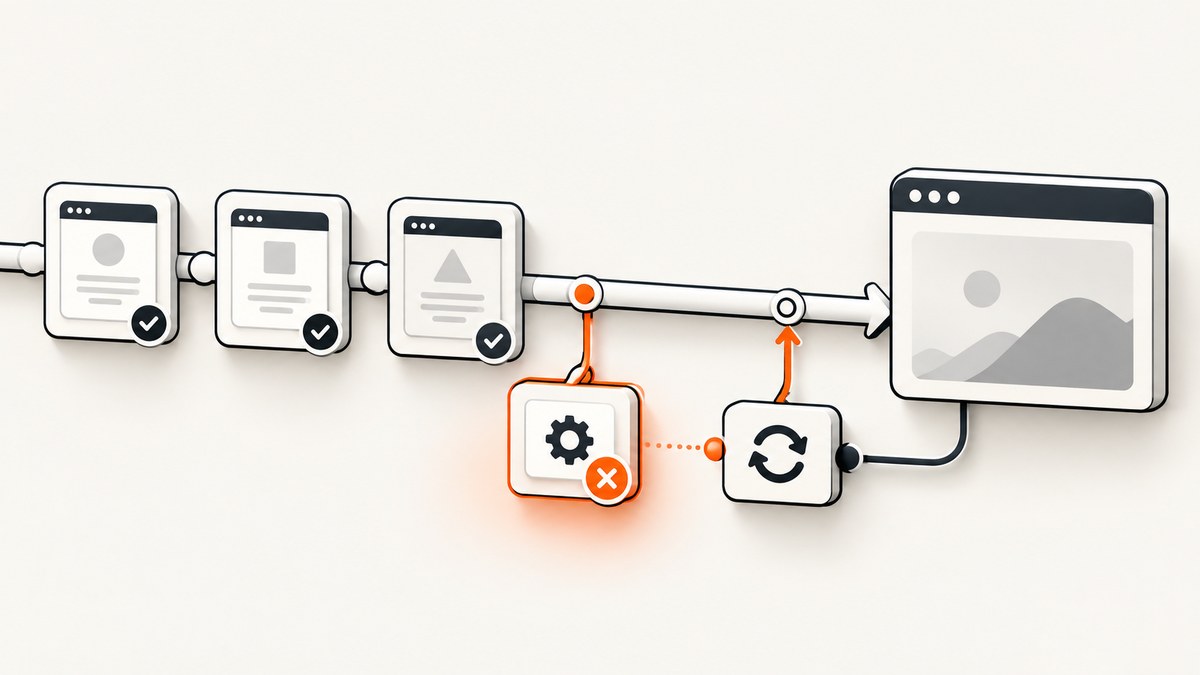
Short answer: a Cypress afterEach failure is a shared-hook failure. Cypress fails the current test and skips later tests that depend on that hook because it assumes the same teardown would fail again. Find the first failing teardown command, make cleanup idempotent and conditional, move required reset work into beforeEach, and use the Cucumber preprocessor’s After hook when a scenario-level failure must not stop later scenarios. Cypress documents this behavior directly: “A skipped test is one Cypress meant to run but couldn’t because a before, beforeEach, or afterEach hook failed.” Cypress FAQ
Why one afterEach error skips the rest of the suite
Cypress runs hooks in this order: before, beforeEach, test commands, afterEach, then after. If an afterEach command fails, the test that just ran is marked failed. Cypress then skips the remaining tests in that shared block because they would reach the same failing hook. This is a safety rule, not evidence that every skipped scenario has a separate product defect. See the documented skip semantics.
In a Gherkin project, a .feature file is compiled into Cypress tests. A Cypress afterEach in support code still has Cypress’s shared-hook behavior, while a Cucumber After hook supplied by @badeball/cypress-cucumber-preprocessor has different continuation semantics: its documented scenario-hook failures do not cause the remaining scenarios to be skipped. That difference is the key to choosing the right repair.
A repeatable repair workflow
- Reduce the reproduction. Run one feature or generated spec, ideally one scenario that fails in teardown. Inspect the first command that fails; skipped scenarios are usually a consequence. Use Cypress screenshots, video, or Test Replay when available.
- Separate cleanup actions. Do not put unrelated deletes, logouts, and fixture operations behind one opaque command. Each operation should report its own failure.
- Make teardown idempotent. Deleting an already-deleted record, logging out an anonymous session, or removing a missing file should leave the system in the same clean state. Check existence first or treat a documented “not found” response as success. Keep guards narrow so genuine server failures still fail.
- Move essential reset work to
beforeEach. Cypress recommends resetting state before each test so the next scenario has a known starting point even when the previous one crashed. - Use a Cucumber
Afterhook for scenario-aware continuation. The preprocessor exposes scenario result and error data. Collect diagnostics and run only safe cleanup there; do not mask the original assertion failure. - Control hook order. Cucumber-JS runs multiple
Afterhooks in reverse definition order. Put diagnostics before destructive cleanup when you need evidence from the failed page. - Use retries only for real flakiness. Cypress retries rerun
beforeEachandafterEach, but not failures inbeforeorafter. A deterministic teardown bug will simply repeat.
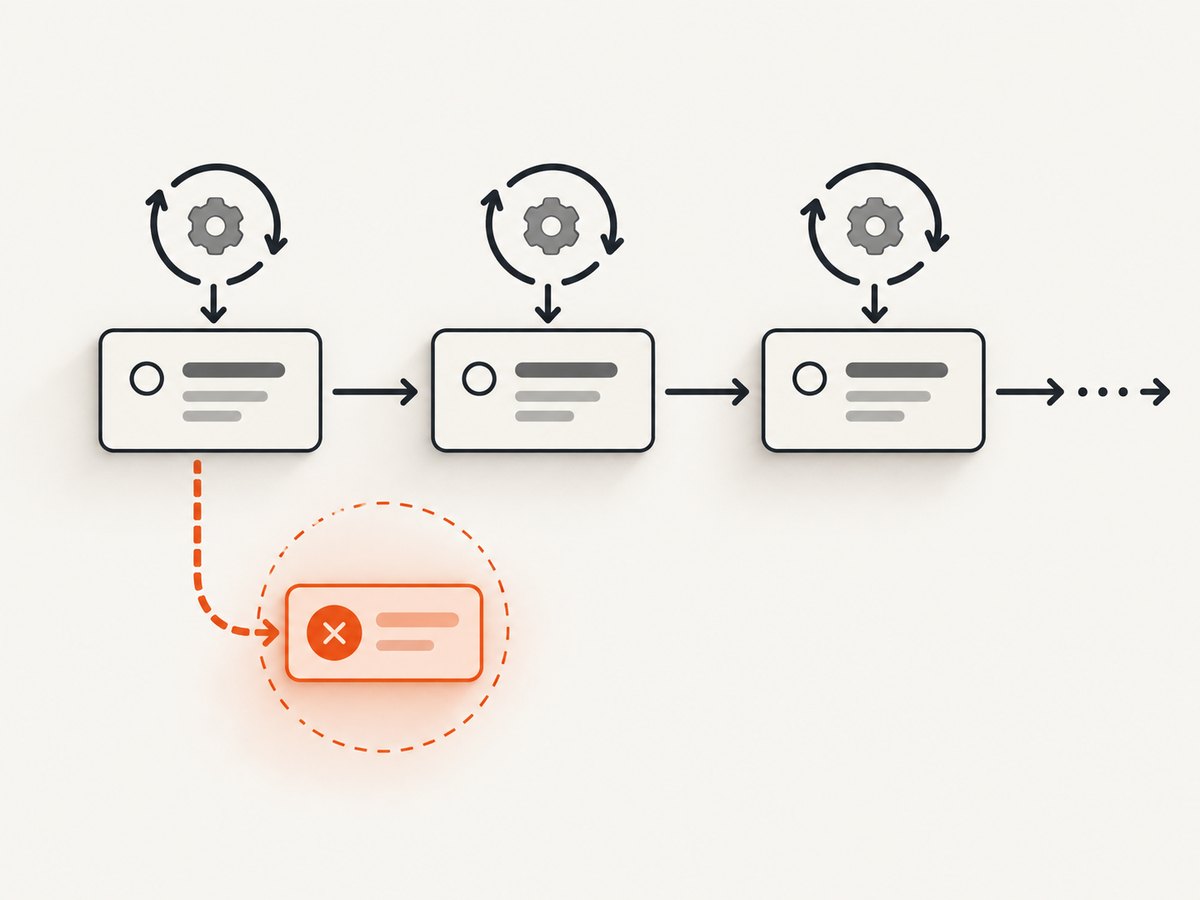
Pattern 1: reset before every scenario
Required state belongs in setup. Leave afterEach for best-effort diagnostics or cleanup that is proven idempotent.
describe('checkout', () => {
  beforeEach(() => {
    cy.request('POST', '/api/test/reset-db')
    cy.request('POST', '/api/test/seed-checkout')
  })

  it('shows an empty cart', () => {
    cy.visit('/cart')
    cy.contains('Your cart is empty').should('be.visible')
  })

  afterEach(() => {
    cy.screenshot('after-scenario', { capture: 'runner' })
  })
})
If reset is expensive, use a fast API endpoint or database fixture. Do not depend on browser state left by a previous scenario: end-to-end test isolation resets the page, cookies, localStorage, and sessionStorage before each test by default. Recreate state explicitly or use cy.session() for reusable authentication. See Cypress test isolation.
Pattern 2: idempotent, conditional teardown
Keep cleanup commands small and tolerate an already-clean resource. This example checks the API response before deleting and preserves unexpected errors.
afterEach(() => {
  cy.request({ method: 'GET', url: '/api/test/user', failOnStatusCode: false })
    .then((user) => {
      if (user.status === 200 && user.body.id) {
        cy.request({
          method: 'DELETE',
          url: `/api/test/user/${user.body.id}`,
          failOnStatusCode: false,
        }).then((response) => {
          if (![200, 204, 404].includes(response.status)) {
            throw new Error(`Cleanup failed with HTTP ${response.status}`)
          }
        })
      }
    })
})
Use this style for records, files, feature flags, and sessions. A 404 is acceptable only when “already absent” is a valid clean state. A 401, 403, or 5xx should remain visible.
Pattern 3: Cucumber After instead of Cypress afterEach
With @badeball/cypress-cucumber-preprocessor, scenario hooks receive result and error context and are documented not to skip remaining scenarios when they fail.
import { After } from '@badeball/cypress-cucumber-preprocessor'

After(function ({ result, error }) {
  const failed = Boolean(error) || result?.status === 'failed'

  if (failed) {
    cy.screenshot(`failed-${Date.now()}`, { capture: 'runner' })
  }

  cy.request({
    method: 'POST',
    url: '/api/test/reset-session',
    failOnStatusCode: false,
  }).then((response) => {
    if (![200, 204].includes(response.status)) {
      throw new Error(`Session reset failed: ${response.status}`)
    }
  })
})
Use tags when only some scenarios need a reset, and follow the preprocessor’s hook-order options when several After hooks exist. Keep diagnostics ahead of destructive cleanup if page state is your evidence.
Exception handling without hiding failures
An uncaught application exception that reaches the browser fails the current test. Cypress lets you suppress a known benign exception, but the handler must be narrow. cy.on is removed at test end; a Cypress.on listener persists across tests, and Cypress commands are not supported inside a Cypress.on callback. See the event documentation.
beforeEach(() => {
  cy.on('uncaught:exception', (err) => {
    if (err.message.includes('ResizeObserver loop limit exceeded')) {
      return false
    }
  })
})
Never return false for every exception. That converts real application defects into passing tests and can make teardown failures appear random.
Retries, isolation, and ordering
| Concern | What happens | Practical choice |
|---|---|---|
afterEach fails |
Current test fails; later tests in the block are skipped. | Fix the first teardown error; move required reset to beforeEach. |
| Retry enabled | beforeEach and afterEach rerun; before/after failures are not retried. |
Use only for intermittent failures. |
Cucumber After |
Scenario hook failure does not skip remaining scenarios in the maintained preprocessor. | Use for scenario-aware diagnostics and safe cleanup. |
Multiple After hooks |
Cucumber-JS runs them in reverse definition order. | Define order intentionally and make each hook repeatable. |
| Test isolation | Browser state resets before each test by default. | Seed state explicitly; use cy.session() for auth. |
Troubleshooting checklist
All scenarios after the first one are skipped
Open the first failed scenario and read the earliest afterEach command error. Fix that command or move it to a guarded Cucumber After hook. Do not debug every skipped scenario as a separate failure.
Delete returns 404
The test probably already removed the resource, or isolation reset it. Treat 404 as success only for an intentionally idempotent delete; otherwise inspect IDs and parallel test data.
Logout fails after a crash
The browser may already be anonymous or the app may have navigated away. Check session existence first, call the logout API with failOnStatusCode: false, and preserve non-401 errors.
The Cucumber After hook still stops execution
Confirm the import comes from @badeball/cypress-cucumber-preprocessor, not Mocha’s afterEach. Check that a nested Cypress command or plugin task is not throwing a new uncaught error.
Retries make the run slower but do not help
The teardown bug is deterministic. Retries rerun the same failing afterEach; fix the race, missing guard, or invalid fixture instead.
Ignoring uncaught exceptions hides defects
Replace a global handler with a test-scoped cy.on predicate that matches one documented benign message. Add a comment describing why that message is safe.
Parallel runs contaminate each other
Use unique fixture identifiers per run, reset through an API, and avoid deleting shared accounts. Make cleanup target the current scenario’s IDs only.
Performance and reliability practices
- Prefer one authenticated API reset over many UI clicks.
- Use unique data keys and record them in scenario context so cleanup never guesses.
- Capture a screenshot, URL, console evidence, and relevant API response before destructive cleanup.
- Keep cleanup bounded with request timeouts and clear errors.
- Run the smallest feature while repairing, then run the full generated spec once. A green retry is not proof that teardown is correct.
- Track assertion, application exception, setup, teardown, and infrastructure timeout failures separately.
Or skip the browser setup
If your goal is a visual artifact from a URL rather than an end-to-end assertion, ScreenshotNeo provides a single GET request that returns PNG, JPEG, WebP, or PDF. It accepts cookie or consent banners like a visitor and removes more than 60 known consent platforms, newsletter popups, and chat widgets before capture; each step can be turned off. Bot checks, blank pages, timeouts, failed loads, and cache hits are not billed, and response headers report the page verdict and whether the shot was billed.

See the ScreenshotNeo API docs for all options. cURL:
curl -G "https://api.screenshotneo.com/v1/shot" -d access_key=YOUR_API_KEY --data-urlencode url=https://stripe.com -o shot.webpPython:
import requests
r = requests.get("https://api.screenshotneo.com/v1/shot", params={"access_key": "YOUR_API_KEY", "url": "https://stripe.com"}, timeout=90)
open("shot.webp", "wb").write(r.content)
Node.js:
const q = new URLSearchParams({ access_key: 'YOUR_API_KEY', url: 'https://stripe.com' });
const res = await fetch(`https://api.screenshotneo.com/v1/shot?${q}`);
For test evidence, use full-page capture with lazy images loaded, a CSS selector for one element, custom CSS or JavaScript, a wait for a selector, delay, or network idle, and custom headers or cookies. You can set a device preset or viewport, dark mode, retina scale, timezone, geolocation, hidden selectors, blocked requests, cache TTL, image size, transparent background, or PDF paper size and ranges. Async jobs support signed webhooks, bulk capture accepts 100 URLs per call, and signed links work in public <img> tags. An MCP server exposes take_screenshot, get_page_info, and capture_pdf to Claude, Cursor, and other MCP clients.
The free plan includes 1,000 screenshots per month with no card. Paid plans start at $5 for 3,000 shots; every feature is on every plan. Create a free ScreenshotNeo account.
FAQ
Should I replace every afterEach with Cucumber After?
No. Keep ordinary Cypress hooks when their failure should stop dependent tests. Use Cucumber After when scenario-level continuation and result/error context are required.
Can an afterEach failure be retried?
Yes. Cypress retries rerun beforeEach and afterEach. They do not repair deterministic teardown logic and do not retry before or after failures.
Where should database cleanup live?
Reset required state in beforeEach. Keep post-scenario deletion only when it is idempotent and cannot prevent later scenarios from starting.
How do I preserve the original assertion error?
Collect diagnostics first, then perform guarded cleanup. Avoid broad exception suppression and let unexpected cleanup errors remain visible.
Does test isolation remove the need for cleanup?
No. Isolation resets browser state, not necessarily server-side records, queues, files, or third-party effects. Reset those through explicit, scenario-scoped APIs.


