How to Add Cypress Image Snapshot Diff Images to Mochawesome Reports
Attach Cypress image snapshot diff PNGs to Mochawesome tests, embed them in standalone HTML, and fix missing-image problems in CI.

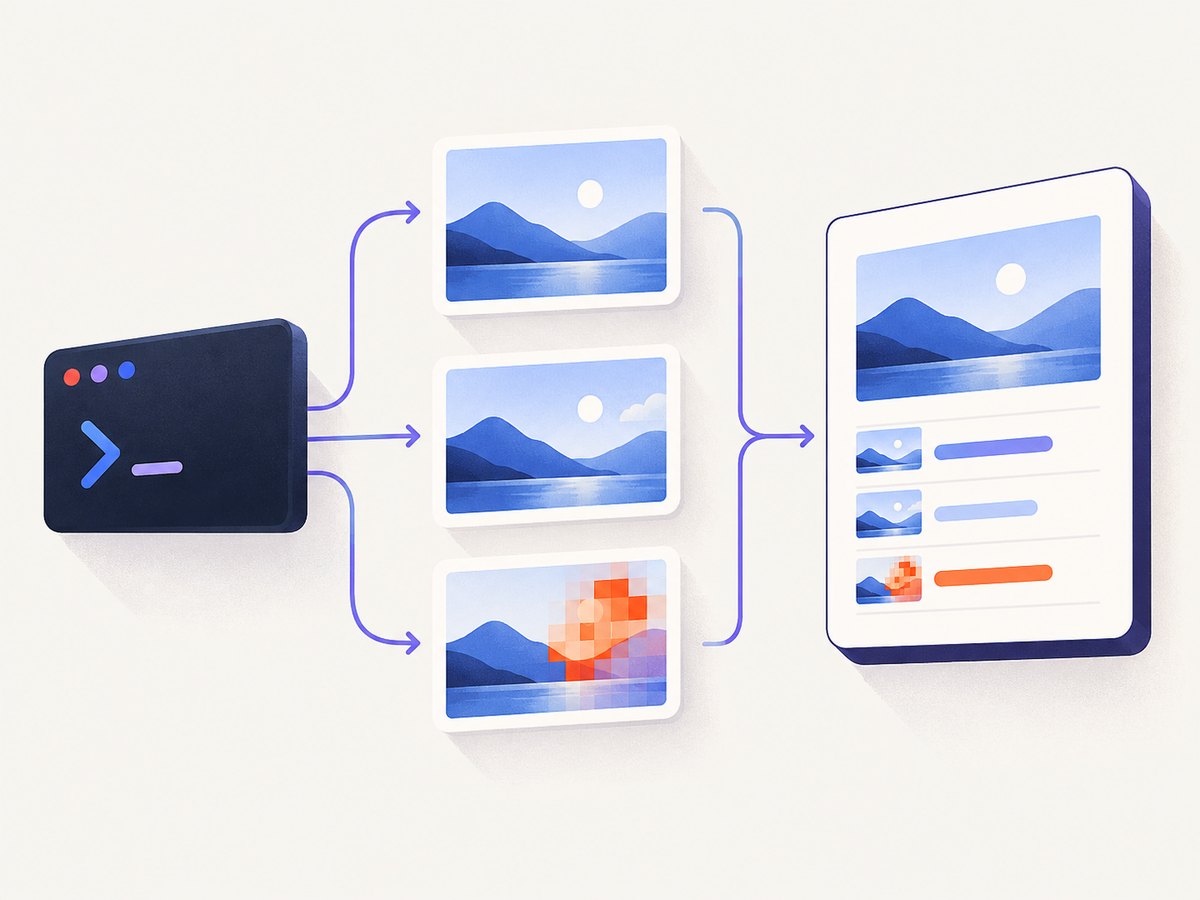
Use the diff file produced by your Cypress visual-diff plugin as the value of cy.addTestContext() before the test ends. Configure cypress-mochawesome-reporter with embeddedScreenshots: true; add inlineAssets: true when the report must be one portable HTML file. The reporter then includes the diff with the test context instead of leaving a reference to a file that may disappear from CI.
This guide uses cypress-mochawesome-reporter and cypress-image-snapshot. The same attachment pattern works with another Cypress visual-diff plugin if it writes a PNG to disk.
1. Install the reporter and image snapshot plugin
npm install --save-dev cypress cypress-mochawesome-reporter cypress-image-snapshot mochawesome-merge margeKeep the reporter, plugin, Cypress, and Node versions compatible. The reporter README publishes a compatibility table that changes by major version.
2. Configure Cypress and Mochawesome
// cypress.config.js
const { defineConfig } = require('cypress');
const fs = require('fs');
const path = require('path');

function newestPng(root) {
  if (!fs.existsSync(root)) return null;
  const files = [];
  const walk = (dir) => {
    for (const entry of fs.readdirSync(dir, { withFileTypes: true })) {
      const full = path.join(dir, entry.name);
      if (entry.isDirectory()) walk(full);
      else if (entry.name.toLowerCase().endsWith('.png')) {
        files.push({ full, mtime: fs.statSync(full).mtimeMs });
      }
    }
  };
  walk(root);
  files.sort((a, b) => b.mtime - a.mtime);
  return files[0] ? files[0].full : null;
}

module.exports = defineConfig({
  reporter: 'cypress-mochawesome-reporter',
  reporterOptions: {
    embeddedScreenshots: true,
    inlineAssets: true
  },
  e2e: {
    setupNodeEvents(on, config) {
      require('cypress-mochawesome-reporter/plugin')(on);
      on('task', {
        findLatestImageDiff() {
          return newestPng(path.resolve('cypress/snapshots/__diff_output__'));
        }
      });
      return config;
    }
  }
});
embeddedScreenshots embeds external screenshots as base64 in the report. inlineAssets also inlines report assets so the generated HTML can be opened without its original asset directory.
3. Register both Cypress commands
// cypress/support/e2e.js
import 'cypress-mochawesome-reporter/register';
import { addMatchImageSnapshotCommand } from 'cypress-image-snapshot/command';

addMatchImageSnapshotCommand();
4. Run the snapshot and attach its diff
// cypress/e2e/login.cy.js
describe('login page', () => {
  it('shows the expected visual state', () => {
    cy.visit('/login');
    cy.get('[data-cy=email]').type('person@example.com');
    cy.get('[data-cy=password]').type('not-a-real-password');

    // This captures the image, compares it with the baseline, and writes a diff
    // below the plugin's configured diff directory when pixels differ.
    cy.matchImageSnapshot('login-filled');

    // Ask Node for the file actually created by this run. This avoids relying on
    // a filename that can change with the spec, test title, or plugin version.
    cy.task('findLatestImageDiff').then((diffPath) => {
      if (diffPath) {
        cy.addTestContext({
          title: 'Image snapshot diff',
          value: diffPath
        });
      }
    });
  });
});
The default diff location for cypress-image-snapshot is a sibling __diff_output__ directory under the snapshot directory. If you set customDiffDir, update the task to search that directory. The exact filename depends on the test and plugin version, so discover it from the run output or configuration rather than hard-coding a stale name.
5. Generate the HTML report
Using cypress-mochawesome-reporter
npx cypress runThe reporter plugin produces the Mochawesome output during the Cypress run. Open the generated HTML artifact from the reporter’s configured output directory. Because screenshots are embedded, publishing the HTML without the original PNG folder still retains the attached diff.
Using plain mochawesome
If you do not use cypress-mochawesome-reporter, emit JSON per spec, merge it, and render it with marge:
// cypress.config.js
const { defineConfig } = require('cypress');

module.exports = defineConfig({
  reporter: 'mochawesome',
  reporterOptions: {
    reportDir: 'cypress/results',
    overwrite: false,
    html: false,
    json: true
  }
});
npx cypress run
npx mochawesome-merge cypress/results/*.json -o mochawesome.json
npx marge mochawesome.jsonThe attachment must already be present in the test context before the JSON files are merged and rendered. If the context is added afterward, the final HTML has no reference to the diff.
6. What each important option does
| Option or API | Purpose | When to use it |
|---|---|---|
cy.matchImageSnapshot() |
Captures an image, compares it with a baseline, and writes visual-diff output. | Use for the visual assertion. |
cy.screenshot() |
Captures an image only; it does not compare pixels. | Use for evidence, not as a replacement for the diff plugin. |
cy.addTestContext() |
Adds a title and file path to the current test’s Mochawesome context. | Call it after the diff file exists. |
embeddedScreenshots: true |
Embeds image files into HTML as base64. | Use when the report is viewed without the screenshot directory. |
inlineAssets: true |
Produces a self-contained HTML report with inlined assets. | Use for a single CI artifact or email attachment. |
overwrite: false |
Keeps JSON from separate Cypress specs. | Use before merging multi-spec runs. |
customDiffDir |
Changes where the image plugin writes diff PNGs. | Use a stable workspace directory and search it from the task. |
7. Common failure modes and fixes
| Symptom | Cause | Fix |
|---|---|---|
| The diff exists on disk but is absent from Mochawesome. | No context was added, or it was added after the test/report JSON was written. | Call cy.addTestContext() after the comparison command creates the file and before the test ends. |
| The report shows a broken image link in CI. | The path points to a temporary runner directory or a file not retained as an artifact. | Use a path inside the CI workspace, verify it exists before publishing, and enable embeddedScreenshots. |
| The HTML opens locally but not from a copied artifact. | External screenshots or report assets were not copied. | Set embeddedScreenshots: true; add inlineAssets: true for one standalone file. |
| No diff PNG is found. | The image did not differ, the diff directory is customized, or the comparison command did not run. | Confirm the visual-diff command ran, inspect its output, and point the lookup task at the configured customDiffDir. |
| Only a screenshot appears; there is no comparison. | cy.screenshot() was used without a visual-diff plugin. |
Register addMatchImageSnapshotCommand() and call cy.matchImageSnapshot(). |
| Some specs disappear after merging. | Each run overwrote the previous JSON file. | Set overwrite: false, keep separate result files, then run mochawesome-merge. |
| The reporter fails during startup. | Incompatible Cypress, Node, reporter, or plugin versions. | Check the reporter’s compatibility table and align major versions. |
| The path works on macOS but not Linux CI. | Path separators or case differ. | Build paths with Node’s path.resolve() and use the exact case of the generated file. |
8. CI checklist
- Run the visual-diff command before attaching context.
- Search the configured diff directory instead of assuming a filename.
- Confirm the PNG exists in the workspace at report-generation time.
- Set
embeddedScreenshots: truefor portable reports. - Set
inlineAssets: truewhen publishing one HTML file. - Use
overwrite: falsewhen specs run separately. - Merge all JSON files before calling
marge. - Retain the generated HTML and, when not embedding, its screenshot/assets directories.
9. Performance, reliability, and storage considerations
Embedding images increases the HTML size because each PNG is represented inside the document. Inline assets simplify artifact handling but can make reports slower to transfer and open when a run contains many large diffs. If artifact size matters, keep external assets and publish the complete directory together.
Searching the diff directory after each test is reliable for a small suite, but a large suite should use a per-test or per-run directory and clean it between runs. Otherwise, “latest PNG” lookup can select an older diff. A deterministic directory layout also prevents parallel CI jobs from reading each other’s files.
For parallel or sharded runs, give each shard its own results and diff directories. Merge Mochawesome JSON only after every shard finishes. Retain the original diff files when debugging, even if the final report embeds them.
Visual comparisons are sensitive to viewport size, fonts, animations, network responses, and time-dependent content. Stabilize those inputs in the test so a missing or unexpected diff represents a UI change rather than an environmental change.
10. Direct reporter integration versus a composed pipeline
| Approach | Attachment API | HTML portability | CI behavior | Best fit |
|---|---|---|---|---|
cypress-mochawesome-reporter |
cy.addTestContext() with built-in Cypress screenshot handling |
Embedding and asset inlining are reporter options | Less glue code; configure the plugin in setupNodeEvents |
Most projects that want attached screenshots quickly |
| Plain Mochawesome + merge + marge | Context is stored in per-spec JSON | Controlled at render time; all referenced assets must be retained | Explicit merge timing and artifact management | Teams that need a custom multi-spec pipeline |
| Hosted visual testing | Provider-specific upload and review workflow | Review is hosted; retention and access follow the provider | Less local artifact handling, with service and cost tradeoffs | Teams that want centralized visual review |
Cypress’s visual-testing guide distinguishes screenshot capture from visual comparison and discusses hosted alternatives.
11. Or skip the browser setup
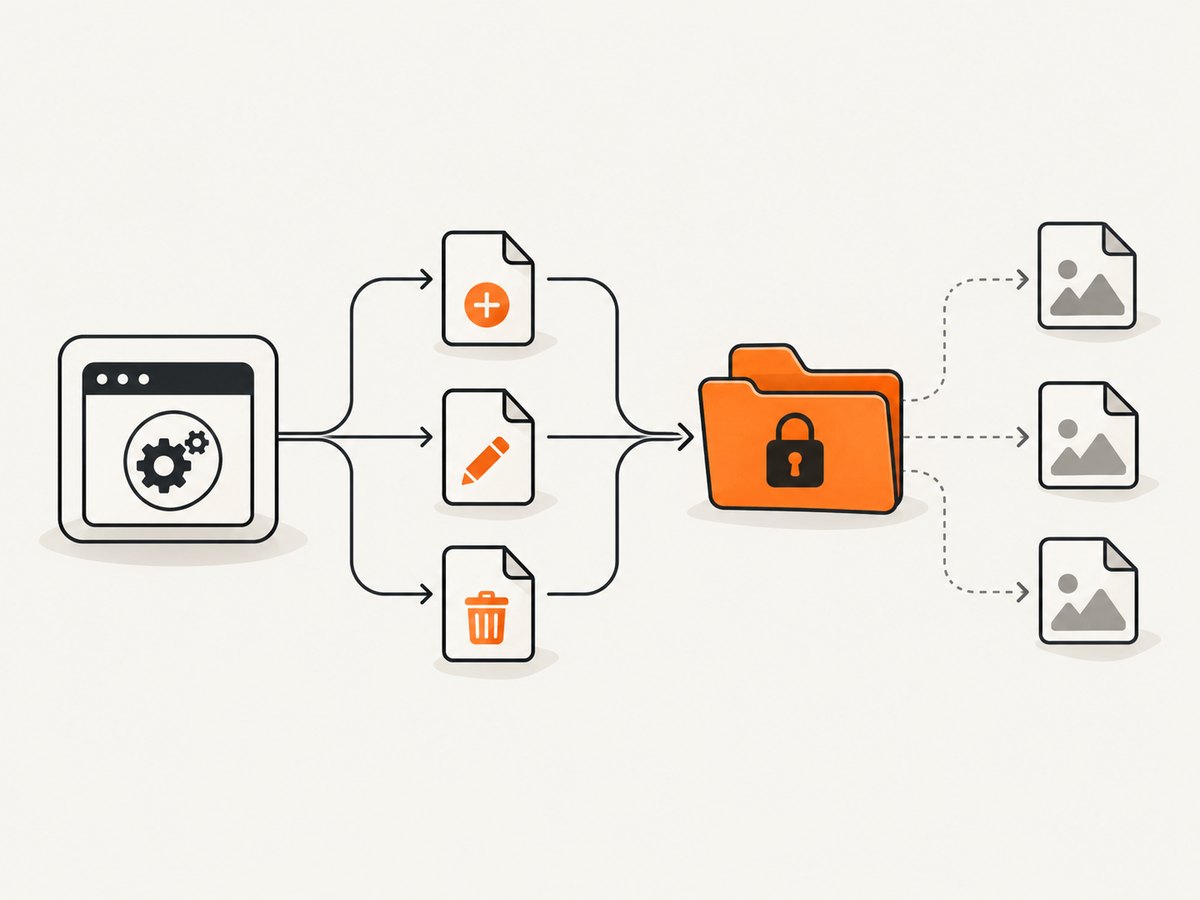
If the goal is a clean image for a report, documentation page, or test artifact rather than a local Cypress assertion, ScreenshotNeo returns a screenshot or PDF from one HTTP request. It accepts the cookie or consent banner like a visitor, removes more than 60 known consent platforms plus newsletter popups and chat widgets before capture, and lets you turn each cleanup step off. Bot checks, blank pages, timeouts, failed loads, and cache hits cost nothing; response headers identify the page verdict and whether the request was billed.
cURL
curl -G "https://api.screenshotneo.com/v1/shot" -d access_key=YOUR_API_KEY --data-urlencode url=https://stripe.com -o shot.webpPython
import requests
r = requests.get("https://api.screenshotneo.com/v1/shot", params={"access_key": "YOUR_API_KEY", "url": "https://stripe.com"}, timeout=90)
open("shot.webp", "wb").write(r.content)
Node.js
const q = new URLSearchParams({ access_key: 'YOUR_API_KEY', url: 'https://stripe.com' });
const res = await fetch(`https://api.screenshotneo.com/v1/shot?${q}`);
See the ScreenshotNeo API documentation for the full option set, including full-page capture with lazy images, CSS-selector element capture, dark mode, device presets, retina scale, custom CSS and JavaScript, waits, request blocking, headers, cookies, user agents, timezone, geolocation, transparent backgrounds, resizing, caching, signed links, asynchronous jobs, bulk capture, usage data, and PDF output.
ScreenshotNeo also provides an MCP server with take_screenshot, get_page_info, and capture_pdf tools for Claude, Cursor, and other MCP clients. The Free plan includes 1,000 shots each month with no card; paid plans start at $5 for 3,000 shots. Create a free ScreenshotNeo account.
12. FAQ
Does cy.screenshot() create a diff?
No. It captures an image. A visual-diff plugin such as cypress-image-snapshot must compare the capture and write the diff PNG.
Can I hard-code the diff filename?
Only if your plugin configuration guarantees that name. Test titles, spec paths, and plugin versions can change it, so discovering the generated file is safer.
Why use both embeddedScreenshots and inlineAssets?
embeddedScreenshots embeds screenshot files. inlineAssets makes the rest of the report assets portable as well, which is useful when publishing one standalone HTML file.
Where should the attachment be added?
Add it to the current test after the diff command has finished and before the test ends. For plain Mochawesome, it must be present before JSON merge and HTML rendering.
Should hosted visual testing replace Mochawesome?
It depends on your review and retention needs. Hosted services centralize visual review, while Mochawesome keeps the result in your existing CI artifact flow. Compare access, retention, merge behavior, and cost before switching.


