How to Select the Last Table Row in Cypress Without Scrolling It into View
Select the last Cypress table row with .last(), prevent click scrolling, and handle pagination, virtualization, overlays, and actionability.
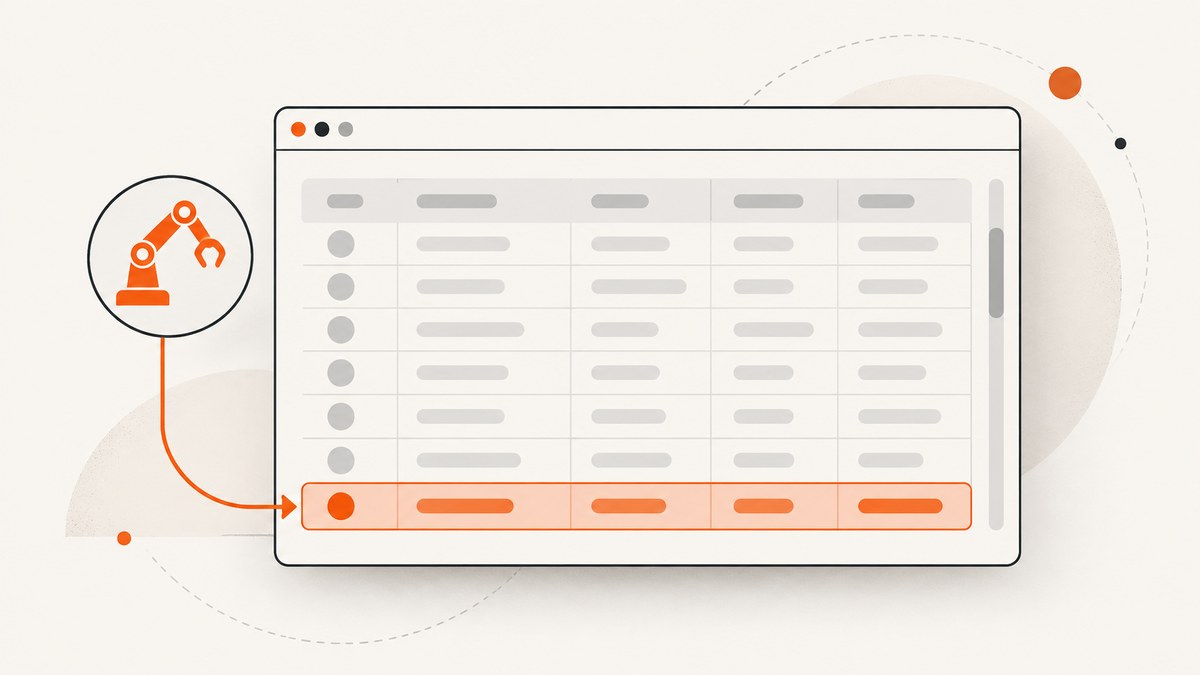
Use a query scoped to the table body, then call .last():
cy.get('[data-cy="orders"] tbody')
  .find('tr')
  .last()
This yields the last matching row in the current DOM query result. Cypress does not scroll elements into view for DOM query commands such as cy.get() and .find(). If you need to click a control inside that row without allowing Cypress to scroll first, set scrollBehavior: false on the action:
cy.get('[data-cy="orders"] tbody')
  .find('tr')
  .last()
  .find('[data-cy="edit"]')
  .click({ scrollBehavior: false })
The key is separating selection from interaction. The query chain finds the row. The click is an action with its own scrolling and actionability rules. Cypress documents that DOM commands do not scroll elements into view, while actions such as .click() normally do. See the official Cypress API table of contents, cy.get(), interaction and scrolling guide, and .click() documentation.
1. Select the last row with a scoped query
.last() operates on the collection produced by the command before it. It does not inspect your application’s data model or infer which record is newest. Scope the query first so the collection contains only the rows you mean to test.
cy.get('[data-cy="orders"]')
  .find('tbody')
  .find('tr')
  .last()
A shorter equivalent is:
cy.get('[data-cy="orders"] tbody tr').last()The longer chain can be easier to read and maintain because it makes the table body boundary explicit. It also prevents a header row from becoming the result when the table uses tr elements in both thead and tbody.
Prefer stable selectors
Use a dedicated data-* attribute on the table and important controls. Cypress recommends stable selectors that describe test intent rather than presentation classes.
<table data-cy='orders'>
  <thead>...</thead>
  <tbody>
    <tr data-cy='order-row'>...</tr>
  </tbody>
</table>
cy.get('[data-cy="orders"] tbody [data-cy="order-row"]').last()Avoid a page-wide cy.get('tr').last() when more than one table can appear. The result could be the last row of an unrelated table, a hidden template, or a footer.
2. Understand why the query does not scroll
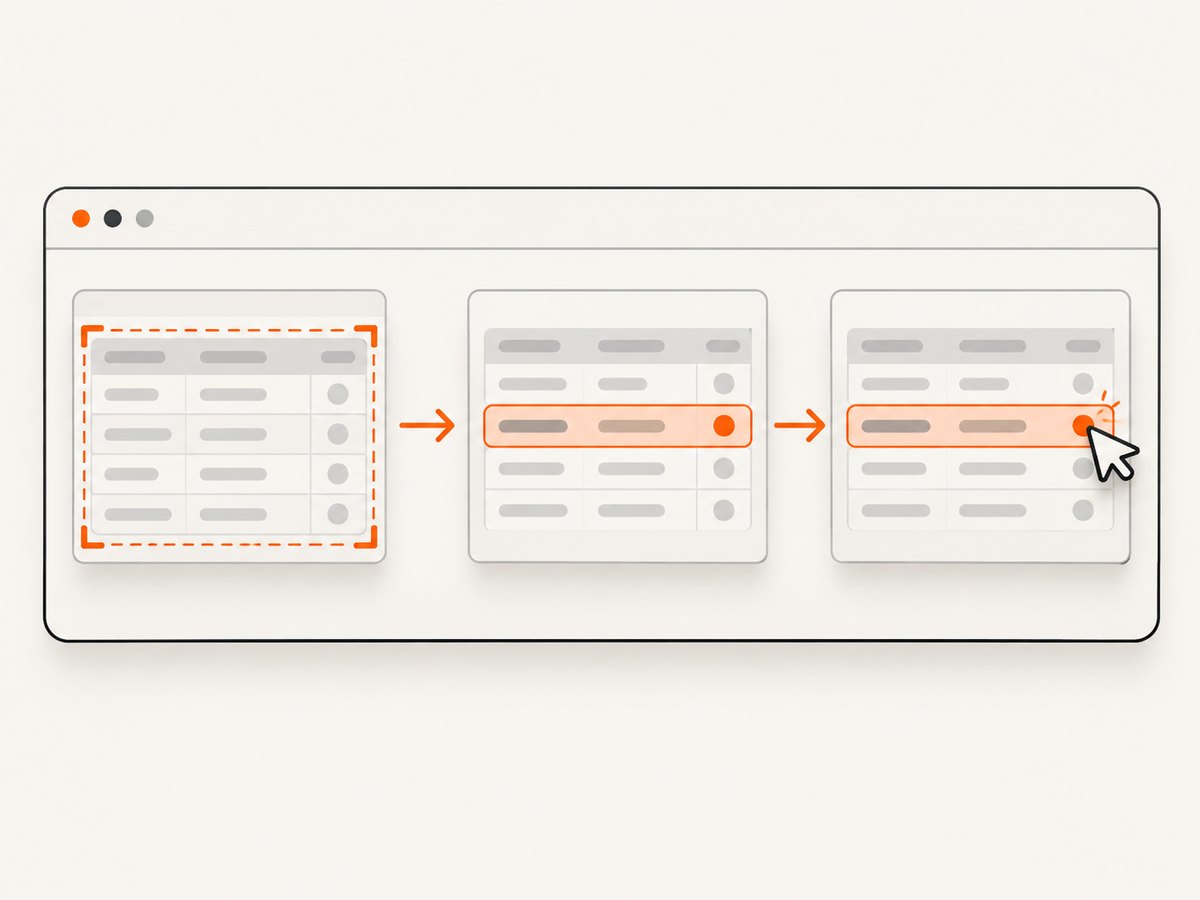
Cypress query commands locate and yield DOM elements. They do not perform a user interaction. Cypress states: “We do not scroll elements into view when using DOM commands such as cy.get() or .find().” That means this chain can select a row even when it is below the current viewport:
cy.get('[data-cy="orders"] tbody tr').last()
  .should('have.attr', 'data-cy', 'order-row')
The assertion above verifies the yielded element without asking Cypress to click, type, focus, or otherwise interact with it. Cypress queries also retry while the application is rendering, so the chain can wait for rows that are added asynchronously, subject to the command timeout.
3. Click a control in the last row without scrolling
Actions have different behavior. Cypress normally scrolls an actionable target into view before clicking. Pass scrollBehavior: false to suppress that pre-click scrolling while retaining normal actionability checks:
cy.get('[data-cy="orders"] tbody tr')
  .last()
  .find('[data-cy="edit"]')
  .click({ scrollBehavior: false })
You can use the same option with other supported actions that accept scroll behavior, but configure it on the action, not on .last(). The query still simply yields the element.
Scroll alignment values
If scrolling is acceptable but you need a predictable position, Cypress supports alignment values such as top, bottom, center, and nearest. These change where Cypress scrolls; they do not disable scrolling.
cy.get('[data-cy="orders"] tbody tr')
  .last()
  .find('[data-cy="edit"]')
  .click({ scrollBehavior: 'center' })
Use false when the test specifically verifies that the page stays put. Use an alignment when the interaction should behave normally but screenshots or subsequent assertions depend on the target’s position.
4. Know the difference between scrollBehavior and force
| Option | Scrolling | Actionability checks | Use it when |
|---|---|---|---|
.click({ scrollBehavior: false }) |
Suppressed before the click | Retained | The target should not be scrolled, but the click should still represent a normal user action. |
.click({ force: true }) |
Cypress does not scroll | Bypassed | You intentionally need to dispatch the event despite normal visibility, coverage, disabled, animation, or detachment checks. |
force: true is not a stronger version of scrollBehavior: false. It changes the meaning of the test by bypassing checks. Prefer scrollBehavior: false when scrolling is the only behavior you want to change.
// Retains actionability checks.
cy.get('[data-cy="orders"] tbody tr').last()
  .find('[data-cy="edit"]')
  .click({ scrollBehavior: false })

// Deliberately bypasses actionability checks.
cy.get('[data-cy="orders"] tbody tr').last()
  .find('[data-cy="edit"]')
  .click({ force: true })
If the target is genuinely outside the viewport, a click with scrolling disabled can still fail. Suppressing scrolling does not make an offscreen element visible, uncovered, enabled, or attached. That failure is useful evidence that a real user could not perform the action in the current state.
5. Complete Cypress examples
Assert text in the final body row
describe('orders table', () => {
  it('checks the last rendered order', () => {
    cy.visit('/orders')

    cy.get('[data-cy="orders"] tbody tr')
      .last()
      .within(() => {
        cy.get('[data-cy="status"]').should('contain', 'Complete')
      })
  })
})
Open the last row’s menu without scrolling
cy.get('[data-cy="orders"] tbody tr')
  .last()
  .find('[data-cy="row-menu"]')
  .click({ scrollBehavior: false })

cy.get('[data-cy="menu"]').should('be.visible')
Use a row selector when non-data rows exist
cy.get('[data-cy="orders"] tbody [data-cy="order-row"]')
  .last()
  .find('[data-cy="delete"]')
  .click({ scrollBehavior: false })
Wait for a dynamic table safely
cy.get('[data-cy="orders"] tbody [data-cy="order-row"]', {
  timeout: 10000
})
  .should('have.length.at.least', 1)
  .last()
Do not add arbitrary delays just to make the last row appear. Let the query retry, or assert the application state that signals loading has completed.
6. Edge cases that change what “last” means
Header and footer rows
If a footer summary is rendered inside tbody, a plain tr query may select it. Give data rows their own selector or filter by a semantic attribute:
cy.get('[data-cy="orders"] tbody tr[data-row-kind="record"]').last()Multiple tables
Start from a unique table identifier:
cy.get('[data-cy="open-orders"] tbody tr').last()If the same component appears several times, scope with .within() or select the instance by an accessible heading and then query its descendant rows.
Pagination
.last() selects the last row on the current page. It cannot select the last record across every page because rows on other pages are not in the current DOM. If the requirement is “last record in the dataset,” use the application’s API or navigate to the final page first, then run the row query.
Virtualized tables
Virtualized grids render only a window of records. Cypress selects the last matching row currently rendered, not necessarily the final record in the complete dataset. To test the final record, use the grid’s supported navigation, disable virtualization in a test fixture, or assert through the data layer.
Rows added after the query starts
Cypress retries queries and assertions, but a row can still be replaced between selection and action. Keep the chain together so Cypress can re-query the subject:
cy.get('[data-cy="orders"] tbody tr')
  .last()
  .find('[data-cy="edit"]')
  .click({ scrollBehavior: false })
Avoid storing a DOM element in a variable and using it much later. Re-query after operations that rerender the table.
Nested tables
Scope to the intended table and use a direct-child relationship if nested detail tables exist:
cy.get('[data-cy="orders"] > tbody > tr').last()7. Troubleshooting
| Symptom | Cause | Fix |
|---|---|---|
| The header is selected | The query includes rows from thead. |
Query tbody tr or a dedicated row attribute. |
| The wrong table row is selected | The selector matches rows across multiple tables. | Start with a unique table selector. |
| The click still scrolls | The option was placed on the query or omitted from the action. | Put { scrollBehavior: false } on .click(). |
| Click fails as not visible | The target is offscreen and scrolling was disabled. | Allow scrolling, make the row visible through the UI, or deliberately use force: true with a documented reason. |
| Click fails because another element covers it | An overlay, sticky header, menu, or loading layer covers the control. | Fix the application state or wait for the overlay to disappear; do not force the click just to hide the defect. |
| No rows are found | The table is still loading, the selector is wrong, or rows are virtualized. | Inspect the DOM, use a bounded timeout, and assert the loading state or rendered row count. |
| The last row changes between commands | The table rerenders after sorting, filtering, polling, or mutation. | Keep the query and action in one chain and re-query after rerenders. |
| Last means the wrong business record | Pagination, sorting, filtering, or virtualization changes DOM order. | Define “last” explicitly and verify the table state before selecting. |
8. Performance and reliability guidance
- Scope early. A table-specific selector reduces the number of elements Cypress must inspect and makes failures easier to diagnose.
- Use one stable chain. Chaining the row query directly to the control action reduces stale-element failures after rerenders.
- Prefer state-based waits. Wait for a loading indicator to disappear, a request to finish, or a row count assertion instead of using fixed sleeps.
- Keep selectors semantic. CSS classes used only for layout are likely to change and can make tests flaky.
- Test the intended layer. For paginated or virtualized data, an API assertion may be more reliable than pretending every record is mounted in the browser.
- Use screenshots for diagnosis. When a click fails because of coverage or layout, capture the page at the failure point so the actual overlay and viewport state are visible.
There is no special Cypress cost associated with .last(); it is a local DOM query. Runtime usually comes from page loading, application rendering, network waits, and retries. Keep command timeouts specific to the slow operation rather than increasing a global timeout for every test.
9. Or skip the browser setup
If your goal is to capture the resulting table state for a test report, visual regression artifact, or debugging record, ScreenshotNeo can return a screenshot or PDF from one API request. It can wait for a selector or network idle, execute custom JavaScript, click an element, hide selectors, use a chosen viewport and device preset, and capture one element by CSS selector. See the ScreenshotNeo API documentation for the complete option list.
curl -G "https://api.screenshotneo.com/v1/shot" \
  -d access_key=YOUR_API_KEY \
  --data-urlencode url=https://stripe.com \
  -o shot.webp
import requests
r = requests.get(
'https://api.screenshotneo.com/v1/shot',
params={'access_key': 'YOUR_API_KEY', 'url': 'https://stripe.com'},
timeout=90,
)
r.raise_for_status()
open('shot.webp', 'wb').write(r.content)const q = new URLSearchParams({
access_key: 'YOUR_API_KEY',
url: 'https://stripe.com',
});
const res = await fetch(`https://api.screenshotneo.com/v1/shot?${q}`);
if (!res.ok) throw new Error(`Screenshot failed: ${res.status}`);
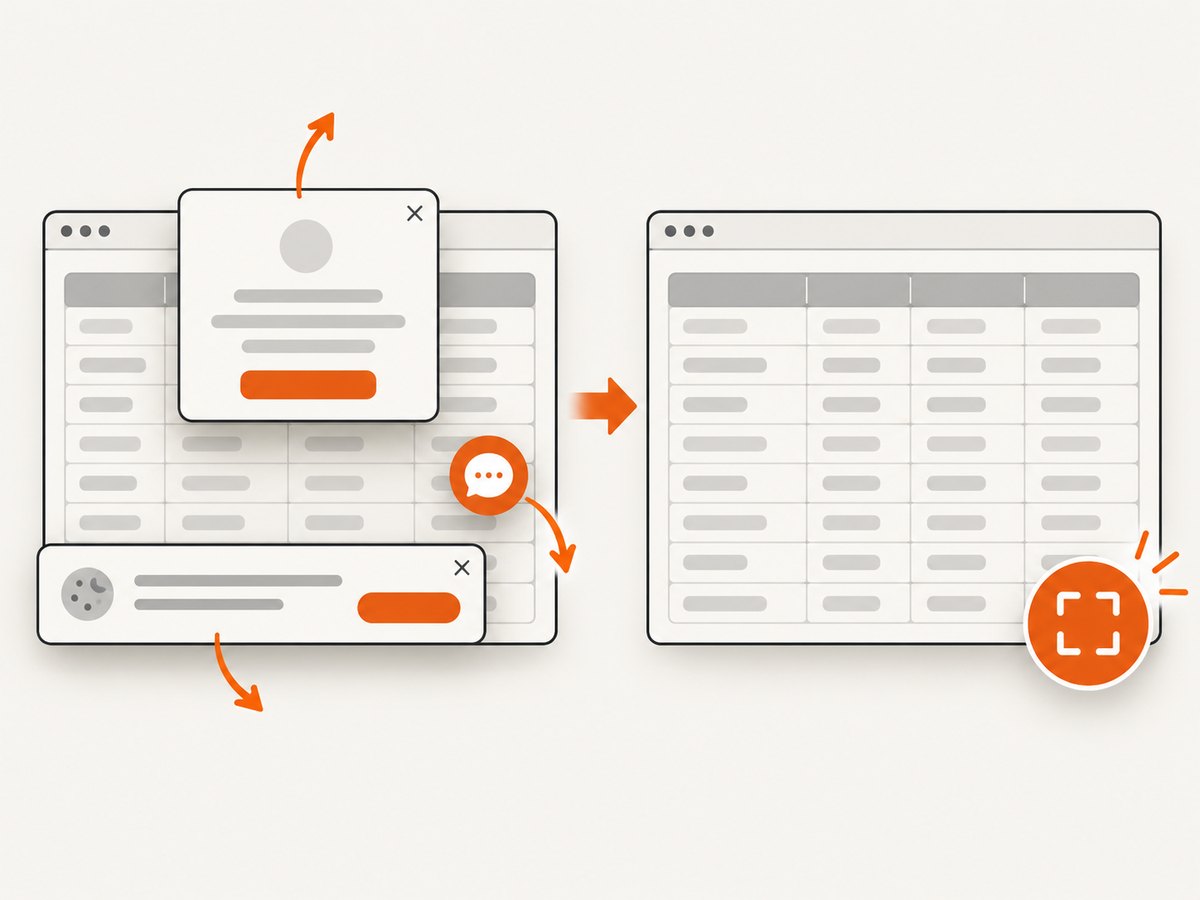
const image = Buffer.from(await res.arrayBuffer());ScreenshotNeo removes cookie and consent banners, newsletter popups, and chat widgets before capture. Bot checks, blank pages, failed loads, timeouts, and cache hits are not billed, and the response identifies the page verdict and billing status in X-Page-Verdict and X-Billed headers. Its MCP server provides take_screenshot, get_page_info, and capture_pdf tools for Claude, Cursor, and other MCP clients. The Free plan includes 1,000 screenshots per month without a card; paid plans start at $5 for 3,000 shots.
Create a free ScreenshotNeo account and start with 1,000 screenshots a month, no card required.
10. FAQ
Does .last() scroll the row?
No. It is a query command. Cypress does not scroll for cy.get(), .find(), or .last().
How do I click the last row without scrolling?
Chain the row query to the control and call .click({ scrollBehavior: false }).
Why does the click fail after I disable scrolling?
The target may be genuinely offscreen, covered, disabled, detached, or otherwise not actionable. The option suppresses scrolling only.
Should I use force: true?
Only when bypassing Cypress actionability checks is intentional. It can hide a real visibility or coverage problem.
Does .last() select the final database record?
No. It selects the last element in the current matched DOM collection. Pagination, sorting, filtering, and virtualization determine which records are present.
Can I use this with a virtualized grid?
Yes, but the result is the last rendered row in the current window. Use application navigation or a data-layer assertion when you need a dataset-wide final record.
Summary
Scope your query to the intended table body, select the collection’s final element with .last(), and configure scrolling on the action itself. Use scrollBehavior: false to prevent a click from scrolling while retaining actionability checks; reserve force: true for deliberate exceptions. Always define whether “last” means the last visible row, the last row on the current page, or the final record in the underlying dataset.


