How to Run Pre-Test Code on One Domain Before Cypress Tests on Another
Set up users and state on one origin, then test another with Cypress hooks and cy.origin(). Includes runnable patterns, troubleshooting, and an API shortcut.
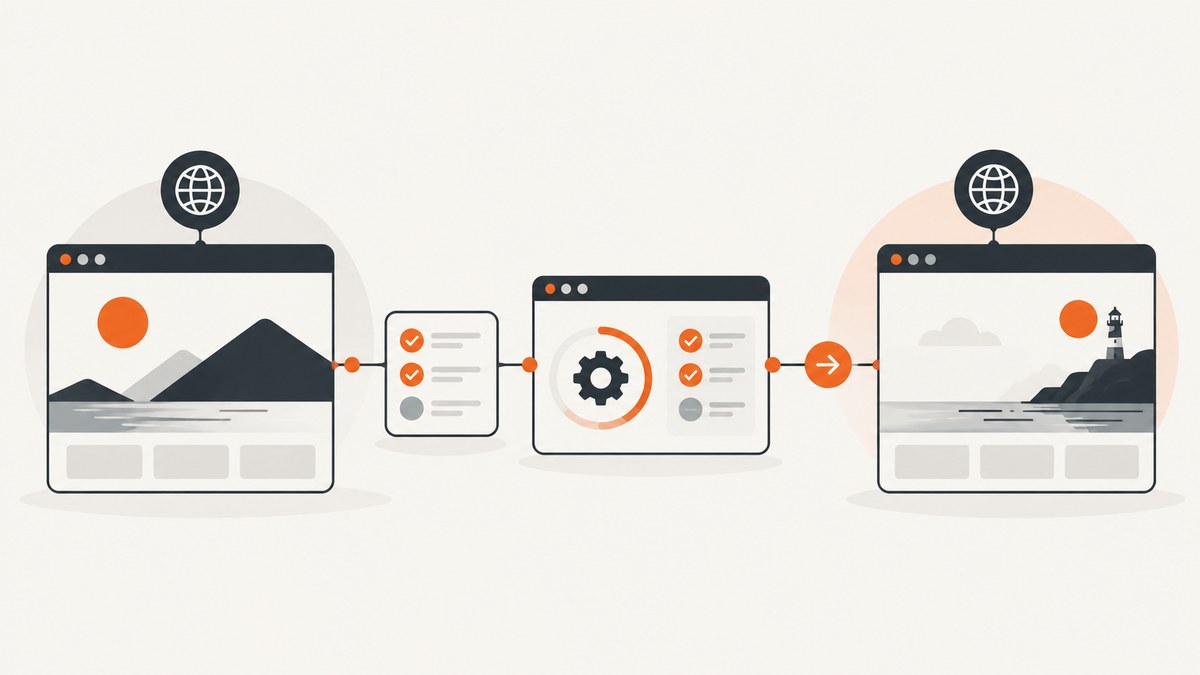
Run shared setup in a Mocha before or beforeEach hook, then use cy.origin() for Cypress commands that interact with a different origin. An origin is the combination of scheme, hostname, and port, so sibling subdomains count as different origins. If the setup itself happens on the secondary origin, put that interaction inside a top-level cy.origin() call in the hook.
The key distinction is between navigating to a domain and interacting with its page. cy.visit() can navigate, but after cross-origin navigation, commands such as cy.get(), clicks, and assertions for that page must run inside a matching cy.origin() callback. This guide covers the hook choices, runnable patterns, state handling, edge cases, and common fixes.
1. Choose the hook and origin boundary
First decide what the setup does and how long its result must live:
- Use
before()for work that should run once before the suite, such as preparing a server-side fixture that persists independently of browser state. - Use
beforeEach()when each test needs its own login, browser state, or seeded data. Cypress clears cookies, local storage, and session before each test by default. - Use
cy.origin()around browser commands for a secondary origin. The origin string must match the page’s scheme, hostname, and port exactly. - Use separate tests when the workflow does not require one continuous browser journey across domains.
For Cypress 14 and later, use cy.origin() between any two different origins in one test, including sibling subdomains. The injectDocumentDomain option is deprecated and is not a good foundation for new tests.
2. Run setup on the primary origin, then test the other
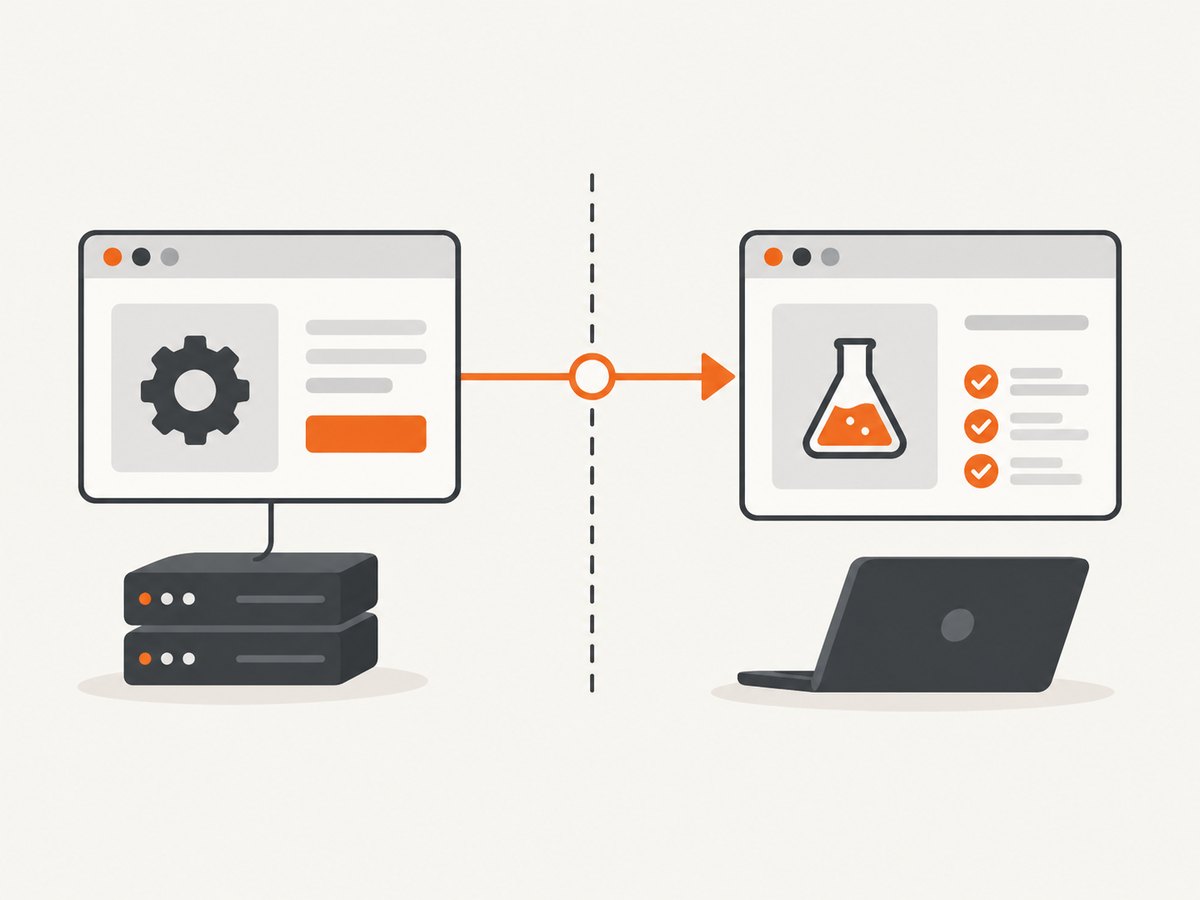
When the setup site is the primary origin for the test, place it in the hook. After visiting the app, wrap app interactions in cy.origin(). Replace the example domains and selectors with your application’s values.
const setupUser = () => {
  cy.visit('https://accounts.example.test')
  cy.get('[data-testid=email]').type(Cypress.env('E2E_EMAIL'))
  cy.get('[data-testid=password]').type(Cypress.env('E2E_PASSWORD'))
  cy.get('button[type=submit]').click()
}

describe('domain B flow', () => {
  beforeEach(() => {
    setupUser()
  })

  it('opens the application dashboard', () => {
    cy.visit('https://app.example.test')
    cy.origin('https://app.example.test', () => {
      cy.get('[data-testid=dashboard]').should('be.visible')
    })
  })
})
This pattern assumes that logging in on the accounts site leaves authentication state usable by the app’s flow. That depends on how the application implements authentication, its cookie domain and browser policies, and the redirects involved. If login redirects through another origin, put commands for each origin in a separate top-level cy.origin() block as the flow reaches it.
3. Run the setup itself on a secondary origin
If the hook must interact with a domain that Cypress treats as secondary, put those commands in a top-level cy.origin() call inside the hook. The later app interaction also gets its own block. This pattern follows Cypress’s hook and origin rules; adapt authentication, selectors, and state handling to the app.
beforeEach(() => {
  cy.origin('https://accounts.example.test', () => {
    cy.visit('/login')
    cy.get('[data-testid=email]').type(Cypress.env('E2E_EMAIL'))
    cy.get('[data-testid=password]').type(Cypress.env('E2E_PASSWORD'))
    cy.get('button[type=submit]').click()
  })
})

describe('application flow', () => {
  it('checks the dashboard on domain B', () => {
    cy.visit('https://app.example.test')
    cy.origin('https://app.example.test', () => {
      cy.get('[data-testid=dashboard]').should('be.visible')
    })
  })
})
Here cy.visit('/login') uses a relative path inside the origin block. The origin argument supplies the site base. An absolute URL can also be used when needed, but it must belong to the origin named in that block.
4. Pass values into an origin callback
The callback does not close over ordinary outer-scope variables. Pass data through the serializable args object instead. This is the supported mechanism for injecting data into the callback.
const email = Cypress.env('E2E_EMAIL')

cy.origin(
  'https://app.example.test',
  { args: { email } },
  ({ email }) => {
    cy.get('[data-testid=email]').type(email)
  }
)
Keep arguments serializable: use plain data such as strings, booleans, arrays, and objects composed of serializable values. Do not pass DOM nodes, functions, or objects that depend on a live browser context. Do not print passwords, access tokens, or other secrets to the command log. Store credentials in Cypress environment configuration or your CI secret store, and pass only the values the callback needs.
If the callback returns a value that you consume outside the block, that yielded value must also be serializable. A DOM subject cannot be transported out of the origin callback. Instead, make assertions inside the block or return a simple value, such as text or a boolean, when the test genuinely needs it.
5. Handle multiple domains and authentication state
Several origins in one test
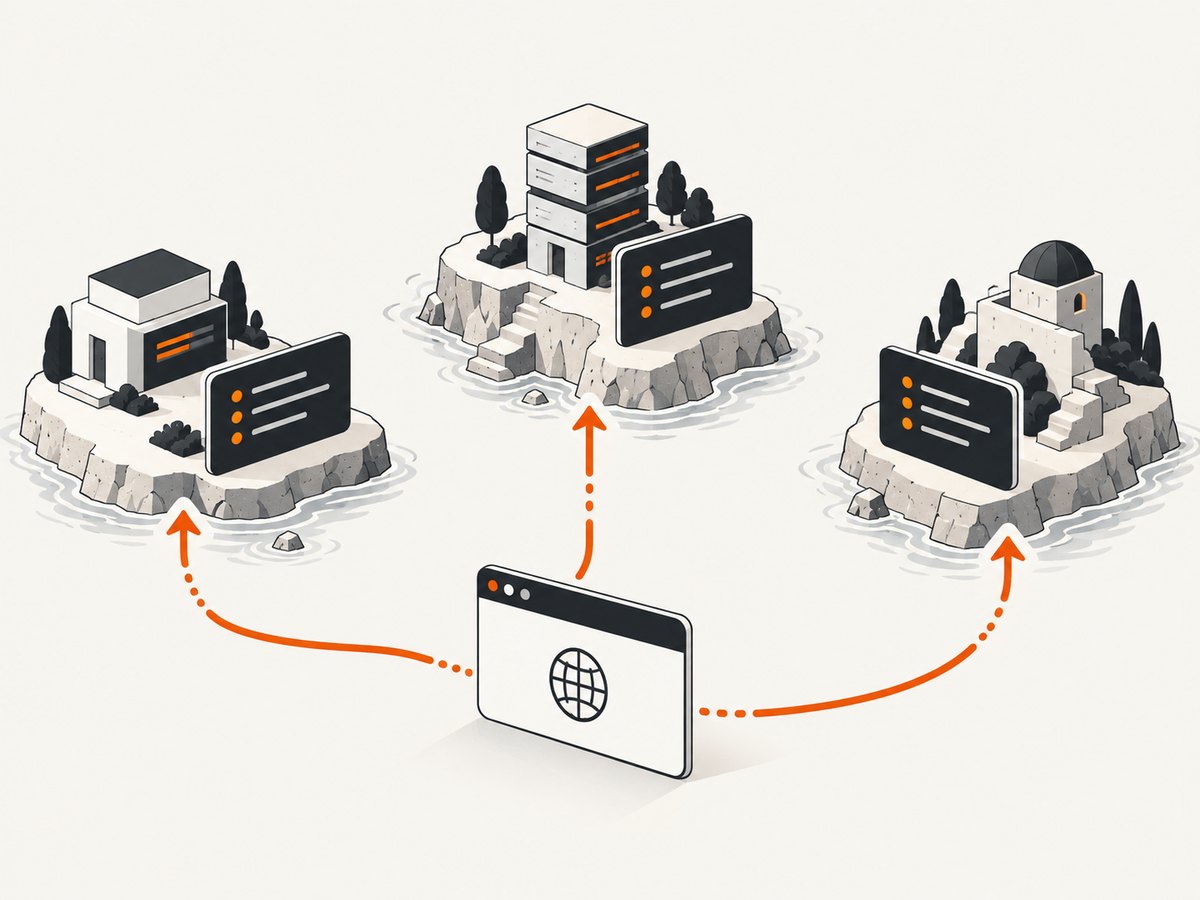
For a flow through an identity provider, application, and billing site, place each origin’s interaction in a separate, top-level block. Do not nest cy.origin() callbacks.
it('moves through three origins', () => {
  cy.visit('https://accounts.example.test')
  cy.origin('https://accounts.example.test', () => {
    cy.get('[data-testid=continue]').click()
  })

  cy.visit('https://app.example.test')
  cy.origin('https://app.example.test', () => {
    cy.get('[data-testid=upgrade]').click()
  })

  cy.visit('https://billing.example.test')
  cy.origin('https://billing.example.test', () => {
    cy.get('[data-testid=payment-page]').should('be.visible')
  })
})
Each block should contain only commands for its named origin. When navigation or a redirect changes the current page’s origin, match the subsequent interaction to the new origin.
API setup before browser work
When possible, create data or obtain a test token through cy.request() in the hook, rather than repeating a long UI setup. Keep the request aimed at a test environment and use the application’s supported test setup route. If the returned value is needed in a secondary-origin callback, pass it through args.
beforeEach(() => {
  cy.request('POST', 'https://api.example.test/test-fixtures', {
    name: 'cypress-case'
  }).then(({ body }) => {
    const fixtureId = body.id

    cy.visit('https://app.example.test')
    cy.origin(
      'https://app.example.test',
      { args: { fixtureId } },
      ({ fixtureId }) => {
        cy.get('[data-testid=fixture-id]').should('contain', fixtureId)
      }
    )
  })
})
This example assumes the fixture endpoint and response shape exist in your test environment. Replace them with your own supported setup API. Avoid depending on an undocumented production endpoint for test setup.
Use beforeEach for recreated browser state
Cypress resets cookies, local storage, and session before each test by default. Therefore, a login performed only in before() may not provide the browser state later tests need. Use beforeEach() to recreate required state, or use a supported Cypress session strategy for reusable login state. Aliases are also reset before each test, so create aliases in beforeEach() if later test steps depend on them.
6. Common errors and how to fix them
| Symptom | Likely cause | Fix |
|---|---|---|
| “cy.origin() is required” or a cross-origin error after navigation | A command is interacting with a page on an origin different from the test’s primary origin. | Wrap commands for that page in cy.origin('https://exact-origin', ...). |
| The origin block rejects the URL or commands do not run as expected | The origin string differs in scheme, hostname, or port, or includes a query string. | Use the exact origin only, such as https://app.example.test:8443. Do not include a path or query parameters. |
| A variable is undefined inside the callback | The callback cannot use a normal closure over outer-scope values. | Pass the needed serializable value through { args: ... } and destructure it in the callback. |
| Nested origin error | A callback tries to call another cy.origin(). |
End the current block and call the next block at the test’s top level. |
| Login works in the first test but fails in the next | Browser state or aliases were cleared between tests. | Recreate login or aliases in beforeEach(), or use a supported session strategy. |
| Commands cannot inspect content inside an embedded cross-origin iframe | cy.origin() covers top-level navigation, not access into a cross-origin iframe. |
Restructure the test around a supported application interface, test the embedded content separately, or use an application-provided test seam. |
| A callback result cannot be used as a DOM subject outside the block | DOM subjects are not serializable across the origin boundary. | Assert inside the callback, or return a simple serializable value. |
| Tests become flaky around a redirect or slow page | The test assumes a redirect or element is ready immediately, or uses a selector that is not stable. | Assert on a stable, origin-specific element; use Cypress’s retryable assertions and confirm the redirect destination before interacting. |
For a fast diagnosis, check the exact origin first, then move every secondary-page query or click inside its matching block, then inspect callback inputs and per-test state reset. Finally determine whether the content is top-level or inside an iframe; those are different constraints.
7. Reliability, runtime, and cost considerations
UI login is realistic but can be slow and sensitive to copy, layout, and identity-provider changes. API setup is usually a smaller surface for fixture creation, while the browser test can remain focused on the user-visible behavior that needs verification. The right split depends on what the test is intended to prove: use the UI when authentication itself is under test, and use a supported setup mechanism when the login journey is incidental.
Use beforeEach() when each test must be independent. It costs additional setup time but makes failures easier to isolate and avoids relying on state that Cypress clears. A reusable session strategy can reduce repeated login work, but verify its cache boundaries and invalidation behavior against your Cypress version and application. Keep test data unique or clean it up so parallel runs do not collide.
For stable tests, prefer application-owned data attributes over selectors tied to styling. Use explicit assertions for the state transition that matters, keep each origin callback focused, and make redirects observable. Store secrets outside source control and never include them in screenshots, logs, or failure messages.
8. Or skip the browser setup
If your task is to capture a page rather than exercise a cross-domain user journey, ScreenshotNeo can return a screenshot or PDF from one GET request. See the ScreenshotNeo API documentation for the request options.
curl -G "https://api.screenshotneo.com/v1/shot" \
  -d access_key=YOUR_API_KEY \
  --data-urlencode url=https://app.example.test \
  -o shot.webp
ScreenshotNeo accepts cookie and consent banners like a visitor and removes more than 60 known consent platforms, newsletter popups, and chat widgets before capture; each step can be turned off. Bot checks and CAPTCHAs, blank pages, timeouts, failed loads, and cache hits are not billed, and response headers identify the page verdict and billing status. Its MCP server provides screenshot, page-info, and PDF tools for AI agents. The free plan includes 1,000 shots per month with no card; paid plans start at $5 for 3,000 shots. These captures are useful for visual review and page documentation; they do not replace Cypress when you need to verify user interaction or application behavior.
Create a free ScreenshotNeo account for 1,000 screenshots a month with no card.
9. Frequently asked questions
Can I visit a second domain without cy.origin()?
You can navigate with cy.visit(), but commands that interact with the second origin after navigation must be inside its matching cy.origin() block.
Do two subdomains count as different origins?
Yes. An origin includes scheme, hostname, and port. For example, accounts.example.test and app.example.test are different hostnames.
Can cy.origin() access a cross-origin iframe?
No. It handles top-level origin changes and does not grant access to an embedded cross-origin iframe.
Should login go in before or beforeEach?
Use beforeEach() when every test needs browser login state. Reserve before() for one-time work whose result persists independently of the browser state Cypress resets.
Does the origin argument include a path?
No. Supply the origin with scheme, hostname, and optional port; navigate to a path separately.


