How to Read Excel Sheet Names in Cypress Without Empty Arrays
Fix empty Cypress sheet-name arrays by using SheetJS's workbook model, Node tasks, correct byte input, and reliable diagnostics.

Direct answer: workbook.SheetNames is already the ordered array of worksheet names. Do not pass it to XLSX.utils.sheet_to_json(); that function expects one worksheet object. Return workbook.SheetNames from a Cypress Node task, then inspect the resolved value in your test.
const workbook = XLSX.readFile(filePath);
const names = workbook.SheetNames;
const firstSheet = workbook.Sheets[names[0]];
const rows = XLSX.utils.sheet_to_json(firstSheet);
SheetJS documents SheetNames as the tab-order array and Sheets as an object keyed by those names. See the Workbook Object and data-processing utilities documentation.
Why sheet_to_json(workbook.SheetNames) returns an empty result
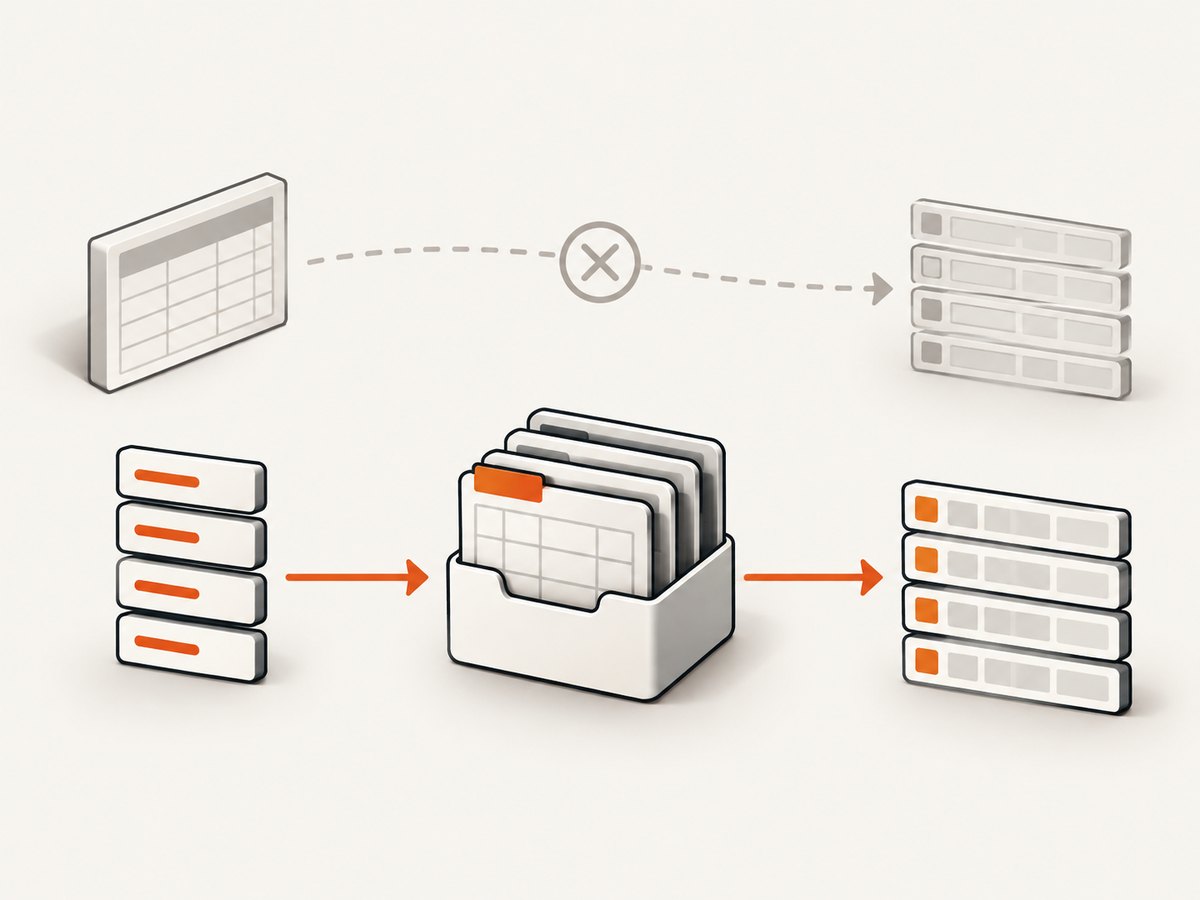
workbook.SheetNames might look like workbook data, but it is an array of strings such as ["Courses", "Archive"]. A worksheet is the object stored at workbook.Sheets["Courses"]. The conversion utility reads cell addresses and values from that worksheet object, so passing the names array is a type mismatch.
| Goal | Correct value |
|---|---|
| List tab names | workbook.SheetNames |
| Get a worksheet by name | workbook.Sheets[sheetName] |
| Convert cells to rows | XLSX.utils.sheet_to_json(workbook.Sheets[sheetName]) |
Complete Cypress solution using a Node task
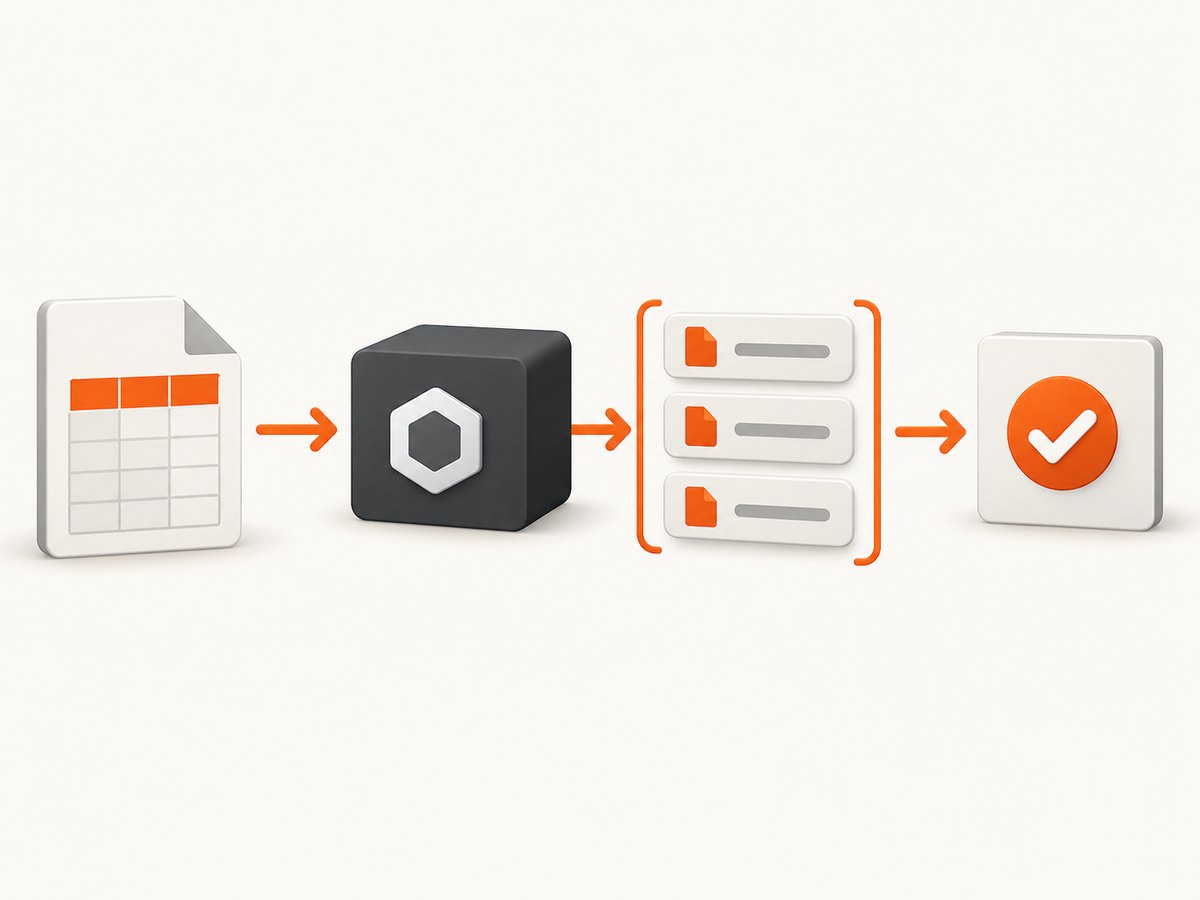
Excel files should be parsed in Cypress’s Node process. Register a task that reads the file, returns the names, and throws a useful error when the resolved path does not exist.
Cypress 10 and later
// cypress.config.js
const { defineConfig } = require('cypress');
const fs = require('node:fs');
const path = require('node:path');
const XLSX = require('xlsx');

module.exports = defineConfig({
  e2e: {
    setupNodeEvents(on) {
      on('task', {
        readExcelSheetNames(filePath) {
          const resolved = path.resolve(filePath);
          if (!fs.existsSync(resolved)) {
            throw new Error(`Excel file not found: ${resolved}`);
          }
          const workbook = XLSX.readFile(resolved);
          return workbook.SheetNames;
        }
      });
    }
  }
});
// cypress/e2e/excel.cy.js
const filePath = 'cypress/fixtures/courses.xlsx';
describe('Excel workbook', () => {
it('lists worksheet names', () => {
cy.task('readExcelSheetNames', filePath).then((sheetNames) => {
cy.log(JSON.stringify(sheetNames));
expect(sheetNames).to.be.an('array').and.not.be.empty;
expect(sheetNames).to.include('Courses');
});
});
});Cypress 9 and earlier
Use the same task body in cypress/plugins/index.js:
// cypress/plugins/index.js
const fs = require('node:fs');
const path = require('node:path');
const XLSX = require('xlsx');

module.exports = (on) => {
  on('task', {
    readExcelSheetNames(filePath) {
      const resolved = path.resolve(filePath);
      if (!fs.existsSync(resolved)) {
        throw new Error(`Excel file not found: ${resolved}`);
      }
      return XLSX.readFile(resolved).SheetNames;
    }
  });
};
Install the parser in the project that runs the Cypress Node process:
npm install --save-dev xlsxRead a named sheet and convert its cells
// cypress.config.js task
readExcelRows({ filePath, sheetName }) {
  const resolved = path.resolve(filePath);
  if (!fs.existsSync(resolved)) {
    throw new Error(`Excel file not found: ${resolved}`);
  }
  const workbook = XLSX.readFile(resolved);
  if (!workbook.SheetNames.includes(sheetName)) {
    throw new Error(
      `Sheet ${JSON.stringify(sheetName)} not found. Available sheets: ${workbook.SheetNames.join(', ')}`
    );
  }
  const worksheet = workbook.Sheets[sheetName];
  return XLSX.utils.sheet_to_json(worksheet);
}
cy.task('readExcelRows', {
filePath: 'cypress/fixtures/courses.xlsx',
sheetName: 'Courses'
}).then((rows) => {
expect(rows).to.have.length.greaterThan(0);
expect(rows[0]).to.have.property('Title');
});Sheet names are case-sensitive when used as keys. Preserve the exact spelling returned by SheetNames before looking up Sheets[sheetName].
When the file is already in memory
Use XLSX.read() for a Node Buffer, Uint8Array, or ArrayBuffer. Use readFile() only when the Node task has a filesystem path. SheetJS describes these input forms in its Import Tutorial.
readExcelSheetNamesFromBytes(filePath) {
  const bytes = fs.readFileSync(path.resolve(filePath));
  const workbook = XLSX.read(bytes);
  return workbook.SheetNames;
}
If a browser upload supplies base64 or binary data, pass the decoded bytes to XLSX.read inside the task. A browser test cannot use an arbitrary local filename as if it were a Node filesystem path.
Names-only parsing with bookSheets
When you only need tab names, SheetJS parser options include bookSheets, which asks the parser to extract sheet metadata without processing every worksheet’s cells. Confirm the option against the SheetJS version installed in your project, then keep the task’s return value the same:
readNamesOnly(filePath) {
  const bytes = fs.readFileSync(path.resolve(filePath));
  return XLSX.read(bytes, { bookSheets: true }).SheetNames;
}
This can reduce work for large workbooks, but it does not make a missing or corrupt file readable. If later steps need rows, parse without the names-only option.
Debugging checklist
- Log the absolute path inside the task and verify the file exists there.
- Log
JSON.stringify(workbook.SheetNames), not the worksheet conversion result. - Check that
cy.task()is called with the exact task name registered in your config. - Inspect the value only inside the
.then()callback, after the task resolves. - For a selected tab, compare exact case and whitespace with the returned names.
- Use
workbook.Sheets[sheetName]and verify it is defined before conversion. - When using
XLSX.read, pass actual bytes rather than a path string.
Common errors and fixes
| Symptom | Cause | Fix |
|---|---|---|
[] after sheet_to_json |
The names array was passed where a worksheet was required. | Return workbook.SheetNames, or pass workbook.Sheets[name] to sheet_to_json. |
| “Excel file not found” | The relative path is resolved from the Cypress process directory, not necessarily the spec file. | Use an explicit fixture path or log path.resolve(filePath). |
| “Cannot read properties of undefined” | The requested sheet name is misspelled or has different case. | Print SheetNames and use one of its exact values. |
| Task never returns a value | The task handler omitted a return statement or returned a non-serializable object. | Return the string array, rows, or another Cypress-serializable value. |
| Parser error on uploaded content | XLSX.read received text, encoded data, or an unsupported value instead of bytes. |
Decode the upload and pass a Buffer, Uint8Array, or ArrayBuffer. |
| Names exist but rows are empty | The selected sheet may contain headers only, blank rows, formulas without cached values, or a range different from what you expect. | Inspect the worksheet object and choose suitable sheet_to_json options for your workbook. |
Performance, reliability, and cost
- Parse once per task call when a test needs several assertions; repeatedly reading the same large file increases disk and parse time.
- Use
bookSheets: truefor names-only checks when validated with your SheetJS version. - Keep workbook parsing in Node so browser security rules do not block filesystem access.
- Return plain arrays and objects from tasks. Returning a workbook instance can create serialization problems.
- For deterministic tests, store fixtures in the repository and assert required sheet names explicitly.
- SheetJS Community Edition is Apache 2.0; SheetJS Pro has separate terms and adds advanced workbook features. Listing sheet names does not require Pro.
Or skip the browser setup
If the goal is producing screenshots of a page that documents or displays your workbook results, ScreenshotNeo provides a single HTTP request instead of maintaining browser capture code. Its API accepts a URL and returns PNG, JPEG, WebP, or PDF.
curl -G "https://api.screenshotneo.com/v1/shot" -d access_key=YOUR_API_KEY --data-urlencode url=https://stripe.com -o shot.webpimport requests
r = requests.get("https://api.screenshotneo.com/v1/shot", params={"access_key": "YOUR_API_KEY", "url": "https://stripe.com"}, timeout=90)
open("shot.webp", "wb").write(r.content)const q = new URLSearchParams({ access_key: 'YOUR_API_KEY', url: 'https://stripe.com' });
const res = await fetch(`https://api.screenshotneo.com/v1/shot?${q}`);See the ScreenshotNeo API documentation for options. Cookie banners, newsletter popups, and chat widgets are removed before the shot. Bot checks, blank pages, failed loads, timeouts, and cache hits are not billed, and response headers identify the page verdict and billing status. An MCP server lets AI agents use take_screenshot, get_page_info, and capture_pdf. The free plan includes 1,000 screenshots a month with no card; paid plans start at $5 for 3,000.
Create a free ScreenshotNeo account to try it.
FAQ
Is SheetNames a worksheet?
No. It is an ordered array of worksheet-name strings. Use Sheets[name] to obtain the worksheet object.
Can Cypress read an Excel file directly in the browser?
Use a Node task for filesystem paths. If the browser already has file bytes, pass those bytes to a task and parse them with XLSX.read.
Do I need sheet_to_json to list names?
No. Return workbook.SheetNames directly.
Why does the first sheet lookup fail even though names print?
Use the exact returned name, including capitalization and spaces, and access it through workbook.Sheets[name].


