How to Use Cypress Safely with Production Data
Run Cypress against controlled data by default, reserve production for safe smoke tests, and prevent secrets or customer records from entering artifacts.
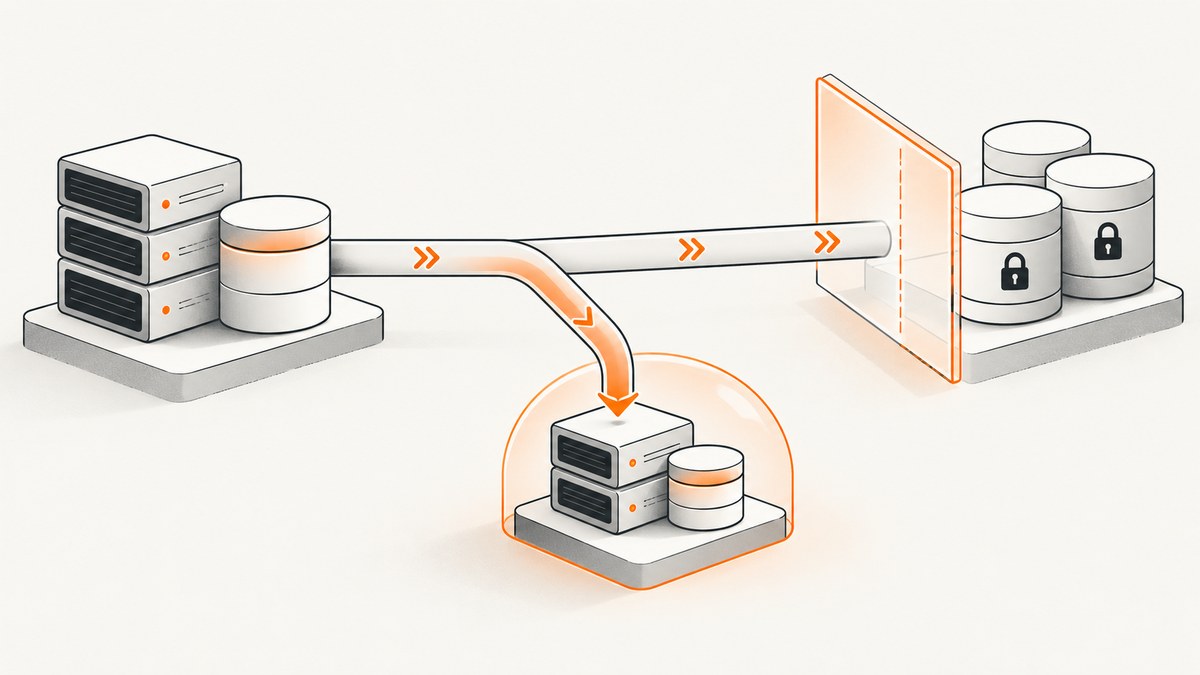
Use Cypress against a local or isolated environment with synthetic, seeded, stubbed, or de-identified data for routine tests. Reserve production for a small set of read-only or otherwise harmless smoke checks. Keep secrets out of specs and browser-visible configuration, reset server-side state deliberately, and review everything Cypress Cloud records before enabling recording or Test Replay.
Cypress itself can run against a deployed production application, but production data is difficult to control. A production test can change a real account, trigger an email, consume inventory, or expose personal information in screenshots, videos, network logs, or replay artifacts. The safest design is to make production the exception rather than the default.
1. Choose the right environment
| Approach | Control over data | What it proves | Main tradeoff |
|---|---|---|---|
| Local or isolated test environment with seeded records | High; records can be generated and reset | Real client/server behavior for the configured stack | Requires seed and reset routines |
| Stubs and fixtures | High and deterministic | UI behavior for known response payloads | Does not prove the live server returns that contract |
| Production smoke tests | Low; state is shared and uncontrolled | Selected deployed paths work | Keep the set small and actions safe |
Cypress recommends that teams run most integration tests against a local development server and reserve a smaller set for a deployed application. Development or an isolated environment lets you seed, reset, and inspect data. See the Cypress best-practices guidance.
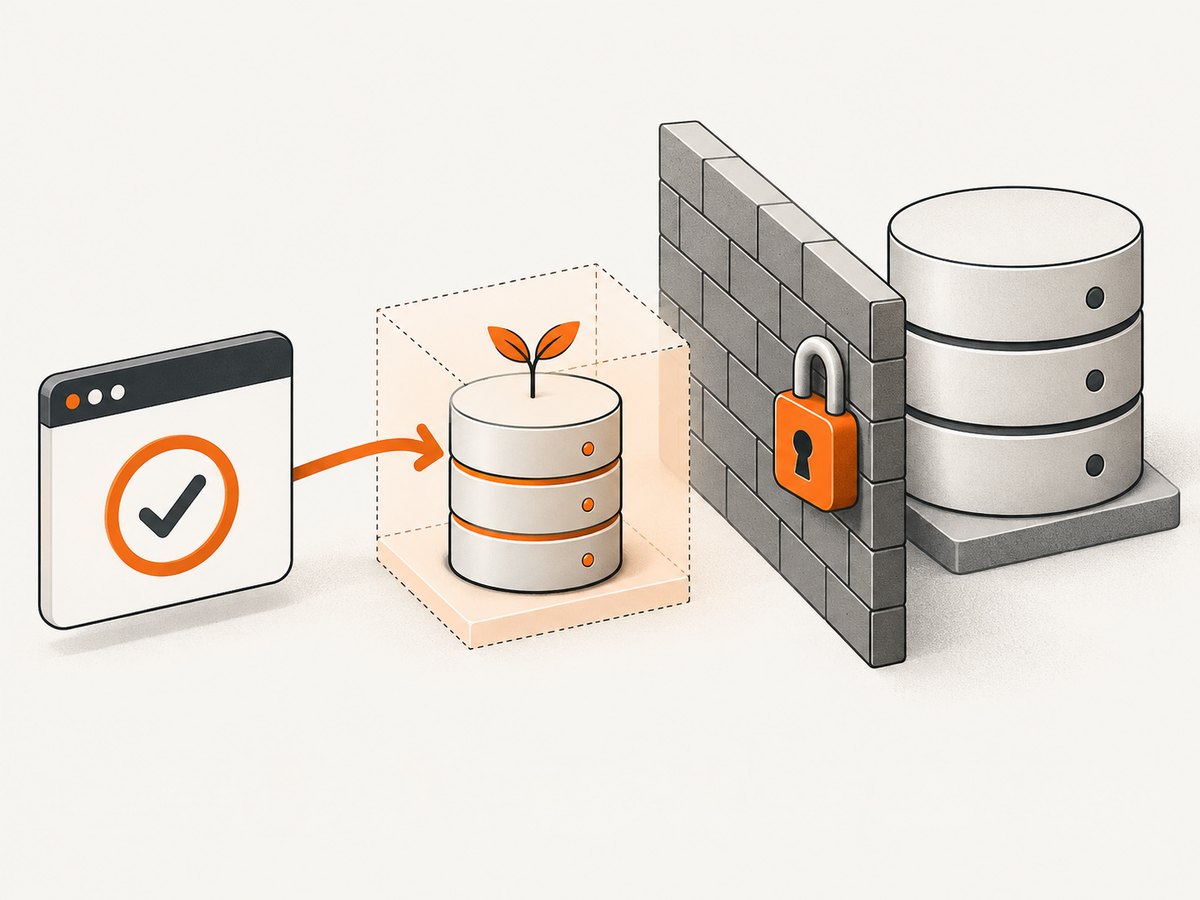
Recommended policy
- Run the full suite against local, staging, or an ephemeral environment.
- Use synthetic records or a small, minimized and de-identified subset when representative production data is necessary.
- Run production checks only for critical read paths and assertions that cannot modify customer records.
- Use separate credentials, domains, databases, queues, email providers, and third-party test accounts where possible.
2. Configure separate Cypress targets
Keep the base URL selectable in CI, but make the safe environment the default. Do not place passwords, tokens, or private keys in cypress.config.js, committed specs, or values exposed to the browser.
const { defineConfig } = require('cypress')

module.exports = defineConfig({
  e2e: {
    baseUrl: process.env.CYPRESS_BASE_URL || 'http://localhost:3000',
    testIsolation: true,
    setupNodeEvents(on, config) {
      on('task', {
        log(message) {
          console.log(message)
          return null
        }
      })
      return config
    }
  }
})
In CI, set CYPRESS_BASE_URL to the isolated deployment. Require an explicit approval or separate workflow for any production run so a default command cannot point the complete suite at live data.
3. Seed and reset server-side data
Browser isolation clears cookies, localStorage, and sessionStorage between tests when enabled. It does not reset your database, queues, files, or other server state. Seed records before a test and clean them afterward when operations can affect later tests.
A Node-side cy.task() keeps database work out of the browser. The following example uses HTTP endpoints; replace them with your test database client or internal test-only service.
// cypress.config.js
const { defineConfig } = require('cypress')

module.exports = defineConfig({
  e2e: {
    baseUrl: process.env.CYPRESS_BASE_URL || 'http://localhost:3000',
    setupNodeEvents(on) {
      on('task', {
        async seedUser({ email, plan }) {
          const response = await fetch(`${process.env.TEST_ADMIN_URL}/seed/user`, {
            method: 'POST',
            headers: {
              'content-type': 'application/json',
              authorization: `Bearer ${process.env.TEST_ADMIN_TOKEN}`
            },
            body: JSON.stringify({ email, plan })
          })
          if (!response.ok) throw new Error(`seed failed: ${response.status}`)
          return response.json()
        },
        async resetTestData({ runId }) {
          const response = await fetch(`${process.env.TEST_ADMIN_URL}/seed/reset`, {
            method: 'POST',
            headers: {
              'content-type': 'application/json',
              authorization: `Bearer ${process.env.TEST_ADMIN_TOKEN}`
            },
            body: JSON.stringify({ runId })
          })
          if (!response.ok) throw new Error(`reset failed: ${response.status}`)
          return null
        }
      })
    }
  }
})
// cypress/e2e/account.cy.js
describe('account page', () => {
const runId = `cypress-${Date.now()}`
beforeEach(() => {
cy.task('seedUser', {
email: `${runId}@example.test`,
plan: 'standard'
}).then(({ password }) => {
cy.session(runId, () => {
cy.visit('/login')
cy.get('[name=email]').type(`${runId}@example.test`)
cy.get('[name=password]').type(password, { log: false })
cy.contains('button', 'Sign in').click()
cy.url().should('include', '/account')
})
})
})
after(() => {
cy.task('resetTestData', { runId })
})
it('shows the seeded plan', () => {
cy.visit('/account')
cy.contains('[data-testid=plan]', 'standard').should('be.visible')
})
})Give every run a unique namespace such as a run ID. Reset by that namespace instead of deleting all test data. If a reset fails, fail the pipeline and investigate rather than continuing with contaminated state.
4. Keep real customer data out of tests
- Prefer generated names, emails, addresses, payment tokens, and documents.
- Use fixtures containing only the fields a test needs.
- If a production subset is unavoidable, minimize it, remove direct identifiers, and prevent it from entering logs and artifacts.
- Never copy a customer export into a repository, fixture directory, local download folder, or CI cache.
- Use synthetic accounts for destructive flows such as cancellation, refunds, password changes, and permission changes.
De-identification is an operational requirement for your team; it is not a guarantee supplied by Cypress. Treat transformed data as sensitive until your privacy and security owners approve the handling.
5. Stub responses for deterministic cases
Un-stubbed requests verify the real client/server path but need controlled backend state and are usually slower. Keep a small number of these tests for critical contracts, then stub additional success, empty, error, and edge cases.
describe('orders', () => {
  it('renders an empty state without customer data', () => {
    cy.intercept('GET', '/api/orders*', {
      statusCode: 200,
      body: { orders: [] }
    }).as('orders')

    cy.visit('/orders')
    cy.wait('@orders')
    cy.contains('No orders yet').should('be.visible')
  })

  it('shows a service error', () => {
    cy.intercept('GET', '/api/orders*', {
      statusCode: 503,
      body: { error: 'temporarily unavailable' }
    }).as('orders')

    cy.visit('/orders')
    cy.wait('@orders')
    cy.contains('Try again later').should('be.visible')
  })
})
Fixtures are suitable for known static payloads. Use cy.task() for work that belongs in Node, such as generating or parsing a large file, so the entire file does not need to cross into the browser process.
6. Handle secrets correctly
Cypress recommends reading sensitive values with cy.env() at the point of use and never hardcoding secrets in test files. Request only the keys a test needs. Use Cypress.expose() only for public, non-sensitive configuration.
describe('internal report', () => {
  it('uses a test-only token without logging it', () => {
    cy.env(['REPORT_TEST_TOKEN']).then(({ REPORT_TEST_TOKEN }) => {
      cy.request({
        method: 'GET',
        url: '/api/test/report',
        headers: { authorization: `Bearer ${REPORT_TEST_TOKEN}` },
        log: false
      }).its('status').should('eq', 200)
    })
  })
})
Keep local environment files out of version control. Mask values in CI output, avoid printing request headers, and set short-lived, least-privilege credentials for test accounts.
7. If you must run against production
- Create a separate production-smoke Cypress project or spec folder.
- Use a dedicated account with the smallest possible permissions.
- Allow only read-only routes and assertions, or use an application-supported sandbox mode.
- Do not create, delete, purchase, invite, email, upload, or change customer records.
- Use synthetic identifiers that cannot collide with customer data.
- Disable parallelism if ordering or rate limits could create risk.
- Run on a schedule with alerting and a manual stop mechanism.
- Keep production smoke tests separate from the full test command and from recording by default.
// cypress/e2e/production-smoke.cy.js
describe('production read-only smoke checks', () => {
  it('loads the public status page', () => {
    cy.visit('/status')
    cy.contains('Operational').should('be.visible')
  })

  it('can read a public product page', () => {
    cy.request({
      method: 'GET',
      url: '/products/example',
      failOnStatusCode: false
    }).its('status').should('be.oneOf', [200, 301, 302])
  })
})
8. Treat Cypress Cloud recording as a data path
With cypress run --record, Cypress Cloud stores standard output, test results, test definitions, configuration excluding Cypress environment variables, screenshots, videos, CI-related operating-system environment variables, and Git information. Test Replay, when enabled, adds rendered DOM and CSS, command events, network traffic, and browser console logs. Cypress advises customers to decide what test content is appropriate and avoid PII, PHI, and other protected information. Review the Cypress Cloud data-storage documentation with your actual artifacts.
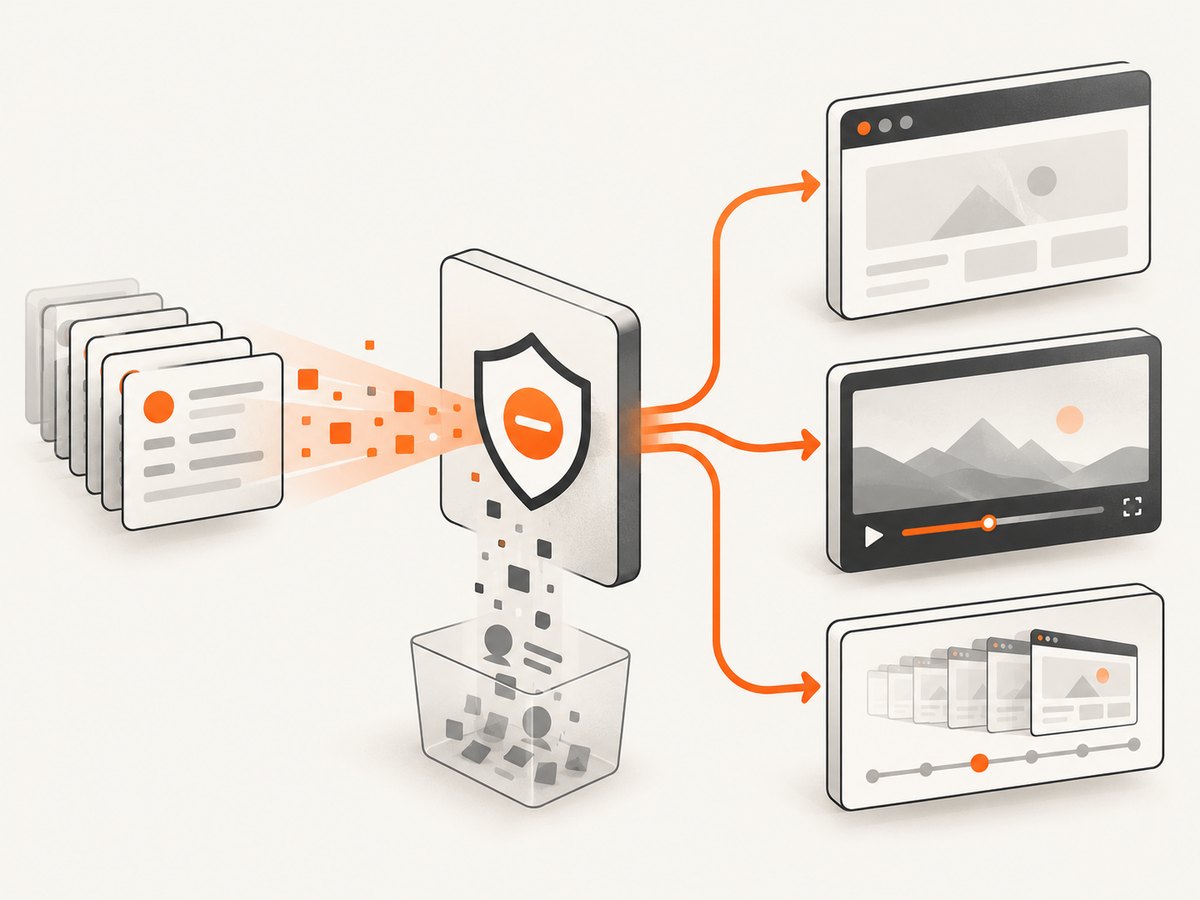
- Use synthetic names and addresses in recorded runs.
- Do not type secrets into fields that can appear in screenshots or video.
- Inspect network bodies and console output before enabling Test Replay.
- Turn off recording for runs that necessarily contain sensitive data.
- Restrict Cloud project access and retention according to your organization’s policy.
9. Test isolation and cleanup
With test isolation enabled, Cypress clears browser state before each test. Do not add redundant browser cleanup that hides failures. Do add explicit server cleanup for records, files, subscriptions, queues, and feature flags created by a test.
describe('isolated checkout', () => {
  beforeEach(() => {
    cy.task('seedUser', { email: `checkout-${Date.now()}@example.test` })
  })

  it('uses a test payment token', () => {
    cy.visit('/checkout')
    cy.get('[data-testid=payment-token]').type('tok_test_only')
    cy.contains('button', 'Pay').click()
    cy.contains('Payment complete').should('be.visible')
  })
})
10. Troubleshooting common failures
| Symptom | Likely cause | Fix |
|---|---|---|
| A test passes locally but changes another test’s result | Database or queue state was not reset | Namespace records by run ID and reset them in a task |
| Production receives destructive requests | The full suite used a production base URL | Make local/staging the default and isolate production-smoke commands |
| Secrets appear in videos, logs, or errors | Credentials were typed, logged, or asserted in the browser | Use cy.env(), mask values, and disable recording for sensitive cases |
| Replay contains customer information | DOM, network, or console data was captured | Use synthetic data, scrub payloads, or turn off Test Replay |
| Seed task returns an authentication error | Missing or expired test-admin credential | Inject a short-lived CI secret and verify the test service URL |
| Tests are slow or flaky | Every case depends on live services and uncontrolled data | Stub most cases; retain un-stubbed tests for critical paths only |
| Login state leaks between tests | Isolation is disabled or sessions are shared incorrectly | Enable testIsolation and scope cy.session() to test accounts |
| A fixture exposes a real person | A production export was copied without minimization | Replace it with synthetic data or remove identifiers and unnecessary fields |
11. Performance, reliability, and cost
- Performance: Seed once per suite when safe, reuse authenticated sessions, and stub slow dependencies. Keep a focused set of end-to-end server checks.
- Reliability: Make tests independent, use unique record namespaces, wait on explicit intercepts or selectors, and avoid arbitrary sleeps.
- Rate limits: Production smoke checks can trigger throttling or alerts. Schedule them conservatively and use a dedicated identity.
- Cost: Full live-stack runs consume more CI time and can create external side effects. Fixtures and stubs reduce execution time; test environments still need maintenance.
- Evidence: A stub proves UI handling of a response. An un-stubbed isolated test proves the configured server path. A production smoke test proves only the narrow path it exercises.
12. A practical release checklist
- Is the default base URL local, staging, or ephemeral?
- Are test records synthetic, seeded, or appropriately minimized and de-identified?
- Can every test reset the server-side state it changes?
- Are secrets loaded at runtime and absent from specs and public browser configuration?
- Are stubs used for edge cases and un-stubbed tests limited to critical contracts?
- Is the production suite separate, read-only, and explicitly invoked?
- Have screenshots, videos, logs, network traffic, and replay artifacts been reviewed?
- Are CI credentials least-privilege and short-lived?
Or skip the browser setup
If your goal is to capture a page for a test artifact, documentation, or a visual check, ScreenshotNeo provides a single screenshot request instead of maintaining browser setup. Its consent step accepts cookie banners and removes more than 60 known consent platforms, newsletter popups, and chat widgets before capture; each step can be disabled. Bot checks, blank pages, timeouts, failed loads, and cache hits are not billed, and the response identifies the result with X-Page-Verdict and X-Billed headers. The service also offers an MCP server for AI agents, including Claude and Cursor.
See the ScreenshotNeo API documentation for all options.
curl -G "https://api.screenshotneo.com/v1/shot" -d access_key=YOUR_API_KEY --data-urlencode url=https://stripe.com -o shot.webpimport requests
r = requests.get("https://api.screenshotneo.com/v1/shot", params={"access_key": "YOUR_API_KEY", "url": "https://stripe.com"}, timeout=90)
open("shot.webp", "wb").write(r.content)const q = new URLSearchParams({ access_key: 'YOUR_API_KEY', url: 'https://stripe.com' });
const res = await fetch(`https://api.screenshotneo.com/v1/shot?${q}`);You get 1,000 screenshots a month free with no card. Paid plans start at $5 for 3,000 screenshots. Create a free ScreenshotNeo account.
FAQ
Can Cypress tests run against production?
Yes, but keep production coverage to a small, separately invoked smoke suite with safe assertions and dedicated credentials.
How do I keep real customer data out of Cypress tests?
Generate synthetic records, seed test-only accounts, stub responses, and minimize and de-identify any representative subset before it enters tests or artifacts.
Does test isolation reset my database?
No. It resets browser storage. Database, files, queues, and other server state require explicit seed and cleanup logic.
Should every Cypress request be stubbed?
No. Keep un-stubbed tests for a small number of critical real server flows, and use stubs for deterministic UI and error coverage.
What does Cypress Cloud record?
Recorded runs can include output, results, definitions, configuration, screenshots, videos, CI and Git information. Test Replay can additionally capture DOM, CSS, command events, network traffic, and console logs.


