How to Save Cypress Results in Different screenshotsFolder Directories Across Runs
Keep Cypress screenshots from every CI run with unique folders, retention settings, stable paths, and troubleshooting fixes.

Direct answer: set screenshotsFolder to a path containing a unique run identifier, then set trashAssetsBeforeRuns: false when earlier run folders must remain.
const { defineConfig } = require('cypress')
const runId = process.env.RUN_ID || 'local'
module.exports = defineConfig({
  screenshotsFolder: `cypress/screenshots/${runId}`,
  trashAssetsBeforeRuns: false,
})
Run builds with values such as RUN_ID=build-184 cypress run. Cypress continues adding spec-relative and test-name components beneath this root.
1. How Cypress chooses screenshot paths
screenshotsFolder is the root directory for screenshots created by cy.screenshot() and automatic failure capture. Its documented default is cypress/screenshots (Cypress configuration).
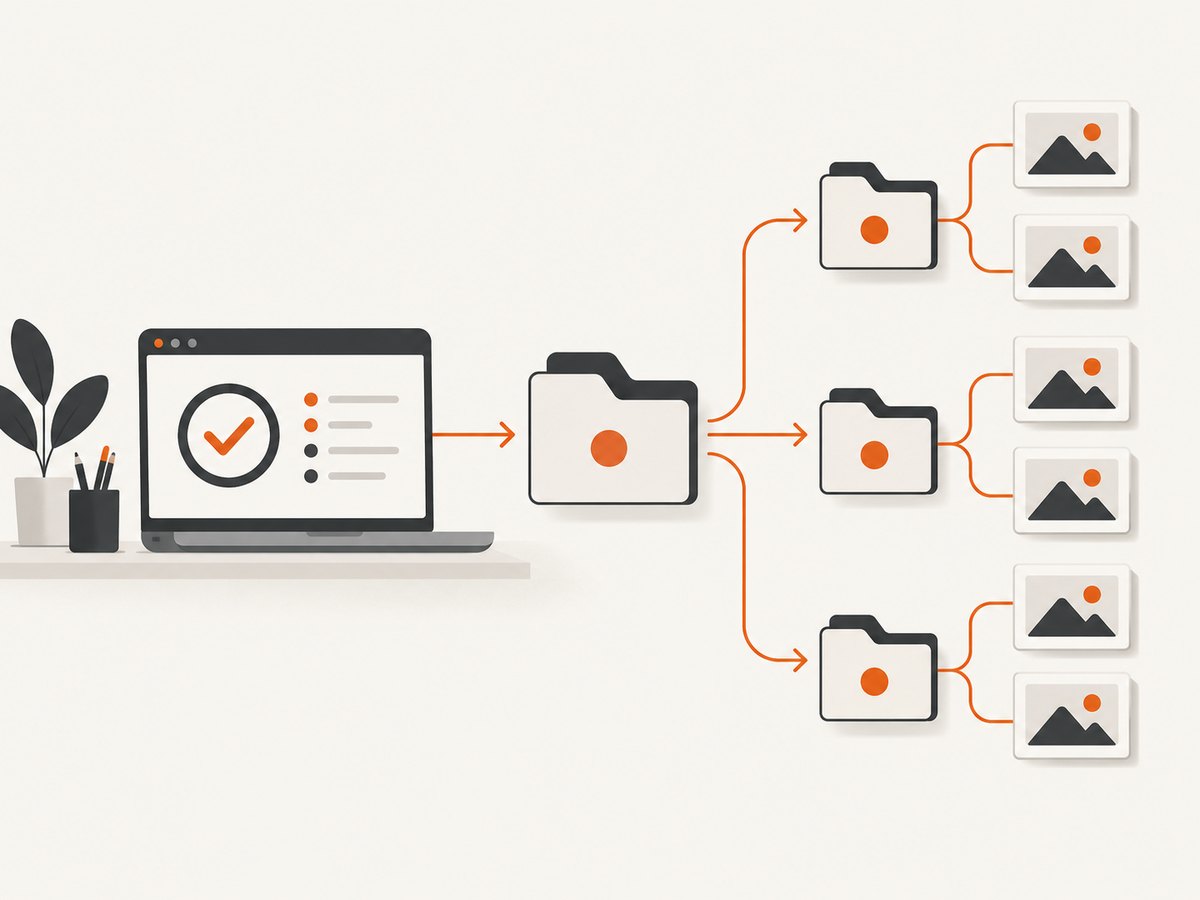
cypress/screenshots/build-184/
  e2e/checkout.cy.js/
    payment-error.png
Cypress derives the spec subpath after removing the longest common ancestor shared by selected specs. Changing the selected spec set can therefore change the resulting path (cy.screenshot()).
2. Run-specific configuration
JavaScript CommonJS
const { defineConfig } = require('cypress')
const runId = process.env.RUN_ID || `local-${Date.now()}`
module.exports = defineConfig({
  e2e: { baseUrl: 'http://localhost:3000' },
  screenshotsFolder: `cypress/screenshots/${runId}`,
  trashAssetsBeforeRuns: false,
})
TypeScript or ESM
import { defineConfig } from 'cypress'
const runId = process.env.RUN_ID ?? 'local'
export default defineConfig({
  screenshotsFolder: `cypress/screenshots/${runId}`,
  trashAssetsBeforeRuns: false,
})
CI commands
RUN_ID="${CI_PIPELINE_ID:-local}-${CI_JOB_ID:-0}" cypress run
RUN_ID=build-184 cypress run
Use a commit SHA, pipeline ID plus job ID, or timestamp. Include the job ID when parallel workers can write simultaneously.
3. Keeping or deleting old assets
trashAssetsBeforeRuns is true by default for cypress run. Cypress clears every file and nested directory under screenshotsFolder before a run. Set it to false to preserve previous folders (configuration reference).

module.exports = defineConfig({
  screenshotsFolder: `cypress/screenshots/${process.env.RUN_ID || 'local'}`,
  trashAssetsBeforeRuns: false,
})
On macOS and Windows, Cypress moves deleted items to the system trash or Recycle Bin. On Linux it empties folders directly, permanently deleting contents. Treat this as a retention decision in CI.
4. Organizing names below the run folder
A screenshot name may contain a relative path, and Cypress creates that directory under the configured root.
it('captures payment error', () => {
  cy.visit('/checkout')
  cy.get('[data-testid=pay]').click()
  cy.screenshot(`checkout/${Cypress.env('RUN_ID') || 'local'}/payment-error`)
})
Use a run-specific root for complete isolation. Use path-bearing names for feature, viewport, or state grouping. Duplicate names receive a numeric suffix such as (1); pass { overwrite: true } when replacement is intentional. Failure screenshots append (failed).
5. Separate configuration files
For stable, reviewed destinations, select a config file with --config-file (Cypress CLI).
// cypress.config.build184.js
const { defineConfig } = require('cypress')
module.exports = defineConfig({
  screenshotsFolder: 'cypress/screenshots/build-184',
  trashAssetsBeforeRuns: false,
})
cypress run --config-file cypress.config.build184.js
cypress run --config-file cypress.config.build185.jsThe CLI also supports --project when physically separate Cypress projects need separate artifact roots.
6. CI retention checklist
- Create a unique
RUN_IDfor every pipeline and parallel job. - Include it in
screenshotsFolder. - Set
trashAssetsBeforeRuns: falsewhen a reused workspace must retain old folders. - Upload
cypress/screenshots/<RUN_ID>as a CI artifact. - Apply your CI retention policy and remove expired folders.
- Keep specs under a stable common directory if exact paths matter.
Cypress Cloud can display screenshots from CI runs when hosted history is preferable to local artifact management.
7. Troubleshooting
Previous screenshots disappear
The default cleanup removed the entire root. Set trashAssetsBeforeRuns: false, or use a fresh workspace per build.
All jobs write into one folder
RUN_ID is unset or constant. Export a value containing pipeline and job identifiers and print it in CI logs.
Paths change when specs change
Cypress removes the longest common ancestor among selected specs. Keep specs beneath one stable directory or treat the generated subpath as opaque.
The configured directory is ignored
The option may be in the wrong config file or overridden by --config. Invoke the intended file explicitly with --config-file.
Files receive “(1)” suffixes
The same name was captured more than once. Use distinct names or pass { overwrite: true } when replacement is intended.
Linux cleanup permanently removes files
Upload or archive artifacts before the next run, disable cleanup, or isolate each run in its own workspace.
8. Performance, reliability, and cost
A unique folder adds little test overhead. The meaningful costs are disk usage, artifact upload time, and retention storage. Full-page screenshots and retries increase volume, so compress artifacts and set expiration policies. A stable run ID prevents collisions and makes retries auditable. Include an attempt number when retries should produce separate results.
9. Or skip the browser setup
If you only need a URL capture rather than browser assertions, ScreenshotNeo returns PNG, JPEG, WebP, or PDF from one request. It supports full-page and selector captures, waits, custom CSS and JavaScript, device settings, headers, cookies, blocking rules, caching, async jobs, and bulk capture. See the ScreenshotNeo docs.
cURL
curl -G "https://api.screenshotneo.com/v1/shot" \
  -d access_key=YOUR_API_KEY \
  --data-urlencode url=https://stripe.com \
  -o shot.webp
Python
import requests
r = requests.get(
    "https://api.screenshotneo.com/v1/shot",
    params={"access_key": "YOUR_API_KEY", "url": "https://stripe.com"},
    timeout=90,
)
r.raise_for_status()
open("shot.webp", "wb").write(r.content)
Node.js
const q = new URLSearchParams({ access_key: 'YOUR_API_KEY', url: 'https://stripe.com' });
const res = await fetch(`https://api.screenshotneo.com/v1/shot?${q}`);
if (!res.ok) throw new Error(`HTTP ${res.status}`);
require('fs').writeFileSync('shot.webp', Buffer.from(await res.arrayBuffer()));
Cookie and consent banners, newsletter popups, and chat widgets are removed before capture. Bot checks, blank pages, timeouts, failed loads, and cache hits are not billed, and response headers identify the page verdict and billing status. Its MCP server lets Claude, Cursor, and other MCP clients call take_screenshot, get_page_info, and capture_pdf. The free plan includes 1,000 screenshots each month with no card; paid plans start at $5 for 3,000. Create a free ScreenshotNeo account.
10. FAQ
Does screenshotsFolder affect videos?
No. It controls screenshot assets; configure video storage separately.
Can I read an environment variable in Cypress config?
Yes. Read process.env.RUN_ID while constructing the config and provide a fallback.
Should I disable cleanup locally?
Only when you need history in the same workspace. The default is useful for current-run output.
How can paths stay identical across CI jobs?
Keep the spec directory, selected spec set, and screenshot names stable. Let only the run root vary.


