How to Handle Server-Side Authentication During Clicks in Cypress
Learn when Cypress should click through real login, when to use cy.request() and cy.session(), and how to debug cookies, tokens, redirects, and SSO.
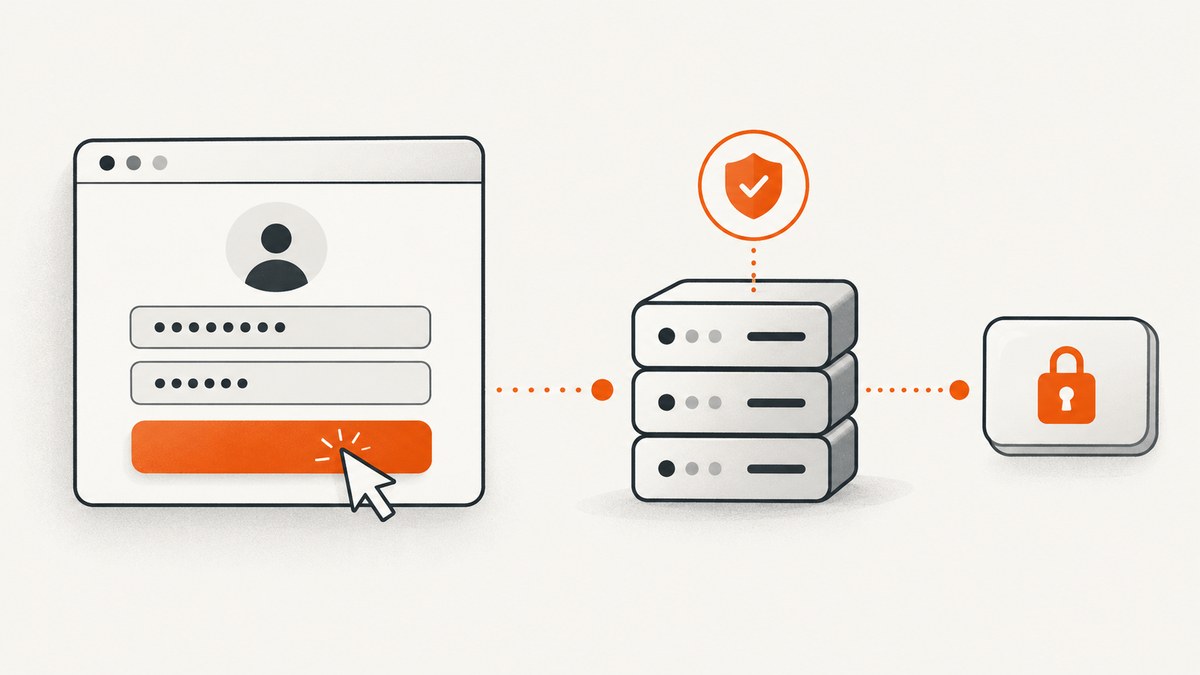
Short answer: if the click is the behavior you are testing, perform the real login in Cypress and assert the server-backed result. If the test covers another authenticated feature, establish the session with cy.request(), cache it with cy.session(), validate it, and then visit the page under test. Use cy.intercept() to inspect requests made by the browser, not the Node-side request used to create a session. For SSO or OAuth that moves to another origin, continue with cy.origin().
This split keeps login coverage meaningful without forcing every test to repeat a slow UI flow. Cypress describes login as mission-critical functionality that should involve your server, while also documenting programmatic authentication for tests that need an authenticated starting state. See the official E2E testing guidance, API testing guide, and cy.session() documentation.
1. Choose the authentication strategy from the behavior under test
| What the test proves | Recommended setup | What to assert |
|---|---|---|
| The login form and server login work | Visit the login page, fill fields, click, and let the application call the server | Redirect, authenticated content, session cookie, and relevant request or response |
| A protected feature works for a signed-in user | Use cy.request() inside cy.session() |
Session validation endpoint, then the protected feature |
| The browser sends the expected login traffic | Register cy.intercept() before the click |
Request method, URL, body, headers, response status, and response body |
| SSO, OAuth, or OIDC provider behavior | Use cy.origin() after the redirect, or programmatic setup when provider UI is outside the test’s scope |
Provider result and return to the application |
| Unauthenticated redirect behavior | Make a request with followRedirect: false |
Original status, Location, and Cypress’s redirectedToUrl |
Keep at least one complete UI login test even when most suites use API setup. Otherwise a broken form, cookie assignment, or post-login redirect can go unnoticed.
2. Test a real login click through the browser
Use seeded test credentials and keep passwords in Cypress environment variables. Suppress password command logging with { log: false }. The selectors below are illustrative; use stable data-test attributes in your application.
describe('authentication', () => {
  it('logs in through the UI and receives server-backed state', () => {
    cy.visit('/login')

    cy.get('[data-test=username]')
      .type(Cypress.env('username'))
    cy.get('[data-test=password]')
      .type(Cypress.env('password'), { log: false })

    cy.intercept('POST', '/auth/login').as('login')
    cy.get('form').contains('Log In').click()

    cy.wait('@login').then(({ request, response }) => {
      expect(request.body).to.have.property('username')
      expect(response.statusCode).to.be.oneOf([200, 201, 204])
    })

    cy.url().should('include', '/dashboard')
    cy.getCookie('your-session-cookie').should('exist')
    cy.get('[data-test=current-user]')
      .should('contain', Cypress.env('username'))
  })
})
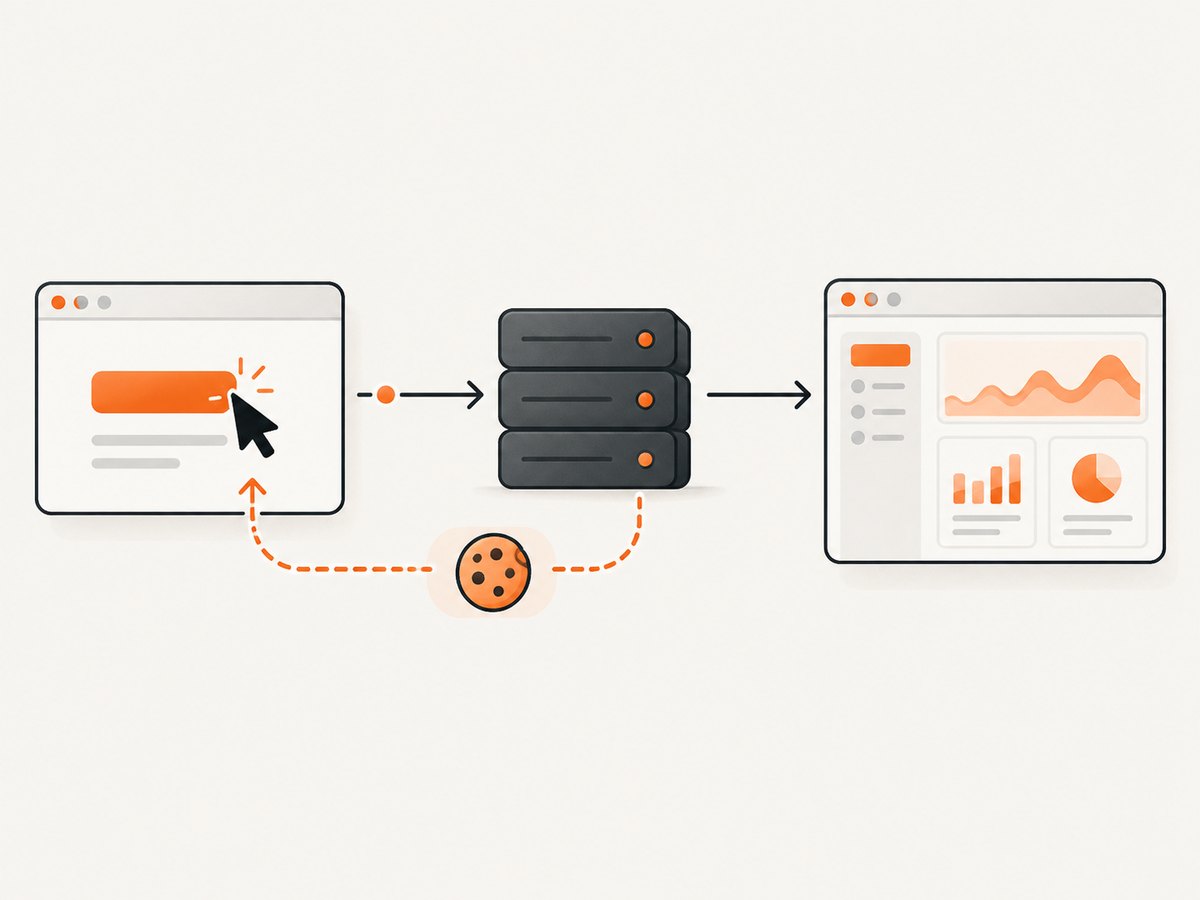
Register the intercept before the click. Cypress can then observe the browser’s request and wait for the server response. Assert a user-visible result as well as transport details: a successful HTTP response alone does not prove that the application stored the session or rendered an authenticated view.
What happens when the server sets a cookie?
Cypress’s cy.request() and the browser share matching cookies. Cookies present in the browser are attached to a request, and Set-Cookie values returned by the server are written back to the browser, subject to normal expiry and clearing rules. Therefore an API login can authenticate a later cy.visit(), and a UI login can provide cookies to later API requests. Check the cookie’s domain, path, Secure setting, SameSite behavior, and expiry when the browser still appears anonymous.
When the application stores a bearer token
For a direct API request, send the token in the Authorization header. Keep it in Cypress configuration or an environment variable rather than committing it to a spec.
cy.request({
  method: 'GET',
  url: '/api/account',
  headers: {
    authorization: `Bearer ${Cypress.env('apiToken')}`
  }
}).its('status').should('eq', 200)
If the application puts the token in local storage, restore that storage inside the cy.session() setup callback and validate it with an authenticated endpoint. Cypress sessions can cache browser storage as well as cookies.
3. Establish authentication with cy.request() for other tests
Do not repeat the login form in every test when the test’s purpose is billing, search, permissions, or another feature behind authentication. Create a reusable command that performs the server login once per session identity.
Cypress.Commands.add('loginByApi', (username, password) => {
  cy.session(
    ['loginByApi', username],
    () => {
      cy.request('POST', '/auth/login', { username, password })
        .its('status')
        .should('eq', 200)
    },
    {
      validate() {
        cy.request('/auth/me')
          .its('status')
          .should('eq', 200)
      }
    }
  )
})

describe('invoices', () => {
  beforeEach(() => {
    cy.loginByApi(
      Cypress.env('username'),
      Cypress.env('password')
    )
    cy.visit('/invoices')
  })

  it('shows the current user invoices', () => {
    cy.get('[data-test=invoices]').should('be.visible')
  })
})
The session identifier must include every value that changes the authenticated state, such as username, tenant, role, or authentication configuration. The validation callback catches an expired or rejected session and causes Cypress to rerun setup. Restoring a session does not navigate to your application; always visit the route required by the test after the session is restored.
Equivalent API setup outside Cypress
These examples show the same server-side login shape for tooling that prepares test data. Replace the path and fields with your application’s contract. They do not replace the browser login test when the login UI itself is in scope.
curl -i -c cookies.txt \
  -H 'Content-Type: application/json' \
  -d '{"username":"USER","password":"PASSWORD"}' \
  https://example.test/auth/login
import requests
s = requests.Session()
r = s.post(
'https://example.test/auth/login',
json={'username': 'USER', 'password': 'PASSWORD'},
timeout=30,
)
r.raise_for_status()
me = s.get('https://example.test/auth/me', timeout=30)
me.raise_for_status()
print(me.json())const login = await fetch('https://example.test/auth/login', {
method: 'POST',
headers: { 'content-type': 'application/json' },
body: JSON.stringify({ username: 'USER', password: 'PASSWORD' })
})
if (!login.ok) throw new Error(`Login failed: ${login.status}`)
console.log(await login.json())4. Inspect the request caused by the click
cy.intercept() proxies browser application traffic. A cy.request() is issued from Cypress’s Node process, so an intercept cannot observe it. Choose the command based on the origin of the request:
- Use
cy.intercept()andcy.wait()for the request generated by a button click or form submission. - Use
cy.request()when your test intentionally calls an API directly to create state or verify a server response.
cy.intercept('POST', '**/auth/login', (req) => {
  expect(req.headers).to.have.property('content-type')
  expect(req.body).to.include.keys('username', 'password')
}).as('login')

cy.get('[data-test=submit]').click()
cy.wait('@login').its('response.statusCode').should('eq', 200)
Use a narrow route pattern in mature suites. A broad wildcard can match a preflight request, refresh call, or unrelated endpoint and make the test wait on the wrong traffic.
5. Handle SSO, OAuth, and OIDC redirects
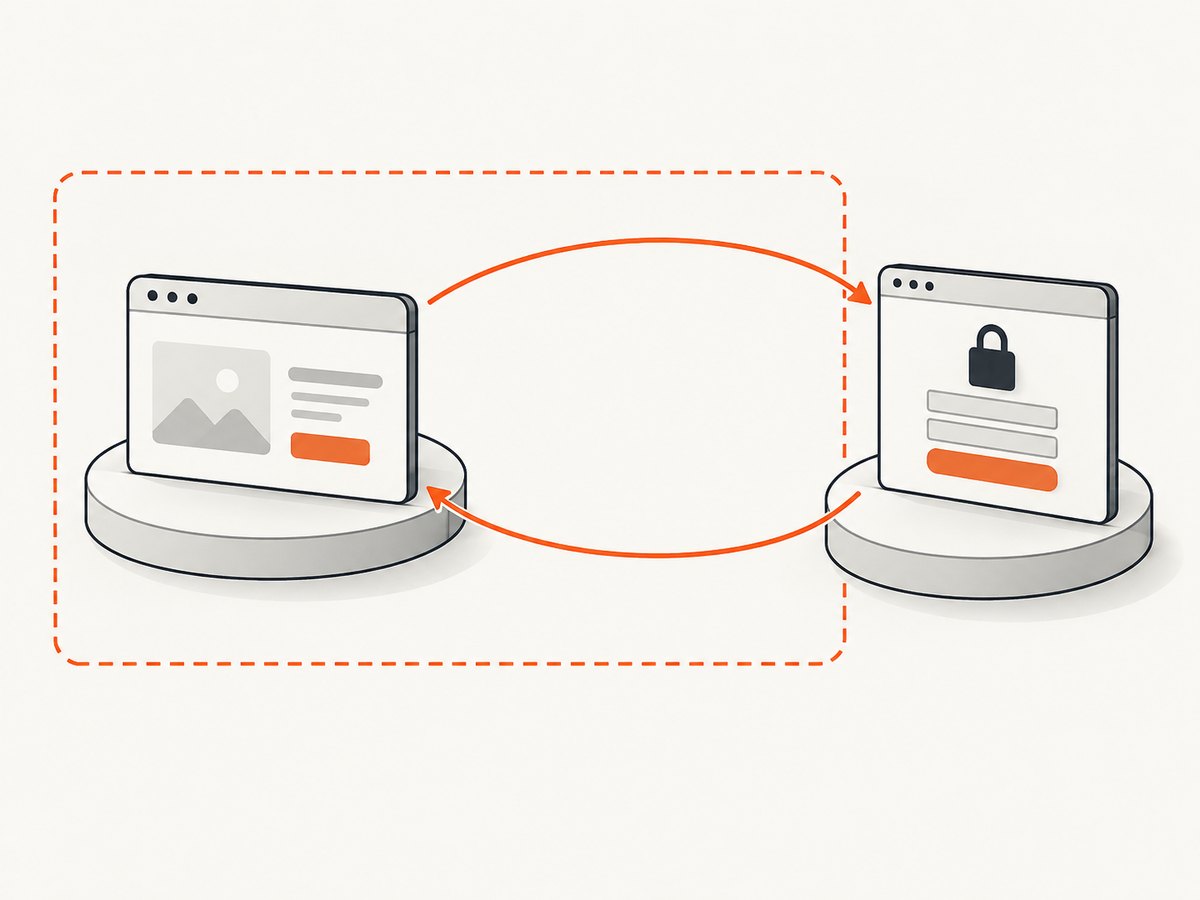
Authentication providers commonly redirect the browser to a different origin. Cypress requires cy.origin() when continuing Cypress commands on that origin. The origin includes scheme, host, and port.
cy.visit('/login')
cy.get('[data-test=continue-with-sso]').click()

cy.origin('https://id.example.test', () => {
  cy.get('input[name=username]').type(Cypress.env('ssoUsername'))
  cy.get('input[name=password]')
    .type(Cypress.env('ssoPassword'), { log: false })
  cy.get('button[type=submit]').click()
})

cy.url().should('include', '/dashboard')
cy.get('[data-test=current-user]').should('be.visible')
For a test about your application’s authorization rather than the provider’s user interface, programmatic authentication can be faster and less brittle. Keep a dedicated provider or UI test so changes to the integration still have coverage. See Cypress’s cross-origin testing guide.
6. Test unauthenticated redirects and expected errors
cy.request() follows redirects by default. Disable that behavior when you need to inspect the initial response from a protected route. Also disable failOnStatusCode when a 401 or 403 is the expected outcome.
cy.request({
  url: '/admin',
  followRedirect: false,
  failOnStatusCode: false
}).then((response) => {
  expect(response.status).to.eq(302)
  expect(response.headers.location).to.include('/login')
  expect(response.redirectedToUrl).to.include('/login')
})
For an API authorization check:
cy.request({
  method: 'GET',
  url: '/api/admin-report',
  failOnStatusCode: false
}).its('status').should('eq', 403)
7. Troubleshooting checklist
“My intercept never fires.”
Cause: the request was made with cy.request(), or the route pattern does not match the browser URL. Fix: intercept before the click for browser traffic; assert direct requests at the cy.request() call site. Confirm the method, host, path, and any API prefix.
“The API login returns 200, but the next page is anonymous.”
Cause: the response did not set the expected cookie, the cookie domain or path excludes the application, the token was stored somewhere else, or the session is already expired. Fix: inspect response headers, check cy.getCookie() and browser storage, then add a validation request such as /auth/me inside cy.session().
“The test is still on the login page after session restoration.”
Cause: session restoration restores state; it does not navigate. Fix: call cy.visit('/route-under-test') after the login helper.
“A redirect assertion sees only the final page.”
Cause: cy.request() follows redirects automatically. Fix: set followRedirect: false and inspect the original status and location.
“The expected 401 or 403 fails the test immediately.”
Cause: Cypress treats non-success responses as failures by default. Fix: set failOnStatusCode: false and assert the expected status explicitly.
“Commands fail after the identity-provider redirect.”
Cause: Cypress commands are running against a different origin. Fix: wrap provider interactions in cy.origin() and use the exact provider origin.
“The login works locally but is flaky in CI.”
Cause: shared accounts, expired seeded credentials, variable provider latency, clock differences, or a session key that omits tenant or role. Fix: create deterministic test accounts, include identity-changing values in the session key, validate sessions, avoid fixed sleeps, and wait on a meaningful request or UI state.
8. Reliability, speed, and security practices
- Keep one real login path: it covers the form, server decision, cookie or token handling, and redirect together.
- Reuse sessions:
cy.session()removes repeated setup from feature tests while its validation callback detects stale state. - Assert observable outcomes: combine network assertions with URL, cookie, and authenticated UI checks.
- Avoid fixed waits: wait on an intercept, a selector, or a server-backed assertion instead of a guessed number of milliseconds.
- Protect credentials: use environment variables, do not commit passwords, and disable logging for secret fields.
- Separate test data: use accounts and tenants designed for automated tests so one test cannot invalidate another.
- Make failures diagnosable: record the response status, redirect location, cookie presence, and validation endpoint result without printing secrets.
9. Or skip the browser setup
If your goal is to capture an authenticated page for documentation, visual review, or an AI workflow rather than to test the login behavior, ScreenshotNeo can handle the screenshot request after your application has a reachable authenticated URL. Its API accepts one GET request and returns PNG, JPEG, WebP, or PDF output. Read the ScreenshotNeo API documentation for the complete option list.
curl -G "https://api.screenshotneo.com/v1/shot" -d access_key=YOUR_API_KEY --data-urlencode url=https://stripe.com -o shot.webpimport requests
r = requests.get("https://api.screenshotneo.com/v1/shot", params={"access_key": "YOUR_API_KEY", "url": "https://stripe.com"}, timeout=90)
open("shot.webp", "wb").write(r.content)const q = new URLSearchParams({ access_key: 'YOUR_API_KEY', url: 'https://stripe.com' }); const res = await fetch(`https://api.screenshotneo.com/v1/shot?${q}`);ScreenshotNeo removes cookie and consent banners, newsletter popups, and chat widgets before capture. Bot checks, blank pages, failed loads, timeouts, and cache hits are not billed, and response headers report the page verdict and billing result. Its MCP server gives Claude, Cursor, and other MCP clients take_screenshot, get_page_info, and capture_pdf tools. The Free plan includes 1,000 screenshots each month with no card; paid plans start at $5 for 3,000 shots. Create a free ScreenshotNeo account.
10. FAQ
Should every Cypress test log in through the UI?
No. Keep a focused UI login test, then use a validated cy.session() setup for tests whose behavior starts after authentication.
Can cy.request() authenticate the browser?
Yes, when the server returns cookies that match the application’s domain and path. Cypress shares those cookies between the request and browser contexts.
Why does cy.intercept() not match cy.request()?
cy.intercept() observes browser traffic, while cy.request() runs from Cypress’s Node process. They are different request paths.
Where should bearer tokens live?
Keep them in Cypress environment variables or another secret store and send them through the Authorization header. Do not place credentials in the spec or visible command logs.
Do I need cy.origin() for every redirect?
Use it when Cypress commands continue on a different origin, which is common for SSO, OAuth, OIDC, and hosted authentication providers.
How can I verify that a cached session is still valid?
Give cy.session() a validate() callback that calls an authenticated endpoint such as /auth/me and checks for a successful response.
With these boundaries, the click test proves the real authentication contract, API setup keeps protected-feature suites fast, and Cypress assertions show exactly where a cookie, token, redirect, or cross-origin handoff failed.


