How to Use Cypress Snapshot Plugins for Visual Testing
Choose a Cypress visual snapshot workflow, capture stable UI states, and review diffs without drowning in flaky failures.

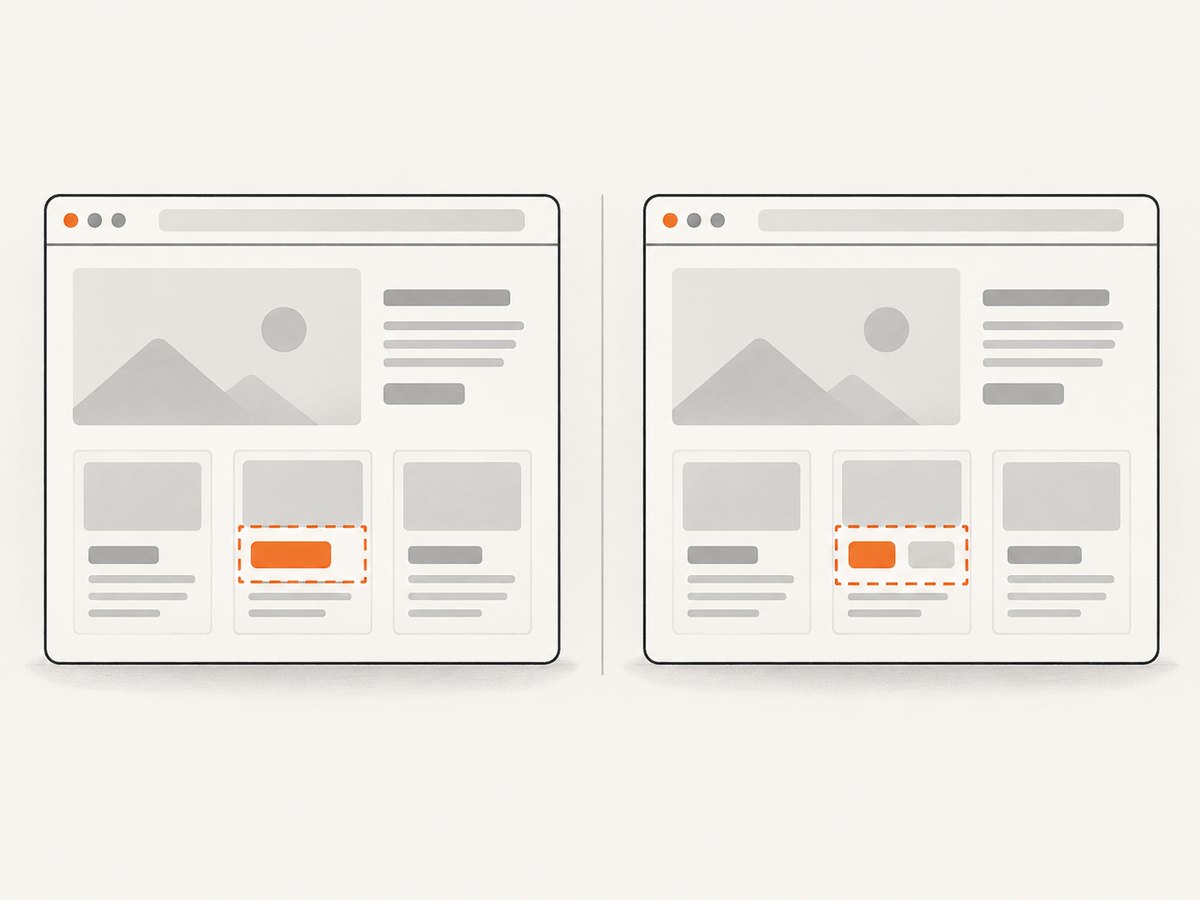
Cypress visual snapshot plugins capture a page or component at a chosen point in a test, compare it with a saved baseline, and report visual differences. The reliable pattern is: prepare a deterministic state, wait until it stops changing, set a consistent viewport, take a meaningful snapshot, then review and deliberately approve any intended change.
For example, some integrations expose cy.compareSnapshot('completed-todo'), while Percy uses cy.percySnapshot(). These commands are supplied by their respective integrations; they are not interchangeable built-in Cypress commands. Select one integration, follow its current installation and registration instructions, and check compatibility before adding it to a project.
1. Choose the visual testing approach
Cypress describes visual testing as a complement to functional testing: assertions can verify that an action worked, while a visual comparison can catch an unexpected layout or styling change. Its plugin catalog includes local/open-source options such as Cypress Image Diff, Cypress Image Snapshot, Visual Regression Diff, and Pixeleye, as well as hosted integrations including Percy, Sauce Labs Visual, Happo, LambdaTest SmartUI, SmartBear VisualTest, and Wopee.io. The catalog and package compatibility can change, so check the current project instructions before installing.
| Decision | Local or team-controlled comparison | Hosted integration |
|---|---|---|
| Baseline and review | Your team manages baseline files, CI artifacts, and the review process. | The service provides a web-based review and approval workflow. |
| Rendering | Consistency depends on the environment where snapshots are captured. | Some services capture or upload snapshots and render them in controlled cloud environments. |
| Coverage | Choose the browser and viewport coverage your own setup can support. | Some services compare across browsers or responsive widths. |
| Ownership and cost | Consider engineering time and infrastructure as well as any package cost. | Compare subscription terms, supported workflows, and review features. |
Compare tools on baseline location, image versus DOM capture, browser and viewport coverage, ignore or mask controls, component-test support, pull-request review, baseline update workflow, and total cost. Percy uses DOM snapshots through cy.percySnapshot() and offers cloud review across browsers and responsive widths. Sauce Labs Visual offers baseline creation, region ignoring, DOM capture, and platform review. For other named options, check the product’s current documentation for the details relevant to your project.
2. Install and register one integration
Choose one plugin or hosted service, then follow its official current setup guide. Cypress plugins add capabilities that Cypress itself does not provide, so importing a command or registering a plugin is specific to that integration. Do not assume that installing a package automatically makes its commands available in test files.
- Check that the integration supports your Cypress version and the test type you intend to run.
- Install the package using the method in that integration’s current instructions.
- Register or import it in the project’s Cypress support setup as documented.
- Configure any required service credentials in your CI secret store, following the service’s instructions.
- Run one focused test and confirm that the integration captures a baseline or produces its expected review output.
Some Cypress catalog entries show package versions and compatibility metadata; those values can change. For example, the catalog information in the research dossier lists updates for @frsource/cypress-plugin-visual-regression-diff and @simonsmith/cypress-image-snapshot in September 2026. Treat catalog metadata as a prompt to verify current compatibility, not as a substitute for the package’s setup instructions.
3. Write a stable Cypress snapshot test
The following example uses Cypress commands and the illustrative cy.compareSnapshot() interface from Cypress’s visual-testing guidance. It shows the test workflow; the selected integration must provide and register that command. The endpoint, fixture name, and selectors are examples to replace with those in your application.
// cypress/e2e/todo-visual.cy.js

describe('completed todo visual state', () => {
  beforeEach(() => {
    cy.intercept('GET', '/api/todos', {
      fixture: 'todos.json',
    }).as('getTodos');

    cy.visit('/todos');
    cy.wait('@getTodos');
    cy.get('[data-cy="todo-list"]').should('be.visible');
  });

  it('matches the completed todo checkpoint', () => {
    cy.viewport(1280, 800);
    cy.get('[data-cy="complete-first-todo"]').click();
    cy.get('[data-cy="todo-item"]').first()
      .should('have.class', 'is-complete');

    // Provided by the visual snapshot integration configured by the project.
    cy.compareSnapshot('completed-todo');
  });
});
This test stubs the changing API response, waits for the response and a visible application state, and snapshots after the user action has taken effect. Cypress’s guidance is: “Best Practice: Take a snapshot only after you confirm the page is done changing.” A snapshot command captures the screen at that moment; it does not wait for your application to become visually stable on its own.
With Percy, the snapshot call is instead cy.percySnapshot(). Its integration captures a DOM snapshot for cloud rendering and review. Configure the integration as Percy documents, then call its command at the meaningful checkpoint in your test. Do not copy the compareSnapshot command into a Percy test unless another configured integration provides it.
4. Make snapshots deterministic
- Control API data. Stub variable responses with
cy.intercept()and fixtures. Avoid depending on changing production data or third-party responses. - Wait for visible state. Assert on the state that matters, such as a loaded list or completed action. Avoid arbitrary sleeps as a substitute for knowing what the test awaits.
- Fix the viewport. Set a known width and height for each checkpoint. A layout can legitimately differ at another breakpoint.
- Keep rendering consistent. Browser version, fonts, test data, and viewport can affect pixels. Keep the capture environment consistent between baseline creation and later runs.
- Control animation and time-dependent content. Wait for the desired state and use the integration’s documented masking or ignore mechanism for genuinely unstable regions such as animated media, advertisements, or third-party widgets.
- Prefer small masks. Mask or ignore only the changing region. A page-wide threshold can hide meaningful regressions.
For component testing, render a component with controlled data and snapshot its focused surface. Cypress identifies component testing as especially suitable for visual checks because the smaller surface is easier to control. Use full-page snapshots when the goal is to catch page-level layout changes and the broader review is worth the extra noise.
5. Choose useful snapshot checkpoints
Snapshot important states rather than every interaction. A good checkpoint represents a stable, meaningful visual contract: a shared component, a key form state, a completed workflow, or a page layout at an important viewport. Element-level captures usually isolate ownership and make diffs easier to review. Full-page captures help catch layout regressions across the whole page, but create a larger surface where unrelated changes can appear.
Before adding a snapshot, ask:
- Would a visual difference here indicate a user-visible regression?
- Can the test create the state reliably with controlled data?
- Is the target component or region small enough to make the diff actionable?
- Does the team have a clear owner who can review future changes?
6. Review diffs and update baselines carefully
- Open the diff produced by the local integration or hosted review workflow.
- Check whether the difference is a real product change, a rendering-environment change, or unstable content.
- For an intended design change, review the affected states and viewports, then accept or regenerate the baseline using the selected integration’s documented process.
- For an unintended change, fix the application and rerun the visual test.
- For noise, stabilize the test data or narrowly mask the unstable region, then review the resulting diff.
Baseline updates are approvals of expected appearance, not a way to silence a failing build. Local plugins leave baseline storage and review in CI artifacts to the team. Hosted services add their own web review and approval workflow. Keep baseline changes tied to the code change that explains them so reviewers can judge intent.
7. Options and configuration to plan for
Exact setting names and support depend on the integration. Check its current documentation for the available controls, then decide these project-level requirements before rolling snapshots out:
| Configuration area | What to decide |
|---|---|
| Capture target | Whole page, a component, or a region; pixel image or DOM snapshot. |
| Rendering matrix | Browser, viewport widths, and any responsive states important to the product. |
| Dynamic regions | Which regions can be narrowly ignored or masked, and why they are unstable. |
| Thresholds | How the integration determines a meaningful difference. Avoid broad thresholds that conceal real changes. |
| Baseline workflow | Where baseline files live, who can approve updates, and how CI artifacts are retained. |
| Parallel CI | How concurrent jobs coordinate baseline access and report results for the same change. |
| Credentials | Where hosted-service keys are stored and how local and CI runs receive them. |
8. Troubleshooting common failures
| Symptom | Likely cause | Fix |
|---|---|---|
| Command is not a function | The integration command was not installed, imported, or registered, or the test calls a command from a different integration. | Recheck the selected integration’s setup instructions and use its actual command, such as the documented cy.percySnapshot() for Percy. |
| Snapshots fail intermittently | Capture happens while rendering, data, animation, or an external widget is still changing. | Stub variable requests, wait for the target state, and narrowly mask unavoidable dynamic content. |
| Large diff after a small code change | Viewport, browser, font availability, test data, or rendering environment changed. | Compare those inputs with the baseline run and keep them consistent. |
| Every run asks for baseline approval | The baseline is missing, not persisted, or the CI workflow does not retrieve the same baseline. | Check the integration’s baseline storage and CI artifact or hosted review configuration. |
| Diff is dominated by advertisements or widgets | Third-party content changes independently of the application. | Stub the dependency when possible, or ignore only the affected region using the integration’s documented feature. |
| Full-page test is hard to diagnose | The capture includes many unrelated regions and layout states. | Add a focused element or component checkpoint; retain full-page checks for page-level layout coverage. |
| Hosted review cannot receive a snapshot | Service setup, credentials, network access, or integration configuration is incomplete. | Check the service’s current Cypress setup and CI credential instructions; do not expose credentials in test source. |
9. Performance, reliability, and cost
Each snapshot adds capture, comparison, and review work. The larger the page and the more viewports and browsers included, the more output a team may need to inspect. Keep the suite focused on important checkpoints, use element-level coverage where it answers the question, and reserve full-page or cross-browser coverage for states where it provides useful assurance.
Reliability depends on stable inputs as much as on the chosen plugin. Controlled fixtures, explicit readiness assertions, and a consistent rendering environment reduce false failures. Hosted rendering can provide controlled cloud environments and centralized review; local tooling gives the team responsibility for baseline handling, CI artifacts, and rendering consistency. Compare subscription costs with the time and infrastructure required by a local workflow, and check current provider terms before choosing.
10. Capture a clean reference outside Cypress
Cypress visual snapshots are designed to compare repeated test captures against a baseline. If you need a standalone screenshot of a live page for a ticket, report, or agent workflow, ScreenshotNeo is a website screenshot API and MCP server. It does not replace baseline comparison in Cypress, but it can capture a page without setting up a browser script.
Or skip the browser setup
One GET request returns an image or PDF. Here is a runnable cURL example; replace the URL and API key with your own values. The ScreenshotNeo API documentation covers the request.
curl -G "https://api.screenshotneo.com/v1/shot" \
  -d access_key=YOUR_API_KEY \
  --data-urlencode url=https://stripe.com \
  -o shot.webp
Python:
import requests

r = requests.get(
    "https://api.screenshotneo.com/v1/shot",
    params={"access_key": "YOUR_API_KEY", "url": "https://stripe.com"},
    timeout=90,
)
open("shot.webp", "wb").write(r.content)
Node.js:
const q = new URLSearchParams({
  access_key: 'YOUR_API_KEY',
  url: 'https://stripe.com'
});
const res = await fetch(`https://api.screenshotneo.com/v1/shot?${q}`);
const bytes = new Uint8Array(await res.arrayBuffer());
await import('node:fs/promises').then(fs => fs.writeFile('shot.webp', bytes));
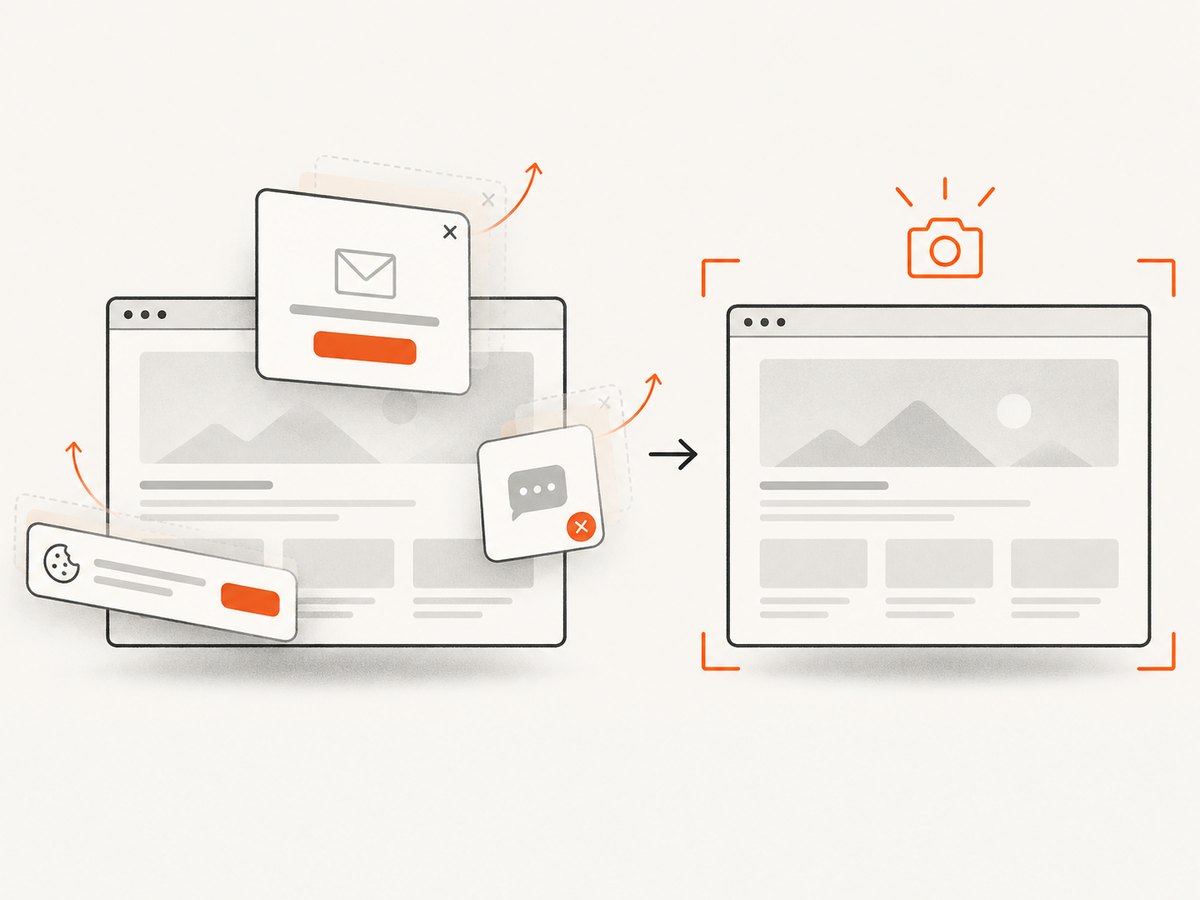
ScreenshotNeo removes cookie and consent banners, newsletter popups, and chat widgets before capture. Bot checks, blank pages, failed loads, timeouts, and cache hits are not billed, and response headers identify the page verdict and billing status. Its MCP server gives AI agents tools for screenshots, page information, and PDF capture. The free plan includes 1,000 screenshots per month with no card; paid plans start at $5 for 3,000 screenshots.
Sign up for 1,000 free screenshots a month, no card required.
FAQ
Does Cypress include visual snapshot comparison by default?
The snapshot comparison commands discussed here come from integrations. Follow the selected integration’s setup guide and verify its command is registered.
Should every Cypress test take a visual snapshot?
No. Snapshot meaningful visual checkpoints that the team can review and maintain.
Can I use Percy’s command with a local snapshot plugin?
Only if your project has configured an integration that provides that command. Each plugin or service has its own setup and API.
When is a full-page snapshot useful?
Use it to cover page-level layout regressions. For isolated component changes, a focused capture is usually easier to interpret.


