How to Test HTML Elements Rendered After Ajax Calls in Cypress
Use Cypress retries and cy.intercept() to verify elements rendered after Ajax calls without brittle fixed waits.

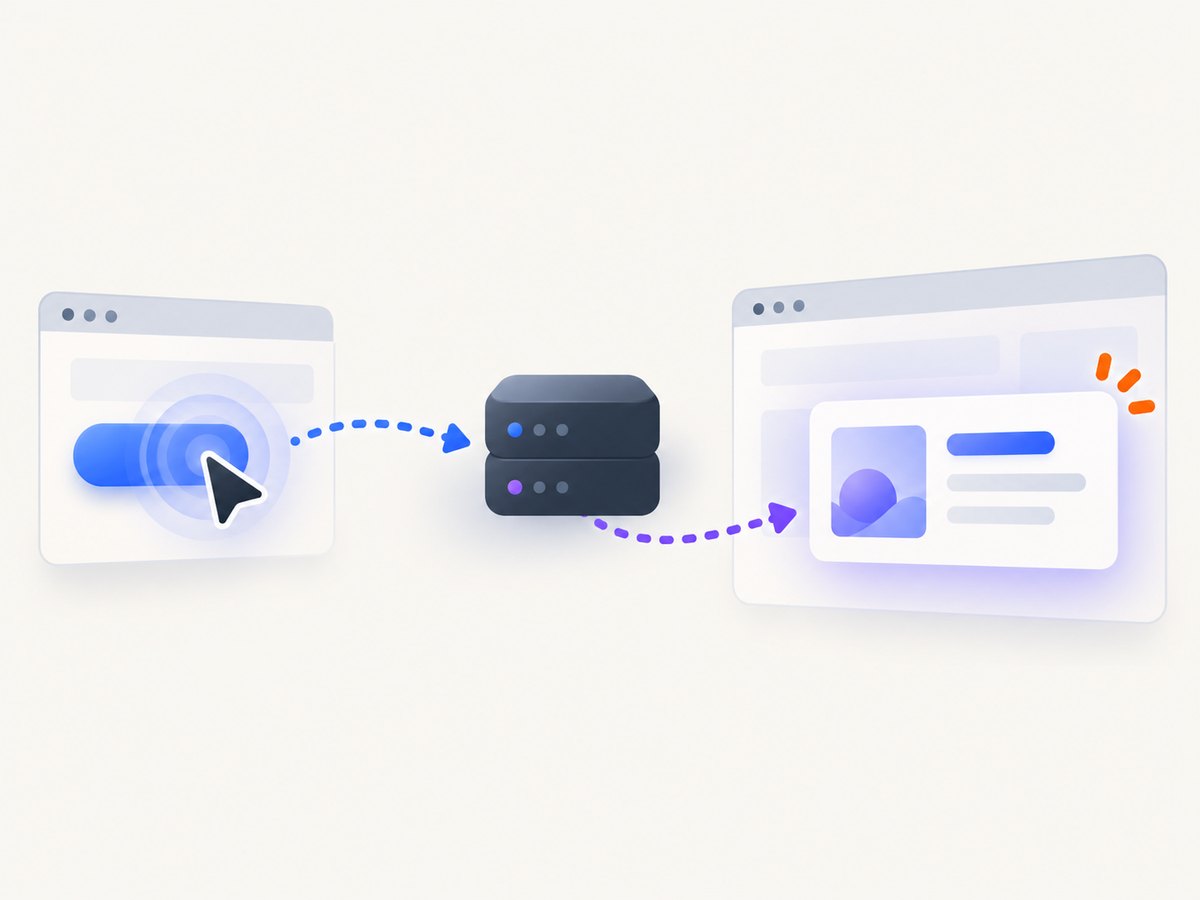
To test HTML inserted after an Ajax call in Cypress, assert the rendered result with a retryable DOM query. Cypress retries linked queries and assertions until they pass or the command timeout expires, so a condition-based assertion is usually better than a fixed sleep. When the test must synchronize with one specific request, register cy.intercept() before the action, wait for its alias, then query the DOM again and assert what the user sees.
This distinction matters: a completed HTTP request proves that the server responded; a fresh DOM assertion proves that your application rendered the response correctly.
1. The simplest pattern: retry the rendered result
Give the result a stable selector such as data-testid, trigger the Ajax operation, and assert meaningful content.
describe('search results', () => {
  it('renders results returned by Ajax', () => {
    cy.visit('/search')

    cy.get('[data-testid="search-input"]')
      .type('cypress{enter}')

    cy.get('[data-testid="results"]')
      .should('be.visible')
      .and('contain', 'Expected result')
  })
})
cy.get() and its linked .should() assertions retry together. The test keeps querying until the element exists and the assertion passes or the timeout is reached. Prefer assertions about the user-visible outcome: expected text, a result count, a status attribute, or the disappearance of a loading state.
Use a count or state assertion when text is variable
cy.get('[data-testid="result-card"]')
  .should('have.length.at.least', 1)

cy.get('[data-testid="results"]')
  .should('have.attr', 'aria-busy', 'false')
Selectors and retry behavior are covered in Cypress’ retry-ability guide and introduction to Cypress.
2. Wait for a specific Ajax request, then verify the UI
Use this pattern when the request itself is part of the behavior under test, or when several asynchronous operations could change the same area.
describe('search results', () => {
  it('waits for the results request and checks the rendered page', () => {
    cy.intercept('GET', '/api/results*').as('getResults')

    cy.visit('/search')
    cy.get('[data-testid="search-input"]')
      .type('cypress{enter}')

    cy.wait('@getResults')
      .its('response.statusCode')
      .should('eq', 200)

    // Start a new query after the request. The app may have replaced the node.
    cy.get('[data-testid="results"]')
      .should('be.visible')
      .and('contain', 'Expected result')
  })
})
Declare the intercept before cy.visit() or the user action that triggers the request. Cypress documents route matching and yielded request data in the cy.intercept() API and cy.wait() API.
Inspect request and response data
cy.wait('@getResults').then((interception) => {
  expect(interception.request.query).to.have.property('q', 'cypress')
  expect(interception.response.statusCode).to.eq(200)
  expect(interception.response.body).to.have.length.greaterThan(0)
})

cy.get('[data-testid="results"]')
  .should('contain', 'Expected result')
Assertions chained directly to cy.wait() run on the yielded interception. If you need retry behavior, use a query such as .its(...).should(...); keep the network checks and the DOM checks as separate steps.
3. Stub the Ajax response for deterministic tests
Stub a response when the test needs controlled data, error cases, or repeatable fixtures. Let the request reach the real service when you are testing the integration with that service.
describe('controlled search response', () => {
  it('renders the stubbed result', () => {
    cy.intercept('GET', '/api/results*', {
      statusCode: 200,
      body: [{ id: 1, name: 'Expected result' }],
    }).as('getResults')

    cy.visit('/search')
    cy.get('[data-testid="search-input"]')
      .type('cypress{enter}')

    cy.wait('@getResults')
    cy.get('[data-testid="results"]')
      .should('contain', 'Expected result')
  })
})
Cypress compares real requests and stubs in its network request guide. A stub gives control; a real request exercises the service path and its timing.
Test loading and failure states
cy.intercept('GET', '/api/results*', {
  delay: 300,
  statusCode: 200,
  body: [{ id: 1, name: 'Expected result' }],
}).as('getResults')

cy.get('[data-testid="search-input"]').type('cypress{enter}')
cy.get('[data-testid="loading"]').should('be.visible')
cy.wait('@getResults')
cy.get('[data-testid="loading"]').should('not.exist')
cy.get('[data-testid="results"]').should('contain', 'Expected result')
cy.intercept('GET', '/api/results*', {
statusCode: 500,
body: { error: 'temporary failure' },
}).as('getResults')
cy.get('[data-testid="search-input"]').type('cypress{enter}')
cy.wait('@getResults')
cy.get('[data-testid="error"]')
.should('be.visible')
.and('contain', 'Try again')4. Choose the right synchronization signal
| Pattern | Use it when | What it proves | Trade-off |
|---|---|---|---|
| Retryable DOM query and assertion | The rendered element or state is the behavior under test | The expected UI condition eventually became true | Does not identify which request caused it |
cy.intercept() + cy.wait() + fresh DOM query |
A particular Ajax request must complete first | The request cycle completed, followed by a rendered-result check | Needs a correct route match; cached requests may bypass interception |
| Stubbed response | The test needs deterministic data or an error path | The UI handles the supplied response | Does not exercise the real backend |
Do not use cy.wait(1000) as a general synchronization strategy. A fixed delay can be too short on a slow run and unnecessarily long on a fast one. Cypress explains command retrying and action behavior in its retry-ability and interacting with elements documentation.
5. Handle rerenders and retry boundaries
A framework may replace a node after the Ajax response arrives. Cypress does not re-run an action command that already executed, and a previously yielded element can become detached. Query the document again after a wait or assertion boundary.

// Fragile if the list is replaced after the first action
cy.get('[data-testid="result-card"]')
  .click()
  .should('have.class', 'selected')

// Safer: query again after the application updates
cy.get('[data-testid="result-card"]').click()
cy.get('[data-testid="result-card"]')
  .should('have.class', 'selected')
If several related checks must retry together, use a side-effect-free callback:
cy.get('[data-testid="results"]').should(($results) => {
  expect($results).to.be.visible
  expect($results.text()).to.contain('Expected result')
})
Avoid clicks, typing, or other side effects inside a callback that Cypress may execute repeatedly.
6. Route matching, aliases, and multiple requests
Match the actual request
cy.intercept('GET', '**/api/results*').as('getResults')

cy.get('[data-testid="search-input"]').type('cypress{enter}')
cy.wait('@getResults')
Use the method and URL pattern your application actually sends. If the request includes query parameters, a wildcard such as **/api/results* can be more suitable than an exact path. Prefer a narrow match when several endpoints share a prefix.
Wait for more than one request
cy.intercept('GET', '/api/results*').as('getResults')
cy.intercept('GET', '/api/permissions').as('getPermissions')

cy.visit('/search')
cy.get('[data-testid="search-input"]').type('cypress{enter}')
cy.wait(['@getResults', '@getPermissions'])
cy.get('[data-testid="results"]').should('be.visible')
When the same alias is used repeatedly, Cypress waits for the next matching occurrence. Keep the final assertion tied to the UI state you need, rather than assuming that request order alone means the page is settled.
7. Common failures and fixes
| Symptom | Likely cause | Fix |
|---|---|---|
cy.wait('@getResults') times out |
The intercept was registered after the request, the route does not match, or the response came from browser cache | Register it before the trigger, inspect the actual method and URL, and check caching behavior |
| The request wait passes but the element is missing | The response succeeded but rendering failed or uses a different selector | Run a fresh cy.get(), assert the rendered state, and inspect application errors |
| “Element detached from DOM” | A rerender replaced the yielded node | Start a new query after the update; avoid chaining further actions on a stale subject |
| Test is flaky with a fixed sleep | The delay does not represent the real condition | Replace it with a DOM assertion, request alias, loading-state assertion, or network-idle signal exposed by the app |
| Selector found but assertion fails intermittently | The selector identifies a shell before its content is populated | Assert expected text, count, attribute, or completion state instead of existence alone |
| Click occurs before the UI is usable | Visibility does not guarantee the transition or replacement is complete | Wait for the request, loading indicator removal, or application-set state, then query and click again |
8. Timeouts, performance, and reliability
Keep the default timeout unless the application has a known, justified upper bound. For one slow operation, pass a local timeout rather than slowing every command:
cy.get('[data-testid="results"]', { timeout: 15000 })
  .should('contain', 'Expected result')
Long timeouts can hide a broken request or rendering error. A short, meaningful assertion fails closer to the cause. Use stubs for fast unit-like UI coverage, and a smaller number of real-request tests for service integration. Keep route handlers and assertion callbacks free of unnecessary work so retries remain cheap.
For reliable suites:
- Register intercepts before visits or actions.
- Use stable, semantic test selectors.
- Assert the final user-visible state.
- Re-query after rerenders and retry boundaries.
- Cover success, empty, loading, and failure responses.
- Investigate caching when an expected network request is absent.
9. A complete example
describe('Ajax-rendered catalog', () => {
  beforeEach(() => {
    cy.intercept('GET', '**/api/products*').as('getProducts')
    cy.visit('/catalog')
  })

  it('renders products after searching', () => {
    cy.get('[data-testid="search-input"]').type('keyboard{enter}')
    cy.get('[data-testid="loading"]').should('be.visible')

    cy.wait('@getProducts')
      .its('response.statusCode')
      .should('eq', 200)

    cy.get('[data-testid="loading"]').should('not.exist')
    cy.get('[data-testid="product-card"]')
      .should('have.length.at.least', 1)
    cy.get('[data-testid="results"]')
      .should('contain', 'Keyboard')
  })

  it('shows an error when the service fails', () => {
    cy.intercept('GET', '**/api/products*', {
      statusCode: 503,
      body: { error: 'unavailable' },
    }).as('getProductsFailure')

    cy.get('[data-testid="search-input"]').type('keyboard{enter}')
    cy.wait('@getProductsFailure')
    cy.get('[data-testid="error"]')
      .should('be.visible')
      .and('contain', 'Try again')
  })
})
10. Or skip the browser setup
If your goal is to capture the page after its Ajax content has rendered, ScreenshotNeo provides a single screenshot request. Its capture options can wait for a selector, a delay, or network idle; it can also run custom JavaScript before capture. Cookie and consent banners, newsletter popups, and chat widgets are removed before the shot. Bot checks, blank pages, failed loads, timeouts, and cache hits are not billed, and response headers identify the page verdict and billing result.
See the ScreenshotNeo API documentation for all options.
curl -G "https://api.screenshotneo.com/v1/shot" \
  -d access_key=YOUR_API_KEY \
  --data-urlencode url=https://example.com/catalog \
  --data-urlencode wait_for_selector='[data-testid="results"]' \
  -o catalog.webp
import requests
r = requests.get(
"https://api.screenshotneo.com/v1/shot",
params={
"access_key": "YOUR_API_KEY",
"url": "https://example.com/catalog",
"wait_for_selector": '[data-testid="results"]',
},
timeout=90,
)
r.raise_for_status()
open("catalog.webp", "wb").write(r.content)const q = new URLSearchParams({
access_key: 'YOUR_API_KEY',
url: 'https://example.com/catalog',
wait_for_selector: '[data-testid="results"]',
});
const res = await fetch(`https://api.screenshotneo.com/v1/shot?${q}`);
if (!res.ok) throw new Error(`Screenshot failed: ${res.status}`);
const image = Buffer.from(await res.arrayBuffer());
await import('node:fs/promises').then(fs => fs.writeFile('catalog.webp', image));ScreenshotNeo also has an MCP server so Claude, Cursor, and other MCP clients can call take_screenshot, get_page_info, and capture_pdf. The free plan includes 1,000 screenshots per month with no card; paid plans start at $5 for 3,000. Create a free ScreenshotNeo account.
11. FAQ
Should I always use cy.intercept()?
No. If the rendered condition is all you need to verify, a retryable DOM query is enough. Add an intercept when the request itself matters or when you need controlled data.
Does cy.wait('@alias') prove that rendering finished?
No. It proves that the matched request completed. Follow it with a fresh DOM query and an assertion on the result.
Why did my intercept not fire?
Common causes are registering it too late, matching the wrong method or URL, and browser caching. Register before the trigger and inspect the actual request.
Can I use a fixed delay at all?
A delay can model a slow response in a stub, but it should not be the condition that makes the test pass. Assert the request or rendered state instead.
How do I test an element inside an iframe?
Use an iframe-aware Cypress strategy or plugin, then apply the same principle: synchronize on the request or a retryable, user-visible state inside the frame.


