How to Handle Empty Strings with Cypress .type()
Learn why Cypress rejects .type(''), when to use .clear(), how to skip optional values, and how to test blank-field validation reliably.

Short answer: Cypress .type() cannot receive an empty string. Calling cy.get('input').type('') raises CypressError: cy.type() cannot accept an empty String. You need to actually type something. The Cypress-maintained request to make an empty string a no-op was closed with a wontfix label. Use .clear() when the desired state is an empty input, or skip .type() when optional test data is empty.
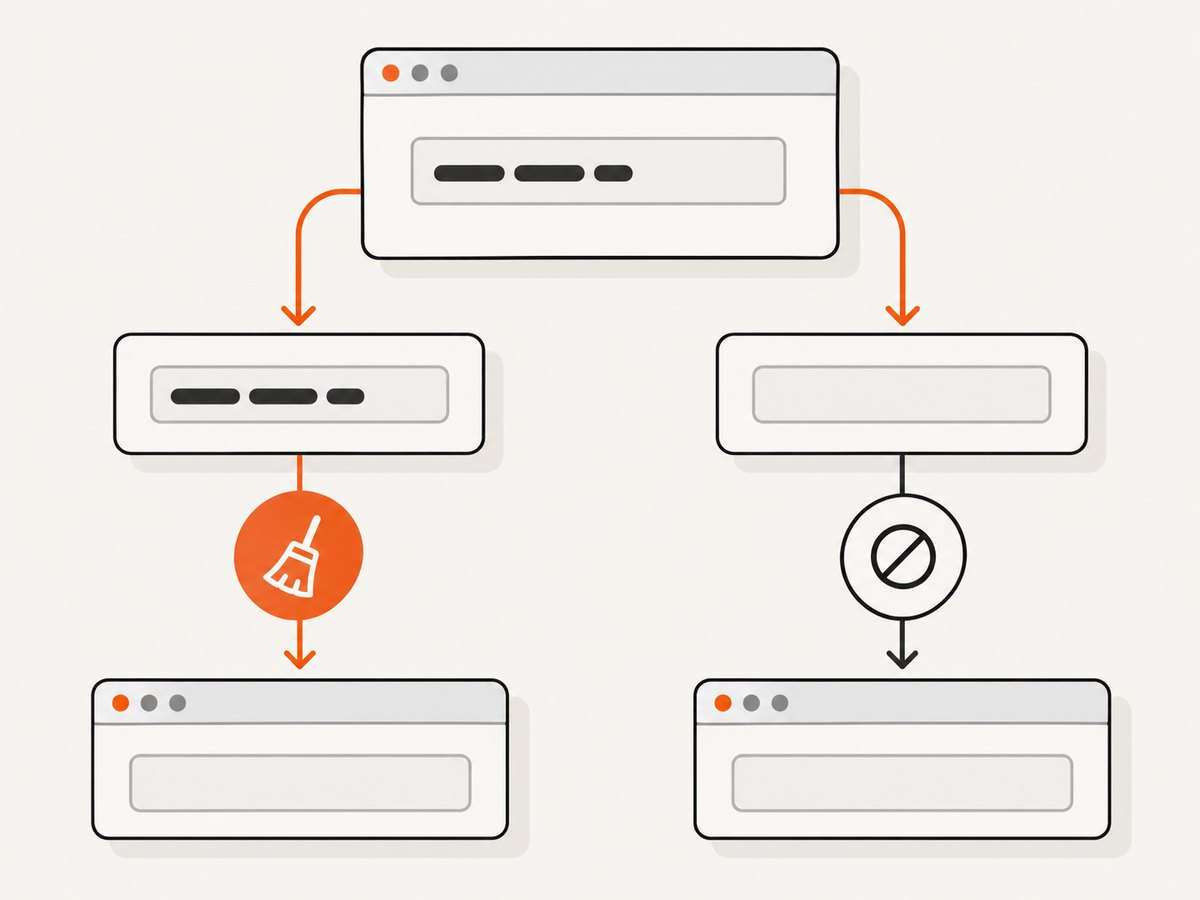
This distinction matters because “make this field empty,” “leave this field untouched,” and “enter a value that happens to be optional” can produce different application behavior. The correct Cypress command depends on which user state your test is meant to model.
What Cypress .type() expects
The Cypress API defines .type(text) as text entry into a DOM element. The argument is a string containing content Cypress can send through the element’s keyboard and input events. An empty string contains no text-entry action, so Cypress rejects it rather than silently doing nothing. The current API reference documents .type(), its supported sequences, and related commands such as .clear() in the command family. See the Cypress .type() API reference.
The error is not fixed by changing quotes, adding a timeout, or retrying the command. This is a command contract. The maintained Cypress issue #6157 records the exact error and the closed no-op proposal. Do not build a test around an expectation that cy.type('') will become supported.
Choose the command by test intent
| Test intent | Recommended action | Why |
|---|---|---|
| Set an existing field to an empty value | .clear() |
Models deleting the current contents and fires the relevant input/change behavior. |
| Optional data may contain an empty string | Branch around .type() |
An empty value means there is no typing action to perform. |
| Verify a required field rejects blank input | Leave it blank, trigger validation, assert the result | Validates the user flow instead of attempting to type “nothing.” |
| Enter whitespace intentionally | Type the whitespace string and test application behavior | A space is a character, although your application may trim it. |
| Send one navigation or control key | Use cy.press() where appropriate |
Cypress separates single-key events from text entry. |
Use .clear() when the desired value is empty
If a field starts with text and your test needs its value to become empty, call .clear(). This expresses the interaction directly and avoids the invalid empty argument.
cy.get('[data-cy="name"]').clear()
cy.get('[data-cy="name"]').should('have.value', '')
A complete test might first establish a known value, then clear it and submit the form:
describe('required name field', () => {
  it('shows validation after the name is cleared', () => {
    cy.visit('/profile')

    cy.get('[data-cy="name"]')
      .should('have.value', 'Ada Lovelace')
      .clear()
      .should('have.value', '')

    cy.get('[data-cy="save"]').click()
    cy.get('[data-cy="name-error"]')
      .should('be.visible')
      .and('contain', 'Name is required')
  })
})
.clear() is appropriate when the field may contain a previous value, a default, or a value entered during setup. It also makes the test’s purpose readable to another maintainer: the test is removing text, not pretending that an empty typing event exists.
Skip .type() for optional data
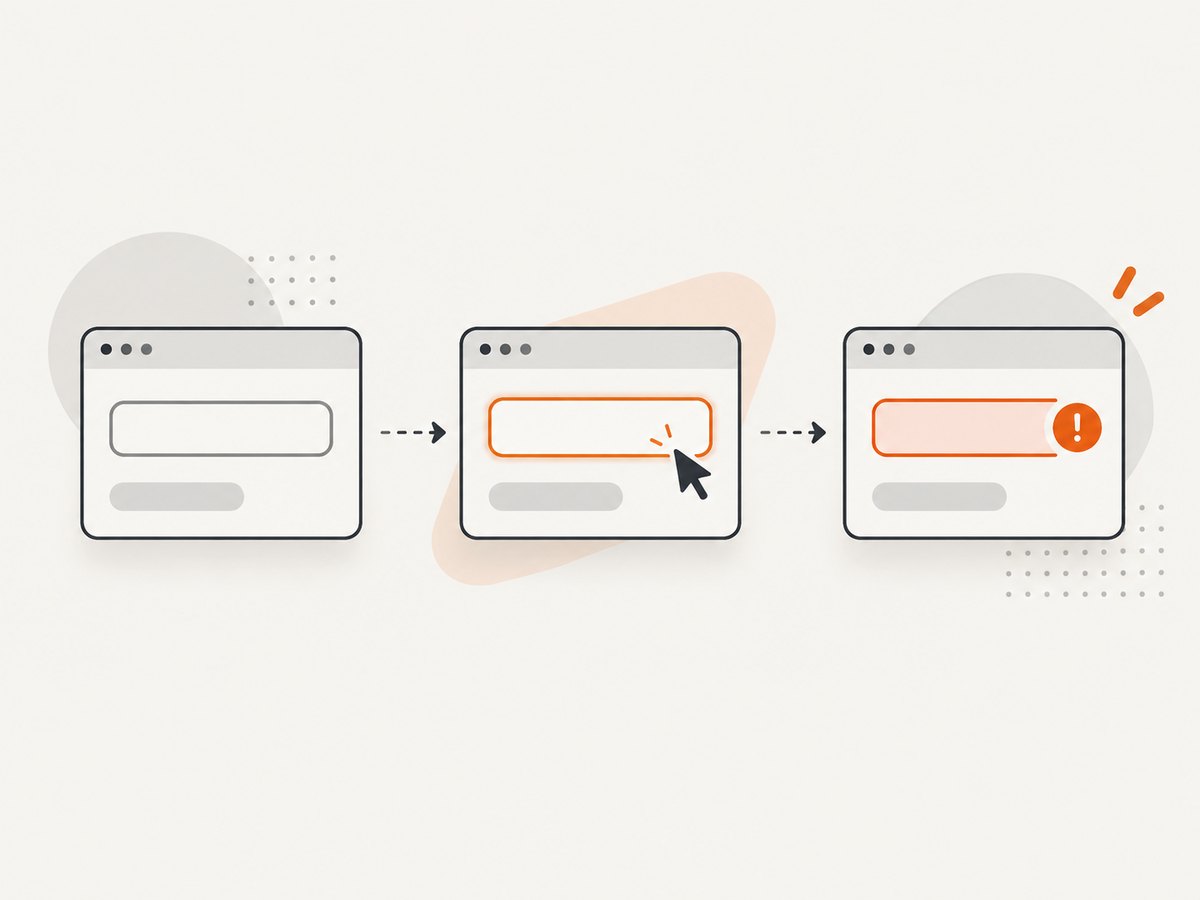
Data-driven tests often receive values from fixtures, environment variables, or generated cases. If a value can be empty, guard the command before calling .type().
const value = 'Ada Lovelace'

cy.get('[data-cy="name"]').clear()

if (value !== '') {
  cy.get('[data-cy="name"]').type(value)
}

cy.get('[data-cy="name"]').should('have.value', value)
For a reusable helper, keep the empty-value policy explicit:
function fillOptional(selector, value) {
  cy.get(selector).clear()

  if (value !== '') {
    cy.get(selector).type(value)
  }
}

describe('optional company field', () => {
  it('accepts a missing company', () => {
    cy.visit('/signup')
    fillOptional('[data-cy="company"]', '')
    cy.get('[data-cy="submit"]').click()
    cy.get('[data-cy="success"]').should('be.visible')
  })

  it('enters a company when supplied', () => {
    cy.visit('/signup')
    fillOptional('[data-cy="company"]', 'Analytical Engines')
    cy.get('[data-cy="company"]')
      .should('have.value', 'Analytical Engines')
  })
})
The unconditional .clear() in this helper is a deliberate setup choice. It means an empty value produces an empty field even when the page provides a default. If your scenario represents an untouched field, do not clear it automatically; leave the field alone and assert the untouched behavior.
Test blank-field validation as a user interaction
To test required-field validation, start with a blank field or clear an existing one, then perform the action that causes your application to validate. Depending on the application, that may be blur, submit, pressing a button, or moving to the next step.
it('validates an untouched required email field on blur', () => {
  cy.visit('/contact')

  cy.get('[data-cy="email"]')
    .focus()
    .blur()

  cy.get('[data-cy="email-error"]')
    .should('be.visible')
    .and('contain', 'Email is required')
})

it('validates a blank required email field on submit', () => {
  cy.visit('/contact')
  cy.get('[data-cy="submit"]').click()
  cy.get('[data-cy="email-error"]').should('be.visible')
})
This approach distinguishes “the user never entered anything” from “the user entered text and deleted it.” Some applications track those states separately for touched-state styling, analytics, or when to display errors. Choose the interaction that matches the behavior you promise to users.
Empty string, whitespace, null, and undefined
Empty string
'' has zero characters and must not be passed to .type(). Use .clear() or a conditional branch.
Whitespace
A string containing a space is not empty:
cy.get('[data-cy="search"]').type(' ')Whether that is valid depends on your application. If the application trims input, assert the trimmed result or the validation message. Do not treat whitespace as proof that Cypress accepts an empty string; it is a different input.
Null and undefined
Normalize optional data before it reaches a Cypress command. A value that is null or undefined is not a valid text payload either, and silently coercing it can hide a fixture bug.
function optionalText(value) {
  if (value == null) return ''
  return String(value)
}

const company = optionalText(testCase.company)
cy.get('[data-cy="company"]').clear()
if (company.length > 0) {
  cy.get('[data-cy="company"]').type(company)
}
If null means “missing data” while an empty string means “explicitly blank,” keep those cases separate in your test data and assertions rather than converting both without thought.
Use .press() for a single key
Cypress documents .press() for navigation and single-key events, while .type() is for text and supported typing sequences. For example, if the behavior under test is caused by the Enter key, use the command intended for that event:
cy.get('[data-cy="query"]')
  .type('cypress')
  .press('ENTER')

cy.get('[data-cy="results"]').should('be.visible')
Read the Cypress .press() API reference for the supported key-event behavior. Neither .press() nor .type() is a replacement for clearing a field.
Data-driven patterns that remain readable
Fixture cases
const cases = [
  { label: 'provided name', name: 'Grace Hopper', valid: true },
  { label: 'empty name', name: '', valid: false }
]

cases.forEach(({ label, name, valid }) => {
  it(`handles ${label}`, () => {
    cy.visit('/profile')
    cy.get('[data-cy="name"]').clear()

    if (name !== '') {
      cy.get('[data-cy="name"]').type(name)
    }

    cy.get('[data-cy="save"]').click()

    if (valid) {
      cy.get('[data-cy="success"]').should('be.visible')
    } else {
      cy.get('[data-cy="name-error"]').should('be.visible')
    }
  })
})
Object-based form filling
const fields = {
  firstName: 'Katherine',
  middleName: '',
  lastName: 'Johnson'
}

Object.entries(fields).forEach(([name, value]) => {
  const input = cy.get(`[data-cy="${name}"]`)
  input.clear()
  if (value !== '') {
    input.type(value)
  }
})
Keep selectors stable with dedicated data-cy attributes. Avoid making the helper responsible for assertions that differ by field; fill behavior and validation expectations are easier to diagnose when they remain separate.
Common errors and fixes
| Error or symptom | Cause | Fix |
|---|---|---|
cy.type() cannot accept an empty String |
The value passed to .type() is ''. |
Call .clear(), or conditionally skip typing. |
| Optional field retains a default | The test skipped typing but never removed existing text. | Call .clear() first when the expected final value is empty. |
| Validation does not appear | The application validates on blur or submit, but the test only focused the field. | Trigger the same interaction a user would perform, then assert the message. |
| Whitespace case passes unexpectedly | The application trims whitespace or considers it valid. | Assert the product’s stated trimming and validation rules explicitly. |
| Test fails intermittently after typing | The assertion races an application update or the selector matches unstable DOM. | Assert a stable state or visible validation result, and use a stable selector. Do not add an empty .type() call as a wait. |
| Secret appears in the Command Log | Cypress records .type() content by default. |
Follow Cypress guidance for logging and masking sensitive values in custom commands and test output. See the Custom Commands documentation. |
Performance and reliability considerations
Cypress 16.0.0 changed the default typing delay from 10 ms to 0 ms, according to the .type() API reference. Do not add artificial delays to compensate for an empty string. A conditional branch is faster and clearer because no browser events are needed when there is no value.
For reliable tests:
- Establish the field state deliberately with
.clear()when defaults may vary. - Use one assertion for the resulting value and another for the application outcome when both matter.
- Trigger validation through blur, submit, or the documented interaction rather than relying on command completion alone.
- Keep optional-value normalization close to the test data boundary.
- Do not use a no-op command as a synchronization mechanism; wait on a meaningful DOM or network state instead.
Or skip the browser setup
If your goal is to create screenshots of Cypress results, test pages, or documentation examples, ScreenshotNeo can capture a URL through one GET request. It removes cookie and consent banners, newsletter popups, and chat widgets before capture. Bot checks, blank pages, failed loads, timeouts, and cache hits are not billed, and the response identifies the result with X-Page-Verdict and X-Billed headers. An MCP server provides take_screenshot, get_page_info, and capture_pdf tools for Claude, Cursor, and other MCP clients.
cURL:
curl -G "https://api.screenshotneo.com/v1/shot" \
  -d access_key=YOUR_API_KEY \
  --data-urlencode url=https://stripe.com \
  -o shot.webp
Python:
import requests

r = requests.get(
    "https://api.screenshotneo.com/v1/shot",
    params={"access_key": "YOUR_API_KEY", "url": "https://stripe.com"},
    timeout=90,
)
r.raise_for_status()
open("shot.webp", "wb").write(r.content)
Node.js:
const q = new URLSearchParams({
  access_key: 'YOUR_API_KEY',
  url: 'https://stripe.com'
});
const res = await fetch(`https://api.screenshotneo.com/v1/shot?${q}`);
if (!res.ok) throw new Error(`Screenshot failed: ${res.status}`);
const fs = await import('node:fs/promises');
await fs.writeFile('shot.webp', Buffer.from(await res.arrayBuffer()));
See the ScreenshotNeo documentation for request options. The service supports full-page captures with lazy images loaded, CSS-selector element captures, dark mode, device presets and custom viewports, retina scale, custom CSS and JavaScript, clicks, selector or network-idle waits, blocked resources, headers, cookies, user agents, authorization, timezone, geolocation, transparent backgrounds, resizing, caching with a chosen TTL, signed links, asynchronous jobs with signed webhooks, bulk capture for up to 100 URLs per call, usage reporting, PDF output, and HTML/CSS rendering. Every feature is available on every plan.
Free accounts include 1,000 screenshots per month with no card. Paid plans start at $5 for 3,000 shots; yearly billing gives two months free. Create a free ScreenshotNeo account.
FAQ
Can I make cy.type('') a no-op with a custom command?
You can wrap conditional logic in a custom command, but the underlying Cypress command still should not receive an empty string. Have the wrapper call .clear() or skip typing according to an explicit option.
Should I use .invoke('val', '') instead?
Directly changing a DOM property can bypass the keyboard and input events your application relies on. Prefer user-facing commands unless the test specifically targets a lower-level integration and dispatches the required events deliberately.
Does .clear() prove the user never entered text?
No. It models removing text. If untouched state matters, begin with the blank field and trigger the relevant validation interaction without clearing or typing.
What should I assert after skipping an empty value?
Assert the field’s final value and the product outcome: validation, submission, filtering, or navigation. The correct assertion depends on whether the empty value is valid for that field.
Where should secrets typed by Cypress tests be handled?
Review Cypress’s logging and masking guidance before placing credentials in commands or custom helpers. Avoid exposing secrets in screenshots, logs, fixtures, and CI artifacts.


