Cypress vs. Selenium: Which Testing Framework Is Best for You?
Compare Cypress and Selenium by language, browser coverage, architecture, CI, debugging, and maintenance so you can choose the right framework.
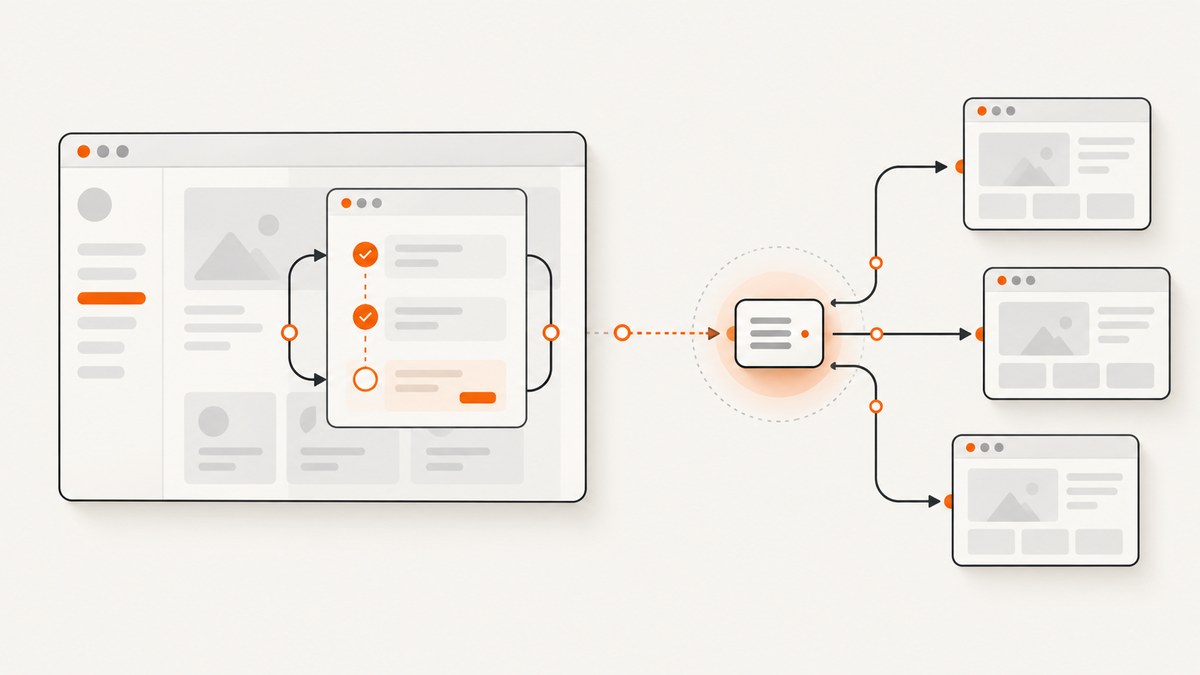
Short answer: Choose Cypress for a JavaScript or TypeScript web team that wants an integrated runner, application-aware debugging, built-in retry behavior, and network interception. Choose Selenium when you need a language-neutral API, already operate WebDriver or Selenium Grid, or require a remote-browser platform shared by teams using several programming languages. Your required browsers, application architecture, CI ownership, and debugging workflow should decide the final choice.
Cypress and Selenium both automate real browsers, but they solve the problem from different architectural directions. Cypress runs in the same run loop as the application under test, giving its commands visibility into the window, document, DOM, application instance, and timers. Selenium uses the WebDriver API and protocol to control browser implementations from the test environment. That distinction affects language support, waiting, network control, parallel execution, infrastructure, and how failures are diagnosed.
1. Cypress vs. Selenium at a glance
| Decision axis | Cypress | Selenium |
|---|---|---|
| Execution model | Runs alongside the application in the browser’s run loop. | Controls a browser through the language-neutral WebDriver protocol. |
| Best language fit | JavaScript and TypeScript. | Multiple official language bindings, including the language your team already uses. |
| Waiting | Commands and assertions retry automatically within Cypress’s model. | Use implicit or explicit waits through your selected binding and test runner. |
| Network control | cy.intercept() is built in. |
Usually assembled with additional tools or test infrastructure. |
| Debugging | Interactive runner with time-travel-style command inspection. | Choose your own runner, reports, logging, and debugging tools. |
| Distributed CI | Cypress Cloud can coordinate recorded-run parallelization across CI machines. | Selenium Grid distributes WebDriver sessions across machines that you operate or procure. |
| Important constraint | The in-browser architecture includes constraints such as controlling only one open browser at a time. | The WebDriver model is flexible for remote sessions but requires more framework and infrastructure assembly. |
Read the current Cypress documentation, Selenium WebDriver documentation, and browser support pages before locking versions. Browser support and experimental features change over time.
2. The architectural difference that matters
Cypress runs with the application
Cypress describes its architecture as executing in the same run loop as your application. Test code can inspect browser-side objects and application state while commands run. The integrated runner shows each command, snapshots the state around it, and lets you inspect failures in context. This is particularly useful when a failure involves rendering, timers, client-side routing, or an intercepted request.
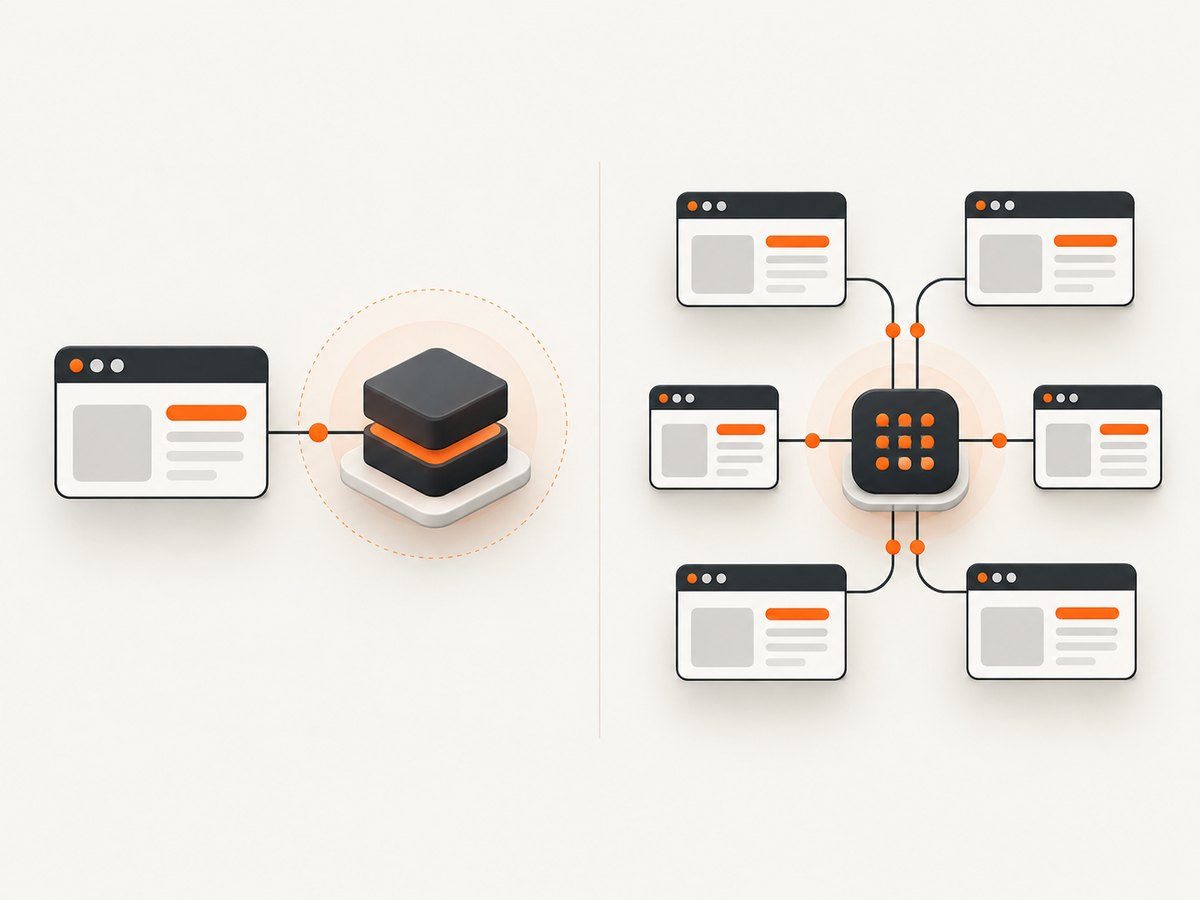
The same architecture creates boundaries. Cypress test code runs in a browser context, and Cypress cannot control more than one open browser at a time. If your scenario depends on coordinating several independent browser sessions simultaneously, model that requirement early and verify whether Cypress’s documented trade-offs fit it. See the Cypress trade-offs reference.
Selenium controls browsers through WebDriver
Selenium’s WebDriver is an API and protocol that defines a language-neutral interface for controlling browser behavior. A Selenium test uses a language binding, a browser-specific driver or implementation, and a test runner. The browser can be local or remote. Selenium Grid extends this model by routing sessions to machines that provide the required browsers and versions.
This separation gives Selenium broad ecosystem flexibility. It also means you assemble choices that Cypress presents as one integrated experience: assertions, retries, reporting, screenshots, video, browser provisioning, and remote execution are selected and maintained by your team or platform provider.
3. Choose by programming language and team skills
If your product team writes end-to-end tests in JavaScript or TypeScript, Cypress is usually the faster path to a productive test suite. Its commands, assertions, runner, and application-aware debugging are designed around that ecosystem. Frontend engineers can often contribute without learning a separate remote-driver architecture.
Selenium is the safer fit when your automation standard is Python, Java, C#, Ruby, JavaScript, or another language supported by its official bindings. It is also a practical choice when several teams share a platform and cannot standardize on one test language. Your existing fixtures, page objects, reporting pipeline, and Grid knowledge have real migration value.
Do not choose based on a language preference alone. List the people who will author and maintain tests, then account for code review conventions, package management, debugging skills, and the language used by your existing CI utilities.
4. Browser coverage and application architecture
Start with a browser-and-version matrix. Include the browsers your users require, the versions your support policy names, mobile or responsive coverage, authentication flows, cross-origin boundaries, and any embedded frames or third-party integrations.
Current official Cypress documentation describes support for Chrome-family browsers and Firefox. WebKit support is marked experimental in the browser-launching reference, so do not assume unqualified Safari coverage. Validate the exact Cypress version and browser versions against the Cypress cross-browser guide and launching-browsers reference.
Selenium is designed around browser-specific WebDriver implementations. That makes it a strong candidate when your matrix includes browser implementations or remote environments that must be managed through WebDriver. Confirm driver, browser, operating-system, and Grid compatibility for the versions you intend to run.
Application architecture matters as well. A single-page application with heavy client-side state can benefit from Cypress’s visibility into the application and its network interception. A system made of several services, separate domains, or independently managed browser sessions may align more naturally with Selenium’s remote-control model. Treat this as a design fit, not a claim that one framework is universally faster or more reliable.
5. Waiting, retries, and synchronization
Cypress approach
Cypress commands and assertions are retryable within Cypress’s command model. Instead of writing a fixed sleep after every action, you typically query for a condition and assert the expected state. Network requests can be observed or stubbed with cy.intercept(), which helps synchronize a test with application behavior.
describe('checkout', () => {
  it('shows the confirmation after payment', () => {
    cy.intercept('POST', '/api/payments').as('payment');
    cy.visit('/checkout');
    cy.get('[data-testid="pay-button"]').click();
    cy.wait('@payment').its('response.statusCode').should('eq', 200);
    cy.get('[data-testid="confirmation"]').should('be.visible');
  });
});
Use deterministic selectors and application signals. A retry cannot fix a race caused by an incorrect selector, an unmocked dependency, or a server that never reaches the expected state.
Selenium approach
Selenium supports implicit and explicit waits. Prefer explicit waits for a specific state, such as an element becoming visible or clickable. Avoid mixing a large implicit wait with many explicit waits because the combined timing can make failures difficult to predict.
from selenium import webdriver
from selenium.webdriver.common.by import By
from selenium.webdriver.support.ui import WebDriverWait
from selenium.webdriver.support import expected_conditions as EC

options = webdriver.ChromeOptions()
driver = webdriver.Chrome(options=options)
try:
    driver.get('https://example.test/checkout')
    pay = WebDriverWait(driver, 20).until(
        EC.element_to_be_clickable((By.CSS_SELECTOR, '[data-testid="pay-button"]'))
    )
    pay.click()
    WebDriverWait(driver, 20).until(
        EC.visibility_of_element_located((By.CSS_SELECTOR, '[data-testid="confirmation"]'))
    )
finally:
    driver.quit()
Set timeouts from observed service behavior and CI conditions. A long global timeout hides regressions; a short timeout creates noise under a loaded runner.
6. Debugging and failure diagnosis
Cypress’s interactive runner is a major advantage when developers investigate a failing web test. The command log, snapshots, browser state, and network interception appear together. Cypress Cloud is an optional hosted service that can record and replay CI runs and coordinate spec distribution across available machines based on historical durations.
Selenium gives you control over the debugging stack. You can capture browser logs, screenshots, page source, driver traces, and video through the runner and infrastructure you select. That flexibility is useful for a platform team, but you must standardize the artifacts so every failed session is diagnosable.
For either framework, a useful failure bundle contains the test name, commit, browser and version, operating system, URL or route, console logs, network evidence, screenshot, and timing information. Redact credentials and personal data before storing artifacts.
7. CI, parallelism, and infrastructure ownership
Ask who owns browsers and how many sessions you need at peak. Cypress Cloud can coordinate parallelization for recorded runs across CI machines. The core Cypress runner and the hosted Cloud service are separate decisions; include the service only if its recording and coordination features solve a real CI problem.
Selenium Grid distributes browser sessions across machines. This suits organizations that already operate a Grid or need a shared remote-browser pool. It also creates work: images, drivers, browser updates, capacity, session cleanup, security, and observability must be maintained. A managed Grid can reduce that operational load, while a self-hosted Grid may provide more control.
Run a small pilot using your real CI images. Measure queue time, setup failures, flaky-test retries, artifact availability, and time spent upgrading browsers. There is no general official benchmark that establishes a universal speed winner, so avoid vendor speed claims presented as independent measurements.
8. A decision checklist
- Languages: Is JavaScript or TypeScript the natural test language, or must several language teams contribute?
- Browsers: Which browser families and exact versions are mandatory? Have you checked current support documentation?
- Sessions: Do tests need multiple simultaneous browser sessions or remote machines?
- Application access: Will deep access to browser-side application behavior and built-in request interception reduce debugging time?
- Infrastructure: Who provisions browsers, drivers, Grid nodes, secrets, and upgrades?
- CI workflow: Do you need hosted run replay and spec distribution, or do you already have a Selenium platform?
- Maintenance: Which framework matches your existing fixtures, selectors, reports, and team skills?
A practical recommendation follows from these answers:
- Pick Cypress for a primarily web-focused JavaScript or TypeScript team that values an integrated runner, application-aware debugging, retryable commands, and built-in network control.
- Pick Selenium when language neutrality, WebDriver compatibility, remote sessions, Selenium Grid, or an established shared automation platform is central.
- Run a proof of concept in both frameworks when browser coverage or cross-domain behavior is uncertain. Use the same three user journeys and compare failure diagnosis and CI operations, not only initial authoring time.
9. Screenshot evidence for test failures
Browser tests often need a clean screenshot for a failure report, visual review, or release archive. If you capture pages yourself, account for cookie banners, newsletter popups, chat widgets, lazy-loaded images, authentication headers, and pages that never finish loading.
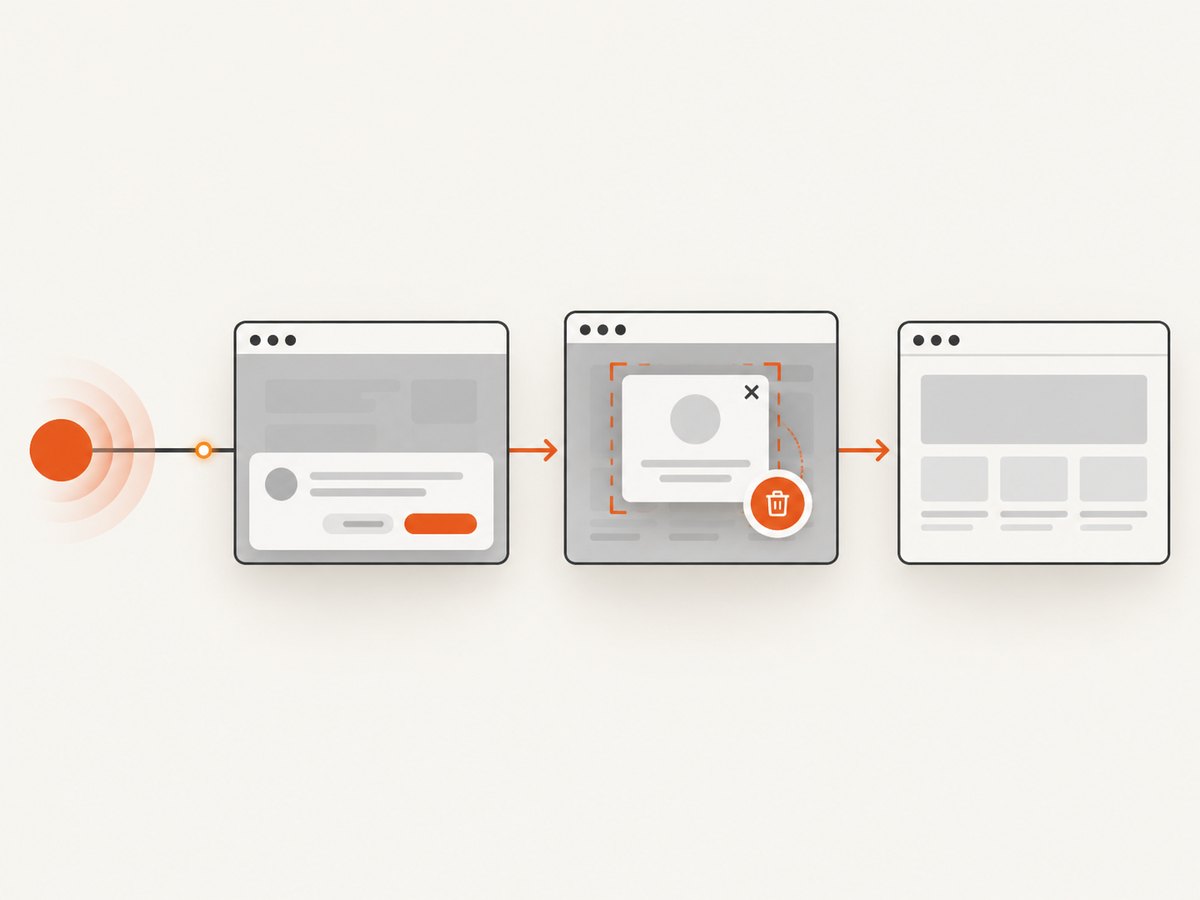
Or skip the browser setup: ScreenshotNeo provides a website screenshot API and MCP server. One GET request returns a PNG, JPEG, WebP, or PDF. It accepts consent banners like a visitor and removes more than 60 known consent platforms, newsletter popups, and chat widgets before capture; each step can be disabled. Bot checks, blank pages, timeouts, failed loads, and cache hits are not billed, and response headers identify the page verdict and billing result.
Use the same endpoint from CI, a diagnostic script, or an AI agent. Full-page capture loads lazy images; you can capture an element by CSS selector, set a device preset or viewport, use dark mode and retina scale, inject CSS or JavaScript, click an element, wait for a selector, delay, or network idle, block ads or resource types, provide headers, cookies, user agents, Authorization, timezone, and geolocation, resize images, choose a cache TTL, create signed public links, submit async jobs with signed webhooks, capture up to 100 URLs per bulk call, and read usage through the API. PDF options include paper size, margins, landscape, and page ranges. The API also accepts parameter names used by other screenshot APIs, which can simplify migration. See the ScreenshotNeo documentation.
curl -G "https://api.screenshotneo.com/v1/shot" -d access_key=YOUR_API_KEY --data-urlencode url=https://stripe.com -o shot.webpimport requests
r = requests.get("https://api.screenshotneo.com/v1/shot", params={"access_key": "YOUR_API_KEY", "url": "https://stripe.com"}, timeout=90)
open("shot.webp", "wb").write(r.content)const q = new URLSearchParams({ access_key: 'YOUR_API_KEY', url: 'https://stripe.com' });
const res = await fetch(`https://api.screenshotneo.com/v1/shot?${q}`);An MCP server provides take_screenshot, get_page_info, and capture_pdf tools for Claude, Cursor, and other MCP clients, so an AI agent can gather visual evidence without you wiring a browser into every workflow.
Free accounts include 1,000 shots per month with no card. Paid plans start at $5 for 3,000 shots; every feature is included on every plan. Create a free ScreenshotNeo account and use the included monthly shots for CI diagnostics or test review.
10. Troubleshooting common problems
Tests fail intermittently after a page transition
Cause: The test waits for elapsed time rather than an application state. Fix: Cypress users should assert the resulting DOM state or wait on an intercepted request. Selenium users should use an explicit wait for visibility, presence, or clickability and confirm the selector is stable.
The required browser is unavailable
Cause: The installed browser, driver, or framework version does not match the support matrix. Fix: Record exact versions in CI, consult current Cypress browser references or Selenium driver documentation, and update the image and driver as one change.
Parallel jobs overload the environment
Cause: More sessions are scheduled than the Grid or CI workers can serve. Fix: Set a concurrency limit, monitor queue time, clean up abandoned sessions, and scale browser workers before increasing test parallelism.
A Cypress test cannot coordinate two browser windows
Cause: Cypress’s architecture includes a documented limitation around controlling more than one open browser at a time. Fix: Reframe the flow around API setup or a single browser where possible; choose Selenium when simultaneous independent sessions are a hard requirement.
Failure artifacts contain a consent banner or popup
Cause: The page’s third-party widget loaded after the capture step. Fix: Wait for the page state, hide known selectors, or use ScreenshotNeo’s consent and popup removal before capture. Inspect the X-Page-Verdict and X-Billed headers when diagnosing an API result.
11. FAQ
Is Cypress faster than Selenium?
The reviewed official sources do not establish a universal performance winner. Runner startup, browser versions, application behavior, CI capacity, waits, and parallelism dominate the result. Benchmark your own journeys with a documented method.
Can Selenium test a JavaScript application?
Yes. Selenium controls the browser through WebDriver regardless of the application’s frontend language. Your team still needs to design waits, assertions, fixtures, and reporting around its chosen binding.
Does choosing Cypress remove the need for CI browser maintenance?
No. You still maintain browser versions, CI images, secrets, test data, and artifacts. Cypress Cloud can coordinate recorded runs, but it is an optional hosted service.
Should a new team migrate an existing Selenium suite?
Only when the migration addresses a clear problem such as debugging cost, language alignment, or network control. Inventory browser coverage, remote-session requirements, and reusable fixtures before estimating the work.
Can ScreenshotNeo replace end-to-end testing?
No. It captures page images or PDFs and provides page information; it does not replace Cypress or Selenium’s interaction and assertion capabilities. It can supply clean visual evidence alongside either framework.
12. Final recommendation
Choose Cypress when your web team is centered on JavaScript or TypeScript and wants application-aware execution, retryable commands, network interception, and an integrated debugging workflow. Choose Selenium when your organization needs a language-neutral WebDriver model, remote browser sessions, Selenium Grid, or an established multi-language automation platform. Confirm browser versions and experimental support before committing, then validate the choice in your own CI with representative journeys and failure artifacts.


