Datacenter vs. Residential Proxies: When Each One Wins
Learn when datacenter, residential, and ISP proxies win on speed, blocking risk, geography, cost, and reliability.

Direct answer: choose a datacenter proxy when throughput, predictable latency, and low cost matter and the target accepts hosting-network IPs. Choose a residential proxy when the target evaluates IP reputation or ASN, precise consumer geography matters, or the workflow must resemble ordinary household traffic. An ISP-style or hybrid proxy can sit between the two when you need a consumer ISP identity with more stable performance.
Neither type wins every workload. Results depend on the provider pool, country and city, concurrency, cookies, browser fingerprint, request pattern, and the target’s defenses. There is no honest universal speed or success-rate number that applies to all providers.
What is the difference?
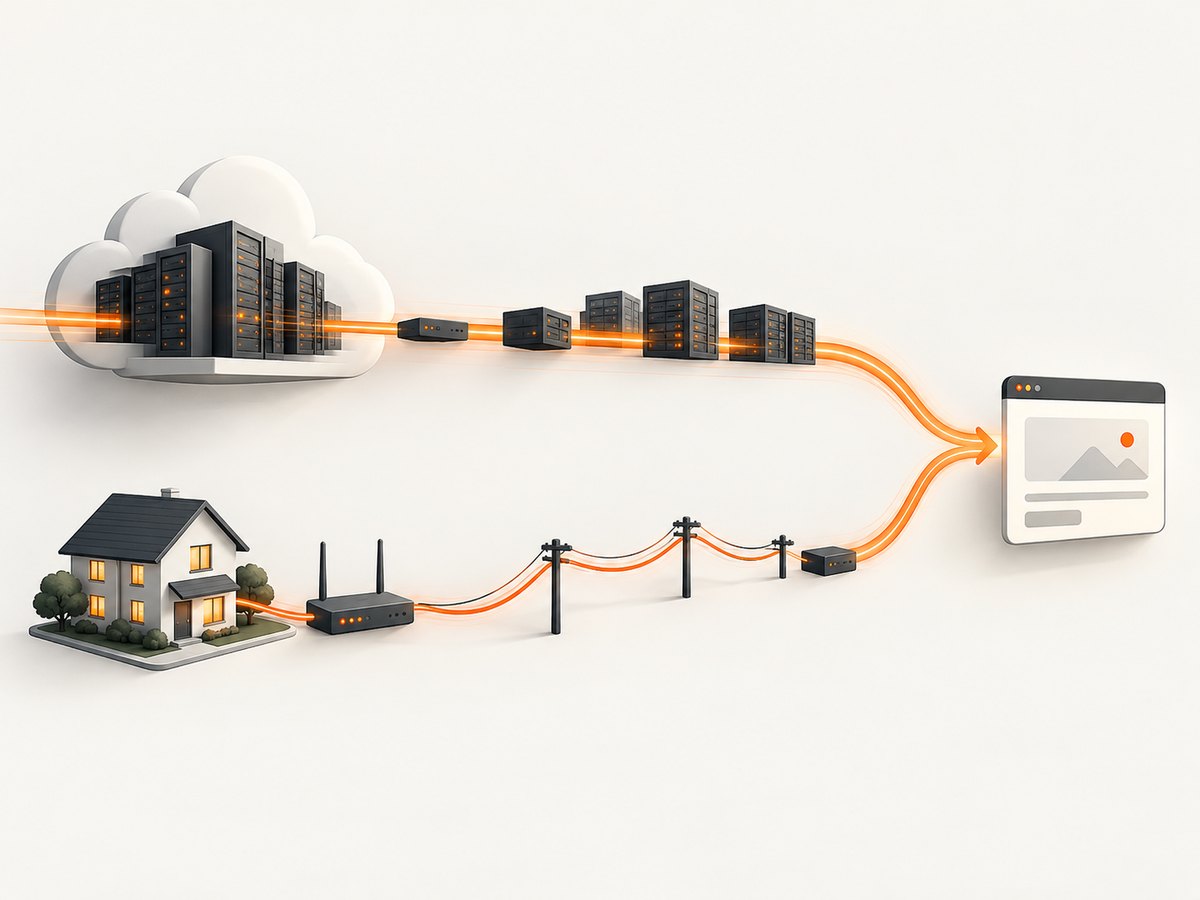
A datacenter proxy uses an address hosted by cloud or data-center infrastructure. A residential proxy uses an address associated with a consumer ISP and a real household device or connection. Proxyway describes datacenter addresses as IPs hosted on servers operated by cloud and web-hosting companies (Proxyway’s comparison).
| Factor | Datacenter | Residential |
|---|---|---|
| IP origin | Cloud, hosting, or data-center ASN | Consumer ISP and household connection |
| Typical strength | Throughput, latency, predictable connections | Consumer-looking origin and geographic realism |
| Typical weakness | Hosting ranges are easier for some defenses to classify | Higher cost and less predictable availability |
| Best fit | Scale, public data, QA, monitoring | Protected consumer sites, local SERPs, ad checks |
| Session behavior | Often easy to rotate or keep static | Rotation and sticky sessions depend heavily on the provider |
When datacenter proxies win
High-volume crawling of lightly protected pages
Public directories, documentation, catalogs, and other pages with modest defenses usually benefit from the lower unit cost and consistent connections of datacenter infrastructure. You can run more concurrent requests before bandwidth and connection overhead become the bottleneck. Respect robots guidance, terms of service, and applicable law.
Price monitoring and availability checks
If a retailer or marketplace does not aggressively score hosting ASNs, datacenter addresses make frequent checks economical. Use a small, stable pool when continuity matters, and rotate only when the target or your authorized test plan requires it. Excessive rotation can create its own anomaly.
Load, QA, and authorized testing
Datacenter IPs are useful for repeatable test runs because the network path is usually more predictable. They also make it simpler to allow-list test traffic. For production systems, document the proxy ranges and keep a separate test identity so application logs remain understandable.
When speed and cost dominate
Datacenter proxies generally provide better throughput, predictable latency, and lower cost per request. That is a practical advantage, not a guarantee: congestion, distance to the target, TLS setup, DNS, and provider routing still affect each request.
When residential proxies win
Targets that score hosting networks
Some consumer sites treat a request from a known cloud ASN differently from one coming from an ISP. A residential address can reduce one classification signal because it resembles ordinary household traffic. It does not make automation invisible, and it does not bypass authentication, CAPTCHAs, or access controls.
Location-specific search and ad verification
Use residential infrastructure when you need to see what a user in a particular country, region, or city receives. Verify the provider’s claimed location and test the exact destination: a country-level IP does not guarantee local language, inventory, tax, or ad targeting.
Protected ecommerce and consumer flows
For authorized catalog checks, checkout QA, or localization work, a household ISP identity may be more acceptable to the target than a hosting ASN. Keep sessions coherent: reuse the same proxy, cookie jar, user agent, and browser context for a user journey unless your test explicitly covers a new visitor.
When reputation matters more than raw throughput
Residential networks can look more like ordinary traffic, but their availability and latency can vary. Build retries with backoff, set realistic timeouts, and measure your own success rate for the target and geography. Do not generalize one provider’s result to the entire residential market.
Where ISP and hybrid proxies fit
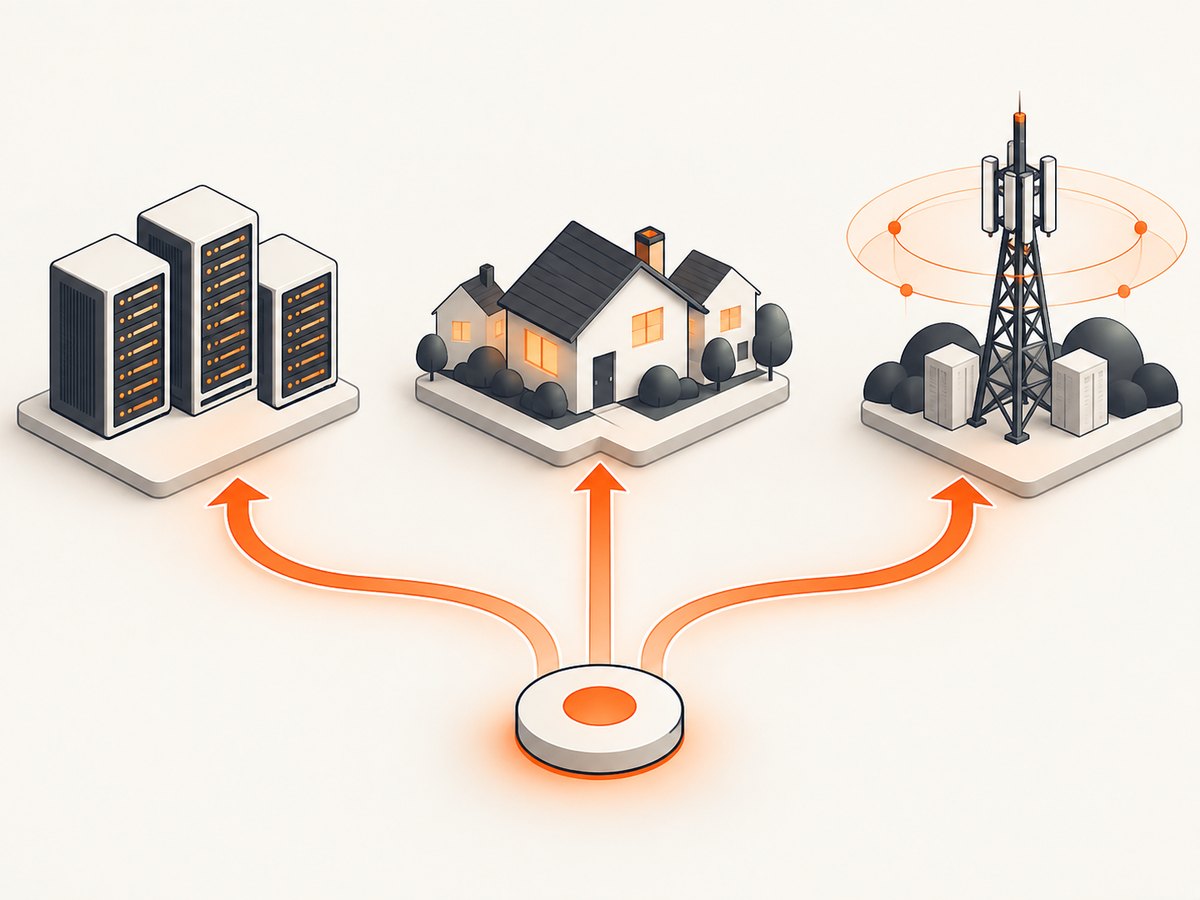
ISP or hybrid proxies are a middle option. They present an ISP-style identity while being hosted in infrastructure designed for more stable, data-center-like operation. Consider them when you need a sticky session and consumer ASN but still care about predictable connections. Confirm exactly how the provider sources addresses, what “ISP” means in its contract, and whether the intended automation is permitted.
Choose by decision criteria
1. IP origin and ASN classification
Ask whether the target blocks, challenges, or scores hosting ranges. Check the ASN and reverse DNS of sample addresses from each candidate pool. A residential label is not enough; the address should resolve to the promised ISP and location.
2. Detection and challenge behavior
Record HTTP status, challenge pages, CAPTCHA frequency, and application-level errors separately. A 200 response can still contain a block page. Compare like for like: same URL, headers, cookies, browser, concurrency, and time window.
3. Throughput and latency
Measure p50 and p95 latency, connection errors, and completed pages under your planned concurrency. Do not rely on a provider’s best-case figure. A slower residential route may still be the correct choice if a datacenter route is consistently challenged.
4. Geographic precision
Define the required resolution before buying: country, state or province, city, or a specific ISP. Test DNS, IP geolocation, language, currency, and the target’s own location response. Geography can drift as addresses rotate.
5. Rotation and sticky sessions
Use rotation for independent requests when the target and terms allow it. Use a sticky session for login, carts, multi-step forms, or any flow that binds cookies to an IP. Document session lifetime and what happens when an address becomes unavailable.
6. Cost and bandwidth
Compare billing units: transferred gigabytes, requests, ports, or concurrent sessions. Residential traffic usually costs more because the supply is harder to obtain and maintain. Include retries, assets, redirects, and failed attempts in your estimate.
7. Sourcing, consent, logging, and abuse controls
Before purchase, ask how addresses are sourced, whether users consented, what logs are retained, how abuse reports are handled, and which targets are prohibited. Avoid free proxy lists as a default: a 2024 academic study found significant privacy and security risks in free proxies. Never send credentials or sensitive data through an untrusted relay.
A practical selection workflow
- Describe the authorized job. Record target domains, request volume, geography, session length, and data sensitivity.
- Start with datacenter candidates. Run a small test against public or lightly protected pages. Measure completed results, not just connection speed.
- Escalate only where needed. Test residential or ISP routes for the specific domains and regions that challenge hosting traffic.
- Keep identities coherent. Match proxy, cookies, user agent, browser context, and timezone to the test scenario.
- Set limits. Add concurrency caps, exponential backoff, per-domain budgets, and a stop condition for repeated challenges.
- Review compliance. Check the target’s terms, robots guidance, privacy obligations, and local law before scaling.
Implementation patterns
HTTP client configuration
Most clients accept an HTTP or HTTPS proxy URL. Keep credentials in environment variables and never commit them.
export PROXY_URL='http://user:password@proxy.example:8000'
curl --proxy "$PROXY_URL" --location --max-time 30 https://example.com/ -o response.html
For a sticky session, use the provider’s documented session identifier in the username or endpoint. For rotation, obtain a new endpoint only between independent requests. Do not rotate halfway through a login or checkout flow.
Python with requests
import os
import requests

proxy = os.environ['PROXY_URL']
proxies = {'http': proxy, 'https': proxy}

response = requests.get(
    'https://example.com/',
    proxies=proxies,
    timeout=(10, 30),
    headers={'User-Agent': 'AuthorizedResearch/1.0'},
)
response.raise_for_status()
print(response.status_code, len(response.content))
Node.js with fetch and an agent
import { ProxyAgent, fetch } from 'undici';

const proxy = process.env.PROXY_URL;
const dispatcher = new ProxyAgent(proxy);
const response = await fetch('https://example.com/', {
  dispatcher,
  headers: { 'user-agent': 'AuthorizedResearch/1.0' },
});
if (!response.ok) throw new Error(`HTTP ${response.status}`);
const html = await response.text();
console.log(html.length);
Troubleshooting
| Symptom | Likely cause | Fix |
|---|---|---|
| 407 Proxy Authentication Required | Wrong credentials or URL encoding | Regenerate credentials, URL-encode special characters, and test the endpoint with a minimal request. |
| Connection timeout | Dead endpoint, overloaded pool, or unreachable region | Use a shorter connect timeout, retry with capped exponential backoff, and remove the endpoint after repeated failures. |
| Frequent CAPTCHA or block pages | Hosting ASN, excessive rate, inconsistent identity, or target defense | Lower concurrency, keep sessions coherent, verify authorization, and test an appropriate residential or ISP pool. |
| Wrong local content | IP geolocation mismatch or sticky session in another region | Pin the requested location, verify the exit IP, clear stale cookies, and test language, currency, and target response. |
| Login loop | IP changes during the session or cookie jar is not preserved | Use a sticky session and one cookie jar for the complete flow. |
| Slow pages despite a fast proxy | Target server, TLS, DNS, or page assets dominate time | Measure each phase, limit unnecessary assets in authorized tests, and compare total page completion rather than connect time. |
Performance, reliability, and cost notes
Design for the target, not an abstract proxy score. Track completion rate, challenge rate, p50 and p95 latency, bytes transferred, retries, and cost per successful result by provider, geography, and endpoint. Separate proxy errors from target errors so a slow origin does not trigger needless rotation.
Use bounded retries: retry transient connection failures, not authentication failures or repeated challenge pages. Add jitter to backoff, enforce a per-domain request budget, and cache results when freshness permits. A stable datacenter pool can be cheaper for routine pages; a smaller residential pool can be cheaper overall when it prevents repeated failed attempts on a protected target.
Free proxies are a poor default for sensitive workflows because you cannot assume trustworthy sourcing, confidentiality, or reliable abuse handling. For any provider, review retention, consent, acceptable-use rules, and incident procedures before sending data.
Or skip the browser setup
If your goal is to obtain a clean visual of a page rather than build a proxy-and-browser capture stack, ScreenshotNeo provides a website screenshot API and MCP server. One GET request returns PNG, JPEG, WebP, or PDF. Before capture it accepts cookie or consent banners and removes more than 60 known consent platforms, newsletter popups, and chat widgets; each step can be turned off. Bot checks, blank pages, timeouts, failed loads, and cache hits cost nothing, and response headers report the page verdict and whether the shot was billed.
cURL (API documentation):
curl -G "https://api.screenshotneo.com/v1/shot" -d access_key=YOUR_API_KEY --data-urlencode url=https://stripe.com -o shot.webpPython:
import requests
r = requests.get("https://api.screenshotneo.com/v1/shot", params={"access_key": "YOUR_API_KEY", "url": "https://stripe.com"}, timeout=90)
open("shot.webp", "wb").write(r.content)
Node.js:
const q = new URLSearchParams({ access_key: 'YOUR_API_KEY', url: 'https://stripe.com' });
const res = await fetch(`https://api.screenshotneo.com/v1/shot?${q}`);
ScreenshotNeo also includes an MCP server with take_screenshot, get_page_info, and capture_pdf tools for Claude, Cursor, and other MCP clients. Options cover full-page shots with lazy images loaded, CSS-element capture, dark mode, device presets or custom viewports, retina scale, PDF paper and margins, custom CSS and JavaScript, clicks, selector or network-idle waits, request blocking, headers, cookies, user agents, Authorization, timezone, geolocation, transparent backgrounds, resizing, TTL caching, signed links, asynchronous jobs with signed webhooks, bulk capture of up to 100 URLs, usage reporting, and an OpenAPI specification. Existing parameter names used by other screenshot APIs also work.
There are 1,000 screenshots per month free with no card. Paid plans start at $5 for 3,000 shots, and every feature is available on every plan. Create a free ScreenshotNeo account.
FAQ
Are residential proxies always less likely to be blocked?
No. They can help when a target evaluates hosting ASNs, but rate, cookies, browser signals, and request behavior still matter.
Should I use residential proxies for Google?
Use them only for an authorized workflow that needs consumer geography or a specific local result. Start with the least complex option that meets the requirement and follow the service’s terms.
Are residential proxies worth the extra cost?
They are when their consumer origin prevents enough failed or challenged requests to lower your cost per successful result. Measure that for your target instead of assuming a universal advantage.
Can a datacenter proxy appear residential?
A hosting address remains classifiable as hosting even if other request fields look realistic. ISP or hybrid products may provide a different ASN presentation; verify the provider’s description and sample addresses.
What should I log?
Log timestamp, target, exit country and ASN, status, challenge classification, latency phases, bytes, retry count, and provider cost. Exclude credentials and unnecessary personal data.


