What Is the Debian Equivalent of urw-fonts for UTF-8 wkhtmltopdf PDFs?
Install Debian’s fonts-urw-base35 for URW Base 35 fonts. Learn why UTF-8 alone cannot fix missing glyphs in wkhtmltopdf PDFs and how to diagnose font coverage.

Direct answer: On Debian, install fonts-urw-base35 for the URW Base 35 font set. The older name gsfonts is a transitional package in Debian Bookworm that points to fonts-urw-base35. For wkhtmltopdf, installing the package is only one part of the fix: UTF-8 controls how text bytes are decoded, while the selected font must separately contain the characters you need and be visible to wkhtmltopdf’s runtime.
This guide covers the package to install, a reproducible UTF-8 setup, font selection and coverage checks, deployment details, common failures, and when another font family may be a better fit.
1. Install the Debian URW Base 35 package
Install fonts-urw-base35 using apt:
sudo apt-get update
sudo apt-get install -y fonts-urw-base35
The Debian Bookworm package record identifies version 20200910-7 and describes the contents as a font set metric-compatible with the 35 PostScript Level 2 Base Fonts. It includes Type 1 outlines and AFM metrics. Families include Nimbus Roman, Nimbus Sans, Nimbus Mono PS, URW Bookman, URW Gothic, C059, P052, Z003, and others. Debian lists gsfonts as a transitional dummy package pointing to the new package name. The Trixie file list also includes configuration files for URW and Nimbus families.
Use the package name in new install instructions and container manifests. If an old deployment script still requests gsfonts, it may resolve through the transitional package on the Debian suite where that package is available, but relying on the current name is clearer. Check the package record for the Debian release you actually deploy.
2. Make a minimal UTF-8 wkhtmltopdf PDF
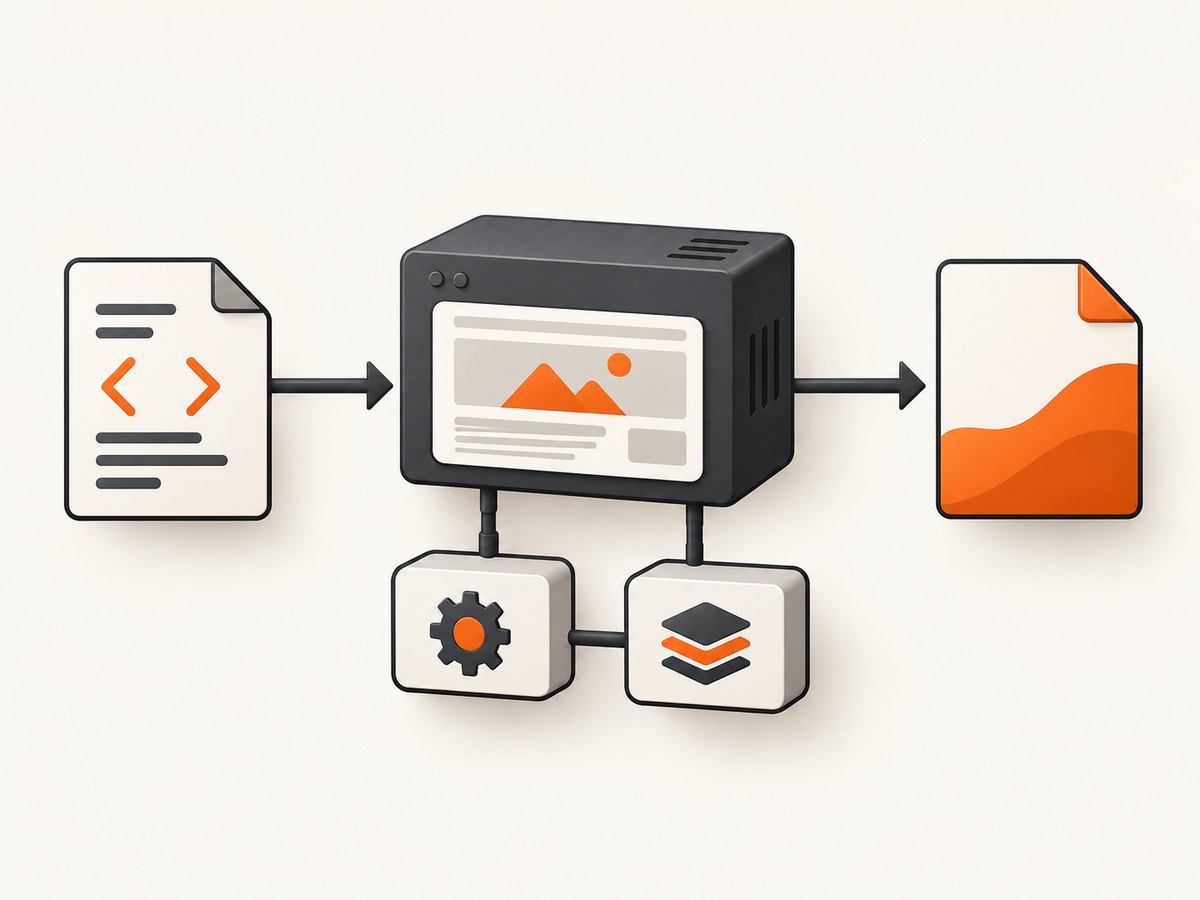
wkhtmltopdf renders HTML with Qt WebKit. Make the document encoding explicit in both the input bytes and HTML metadata, then select an installed font family. The following example writes a UTF-8 HTML file and converts it:
cat > sample.html <<'HTML'
<!doctype html>
<html lang="en">
<head>
  <meta charset="utf-8">
  <title>Font check</title>
  <style>
    body { font-family: "Nimbus Sans", sans-serif; }
  </style>
</head>
<body>
  <p>UTF-8 sample: café — “quoted text” €</p>
</body>
</html>
HTML

wkhtmltopdf --encoding UTF-8 sample.html sample.pdf
The --encoding UTF-8 option sets wkhtmltopdf’s default encoding for guessing when a page does not specify its encoding properly. It does not add glyphs to the font. The HTML meta declaration and correctly encoded file bytes remain important; when serving HTML over HTTP, set the response charset to UTF-8 as well.
Check the installed package and available font families in the same environment that runs the conversion:
dpkg-query -W fonts-urw-base35
fc-list : family | sort -u | grep -Ei 'Nimbus|URW'
Fontconfig tools such as fc-list can help confirm what the process environment sees. A font being installed on your laptop says nothing about a separate container, worker, or serverless runtime.
3. Separate encoding problems from missing glyphs
UTF-8 is a character encoding. It can represent text from many scripts, but it does not guarantee that the font chosen by CSS includes a glyph for every encoded character. Qt’s font documentation makes the distinction explicit: fonts use Unicode character encoding, but most fonts do not contain every Unicode character.
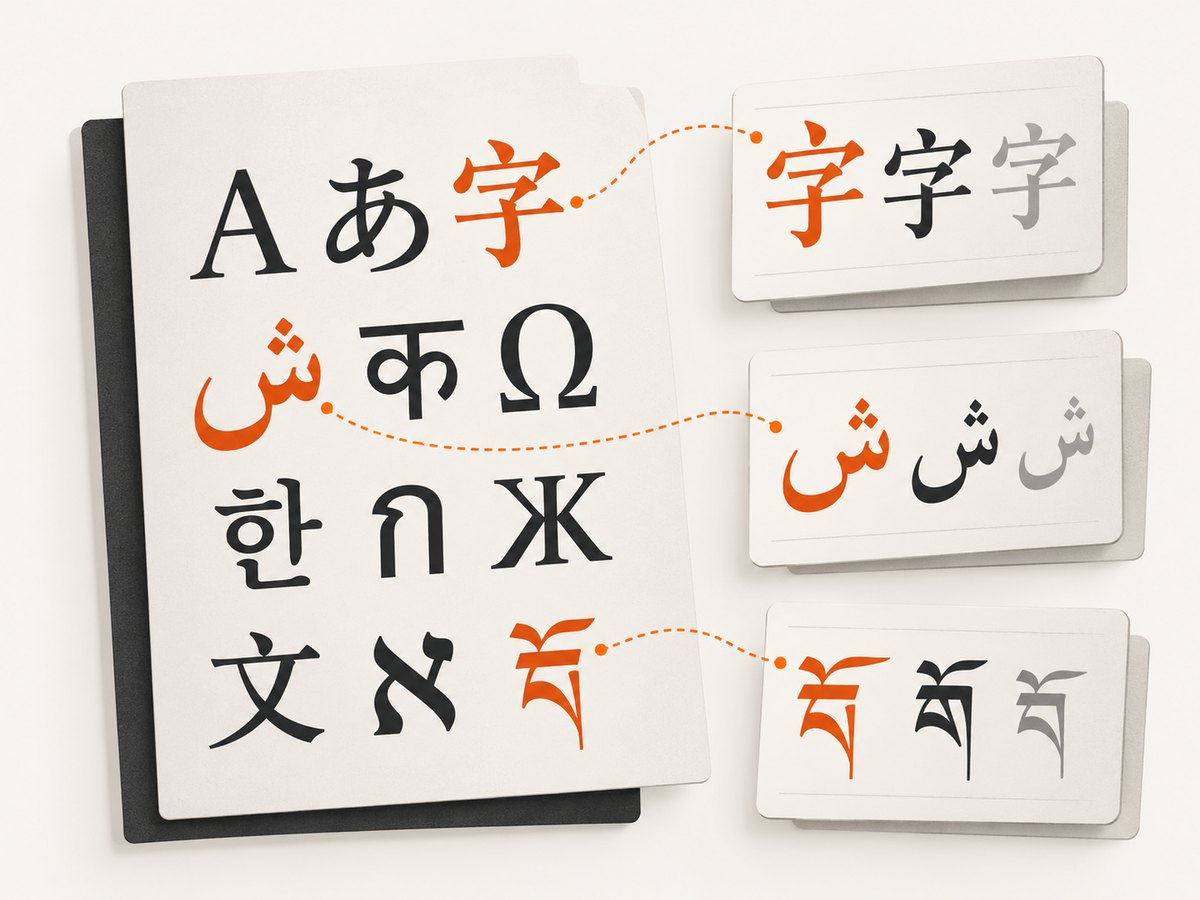
URW Base 35 is intended to provide metric-compatible versions of the PostScript base fonts. Its Debian package description does not promise complete Unicode coverage. If accented Latin text works but a particular script, symbol, or emoji is blank or substituted, changing the document encoding may not help. You may need to choose a font with the needed repertoire and ensure it is installed in the runtime.
Diagnose in this order
- Check the bytes and metadata. Ensure the HTML file is saved as UTF-8, the document has
<meta charset="utf-8">, and any HTTP response identifies UTF-8. - Check CSS resolution. Confirm the requested family is installed and that the actual CSS selector applies to the affected text. A generic fallback may be selected when the family name is wrong.
- Check character coverage. Test the exact script, punctuation, and symbols that fail. Do not infer full coverage from a few successful Latin characters.
- Check runtime visibility. Run font listing and the PDF conversion inside the same container or host account used in production.
- Render a small specimen. Keep a minimal HTML sample with the problematic characters so you can check changes to packages, CSS, and deployment images.
This procedure follows from wkhtmltopdf’s encoding setting, Qt’s coverage note, and the project’s runtime requirements. The exact output still depends on the document, selected font, wkhtmltopdf build, and runtime configuration.
4. Choose a font package for the job
Use fonts-urw-base35 when you want the URW/PostScript Base 35 family and its metric compatibility. Consider alternatives when the goal is broader or different character coverage, a particular visual design, or familiar metric matches. No single package is best for every language and document.
| Need | Package or family to investigate | What the sources establish |
|---|---|---|
| URW/PostScript Base 35 look and metrics | fonts-urw-base35 |
Type 1 outlines and AFM metrics; metric-compatible with the 35 PostScript Level 2 Base Fonts. |
| OpenType remakes based on URW designs | fonts-texgyre |
Debian describes the package as extensive OpenType remakes in the GUST TeX Gyre collection based on URW fonts. |
| Cyrillic glyphs formerly associated with the urwcyr fork | fonts-freefont-otf or fonts-freefont-ttf |
Debian notes those glyphs were merged into GNU FreeFont. |
| Metrics matching Times, Arial, or Courier | Liberation font packages | Debian’s Fonts wiki describes these packages as metric-matching those familiar font families. |
Compare candidates on four points: how closely their appearance and spacing match your target, whether the font format works in your environment, whether the exact required characters exist, and whether the running process can discover the font through Fontconfig and FreeType. Package descriptions do not provide a complete current coverage table for every language, so verify your own content.
5. Package fonts into the wkhtmltopdf runtime
A frequent source of surprises is a difference between the machine where a PDF looks correct and the environment that renders it. wkhtmltopdf’s project documentation says even static builds depend on runtime font configuration, including Fontconfig and FreeType 2. Its download page gives an example of setting FONTCONFIG_PATH for a packaged runtime.
For a Debian container, install the font package in the image that executes wkhtmltopdf, not only in a build stage that is discarded:
FROM debian:bookworm-slim
RUN apt-get update \
    && apt-get install -y --no-install-recommends wkhtmltopdf fonts-urw-base35 fontconfig \
    && rm -rf /var/lib/apt/lists/*

COPY sample.html /tmp/sample.html
CMD ["wkhtmltopdf", "--encoding", "UTF-8", "/tmp/sample.html", "/tmp/sample.pdf"]
Package availability and wkhtmltopdf compatibility vary by Debian suite and build source. Check the packages and binary you deploy rather than assuming a configuration from an older image transfers unchanged. If you bundle fonts or Fontconfig configuration outside the system paths, configure the runtime to find them and verify that with the same process environment.
Keep production behavior reproducible
- Pin the base image or otherwise record the Debian suite used for rendering.
- Install the font packages in the final runtime image.
- Keep a specimen PDF or source sample covering the scripts and symbols you rely on.
- After changing fonts, CSS, wkhtmltopdf, or Fontconfig paths, render that specimen in the deployed environment.
- Log the wkhtmltopdf version and relevant font package versions with deployment diagnostics.
6. Troubleshooting common failures
| Symptom | Likely cause | What to do |
|---|---|---|
| Accented text becomes mojibake | The bytes are decoded with the wrong character encoding, or metadata is missing or inaccurate. | Save the source as UTF-8, add meta charset, set the HTTP charset when applicable, and pass --encoding UTF-8 as a fallback. |
| Some characters are blank or replaced by boxes | The selected font lacks those glyphs, or no suitable fallback is available. | Test the exact characters, select a font with the needed coverage, install it in the renderer runtime, and re-render the specimen. |
| CSS asks for Nimbus or URW but another font appears | The family is not installed or the runtime cannot discover it; the CSS family name may also differ from the installed name. | Use fc-list in the runtime, compare the family name, and inspect the applied CSS and fallback chain. |
| Works locally but fails in a container or worker | The production image lacks the fonts or Fontconfig/FreeType setup, or uses a separate font configuration path. | Install the package in the final image, inspect the runtime’s font list and environment, and configure FONTCONFIG_PATH where needed. |
gsfonts cannot be installed |
The package name or its transitional status differs on the Debian suite in use. | Install fonts-urw-base35 and consult that suite’s package record. |
| One language works but another does not | Successful rendering of one script was mistaken for complete Unicode support. | Test each required script and choose packages based on actual glyph coverage, not the encoding label. |
| Rendered font changes after deployment | Different package versions, fontconfig caches, CSS, or runtime images produce a different match. | Record the environment, inspect the font list, rebuild caches when appropriate, and compare the specimen output. |
7. Performance, reliability, and maintenance notes
Font installation is generally a deployment concern rather than a per-document setting: install the needed packages in the image and reuse that runtime. Keep the font set focused on actual document requirements so that the deployment remains understandable and its rendering dependencies can be audited. The sources do not provide benchmarks for package size or conversion speed, so measure your own workload if those constraints matter.
For reliability, treat font rendering as part of the runtime contract. A successful process exit does not by itself prove that every glyph rendered correctly; a missing glyph may result in a visually incomplete PDF. A small content specimen is a practical regression check whenever the runtime, font packages, CSS, or document language changes.
There is also a separate maintenance consideration: the wkhtmltopdf project describes version 0.12.6 as its stable series, dated June 11, 2020, and its status page says the underlying Qt 4 base has been unsupported since 2015 and its WebKit has not been updated since 2012. Those are project-page statements, not a compatibility guarantee for every current Debian release. For new or security-sensitive systems, assess the renderer’s maintenance status independently of the font package choice.
Or skip the browser setup
If the job is to capture a website as an image or PDF rather than render your own HTML document, ScreenshotNeo is a website screenshot API and MCP server. A single GET request takes a URL and returns a screenshot or PDF. See the API documentation for parameters.
curl -G "https://api.screenshotneo.com/v1/shot" -d access_key=YOUR_API_KEY --data-urlencode url=https://stripe.com -o shot.webpimport requests
r = requests.get(
"https://api.screenshotneo.com/v1/shot",
params={"access_key": "YOUR_API_KEY", "url": "https://stripe.com"},
timeout=90,
)
open("shot.webp", "wb").write(r.content)const q = new URLSearchParams({ access_key: 'YOUR_API_KEY', url: 'https://stripe.com' });
const res = await fetch(`https://api.screenshotneo.com/v1/shot?${q}`);
if (!res.ok) throw new Error(`Screenshot request failed: ${res.status}`);
await Bun.write('shot.webp', res);ScreenshotNeo accepts cookie and consent banners and removes more than 60 known consent platforms, newsletter popups, and chat widgets before capture; each step can be turned off. Bot checks, blank pages, timeouts, failed loads, and cache hits are not billed, with response headers identifying the page verdict and billing status. Its MCP server provides take_screenshot, get_page_info, and capture_pdf for AI agents. The free plan includes 1,000 screenshots per month with no card; paid plans start at $5 for 3,000. The same features are available on every plan.
Sign up free for 1,000 screenshots a month, with no card required.
FAQ
What is the Debian equivalent of urw-fonts?
For the URW Base 35 set, install fonts-urw-base35.
Which package replaces gsfonts on Debian?
On Bookworm, gsfonts is a transitional dummy package that points to fonts-urw-base35. Prefer the latter package name in new setup instructions.
Does UTF-8 guarantee every character appears in the PDF?
No. UTF-8 handles text encoding; the selected font must also contain the required glyphs and be visible to wkhtmltopdf.
Can I use URW Base 35 for every language?
The package description does not promise all-Unicode coverage. Verify the exact scripts and symbols in your document and select additional or alternative fonts if needed.
Why does the PDF differ between my laptop and production?
The two environments may have different installed fonts, Fontconfig or FreeType configuration, CSS resolution, or wkhtmltopdf builds. Inspect and test the runtime that actually creates the PDF.
References
- Debian Bookworm package record: fonts-urw-base35
- Debian Bookworm package record: gsfonts
- Debian Trixie file list: fonts-urw-base35
- Debian package record: fonts-texgyre
- Debian Fonts wiki
- wkhtmltopdf usage and settings
- wkhtmltopdf downloads and runtime notes
- wkhtmltopdf project status
- Qt documentation on fonts and Unicode coverage


