How to Debug Cypress Redirects That Differ from the External Application
Learn whether Cypress saw an HTTP redirect, client navigation, or an origin boundary—and choose the right assertion for each case.

Start by recording the final browser URL. A redirect that looks different in Cypress usually means one of three things: the server returned an HTTP redirect, the application navigated with a form, link, or JavaScript, or the browser reached a different origin that Cypress cannot control from the current command context. Separate those cases before changing the test.
cy.visit() follows redirects and resolves after the remote page fires its load event, provided the response meets Cypress’s documented requirements. After the visit or click, assert cy.url() or cy.location(). Then decide whether you need to inspect the HTTP response, interact with a controlled secondary origin, or only verify an outbound link.
This guide uses the official cy.visit() API, cross-origin testing guide, cy.origin() API, cy.request() API, and cy.location() API.
1. Capture the URL Cypress actually reached
Do this immediately after navigation. It prevents assumptions about where the browser ended up and gives you an artifact to compare with the external application.
describe('redirect diagnostics', () => {
  it('records the final location', () => {
    cy.visit('/start')

    cy.url().then((url) => {
      cy.log(`final URL: ${url}`)
    })

    cy.location().then((location) => {
      cy.log(`origin: ${location.origin}`)
      cy.log(`path: ${location.pathname}`)
      cy.log(`query: ${location.search}`)
      cy.log(`hash: ${location.hash}`)
    })
  })
})
cy.location() normalizes the browser location and can assert one property at a time:
cy.visit('/start')
cy.location('origin').should('eq', 'https://app.example.test')
cy.location('pathname').should('eq', '/dashboard')
cy.location('search').should('include', 'from=login')
If the final URL differs, save the requested URL, final URL, Cypress version, browser, configured baseUrl, and network path. Cypress 16’s native network mode has specific traffic behavior; do not assume those details apply to older versions. See the native network interception guide.
2. Classify the transition before debugging it
| Transition | Evidence | Best Cypress tool |
|---|---|---|
| HTTP redirect | 3xx response with a Location header |
cy.request() and redirectedToUrl |
| Form submission | Submit action changes the document URL | Browser visit plus URL assertion |
| Anchor navigation | Link’s href is followed |
Assert href; visit only when you control the destination |
| Client-side navigation | Router or code calls history or assigns window.location |
Browser URL assertion and application logs |
Cypress documents these navigation paths separately. A browser can reach the expected external URL while the next command fails because the new page has a different origin. Conversely, an unexpected URL usually points to application state, authentication, server behavior, or client routing rather than Cypress rewriting the destination.
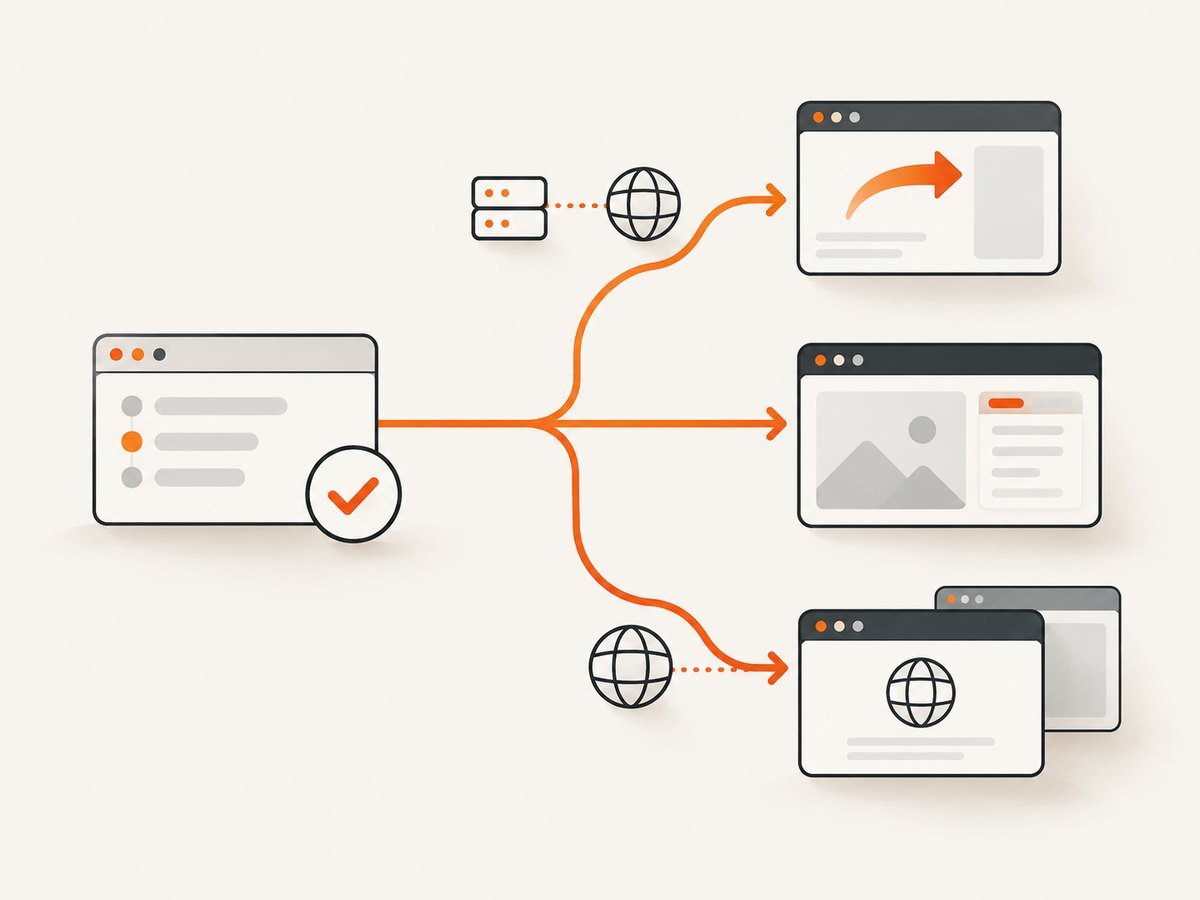
HTTP redirect versus client navigation
An HTTP redirect happens before the destination document is rendered. A form, link, or JavaScript navigation starts from the loaded page and can depend on cookies, local storage, feature flags, or runtime code. Use browser developer tools and server logs to identify which response and action occurred. Register Cypress routes before loading the application so startup requests are not missed:
cy.intercept('/api/session', { fixture: 'session.json' })
cy.visit('/app')
The visit documentation explains why intercepts must be installed before cy.visit(): application initialization may send requests as soon as the page loads.
3. Check the origin boundary precisely
An origin is the combination of scheme, hostname, and port. Any change to one of those values creates a different origin. For example, https://app.example.test, https://id.example.test, and http://app.example.test:8080 are different origins.
Cypress commands that inspect or act on a controlled secondary origin belong inside cy.origin():
cy.visit('/login')
cy.get('#continue').click()

cy.origin('https://identity.example.test', () => {
  cy.url().should('include', '/authorize')
  cy.get('#username').type('alice')
})
The origin string must match the destination’s scheme, hostname, and port exactly. Cypress’s cross-origin guide states: “Different origins per test require cy.origin().” Cypress v14 changed the default around document.domain injection, so older tests that crossed subdomains may now need cy.origin(). The injectDocumentDomain option is transitional and deprecated; update tests to the documented origin model.
Top-level pages and iframes are different cases
cy.origin() handles top-level navigation. It does not make a cross-origin iframe’s DOM accessible. For an iframe, test an application-owned integration through its supported API or contract, or use a purpose-built iframe strategy. Cypress’s FAQ documents this distinction.
4. Choose the assertion that matches what you own
Controlled secondary origin: test the rendered page
Use this when your team owns the destination and needs to verify behavior after the redirect:
cy.visit('/login')
cy.get('button[type="submit"]').click()

cy.origin('https://accounts.example.test', () => {
  cy.location('pathname').should('eq', '/authorize')
  cy.get('[data-cy="consent"]').should('be.visible')
})
Keep the origin block focused. Pass only serializable values into it, and make authentication setup deterministic so the test does not depend on a user’s previous browser state.
External destination: assert the link instead of visiting it
When the target is a third-party site your team does not control, Cypress recommends checking the outbound URL. This proves your application generated the intended destination without depending on the partner’s uptime, cookies, bot checks, or markup.
cy.visit('/')
cy.get('a.external')
  .should('have.attr', 'href', 'https://partner.example/path')
You can assert query parameters without coupling the test to their order:
cy.get('a.external').invoke('attr', 'href').then((href) => {
  const target = new URL(href)
  expect(target.origin).to.eq('https://partner.example')
  expect(target.pathname).to.eq('/path')
  expect(target.searchParams.get('state')).to.match(/^test-/)
})
5. Inspect an HTTP redirect separately with cy.request()
cy.request() can inspect redirects at the HTTP layer and is not bound by browser CORS. Its response includes Cypress’s redirectedToUrl property:
cy.request('/start').then((response) => {
  cy.log(`status: ${response.status}`)
  cy.log(`redirected to: ${response.redirectedToUrl}`)
})
This does not prove that a browser rendered the final page or that Cypress could interact with it. It is evidence about the HTTP exchange only. Be explicit about URL resolution: a relative request after a visit uses the visited host; before a visit, Cypress uses the configured baseUrl.
For a more explicit check, request the endpoint and assert the destination:
cy.request({
  url: '/start',
  followRedirect: false,
}).then((response) => {
  expect(response.status).to.be.oneOf([301, 302, 303, 307, 308])
  expect(response.headers.location).to.eq('https://accounts.example.test/authorize')
})
Use this alongside, rather than instead of, a browser test when the rendered result matters.
6. A repeatable debugging workflow
- Record context. Write down Cypress version, browser,
baseUrl, requested URL, and whether native network interception is enabled. - Capture the final location. Assert
cy.url()orcy.location()directly aftercy.visit()or the triggering action. - Classify the transition. Determine whether it was a server redirect, form submission, anchor, router, or JavaScript assignment.
- Compare origins. Check scheme, hostname, and port, including an unexpected HTTPS-to-HTTP downgrade.
- Select the boundary. Use normal commands for the current origin,
cy.origin()for a controlled secondary origin, or anhrefassertion for an external site. - Inspect HTTP independently. Use
cy.request()andredirectedToUrlwhen the response chain is in question. - Install intercepts early. Register
cy.intercept()before visiting the page. - Check state. Compare cookies, local storage, authentication redirects, feature flags, and environment variables between Cypress and a manual browser session.
7. Common errors and fixes
| Symptom | Likely cause | Fix |
|---|---|---|
| “cy.origin() is required” or a cross-origin command failure | The page changed scheme, hostname, or port. | Move secondary-origin commands into cy.origin(), or assert the external href. |
cy.visit() times out |
The page did not produce the required HTML/2xx response after redirects, or its load event never fired. |
Inspect the network chain, status codes, TLS, and page resources. Increase the appropriate timeout only after finding the slow or failing dependency. |
| Expected URL assertion fails | Authentication state, server rules, or client routing differs. | Log the requested and final URLs, compare cookies and headers, and classify the transition. |
cy.request() shows a destination but the browser cannot continue |
HTTP success does not guarantee browser rendering or same-origin access. | Keep the HTTP assertion separate and use browser navigation plus cy.origin() only when the destination is controlled. |
| An intercept never matches | The request happened during page startup before the route was registered. | Define cy.intercept() before cy.visit(). |
| HTTPS-to-HTTP navigation errors | The redirect changes scheme and browser security rules apply. | Inspect the exact scheme transition and correct the application or test environment; do not hide it with a broad retry. |
| Cross-origin iframe cannot be queried | Top-level origin support does not grant cross-origin iframe DOM access. | Test the integration through an owned endpoint or supported iframe approach. |
Use Cypress’s common error messages reference when the failure text is ambiguous. The debugging guide also explains how to inspect browser objects and pause execution.
8. Reliability, performance, and test design
Keep external dependencies out of most end-to-end tests
A third-party redirect adds network latency, availability risk, changing consent pages, and possible bot protection. For an outbound integration, asserting href is faster and more deterministic. Reserve a real external navigation for a small contract or smoke test with an explicit owner and failure policy.
Use the smallest evidence that answers the question
If the requirement is “we send users to the partner,” assert the URL. If it is “our server redirects unauthenticated users,” use cy.request(). If it is “the identity provider page renders and accepts consent,” use browser navigation and cy.origin(). This keeps retries from masking application defects.
Control state and timing
Seed authentication deliberately, freeze or stub unstable APIs, and wait on meaningful application signals rather than arbitrary delays. A redirect can be correct while a following command races page initialization. Register routes before navigation and assert a stable selector or URL after the transition.
9. Or skip the browser setup
When you need a visual record of the page reached by a URL, ScreenshotNeo provides a single website screenshot API request. It accepts the URL and returns PNG, JPEG, WebP, or PDF. Cookie and consent banners, newsletter popups, and chat widgets are removed before capture; each cleanup step can be turned off. Bot checks, blank pages, timeouts, failed loads, and cache hits are not billed, and the response identifies the result with X-Page-Verdict and X-Billed headers.

See the ScreenshotNeo documentation for all options. The basic calls are:
curl -G "https://api.screenshotneo.com/v1/shot" -d access_key=YOUR_API_KEY --data-urlencode url=https://stripe.com -o shot.webpimport requests
r = requests.get("https://api.screenshotneo.com/v1/shot", params={"access_key": "YOUR_API_KEY", "url": "https://stripe.com"}, timeout=90)
open("shot.webp", "wb").write(r.content)const q = new URLSearchParams({ access_key: 'YOUR_API_KEY', url: 'https://stripe.com' });
const res = await fetch(`https://api.screenshotneo.com/v1/shot?${q}`);ScreenshotNeo supports full-page and element captures, device presets, custom viewports, retina scale, dark mode, PDF settings, custom CSS and JavaScript, clicks, waits, request blocking, headers, cookies, user agents, authorization, timezone, geolocation, transparent backgrounds, resizing, TTL caching, signed image links, asynchronous jobs with signed webhooks, bulk capture, usage reporting, and an OpenAPI specification. An MCP server exposes take_screenshot, get_page_info, and capture_pdf for Claude, Cursor, and other MCP clients.
There are 1,000 screenshots a month free with no card. Paid plans start at $5 for 3,000 shots, and every feature is available on every plan. Create a free ScreenshotNeo account.
10. Short FAQ
Does Cypress change the redirect destination?
Do not assume that it does. First compare the requested and final URLs and identify the navigation mechanism. Cypress has documented hosting and network behavior, but the application’s redirect logic still determines the destination.
When should I use cy.location() instead of cy.url()?
Use cy.url() for a direct URL assertion. Use cy.location() when you need normalized properties such as origin, pathname, query, hash, or port.
Can cy.request() replace a browser redirect test?
No. It verifies HTTP responses and redirect metadata. It does not prove that the browser rendered the destination or that Cypress can interact with its DOM.
Is a subdomain always cross-origin?
Yes, when the hostname changes. Origin comparison includes scheme, hostname, and port; app.example.test and id.example.test are different origins.
Why did an older test work without cy.origin()?
Cypress v14 changed the default around document.domain injection. Update cross-origin interactions to use cy.origin() under the current documented behavior.
Should I screenshot an external redirect in every test?
Usually no. Assert the outbound href for a deterministic application test, inspect HTTP with cy.request() when server behavior matters, and reserve screenshots or full external navigation for targeted visual or smoke coverage.


