How to Debug Missing Playwright Snapshots in Interactive Mode
Find out why a Playwright snapshot is missing, generate the right baseline, and inspect its path, project, browser, and test result in UI Mode.
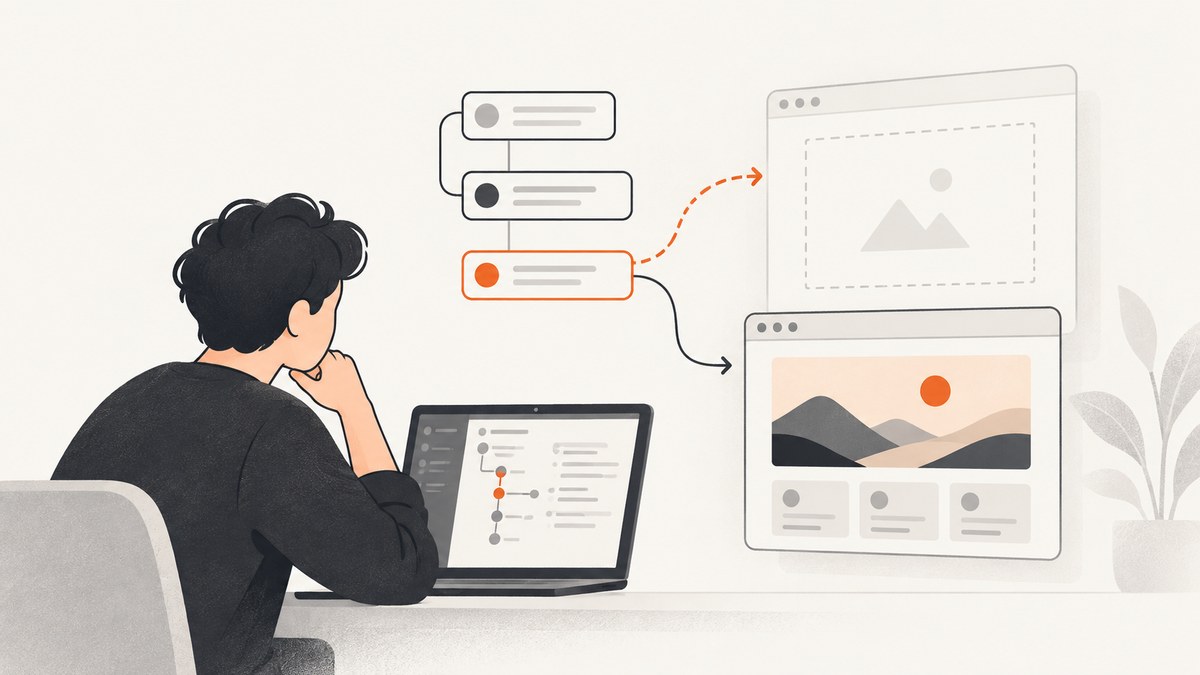
If a Playwright snapshot seems missing in Interactive Mode, first identify which assertion should create it, then run that exact test and project. For a missing visual baseline, run the test containing await expect(page).toHaveScreenshot(); when you specifically want to create missing references, use npx playwright test --update-snapshots=missing. Then check the test result and the configured snapshot destination. Opening UI Mode alone does not execute every snapshot assertion.
Playwright UI Mode is started with npx playwright test --ui. It helps you explore, run, and debug tests, including inspecting attachments and visual comparisons. A snapshot is produced or checked when the relevant assertion runs. The word “snapshot” can refer to a screenshot, an accessibility-tree snapshot, or another stored value, so the right fix depends on the assertion and expected artifact. See the official guides for UI Mode and visual comparisons.
1. Identify which snapshot is missing
Before changing files or update flags, find the assertion in the test. Playwright has several snapshot-related assertions, and their outputs are not interchangeable.
| Assertion | What it compares | What to look for |
|---|---|---|
toHaveScreenshot() |
A screenshot of a page or locator | An image baseline, commonly in a test-specific -snapshots directory |
toMatchAriaSnapshot() |
An accessibility-tree representation | An ARIA snapshot and its update or patch workflow |
toMatchSnapshot() |
A serialized value, text, or other snapshot data | The expected file and path associated with that assertion |
If the missing artifact is an image, follow the visual-baseline steps below. If the test uses an ARIA or value assertion, do not expect a PNG to appear. Check the appropriate assertion documentation and the test output instead. Playwright’s ARIA snapshot guide describes that snapshot type and its update workflow.
2. Run the exact test in UI Mode
Start UI Mode from the directory where Playwright can find the project configuration:
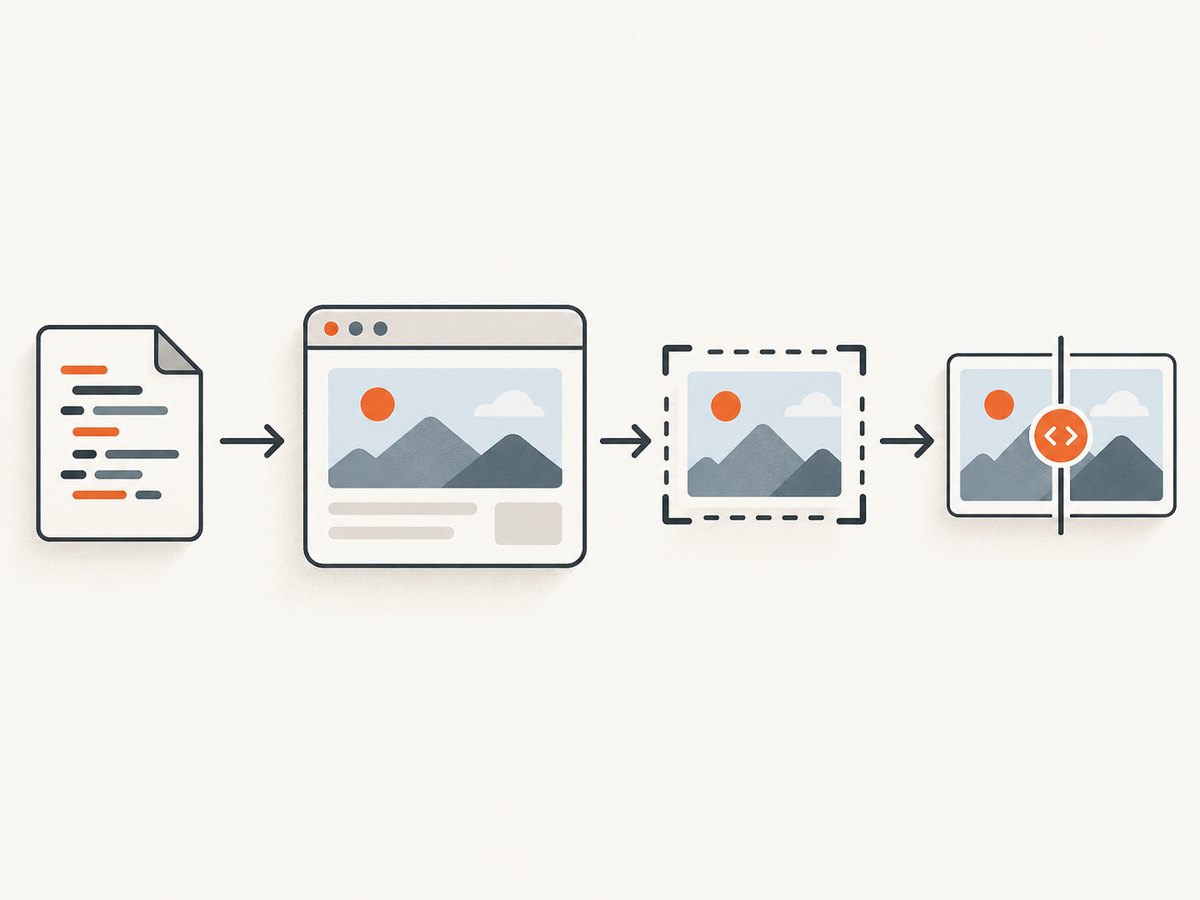
npx playwright test --ui- In the test list, locate the test containing the snapshot assertion.
- Select the project and browser you intend to debug. A test can be listed under multiple projects, and one project’s run does not establish that another project’s reference exists.
- Run the selected test. Opening UI Mode or browsing its test list does not by itself execute the assertion.
- Open the result and inspect its attachments, action timeline, and available expected, actual, or diff images.
- Record the test status and any error text. A first-run missing visual baseline may be reported as an assertion error while Playwright writes the actual image for review.
UI Mode is useful because it exposes execution context and evidence alongside the test. Treat it as an inspection and execution interface: the assertion and test run determine whether a snapshot is created or compared. Read the UI Mode documentation for the available controls and evidence.
3. Generate only the missing visual baselines
When the goal is to create absent screenshot references without refreshing existing ones, state the update mode explicitly:
npx playwright test --update-snapshots=missingThis command runs the tests and updates missing snapshots. Inspect the result even if the command wrote an image: the initial missing-baseline condition can still appear as an error because the assertion had no reference to compare. Review the generated image against the intended page state before committing it.
For a focused iteration, pass the path or test name using the test runner’s ordinary filtering options, and select the intended project where needed:
npx playwright test tests/account.spec.ts --project=chromium --update-snapshots=missingReplace the path and project with values from your repository. If you are unsure of the project name, inspect the projects entries in the active Playwright configuration. To open the interactive runner for a particular test file, pass that file with the UI command:
npx playwright test tests/account.spec.ts --uiUpdate modes matter. The CLI documents missing, changed, all, and none. A plain run uses the missing-baseline behavior by default; supplying the update flag without a value defaults to changed. Use missing when that is your intent. all refreshes every snapshot and can overwrite references unrelated to the bug, so use it only when you intend a broad rebaseline. Check the CLI documentation for the defaults matching your installed Playwright version.
4. Find the snapshot file Playwright expects
For visual snapshots, Playwright’s default location is a directory based on the test filename, usually ending in -snapshots. The exact filename can include a browser or platform identifier. A configured snapshotPathTemplate can also change the destination.
When a test says the baseline is missing but you cannot find a new file, check these items:
- Open the active configuration and look for a custom
snapshotPathTemplate. - Confirm you are looking beside the test file that actually ran, not a similarly named test in another folder.
- Search for the test’s snapshot directory and image name, including browser or platform suffixes.
- Check whether the test ran from a different package or working directory in a monorepo.
- Confirm the command completed far enough to execute the assertion and write its output.
Playwright’s TestProject configuration reference documents project settings, and the visual-comparison guide explains baseline paths and naming. If the output path is surprising, compare the active project configuration with the test result’s project metadata.
5. A minimal visual snapshot test to compare against
If you have confirmed the test does not contain a screenshot assertion, here is a minimal example. It assumes Playwright Test is installed and a web application is available at the configured base URL. Set baseURL in your Playwright config or replace the relative navigation URL with your app’s address.
import { test, expect } from '@playwright/test';

test('account page visual baseline', async ({ page }) => {
  await page.goto('/account');
  await expect(page).toHaveScreenshot('account-page.png');
});
Run it normally to check whether a baseline already exists:
npx playwright test tests/account.spec.tsOr explicitly create missing references:
npx playwright test tests/account.spec.ts --update-snapshots=missingThe assertion must be reached. If navigation fails, a locator wait hangs, the test is skipped, or an earlier assertion fails, the screenshot assertion may never execute. Inspect the action timeline and error location in UI Mode rather than assuming that the snapshot writer malfunctioned.
6. Account for project and rendering differences
A baseline is tied to the rendering context used to produce it. Playwright documents that screenshots can vary with operating system, browser version, browser settings, hardware, power source, and headless mode. Browser and platform identifiers may also be reflected in names. A baseline generated in one environment may therefore appear absent or fail comparison in another project or environment.
For stable visual tests:
- Run the same project and browser used to create or expect the reference.
- Prefer a consistent CI or developer environment for generating and comparing references.
- When a failure occurs only on one platform, inspect that project’s expected file rather than replacing every platform’s snapshots.
- Review the actual and diff images before accepting a baseline change. Decide whether the rendering difference is intended.
Do not treat a generated screenshot as automatically correct. Baselines are test inputs: an accidental update can turn a real UI regression into the new expected output.
7. Troubleshooting common failures
| Symptom | Likely cause | Fix |
|---|---|---|
| No snapshot appears after opening UI Mode | The relevant test was not run, or the assertion was not reached. | Select and run the exact test. Check skips, earlier failures, navigation, and the action timeline. |
| Test reports “snapshot doesn’t exist” | No reference exists for the executed assertion and context. | Run with --update-snapshots=missing, then inspect the generated image and test result. |
| Expected file is in a different directory | A default test-specific folder, custom path template, or monorepo working directory changed the destination. | Inspect the active config, snapshotPathTemplate, test path, and project. |
| There is an image, but this is not the missing artifact | The failing assertion is ARIA or a generic value snapshot, not visual screenshot comparison. | Confirm the assertion method and use its corresponding expected format and update process. |
| Only one browser or project fails | The run is using a different project or browser-specific baseline. | Compare project metadata, select the intended project, and locate its corresponding snapshot. |
| Visual comparison changes between machines | Rendering environment differences affect pixels. | Use a consistent environment where practical, inspect diff images, and update only references whose intended output changed. |
| ARIA snapshot generation times out | Snapshot generation did not finish within the configured expect timeout. | Inspect the test’s wait conditions and adjust the relevant timeout if generation legitimately needs longer; see the ARIA snapshot docs. |
| All snapshot files are unexpectedly refreshed | The chosen update mode was broader than intended, such as all, or the CLI default was misunderstood. |
Use --update-snapshots=missing for absent references and review version-specific CLI behavior. |
8. Keep snapshot updates reliable
Snapshot generation is part of test execution, so its reliability depends on the test reaching a deterministic page state. Wait for the application state the assertion cares about; avoid capturing a transient loading screen when the intended baseline is the completed page. If the page has animation or time-dependent content, address that behavior deliberately in the test setup rather than repeatedly refreshing references until the images happen to match.
Limit update commands to the smallest useful test or project while diagnosing. This shortens feedback loops and reduces accidental changes. Once generated, inspect the image or diff, check the test result, and include the reviewed snapshot alongside the test change. If CI and local runs disagree, compare browser, operating system, project selection, and configuration before concluding that the baseline is missing.
Or skip the browser setup
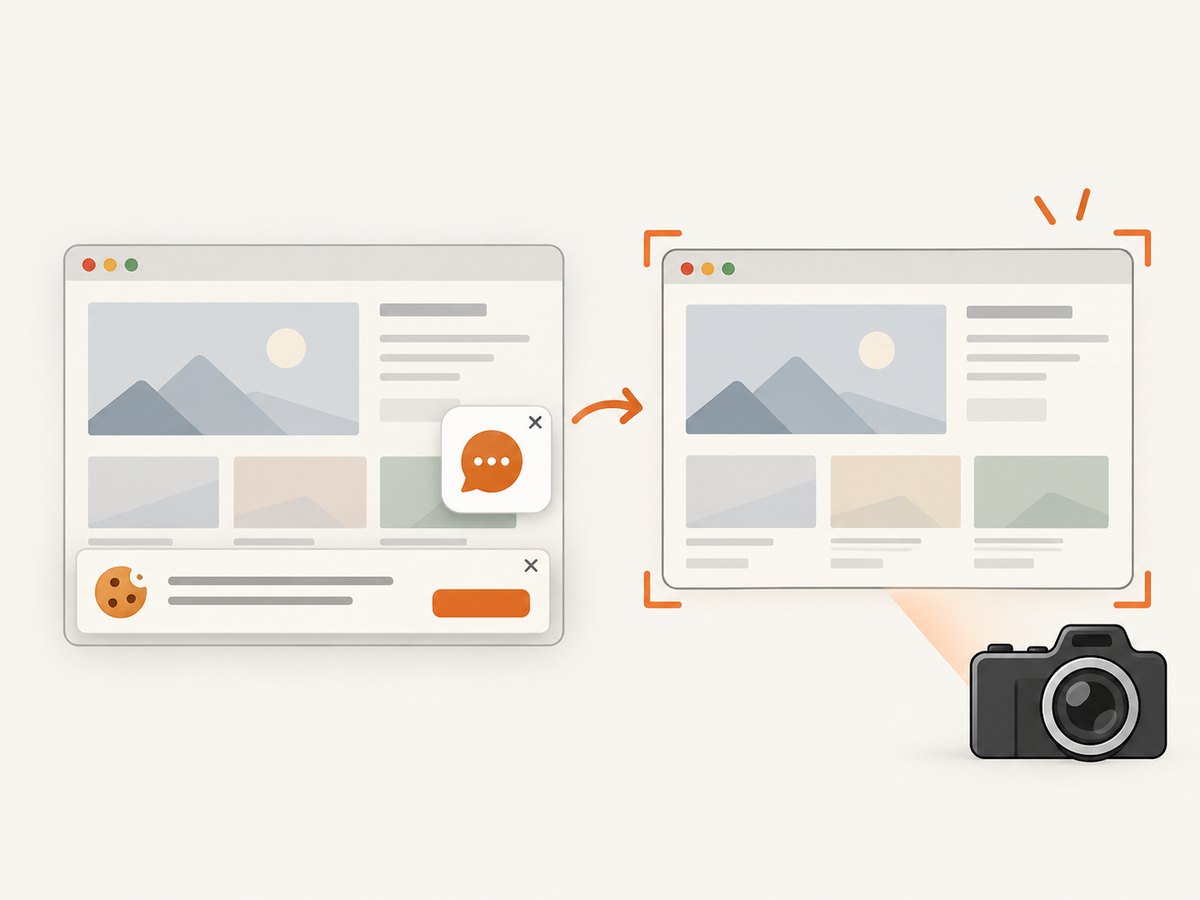
If you need a clean capture of a page for documentation, a report, or an agent workflow rather than a Playwright test baseline, ScreenshotNeo provides a one-request screenshot API. It does not replace the Playwright assertion and review process for visual regression tests. ScreenshotNeo accepts the cookie or consent banner like a visitor and removes more than 60 known consent platforms, newsletter popups, and chat widgets before capture; each step can be turned off. Bot checks and CAPTCHAs, blank pages, timeouts, failed loads, and cache hits cost nothing, and the response includes X-Page-Verdict and X-Billed headers.
Here is the cURL call; see the ScreenshotNeo API documentation for request options:
curl -G "https://api.screenshotneo.com/v1/shot" -d access_key=YOUR_API_KEY --data-urlencode url=https://stripe.com -o shot.webpPython:
import requests

r = requests.get(
    "https://api.screenshotneo.com/v1/shot",
    params={"access_key": "YOUR_API_KEY", "url": "https://stripe.com"},
    timeout=90,
)
open("shot.webp", "wb").write(r.content)
Node.js:
const q = new URLSearchParams({ access_key: 'YOUR_API_KEY', url: 'https://stripe.com' });
const res = await fetch(`https://api.screenshotneo.com/v1/shot?${q}`);
ScreenshotNeo also has an MCP server with take_screenshot, get_page_info, and capture_pdf tools for Claude, Cursor, and other MCP clients. The free plan includes 1,000 shots per month with no card; paid plans start at $5 for 3,000. Every feature is on every plan. Learn more at ScreenshotNeo, then sign up free for 1,000 screenshots a month with no card.
Frequently asked questions
Does UI Mode create every snapshot when it opens?
No. It lets you explore and run tests interactively. The test must execute the assertion associated with the artifact.
Why can a missing screenshot still produce a failed test?
The assertion has no reference to compare against on its first run. Playwright can write the actual image while reporting the missing-baseline condition, so review both the output file and test status.
Should I use --update-snapshots=all to fix one missing image?
Usually no. That mode refreshes every snapshot. Use the missing mode for a missing reference and keep the run focused.
Can I use a screenshot API to generate a Playwright baseline?
A screenshot API can capture a page, but it does not create or validate Playwright’s project-specific expected snapshot for you. Use the test assertion and Playwright runner when maintaining visual regression baselines.


