How to Debug PhantomJS and Configure Proxies Outside Selenium
Run PhantomJS directly with HTTP or SOCKS5 proxies, capture JavaScript and network errors, and isolate legacy TLS failures without Selenium.
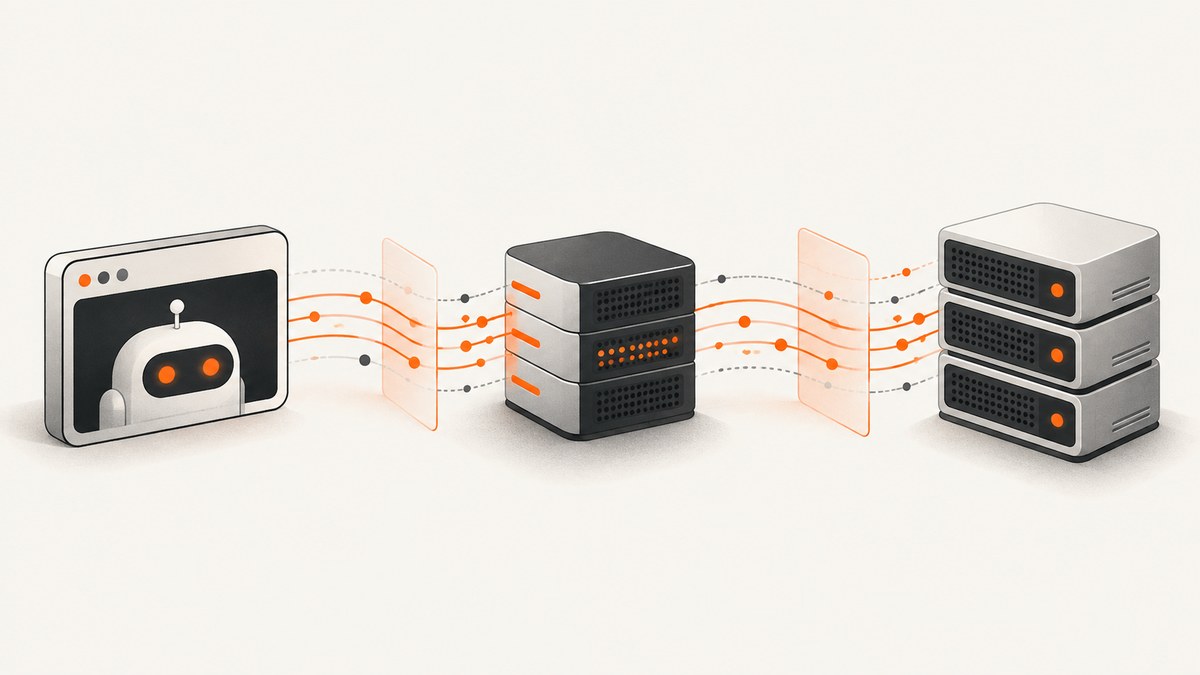
PhantomJS has built-in process-level proxy options, so you can run it without Selenium. Start it with --proxy and --proxy-type, then use its page error, resource, and remote inspector features to find out whether a failure comes from the script, proxy, target, or TLS stack.
This guide covers PhantomJS 2.1.1 behavior. The project has suspended development, and its archival notice identifies 2.1.1 as the last known stable release. Confirm behavior against the exact binary and operating system you have; legacy TLS and browser support may differ from current browsers. PhantomJS project notice
1. Confirm the executable and run a baseline
First verify which binary your shell actually runs. Multiple installations can make a proxy or TLS problem look inconsistent.
phantomjs --version
which phantomjs
phantomjs script.js
On Windows, use where phantomjs in Command Prompt or Get-Command phantomjs in PowerShell. Record the version, OS, target URL, and exact command when reproducing a bug. The upstream troubleshooting guide specifically warns that multiple versions can cause confusion.
Before introducing a proxy, run the smallest script against the target directly. This establishes whether the issue exists without proxy routing. On systems with inherited or default proxy settings, explicitly disable them for the control run:
phantomjs --proxy-type=none script.jsIf this succeeds and the proxied run fails, investigate the proxy connection, authentication, or protocol. If both fail, look at the target, TLS compatibility, local file access rules, or page script.
2. Configure a proxy directly, without Selenium
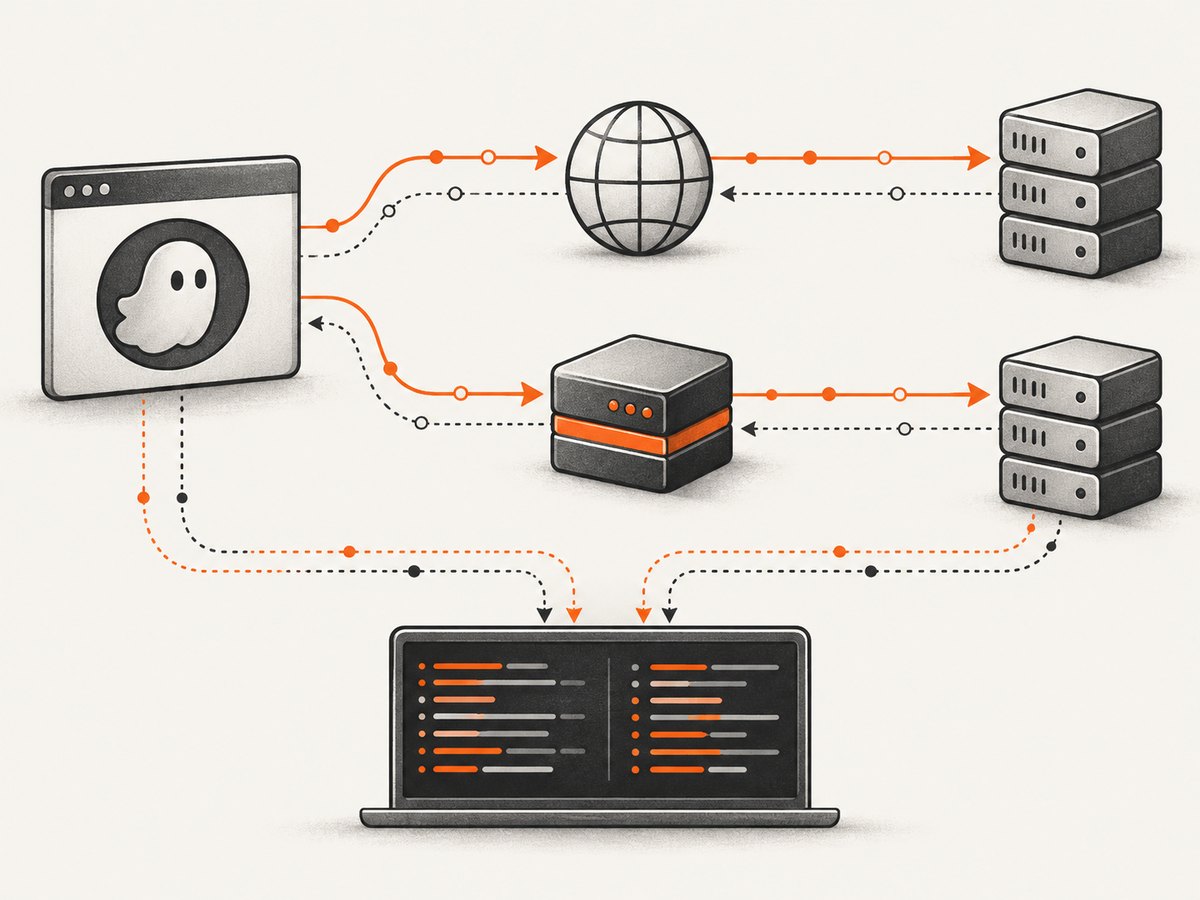
PhantomJS accepts proxy flags at process launch. HTTP is the documented default proxy type, but setting it explicitly makes reproductions easier to read.
HTTP proxy
phantomjs --proxy=192.168.1.42:8080 --proxy-type=http script.jsSOCKS5 proxy
phantomjs --proxy=127.0.0.1:9050 --proxy-type=socks5 script.jsProxy authentication
phantomjs --proxy=proxy.example:8080 --proxy-auth=username:password script.jsThe command-line reference documents --proxy=address:port, --proxy-type values http, socks5, and none, and --proxy-auth=username:password. These are process-level settings; no Selenium driver or capabilities are required. [PhantomJS command-line reference]
| Setting | Use | Diagnostic note |
|---|---|---|
--proxy |
Proxy host and port | Use the address format required by your proxy; keep scheme and port details consistent with its documentation. |
--proxy-type=http |
HTTP proxy | Explicitly state it even though HTTP is the default. |
--proxy-type=socks5 |
SOCKS5 proxy | Use when the endpoint is a SOCKS5 service. |
--proxy-type=none |
Disable proxy use | Useful control for inherited or misconfigured proxy behavior. |
--proxy-auth |
Credentials | Documented inline syntax; avoid exposing credentials in shell history or process listings where possible. |
The reference documents the credential syntax but does not describe a secrets manager. Prefer a restricted environment, protected configuration file, or short-lived test credential according to your environment’s security practices. Do not paste a credential-bearing command into tickets or logs.
Use a JSON configuration file
For repeatable runs, move options into a JSON file and keep the invocation stable:
{
  "proxy": "192.168.1.42:8080",
  "proxyType": "http",
  "proxyAuth": "username:password",
  "debug": true,
  "remoteDebuggerPort": 9000
}
phantomjs --config=/path/to/config.json script.jsConfiguration keys are generally camel-cased equivalents of command-line flags. There are documented renamed exceptions, including printDebugMessages for debug; consult the command-line reference for the option you are setting rather than mechanically converting every flag. Keep a sanitized copy of the effective configuration with bug reports. [Command-line and configuration reference]
3. Add useful page and network diagnostics
PhantomJS scripts can log JavaScript errors and resource events from the page. Add these handlers before calling page.open, so they can observe the navigation from its start.
var webpage = require('webpage');
var page = webpage.create();

page.onError = function (msg, trace) {
  console.log('Page JavaScript error: ' + msg);
  trace.forEach(function (item) {
    console.log('  ' + item.file + ':' + item.line);
  });
};

page.onResourceRequested = function (request) {
  console.log('Request ' + JSON.stringify(request, null, 2));
};

page.onResourceReceived = function (response) {
  console.log('Response ' + JSON.stringify(response, null, 2));
};

page.onResourceTimeout = function (request) {
  console.log('Resource timeout ' + JSON.stringify(request, null, 2));
};

page.open('https://example.com', function (status) {
  console.log('page.open status: ' + status);
  console.log('final URL: ' + page.url);
  phantom.exit(status === 'success' ? 0 : 1);
});
The error handler prints the script message and file/line trace. Request and response callbacks expose network activity; the timeout callback helps distinguish a stalled resource from an immediate connection rejection. A page.open status of fail is a symptom, not a complete diagnosis, so retain the callback output as well. [PhantomJS troubleshooting guide]
Enable process diagnostics too:
phantomjs --debug=true --proxy=proxy.example:8080 --proxy-type=http script.jsThe command-line reference accepts --debug=true or --debug=yes for additional terminal messages. Avoid treating verbose output as safe to publish if the page or environment includes sensitive URLs, headers, or identifiers. [Command-line reference]
4. Use the remote debugger
The remote debugger exposes a WebKit inspector. Start the script with a debugger port:
phantomjs --remote-debugger-port=9000 script.jsOpen http://127.0.0.1:9000/ in Safari, Chrome, or Chromium, select the script/page entry, then run __run() in the console. To have execution start immediately, add --remote-debugger-autorun=yes. Keep the listener bound to a trusted local environment; do not expose a debugging endpoint to an untrusted network. [Command-line reference]
For debugging JavaScript running inside the page, the troubleshooting guide documents a two-inspector sequence:
- Put
debugger;in the outer PhantomJS script and pause it in the first inspector. - While paused, schedule
page.evaluateAsync(function () { debugger; });. - Continue execution in the first inspector.
- Inspect the target page in the second inspector when its debugger statement is reached.
debugger;
page.evaluateAsync(function () {
  debugger;
});
This separates script-control flow from JavaScript executing in the page context. See the project’s debugging procedure for the inspector steps.
5. Isolate proxy failures from TLS and page restrictions
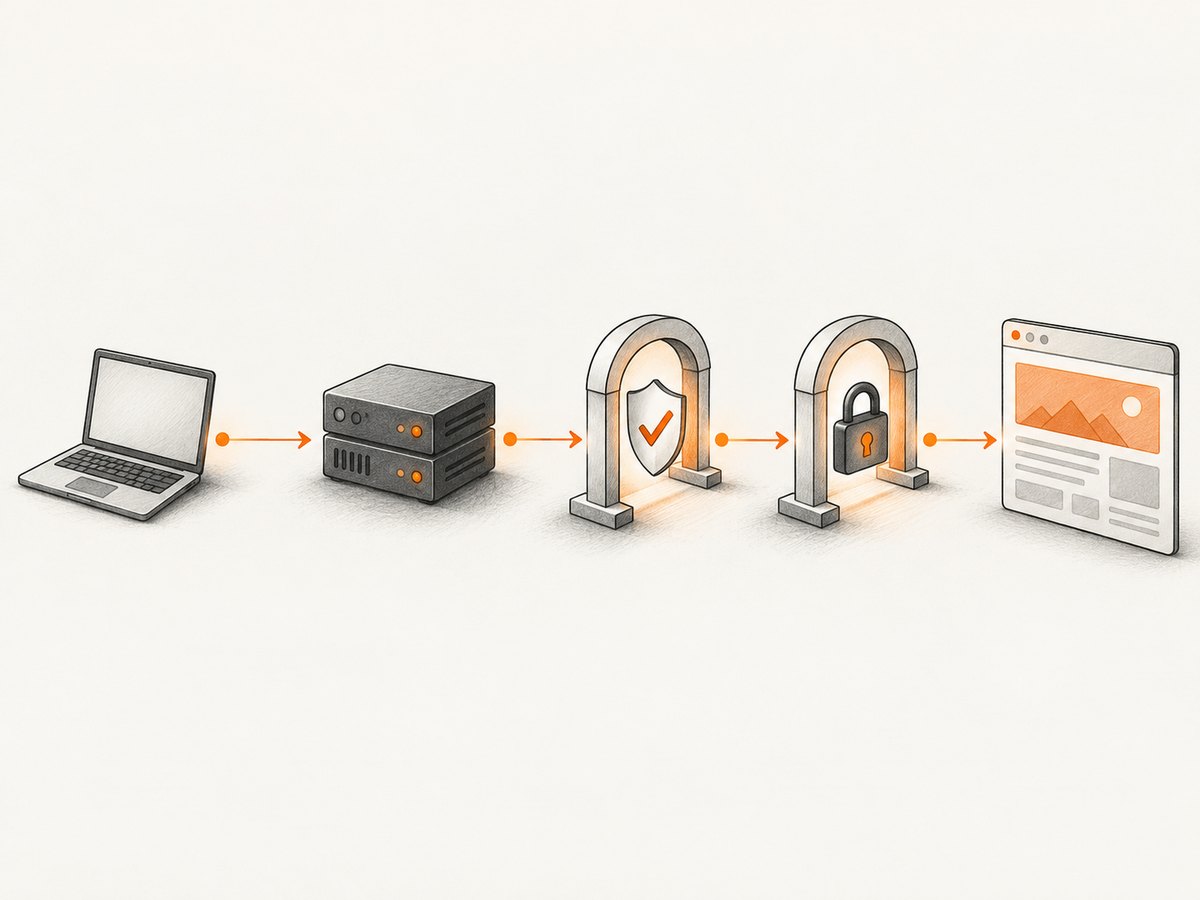
Use the same script, target, timeout, and diagnostic callbacks for each run. Change one variable at a time:
- Run with
--proxy-type=none. - Run through the intended proxy without authentication if the endpoint permits it.
- Add the documented authentication option.
- Compare request, response, timeout, page error, and process debug output.
This control sequence is a diagnostic method derived from PhantomJS’s documented flags and callbacks. It helps answer whether the failure appears before a response, after the proxy accepts a connection, or in page execution.
When HTTP works but HTTPS fails
Do not assume the proxy credentials are the cause. PhantomJS exposes --ssl-protocol and --ssl-certificates-path; supported protocol values depend on the system OpenSSL library. Check the binary’s SSL/OpenSSL environment and certificate trust path, then compare with a target that is known to work in the same environment. The old QtWebKit and SSL stack may not support a target’s current TLS requirements. [SSL command-line options, Troubleshooting guide]
Inherited proxy behavior on Windows
The PhantomJS troubleshooting guide documents severe latency from default proxy settings on Windows and recommends --proxy-type=none to disable proxy use completely. Use that as a comparison run when direct navigation is unexpectedly slow. [PhantomJS troubleshooting guide]
Cross-domain and local-file restrictions
PhantomJS scripts execute from file:// scope, and cross-domain requests are restricted by default. Review localToRemoteUrlAccessEnabled, webSecurityEnabled, and the server’s CORS headers before calling a blocked request a proxy failure. Changing security settings can change the behavior being tested, so record them and use the narrowest setting needed for the reproduction. [WebPage settings, PhantomJS FAQ]
Inspecting HTTPS traffic
The IPC documentation describes routing PhantomJS traffic through an HTTPS interception proxy such as mitmproxy or Fiddler. In a controlled test environment, configure the interception certificate and verify its location with --ssl-certificates-path when needed. Interception changes certificate trust and can affect the result, so compare against a non-intercepted run. [PhantomJS IPC documentation]
6. Settings that change what you observe
Page settings can make two otherwise identical runs behave differently. Set them before the initial page.open call, and log them alongside the proxy configuration.
| Setting | Effect on diagnosis | Good practice |
|---|---|---|
resourceTimeout |
Millisecond limit that triggers onResourceTimeout |
Choose a value that reflects the test environment; record it. |
userAgent |
Changes how the server may serve or reject the request | Keep it constant while isolating a proxy problem. |
webSecurityEnabled |
Changes browser security behavior | Do not silently disable it in a reproduction. |
localToRemoteUrlAccessEnabled |
Affects requests from local-file scope to remote URLs | Check it when scripts load local files and then fetch remote resources. |
var page = require('webpage').create();
page.settings.resourceTimeout = 30000;
page.settings.userAgent = 'DiagnosticAgent/1.0';
// Set any security-related settings deliberately before page.open().
page.open('https://example.com', function (status) {
  console.log(status);
  phantom.exit();
});
Choose a user agent appropriate to the actual reproduction rather than copying the illustrative value above. PhantomJS’s settings documentation states that settings apply during the initial page.open call. [WebPage API settings]
7. Troubleshooting checklist
| Symptom | Likely area | Next step |
|---|---|---|
| Different results between machines | Different PhantomJS binaries or platform libraries | Record phantomjs --version, executable path, OS, and OpenSSL details. |
| Direct run works, proxy run fails | Proxy address, type, reachability, or credentials | Check host/port and proxy protocol; add authentication only after testing connectivity. |
| Large delays on Windows | Inherited/default proxy settings | Compare with --proxy-type=none. |
| HTTP succeeds, HTTPS fails | Legacy TLS support or certificate trust | Inspect OpenSSL, --ssl-protocol, and --ssl-certificates-path. |
page.open fails with no obvious explanation |
Network rejection, timeout, or page load issue | Enable debug output and log resource requests, responses, timeouts, and page errors. |
| Only a page’s cross-origin fetch fails | CORS or local-file access policy | Inspect response CORS headers and local-to-remote settings before changing proxy configuration. |
| Page scripts fail but document loads | JavaScript error or modern web feature incompatibility | Capture page.onError stack traces; remember the engine is legacy QtWebKit. |
For a useful bug report, include the minimal script, sanitized command/config, exact version and OS, target scheme (HTTP or HTTPS), whether --proxy-type=none works, and the relevant callback output. Redact credentials, cookies, and private URLs.
8. Reliability, performance, and cost considerations
PhantomJS development is suspended, and the project identifies 2.1.1 as its last known stable release. That makes runtime and compatibility constraints part of the diagnosis: current sites may use TLS settings, JavaScript features, or browser behavior that this legacy stack does not implement. Validate conclusions against the target binary and record environmental details. [PhantomJS project status, Archival notice]
For performance diagnosis, first disable proxy settings as a control, then compare with the intended proxy. Use a bounded resourceTimeout and callbacks to find whether time is spent waiting on a resource. Avoid interpreting a single slow run as a stable benchmark: proxy route, target response, DNS, certificate validation, and page subresources all influence elapsed time. No benchmark or current support guarantee is implied here.
PhantomJS is a self-hosted binary, so there is no per-capture service price in this workflow; operational costs come from maintaining the runtime, proxy infrastructure, and debugging time. A hosted screenshot API has a different cost model: account for its plan limits and whether failed or non-page captures are billable before moving a job.
Or skip the browser setup
If your goal is a screenshot rather than reproducing legacy browser behavior, ScreenshotNeo takes a URL in one API request and returns an image or PDF. See the API documentation for request options.
curl -G "https://api.screenshotneo.com/v1/shot" -d access_key=YOUR_API_KEY --data-urlencode url=https://stripe.com -o shot.webpimport requests
r = requests.get(
"https://api.screenshotneo.com/v1/shot",
params={"access_key": "YOUR_API_KEY", "url": "https://stripe.com"},
timeout=90,
)
open("shot.webp", "wb").write(r.content)const q = new URLSearchParams({ access_key: 'YOUR_API_KEY', url: 'https://stripe.com' });
const res = await fetch(`https://api.screenshotneo.com/v1/shot?${q}`);
if (!res.ok) throw new Error(`Screenshot request failed: ${res.status}`);
await Bun.write('shot.webp', res);ScreenshotNeo accepts cookie and consent banners and removes more than 60 known consent platforms, newsletter popups, and chat widgets before capture; each cleanup step can be turned off. Bot checks, blank pages, failed loads, timeouts, and cache hits are not billed, and response headers identify the page verdict and billing status. Its MCP server gives AI agents tools for screenshots, page information, and PDF capture. The free plan includes 1,000 shots per month with no card; paid plans start at $5 for 3,000 shots. The same features are available on every plan.
Create a free account for 1,000 screenshots a month, with no card required.
FAQ
Can PhantomJS use a proxy without Selenium?
Yes. Pass --proxy and --proxy-type to the PhantomJS process, or set equivalent configuration keys in a JSON config file.
How can I tell whether an HTTPS failure is a proxy problem?
Compare an unproxied run with the proxied run using the same target and callbacks. If HTTP works but HTTPS does not, inspect the legacy SSL/OpenSSL and certificate configuration as well as the proxy.
Is PhantomJS suitable for a new browser automation project?
The project is archived with development suspended. This article documents its legacy behavior; choose a maintained browser stack when current browser compatibility is a requirement.
Does the remote debugger inspect the page itself?
It exposes a WebKit inspector. For page-context JavaScript, use the documented two-inspector procedure with page.evaluateAsync and a page-side debugger; statement.


