How to Decode Base64 Screenshots in Selenium 2
Decode Selenium 2 Base64 screenshots into valid PNG files in Java and Python, avoid common errors, and choose bytes or files when decoding is unnecessary.
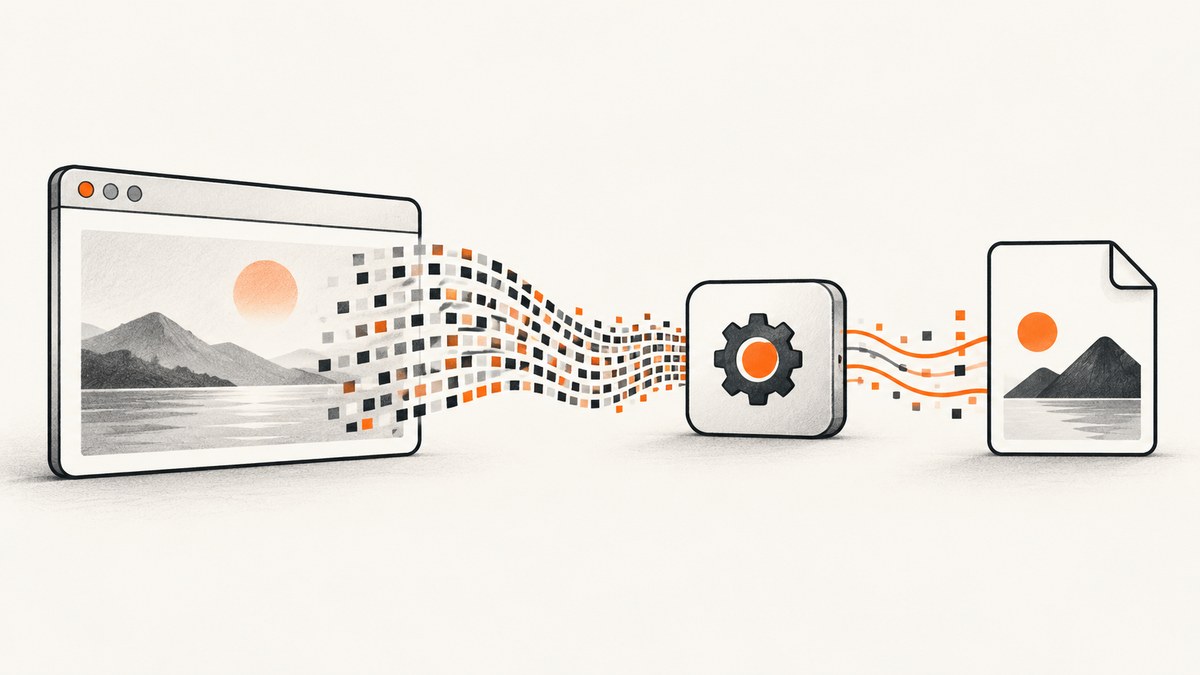
Direct answer: Selenium 2 returns screenshot data as Base64-encoded PNG content. Decode the Base64 value, then write the resulting bytes to a file in binary mode. In Java, use OutputType.BASE64 with Base64.getDecoder(); in Python, use driver.get_screenshot_as_base64() with base64.b64decode(). If you only need a file, Java can request bytes or a temporary file directly, and Python can call get_screenshot_as_png().
What Selenium 2 returns
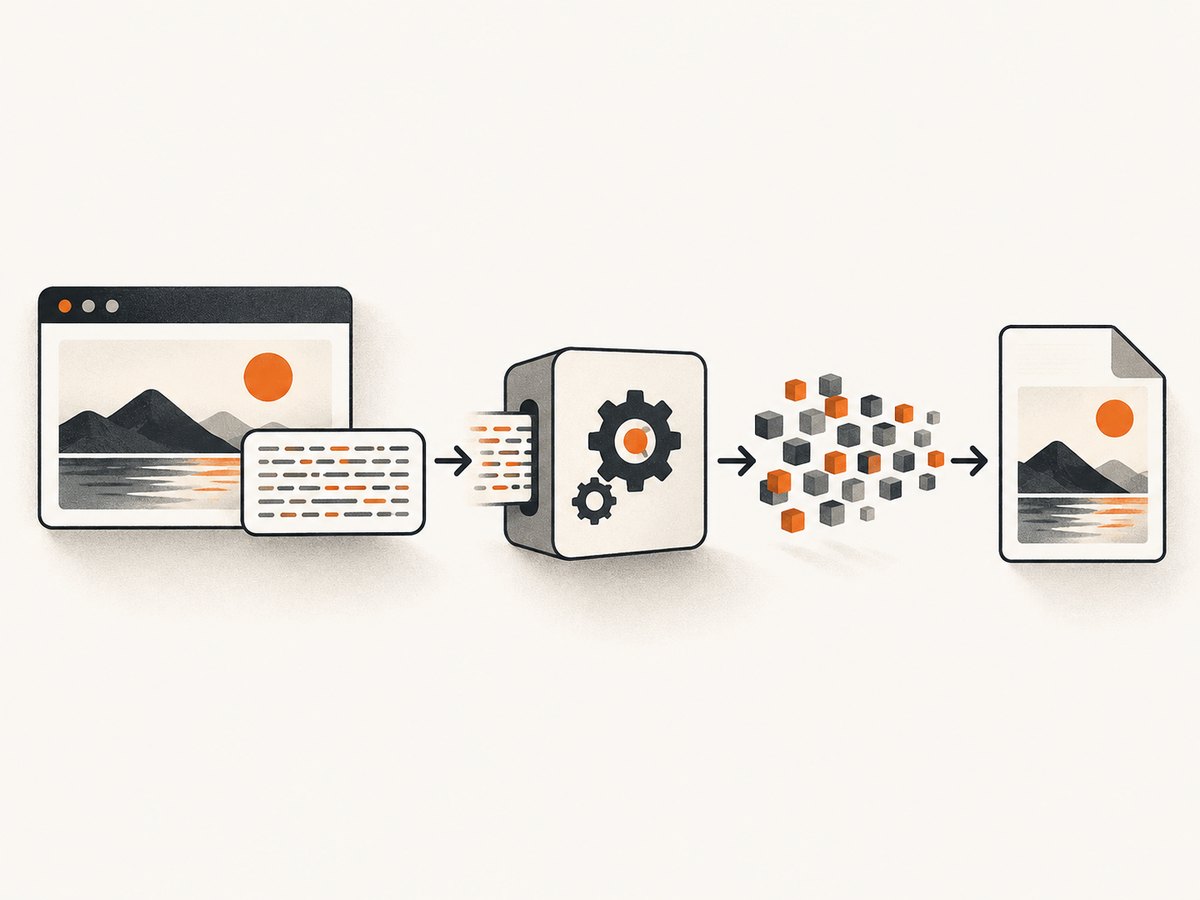
The WebDriver screenshot endpoint returns PNG image data represented as a Base64 string. Base64 is an ASCII transport format; decoding restores the original PNG bytes. A valid PNG normally starts with the byte signature 89 50 4E 47 0D 0A 1A 0A. Save decoded data with a .png extension and never write it as text.
Decode and save a screenshot in Java
import java.nio.file.Files;
import java.nio.file.Path;
import java.util.Base64;
import org.openqa.selenium.OutputType;
import org.openqa.selenium.TakesScreenshot;
import org.openqa.selenium.WebDriver;

// driver is an already-started WebDriver instance.
String screenshotBase64 = ((TakesScreenshot) driver)
    .getScreenshotAs(OutputType.BASE64);

byte[] pngBytes = Base64.getDecoder().decode(screenshotBase64);
Files.write(Path.of("screenshot.png"), pngBytes);
OutputType.BASE64 returns the encoded string. Base64.getDecoder().decode() converts it to raw bytes, and Files.write() writes those bytes without character conversion.
Use Java bytes or a file when Base64 is unnecessary
byte[] pngBytes = ((TakesScreenshot) driver)
    .getScreenshotAs(OutputType.BYTES);
Files.write(Path.of("screenshot.png"), pngBytes);
When supported by the Selenium 2 binding and driver, OutputType.BYTES avoids a manual decode. OutputType.FILE asks Selenium for a temporary file:
java.io.File temporary = ((TakesScreenshot) driver)
    .getScreenshotAs(OutputType.FILE);
Files.copy(temporary.toPath(), Path.of("screenshot.png"),
    java.nio.file.StandardCopyOption.REPLACE_EXISTING);
Choose BASE64 when another system needs the encoded value, such as an HTML data URL. Choose BYTES or FILE when your destination is a file or byte stream.
Older Java runtimes
java.util.Base64 is available in newer Java runtimes. On an older runtime, use the Base64 decoder supplied by that runtime or a well-established library, then write the result as binary bytes. Do not convert decoded PNG data to a String.
Decode and save a screenshot in Python
import base64

encoded = driver.get_screenshot_as_base64()
with open("screenshot.png", "wb") as image_file:
    image_file.write(base64.b64decode(encoded))
The shorter file-oriented API returns PNG bytes directly:
png_bytes = driver.get_screenshot_as_png()
with open("screenshot.png", "wb") as image_file:
    image_file.write(png_bytes)
Use get_screenshot_as_base64() for embedding or transport. Use get_screenshot_as_png() when you only need a local PNG.
Embedding the encoded value in HTML
Keep the Base64 string if the consumer expects an image data URL:
encoded = driver.get_screenshot_as_base64()
html_image = f'<img src="data:image/png;base64,{encoded}" alt="Selenium screenshot">'
The Selenium API returns the Base64 payload. If another layer adds data:image/png;base64,, remove that prefix before decoding. Do not decode the same payload twice.
Screenshot scope and Selenium 2 limitations
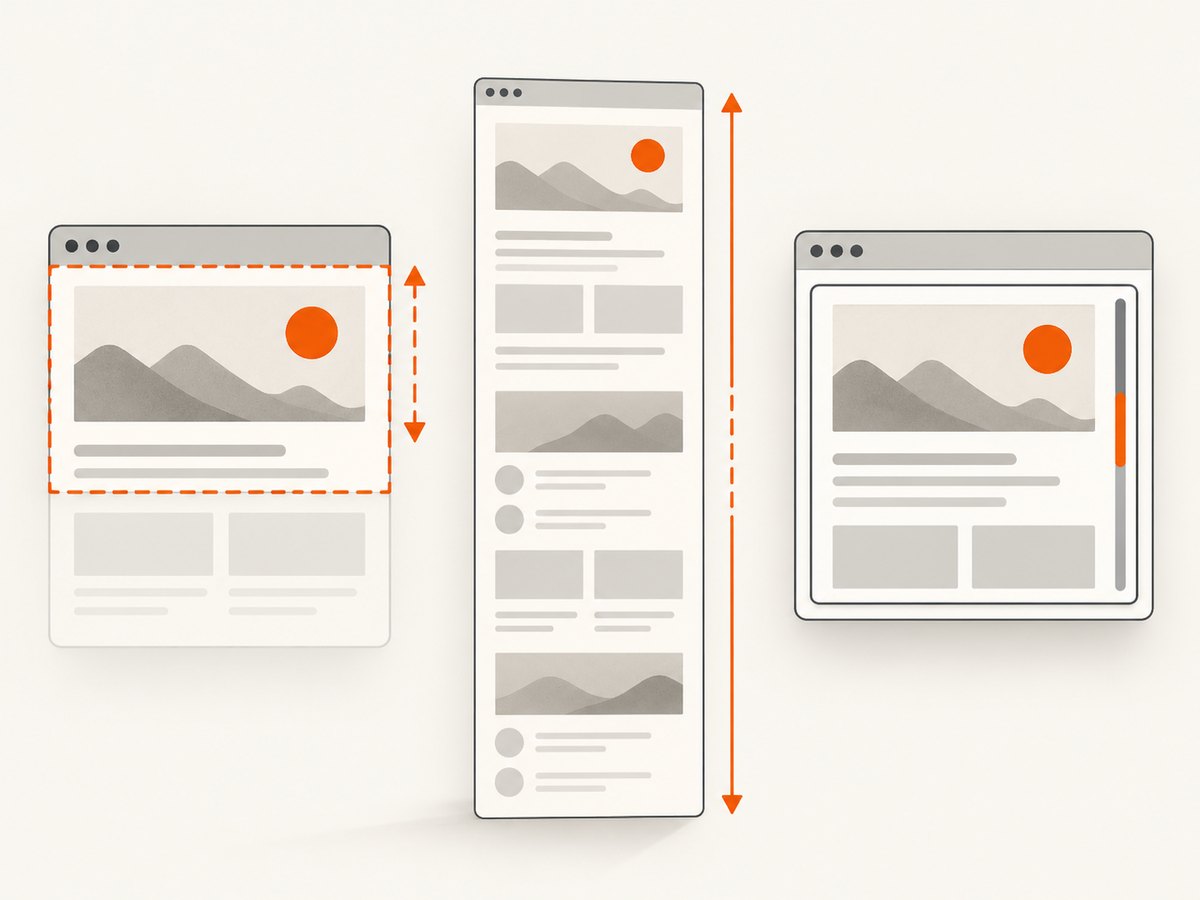
- A driver screenshot is best effort. Depending on the browser and driver, it may represent the current page, window, visible viewport, or current frame.
- Selenium 2 does not provide one universal full-page behavior across every browser and driver combination.
- Switch to the intended frame before capturing if the target content is inside an iframe.
- Scroll or resize the window only when your browser and driver support the behavior you need; verify the resulting image rather than assuming it is full page.
- Wait until navigation, asynchronous rendering, fonts, and images have completed before taking the shot.
Validation checklist
- Confirm the screenshot value is non-empty.
- Strip a possible
data:image/png;base64,prefix once. - Decode the payload to bytes.
- Write with Java byte APIs or Python
wbmode. - Check that the output begins with the PNG signature and opens in an image viewer.
- Confirm the file size is greater than zero and that the driver captured the intended window or frame.
Common errors and fixes
| Error | Cause | Fix |
|---|---|---|
| The PNG file contains unreadable text | Base64 characters were written directly to the file | Decode first, then write bytes |
| Python image is corrupt | The file was opened in text mode | Use open(path, "wb") |
| Illegal Base64 character or incorrect padding | A data-URL prefix or whitespace was passed unexpectedly | Remove the prefix, preserve valid padding, then decode |
| Java method or decoder is unavailable | The runtime or Selenium binding is older | Use the runtime’s decoder or a compatible library; request BYTES or FILE if available |
| Blank or incomplete image | Capture occurred before rendering finished, or the driver returned only the visible area | Wait for the page state, switch to the correct frame, and verify browser/driver screenshot behavior |
| Screenshot is from the wrong frame | WebDriver remained in the default content document | Call the frame-switching API before capture |
Performance, reliability and storage
- Base64 increases the in-memory representation compared with raw bytes. Prefer
BYTES,FILE, or Pythonget_screenshot_as_png()for file pipelines. - Write screenshots immediately when capturing many pages so large encoded strings do not accumulate in memory.
- Use deterministic filenames that include the test, URL or case identifier, and timestamp when parallel workers may capture simultaneously.
- Keep the browser session alive for related captures, but recreate a failed session when the driver becomes unresponsive.
- Check the file header and size in CI so a transport or rendering failure is detected before an image is published.
- PNG is lossless and suitable for test evidence. Convert only after decoding if a smaller format is required.
Or skip the browser setup
ScreenshotNeo returns a screenshot or PDF from one HTTP request. Before capture it accepts cookie or consent banners and removes more than 60 known consent platforms, newsletter popups and chat widgets; each step can be turned off. Bot checks, blank pages, timeouts, failed loads and cache hits are not billed, and response headers identify the page verdict and billing status. Its MCP server provides take_screenshot, get_page_info and capture_pdf tools for Claude, Cursor and other MCP clients.
See the ScreenshotNeo API documentation for all options.
curl -G "https://api.screenshotneo.com/v1/shot" \
  -d access_key=YOUR_API_KEY \
  --data-urlencode url=https://stripe.com \
  -o shot.webp
import requests
r = requests.get(
"https://api.screenshotneo.com/v1/shot",
params={"access_key": "YOUR_API_KEY", "url": "https://stripe.com"},
timeout=90,
)
r.raise_for_status()
open("shot.webp", "wb").write(r.content)const q = new URLSearchParams({
access_key: 'YOUR_API_KEY',
url: 'https://stripe.com'
});
const res = await fetch(`https://api.screenshotneo.com/v1/shot?${q}`);
if (!res.ok) throw new Error(`HTTP ${res.status}`);
require('fs').writeFileSync('shot.webp', Buffer.from(await res.arrayBuffer()));ScreenshotNeo includes full-page capture, element selectors, device presets, retina scale, custom CSS and JavaScript, waits, request blocking, headers, cookies, user agents, timezone, geolocation, caching, signed links, asynchronous jobs, bulk capture and usage reporting. One thousand screenshots each month are free with no card; paid plans start at $5 for 3,000.
Create a free ScreenshotNeo account and get 1,000 screenshots a month with no card.
FAQ
Can Selenium return screenshot bytes instead of Base64?
Yes. Java can request OutputType.BYTES or FILE when supported. Python provides get_screenshot_as_png().
Should I decode a string beginning with data:image/png;base64,?
Remove that prefix first, then decode the remaining payload. Selenium’s screenshot method normally returns the Base64 payload without the prefix.
Why is my screenshot not full page?
Screenshot extent depends on the browser and driver implementation. Treat full-page capture as a capability to verify for your exact Selenium 2 combination.
Is Base64 itself an image format?
No. It is an encoding of the PNG bytes. Decoding restores the PNG file.


