How to Decode a QR Code from a Local PNG Image in JavaScript
Learn how to decode a QR code from a local PNG in JavaScript with ZXing, canvas pixels, clear errors, and production guidance.
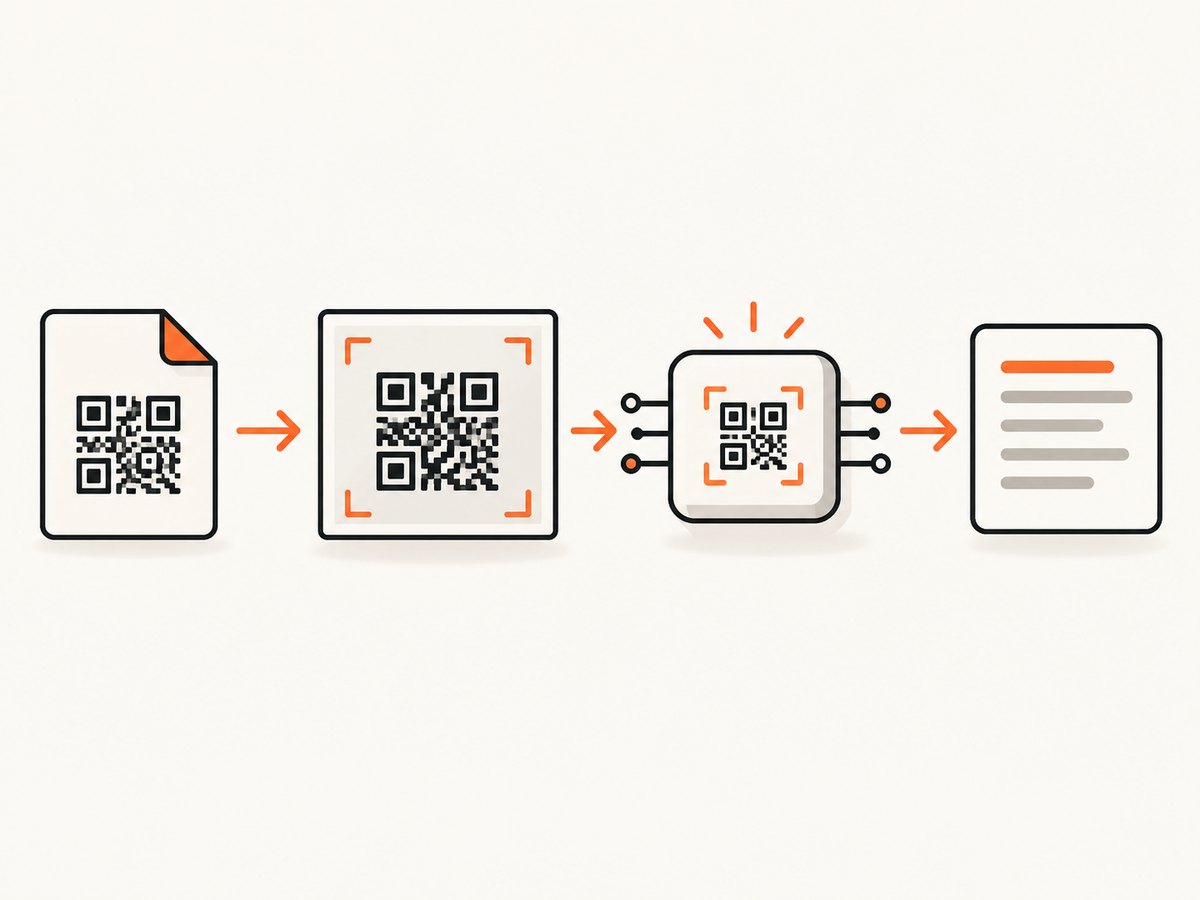
To decode a QR code from a local PNG in JavaScript, let the user select the file, load it into an HTMLImageElement, wait for the image to finish loading, and pass that image to a QR decoder. In a browser, ZXing documents BrowserQRCodeReader.decodeFromImage(img) and an image-URL variant. The result exposes the decoded value as result.text. See the ZXing image-file example and the ZXing JavaScript project documentation.
1. Complete browser example with ZXing
This example uses a file picker and accepts PNG (and other image formats the browser can decode). It creates an object URL, waits for img.onload, calls ZXing, displays the text, and releases the URL in every path.
<!doctype html>
<html lang='en'>
<head>
  <meta charset='utf-8'>
  <title>Decode a local QR image</title>
  <script type='module'>
    import { BrowserQRCodeReader } from 'https://cdn.jsdelivr.net/npm/@zxing/browser@latest/+esm';

    const picker = document.querySelector('#picker');
    const output = document.querySelector('#output');
    const reader = new BrowserQRCodeReader();

    picker.addEventListener('change', async () => {
      const file = picker.files?.[0];
      if (!file) return;

      if (!file.type.startsWith('image/')) {
        output.textContent = 'Choose an image file.';
        return;
      }

      const objectUrl = URL.createObjectURL(file);
      const img = new Image();
      img.decoding = 'async';

      try {
        await new Promise((resolve, reject) => {
          img.onload = resolve;
          img.onerror = () => reject(new Error('The image could not be decoded by the browser.'));
          img.src = objectUrl;
        });

        const result = await reader.decodeFromImage(img);
        output.textContent = result.text;
      } catch (error) {
        output.textContent = 'No readable QR code was found in this image.';
        console.error(error);
      } finally {
        URL.revokeObjectURL(objectUrl);
      }
    });
  </script>
</head>
<body>
  <label>PNG image: <input id='picker' type='file' accept='image/png,image/*'></label>
  <pre id='output' role='status'>Select an image.</pre>
</body>
</html>
For a URL that is already available to the page, ZXing also documents decoding from an image source without first constructing a file object. Check the installed package version because import names and CDN packaging can change.
What the code does
- Reads one file. The
FileListcan contain several files, but this flow intentionally decodes the first. - Creates a temporary URL.
URL.createObjectURLlets anImageload local bytes without uploading them. - Waits for loading. Calling a decoder before
onloadcan provide incomplete dimensions or pixels. - Decodes the still image. No camera permission is needed for a file that already exists.
- Reports failure. A missing, damaged, too-small, or invalid QR is an expected result, not an application crash.
- Releases memory. Revoke each object URL after the attempt, especially when users process many files.
2. Canvas and raw-pixel decoding
Some libraries accept pixel data rather than an image element. The qr package listing describes decodeQR input shaped like canvas ImageData: { width, height, data }, where data is RGBA bytes.
<input id='file' type='file' accept='image/png,image/*'>
<canvas id='canvas' hidden></canvas>
<pre id='result'>Select an image.</pre>
<script type='module'>
  import { decodeQR } from 'qr';

  const fileInput = document.querySelector('#file');
  const canvas = document.querySelector('#canvas');
  const result = document.querySelector('#result');

  fileInput.addEventListener('change', async () => {
    const file = fileInput.files?.[0];
    if (!file) return;
    const url = URL.createObjectURL(file);
    const image = new Image();
    try {
      await new Promise((resolve, reject) => {
        image.onload = resolve;
        image.onerror = reject;
        image.src = url;
      });
      canvas.width = image.naturalWidth;
      canvas.height = image.naturalHeight;
      const context = canvas.getContext('2d', { willReadFrequently: true });
      context.drawImage(image, 0, 0);
      const pixels = context.getImageData(0, 0, canvas.width, canvas.height);
      const text = decodeQR({
        width: pixels.width,
        height: pixels.height,
        data: pixels.data
      });
      result.textContent = text;
    } catch (error) {
      result.textContent = 'The image has no decodable QR code.';
      console.error(error);
    } finally {
      URL.revokeObjectURL(url);
    }
  });
</script>
Verify the exact function name and return type against the version installed in your project. A raw-pixel API gives you control over preprocessing, but it also means you must manage canvas dimensions, memory, and browser security rules yourself.
3. Choosing an implementation route
| Concern | ZXing browser API | Canvas pixel API |
|---|---|---|
| Input | Image element or documented image URL | Width, height, and RGBA bytes |
| Setup | Decoder handles image interpretation | You draw and extract ImageData |
| Best fit | A normal browser file-picker workflow | Preprocessing, worker pipelines, or a library that requires pixels |
| Formats | Use the QR formats documented by your ZXing version | Depends entirely on the decoder package |
| Failure handling | Catch rejected decode promises | Catch package errors and validate the returned value |
There is no source-backed benchmark proving that one route is universally faster or more accurate. Select based on your runtime, supported formats, package maintenance, and the input API you want to own.
4. Handling files safely and predictably
- Validate size before loading. Reject unexpectedly large files to avoid allocating an enormous canvas. Choose a limit appropriate for your application.
- Validate type, then still handle decode errors. MIME types are user-provided metadata; a file named
.pngcan still be corrupt. - Do not upload by accident. Object URLs keep processing local. If you use a remote image URL, account for CORS and server availability.
- Preserve the original dimensions. Scaling a QR too aggressively can remove module detail. If memory is a concern, resize only after measuring decode quality.
- Keep output as text. Treat decoded content as untrusted input. Display it safely and validate URLs before navigating or fetching them.
- Use a worker for batches. Canvas decoding can block the main thread on large images. Move repeated work to a Web Worker when the selected library supports it.
5. Common errors and fixes
| Symptom | Likely cause | Fix |
|---|---|---|
img.onload never fires |
Invalid or unsupported image bytes | Show a file error, verify the PNG, and try another image. |
| Decoder says no code found | No QR is present, it is cropped, blurred, low contrast, or too small | Use the original resolution, include the quiet margin, improve lighting/contrast, and select a clearer file. |
| Checksum or format failure | A QR candidate was detected but validation failed | Ask for a sharper image or a complete uncropped code. ZXing documents NotFoundException, ChecksumException, and FormatException cases in its Reader API reference. |
| Canvas throws a security error | Pixels came from a cross-origin image without permission | Use a local file, serve the image with suitable CORS headers, or proxy it through your own origin. |
| Memory grows after each file | Object URLs, canvases, or large image references remain live | Call URL.revokeObjectURL, clear canvas dimensions, and release references after each attempt. |
| Module import fails | CDN or package export differs from your version | Install a pinned version and follow that version’s documented import path. |
6. Performance and reliability checklist
- Reject files above your chosen byte limit before creating an image.
- Decode once per file and debounce repeated picker events.
- Use
img.decoding = 'async'and avoid unnecessary redraws. - For batches, process sequentially or with a small concurrency limit so memory stays bounded.
- Move expensive pixel work off the UI thread when users report jank.
- Log decoder error categories internally, while showing a simple recovery message to users.
- Test representative QR payloads: short text, long text, URLs, unusual characters, and codes near the image edge.
- Do not claim that every QR image can be decoded. Success depends on image quality, finder-pattern visibility, contrast, and the library/version.
7. Cost and privacy considerations
Local browser decoding has no API request cost and can keep the selected PNG on the user’s device. A server-side pipeline may simplify shared processing, but it introduces upload bandwidth, storage, retention, and privacy decisions. If the image contains personal or confidential data, document where bytes go and how long they remain.
8. Or skip the browser setup
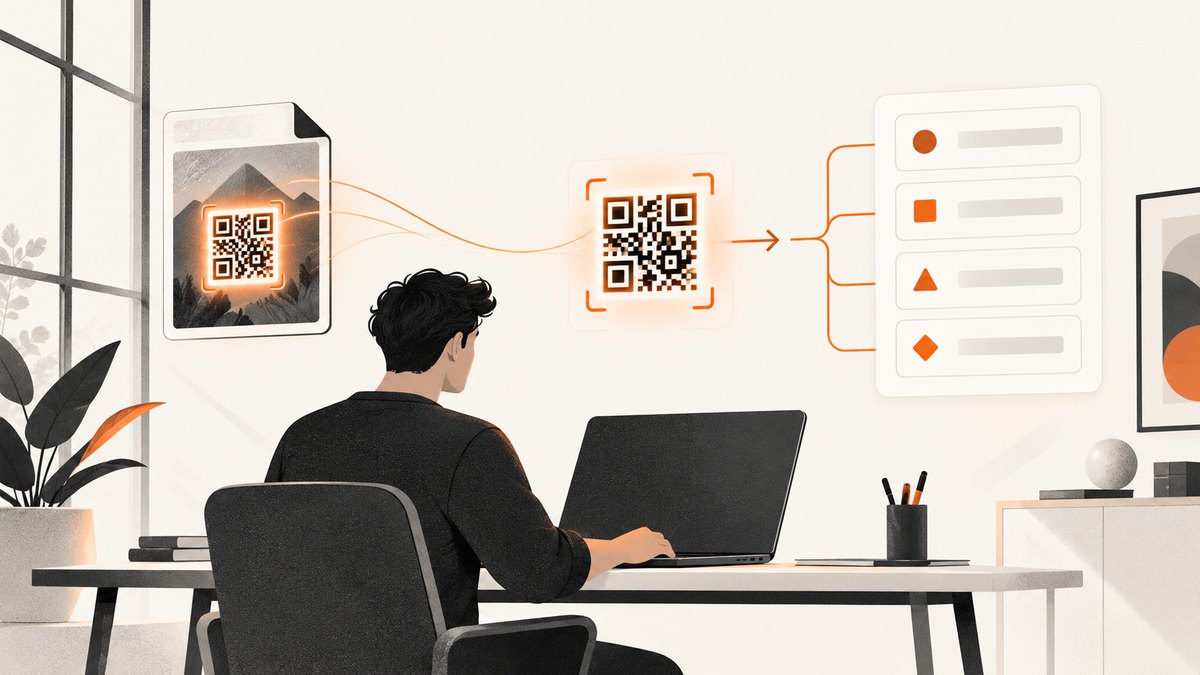
If your actual task is obtaining a clean screenshot of a web page that contains the QR code, ScreenshotNeo provides a website screenshot API and MCP server. It can capture PNG, JPEG, WebP, or PDF; you can then pass the returned image to the decoder above.
See the ScreenshotNeo API documentation. A one-call request looks like this:
curl -G 'https://api.screenshotneo.com/v1/shot' -d access_key=YOUR_API_KEY --data-urlencode url=https://stripe.com -o shot.webpimport requests
r = requests.get('https://api.screenshotneo.com/v1/shot', params={'access_key': 'YOUR_API_KEY', 'url': 'https://stripe.com'}, timeout=90)
open('shot.webp', 'wb').write(r.content)const q = new URLSearchParams({ access_key: 'YOUR_API_KEY', url: 'https://stripe.com' });
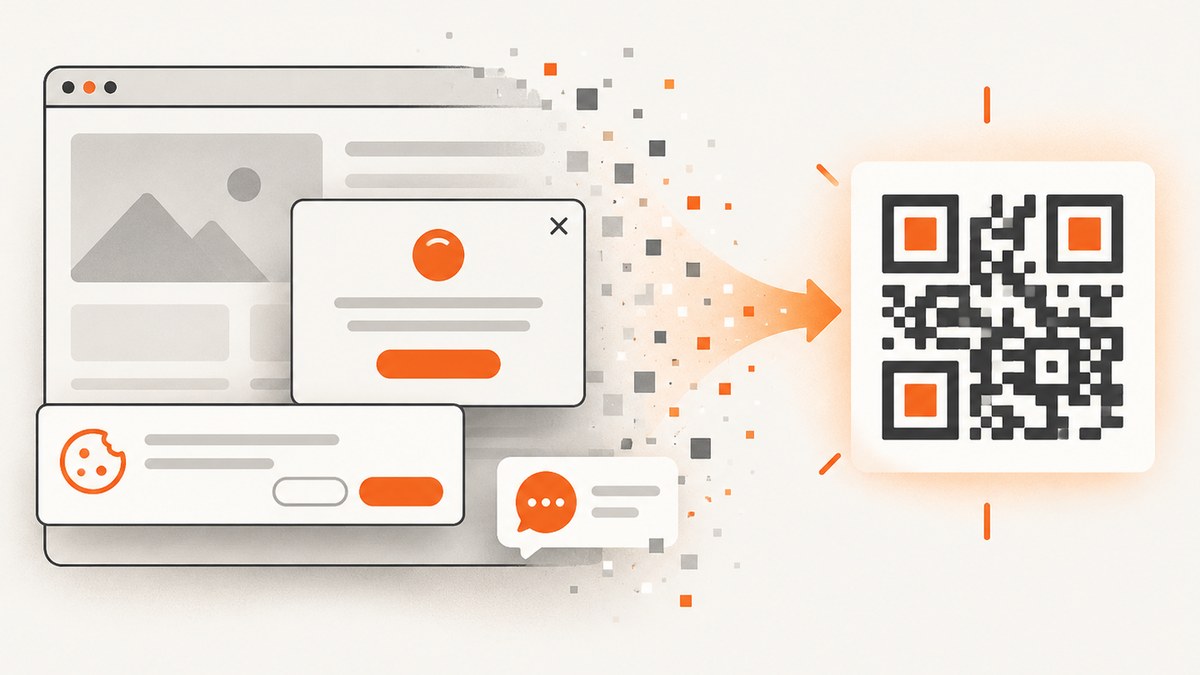
const res = await fetch(`https://api.screenshotneo.com/v1/shot?${q}`);Cookie banners, newsletter popups, and chat widgets are removed before the shot. Bot checks, blank pages, failed loads, timeouts, and cache hits are not billed, and response headers identify the page verdict and billing status. Its MCP server lets Claude, Cursor, and other MCP clients call take_screenshot, get_page_info, and capture_pdf. The free plan includes 1,000 screenshots each month with no card; paid plans start at $5 for 3,000 shots. Create a free ScreenshotNeo account.
9. FAQ
Do I need camera permissions?
No. A local PNG is a static file, so the file-picker workflow does not require camera access.
Can I decode a QR from a remote image URL?
Yes, if the decoder supports an image URL or you load it into an image element. Canvas pixel reads require the remote server to permit your origin with CORS.
Why does a QR look clear to me but fail to decode?
Visual clarity is not enough. Cropping the quiet zone, interpolation from resizing, glare, low contrast, or a damaged module can prevent validation.
Should I use Node.js for this?
Use a Node pipeline when decoding belongs on a server or in a batch job. The supplied research documents browser APIs and a pixel-data shape, not a complete current Node recipe, so verify image and decoder package versions before deployment.
Can I read barcodes other than QR codes?
Only claim formats documented by the specific library and version you install. QR support does not automatically guarantee support for every barcode.


