11 Deep Learning Software Tools in 2026
Compare 11 deep-learning tools by workflow, abstraction, hardware support, and setup risk, then choose a practical stack for learning or production.
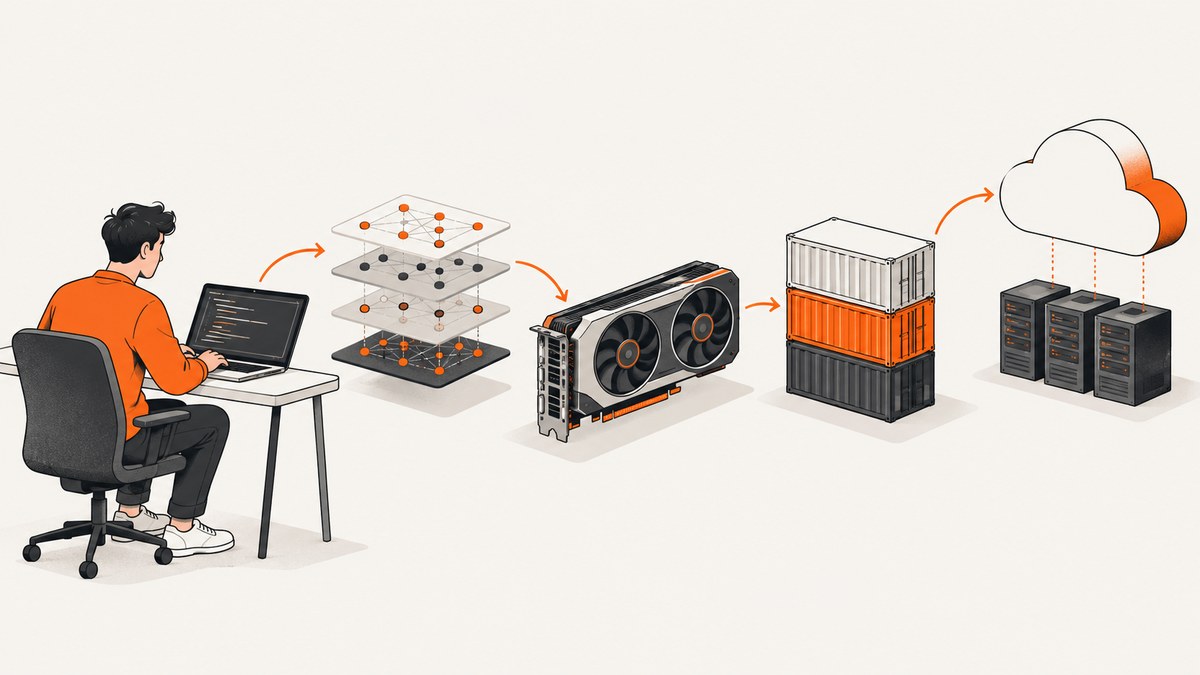
Short answer: start with PyTorch, TensorFlow, or JAX when you need framework-level control. Choose Keras 3 when you want one model-building API that can run on any of those backends. Use Google Colab or another hosted notebook when you want to learn without configuring a local GPU. Add NVIDIA’s acceleration and container tools when you need repeatable GPU environments. The right choice depends on your workflow, model size, hardware, and deployment target; there is no evidence-backed universal speed winner.
This guide treats unlike tools separately: frameworks build and train models, APIs raise the abstraction level, acceleration software connects workloads to GPUs, containers isolate dependencies, and hosted notebooks remove local setup. The 11 entries below are an editorial toolkit selected using those criteria.
How to choose a deep-learning tool
- Abstraction: decide whether you want a high-level model API or control over tensors, devices, and training loops.
- Backend flexibility: Keras 3 can use JAX, TensorFlow, or PyTorch, while each framework has its own programming model.
- Workflow stage: distinguish experimentation, training, inference, and deployment.
- Hardware: check CPU, NVIDIA GPU, TPU, driver, CUDA, and backend compatibility for the exact version you will install.
- Reproducibility: use clean environments or containers when a project must be recreated by another machine or team.
- Evidence: prefer versioned setup documentation and matched benchmarks over generic claims about speed or popularity.
1. PyTorch
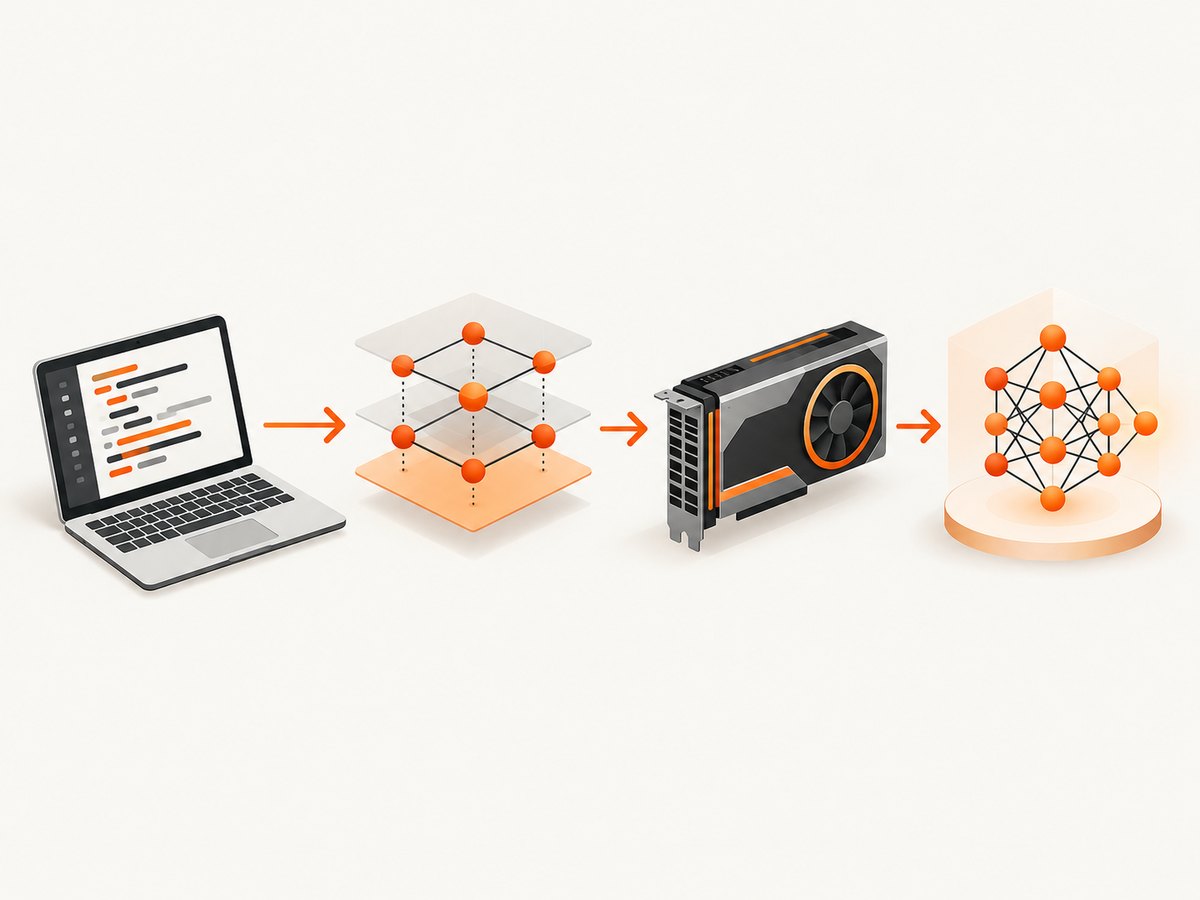
PyTorch is a framework choice for building and training neural networks. It is appropriate when you want framework-level control over model code, data flow, device placement, and custom training logic. NVIDIA lists PyTorch among the frameworks accelerated on single GPUs and scalable to multi-GPU and multi-node configurations.
Choose it when your course, research code, or deployment stack already uses PyTorch. Verify the installation command for your operating system, Python version, and GPU stack rather than copying an old CUDA command from a blog post.
2. TensorFlow
TensorFlow is another full framework for model construction, training, and inference. Its official tutorials are Jupyter notebooks that can run directly in Google Colab, making it practical for guided learning before you create a local environment. NVIDIA also documents GPU acceleration for TensorFlow.
TensorFlow is a sensible choice when a tutorial, existing model, or serving workflow targets it. Keep the framework version, Python version, and accelerator package aligned.
3. JAX
JAX is a framework for numerical computing and machine-learning workloads with accelerator support. NVIDIA lists it alongside PyTorch and TensorFlow as GPU accelerated. JAX’s CUDA 12 installation documentation specifies NVIDIA GPU compute capability (SM) 5.2 or newer and says Kepler GPUs are no longer supported.
That requirement is specific to the documented JAX CUDA 12 configuration, not a universal GPU rule for every framework. Check the current JAX installation page before buying hardware or pinning CUDA packages.
4. Keras 3
Keras 3 is a higher-level model-building API that can use JAX, TensorFlow, or PyTorch as its backend. You must select and configure a backend before importing Keras. This makes Keras useful when you want a common model interface while retaining backend choice.
Keras’s setup guidance warns that GPU work involves driver and dependency compatibility and recommends clean environments for backend-specific configurations. In hosted sessions such as Colab or Kaggle, drivers are generally preconfigured and you typically cannot replace them; follow the platform’s tested package setup.
# Example: choose a Keras backend before importing Keras
import os
os.environ["KERAS_BACKEND"] = "jax"  # or "tensorflow" or "torch"
import keras

model = keras.Sequential([
    keras.layers.Input(shape=(784,)),
    keras.layers.Dense(128, activation="relu"),
    keras.layers.Dense(10, activation="softmax"),
])
5. Google Colab
Google Colab is a hosted notebook environment. TensorFlow’s tutorials and Keras guides use Colab, and the Keras documentation states that Colab includes GPU and TPU runtimes. It is a practical first stop for tutorials because you can run notebook cells without constructing a local driver and CUDA installation.
Hosted availability, session behavior, and quotas can change. Treat Colab as an environment with provider-controlled software versions, not as a permanent production runtime. Record the package versions in the notebook so another session can be diagnosed.
6. Jupyter notebooks
Jupyter is the notebook format and interactive workflow used by the TensorFlow tutorials reviewed for this guide. A notebook is useful for inspecting tensors, plotting training results, and documenting experiments beside executable code. It can run locally or through a hosted service such as Colab.
Use notebooks for exploration and teaching, then move stable training code into scripts or modules with pinned dependencies. This reduces hidden state, such as a cell that was run out of order or a variable left in memory.
7. NVIDIA CUDA-X AI
NVIDIA describes CUDA-X AI as an acceleration software stack for training and inference. It sits alongside frameworks rather than replacing them. The practical role is to provide the GPU software components that let supported frameworks use NVIDIA hardware.
Install the combination documented for your framework version. Mixing a new driver, an older framework wheel, and an unrelated CUDA runtime is a common source of import and execution failures.
8. NVIDIA optimized containers
NVIDIA’s optimized containers package tested GPU software environments and are intended to reduce dependency-management work. Containers are useful when multiple projects need different framework or CUDA versions, or when a training job must run consistently on another machine.
They add an image-management step and do not remove the need to check host-driver compatibility. Keep the image tag in version control and document the GPU type and launch command used by the job.
9. CUDA 12 GPU stack
CUDA 12 is a concrete compatibility target in the JAX documentation reviewed here. For the documented JAX configuration, NVIDIA GPUs need SM 5.2 or newer, and Kepler GPUs are not supported. Use this as a version-specific compatibility check, not as a blanket recommendation for all deep-learning software.
Before installing, write down the exact framework release, Python version, driver version, and CUDA variant. Then follow that framework’s installation matrix. A machine can have a powerful GPU and still fail because one software layer is incompatible.
10. Kaggle notebooks
Keras setup documentation discusses Kaggle alongside Colab as a hosted environment that generally provides preconfigured drivers. Kaggle can therefore be useful for notebook-based experiments when you do not want to maintain local GPU software.
As with any hosted notebook, verify the current runtime image and available accelerator for the session you receive. Avoid assuming that a package installation or driver change will persist between sessions.
11. NVIDIA GPU drivers
The driver is the host-level software that allows supported applications to communicate with an NVIDIA GPU. It is not a replacement for PyTorch, TensorFlow, JAX, or Keras; it is part of the hardware compatibility layer beneath them.
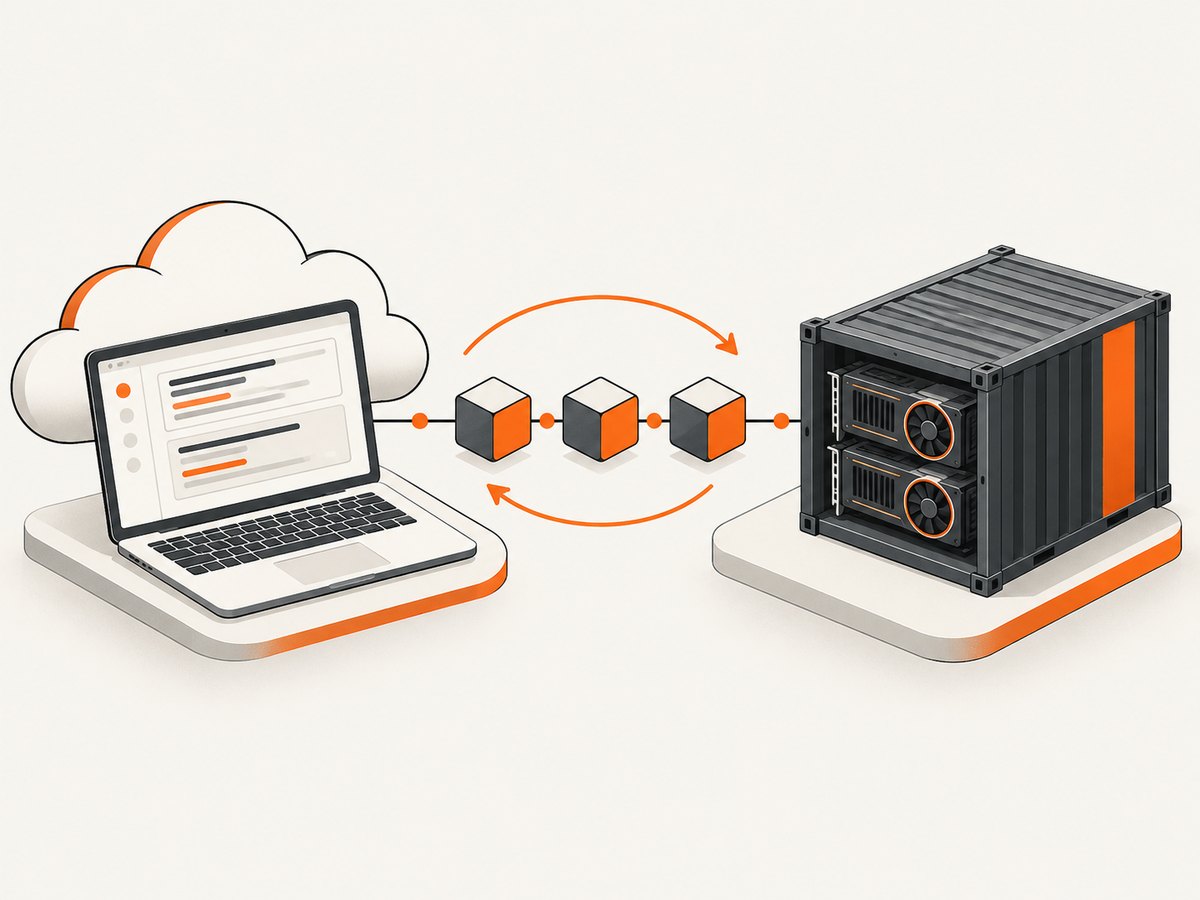
Driver management matters most for local machines and self-managed servers. Hosted notebooks normally provide the driver, which is why their tested package instructions are safer than installing a newer driver stack inside the session.
A practical decision tree
- Following a tutorial? Open its notebook in Colab first if it supports that workflow.
- Need a framework? Use the framework required by your team or model. If you need backend choice, evaluate Keras 3.
- Need custom training or research control? Compare PyTorch, TensorFlow, and JAX by API fit and available libraries, not an unsupported universal speed ranking.
- Need local GPU training? Check the exact framework’s driver and accelerator requirements. Do not buy a GPU from a generic “deep learning” list.
- Need repeatable environments? Use a clean environment or an NVIDIA optimized container and record every version.
GPU and environment checklist
- Define model size, batch size, sequence or image dimensions, and expected memory use.
- Decide whether CPU, hosted GPU, local NVIDIA GPU, or TPU is appropriate.
- Check the framework release against the driver and CUDA/backend version.
- Start with a clean environment for each backend-specific project.
- Run a small import and device-detection test before a long training job.
- Save package versions, notebook runtime details, and container tags.
Troubleshooting common failures
“No GPU detected”
In a hosted notebook, the session may not have an accelerator enabled. In a local setup, the driver may be missing or incompatible. Select the documented runtime option, then verify the framework’s device-detection command and driver version.
CUDA or backend import errors
These usually indicate a mismatch among the framework package, Python version, driver, and CUDA runtime. Recreate a clean environment and use the framework’s current installation instructions instead of layering packages onto an old environment.
Keras uses the wrong backend
The backend must be configured before importing Keras. Set KERAS_BACKEND at process start, restart the notebook kernel, and then import Keras.
Notebook works once and fails later
Hosted runtimes can reset, and notebooks can depend on hidden cell state. Restart the kernel, run cells from the beginning, print package versions, and move repeatable work into a script.
JAX rejects the GPU
For the documented CUDA 12 setup, confirm that the NVIDIA GPU meets SM 5.2 or newer. Kepler GPUs are not supported by that configuration. Check the current JAX requirements for newer releases.
Performance, reliability, and cost
Performance depends on the model, batch size, precision, input pipeline, accelerator, framework version, and software configuration. The supplied evidence does not establish a dated, directly comparable benchmark or a universal framework ranking. Measure your own workload with a fixed dataset, batch size, warm-up period, and version-pinned environment.
Hosted notebooks reduce setup time but introduce session and quota constraints that can change. Local GPUs offer control but make you responsible for drivers, cooling, storage, and upgrades. Containers improve repeatability but still depend on a compatible host driver.
For learning, start with free hosted notebooks when available. For sustained training, estimate accelerator time, storage, checkpoint retention, and engineering time spent maintaining the environment. A more expensive GPU is not automatically the lower-cost choice if the workload does not use its memory or throughput.
Or skip the browser setup
If your workflow needs screenshots of training dashboards, experiment reports, or documentation pages, ScreenshotNeo provides a website screenshot API and MCP server. One GET request returns PNG, JPEG, WebP, or PDF. Cookie and consent banners, newsletter popups, and chat widgets are removed before capture; bot checks, blank pages, timeouts, failed loads, and cache hits are not billed, and response headers identify the page verdict and billing status. Its MCP server provides take_screenshot, get_page_info, and capture_pdf for Claude, Cursor, and other MCP clients.
See the complete option list and parameter reference in the ScreenshotNeo documentation.
curl -G "https://api.screenshotneo.com/v1/shot" -d access_key=YOUR_API_KEY --data-urlencode url=https://stripe.com -o shot.webpimport requests
r = requests.get("https://api.screenshotneo.com/v1/shot", params={"access_key": "YOUR_API_KEY", "url": "https://stripe.com"}, timeout=90)
open("shot.webp", "wb").write(r.content)const q = new URLSearchParams({ access_key: 'YOUR_API_KEY', url: 'https://stripe.com' });
const res = await fetch(`https://api.screenshotneo.com/v1/shot?${q}`);ScreenshotNeo supports full-page and element capture, dark mode, device presets, retina scale, PDF controls, custom CSS and JavaScript, waits, request blocking, headers, cookies, user agents, geolocation, caching, signed links, async webhooks, bulk capture, and a usage API. It includes 1,000 screenshots a month free with no card; paid plans start at $5 for 3,000. Create a free ScreenshotNeo account.
FAQ
Which framework should a beginner learn?
Use the framework required by your course or target project. If no requirement exists, compare a small tutorial in PyTorch, TensorFlow, and Keras and choose the API you can explain and reproduce.
Do I need a GPU?
No. Tutorials can run on CPUs or hosted notebooks. GPU need depends on model size, memory, workload, budget, framework, and compatibility.
Can Keras 3 switch frameworks?
Yes. Keras 3 supports JAX, TensorFlow, and PyTorch backends, but configure the backend before importing Keras.
Are containers required?
No. They are most useful when dependency isolation and repeatability matter across machines or teams.
Is Colab a production deployment platform?
The reviewed sources establish notebook use and GPU/TPU runtimes, not production guarantees. Treat it as an experimentation environment unless your operational requirements say otherwise.


