How to Define Image Modifications with Simple URLs
Learn how image transformation URLs request resized, cropped, or reformatted images, with provider-specific examples for Cloudinary and ImageKit.

To define an image modification with a URL, add the transformation parameters supported by the image delivery service to the URL that identifies the source image. The URL then requests a particular output, such as a resized or cropped variant. There is no universal parameter grammar: Cloudinary and ImageKit use different URL formats, so copy the syntax from the provider you use rather than combining examples from different services.
This guide explains how to read the URL, build a transformation, handle multiple operations, and generate URLs safely in an application. It includes documented Cloudinary and ImageKit examples, plus a practical workflow for validating URLs before using them in production.
1. How image transformation URLs work
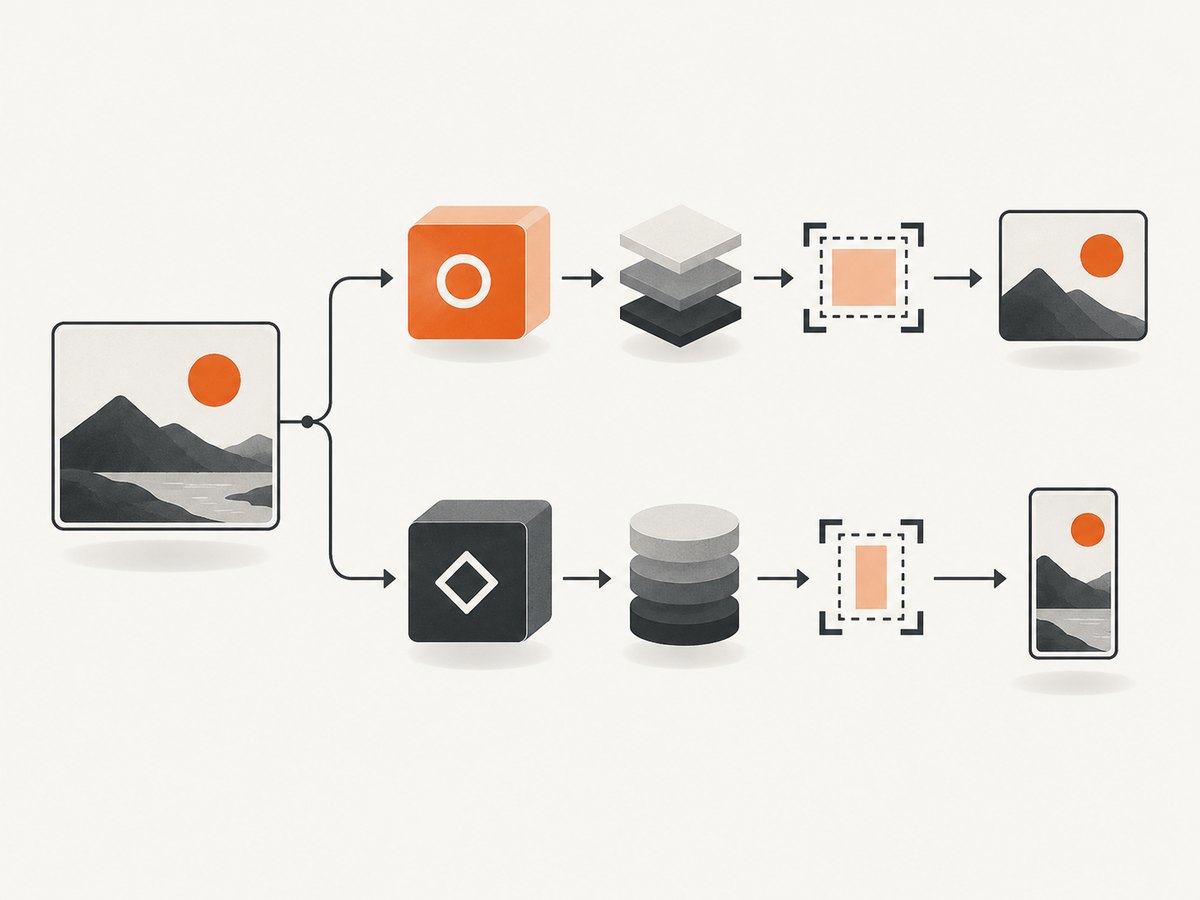
An image transformation URL names both the source image and the requested variant. A service interprets its own parameters—such as width, height, crop mode, or output format—and serves the corresponding result. Some services derive a new asset on first request and cache it for later requests; Cloudinary documents that behavior for its derived assets.
The transformation string is part of the service’s URL API. It is not a browser standard. Even when two services support the same kind of operation, their parameter names, separators, placement, defaults, and operation ordering may differ.
2. Read the provider’s URL structure
Cloudinary documents this general delivery URL structure:
https://res.cloudinary.com/<cloud_name>/<asset_type>/<delivery_type>/<transformations>/<version>/<public_id_full_path>.<extension>The components identify the account, asset type, delivery type, optional transformation instructions, optional asset version, public ID path, and optional extension. In Cloudinary’s syntax, parameters inside one transformation component are comma-separated; chained transformation components are separated by slashes. This structure describes Cloudinary URLs specifically, not all image services.
ImageKit documents a different pattern: its transformation component appears after the endpoint and before the image path. For example, its documentation shows tr:w-300,h-300 for a 300-by-300 transformation and tr:w-200 as a width example. The tr: prefix is ImageKit syntax; do not assume another service accepts it.
3. Build a transformation URL step by step
- Get the source delivery URL. Use the URL supplied by your image provider, including the correct account or endpoint and asset path.
- Find the provider’s parameter reference. Look up the exact names, accepted values, defaults, and constraints for the operation. For Cloudinary, distinguish action parameters from qualifier parameters and check its supported URL API parameters.
- Add the operation in the documented position. Some providers put transformations in a path segment; others use a different URL construction. Do not guess where the transformation belongs.
- Follow the provider’s composition rules. For multiple operations, use the documented separators and ordering. Chaining conventions are not portable between providers.
- Request the URL and inspect the result. Check the image dimensions, crop, format, and visual subject. A syntactically valid URL can still produce an unwanted crop or output.
For Cloudinary, a documented example chains a face-focused square thumbnail crop, a circular treatment, and automatic output-format selection:
https://res.cloudinary.com/demo/image/upload/c_thumb,g_face,h_200,w_200/r_max/f_auto/sample.jpgHere, the slash-separated components demonstrate Cloudinary’s chaining form. This is a syntax example, not a portable URL template: use your own cloud name and asset path, and confirm that the requested actions and qualifiers fit your account and asset.
For ImageKit, the corresponding documented pattern looks like this:
https://ik.imagekit.io/your_endpoint/tr:w-300,h-300/your-image.jpgReplace the endpoint and path with the values for your ImageKit account. Consult ImageKit’s reference for the intended behavior of width and height together, as well as crop and output settings.
4. Choose manual URLs or an SDK
A literal URL is useful when learning the model, debugging a delivery request, or placing a known variant in static markup. For application code that constructs variants from user choices or responsive layouts, use the provider’s SDK when it supports the operations you need. Cloudinary documents SDK helpers that generate transformation URLs and image tags.
SDK method names and arguments can differ from the URL API’s parameter names. Keep URL examples and SDK examples labeled separately, and check the documentation for the SDK and language version in your project. Avoid manually concatenating untrusted values into a URL path: encode path components with the provider’s supported helper or a URL library.
5. Plan variants, formats, and caching
Each distinct transformation can request a distinct output variant. Before generating URLs dynamically, decide which combinations your product actually needs. A fixed set of widths or crops is easier to reason about than allowing arbitrary dimensions and parameters to create an unbounded number of variants.
- Resizing: establish the width and height requirements from the rendered layout. Confirm whether the provider preserves aspect ratio, pads, or crops when both dimensions are given.
- Cropping: choose a crop mode suited to the use case, such as a centered thumbnail or a subject-aware crop where supported. Inspect edge cases with portraits, wide images, and subjects near an edge.
- Format: use an explicit format when a consumer requires one. If requesting automatic format selection, verify how the provider chooses output based on the request and delivery context.
- Versioning: if the provider includes an asset version, use its documented update and invalidation model when source images change.
- Caching and limits: Cloudinary says a derived asset is created and cached on first access, and usage limits depend on the account plan. Check current plan and delivery documentation for the limits that apply to your account.
Cloudinary’s on-demand derivation and caching behavior should not be assumed for ImageKit, Imgix, or another provider without checking its documentation. Likewise, no single provider’s parameter names should be treated as a cross-service standard.
6. Validate URLs in application code
When constructing a URL, keep the provider-specific transformation grammar in one small helper rather than scattering fragments throughout templates. Use a provider SDK if it handles the needed transformations; otherwise build from documented, fixed components and encode the asset path correctly. Do not accept a complete transformation string from an untrusted client unless you validate allowed operations and values.
A validation checklist:
- Does the URL use the correct account, endpoint, delivery type, and source asset path?
- Are transformation parameters spelled and separated exactly as the provider specifies?
- Are width, height, quality, and crop values within the provider’s supported range?
- Does the URL return an image with the expected dimensions and format?
- Does the rendered result remain acceptable for unusually wide, tall, small, or transparent source images?
- Have you checked the provider’s current plan limits and behavior for first-time variants?
7. Troubleshooting common problems
| Symptom | Likely cause | What to check |
|---|---|---|
| 404 or missing image | Incorrect account, endpoint, delivery path, public ID, or file extension. | Compare the source portion with a working provider URL. Check case-sensitive paths and any required version component. |
| Transformation is ignored or rejected | Parameters use another provider’s grammar, are in the wrong URL position, or are separated incorrectly. | Copy the provider’s documented structure and verify every action and qualifier against its URL API reference. |
| Image has unexpected dimensions | Width and height semantics, aspect-ratio handling, or crop defaults differ from what the caller assumed. | Read the provider’s behavior for the exact parameter combination and inspect the returned image’s dimensions. |
| Crop cuts off the subject | A centered crop does not fit the image, or a subject-aware mode was not selected or supported. | Try the documented crop/focal-point options and test representative portrait, landscape, and edge-subject images. |
| New source content does not appear | A cached delivery or derived asset is still being served, or the URL does not reflect the provider’s versioning/invalidation mechanism. | Check provider cache and asset update guidance. Use its documented versioning or invalidation approach. |
| Some clients cannot display the output | The requested or automatically selected format is unsupported in that context. | Test the target browsers and consumers; use an explicit supported format where needed. |
| Usage grows unexpectedly | Dynamic parameters may be creating many distinct variants, or the account’s transformation/delivery limits are being reached. | Bound the allowed variant set and review current plan usage and limits with the provider. |
8. Performance, reliability, and cost considerations
URL-based transformations can simplify delivery because the requested variant is described alongside the image URL. The operational details depend on the service. Cloudinary documents generation and caching of a derived asset on first request; a first request for a new variant can therefore have different work from later cached requests. Do not treat that provider-specific behavior as a universal performance guarantee.
For predictable performance, predefine commonly used sizes, avoid creating needless combinations, and measure the actual delivery path under your own traffic and cache conditions. Keep the original source available according to your provider’s storage and recovery model, and review its guidance for cache invalidation and asset replacement.
Cost and usage limits are also provider- and plan-specific. Cloudinary states that account-plan usage limits apply, but this research does not establish a current price or a comparable allowance across Cloudinary, ImageKit, and Imgix. Check each provider’s current pricing and plan documentation before estimating production cost. Track the number of distinct variants and the service metrics that determine usage for your account.
9. When to use Cloudinary, ImageKit, or Imgix
Cloudinary’s documentation is useful when you need a detailed URL model, transformation chaining, and SDK URL generation. ImageKit’s documentation demonstrates a compact transformation component between its endpoint and image path. Imgix’s official overview identifies its Rendering API and URL syntax information, but the material in this research does not support detailed parameter examples or a feature ranking.
Choose by checking the grammar and operations you need, SDK support in your stack, how variants are created and cached, and the plan limits relevant to your use. The available documentation does not provide a controlled feature or price comparison, so verify these points directly before selecting a service.
10. Capture a webpage image instead of transforming one
Image transformation URLs modify an image already delivered by an image service. If what you need is a screenshot of a webpage, the input is a page URL and the task is browser capture. Those are different workflows. ScreenshotNeo is a website screenshot API and MCP server from Yorker Media; one GET request can return a PNG, JPEG, WebP, or PDF. Its [documentation](https://screenshotneo.com/docs/) describes the API, and the [ScreenshotNeo site](https://screenshotneo.com) has plan details.

Or skip the browser setup
Send one request with the page URL to capture it. This example saves a WebP response:
curl -G "https://api.screenshotneo.com/v1/shot" -d access_key=YOUR_API_KEY --data-urlencode url=https://stripe.com -o shot.webpThe same API can be called with Python:
import requests

r = requests.get(
    "https://api.screenshotneo.com/v1/shot",
    params={"access_key": "YOUR_API_KEY", "url": "https://stripe.com"},
    timeout=90,
)
r.raise_for_status()
open("shot.webp", "wb").write(r.content)
Or with Node.js:
const q = new URLSearchParams({
  access_key: 'YOUR_API_KEY',
  url: 'https://stripe.com'
});
const res = await fetch(`https://api.screenshotneo.com/v1/shot?${q}`);
if (!res.ok) throw new Error(`Screenshot request failed: ${res.status}`);
await Bun.write('shot.webp', res);
Use the API’s documented response behavior and parameters for output format and other capture options. ScreenshotNeo removes cookie/consent banners, newsletter popups, and chat widgets before capture; those steps can each be turned off. Bot checks/CAPTCHAs, blank pages, timeouts, failed loads, and cache hits cost nothing, and response headers identify page verdict and billing. Its MCP server offers take_screenshot, get_page_info, and capture_pdf for Claude, Cursor, and other MCP clients. Plans include 1,000 screenshots per month free without a card; paid plans start at $5 for 3,000 screenshots, and every feature is on every plan. Sign up for 1,000 free screenshots a month with no card.
11. Frequently asked questions
Can I use the same transformation URL with another provider?
Usually you must adapt it. The provider defines the parameter names, placement, separators, and supported operations. Cloudinary and ImageKit’s documented examples already show different URL forms.
Should I put transformations in a query string?
Use the placement specified by your provider. The examples here show transformations in URL path components, but this is not a universal rule.
Can I create a transformed image without an SDK?
Yes, when the provider documents the URL syntax and you can construct it safely. An SDK can reduce manual string-building errors and may provide helpers for generating URLs.
Does a changed transformation always create a billable variant?
That depends on the provider and account plan. Cloudinary documents derived asset creation and plan-based usage limits; consult current provider documentation for billing details.


