How to Deploy Playwright on Azure Functions
Package Playwright and its browsers in a Linux container, deploy it to Azure Functions, and troubleshoot launches, dependencies, scaling, and costs.
Direct answer: deploy Playwright on Azure Functions by packaging your function code, a matching Playwright release, its browser binaries, and Linux system dependencies into a custom Linux container. Push that image to a container registry, deploy it to a Functions-compatible container host such as Azure Container Apps, and rebuild the image whenever code, Playwright, browser binaries, dependencies, or the Functions base image changes. First confirm that your selected Functions hosting plan and operating system support the container deployment method you intend to use. Azure’s deployment matrix lists different capabilities for Linux Consumption, Elastic Premium, Dedicated, Container Apps, and Flex Consumption; Flex Consumption is listed as code-only in the cited matrix (Microsoft deployment technologies matrix).
A browser is not just a Python or Node.js package. A reliable deployment includes four coordinated layers:
- Your Azure Functions application and language runtime.
- The Playwright package at a pinned version.
- Browser binaries downloaded for that same Playwright version.
- Linux libraries and fonts required by Chromium, Firefox, or WebKit.
Playwright’s browser documentation explains that browser versions track Playwright releases, while its Docker guidance describes the runtime, browsers, and system dependencies that must exist together (Playwright browsers, Playwright Docker guidance).
1. Choose the Azure hosting model before writing the image
Hosting and deployment are one decision. Review the current Azure Functions deployment matrix for your language, operating system, plan, and container requirement. A custom Linux image is the practical path when you need deterministic browser binaries and operating-system libraries. Azure Container Apps can host a containerized Functions application; other Linux Functions plans have their own image support and limits.
| Decision | What to verify |
|---|---|
| Plan | Whether the plan supports container images, your language, and your selected Linux configuration. |
| Execution limits | Maximum request duration, memory available to a browser, concurrency behavior, and scale-out semantics. |
| Image target | Azure Container Apps versus a Linux Functions-hosted container. The resource creation and pipeline task differ. |
| Operations | Where images are built, stored, scanned, versioned, and rolled back. |
Do not assume a successful local browser launch predicts production behavior. Validate launch time, memory use, request duration, concurrent pages, and scale-out in the exact Azure configuration you will operate. The official material does not promise workload-specific performance values.
2. Create a small Python Function that captures a page
The example below uses the Python programming model with an HTTP-triggered function. It returns a PNG generated by Chromium. Pin the Playwright version so the package and browser download remain aligned.
import azure.functions as func
from playwright.sync_api import sync_playwright
import os

app = func.FunctionApp(http_auth_level=func.AuthLevel.FUNCTION)

@app.route(route="screenshot", methods=["GET"])
def screenshot(req: func.HttpRequest) -> func.HttpResponse:
    target = req.params.get("url")
    if not target:
        return func.HttpResponse("Pass ?url=https://example.com", status_code=400)

    try:
        with sync_playwright() as p:
            browser = p.chromium.launch(headless=True)
            page = browser.new_page(viewport={"width": 1440, "height": 900}, device_scale_factor=1)
            page.goto(target, wait_until="networkidle", timeout=45_000)
            image = page.screenshot(full_page=True, type="png")
            browser.close()
        return func.HttpResponse(image, mimetype="image/png")
    except Exception as exc:
        return func.HttpResponse(f"Capture failed: {exc}", status_code=502)
Use a production validation layer before allowing arbitrary URLs. Enforce an allowlist or block private address ranges, validate schemes, and set a navigation timeout. A screenshot endpoint that accepts unrestricted URLs can be abused as a server-side request forgery proxy.
3. Pin dependencies and generate the container
Create requirements.txt with the Functions worker and the exact Playwright version used by your application:
azure-functions
playwright==1.55.0
Generate a starter Dockerfile with Azure Functions Core Tools when possible, then adjust it to install browsers and dependencies. The following pattern illustrates the required order for a Python Linux image. Select a currently supported Functions base image for your runtime; Azure updates those images and recommends maintaining them (Azure Container Apps hosting for Functions).
FROM mcr.microsoft.com/azure-functions/python:4-python3.11

ENV AzureWebJobsScriptRoot=/home/site/wwwroot \
    AzureFunctionsJobHost__Logging__Console__IsEnabled=true \
    PLAYWRIGHT_BROWSERS_PATH=/ms-playwright

COPY requirements.txt /
RUN pip install --no-cache-dir -r /requirements.txt

# Installs the browser revision required by the pinned Playwright package
# and the Linux libraries it needs.
RUN python -m playwright install --with-deps chromium

COPY . /home/site/wwwroot
playwright install --with-deps is the important part: it downloads the browser and installs Linux dependencies. If you use Node.js, install the matching npm package and run npx playwright install --with-deps chromium in the image. For .NET or Java, follow the corresponding Playwright language guide and keep the package, browser revision, and base image coordinated.
4. Build and verify locally
- Build the image:
docker build -t playwright-functions:local . - Run it with the Functions host port exposed:
docker run --rm -p 8080:80 playwright-functions:local - Call the function with a URL:
curl "http://localhost:8080/api/screenshot?code=LOCAL_KEY&url=https%3A%2F%2Fexample.com" -o page.png - Inspect the container logs if the worker exits, the browser cannot launch, or the request times out.
Test a plain static page, a page with delayed JavaScript, a page with large images, and a page that rejects automation. Confirm that the image is valid, that the process closes the browser on errors, and that repeated requests do not leave orphaned browser processes.
5. Push the image to a registry
Create an Azure Container Registry (or use another registry allowed by your organization), authenticate Docker, tag the image with an immutable version, and push it:
az group create --name rg-playwright-functions --location eastus
az acr create --resource-group rg-playwright-functions \
  --name myplaywrightregistry --sku Basic
az acr login --name myplaywrightregistry

docker tag playwright-functions:local myplaywrightregistry.azurecr.io/playwright-functions:2026-09-29
 docker push myplaywrightregistry.azurecr.io/playwright-functions:2026-09-29
Use a unique tag for every build, such as a commit SHA. A mutable latest tag makes rollback and incident diagnosis harder. Configure the Azure host with permission to pull from the registry using the supported managed identity or registry credentials for your chosen deployment target.
6. Deploy to Azure Container Apps
Microsoft’s containerized Functions quickstart follows the registry-to-Container-Apps workflow (Container Apps hosting). The exact CLI arguments and supported flags can change, so use the current quickstart for your subscription and Functions extension. The conceptual sequence is:
- Create or select a resource group and Container Apps environment.
- Create the container app from the pushed image.
- Configure ingress for the Functions HTTP endpoint and set the required Functions environment settings.
- Grant registry pull access.
- Deploy the image tag and verify a health request.
Keep application settings, secrets, and image configuration outside the image. Store API keys and credentials in Azure-managed secret facilities, then reference them as environment variables. Never bake cookies, Authorization headers, or registry passwords into a Dockerfile layer.
7. Automate rebuilds and deployments
A repeatable pipeline should build on every code or dependency change, publish an immutable image, deploy that image, and retain the previous version for rollback. Azure documents separate Azure Pipelines deployment tasks for Container Apps and Linux Functions container hosting; choose the task that matches the target (Azure Pipelines for Functions).
A minimal pipeline normally performs these actions:
- Check out source and restore the pinned language dependencies.
- Build the Docker image and run a smoke test that launches Chromium.
- Push a commit-tagged image to the registry.
- Deploy that exact tag to the Azure resource.
- Run an HTTP capture test and retain logs and deployment metadata.
Rebuild when the function code, Playwright package, browser binaries, operating-system packages, or Functions base image changes. Azure recommends regularly updating the Functions base image and redeploying it; an old image can miss runtime and security fixes.
8. Browser and capture options
Choose options according to the page you capture:
| Requirement | Playwright setting | Operational note |
|---|---|---|
| Full page | page.screenshot(full_page=True) |
May require more memory for very tall documents. |
| One element | page.locator("article").screenshot() |
Wait for the locator and ensure it is visible. |
| Dark mode | browser.new_page(color_scheme="dark") |
Only affects pages that honor the media preference. |
| Retina output | device_scale_factor=2 |
Increases pixel dimensions and memory use. |
| Delayed rendering | page.wait_for_selector(...) or a bounded delay |
Prefer a meaningful selector over an arbitrary long sleep. |
page.pdf(format="A4", print_background=True) |
Chromium PDF output is separate from an image screenshot. |
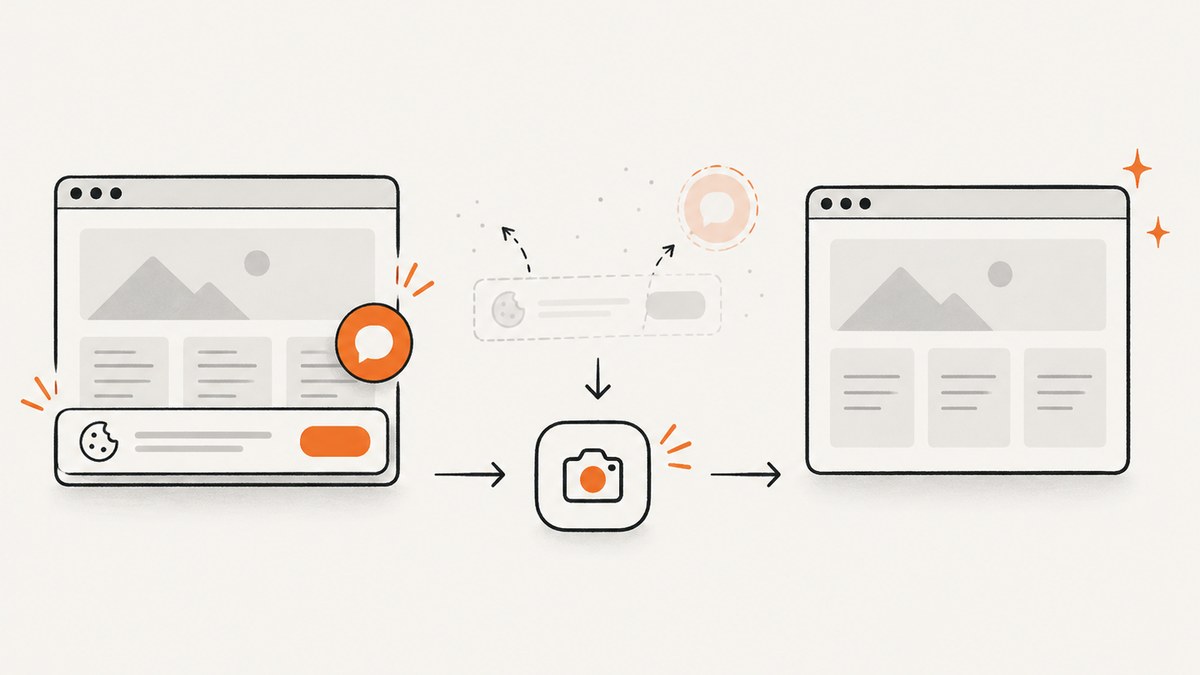
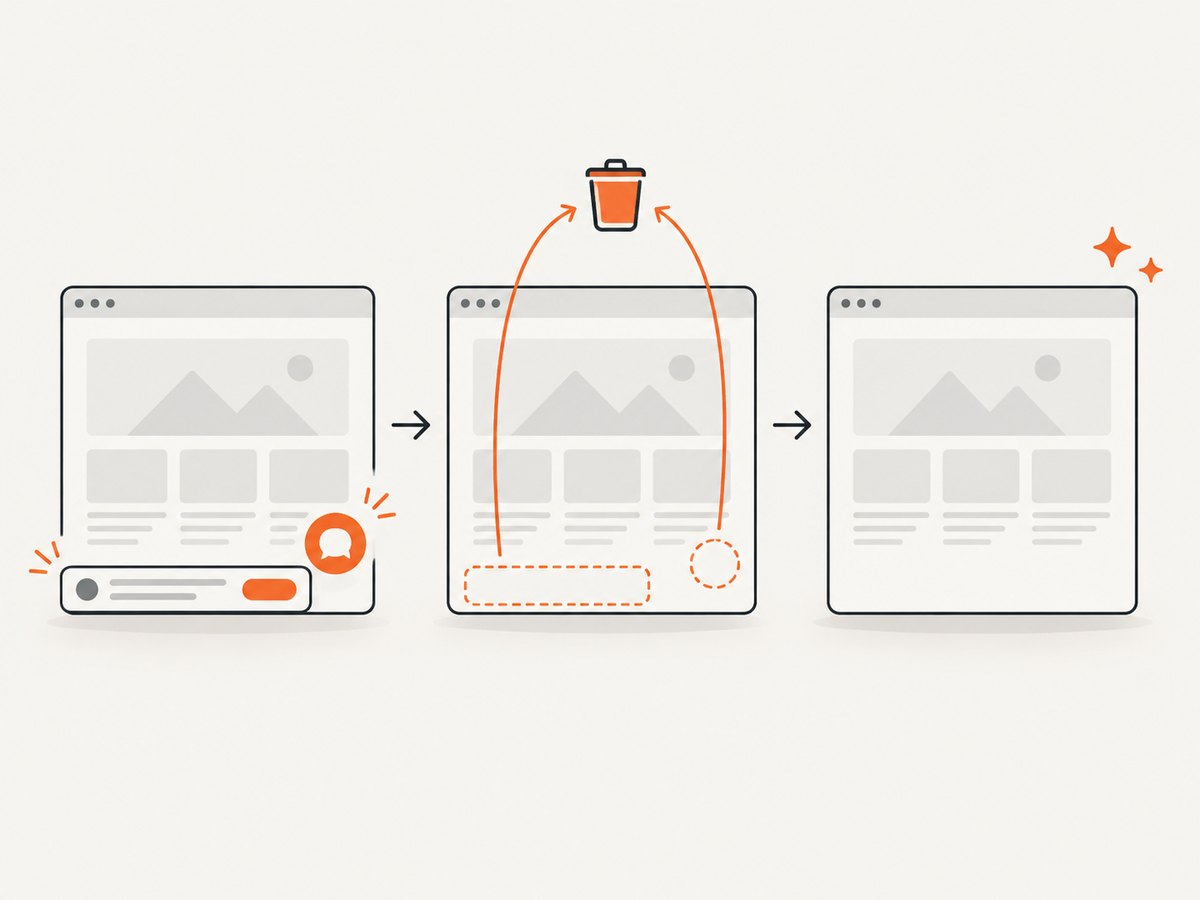
For lazy-loaded images, scroll in controlled increments or wait for the page’s completion marker before capturing. For authenticated pages, pass credentials through secure environment settings and create a fresh browser context per request. For pages with consent banners, either interact with the banner explicitly or hide it with a locator before capture. Browser contexts isolate cookies and storage between requests.
9. Performance, reliability, and cost considerations
Launching a browser is expensive compared with handling a normal HTTP request. Measure cold start, browser launch, navigation, rendering, screenshot encoding, and memory separately. Reuse a browser process only when your isolation model permits it; always create a new context for untrusted or credentialed pages. Bound navigation and selector waits so one origin cannot consume a worker indefinitely.
Concurrency needs testing. Multiple high-resolution or full-page captures can exhaust memory before CPU becomes the bottleneck. Start with conservative concurrency, observe process memory and request duration, then increase it in the actual Azure plan. Scaling out adds instances; it does not make one instance’s browser memory unlimited.
Cost depends on the selected Azure plan, Container Apps resources, registry storage and operations, outbound network traffic, and the number and duration of browser executions. The research sources do not establish a universal price or performance benchmark. Estimate from your measured execution profile and the current Azure pricing pages, then set budgets and alerts.
For reliability, log the target hostname, navigation timing, browser version, image tag, and failure category without logging secrets. Return useful status codes, retry transient navigation failures with a small bounded policy, and avoid retrying deterministic errors such as an invalid URL. Keep the previous image available for rollback.
10. Troubleshooting
“Executable doesn’t exist” or Playwright cannot find Chromium
Cause: the browser was not installed, the install path is unavailable at runtime, or the package and browser revisions are mismatched. Fix: pin Playwright, run its install command during the image build, preserve PLAYWRIGHT_BROWSERS_PATH, and rebuild instead of installing browsers at request time.
Browser exits immediately in Azure
Cause: missing Linux libraries, an unsupported base image, or incompatible sandbox settings. Fix: use a supported Linux Functions base image, install dependencies with Playwright’s documented command, and compare the final image’s runtime libraries with the selected Playwright release.
Works locally but times out in production
Cause: network policy, DNS, cold start, slower CPU, a page waiting forever for a resource, or a plan execution limit. Fix: set navigation and action timeouts, log each phase, test outbound access from the deployed container, and validate limits in the chosen plan.
Blank or incomplete screenshots
Cause: capture occurs before client-side rendering or lazy images finish. Fix: wait for a stable selector, network idle where appropriate, image completion, or an application-specific ready marker. Avoid relying only on a fixed delay.
401, 403, or bot-check pages
Cause: the origin requires authentication or blocks automated browsers. Fix: supply authorized cookies or headers when you have permission, use the correct user agent, and treat a challenge page as an expected application result rather than endlessly retrying.
Container deploys but the function is unreachable
Cause: incorrect ingress, port, route, host settings, or registry permissions. Fix: inspect container startup logs, verify the Functions host is listening on the configured port, confirm the HTTP route includes the expected prefix, and test the deployed endpoint before adding a custom domain.
11. Or skip the browser setup
If your goal is dependable website images rather than operating Chromium, ScreenshotNeo provides a GET-based screenshot API and an MCP server. The call below returns an image; the full option list is in the ScreenshotNeo documentation.

curl -G "https://api.screenshotneo.com/v1/shot" -d access_key=YOUR_API_KEY --data-urlencode url=https://stripe.com -o shot.webpimport requests
r = requests.get("https://api.screenshotneo.com/v1/shot", params={"access_key": "YOUR_API_KEY", "url": "https://stripe.com"}, timeout=90)
open("shot.webp", "wb").write(r.content)const q = new URLSearchParams({ access_key: 'YOUR_API_KEY', url: 'https://stripe.com' });
const res = await fetch(`https://api.screenshotneo.com/v1/shot?${q}`);Cookie banners, newsletter popups, and chat widgets are removed before the shot. Bot checks, blank pages, timeouts, failed loads, and cache hits are not billed, and response headers identify the page verdict and billing result. The MCP server lets Claude, Cursor, and other MCP clients call take_screenshot, get_page_info, and capture_pdf. You can use full-page capture, element selectors, device presets, custom CSS and JavaScript, waits, blocking rules, headers, cookies, geolocation, PDF settings, caching, signed links, asynchronous webhooks, bulk capture, and a usage API.
The Free plan includes 1,000 screenshots each month with no card. Paid plans start at $5 for 3,000 shots, and every feature is on every plan. Create a free ScreenshotNeo account.
12. FAQ
Can I install Playwright during a function invocation?
It is technically possible in some environments, but it makes cold starts, network access, and version consistency unpredictable. Install browsers while building the image.
Is Flex Consumption suitable for this container?
The cited deployment matrix lists Flex Consumption as code-only. Check the current matrix before selecting it for a browser container.
Should each request launch a new browser?
A new browser per request maximizes isolation but adds launch cost. A shared browser with new contexts can improve throughput when carefully bounded and monitored.
How do I update Playwright safely?
Change the pinned package, rebuild so its matching browsers and dependencies are installed, run smoke captures, publish a new immutable tag, and keep the prior tag available for rollback.
Can this approach capture PDFs?
Yes. Chromium’s page.pdf() can produce PDFs, subject to the same browser, memory, timeout, and hosting constraints. Test page ranges, margins, fonts, and background rendering in your target environment.


