How to Deploy Puppeteer on Azure Function Apps
Deploy Puppeteer reliably on Azure Functions: choose the right plan, package Chrome, avoid read-only filesystem traps, and fix missing-browser errors.
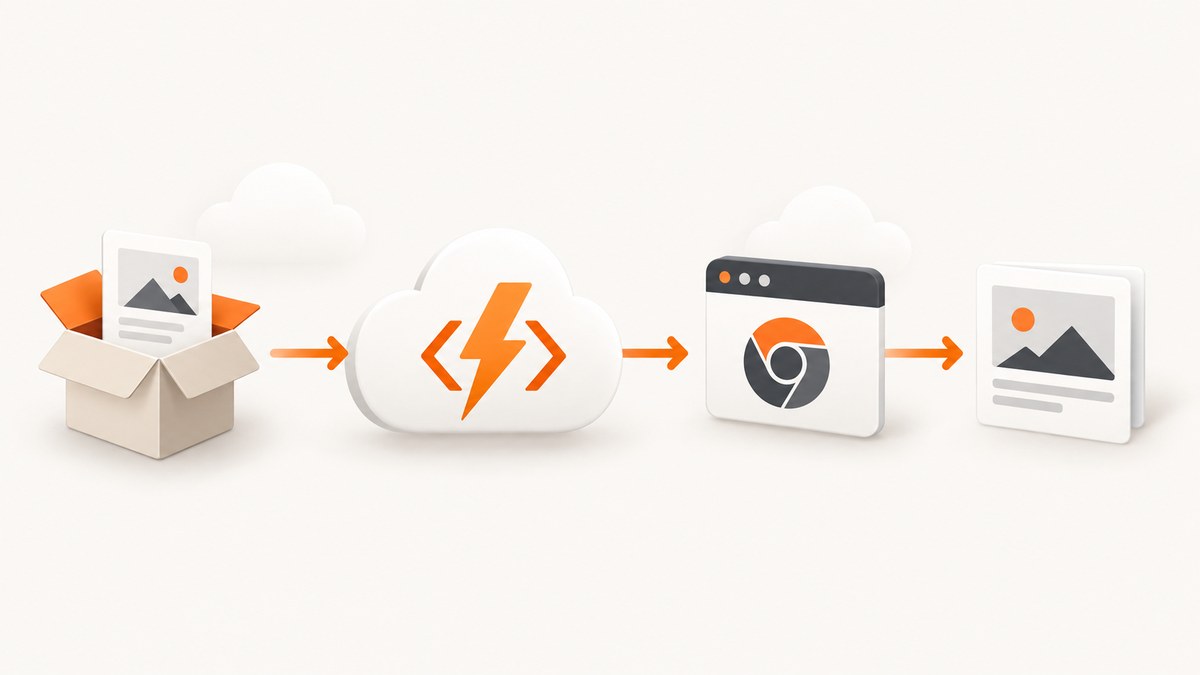
Direct answer: Deploying Puppeteer to Azure Functions works when the deployed artifact contains a browser compatible with your Puppeteer release, the function can execute that binary on the selected environment, and temporary files are written outside a read-only package mount. Choose the Functions plan and operating system first, then choose between an install-time Puppeteer download, a managed Chrome or Chromium binary, or a Linux container. The deployment setting WEBSITE_RUN_FROM_PACKAGE is not universal: Linux Consumption uses an external package URL, while other plan and operating-system combinations have different settings documented by Microsoft.
This guide covers the hosting choices, a Node.js function, browser packaging, deployment checks, troubleshooting, performance, reliability, and an API alternative when maintaining Chromium is unnecessary.
1. Choose the Azure Functions hosting model first
Your plan controls package storage, deployment configuration, scaling, and how much control you have over system libraries. Confirm the current support matrix for your exact Functions runtime, Node.js version, operating system, and region before deploying.
| Option | What it means for Puppeteer | Key constraint |
|---|---|---|
| Flex Consumption | Package deployment is the supported code deployment technology and is the default path. The plan setup includes a deployment storage container. | Follow the Flex-specific package workflow instead of copying settings from another plan. |
| Consumption | Package settings differ by operating system. Linux Consumption uses an external package URL for local package execution; Microsoft recommends a private Blob container accessed with managed identity. | There is 500 MB temporary storage per plan for unpacking packages. |
| Elastic Premium or Dedicated | Package deployment is available. Microsoft documents WEBSITE_RUN_FROM_PACKAGE=1 for Linux and Windows package deployments. |
Artifact size and startup behavior still depend on the package and instance. |
| Linux container | Build Chrome or Chromium and its system dependencies into an image you control. | You own image updates, security patches, and registry operations. |
Azure’s package guidance sets a maximum deployment package size of 1 GB. Puppeteer’s installation guide gives an approximate Linux Chrome for Testing download of 282 MB; that figure varies by release and is not the final compressed package size. Keep these limits separate when estimating capacity. See Microsoft’s package deployment guidance and Puppeteer’s installation guide.
2. Decide how the browser gets into the deployment
Option A: Let Puppeteer download its compatible browser during install
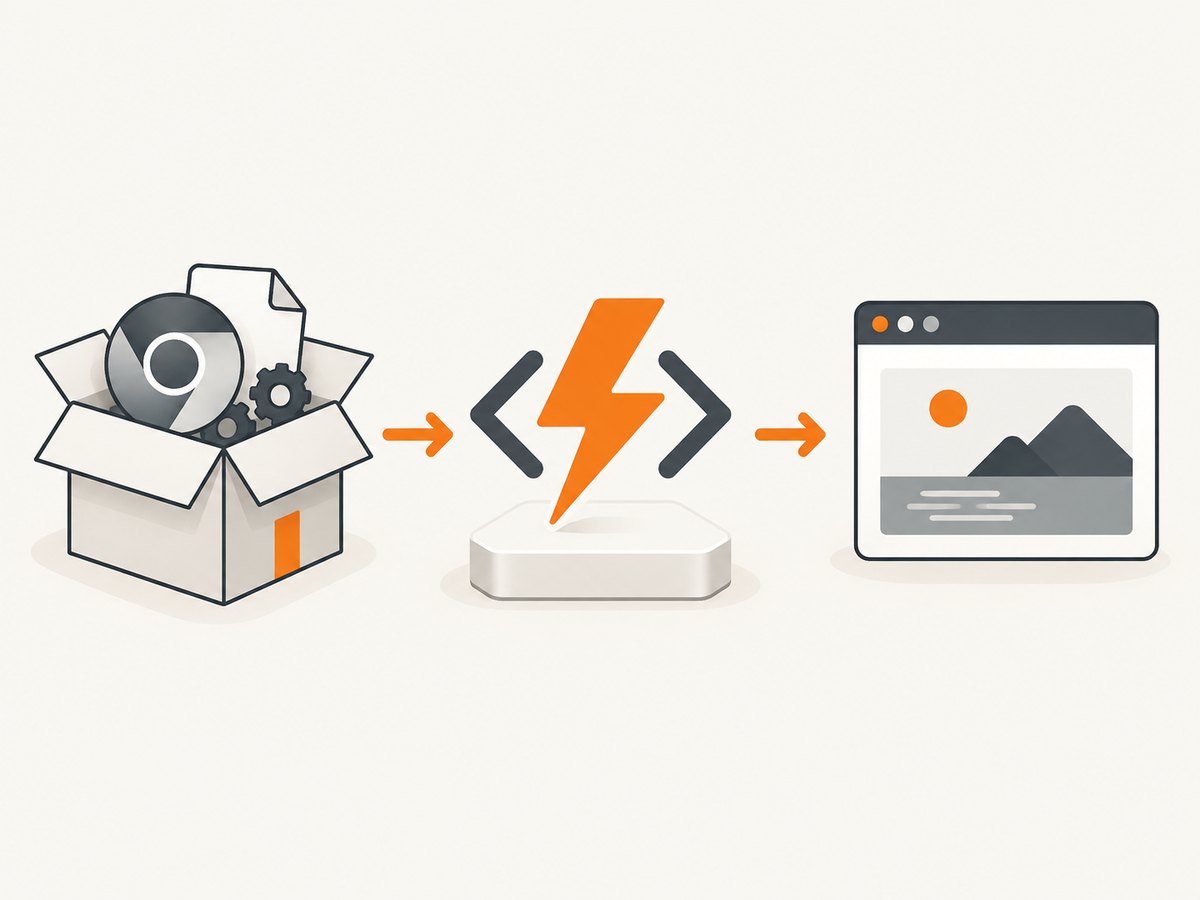
A normal Puppeteer installation downloads a compatible Chrome for Testing build and a headless-shell binary. This is the least manual option, but your CI or deployment build must run Puppeteer’s install script. If install scripts are disabled, the package can contain JavaScript but no browser.
npm install puppeteer
node -e "const p=require('puppeteer'); console.log(p.executablePath())"
Inspect the final ZIP or package, not only your local node_modules. Confirm that the path printed by puppeteer.executablePath() exists in the artifact and that its permissions allow execution on the target operating system.
Option B: Manage a separate Chrome or Chromium binary
Some teams download a browser in a dedicated build step or use a base image that already contains one. Configure Puppeteer with an explicit executable path and keep the browser compatible with the Puppeteer release and target Linux libraries.
const puppeteer = require('puppeteer');
const browser = await puppeteer.launch({
  executablePath: process.env.CHROME_EXECUTABLE_PATH,
  headless: true
});
Set CHROME_EXECUTABLE_PATH to a path that exists after deployment. Do not assume a system Chrome exists in a managed Functions sandbox.
Option C: Build a Linux container
A container is useful when you need deterministic system libraries, fonts, or a browser build that is awkward to package. Start from an Azure-supported Functions base image, install Puppeteer and its browser during the image build, and deploy through the plan and registry combination Azure documents. This shifts work from each invocation to image maintenance; it does not remove the need to validate executable compatibility.
3. Create a minimal Node.js Function
The following HTTP-triggered function opens a URL and returns a PNG. It uses an environment variable for the target URL and an explicit temporary directory. Adapt the handler shape to your Functions programming model.
const puppeteer = require('puppeteer');
module.exports = async function (context, req) {
  const target = req.query.url || process.env.TARGET_URL;
  if (!target) {
    context.res = { status: 400, body: 'Pass ?url=https://example.com' };
    return;
  }
  let browser;
  try {
    const launchOptions = {
      headless: true,
      userDataDir: process.env.PUPPETEER_USER_DATA_DIR || '/tmp/puppeteer-profile'
    };
    if (process.env.CHROME_EXECUTABLE_PATH) {
      launchOptions.executablePath = process.env.CHROME_EXECUTABLE_PATH;
    }
    browser = await puppeteer.launch(launchOptions);
    const page = await browser.newPage();
    await page.goto(target, { waitUntil: 'networkidle2', timeout: 45000 });
    const png = await page.screenshot({ fullPage: true });
    context.res = { status: 200, headers: { 'Content-Type': 'image/png' }, isRaw: true, body: png };
  } catch (error) {
    context.log.error(error);
    context.res = { status: 502, body: 'Browser capture failed' };
  } finally {
    if (browser) await browser.close();
  }
};
Keep the browser lifecycle inside the invocation unless you have measured a safe reuse strategy. Reusing a browser can reduce launch overhead, but stale pages, memory growth, and concurrent requests need explicit limits.
4. Package and deploy without assuming a writable wwwroot
- Select plan, OS, and runtime. Record the exact combination and check Azure’s current matrix.
- Build in CI. Run
npm ciwithout disabling install scripts, run the Puppeteer executable-path check, and assemble the deployment artifact. - Audit size. Measure the compressed package and unpacked browser. Stay under the 1 GB package maximum and account for the 500 MB temporary-storage limit on Consumption.
- Configure paths. Package-mounted
wwwrootis read-only when running from a package. Put profiles, downloads, screenshots, and caches under an accessible temporary location such as/tmpon Linux, or the platform’s documented temporary directory on Windows. - Apply the plan-specific deployment setting. Linux Consumption needs a package URL, preferably a private Blob container with managed identity. Premium and Dedicated package deployments commonly use
WEBSITE_RUN_FROM_PACKAGE=1; Flex has its own package workflow. - Deploy and inspect logs. Log the resolved executable path, package version, and a redacted launch error. Never log cookies, authorization headers, or page contents.
- Invoke a representative URL. Test redirects, delayed assets, and a failure case in the actual plan.
Do not download or modify the browser under the mounted application directory at runtime. A package mount is immutable; attempting to write there produces an error according to Microsoft’s documentation.
5. Browser launch and capture configuration
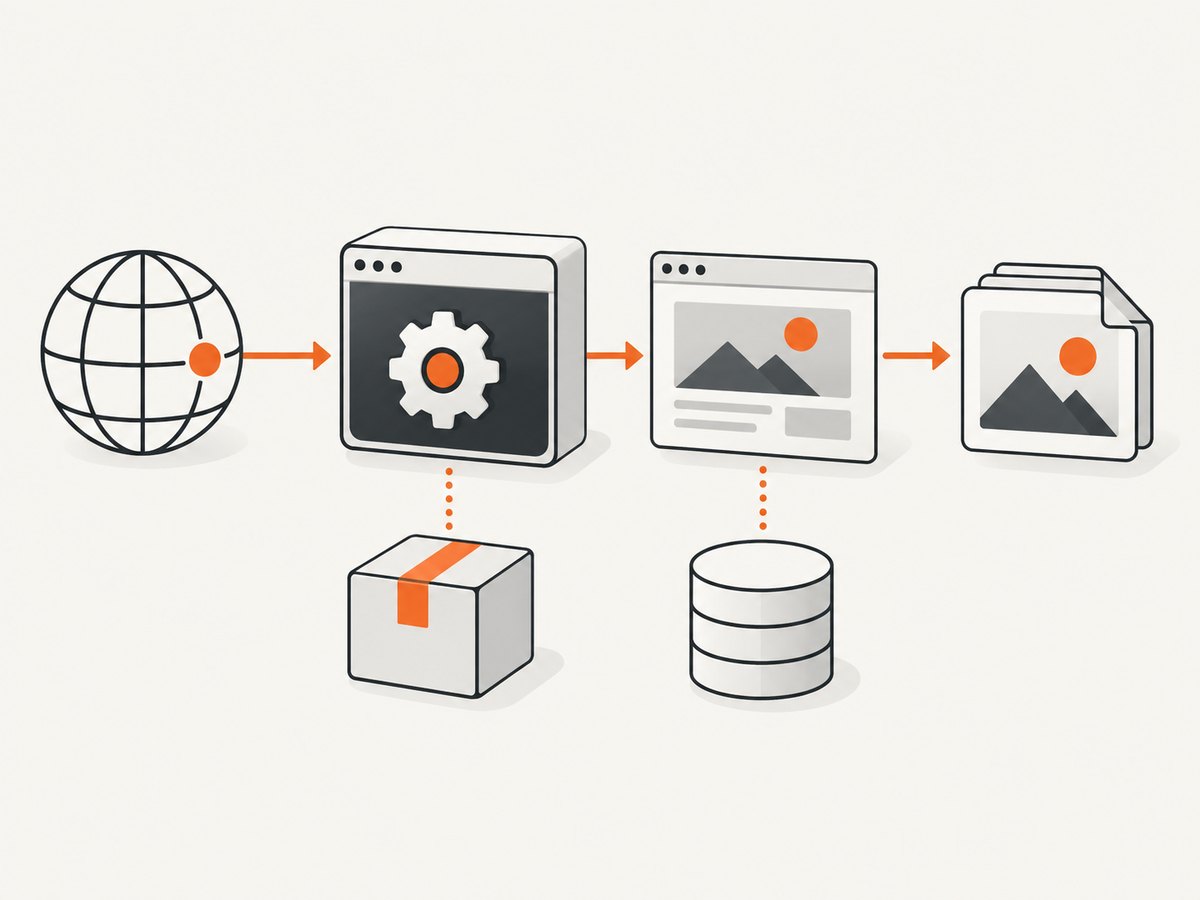
- Executable: use Puppeteer’s managed path or set
executablePathto your packaged binary. - Navigation: choose
waitUntildeliberately.networkidle2can wait indefinitely on analytics or streaming pages; combine it with a timeout and, where appropriate, wait for a selector. - Viewport and device: set a fixed viewport and device scale factor for repeatable images.
- Fonts and locales: install required fonts in the image or package and set locale or timezone if visual output depends on them.
- Authentication: inject credentials through environment-backed headers or cookies, never source control.
- Concurrency: cap simultaneous pages per instance. Each Chromium process consumes memory; scale-out is safer than unbounded in-process parallelism.
const page = await browser.newPage();
await page.setViewport({ width: 1440, height: 900, deviceScaleFactor: 1 });
await page.setExtraHTTPHeaders({ 'Accept-Language': 'en-US' });
await page.goto(target, { waitUntil: 'domcontentloaded', timeout: 30000 });
await page.waitForSelector('#app', { timeout: 15000 });
await page.screenshot({ path: '/tmp/result.png', fullPage: true });
6. Troubleshooting checklist
| Symptom | Likely cause | Fix |
|---|---|---|
Could not find Chrome |
Puppeteer’s install script was skipped or the browser is outside the artifact. | Enable the install step, inspect the deployed package, or set executablePath to a managed binary. |
Executable doesn't exist |
The configured path is local-only, moved during packaging, or uses the wrong OS path. | Log the resolved path, use an environment variable, and verify the file inside the deployed artifact. |
| Permission denied on launch | Binary mode bits or filesystem location are unsuitable. | Preserve executable permissions during packaging and place mutable runtime data in temporary storage. |
| Package deployment fails | Wrong WEBSITE_RUN_FROM_PACKAGE value, package too large, or inaccessible URL. |
Recheck plan-specific Azure guidance, package size, Blob permissions, and managed identity. |
| Browser starts then crashes | Missing system libraries, fonts, or insufficient memory. | Use a compatible browser build, add dependencies in a controlled image, reduce concurrency, and inspect logs. |
| Timeouts on busy pages | Never-ending network activity or an overly strict wait condition. | Set navigation and selector timeouts, prefer domcontentloaded when suitable, and validate any resource blocking. |
| Writes fail with a read-only error | Code writes into package-mounted wwwroot. |
Write screenshots, profiles, and caches to the documented temporary directory or external storage. |
7. Performance, reliability, and cost notes
Browser startup is often the expensive part of a cold invocation, but the research does not establish a universal startup time or fastest plan. Measure your URL mix in the selected plan. Track launch failures, navigation time, screenshot time, memory, and package-unpack behavior. A warm browser may improve latency while increasing leak and isolation risk; close pages, recycle the browser after a bounded number of jobs, and use queue-based throttling for bursts.
Package size affects deployment and unpacking. The approximate 282 MB Linux Chrome download plus dependencies must fit the package and temporary-storage constraints. Containers provide more control over libraries but add image-build and patching work. Consumption can scale to zero and has the documented 500 MB temporary limit; Premium or Dedicated may be preferable when predictable warm capacity matters, but pricing and performance depend on your Azure configuration.
Make captures idempotent: include the URL and rendering options in a job key, retry transient navigation failures with a limit, and store output outside the function filesystem when it must survive an instance recycle. Test redirects, consent dialogs, bot checks, large documents, and lazy-loaded content.
8. Or skip the browser setup
If your goal is a dependable website screenshot endpoint rather than maintaining Chromium in Functions, ScreenshotNeo accepts one GET request and returns PNG, JPEG, WebP, or PDF. See the API documentation for all options.
curl -G "https://api.screenshotneo.com/v1/shot" -d access_key=YOUR_API_KEY --data-urlencode url=https://stripe.com -o shot.webpimport requests
r = requests.get("https://api.screenshotneo.com/v1/shot", params={"access_key": "YOUR_API_KEY", "url": "https://stripe.com"}, timeout=90)
open("shot.webp", "wb").write(r.content)const q = new URLSearchParams({ access_key: 'YOUR_API_KEY', url: 'https://stripe.com' });
const res = await fetch(`https://api.screenshotneo.com/v1/shot?${q}`);ScreenshotNeo accepts cookie and consent banners before capture and removes more than 60 known consent platforms, newsletter popups, and chat widgets; each step can be turned off. Bot checks or CAPTCHAs, blank pages, timeouts, failed loads, and cache hits are not billed, and the response identifies the result with X-Page-Verdict and X-Billed headers. It also provides an MCP server with take_screenshot, get_page_info, and capture_pdf for Claude, Cursor, and other MCP clients.
Advanced options include full-page lazy-image loading, CSS selectors, dark mode, device presets or custom viewports, retina scale, PDF paper and page options, custom CSS and JavaScript, clicks, waits, request blocking, headers, cookies, user agents, authorization, timezone, geolocation, transparent backgrounds, resizing, TTL caching, signed links, asynchronous jobs with signed webhooks, bulk capture of up to 100 URLs per call, a usage API, and an OpenAPI specification. Parameter names used by other screenshot APIs also work.
The Free plan includes 1,000 shots each month with no card. Paid plans start at $5 for 3,000 shots; every feature is on every plan. Create a free ScreenshotNeo account.
9. Frequently asked questions
Can I install Chrome when the function starts?
Do not depend on writing into package-mounted wwwroot. Supply the browser during build or in a container, and use temporary storage only for mutable runtime data.
Is WEBSITE_RUN_FROM_PACKAGE=1 correct everywhere?
No. Linux Consumption uses an external package URL, while Flex, Premium, Dedicated, and Windows combinations have their own documented settings.
Should I always add --no-sandbox?
The available research does not establish that as a blanket Azure fix. Diagnose the actual launch error and follow the security guidance for your environment.
How do I prove the right browser shipped?
Log Puppeteer’s resolved executable path, check that the file exists in the final artifact, and invoke a representative capture after deployment.
When is a container the better choice?
Choose one when you need to control browser versions, native libraries, or fonts and can own image patching and registry operations.


