How to Detect Failed Step Results in Cucumber.js
Use AfterStep to detect a failed Cucumber.js step and After to inspect a scenario. Learn status handling, screenshots, troubleshooting, and version differences.
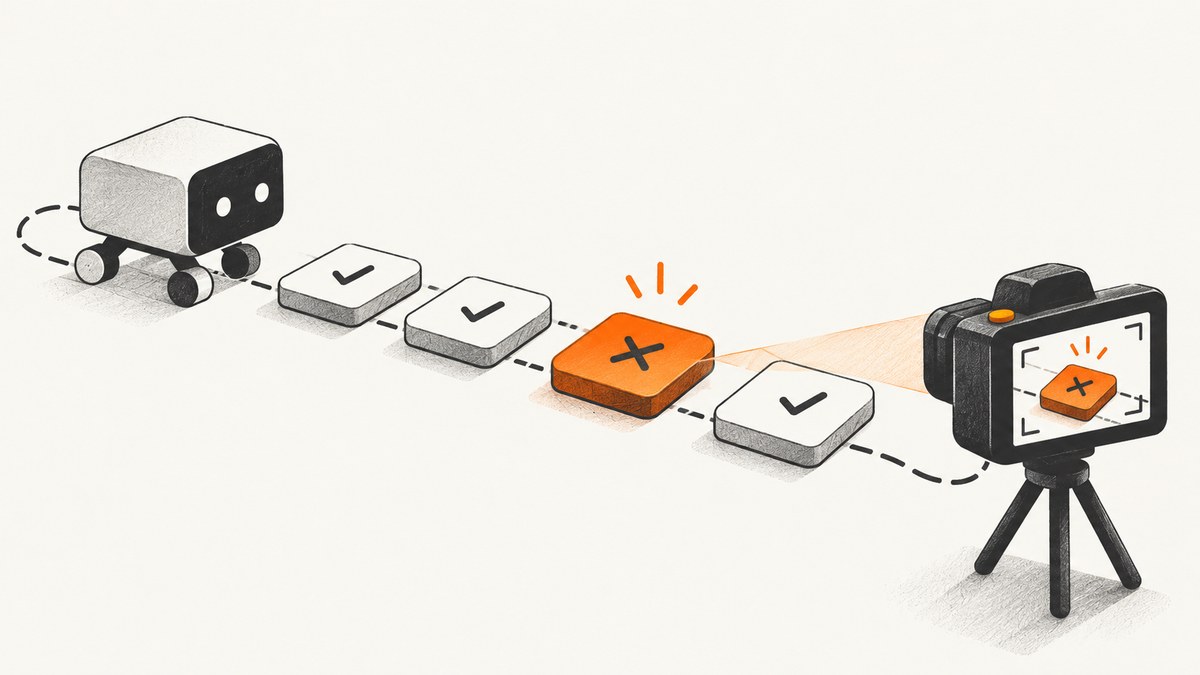
Use Cucumber.js’s AfterStep hook to detect a failed step: inspect result.status and compare it with Status.FAILED. Use After when you need to know whether the whole scenario failed. A step fails when its definition throws or its promise rejects; returning false does not fail it.
The examples below use the current @cucumber/cucumber package and its uppercase status values. Check your installed Cucumber.js major version if you are maintaining an older project.
1. Detect a failed step with AfterStep
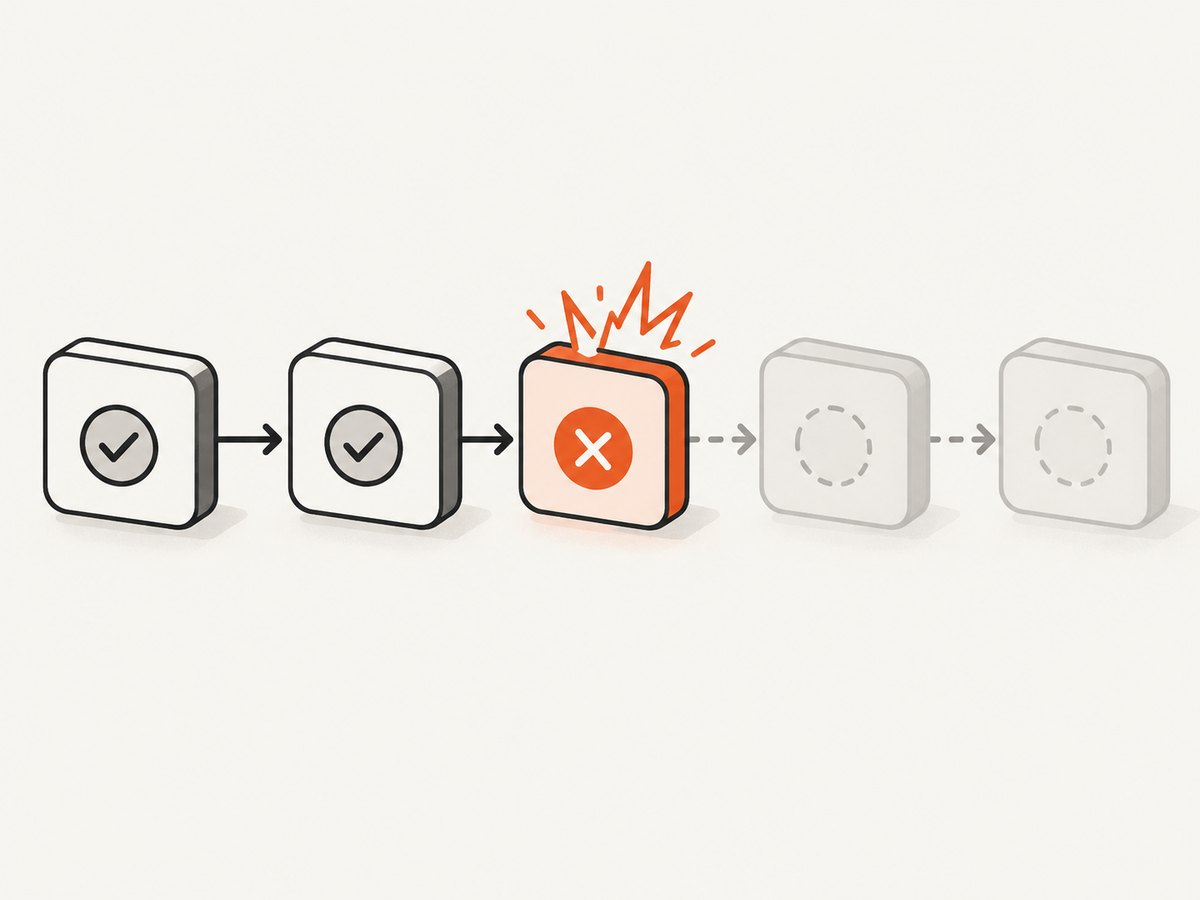
AfterStep runs after each step and receives that step’s result. The official hook API demonstrates checking for Status.FAILED to capture a screenshot. The hook runs for passing and skipped steps too, so make the failure check before doing failure-only work.
const { AfterStep, Status } = require('@cucumber/cucumber');

AfterStep(async function ({ result, pickleStep }) {
  if (result.status !== Status.FAILED) return;

  console.error(`Step failed: ${pickleStep.text}`);

  // Example: take a screenshot with a browser driver stored on the World.
  // Await it so the capture finishes before the test runner continues.
  if (this.driver) {
    const screenshot = await this.driver.takeScreenshot();
    // Save or attach `screenshot` using your project's reporting setup.
  }
});
Save the hook in a support file that Cucumber loads, such as a file under your configured support directory. The example uses a normal function because Cucumber binds the scenario’s World to this. An arrow function has its own lexical this and will not receive that World binding.
The pickleStep.text value helps identify which step produced the failure. The hook argument also includes the pickle, Gherkin document, result, test case start ID, and test step ID. You can use those identifiers to correlate diagnostics with events in your own reporting pipeline.
2. Inspect the scenario result with After
If cleanup, a summary, or a report should run once per scenario, use After. Its argument includes the scenario result. A scenario hook is a good place to record an outcome or attach a final diagnostic bundle; it is not a substitute for checking the specific step when you need the exact failing step.
const { After, Status } = require('@cucumber/cucumber');

After(async function ({ result, willBeRetried }) {
  if (result.status === Status.FAILED) {
    console.error('Scenario failed');

    if (this.driver) {
      const screenshot = await this.driver.takeScreenshot();
      // Attach or persist screenshot using your reporter's API.
    }
  }

  if (willBeRetried) {
    console.log('This scenario is scheduled for a retry.');
  }
});
In the current API, retry information such as willBeRetried is at the top level of the hook argument. Consult the API reference for the version installed in your project, especially when migrating older suites.
3. Make a step fail in a way Cucumber recognizes
A failed step is one whose definition raises an error. Assertion libraries normally throw when an assertion fails, and an asynchronous step should reject or throw when its awaited work fails. A falsy return value alone does not indicate failure.
const assert = require('node:assert/strict');
const { Given } = require('@cucumber/cucumber');

Given('the response status is {int}', async function (expectedStatus) {
  const response = await fetch(this.url);
  assert.equal(response.status, expectedStatus);
});
If fetch rejects or the assertion fails, the step result is failed. If the step merely returns false, Cucumber treats the step as successful unless an error is thrown. Avoid catching an error and then silently returning: that hides the failure from Cucumber.
Given('the response is valid', async function () {
  try {
    const response = await fetch(this.url);
    if (!response.ok) throw new Error(`HTTP ${response.status}`);
  } catch (error) {
    // Preserve the failure so Cucumber can report it.
    throw error;
  }
});
The try/catch above is only useful if you need to add context before rethrowing. If no extra handling is needed, let the rejection propagate naturally.
4. Understand result statuses and skipped steps
Current Cucumber.js documentation uses uppercase statuses. The exported Status enum is the clearest comparison because it avoids mistyped string values and makes the intended status explicit.
| Status | Meaning for failure handling |
|---|---|
FAILED |
The step or scenario failed; this is the status to match for failure-only diagnostics. |
PASSED |
The step completed successfully. |
SKIPPED |
The step did not run, often because an earlier step failed, was undefined, or was pending. |
UNDEFINED |
No matching step definition was found. |
PENDING |
The step definition indicates that the step is not implemented or is pending. |
AMBIGUOUS |
More than one step definition matched. |
UNKNOWN |
The result is not one of the more specific outcomes. |
After a failed, undefined, or pending step, later steps are skipped. A skipped result describes downstream behavior; it does not identify the earlier cause. For root-cause diagnostics, capture the result whose status is FAILED (or separately report an undefined or pending step as its own issue) rather than treating every skipped step as the failure.
5. Capture a browser screenshot only when a step fails
For browser tests, keep the browser or driver on the World and perform screenshot work in a failure-guarded hook. The following pattern shows the lifecycle; adapt the screenshot method and attachment call to your browser and reporter. Cucumber.js does not require a particular browser driver or attachment library.
const { AfterStep, Status } = require('@cucumber/cucumber');

AfterStep(async function ({ result, pickleStep }) {
  if (result.status !== Status.FAILED) return;
  if (!this.driver) return;

  const pngBase64 = await this.driver.takeScreenshot();
  const png = Buffer.from(pngBase64, 'base64');

  // If your World exposes Cucumber's attachment helper, attach the bytes:
  if (typeof this.attach === 'function') {
    await this.attach(png, 'image/png');
  }

  console.error(`Captured failure evidence for: ${pickleStep.text}`);
});
Keep the hook’s work bounded and await asynchronous operations. If the screenshot call is still running when the hook returns, it may not be included in the scenario’s output. If capture itself throws, decide whether that should replace or supplement the original test failure; in most suites, log the capture error and preserve the original failure as the primary cause.
Attach only when the result contains useful evidence
Some step failures occur before a page is rendered, while others happen in setup or a non-browser step. Check that the driver exists and is usable before asking it for a screenshot. If there is no browser context, record that screenshot capture was unavailable instead of producing a second confusing error.
6. Version differences to check
Modern projects import hooks from @cucumber/cucumber and use uppercase result statuses such as FAILED. The Cucumber.js v7 upgrade guide contrasts this with the legacy cucumber package, which used a different result shape and lowercase values such as failed.
When the comparison never matches, first inspect the installed package and its API documentation. Do not copy a legacy lowercase comparison into a current project, or assume a current hook argument shape exists in a pre-v7 suite. The current pattern is:
const { AfterStep, Status } = require('@cucumber/cucumber');

AfterStep(function ({ result }) {
  if (result.status === Status.FAILED) {
    // Failure-specific action.
  }
});
7. Troubleshooting
| Symptom | Likely cause | Fix |
|---|---|---|
| The hook runs, but failure handling never runs. | The step returns false or catches its error instead of throwing. |
Use an assertion that throws, or throw/reject explicitly on failure. |
| Every later step is treated as a failure. | SKIPPED is being grouped with FAILED. |
Compare to Status.FAILED for the original failure; report skipped steps separately. |
this.driver is undefined. |
The driver was not initialized on the World, or the hook is an arrow function. | Initialize the driver in the World/setup and use function syntax when reading this. |
Status or the hook import is unavailable. |
The project uses a different package name or an older Cucumber.js version. | Check the dependency and installed major version; align imports and result shape with that version’s docs. |
| The screenshot is missing from the report. | The capture or attachment promise was not awaited, or the reporter does not support the attachment method used. | Await both operations and use the attachment API configured for your reporter. |
| The screenshot hook throws and obscures the test error. | Browser capture failed during teardown or after the page closed. | Guard driver availability, catch and log diagnostic-capture errors, and preserve the original step result. |
| The scenario hook reports failure but does not name the step. | After is scenario-level and summarizes the outcome. |
Use AfterStep and log pickleStep.text alongside the failed result. |
| The hook sees a different shape than examples show. | The installed major version differs from the documentation being followed. | Inspect the matching API docs and upgrade guide; modern and legacy hook results differ. |
8. Performance, reliability, and cost
Checking result.status is a local comparison and has negligible work compared with browser capture, network requests, or report generation. The main performance cost comes from diagnostics. Screenshots on every step create more browser work and larger reports; guard capture with the failed status and consider whether a per-step or per-scenario image is more useful.
For reliability, await screenshot and attachment operations, handle the case where the browser has already closed, and keep diagnostic failures from hiding the original test error. If scenarios run concurrently, use scenario-scoped state and filenames or attachment APIs that associate evidence with the correct scenario. Avoid shared mutable output paths that parallel scenarios can overwrite.
There is no external service cost in Cucumber.js’s status check. Browser infrastructure and report storage may have their own costs, depending on your setup. A remote screenshot API introduces a request and its service’s plan or billing terms; evaluate that separately if you use one. Keep credentials out of test logs and source control.
9. Or skip the browser setup
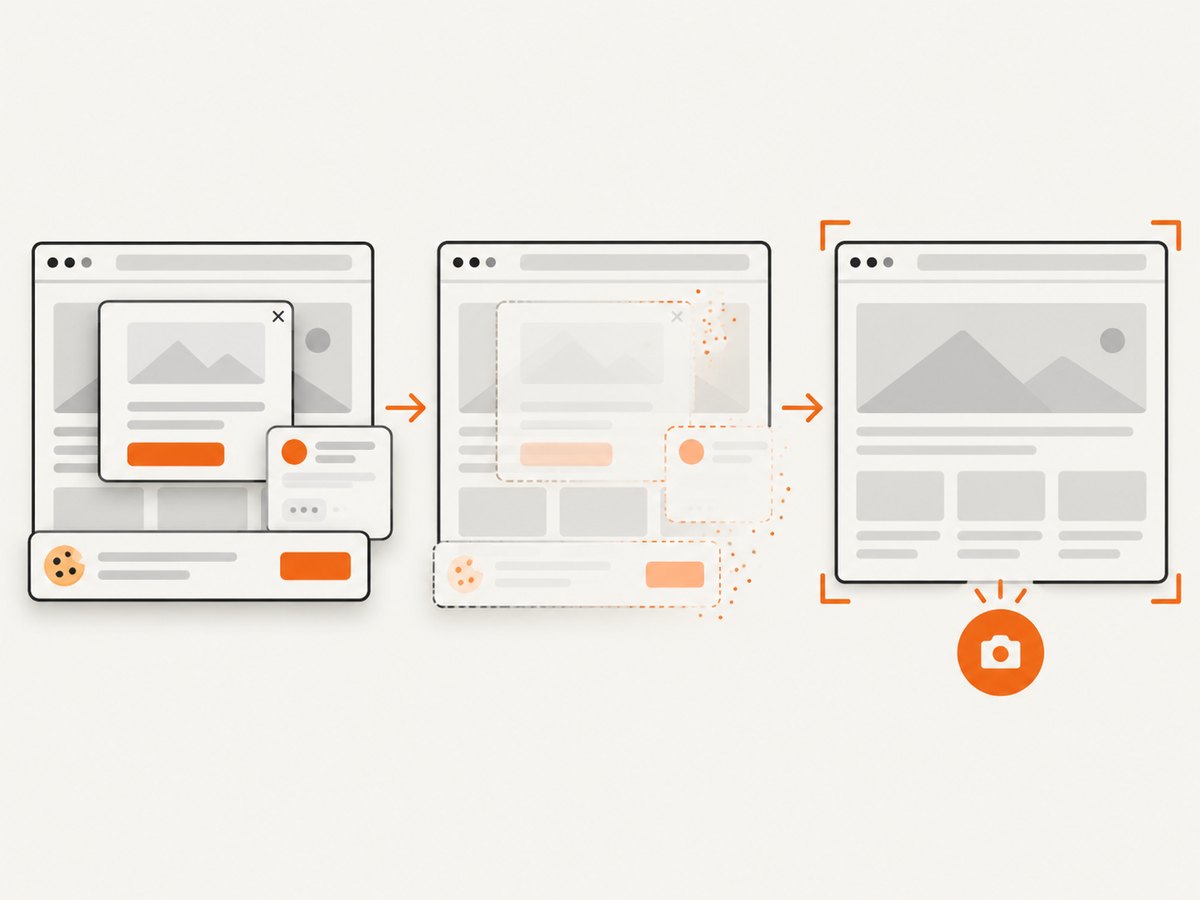
If the failing test only needs a page screenshot, a capture API can avoid wiring a browser driver into that diagnostic path. ScreenshotNeo accepts one GET request with a URL and returns a PNG, JPEG, WebP, or PDF. See the ScreenshotNeo API docs for parameters and response details.
curl -G "https://api.screenshotneo.com/v1/shot" -d access_key=YOUR_API_KEY --data-urlencode url=https://stripe.com -o shot.webpimport requests
r = requests.get(
"https://api.screenshotneo.com/v1/shot",
params={"access_key": "YOUR_API_KEY", "url": "https://stripe.com"},
timeout=90,
)
open("shot.webp", "wb").write(r.content)const q = new URLSearchParams({ access_key: 'YOUR_API_KEY', url: 'https://stripe.com' });
const res = await fetch(`https://api.screenshotneo.com/v1/shot?${q}`);
if (!res.ok) throw new Error(`Screenshot request failed: ${res.status}`);
await Bun.write('shot.webp', new Uint8Array(await res.arrayBuffer()));These examples request a page capture; they do not automatically connect the API call to a Cucumber failure. Invoke the request from your failure hook if that is the desired workflow, and handle request errors so they do not obscure the original test result. ScreenshotNeo removes cookie and consent banners, newsletter popups, and chat widgets before capture; each cleanup step can be turned off. Bot checks, blank pages, failed loads, timeouts, and cache hits are not billed, and response headers indicate the page verdict and billing status. Its MCP server lets AI agents use screenshot and page information tools. The free plan includes 1,000 shots per month without a card; paid plans start at $5 for 3,000 shots.
Sign up for ScreenshotNeo’s free 1,000 screenshots per month, with no card required.
10. Frequently asked questions
Can I stop a scenario from an AfterStep hook?
Use hooks primarily for observation and cleanup. The step result already determines scenario progression. Throwing a new error from a diagnostic hook can add or replace failure information, so avoid doing so unless that behavior is intentional.
Does BeforeStep provide a result?
No. BeforeStep runs before execution, so it has no completed step result to inspect. Use AfterStep for the outcome.
Can I detect an undefined step as a failure?
It has the distinct UNDEFINED status rather than FAILED. Handle it explicitly if your reporting policy groups undefined steps with failures, while retaining the original status in diagnostic output.
Should I use AfterStep or After?
Use AfterStep when you need the individual step outcome or step text. Use After when one action should run once for the scenario’s overall result.


