How to Detect and Handle Redirects with Playwright
Trace every Playwright redirect, verify final destinations, cap redirect loops, and intercept responses safely with runnable JavaScript examples.
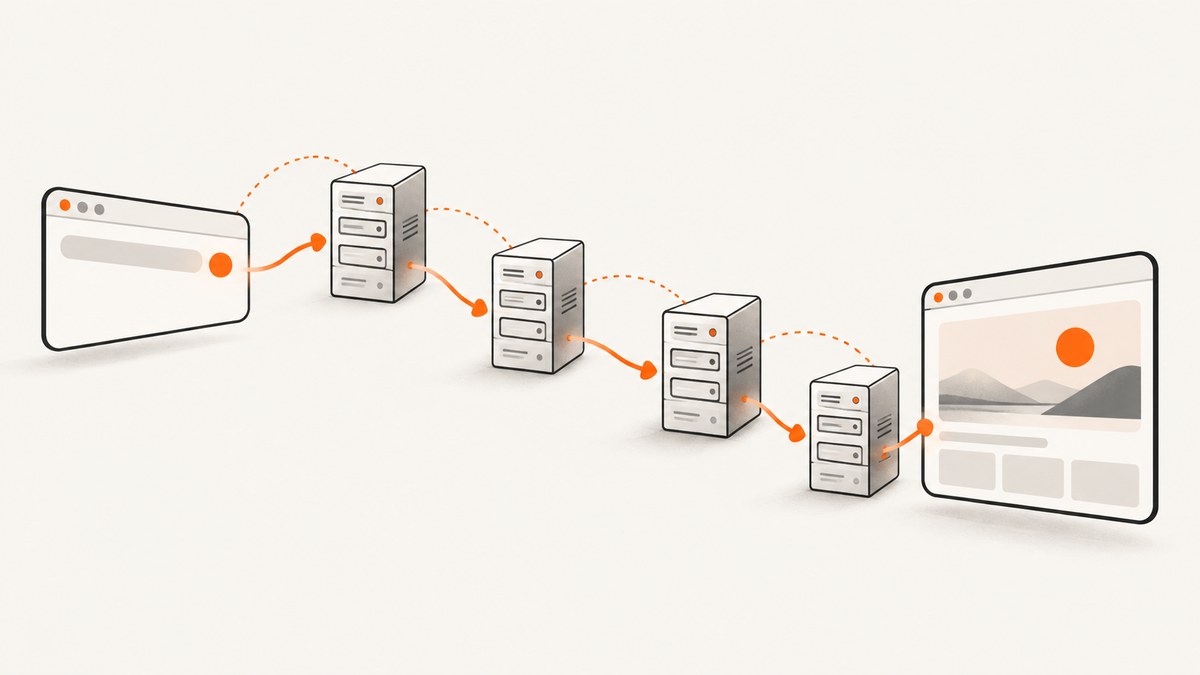
Playwright follows HTTP redirects during navigation, so page.goto() normally gives you the final response. To inspect what happened, listen for response events before navigation, then walk backward from the final request with redirectedFrom(). Use redirectedTo() when you need to move forward through a chain. For interception, register a route and choose continue(), abort(), fulfill(), or fetch() with a maxRedirects limit.
A server redirect ends the current request and causes Playwright to create another request. The network event sequence for each hop is request, response, and requestfinished. Playwright treats a request and its redirects as one unit for routing, so a route handler normally sees the original request while the browser follows later hops. See the Request API and Network guide for the underlying behavior.
Detect every redirect and the final URL
Attach listeners before calling page.goto(). The response listener records each status and URL as headers arrive. After navigation resolves, start with finalResponse.request() and follow redirectedFrom() until it returns null.
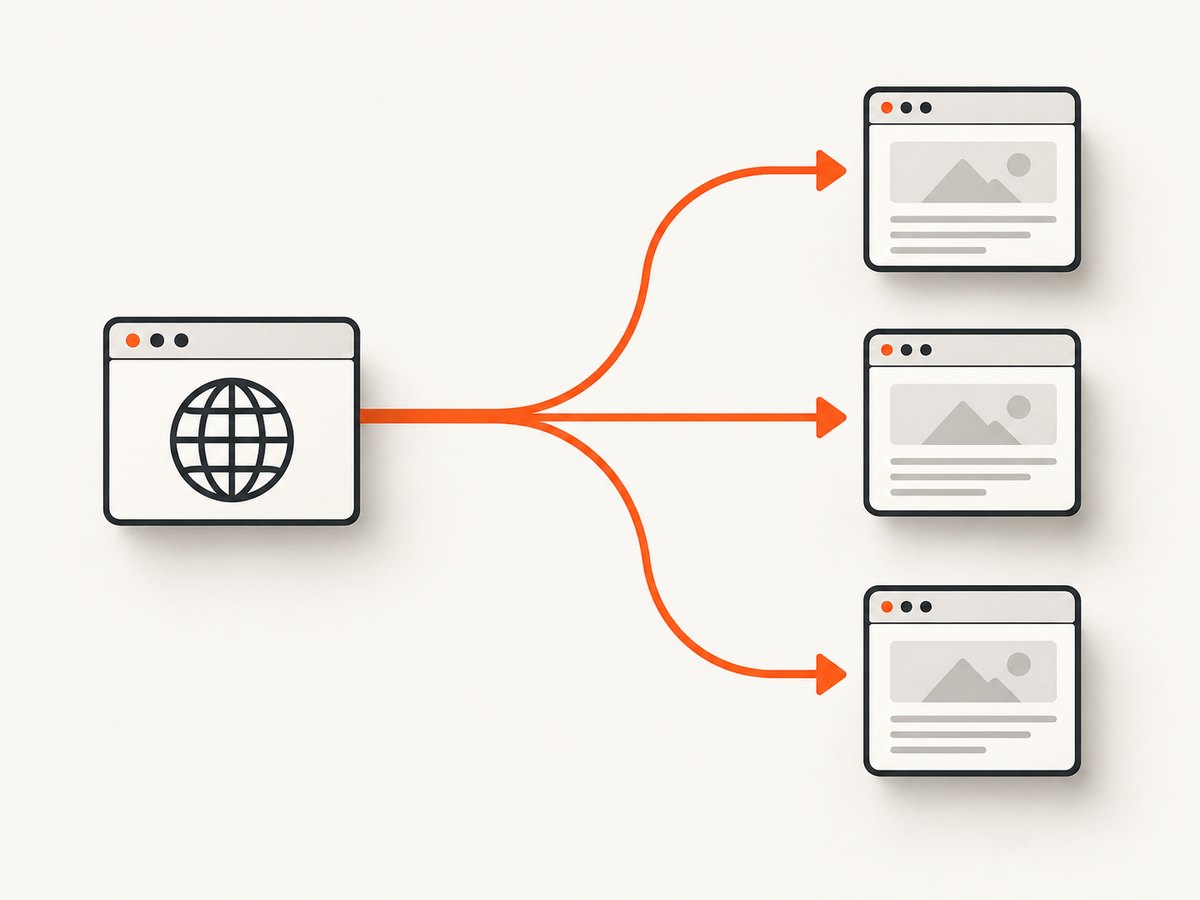
import { chromium } from 'playwright';

const browser = await chromium.launch();
const page = await browser.newPage();
const startUrl = 'https://example.com/old-path';

const hops = [];
page.on('response', response => {
  const request = response.request();
  hops.push({
    url: request.url(),
    status: response.status(),
    resourceType: request.resourceType()
  });
});

const finalResponse = await page.goto(startUrl, { waitUntil: 'domcontentloaded' });
if (!finalResponse) {
  throw new Error('Navigation produced no response');
}

const chain = [];
for (let request = finalResponse.request(); request; request = request.redirectedFrom()) {
  chain.unshift(request.url());
}

console.log({
  chain,
  finalUrl: finalResponse.url(),
  finalStatus: finalResponse.status(),
  hops
});

await browser.close();
The chain array is ordered from the starting URL to the final URL. finalResponse.url() and page.url() should agree after navigation. A redirect response can be a 301, 302, 303, 307, or 308; the final response may be a normal 2xx response. Do not infer success from the absence of a redirect: inspect the final status and destination explicitly.
Use events when you need status codes and timing
The request chain gives you URLs, while response events give you status codes. Keep the listener attached for the entire navigation. If it is attached after goto(), early hops can already be gone.
const requests = new Map();
page.on('request', request => {
  requests.set(request, { url: request.url(), startedAt: Date.now() });
});

page.on('response', response => {
  const request = response.request();
  const item = requests.get(request);
  if (item) {
    item.status = response.status();
    item.responseAt = Date.now();
  }
});

page.on('requestfinished', request => {
  const item = requests.get(request);
  if (item) item.finishedAt = Date.now();
});
A 404 or 503 is still an HTTP response and therefore completes as a response event. It is not automatically a requestfailed network error. Reserve requestfailed handling for transport problems such as DNS failure, connection reset, or a blocked request.
Assert a redirect chain in tests
Redirect tests should check the contract your application promises: the exact final URL, important intermediate hops, and expected status codes. Include scheme and host changes when they matter, because an HTTPS upgrade or a canonical-host redirect can be security-relevant.
import { test, expect } from '@playwright/test';

test('old article reaches canonical URL', async ({ page }) => {
  const statuses = [];
  page.on('response', response => {
    statuses.push({ url: response.url(), status: response.status() });
  });

  const response = await page.goto('https://example.com/old-article');
  expect(response).not.toBeNull();
  expect(response.url()).toBe('https://example.com/articles/canonical');
  expect(page.url()).toBe(response.url());

  const chain = [];
  for (let request = response.request(); request; request = request.redirectedFrom()) {
    chain.unshift(request.url());
  }
  expect(chain).toEqual([
    'https://example.com/old-article',
    'https://example.com/articles/canonical'
  ]);
  expect(statuses.at(-1).status).toBe(200);
});
For a more flexible test, assert predicates instead of hard-coding every hop. For example, require that the first URL uses HTTP, the final URL uses HTTPS, and no hop leaves your approved host.
expect(chain[0]).toMatch(/^http:\/\//);
expect(chain.at(-1)).toMatch(/^https:\/\/www\.example\.com\//);
for (const url of chain) {
  expect(new URL(url).hostname).toBe('www.example.com');
}
Move forward with redirectedTo()
Most diagnostics start at the final request and walk backward. If you retain the first request object, redirectedTo() walks toward the next request.
const firstRequest = await page.waitForRequest(request => request.url() === startUrl);
const response = await page.goto(startUrl);

const forward = [];
for (let request = firstRequest; request; request = request.redirectedTo()) {
  forward.push(request.url());
}
console.log(forward);
Do not assume that every request has a redirect partner. Asset requests, API calls, and the final request commonly return null from one or both methods.
Intercept redirects with routing
Use page.route() for one page or browserContext.route() for every page in a context. A route handler can continue normal traffic, abort unwanted traffic, or fulfill a synthetic response.
await page.route('**/*', async route => {
  const request = route.request();
  if (request.resourceType() === 'image') {
    await route.abort();
    return;
  }
  await route.continue();
});
Routing treats a request and its redirects as a single unit. A handler normally receives the original request while the browser follows the chain. If your goal is to observe every hop, use response events and request-chain traversal in addition to routing.
Inspect or modify a live response with route.fetch()
route.fetch() performs the request and follows redirects automatically. Pass maxRedirects to protect tests and services from loops or unexpectedly deep chains. If the limit is exceeded, route.fetch() throws.
await page.route('**/login', async route => {
  const response = await route.fetch({ maxRedirects: 5 });
  const body = await response.text();
  const rewritten = body.replace('Production', 'Test');
  await route.fulfill({ response, body: rewritten });
});
You can also inspect headers before deciding what to do:
await page.route('**/download', async route => {
  const response = await route.fetch({ maxRedirects: 3 });
  const location = response.headers()['location'];
  if (response.status() >= 300 && response.status() < 400) {
    console.log('redirect location:', location);
  }
  await route.fulfill({ response });
});
Rewrite the destination safely
To send the request to another URL, use route.continue({ url }) or route.fallback({ url }). To serve alternate content, fulfill that content directly. Do not rely on fulfilling a synthetic 3xx response to trigger another route interception.
await page.route('**/legacy/**', async route => {
  const target = new URL(route.request().url());
  target.pathname = target.pathname.replace('/legacy/', '/v2/');
  await route.continue({ url: target.toString() });
});
Playwright documents that Chromium and Firefox can follow a redirect returned by route.fulfill() without calling the handler again, while WebKit rejects that call. This browser difference makes synthetic 302 chaining unsuitable for portable tests.
Stop, limit, or diagnose redirect loops
For navigation, observe the chain and fail when it exceeds your policy. For routed requests, set maxRedirects.
await page.route('**/proxy', async route => {
  try {
    const response = await route.fetch({ maxRedirects: 8 });
    await route.fulfill({ response });
  } catch (error) {
    console.error('redirect limit reached', error);
    await route.abort('failed');
  }
});
When page.goto() fails with a navigation error, capture the request URLs and browser logs. A loop can be caused by HTTP-to-HTTPS rules, a missing proxy header, a locale cookie, or a load balancer that alternates between hosts. Compare the Location header at each hop and reproduce the same headers and cookies outside the browser.
Common errors and fixes
| Symptom | Likely cause | Fix |
|---|---|---|
page.goto() returns one response only |
Navigation resolves with the last redirect response. | Traverse response.request().redirectedFrom() and collect response events. |
| First redirect is missing | Listeners were attached after navigation started. | Register page.on() handlers before goto(). |
| Handler does not run for every hop | Routing groups a request and its redirects as one unit. | Use response events for observability; use routing for control. |
route.fetch() throws |
The redirect count exceeded maxRedirects, or the network request failed. |
Raise the limit deliberately, inspect the chain, and distinguish HTTP errors from transport failures. |
| Fulfilled 302 behaves differently by browser | Redirect handling after route.fulfill() is not portable. |
Fulfill final content directly or rewrite with continue({ url }). |
| Route never sees a request | A service worker intercepted it, or the pattern does not match. | Use context routing, verify the glob, or block service workers when that is appropriate. |
| Navigation hangs after adding routes | A handler neither continued, fulfilled, nor aborted. | Ensure every branch completes one route action and set explicit navigation timeouts. |
Service workers, cache, and routing caveats
Routing can disable the HTTP cache, which may change behavior compared with an unrouted browser context. Service-worker-intercepted requests can bypass page.route(); context-level routing or disabling service workers is more reliable when those requests matter to the test. Keep a separate test that verifies redirect behavior without broad routing if cache or worker behavior is part of the production contract.
Performance and reliability guidance
- Attach only the listeners you need. Recording every response on a page with many assets consumes memory; filter by resource type or URL.
- Use
waitUntil: 'domcontentloaded'when the redirect assertion does not require images or background requests. Use'networkidle'only when the page’s own network activity is part of the assertion. - Set a finite
maxRedirectsfor routed fetches. This gives deterministic failure for loops and protects test runs from misconfigured environments. - Keep redirect assertions separate from visual or content assertions. A final page can load successfully while an intermediate hop violates your security or canonicalization policy.
- Reuse a browser context for related tests, but clear cookies when redirects depend on locale, authentication, or consent state.

Or skip the browser setup
If your goal is a clean screenshot after a redirect chain, ScreenshotNeo handles the capture request for you. Cookie banners, newsletter popups, and chat widgets are removed before the shot. Bot checks, blank pages, failed loads, timeouts, and cache hits are never billed, and the response identifies the result with X-Page-Verdict and X-Billed headers. ScreenshotNeo also provides an MCP server so Claude, Cursor, and other MCP clients can call take_screenshot, get_page_info, and capture_pdf.
Use the same target URL; the service follows normal browser navigation and returns PNG, JPEG, WebP, or PDF according to your request. See the ScreenshotNeo API documentation for all options.
curl -G "https://api.screenshotneo.com/v1/shot" \
  -d access_key=YOUR_API_KEY \
  --data-urlencode url=https://stripe.com \
  -o shot.webp
import requests
r = requests.get(
"https://api.screenshotneo.com/v1/shot",
params={"access_key": "YOUR_API_KEY", "url": "https://stripe.com"},
timeout=90,
)
r.raise_for_status()
open("shot.webp", "wb").write(r.content)const q = new URLSearchParams({
access_key: 'YOUR_API_KEY',
url: 'https://stripe.com'
});
const res = await fetch(`https://api.screenshotneo.com/v1/shot?${q}`);
if (!res.ok) throw new Error(`Screenshot failed: ${res.status}`);
const buffer = Buffer.from(await res.arrayBuffer());
await import('node:fs/promises').then(fs => fs.writeFile('shot.webp', buffer));The Free plan includes 1,000 screenshots each month with no card. Paid plans start at $5 for 3,000 shots, and every feature is available on every plan. Redirect-heavy capture jobs can use caching with a TTL you choose, async jobs with signed webhooks, bulk capture for up to 100 URLs per call, and usage reporting. Create a free ScreenshotNeo account to get started.
FAQ
Does page.goto() expose every redirect response?
No. It resolves with the last redirect response. Use response events for each status and traverse redirectedFrom() for the URL chain.
Can I prevent all redirects during navigation?
Navigation itself follows server redirects. To control traffic, route the request, use route.fetch({ maxRedirects }), or abort or rewrite the request in a route handler.
Are 404 and 503 reported as failed requests?
They are completed HTTP responses. Check response.status(); requestfailed is for network-level failures.
Why does a route handler run only once?
Playwright treats the original request and its redirects as one routed unit. Use network events when you need per-hop observation.
Which API should I use for a screenshot after redirects?
Use Playwright when you need browser-level assertions and interception. Use ScreenshotNeo when you need a screenshot or PDF without maintaining browser infrastructure and want clean shots with unsuccessful captures excluded from billing.


