How to Detect Whether One Image Exists Inside Another with Sikuli or Similar APIs
Use SikuliX Image.find or Region.find to detect one image inside another, tune similarity, handle failures, and automate reliable captures.
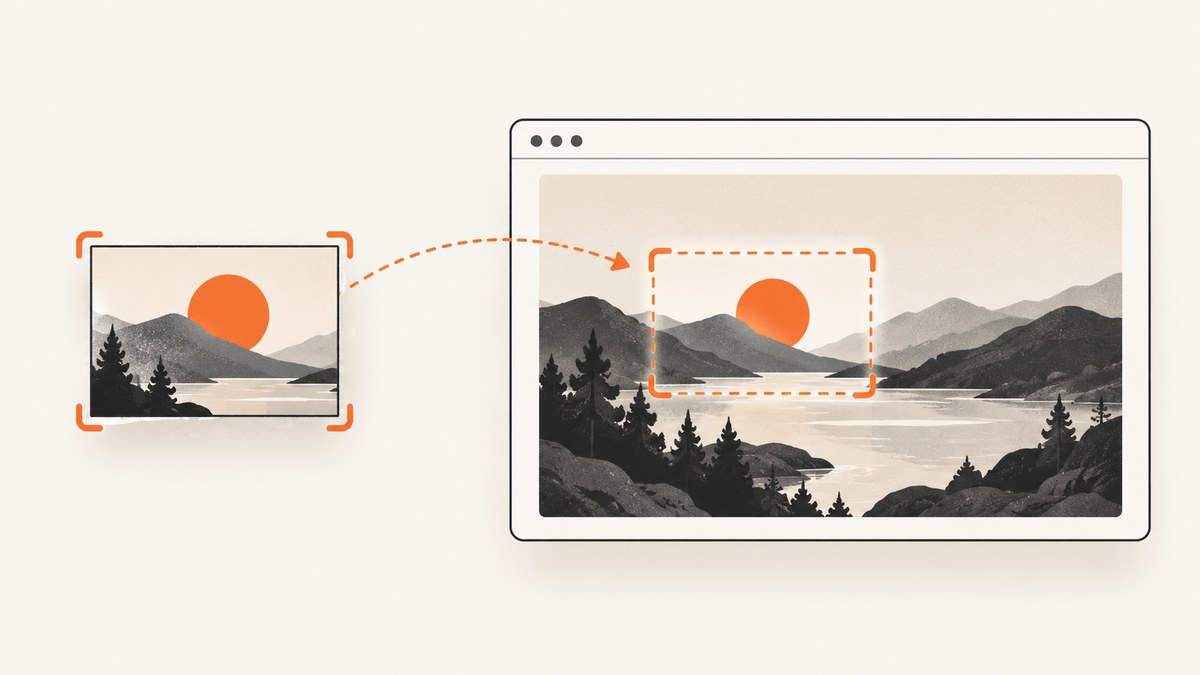
Direct answer: SikuliX can search an image inside another image in two ways. For two in-memory images, the SikuliX 1.1.2 Java API exposes Image.find(Image) and Image.findAll(Image). For a screenshot, screen, or rectangular area, use Region.find() or Region.findAll(). A single find returns the best match that meets the similarity threshold; the all-match form returns an iterator. The current Oculix documentation is the maintained successor to the SikuliX project, so pin and verify the API version you install.
1. Choose the search API
| Input | Use | Result |
|---|---|---|
| Screen or known rectangle | Region.find / Region.findAll |
A Match (or iterator) with location, size and score. A region limits work and reduces accidental matches. |
| Two image objects | Image.find / Image.findAll in the 1.1.2 Java API |
Searches the needle image inside the container image without a live screen. |
| Current image-file workflow | Oculix Finder(source).find(...) / findAll(...) |
One result or an iterator; no FindFailed is raised when there is no result. |
In Java and other standalone code, call the region explicitly (for example, area.find(pattern)). In SikuliX IDE scripts, a bare find uses the default screen region. See the Region API, Finder API, and the 1.1.2 Image API.
2. Detect an image inside another image (Java)
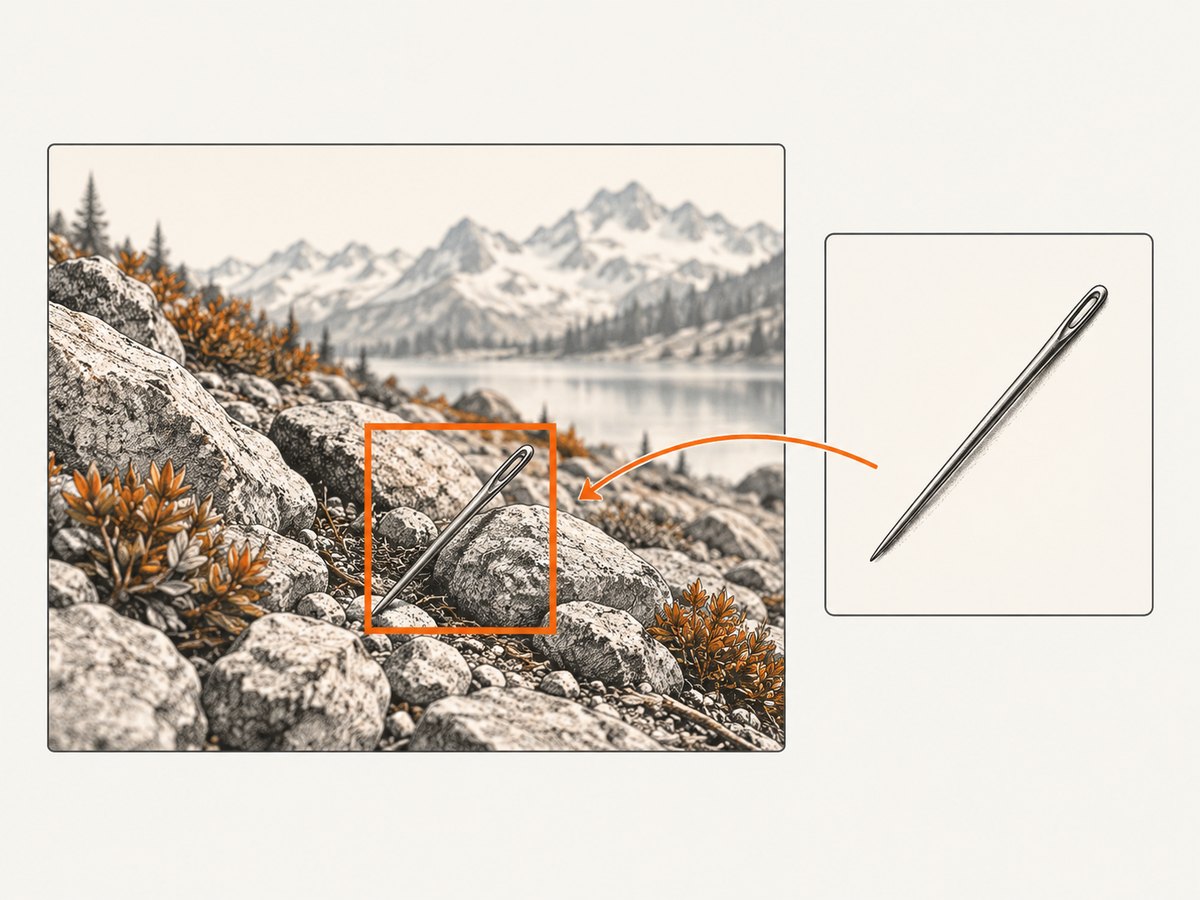
This is the documented 1.1.2 API shape for two in-memory images. Check constructors and dependencies against the version you use.
import org.sikuli.script.Image;
import org.sikuli.script.Match;

public class ImageInsideImage {
  public static void main(String[] args) {
    Image container = new Image("container.png");
    Image needle = new Image("needle.png");

    Match match = container.find(needle);
    if (match == null) {
      System.out.println("No qualifying match");
      return;
    }

    System.out.printf(
      "Found at x=%d y=%d width=%d height=%d score=%.3f%n",
      match.getX(), match.getY(), match.getW(), match.getH(), match.getScore()
    );
  }
}
find selects the highest-scoring qualifying location. It does not promise pixel identity: the score is a similarity value from 0 to 1. The API reference describes this operation as “find an image in another image.”
Find every occurrence
java.util.Iterator<Match> matches = container.findAll(needle);
while (matches.hasNext()) {
  Match m = matches.next();
  System.out.printf("x=%d y=%d score=%.3f%n",
      m.getX(), m.getY(), m.getScore());
}
The iterator is one-pass. Convert it to a collection if you need to inspect it again, and define your own ordering or overlap policy when several matches are close together.
3. Search a screen or rectangular region
import org.sikuli.script.FindFailed;
import org.sikuli.script.Match;
import org.sikuli.script.Pattern;
import org.sikuli.script.Region;

public class RegionSearch {
  public static void main(String[] args) {
    Region area = new Region(0, 0, 1280, 800);
    Pattern needle = new Pattern("needle.png").similar(0.88);

    try {
      Match match = area.find(needle);
      System.out.printf("x=%d y=%d score=%.3f%n",
          match.getX(), match.getY(), match.getScore());
    } catch (FindFailed e) {
      System.out.println("Nothing met the similarity threshold");
    }
  }
}
Use findAll when several copies are meaningful:
java.util.Iterator<Match> it =
    area.findAll(new Pattern("needle.png").similar(0.88));
while (it.hasNext()) {
  Match m = it.next();
  System.out.printf("%d,%d score %.3f%n",
      m.getX(), m.getY(), m.getScore());
}
Region searches retry for the configured wait period (the documented default is about three seconds). If absence is normal, use an existence-style check available in your version or catch FindFailed; do not let an expected “not present” case terminate the workflow.
4. Similarity and threshold tuning
The documented default minimum similarity is 0.7. Pattern.similar(value) lets you set a value from 0 to 1, while Pattern.exact() requests a minimum around 0.99. Oculix guidance suggests starting above 0.85 or 0.9 when false positives matter. These are starting points, not guarantees.
| Symptom | Adjustment | Cost |
|---|---|---|
| Wrong locations qualify | Raise the threshold, narrow the region, and inspect scores. | May reject legitimate anti-aliased or resized copies. |
| Real copy is missed | Lower the threshold cautiously or use a needle captured at the same scale and theme. | Lower scores increase false-positive risk. |
| Near-exact pixels required | Use exact() or a high threshold. |
Scaling, compression and font rendering can make exact matching fail. |
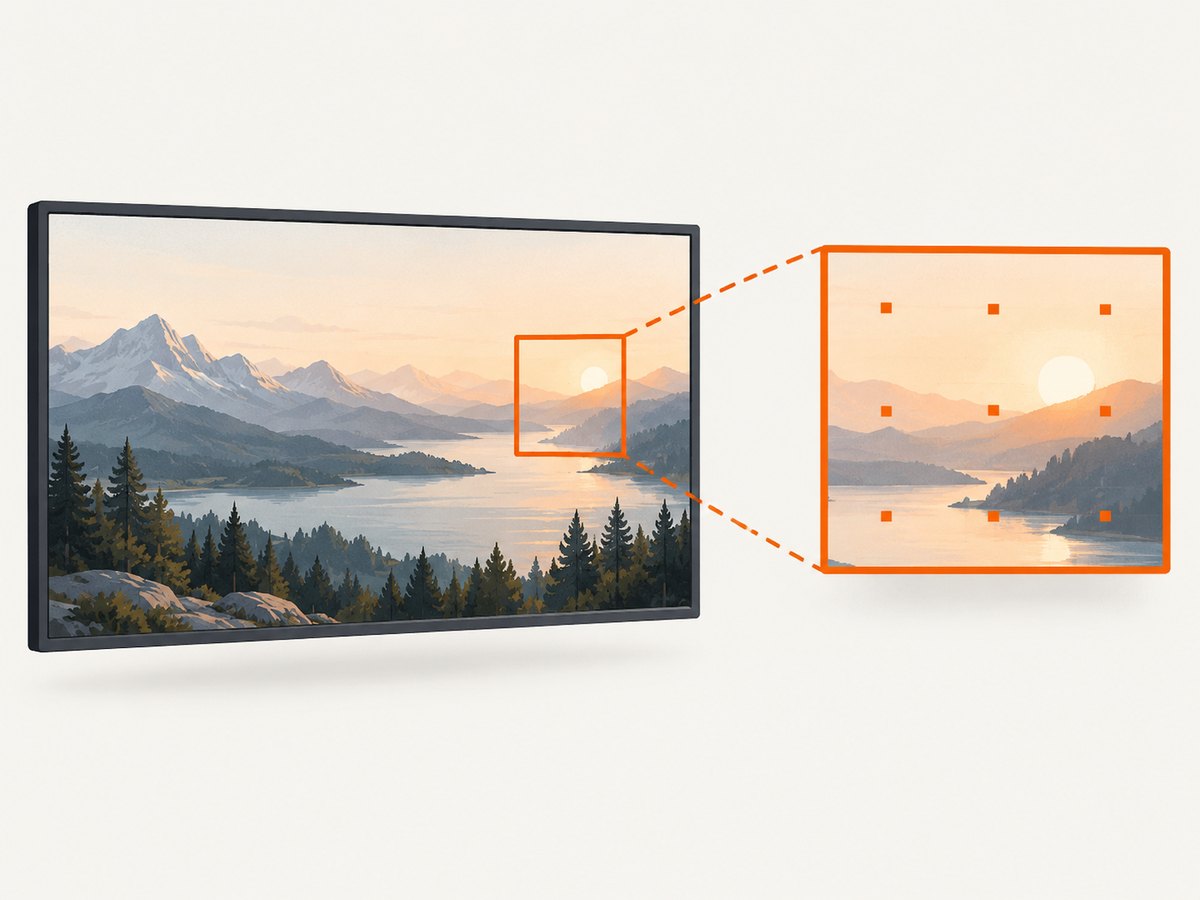
A Match contains the rectangle and similarity score, so log both. Tune against representative images, including dark mode, retina scaling, localization, animation frames and near-duplicate controls.
5. A reliable implementation checklist
- Capture the container and needle at the same device scale, zoom, theme and browser state.
- Crop the needle tightly; remove changing timestamps, cursors and shadows where possible.
- Use the smallest Region that can contain the target.
- Choose
similar()orexact()deliberately and record the threshold in configuration. - Call
findfor one best result orfindAllfor every qualifying result. - Check the score and coordinates before clicking or asserting.
- Handle absence, timeouts and multiple matches as normal outcomes.
- Log the SikuliX/Oculix version, image dimensions, scale factor, threshold and region for reproducibility.
6. Troubleshooting
| Error or symptom | Likely cause | Fix |
|---|---|---|
FindFailed |
No location exceeded the minimum score before timeout. | Verify the file and region, wait for a stable frame, then lower the threshold only after checking false positives. Catch it when absence is expected. |
| False positive | Threshold is too permissive or the search area is too broad. | Raise similarity, restrict the Region, use a more distinctive needle, and inspect getScore(). |
| False negative after a UI update | Scale, antialiasing, theme, language or layout changed. | Recapture the needle for that state; use a measured similar() threshold and avoid volatile pixels. |
| Coordinates are offset | Retina/device scaling or a different origin than the captured image. | Normalize display scale and viewport, or search the saved container image with Image.find. |
| Only one of several copies is returned | find intentionally returns the best qualifying match. |
Use findAll, then filter by score, bounds or your own ordering. |
| Intermittent results | Animation, lazy rendering or a moving cursor changed the pixels. | Wait for a stable visual state, hide changing elements, and retry within a bounded timeout. |
| Method or constructor is missing | Code targets a different SikuliX/Oculix release. | Pin a version and read its API reference. The project notes that development moved from SikuliX to Oculix; the 1.1.2 Image methods are version-specific. |
7. Performance and reliability
- Restricting a Region reduces the pixels examined and can speed processing; it also reduces unrelated matches.
- Load and reuse the same needle image instead of decoding it inside a tight loop.
- Prefer
findwhen you only need one result.findAllscans for additional matches and returns a one-pass iterator. - Keep viewport dimensions, device scale, fonts and theme deterministic in automation or CI.
- Use bounded waits and retries. A longer timeout cannot repair a wrong needle or threshold.
- Record score distributions from real fixtures. There is no universal safe threshold or benchmark in the project documentation.
For a non-Sikuli implementation, the same design still applies: define a container and needle, choose a score threshold, decide whether you need one or all locations, and make “not found” an explicit result. Verify the matching and coordinate conventions of that library before shipping.
8. Or skip the browser setup
If your “container” is a live web page, ScreenshotNeo can create the image before you run the matching step. It accepts one GET request and returns PNG, JPEG, WebP or PDF. Cookie and consent banners, newsletter popups and chat widgets are removed before capture. Bot checks, blank pages, failed loads, timeouts and cache hits are not billed, and response headers report the page verdict and billing status. Its MCP server gives Claude, Cursor and other MCP clients take_screenshot, get_page_info and capture_pdf tools.
See the ScreenshotNeo API documentation for all capture options.
curl -G "https://api.screenshotneo.com/v1/shot" -d access_key=YOUR_API_KEY --data-urlencode url=https://stripe.com -o shot.webpimport requests
r = requests.get("https://api.screenshotneo.com/v1/shot",
params={"access_key": "YOUR_API_KEY", "url": "https://stripe.com"},
timeout=90)
open("shot.webp", "wb").write(r.content)const q = new URLSearchParams({
access_key: 'YOUR_API_KEY',
url: 'https://stripe.com'
});
const res = await fetch(`https://api.screenshotneo.com/v1/shot?${q}`);
You get 1,000 screenshots each month on the free plan with no card. Paid plans start at $5 for 3,000 shots, and every feature is included on every plan. Create your free ScreenshotNeo account.
9. FAQ
Does the needle have to be a file?
No. The 1.1.2 Java API accepts Image objects; Region APIs also accept an image path, Image or Pattern.
What does a score of 0.88 mean?
It is the matcher’s similarity value, not a probability. Compare scores on your own fixtures and set a threshold that separates matches from near-duplicates.
Can I keep matches after iterating?
Yes. The iterator is one-pass; copy each Match into a list if later processing needs another pass.
Why did my script work in the IDE but not Java?
IDE scripts provide a default screen region for bare calls. Standalone Java should use an explicit Region and the API version’s documented classes.
Should I use SikuliX 1.1.2 or Oculix?
Use the release that matches your runtime and support needs, and verify its versioned documentation. The Oculix site records the project transition and current API guidance.
Primary references: Region, Pattern, Match, matching basics, Finder, and the SikuliX 1.1.2 Image Javadoc.


