How to Detect When a Page Has Finished Loading in Puppeteer
Learn which Puppeteer wait condition to use, how to detect SPA readiness, avoid network-idle traps, and troubleshoot navigation timeouts.
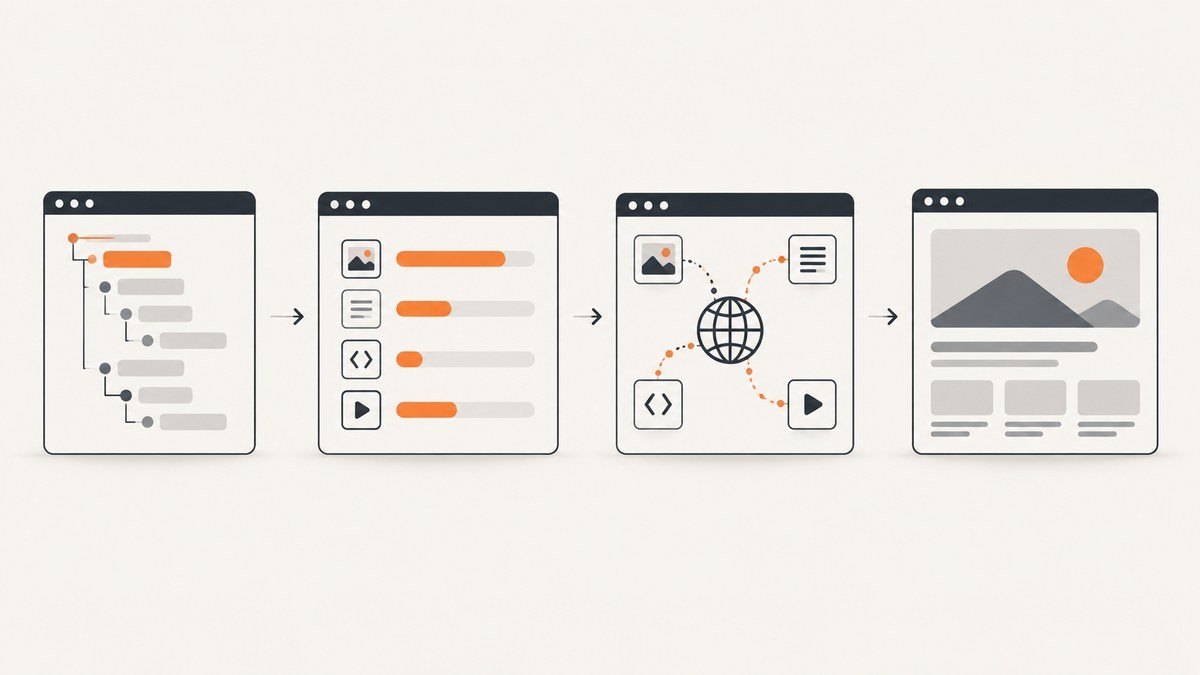
Short answer: there is no universal “finished loading” state. Use domcontentloaded when parsed HTML is enough, load when you need the browser load event (Puppeteer’s default), networkidle0 when there have been no active connections for at least 500 ms, or networkidle2 when up to two connections may remain. For a single-page application (SPA), follow navigation with a wait for a stable selector or application-owned predicate. That final content signal is usually more reliable than network quiet alone.
This guide shows complete Puppeteer patterns, explains the trade-offs between every wait mode, and covers timeouts, iframes, shadow DOM, lazy loading, authentication, performance, and failure diagnosis.
1. What “finished loading” means in Puppeteer
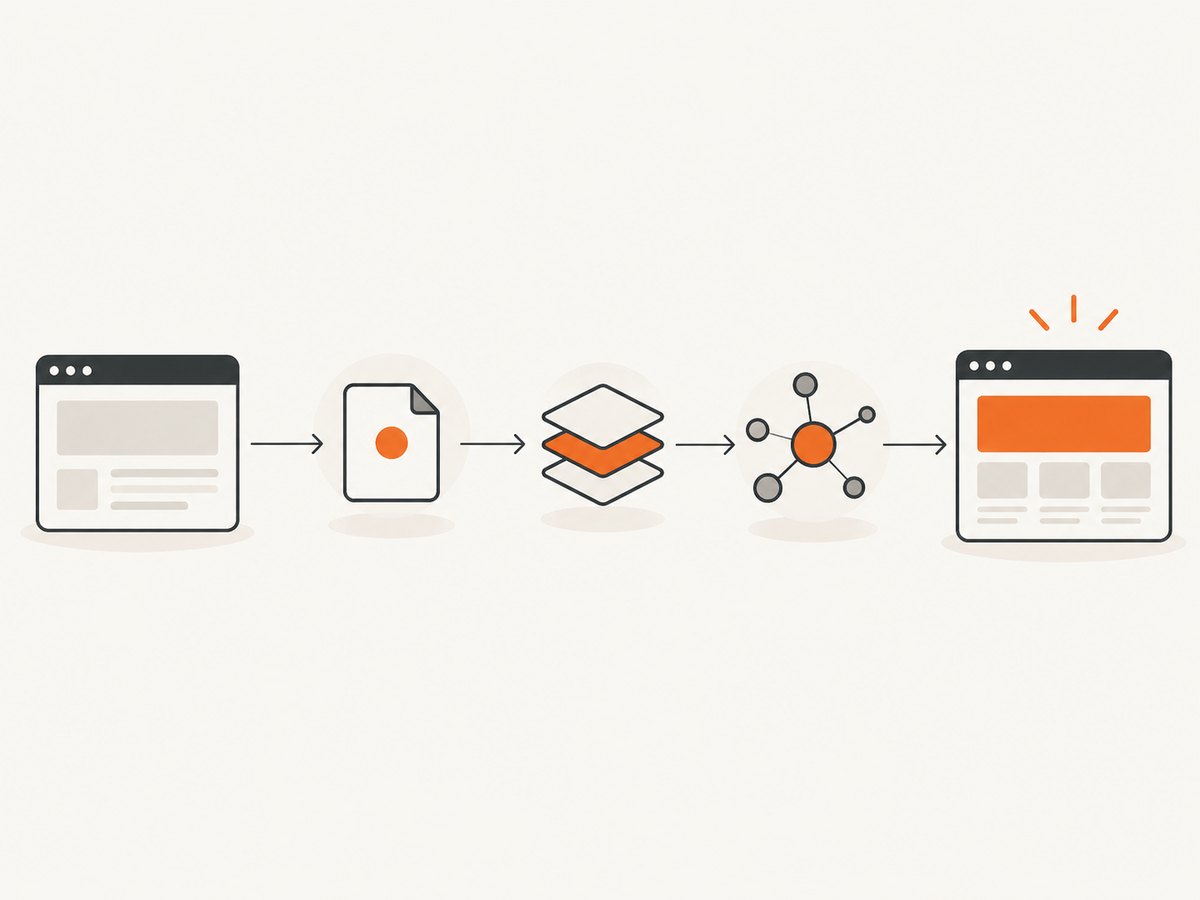
A browser page has several useful boundaries:
| Goal | Recommended wait | What it guarantees | Main risk |
|---|---|---|---|
| Read initial HTML | domcontentloaded |
The DOMContentLoaded event was dispatched. | Data, images, and framework rendering may still be pending. |
| Include browser-load subresources | load |
The browser load event was dispatched. | SPA/API rendering can continue afterward. |
| Wait for a quiet network | networkidle0 |
No more than zero active connections for at least 500 ms. | Polling, analytics, sockets, or long requests can prevent completion. |
| Allow minor background traffic | networkidle2 |
No more than two active connections for at least 500 ms. | Network quiet still does not prove the target UI is ready. |
| Confirm application content | waitForSelector or waitForFunction |
Your chosen element or state predicate is ready. | The selector or predicate must be stable and meaningful. |
The 500 ms threshold applies to both network-idle lifecycle events. Puppeteer documents load as the default page.goto() boundary and a 30-second default timeout for navigation and wait options. See the Page.goto API and lifecycle event reference.
2. The basic navigation pattern
page.goto() navigates to a URL and resolves to the main resource response. The response can be null for cases such as about:blank or a hash-only navigation. This is the smallest useful example:
import puppeteer from 'puppeteer';

const browser = await puppeteer.launch({ headless: true });
const page = await browser.newPage();

const response = await page.goto('https://example.com');
console.log('status:', response?.status());
console.log('title:', await page.title());

await browser.close();
Because no option was supplied, Puppeteer waits for load. A successful navigation promise does not mean the application has finished fetching or rendering its data.
3. Choose a lifecycle event deliberately
DOMContentLoaded for parsed markup
await page.goto(url, {
  waitUntil: 'domcontentloaded',
  timeout: 30000,
});
Use this when your next operation only needs the initial document structure. It is often the fastest choice for extracting server-rendered HTML or starting a known follow-up wait.
Load for browser-complete resources
await page.goto(url, {
  waitUntil: 'load',
  timeout: 30000,
});
The load event includes the browser’s normal load boundary for subresources such as images and stylesheets. It remains the default, but modern applications commonly continue rendering after it fires.
Network idle with zero or two connections
await page.goto(url, { waitUntil: 'networkidle0', timeout: 60000 });

await page.goto(url, { waitUntil: 'networkidle2', timeout: 60000 });
networkidle0 requires no active connections for 500 ms. networkidle2 permits up to two. Use the former for pages that genuinely become quiet; use the latter when harmless background requests are expected. Neither condition says that the element you need is visible or populated.
Require several conditions
await page.goto(url, {
  waitUntil: ['domcontentloaded', 'networkidle2'],
  timeout: 60000,
});
An array succeeds only after every supplied lifecycle event has fired. Combining an early lifecycle event with a network condition can be useful, but a content assertion is still needed for most SPAs.
4. Wait for the actual rendered content
For client-rendered pages, navigate first and then wait for the UI contract your application exposes.
Wait for a visible selector
await page.goto('https://app.example.com/results', {
  waitUntil: 'domcontentloaded',
  timeout: 30000,
});

await page.waitForSelector('[data-testid="results"]', {
  visible: true,
  timeout: 30000,
});

const text = await page.locator('[data-testid="results"]').innerText();
console.log(text);
waitForSelector() resolves when the selector enters the DOM. With visible: true, it must also be visible. It throws when the condition is not met before the timeout. Prefer a stable attribute such as data-testid over a generated CSS class.
Wait for an application predicate
await page.goto(url, { waitUntil: 'domcontentloaded' });

await page.waitForFunction(
  () => window.appReady === true,
  { timeout: 30000 },
);
A predicate is appropriate when readiness is represented by state rather than one element. You can expose a flag after your data store, chart, or route has completed initialization. Puppeteer’s waitForFunction API evaluates the predicate in the page context.
Wait for a meaningful value, not a shell
await page.waitForFunction(() => {
  const heading = document.querySelector('h1');
  return heading && heading.textContent?.trim().length > 0;
}, { timeout: 30000 });
A selector can exist before its contents arrive. Check the property that matters: a non-empty heading, a row count, a status value, or a chart canvas with dimensions.
5. Use network-idle waits carefully
You can add a separate idle wait after navigation:
await page.goto(url, { waitUntil: 'domcontentloaded' });
await page.waitForNetworkIdle({ idleTime: 1000 });
page.waitForNetworkIdle() waits at least the configured idle time. Network quiet is a transport condition, not an application-readiness guarantee. It can fail or mislead in these situations:
- Analytics and advertising requests never stop.
- A WebSocket or service worker keeps a connection open.
- Polling restarts after the idle window.
- Lazy content loads only after scrolling or user interaction.
- An API response finished, but the framework has not painted the result yet.
A practical SPA recipe is to use domcontentloaded, wait for the specific content selector, and add a short network-idle wait only when it improves consistency for that site.
6. Instrument lifecycle events
Event listeners help you understand timing during debugging. They observe browser events; they do not establish that framework data is ready.
page.once('domcontentloaded', () => console.log('DOM parsed'));
page.once('load', () => console.log('browser load fired'));

await page.goto(url, { waitUntil: 'load' });
Puppeteer emits these events when the corresponding JavaScript events are dispatched. Add request logging when a network-idle wait hangs:
page.on('request', request => {
  console.log('→', request.method(), request.url());
});
page.on('requestfailed', request => {
  console.error('failed:', request.url(), request.failure()?.errorText);
});
7. Check the HTTP response and page state
HTTP errors do not necessarily make goto() throw. A 404 or 500 response is still a valid browser response, so inspect its status and the rendered page:
const response = await page.goto(url, {
  waitUntil: 'domcontentloaded',
  timeout: 30000,
});

if (!response) {
  throw new Error('No main resource response was returned');
}

const status = response.status();
if (status >= 400) {
  throw new Error(`Navigation returned HTTP ${status}`);
}

await page.waitForSelector('[data-testid="results"]', { visible: true });
Also check the final URL for redirects, authentication pages, consent screens, or bot checks:
console.log('final URL:', page.url());
console.log('title:', await page.title());
8. Frames, shadow DOM, and authentication
Iframes
A selector inside an iframe is not visible to the main page. Wait for the frame, then query its document:
await page.goto(url, { waitUntil: 'domcontentloaded' });

const frame = await page.waitForFrame(
  frame => frame.url().includes('/embedded-results'),
);
await frame.waitForSelector('#results', { visible: true });
If the frame URL is dynamic, identify it through page.frames() or a stable frame element.
Shadow DOM
Open shadow roots require a shadow-aware selector or evaluation inside the host. A normal document selector may time out even though the element is visible:
await page.waitForFunction(() => {
  const host = document.querySelector('results-widget');
  return Boolean(host?.shadowRoot?.querySelector('.ready'));
});
Authentication
Set cookies or log in before waiting for the protected selector. If the selector never appears, verify that you are not being redirected to a sign-in page and that the session cookie belongs to the correct domain.
9. A reusable helper for reliable readiness
export async function navigateUntilReady(page, url, selector) {
  const response = await page.goto(url, {
    waitUntil: 'domcontentloaded',
    timeout: 60000,
  });

  if (!response) throw new Error('Navigation returned no response');
  if (response.status() >= 400) {
    throw new Error(`HTTP ${response.status()} for ${url}`);
  }

  await page.waitForSelector(selector, {
    visible: true,
    timeout: 30000,
  });

  return {
    status: response.status(),
    finalUrl: page.url(),
  };
}

const result = await navigateUntilReady(
  page,
  'https://example.com/dashboard',
  '[data-testid="dashboard"]',
);
console.log(result);
This separates document navigation from application readiness and gives each phase its own timeout and error message.
10. Troubleshooting common failures
| Symptom | Likely cause | Fix |
|---|---|---|
load fires but content is missing |
SPA rendering continues after the load event. | Wait for a stable visible selector or a readiness predicate. |
networkidle0 times out |
Polling, tracking, sockets, service workers, or a long request keep connections active. | Use domcontentloaded plus a selector; use networkidle2 only when the remaining traffic is understood. |
networkidle2 returns too early |
Two permitted connections coexist with incomplete UI state. | Follow it with waitForSelector or waitForFunction. |
| Selector wait times out | Wrong selector, hidden element, wrong frame, shadow root, redirect, or authentication failure. | Log page.url(), inspect the HTML, remove visible: true temporarily, and query the correct frame or shadow root. |
| Navigation times out | The site is slow, blocked, or continually active. | Increase the timeout for that operation, block unnecessary resources, and choose a narrower readiness signal. |
| Images are absent | Lazy loading waits for scrolling or intersection. | Scroll the page, wait for image completion, or test the application’s own loaded state. |
| Status appears successful but page is an error | HTTP 404/500 responses resolve normally. | Inspect response.status() and verify the final URL and page content. |
11. Performance and reliability guidance
- Use the earliest correct boundary.
domcontentloadedis cheaper than waiting for every subresource when you only need HTML. - Prefer one meaningful assertion. A stable selector usually adds less delay and less flakiness than an arbitrary sleep.
- Set operation-specific timeouts. A fast selector wait and a slower navigation need not share the same limit.
- Reuse a browser when processing many URLs. Launching Chromium for every page adds startup overhead; create new pages or contexts while keeping isolation requirements in mind.
- Reduce irrelevant work. Request interception can block large ads or media, but do not block resources your readiness condition depends on.
- Capture diagnostics. On failure, save the URL, status, console messages, failed requests, and a screenshot or HTML snapshot.
- Retry selectively. Retry transient navigation and network errors with a limit; do not blindly retry deterministic selector errors.
12. Or skip the browser setup
If your goal is a clean screenshot after the page is ready, ScreenshotNeo handles the browser capture step through one request. Before the capture it accepts the cookie or consent banner like a visitor and removes more than 60 known consent platforms, newsletter popups, and chat widgets; each step can be turned off. Only clean shots are billed: bot checks or CAPTCHAs, blank pages, timeouts, failed loads, and cache hits cost nothing, and the response identifies the result with X-Page-Verdict and X-Billed headers. The service also provides an MCP server for Claude, Cursor, and other MCP clients.

See the ScreenshotNeo API documentation for all options, including wait selectors, delays, network idle, custom JavaScript, resource blocking, device presets, full-page capture, PDFs, caching, signed links, async jobs, and bulk capture.
cURL
curl -G "https://api.screenshotneo.com/v1/shot" \
  -d access_key=YOUR_API_KEY \
  --data-urlencode url=https://stripe.com \
  -o shot.webp
Python
import requests

r = requests.get(
    "https://api.screenshotneo.com/v1/shot",
    params={"access_key": "YOUR_API_KEY", "url": "https://stripe.com"},
    timeout=90,
)
r.raise_for_status()
open("shot.webp", "wb").write(r.content)
Node.js
const q = new URLSearchParams({
  access_key: 'YOUR_API_KEY',
  url: 'https://stripe.com'
});
const res = await fetch(`https://api.screenshotneo.com/v1/shot?${q}`);
if (!res.ok) throw new Error(`HTTP ${res.status}`);
const data = Buffer.from(await res.arrayBuffer());
require('fs').writeFileSync('shot.webp', data);
ScreenshotNeo includes 1,000 screenshots per month on the free plan with no card. Paid plans start at $5 for 3,000 shots, and every feature is available on every plan. Create a free ScreenshotNeo account.
13. FAQ
Is networkidle0 the most complete option?
No. It only describes network activity for a 500 ms window. A page can be quiet while its UI is still rendering, or never become quiet because of polling.
Can I use a fixed sleep?
You can, but fixed delays are slower on fast runs and flaky on slow runs. Prefer a selector, predicate, or explicit network condition.
Why does goto() return an HTTP 500 without throwing?
HTTP error statuses are valid responses to Puppeteer. Inspect response.status() and fail explicitly when your workflow requires a successful status.
What should I wait for in a React or Vue app?
Choose a stable element that only appears after the required data is rendered, or expose an application readiness flag and wait with waitForFunction().
Which wait should I use for screenshots?
Start with domcontentloaded, then wait for the page element that proves the screenshot is meaningful. Add network idle only when the site’s behavior makes that useful.


