How to Detect Page Loads and Refreshes with WebdriverIO
Learn how to detect navigation, refresh completion, and application readiness in WebdriverIO with reliable waits and troubleshooting.
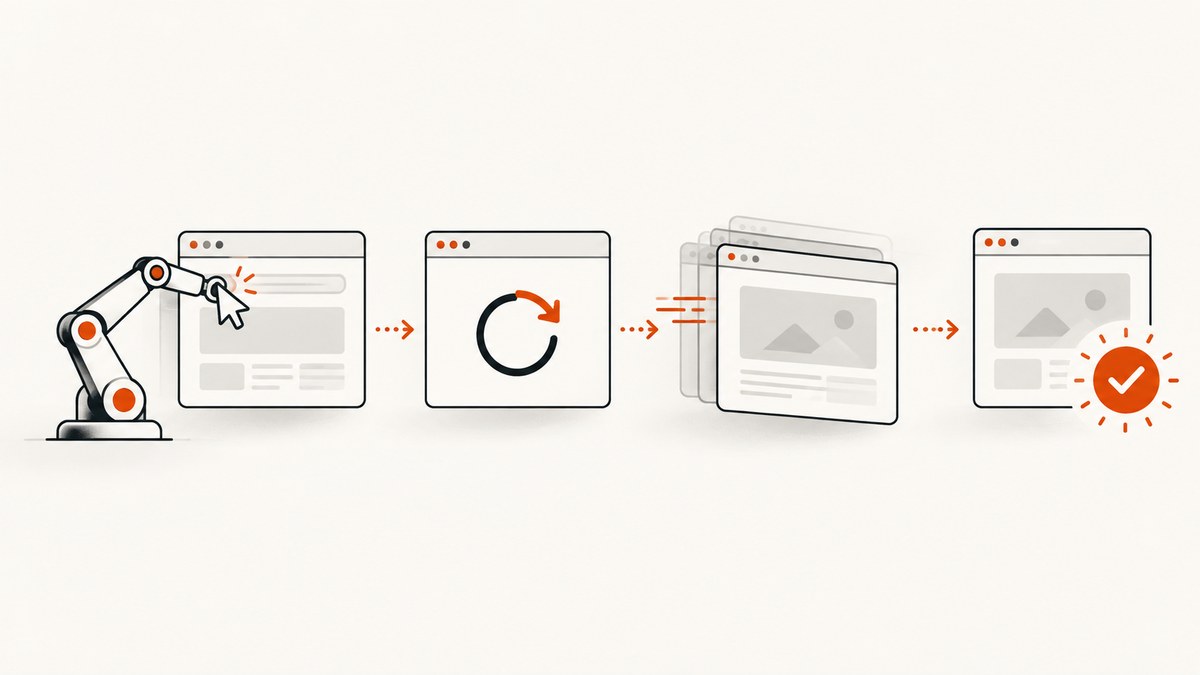
In WebdriverIO, a navigation command finishing tells you that the browser completed the document-level operation allowed by the session’s pageLoad timeout. It does not prove that your application has rendered data, completed client-side routing, or exposed the element your next test needs.
The reliable pattern is:
- Start navigation with
browser.url()or reload withbrowser.refresh(). - Use the session
pageLoadtimeout to bound document loading. - Wait for the outcome your test actually needs: a URL, title, element, or application state.
Do not use a fixed sleep as your general readiness strategy. A short pause can finish before a slow page is usable; a long pause wastes time on fast runs.
1. What WebdriverIO can detect
There are several different events and states that developers often call a “page load.” Choose the one that matches the question your test is asking.
| What you need to know | Recommended signal | What it proves |
|---|---|---|
| Did the navigation command complete? | await browser.url(url) or await browser.refresh() |
The WebDriver navigation operation returned within the configured timeout. |
| Did the browser reach the expected route? | toHaveUrl() |
The current URL matches the expected route or pattern. |
| Did the new document expose the expected title? | toHaveTitle() |
The title is the expected post-navigation result. |
| Is the application usable? | waitUntil() or an element assertion |
A meaningful application condition is true. |
| What WebDriver traffic occurred? | Browser command and result events | A command was sent and returned; this is instrumentation, not proof of app readiness. |
WebdriverIO’s official WebDriver Protocol documentation covers navigation and refresh commands. The timeouts guide explains session timeouts, and the expect-webdriverio documentation covers URL and title matchers.
2. Detect a normal navigation
browser.url() navigates the current top-level browsing context. Await it before checking the result. Then assert the URL, title, or page state.
describe('checkout navigation', () => {
    it('waits for the checkout page to be usable', async () => {
        await browser.url('https://example.com/checkout')

        await expect(browser).toHaveUrl(
            expect.stringContaining('/checkout')
        )
        await expect(browser).toHaveTitle(
            expect.stringContaining('Checkout')
        )
        await expect($('#checkout-form')).toBeDisplayed()
    })
})
The URL and title checks are useful when the page can be considered ready as soon as the route and document metadata are correct. For a single-page application, the document may finish loading before the client renders the checkout form, so keep the element assertion.
3. Detect completion after a refresh
browser.refresh() reloads the current top-level browsing context. The command returns after document navigation according to the browser’s WebDriver implementation and the session timeout. Follow it with a post-refresh assertion.
it('detects the refreshed page', async () => {
    await browser.url('https://example.com/dashboard')

    await browser.refresh()

    await expect(browser).toHaveUrl(
        expect.stringContaining('/dashboard')
    )
    await expect($('#dashboard')).toBeDisplayed()
})
A useful refresh test checks state that should change or disappear. For example, a value stored only in JavaScript memory should be gone after a real refresh, while a server-backed account name should remain.
it('checks post-refresh state instead of sleeping', async () => {
    await browser.url('https://example.com/session-check')
    await $('#set-client-state').click()

    await browser.refresh()

    await expect($('#client-state')).not.toBeDisplayed()
    await expect($('#server-state')).toBeDisplayed()
})
4. Use the pageLoad timeout correctly
The session pageLoad timeout is the maximum time WebDriver waits for document loading. WebdriverIO’s timeout guide lists a default of 300,000 milliseconds and notes that support can vary by browser. Set it explicitly when a test suite needs a different bound.
beforeEach(async () => {
    await browser.setTimeout({
        pageLoad: 10000
    })
})

it('fails clearly when navigation exceeds the limit', async () => {
    await browser.url('https://example.com/slow-page')
    await expect(browser).toHaveTitle(expect.stringContaining('Example'))
})
This timeout is a ceiling for document navigation, not a guarantee that asynchronous application work has finished. A page can return from navigation while JavaScript is fetching data, hydrating components, or replacing a loading skeleton.
Use explicit state waits for that work. Avoid implicit timeouts for this problem: the official guide warns that they change command behavior and can cause errors in some situations.
5. Wait for application readiness with waitUntil
Use browser.waitUntil(condition, options) when readiness cannot be expressed by URL or title. The condition should describe the state required by the next action.
it('waits for results after client-side rendering', async () => {
    await browser.url('https://example.com/search?q=webdriverio')

    await browser.waitUntil(
        async () => (await $('#results').isDisplayed()),
        {
            timeout: 10000,
            interval: 250,
            timeoutMsg: 'Expected search results to be visible'
        }
    )

    await expect($('#results .result')).toBeElementsArrayOfSize({
        gte: 1
    })
})
Keep the condition cheap and deterministic. If an API response is the real readiness signal, wait for the rendered result or a stable status element rather than attempting to inspect an internal network request. If a loading indicator disappears, combine that check with a positive assertion that the target content exists.
await browser.waitUntil(async () => {
    const loading = await $('#loading').isDisplayed().catch(() => false)
    const content = await $('#content').isDisplayed().catch(() => false)
    return !loading && content
}, {
    timeout: 15000,
    interval: 200,
    timeoutMsg: 'Content did not become ready after navigation'
})
6. URL and title assertions
expect-webdriverio browser matchers retry until their assertion timeout. They are preferable to reading a value once and comparing it immediately when a client-side redirect may still be in progress.
await browser.url('https://example.com/start')
await expect(browser).toHaveUrl(/\/complete$/)
await expect(browser).toHaveTitle(expect.stringContaining('Complete'))
Use a regular expression or expect.stringContaining() when query parameters, locale prefixes, or a deployment-specific host can vary. Assert the exact URL only when the route is guaranteed to be stable.
7. Refreshes, redirects, and single-page applications
Redirect chains
A navigation can pass through authentication or tracking redirects before reaching the final route. Wait for the final URL, not an intermediate address. If the redirect depends on a cookie or session, create that state before calling browser.url().
Client-side routing
Clicking a link in a single-page application may change the URL without a full document navigation. In that case, a pageLoad timeout does not represent the application’s readiness. Wait for the route and the component rendered for that route.
await $('a=Reports').click()
await expect(browser).toHaveUrl(expect.stringContaining('/reports'))
await expect($('#reports-table')).toBeDisplayed()
Frames and new windows
browser.refresh() refreshes the current top-level context. If your test is inside an iframe, switch to the correct frame before checking elements, and return to the parent context when required. A popup or new tab requires switching to its window handle before asserting its URL or title.
Authentication and service workers
A refresh can expose an expired session, a service-worker cache, or a redirect to login. Make the expected authenticated state part of the assertion so a login page cannot be mistaken for a successfully loaded application.
8. Observe WebDriver commands for diagnostics
The browser object exposes command and result events for WebDriver Classic operations. They can help you record which navigation or refresh command was sent, its duration, and the returned error.
before(() => {
    browser.on('command', command => {
        if (command.command === 'navigateTo' || command.command === 'refresh') {
            console.log('WebDriver command:', command.command, command.params)
        }
    })

    browser.on('result', result => {
        if (result.command === 'navigateTo' || result.command === 'refresh') {
            console.log('WebDriver result:', result.command, result.error)
        }
    })
})
Events show protocol traffic. They do not establish that React, Vue, or another client framework has finished rendering. Pair instrumentation with a state assertion.
9. A complete WebdriverIO example
This spec combines navigation, timeout configuration, URL and title assertions, a condition wait, and a refresh check.
describe('page lifecycle', () => {
    before(async () => {
        await browser.setTimeout({
            pageLoad: 15000,
            implicit: 0
        })
    })

    it('waits for a usable page after navigation and refresh', async () => {
        await browser.url('https://example.com/app')
        await expect(browser).toHaveUrl(expect.stringContaining('/app'))
        await expect(browser).toHaveTitle(expect.stringContaining('App'))

        await browser.waitUntil(
            async () => (await $('#app-ready').getAttribute('data-ready')) === 'true',
            {
                timeout: 10000,
                interval: 200,
                timeoutMsg: 'Application did not report ready=true'
            }
        )

        await browser.refresh()
        await expect(browser).toHaveUrl(expect.stringContaining('/app'))
        await expect($('#app-ready')).toHaveAttribute('data-ready', 'true')
    })
})
10. Troubleshooting
| Symptom | Likely cause | Fix |
|---|---|---|
browser.url() times out |
The document exceeded pageLoad, the browser does not support the setting fully, or the host is unreachable. |
Check the URL outside the test, inspect browser logs, set a deliberate pageLoad bound, and investigate network or server delays. |
| The URL assertion passes but the page is blank | Document navigation completed before client rendering or data loading. | Wait for a meaningful element or application-ready state with waitUntil(). |
| The test sees the login page after refresh | Session cookies expired, were cleared, or were scoped to another host. | Recreate authentication, verify cookie domain and secure settings, and assert the authenticated route. |
| Title assertion is flaky | The title is set asynchronously or differs by locale. | Use a stable title fragment, wait for the route, or assert a page-specific heading. |
waitUntil always times out |
The selector is wrong, the element is in a frame, or the application never reaches the expected state. | Check the selector in browser tools, switch frames correctly, and include a useful timeoutMsg. |
| A fixed pause works locally but fails in CI | CI load and network timing differ from a developer machine. | Replace the pause with a condition tied to the next required action. |
| Refresh appears to do nothing | A service worker or cache served the same document, or the application restored state from storage. | Assert the specific state that should change, and inspect cache, storage, and service-worker behavior. |
11. Performance and reliability guidance
- Keep
pageLoadhigh enough for realistic document loads but low enough to expose broken environments quickly. - Use the smallest reliable readiness condition. Waiting for one stable application marker is faster and clearer than waiting for several unrelated elements.
- Choose a polling interval that does not overload the page. A few hundred milliseconds is usually sufficient for UI state checks.
- Do not add retries around every assertion. Retries can hide a real race or server failure; use them only where the underlying operation is known to be transient.
- Capture the URL, title, browser, command, timeout, and final error in CI artifacts. This makes navigation failures distinguishable from rendering failures.
- Keep selectors for readiness explicit and owned by the application, such as a stable test identifier or data attribute.
Reliability comes from matching each wait to an observable contract. Navigation completion, route completion, and application readiness are separate contracts and should be asserted separately.
12. Or skip the browser setup
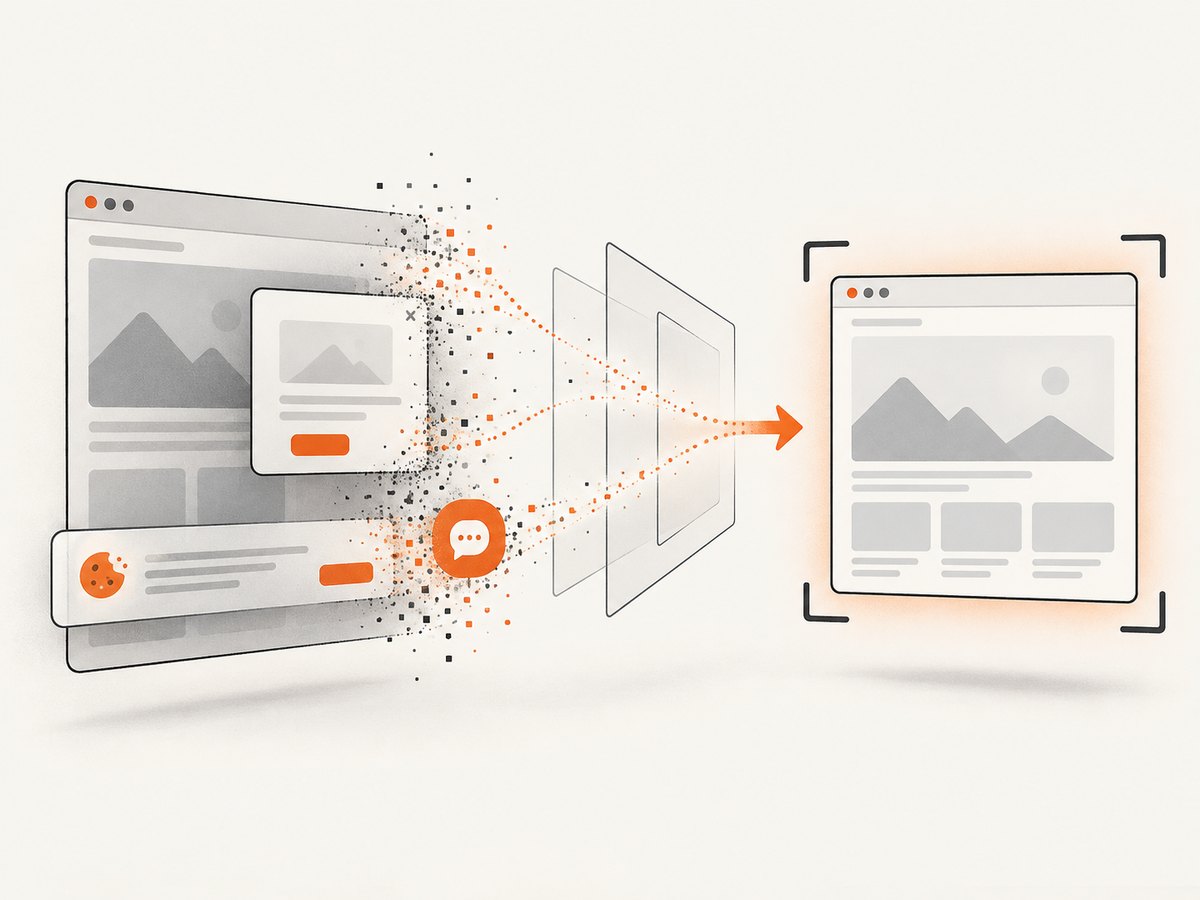
If your goal is to produce a screenshot after a page load or refresh, ScreenshotNeo can perform the capture through one request. It accepts the cookie or consent banner like a visitor and removes more than 60 known consent platforms, newsletter popups, and chat widgets before the shot; each step can be turned off. Bot checks or CAPTCHAs, blank pages, timeouts, failed loads, and cache hits are not billed, and the response identifies the result with X-Page-Verdict and X-Billed headers.
See the ScreenshotNeo API documentation for all options, including full-page capture, element selectors, custom waits, headers, cookies, user agents, JavaScript, PDF output, caching, async jobs, bulk capture, and signed links.
cURL
curl -G "https://api.screenshotneo.com/v1/shot" \
  -d access_key=YOUR_API_KEY \
  --data-urlencode url=https://stripe.com \
  -o shot.webp
Python
import requests

r = requests.get(
    "https://api.screenshotneo.com/v1/shot",
    params={"access_key": "YOUR_API_KEY", "url": "https://stripe.com"},
    timeout=90,
)
r.raise_for_status()
open("shot.webp", "wb").write(r.content)
Node.js
const q = new URLSearchParams({
  access_key: 'YOUR_API_KEY',
  url: 'https://stripe.com'
});
const res = await fetch(`https://api.screenshotneo.com/v1/shot?${q}`);
if (!res.ok) throw new Error(`Screenshot failed: ${res.status}`);
const buffer = Buffer.from(await res.arrayBuffer());
require('fs').writeFileSync('shot.webp', buffer);
ScreenshotNeo also provides an MCP server with take_screenshot, get_page_info, and capture_pdf tools for Claude, Cursor, and other MCP clients. Plans include every feature: 1,000 screenshots per month are free with no card; paid plans start at $5 for 3,000. Create a free ScreenshotNeo account.
13. FAQ
Does browser.refresh() wait for JavaScript to finish?
It waits for document navigation according to WebDriver and the pageLoad timeout. It does not know when your application has finished fetching and rendering data. Add a state-based wait.
Should I use browser.pause() after every navigation?
No. A fixed delay has no relationship to the actual readiness condition. Use URL, title, element, or waitUntil assertions.
What is the best readiness condition?
Use the smallest stable signal required by the next test action, such as a table being displayed or a readiness attribute becoming true.
Can command events replace assertions?
No. Events confirm WebDriver command traffic. Assertions confirm that the page reached the state your test needs.
What if a browser does not honor pageLoad?
Treat pageLoad as a bound, then rely on explicit application assertions and investigate the browser’s WebDriver support.


