How to Detect Navigation Triggered by Pyppeteer Page.click()
Use Pyppeteer’s concurrent waitForNavigation and click pattern to avoid races, handle redirects and SPA updates, and troubleshoot missed navigations.
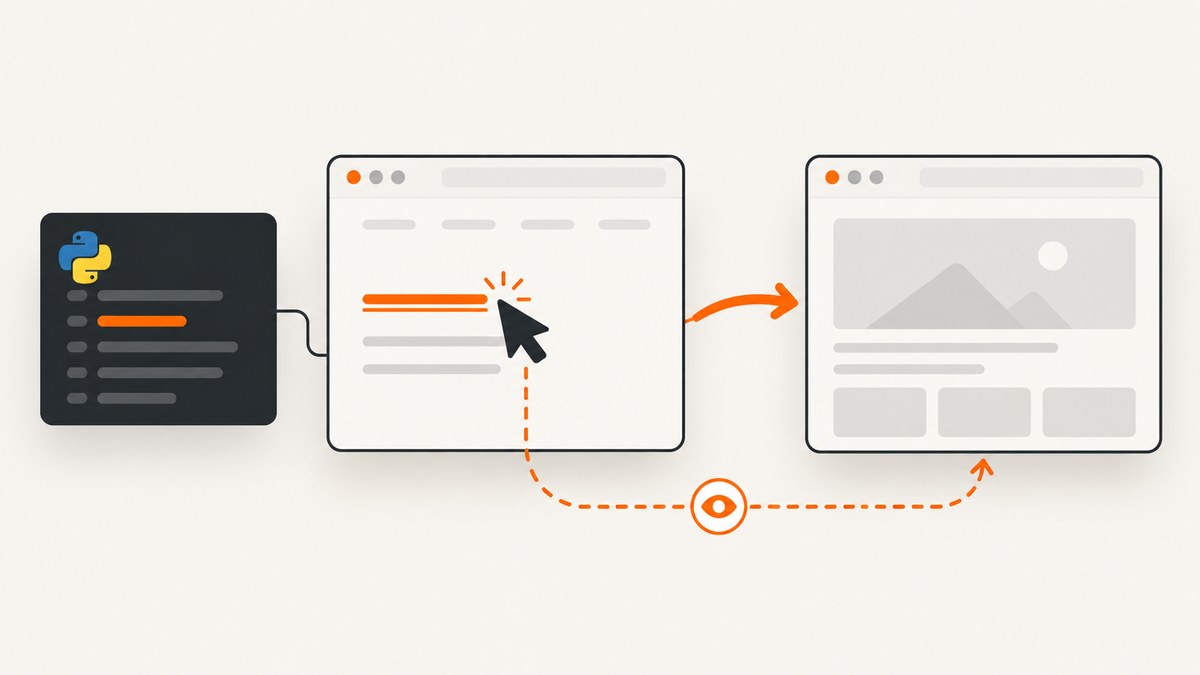
Direct answer: schedule page.waitForNavigation() before you click, then await the waiter and the click together with asyncio.gather. This prevents a fast navigation from completing before the waiter exists.
import asyncio
from pyppeteer import launch

async def main():
    browser = await launch(headless=True)
    page = await browser.newPage()
    await page.goto('https://example.com')

    navigation_response, _ = await asyncio.gather(
        page.waitForNavigation(),
        page.click('a.my-link'),
    )

    if navigation_response is None:
        print('A same-document transition may have occurred')
    else:
        print('Document loaded:', navigation_response.url)

    print('Current URL:', page.url)
    await browser.close()

asyncio.get_event_loop().run_until_complete(main())
Do not await page.click() first and create the navigation waiter afterward. Pyppeteer documents that sequence as a race condition. A fast page can navigate before the second await is installed, leaving your code waiting for an event that has already happened. The official reference also treats History API URL changes as navigation, so a navigation wait can resolve with None when there is no new main-document response. See the Pyppeteer API reference and the project source.
Why the click and navigation wait must start together
page.click(selector) performs the input action. It does not automatically give you the response for the document that might load afterward. page.waitForNavigation() listens for navigation events and resolves when the navigation finishes, returning the main-resource response for a document navigation.
The ordering matters:
- Resolve the element and prepare the navigation waiter.
- Issue the click without blocking the waiter setup.
- Wait until both operations complete.
asyncio.gather expresses that relationship directly. Both awaitables are scheduled in the same event-loop turn, so the listener is active before the browser processes the click.
Pyppeteer’s reference warns: “when click() triggers a navigation event and there’s a separate waitForNavigation() promise to be resolved, you may end up with a race condition that yields unexpected results.” The same reference says that “usage of the History API to change the URL is considered a navigation.”
Complete Pyppeteer example with redirects and a timeout
import asyncio
from pyppeteer import launch
from pyppeteer.errors import TimeoutError

async def click_and_wait(page, selector, timeout=30_000):
    """Click selector and wait for the resulting navigation."""
    try:
        response, _ = await asyncio.gather(
            page.waitForNavigation({
                'waitUntil': ['domcontentloaded', 'networkidle2'],
                'timeout': timeout,
            }),
            page.click(selector),
        )
        return response
    except TimeoutError:
        # The click may have worked even if the page never reached the
        # requested load condition. Inspect URL and page state before retrying.
        raise

async def main():
    browser = await launch(
        headless=True,
        args=['--no-sandbox'],
    )
    page = await browser.newPage()
    await page.setViewport({'width': 1440, 'height': 900})
    await page.goto(
        'https://example.com/start',
        {
            'waitUntil': 'domcontentloaded',
            'timeout': 30_000,
        },
    )

    try:
        response = await click_and_wait(page, 'a.my-link')
    except TimeoutError:
        print('Navigation did not reach the selected condition')
        print('URL after timeout:', page.url)
    else:
        if response is None:
            print('Same-document navigation or no main-resource response')
        else:
            print('Final response URL:', response.url)
            print('HTTP status:', response.status)

    print('Final browser URL:', page.url)
    await browser.close()

asyncio.get_event_loop().run_until_complete(main())
For a redirect chain, the returned response represents the final redirect response for the main document. Always inspect page.url as well, because the URL is the clearest assertion of where the browser ended.
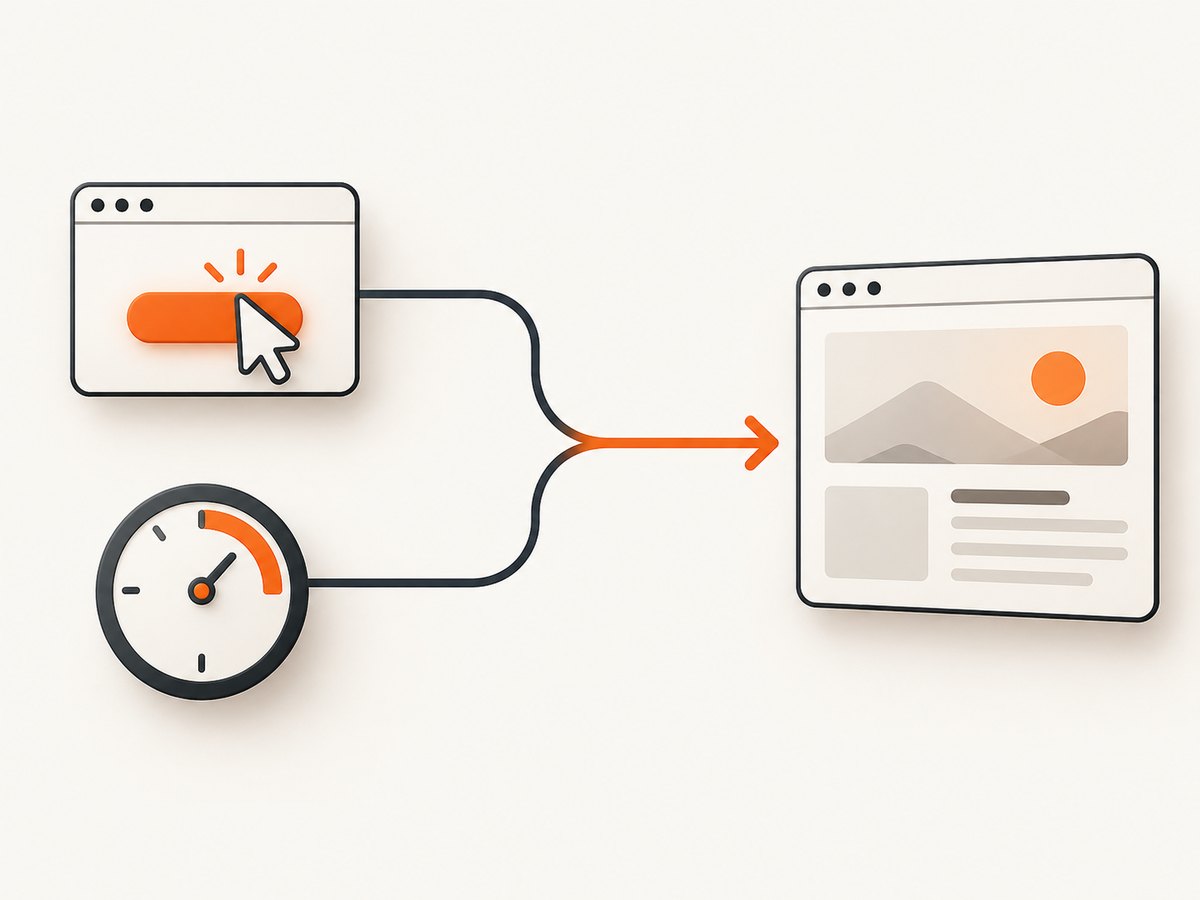
Choosing the right completion condition
waitForNavigation() accepts options that control when it resolves. The most useful settings are:
| Option | Use it when | Trade-off |
|---|---|---|
waitUntil: 'load' |
You need the load event and page resources have conventional behavior. | Can wait longer than necessary. |
'domcontentloaded' |
You only need the initial HTML parsed. | Images and late scripts may still be loading. |
'networkidle0' |
The page should have no active network connections. | Analytics, polling and websockets can prevent completion. |
'networkidle2' |
You want a mostly idle page while tolerating a few connections. | Background requests can still change the page afterward. |
timeout |
You need a bounded wait. | A timeout does not prove that the click failed. |
Use an array when you need more than one lifecycle signal, for example ['domcontentloaded', 'networkidle2']. For pages with long polling, prefer domcontentloaded and then wait for a page-specific selector:
await asyncio.gather(
    page.waitForNavigation({'waitUntil': 'domcontentloaded'}),
    page.click('a.open-report'),
)
await page.waitForSelector('.report-table', {'timeout': 15_000})
Detecting SPA and History API navigation
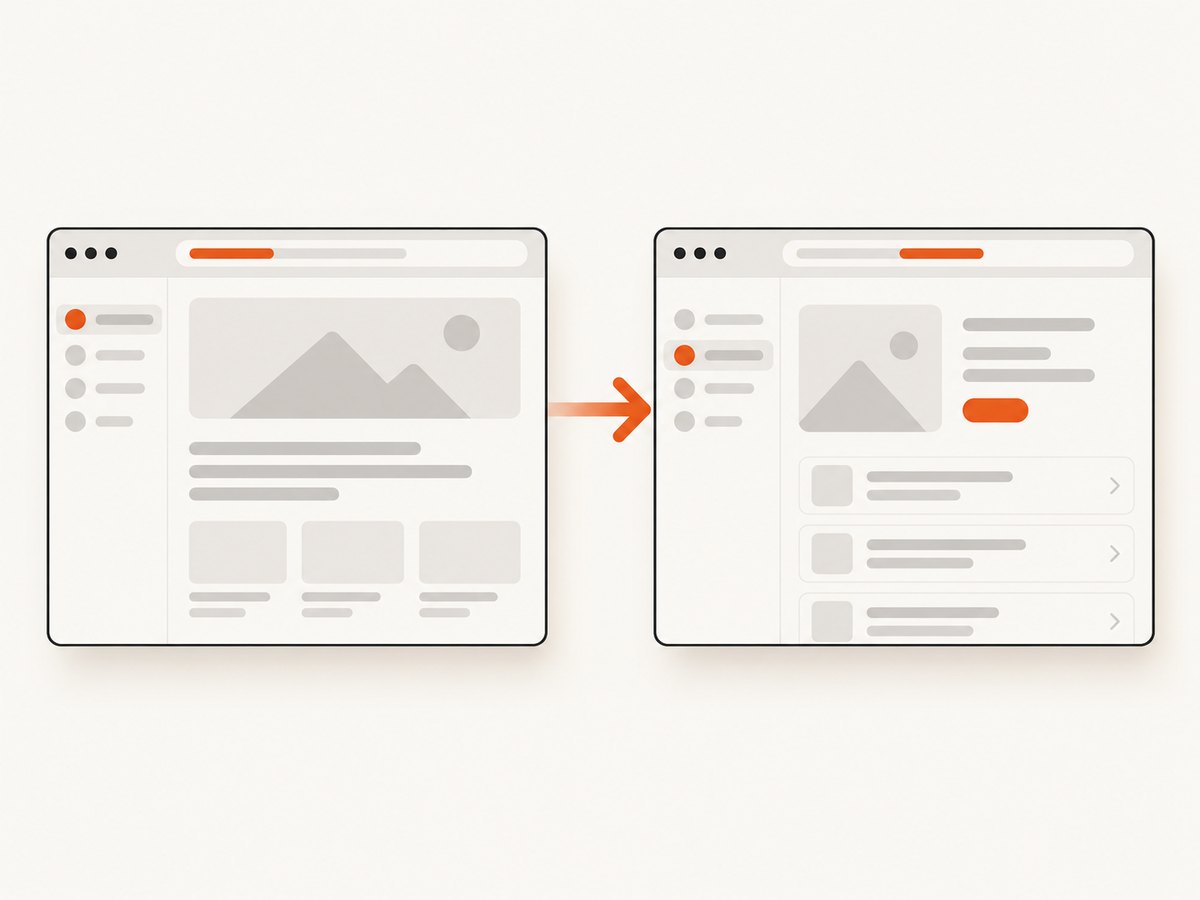
Single-page applications often update the URL with history.pushState or history.replaceState without requesting a new document. Pyppeteer counts that URL change as navigation, but the resolved response can be None. Treat the response as evidence of a document load, not as the only success signal.
old_url = page.url
response, _ = await asyncio.gather(
    page.waitForNavigation({'timeout': 10_000}),
    page.click('[data-route="settings"]'),
)

if page.url != old_url:
    print('Route changed to', page.url)
elif await page.JJ('.settings-panel'):
    print('The view changed without a URL change')
else:
    print('Neither the URL nor the expected view changed')
For an SPA, assert the resulting state directly. Examples include a route URL, a heading, a loading indicator disappearing, or an API-backed component becoming visible. If the control never navigates, waiting only on waitForNavigation() is the wrong synchronization primitive.
Waiting for a click that opens a new tab
A link with target="_blank" can create a new page rather than navigate the current page. In that case, wait for the browser target and click concurrently:
async def click_and_get_new_page(browser, page, selector):
    new_target = asyncio.ensure_future(
        browser.waitForTarget(
            lambda target: target.opener and target.opener == page
        )
    )
    await page.click(selector)
    target = await new_target
    new_page = await target.page()
    await new_page.waitForNavigation({'waitUntil': 'domcontentloaded'})
    return new_page
Check your installed Pyppeteer version because target APIs and browser compatibility can differ. The navigation race pattern itself is also present in current Puppeteer documentation, but this article uses Pyppeteer’s Python method names and asyncio behavior.
Separate task management with ensure_future
asyncio.gather is usually clearest. If you need to perform intermediate work, create the waiter task first:
navigation_task = asyncio.ensure_future(
    page.waitForNavigation({'waitUntil': 'domcontentloaded'})
)
await page.click('a.my-link')
response = await navigation_task
print('URL:', page.url)
Creating the task before the click preserves the important ordering. Do not create it after the click has returned.
Common errors and fixes
| Symptom | Likely cause | Fix |
|---|---|---|
| Wait times out after a successful click | The click caused an SPA update, anchor jump or a page that never reaches network idle. | Check page.url and a page-specific selector. Use domcontentloaded instead of networkidle0. |
Navigation Timeout Exceeded |
The selected load condition was not reached before the timeout. | Increase timeout, select a less strict waitUntil, or wait for a stable element. |
ElementHandleError: Node is detached |
The DOM re-rendered between selecting and clicking. | Wait for the selector immediately before the click and retry the locator operation. |
| Click does nothing | Element is hidden, covered, disabled or outside the viewport. | Use waitForSelector, scroll it into view, inspect overlays, and verify that the selector matches one intended element. |
Returned response is None |
History API or anchor navigation, or no main-document response. | Assert the URL or resulting application state rather than response fields. |
| Wrong page is reported | The click opened a new tab or a redirect finished elsewhere. | Handle browser targets and inspect the final page.url. |
| Navigation happens before the waiter | The code awaited click() before scheduling the waiter. |
Use asyncio.gather(waitForNavigation(), click()) or create the task first. |
Debugging checklist
- Print the selector count with
len(await page.JJ(selector)). - Log
page.urlbefore and after the action. - Take a screenshot before clicking to verify overlays and visibility.
- Use
page.on('console', ...)and request logging for SPA failures. - Replace a broad navigation wait with a specific selector assertion.
- Confirm whether the link opens a new target.
- Run headful during diagnosis so you can see focus, consent dialogs and hover menus.
Performance, reliability and cost considerations
Navigation waits add no browser work beyond the click; they determine when your coroutine continues. The largest delays usually come from the page’s own network activity, redirect chain, JavaScript rendering and chosen waitUntil condition. Keep timeouts finite, avoid networkidle0 on pages with polling, and assert the smallest stable state that proves your task succeeded.
For repeated captures, reuse a browser process and create pages as needed, while isolating cookies and storage when tests must be independent. Close pages and browsers in a finally block so failed waits do not leak Chromium processes. Record the URL, wait condition, timeout and final outcome to make intermittent failures diagnosable.
Or skip the browser setup
If your goal is a reliable screenshot after a page action, ScreenshotNeo provides a single HTTP request instead of maintaining Chromium and Pyppeteer. Its API accepts options for waiting on a selector, a delay or network idle, clicking an element before capture, custom JavaScript and CSS, hiding selectors, full-page capture and device settings. Cookie and consent banners are accepted and 60+ known consent platforms, newsletter popups and chat widgets are removed before the shot; each step can be turned off.
Only clean shots are billed. Bot checks and CAPTCHAs, blank pages, timeouts, failed loads and cache hits cost nothing, and the response identifies the result with X-Page-Verdict and X-Billed headers. The service also includes an MCP server with take_screenshot, get_page_info and capture_pdf tools for Claude, Cursor and other MCP clients.
See the ScreenshotNeo API documentation for all options. A minimal request is:
curl -G "https://api.screenshotneo.com/v1/shot" \
  -d access_key=YOUR_API_KEY \
  --data-urlencode url=https://stripe.com \
  -o shot.webp
import requests
r = requests.get(
"https://api.screenshotneo.com/v1/shot",
params={"access_key": "YOUR_API_KEY", "url": "https://stripe.com"},
timeout=90,
)
r.raise_for_status()
open("shot.webp", "wb").write(r.content)const q = new URLSearchParams({
access_key: 'YOUR_API_KEY',
url: 'https://stripe.com'
});
const res = await fetch(`https://api.screenshotneo.com/v1/shot?${q}`);
if (!res.ok) throw new Error(`HTTP ${res.status}`);
const bytes = new Uint8Array(await res.arrayBuffer());ScreenshotNeo has 1,000 shots per month free with no card. Paid plans start at $5 for 3,000 shots, and every feature is available on every plan. Create a free ScreenshotNeo account.
FAQ
Does page.click() wait for navigation automatically?
No. It performs the click. Schedule waitForNavigation() yourself when the action may navigate.
Why is the navigation response sometimes null?
Anchor changes and History API transitions can change the URL without receiving a new main-document response. Check page.url or a page-specific state.
Should I use networkidle0?
Only when the page is expected to stop all network activity. Polling, analytics and websocket connections can keep it from resolving.
How do I know a redirect finished?
Inspect the returned response URL and the final page.url. Pyppeteer returns the response for the last redirect in a chain.
What if the click opens a new tab?
Wait for a new browser target, obtain its page, and then wait for that page’s navigation. The current page may not change.


