Developer Productivity Tools in 2026
A practical 2026 guide to AI coding tools, review, testing, governance, and measuring productivity without confusing faster coding with faster delivery.
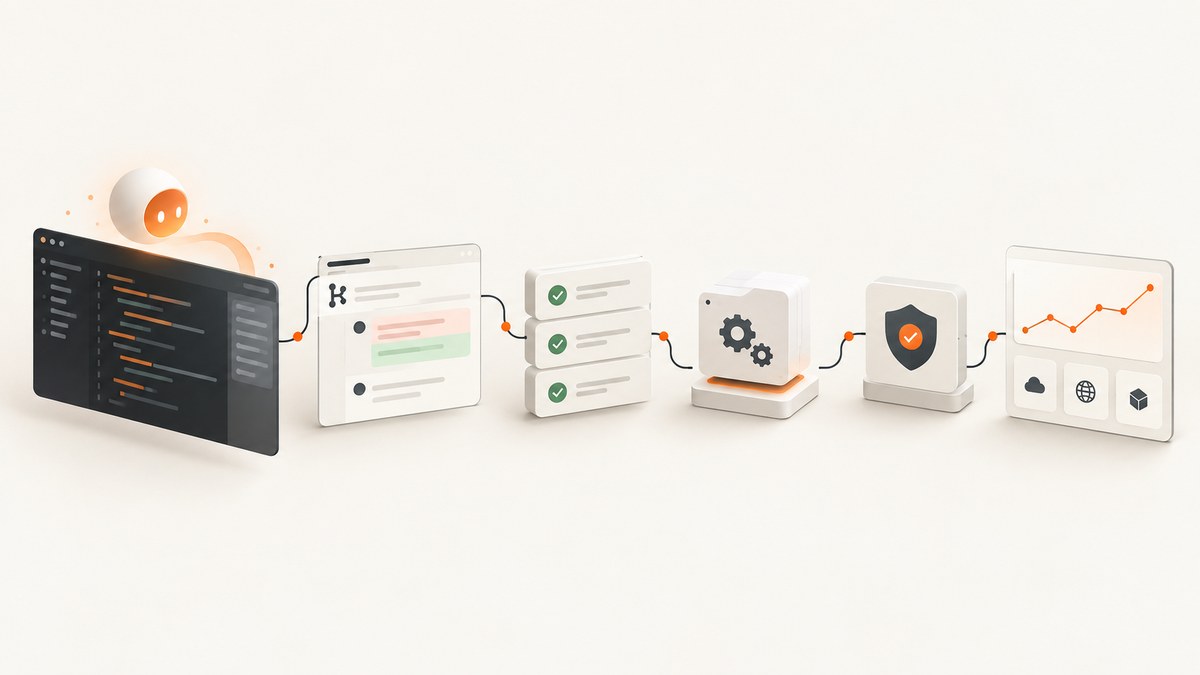
Developer productivity tools in 2026 are most useful when they remove repetitive work without weakening review, testing, security, or delivery. AI coding assistants are now common: JetBrains’ January 2026 AI Pulse reports that 90% of professional developers regularly used at least one AI tool for coding and development, while 74% had adopted a specialized developer AI tool. Its 2025 ecosystem survey reported 85% regular AI use and 62% relying on an AI coding assistant, agent, or code editor. These are survey results with different samples and wording, not proof that one product improves every team’s output.
The best stack connects an editor or agent to source control, tests, CI/CD, code review, documentation, security checks, and team communication. Measure the whole workflow. A developer who generates a patch in half the time may still leave reviewers with more work or increase rework.
What counts as a developer productivity tool?
A productivity tool reduces the time, errors, or coordination cost of a recurring engineering task. The category includes more than AI autocomplete.
| Area | Examples | What to measure |
|---|---|---|
| Code creation | AI assistants, code editors, refactoring tools, templates | Time to first useful change, accepted suggestions, rework |
| Repository work | Search, dependency analysis, issue and pull request tools | Time to find context, handoff quality, review cycle time |
| Quality | Tests, linters, type checkers, static analysis, security scanners | Defects, escaped vulnerabilities, flaky checks |
| Delivery | CI/CD, release automation, feature flags, observability | Deployment frequency, lead time, rollback and recovery time |
| Communication | Docs, decision records, incident tools, team chat integrations | Blocked time, duplicated questions, onboarding time |
| Visual and browser automation | Screenshot APIs, PDF capture, visual regression services | Capture reliability, review effort, useful signal per run |
JetBrains reports that developers value collaboration and clarity alongside technical factors, and 66% said current metrics did not reflect their true contributions. That is a warning against optimizing a single number such as lines changed, accepted completions, or tickets closed.
AI coding assistants and editors
AI tools are strongest on bounded, repetitive tasks: boilerplate, searching for development information, code conversion, comments and documentation, and change summaries. JetBrains’ 2025 survey found that nearly nine in ten respondents saved at least an hour per week, while one in five reported saving eight hours or more. Those are self-reported benefits, not controlled measurements.
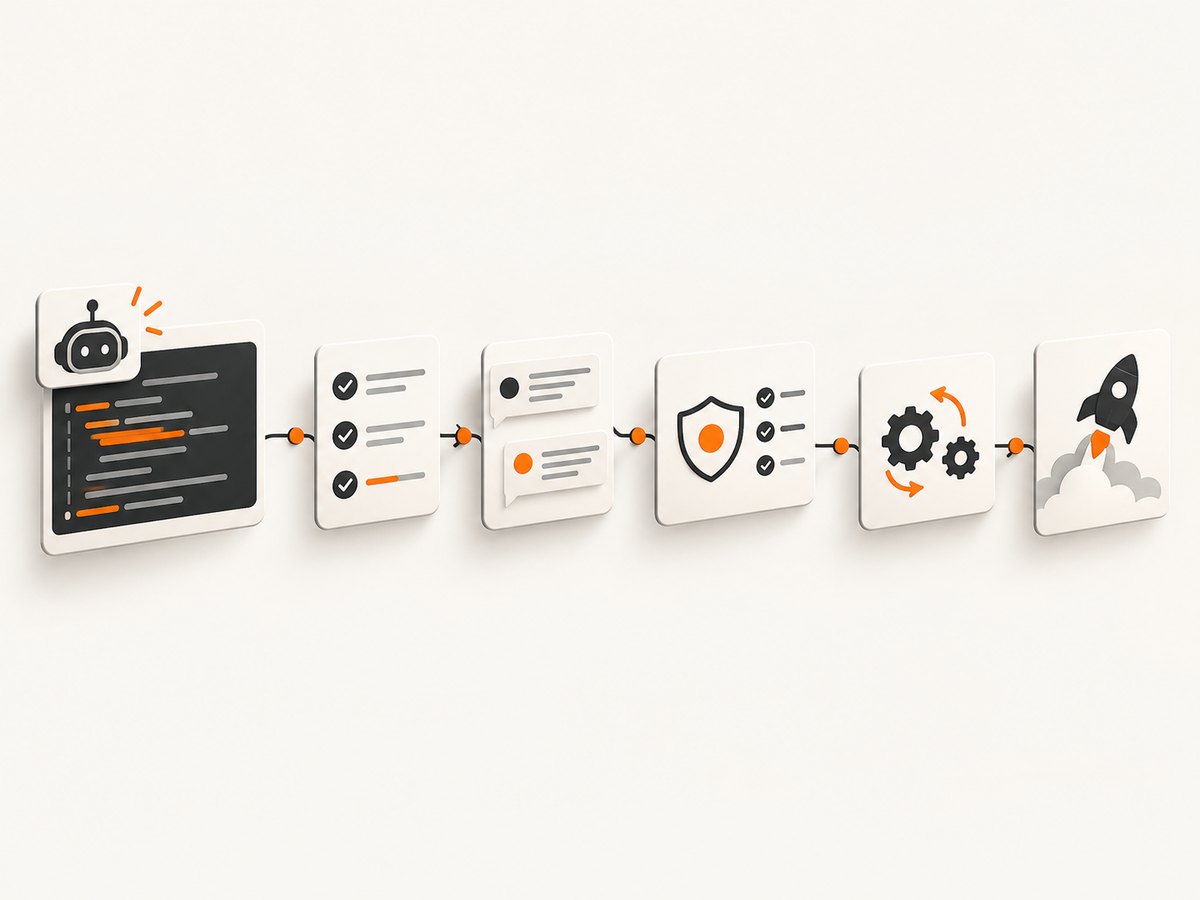
The named products in the cited surveys include GitHub Copilot, Cursor, Claude Code, JetBrains AI Assistant and Junie, OpenAI Codex, Google Antigravity, ChatGPT, Gemini, and Amazon Q Developer. Treat adoption as evidence that people use a product, not as a quality ranking. JetBrains’ January 2026 figures reported GitHub Copilot at 29% of developers using it at work, with Cursor and Claude Code at 18% each.
Good tasks for an assistant
- Generate a first draft of a repetitive adapter, test fixture, or migration.
- Explain unfamiliar code and identify likely call sites.
- Convert a function between languages or frameworks, followed by tests.
- Draft documentation, release notes, or a pull request summary from a reviewed diff.
- Suggest test cases for boundary conditions and failure paths.
Tasks that need tighter controls
- Authentication, authorization, cryptography, payment flows, and destructive database operations.
- Changes that depend on undocumented business rules or cross-service invariants.
- Large autonomous edits without a small diff, tests, and a human owner.
- Code containing secrets, regulated data, or material subject to contractual restrictions.
Ask the assistant to state assumptions, reference the files it used, and propose tests. Keep the generated change small enough for a reviewer to understand. Require the same checks for AI-authored code as for human-authored code.
Why faster code generation can slow delivery
GitLab’s 2026 survey found that 79% agreed individual productivity had improved while delivery had not accelerated at the same pace. Eighty-five percent agreed the bottleneck had shifted from writing code to reviewing and validating it. The result is survey evidence, not a universal causal law, but it describes a common failure mode: the team increases the supply of changes while review, test execution, security analysis, and release coordination remain fixed.
Build a feedback loop around every assistant:
- Define the task and acceptance criteria before prompting.
- Generate a narrow change with a visible diff.
- Run formatter, type checks, unit tests, integration tests, and security checks.
- Have a human review behavior, failure handling, data access, and maintainability.
- Record why the change was accepted, revised, or rejected.
GitLab also reported that 43% of organizations could not reliably distinguish AI-generated from human-written code, and 82% said AI-generated code could create technical debt they were not prepared to manage. Provenance does not need to become a bureaucratic label on every line, but teams should retain prompts or task context when it matters for incident investigation, licensing review, or regulated work.
How to choose tools for a team
Start with a recurring bottleneck and baseline it for a short period. Compare one tool with the existing workflow using the same repository, language, review policy, and security constraints.
| Decision axis | Questions to ask |
|---|---|
| Task and language fit | Does it handle your languages, frameworks, tests, infrastructure, and documentation? |
| Context quality | Can it use repository context accurately, and how much manual setup is required? |
| Autonomy | Can users limit file access, commands, network calls, and write permissions? |
| Review checkpoints | Are diffs, plans, logs, and approvals visible before changes land? |
| Privacy and security | What data is retained, used for training, encrypted, or available to administrators? |
| Traceability | Can you investigate who requested, reviewed, approved, and deployed a change? |
| Integration | Does it fit your IDE, terminal, repository, issue tracker, CI, and incident process? |
| Cost | What are subscription, usage, administration, and deployment costs at your actual scale? |
| Outcomes | Does it reduce review time and defects while preserving delivery reliability and developer experience? |
Sonar’s 2026 survey found teams used an average of four AI tools. Tool sprawl creates duplicated subscriptions, inconsistent controls, and unclear ownership. Prefer a small approved set with documented use cases over letting every team invent its own policy.
Visual checks and browser automation
Screenshot and PDF automation can remove manual browser work from visual regression, documentation, accessibility review, and release checks. A do-it-yourself approach gives maximum control but requires browser installation, sandboxing, waiting logic, cookie handling, retries, and storage.
DIY capture with Playwright
import { chromium } from 'playwright';

const browser = await chromium.launch();
const page = await browser.newPage({ viewport: { width: 1440, height: 900 }, deviceScaleFactor: 1 });
await page.goto('https://example.com', { waitUntil: 'networkidle' });
await page.screenshot({ path: 'shot.png', fullPage: true });
await browser.close();
For production, add a timeout, retry policy, a known user agent, explicit handling for consent dialogs, and a way to classify bot checks, blank pages, failed loads, and genuine captures. Keep browser versions pinned and monitor memory when running many pages concurrently.
Or skip the browser setup
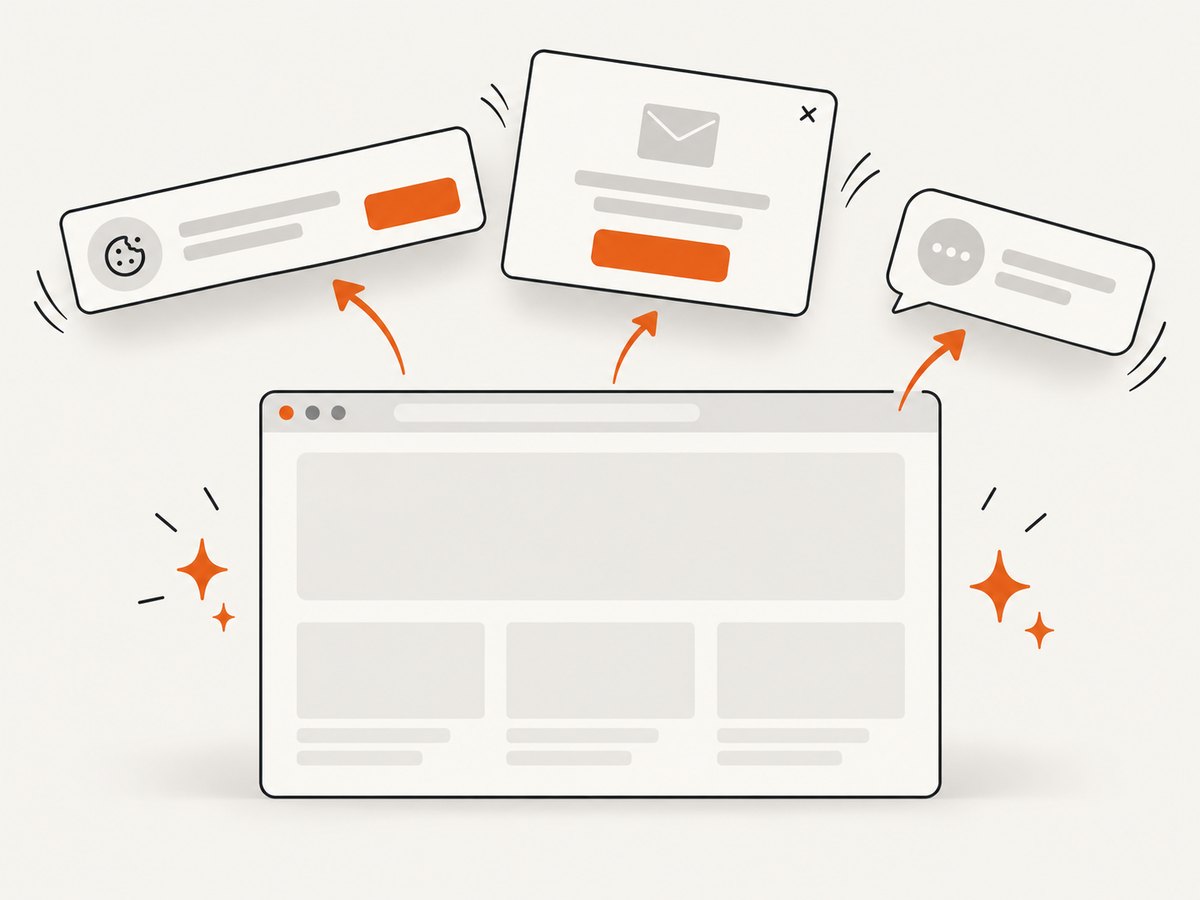
ScreenshotNeo provides a website screenshot API and MCP server. One GET request returns PNG, JPEG, WebP, or PDF. Before capture it accepts cookie and consent banners as a visitor and removes more than 60 known consent platforms, newsletter popups, and chat widgets; each step can be disabled. Bot checks, CAPTCHAs, blank pages, timeouts, failed loads, and cache hits cost nothing, and response headers identify the page verdict and whether the request was billed.
See the ScreenshotNeo API documentation for the complete option list. The basic calls are:
cURL
curl -G "https://api.screenshotneo.com/v1/shot" -d access_key=YOUR_API_KEY --data-urlencode url=https://stripe.com -o shot.webpPython
import requests
r = requests.get("https://api.screenshotneo.com/v1/shot", params={"access_key": "YOUR_API_KEY", "url": "https://stripe.com"}, timeout=90)
open("shot.webp", "wb").write(r.content)
Node.js
const q = new URLSearchParams({ access_key: 'YOUR_API_KEY', url: 'https://stripe.com' });
const res = await fetch(`https://api.screenshotneo.com/v1/shot?${q}`);
Relevant options include full-page capture with lazy images loaded, CSS element capture, dark mode, 12 device presets or any viewport, retina scale, PDF paper size, margins, landscape mode and page ranges, HTML/CSS rendering, custom CSS and JavaScript, clicks before capture, hidden selectors, waits for a selector, delay or network idle, blocked ads, trackers, requests or resource types, custom headers, cookies, user agent and Authorization, timezone, geolocation, transparent backgrounds, resizing, selectable cache TTL, signed links for public image tags, asynchronous jobs with signed webhooks, bulk capture of up to 100 URLs per call, usage reporting, and an OpenAPI specification. Parameter names used by other screenshot APIs also work, which can simplify migration.
ScreenshotNeo also includes an MCP server with take_screenshot, get_page_info, and capture_pdf tools for Claude, Cursor, and other MCP clients. Plans include 1,000 shots per month free with no card; paid plans start at $5 for 3,000 shots. Higher plans are $15 for 15,000, $39 for 60,000, $99 for 250,000, and $249 for 1,000,000; yearly billing provides two months free, and every feature is available on every plan.
Create a free ScreenshotNeo account to get 1,000 screenshots each month with no card.
Performance, reliability, and cost practices
- Measure useful work: Track review time, rework, defects, flaky checks, lead time, and developer experience beside coding time.
- Control concurrency: Limit parallel agents and browser captures so CI workers, databases, and rate limits remain healthy.
- Cache safely: Cache immutable documentation and visual assets, but use a deliberate TTL for pages that change frequently.
- Retry selectively: Retry transient network failures with backoff; do not blindly retry authentication failures, bot checks, or deterministic rendering errors.
- Keep artifacts: Store prompts, diffs, test results, screenshots, verdict headers, and deployment metadata when they support debugging.
- Budget by workflow: Estimate calls per pull request, branch, release, and scheduled job. Separate successful captures from failed or cached requests.
For AI tools, compare the subscription and usage bill with the downstream cost of review, corrections, incidents, and context switching. A cheaper assistant is not cheaper if it increases validation work.
Troubleshooting checklist
| Symptom | Likely cause | Fix |
|---|---|---|
| Suggestions are generic or wrong | Insufficient repository context or ambiguous task | Provide relevant files, constraints, examples, and acceptance tests; request a plan first. |
| Generated code passes simple tests but fails in production | Missing edge cases, permissions, or integration assumptions | Add failure-path tests, contract tests, security review, and staged rollout. |
| Review queue grows | Code generation outpaced reviewer capacity | Reduce change size, set work-in-progress limits, and measure review age. |
| Screenshot is blank | Page failed, timed out, or required a blocked resource | Inspect the response verdict, wait for a selector or network idle, and verify the URL independently. |
| Consent banner or chat widget appears | Dismissal was disabled or the platform is not recognized | Enable consent and popup removal, add a hide selector, or provide custom JavaScript. |
| Capture differs between runs | Animations, fonts, ads, time zone, or responsive viewport changed | Set viewport, device scale, timezone, user agent, waits, blocked resources, and a stable cache policy. |
| API call returns an authorization error | Missing or invalid access key or header | Check the key, endpoint, URL encoding, and server-side secret configuration; never expose keys in browser code. |
| Costs are higher than expected | Duplicate jobs, low cache reuse, or excessive polling | Use a chosen TTL, asynchronous jobs and webhooks, bulk capture, and usage reporting. |
FAQ
Are AI coding assistants worth using in 2026?
They can be worthwhile for bounded repetitive work, especially when tests and review are already strong. Run a controlled comparison against your current workflow instead of assuming adoption equals benefit.
Should a team standardize on one AI tool?
Usually standardize approved controls and supported workflows first. A small set of tools may fit different languages or tasks, but every additional tool adds administration and governance work.
How do we prove productivity improved?
Use a baseline and track time saved alongside rework, defects, review burden, delivery reliability, and developer experience. Keep individual satisfaction separate from team throughput.
Is a screenshot API better than running Playwright?
Playwright offers low-level control when you can operate browsers yourself. An API is simpler when you need repeatable capture, consent handling, verdicts, billing visibility, bulk jobs, or agent access.
What should leaders read about delivery measurement?
Accelerate by Nicole Forsgren, Jez Humble, and Gene Kim is a useful book on measuring software delivery performance and investing in the capabilities that improve it. Verify current edition and purchasing details before publication.
A practical 30-day rollout
- Week 1: Pick one bottleneck, document the current workflow, and capture baseline review, defect, and delivery measures.
- Week 2: Pilot one assistant or automation tool on a bounded task with approved data-handling rules.
- Week 3: Add required tests, review checkpoints, logs, ownership, and rollback procedures.
- Week 4: Compare results with the baseline, interview users and reviewers, calculate total cost, and decide whether to expand, change, or stop.
The durable advantage comes from connecting tools to a reliable engineering system. Faster drafting helps only when the organization can validate, integrate, release, and learn from the changes it creates.


