How to Use Chrome DevTools Copy as Fetch with Selenium Wire and Python
Copy a browser request as Fetch, translate it to Python, and capture live traffic with Selenium Wire when cookies or tokens change.
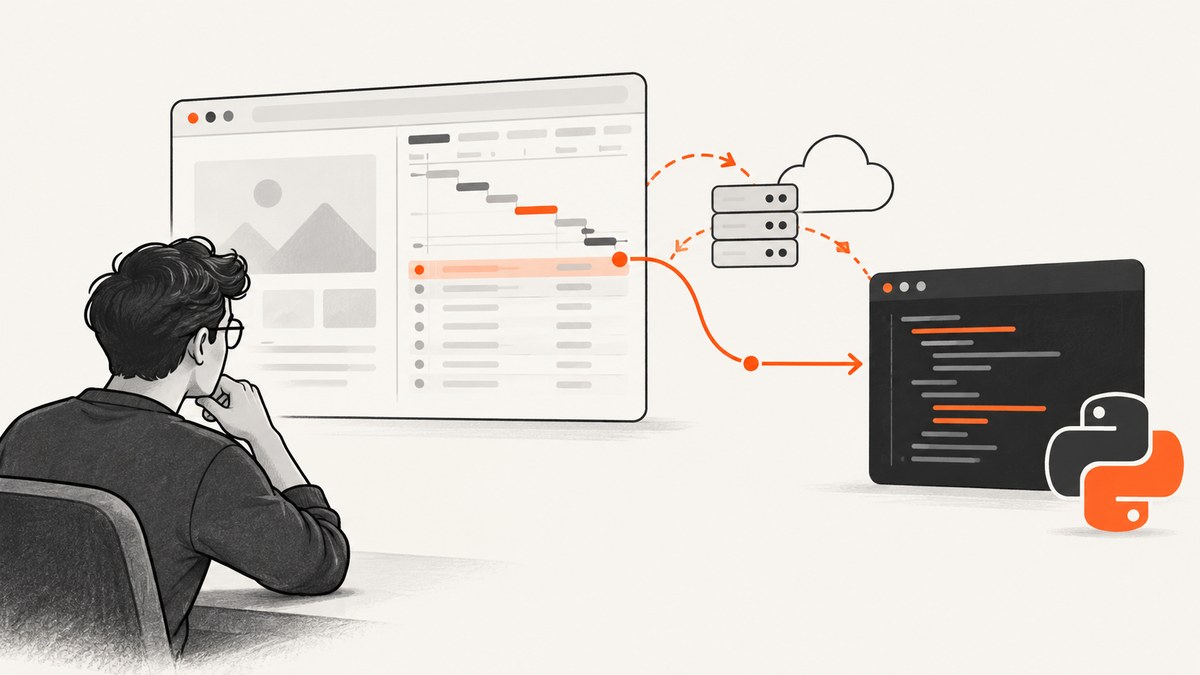
Direct answer: In Chrome DevTools, open Network, reproduce the action, right-click the request, then choose Copy > Copy as Fetch. Chrome copies browser JavaScript that describes the request; it does not convert the request into Python. Translate the URL, method, headers, query string, and body into requests or another HTTP client. If the request depends on changing cookies, tokens, redirects, or page interactions, use Selenium Wire to capture the request emitted by a real Selenium-controlled browser.
Use this workflow only with sites and accounts you are authorized to automate. A copied request can contain session cookies and authorization tokens; treat the clipboard output and captured traffic as secrets.
1. Copy a request as Fetch in Chrome
- Open the page in Chrome and press Ctrl+Shift+I (or Cmd+Option+I on macOS).
- Select the Network panel. Enable the request-preserving options you need, then perform the click, form submission, or page action that creates the request.
- Find the request by URL, method, status, or resource type. Select it and inspect its Headers, Payload, Cookies, and Response tabs.
- Right-click the request and choose Copy > Copy as Fetch. Chrome describes this as copying the
fetch()-equivalent code for the request to your clipboard (Chrome for Developers).
The copied snippet is a record of what the browser sent at that moment. Read it for:
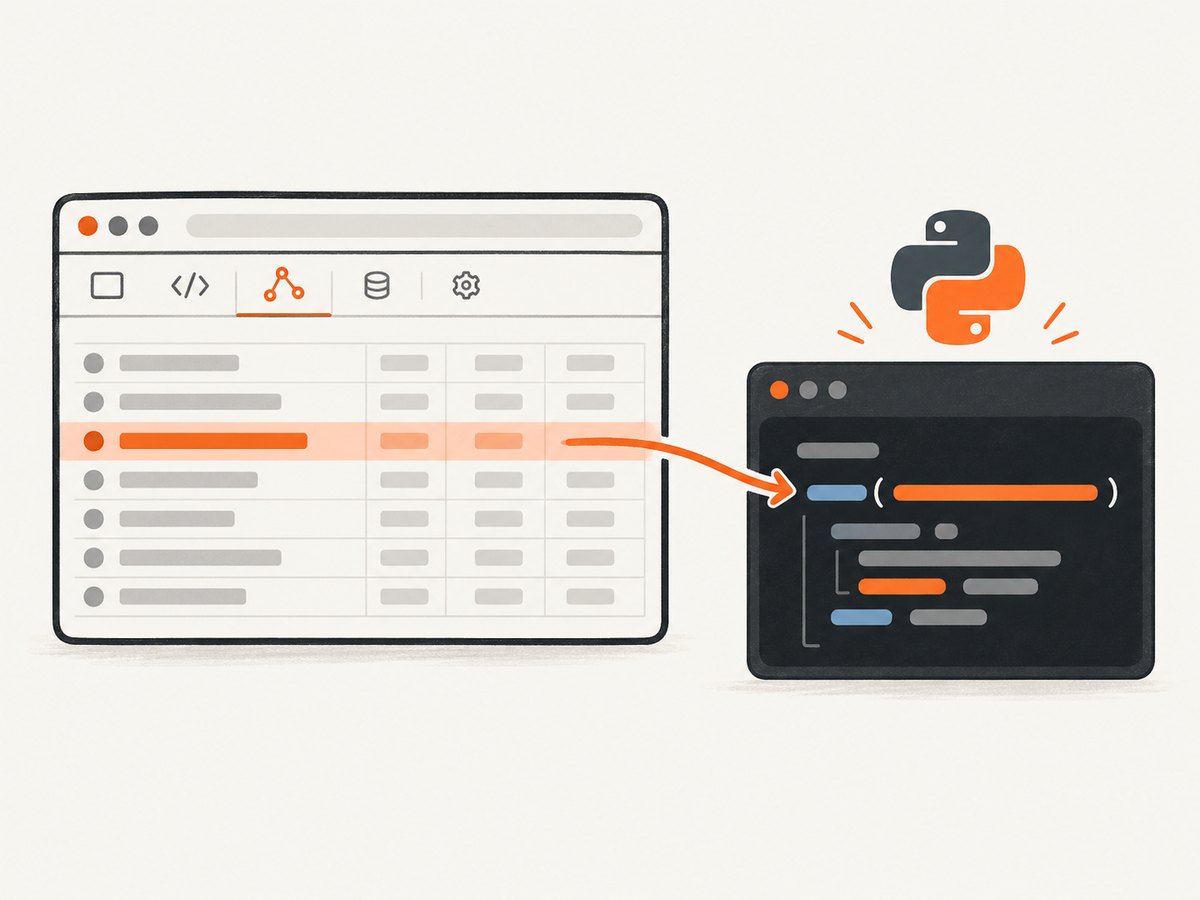
| Fetch field | Python equivalent | What to check |
|---|---|---|
| URL and query string | requests.get(url, params=...) |
Preserve encoding and repeated parameters. |
method |
requests.request(method, ...) |
GET, POST, PUT, PATCH, or DELETE changes body and retry behavior. |
headers |
headers={...} |
Keep only meaningful headers; remove stale browser-only values. |
body |
json=... or data=... |
Match JSON, form, multipart, or raw bytes exactly. |
| cookies | cookies={...} or a Session |
Cookies may expire or be bound to a session. |
credentials |
Explicit cookies or an authenticated session | It does not magically recreate browser state in Python. |
Do not paste the Fetch snippet into a Python file and expect it to run. Browser globals, JavaScript promises, and options such as mode or referrerPolicy have no direct Python syntax or may be enforced differently outside a browser.
2. Translate Copy as Fetch into Python
For a stable endpoint, start with a small, explicit request. Keep a timeout, inspect the status, and parse the response according to its content type.
import requests

url = "https://example.com/api/items"
params = {"page": "1"}
headers = {
    "Accept": "application/json",
    "Content-Type": "application/json",
    "User-Agent": "my-authorized-client/1.0",
}
payload = {"filter": "active"}

response = requests.post(
    url,
    params=params,
    headers=headers,
    json=payload,
    timeout=(10, 60),
)
response.raise_for_status()
print(response.json())
Choose json, data, or no body
- Use
json=payloadfor an API that expects JSON. Requests sets the JSON encoding and content type. - Use
data={...}for URL-encoded form fields. - Use a string or bytes with
data=...when the copied body is raw text or binary. - For multipart uploads, use
files=...rather than copying a browser-generated multipart boundary.
Preserve cookies with a session
import requests

session = requests.Session()
session.headers.update({"Accept": "application/json"})
session.cookies.update({"session_id": "REPLACE_WITH_AUTHORIZED_VALUE"})

response = session.get(
    "https://example.com/api/profile",
    timeout=(10, 60),
    allow_redirects=True,
)
response.raise_for_status()
print(response.text)
Hard-coded cookies and CSRF tokens commonly become invalid. If the page creates them during login or navigation, capture the live browser request instead of freezing the copied values.
3. Capture the live request with Selenium Wire
Selenium Wire records requests and responses from a Selenium-controlled browser and supports interceptors that can edit traffic as it passes through (Selenium Wire documentation). Install it with Selenium and a browser driver available to your environment:
python -m pip install selenium selenium-wirefrom seleniumwire import webdriver
from selenium.webdriver.common.by import By
from selenium.webdriver.chrome.options import Options
import json
options = Options()
options.add_argument("--headless=new")
options.add_argument("--window-size=1440,1000")
seleniumwire_options = {
# Capture only matching requests in the request store.
"ignore_http_methods": [],
"request_storage": "memory",
}
driver = webdriver.Chrome(
options=options,
seleniumwire_options=seleniumwire_options,
)
try:
driver.get("https://example.com/dashboard")
driver.find_element(By.CSS_SELECTOR, "button.load-items").click()
# Wait for a request by polling the captured list.
target = None
for request in driver.requests:
if request.method == "GET" and "/api/items" in request.url:
target = request
break
if target is None:
raise RuntimeError("The expected API request was not captured")
print("Method:", target.method)
print("URL:", target.url)
print("Headers:", dict(target.headers))
if target.body:
print("Body:", target.body.decode("utf-8", errors="replace"))
if target.response:
print("Status:", target.response.status_code)
print("Response headers:", dict(target.response.headers))
print("Response body:", target.response.body[:500])
finally:
driver.quit()Attach an interceptor before the browser action that emits the request. A URL scope reduces what Selenium Wire stores; requests outside the scope still pass through the proxy but are not captured (capture scope documentation).
from seleniumwire import webdriver
from selenium.webdriver.chrome.options import Options

options = Options()
options.add_argument("--headless=new")

wire_options = {
    "scopes": [r".*example\.com/api/items.*"],
}

def request_interceptor(request):
    if request.url.startswith("https://example.com/api/items"):
        # Delete first: Selenium Wire permits duplicate header names.
        if "X-Client-Version" in request.headers:
            del request.headers["X-Client-Version"]
        request.headers["X-Client-Version"] = "automation-1.0"


driver = webdriver.Chrome(options=options, seleniumwire_options=wire_options)
driver.request_interceptor = request_interceptor
try:
    driver.get("https://example.com/dashboard")
    # Perform the authorized action that creates the request here.
finally:
    driver.quit()
Deleting a header before replacing it matters: assigning a new value can leave duplicate header names, which some servers reject or interpret unpredictably.
4. Turn a captured request into a reusable Python call
Once you have inspected the live request, copy only the fields your endpoint actually needs. Avoid replaying volatile browser headers such as sec-ch-ua, sec-fetch-site, or an expired cookie unless the server explicitly requires them.
import json
import requests

# Values copied from an authorized, current Selenium Wire request.
request_url = "https://example.com/api/items?page=1"
request_headers = {
    "Accept": "application/json",
    "Authorization": "Bearer REPLACE_WITH_SHORT_LIVED_TOKEN",
}

response = requests.get(
    request_url,
    headers=request_headers,
    timeout=(10, 60),
)
print(response.status_code)
print(response.text)
response.raise_for_status()
5. Decide between direct HTTP and browser capture
| Approach | Best when | Trade-off |
|---|---|---|
Translated requests call |
The URL, payload, and authentication fields are known and stable. | Fast and simple, but you must manage tokens, cookies, redirects, and anti-automation requirements. |
| Selenium Wire capture | The request depends on clicks, browser cookies, generated tokens, or page JavaScript. | More faithful to the browser, but slower and heavier because a browser must run. |
| Interceptor | You need to inspect or change traffic before it reaches the server. | Powerful, but header and body edits can change application behavior. |
This is a design choice based on browser fidelity, simplicity, and state handling. Neither method guarantees that a particular website will accept a replayed request.
6. Timing, waits, and reliable capture
- Install the interceptor before navigation or clicking the control that triggers the request.
- Use an explicit wait for a DOM condition or poll captured requests with a deadline instead of sleeping for a fixed, arbitrary duration.
- Match method and URL path, not just a broad substring; pages often send several similar requests.
- Record status, response headers, and a bounded response sample. Do not log authorization headers, cookies, or full personal data.
- Clear or recreate the driver between independent authenticated sessions.
- Use a narrow Selenium Wire scope when pages generate many assets. This lowers memory use while preserving browser behavior.
7. Common errors and fixes
| Error or symptom | Likely cause | Fix |
|---|---|---|
SyntaxError after pasting Copy as Fetch |
The clipboard contains JavaScript, not Python. | Translate the method, URL, headers, body, and cookies into requests. |
| 401 or 403 from Python | Expired cookies, a missing CSRF token, a short-lived authorization token, or server-side checks. | Capture a fresh request after authorized login; compare required headers and payload fields. |
Request never appears in driver.requests |
The action ran before capture setup, the URL scope excluded it, or the URL matcher is wrong. | Set the interceptor and scope before the action; temporarily remove the scope and print all matching URLs. |
| Duplicate header behavior | An existing header was assigned without deletion. | Delete the old header key, then assign the replacement. |
| Empty or unexpected response | Redirects, content negotiation, compression, or a different request than the visible page action. | Inspect response status, final URL, headers, and body; verify the exact request in DevTools. |
| Timeout or hanging browser | The page waits on third-party resources or the script has no upper bound. | Set browser and HTTP timeouts, narrow capture scope, and wait for a specific request or selector. |
| Works in Chrome but not headless mode | Viewport, timing, permissions, or bot checks differ. | Set an explicit window size, wait for the same condition, and compare captured requests before changing headers. |
8. CDP and WebDriver BiDi considerations
Selenium documents its Chrome DevTools Protocol (CDP) methods as a transitional direction: CDP support is expected to move toward WebDriver BiDi as BiDi implementations mature (Selenium CDP documentation). The cited documentation does not provide a removal date. Check the Selenium version documentation before building new code around a CDP-specific API.
At the protocol level, the CDP Fetch domain pauses matching requests until the client continues, fails, or fulfills them; continuing can override the URL, method, post data, or headers (Chrome DevTools Protocol Fetch). That protocol detail is separate from Selenium Wire’s capture and interceptor API.
9. Or skip the browser setup
If your goal is a clean screenshot rather than replaying an application request, ScreenshotNeo makes one authenticated GET request and returns a PNG, JPEG, WebP, or PDF. Its API can wait for a selector, delay, or network idle, set headers and cookies, run custom JavaScript, choose a viewport or device preset, capture one CSS element or a full page, and apply dark mode or a retina scale.
curl -G "https://api.screenshotneo.com/v1/shot" -d access_key=YOUR_API_KEY --data-urlencode url=https://stripe.com -o shot.webpimport requests
r = requests.get("https://api.screenshotneo.com/v1/shot", params={"access_key": "YOUR_API_KEY", "url": "https://stripe.com"}, timeout=90)
open("shot.webp", "wb").write(r.content)const q = new URLSearchParams({ access_key: 'YOUR_API_KEY', url: 'https://stripe.com' });
const res = await fetch(`https://api.screenshotneo.com/v1/shot?${q}`);See the ScreenshotNeo API documentation for the complete option list. Cookie and consent banners are accepted and removed before capture, along with more than 60 known consent platforms, newsletter popups, and chat widgets. Bot checks, blank pages, timeouts, failed loads, and cache hits are not billed; response headers report the page verdict and whether the request was billed. An MCP server provides take_screenshot, get_page_info, and capture_pdf tools for Claude, Cursor, and other MCP clients. The Free plan includes 1,000 screenshots each month with no card; paid plans start at $5 for 3,000 shots.
Create a free ScreenshotNeo account and get 1,000 screenshots a month with no card.
10. Performance, reliability, and cost
- Direct HTTP: usually has the least startup overhead. Reuse a
requests.Session, set connection and read timeouts, and retry only idempotent operations or requests with an idempotency key. - Selenium Wire: includes browser startup, page rendering, JavaScript execution, and proxy capture. Reuse a driver only when session isolation is acceptable; otherwise create fresh sessions.
- Capture storage: broad scopes and large response bodies consume memory. Scope URLs and keep logs bounded.
- Reliability: dynamic tokens, redirects, cookies, CORS behavior, and server-side checks can change independently of the copied snippet. Compare a fresh browser request with the Python replay when diagnosing drift.
- Cost: the Python and Selenium libraries are open-source software, but browser compute, CI minutes, proxies, and the target service’s limits may still cost money. ScreenshotNeo bills only clean shots; failed loads and cache hits are free.
FAQ
Does Copy as Fetch create Python code?
No. It creates Fetch-style browser JavaScript. Translate its request fields into Python.
Should I copy every header?
No. Start with authorization, content negotiation, content type, and application-specific headers. Add others only when a comparison with the live request shows they are required.
Can Selenium Wire modify a response too?
Yes. It exposes request and response objects and supports interceptors. Keep request capture and modification as separate steps so you can verify what the browser actually received.
Why does a copied request work once and then fail?
Cookies, CSRF values, authorization tokens, and server checks may be short-lived or tied to the original browser session. Capture fresh state or use the browser session directly.
Is Selenium CDP the same as Selenium Wire?
No. CDP is a browser debugging protocol interface; Selenium Wire is a capture and interception proxy integration. Their APIs and lifecycle are different.


