How to Disable Images and CSS in Puppeteer
Block image and stylesheet requests in Puppeteer with interception, while avoiding duplicate handlers and unexpected layout changes.
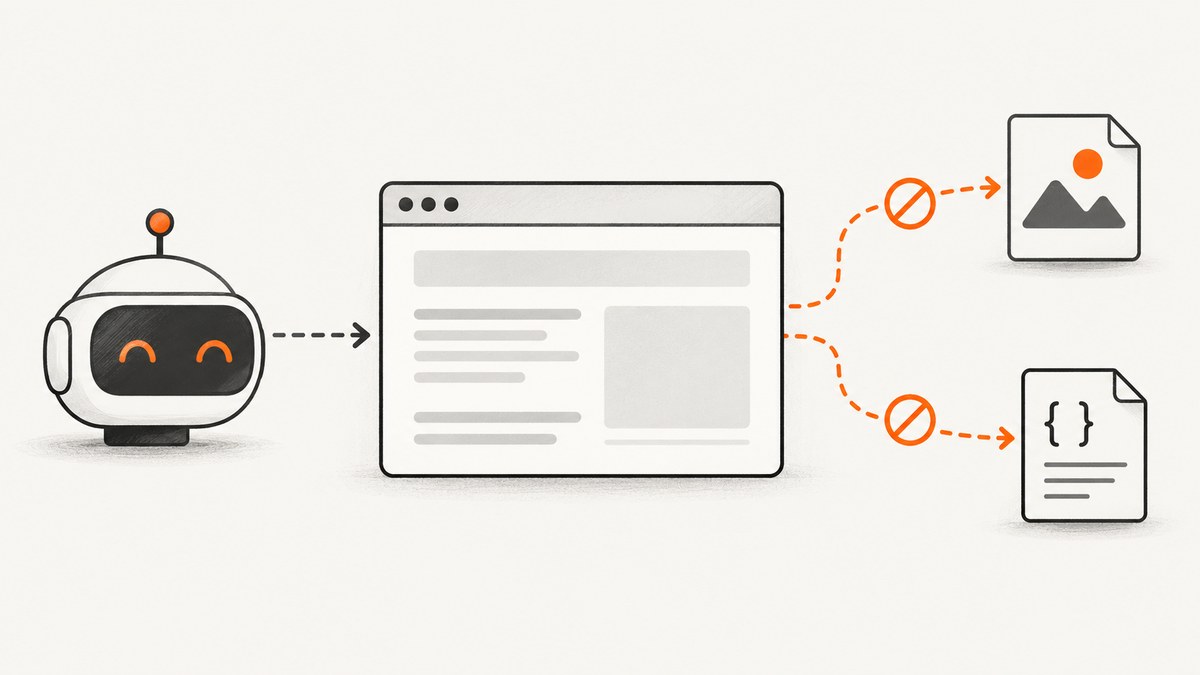
Enable request interception before navigation, then abort requests whose resourceType() is image or stylesheet. Continue every other request. This stops Puppeteer from downloading those resource classes while preserving documents, scripts, XHR, fetch calls, fonts, media, and other requests.
import puppeteer from 'puppeteer';

const browser = await puppeteer.launch();
const page = await browser.newPage();

await page.setRequestInterception(true);
page.on('request', request => {
  if (request.isInterceptResolutionHandled()) return;

  const blocked = ['image', 'stylesheet'];
  if (blocked.includes(request.resourceType())) {
    request.abort();
  } else {
    request.continue();
  }
});

await page.goto('https://example.com', { waitUntil: 'networkidle0' });
// ...work with the page...
await browser.close();
Puppeteer documents that once interception is enabled, every request stalls until it is continued, responded to, aborted, or completed from the browser cache. Install the listener before page.goto() so the initial document and its subresources are filtered. See the Puppeteer request-interception API.
What this changes
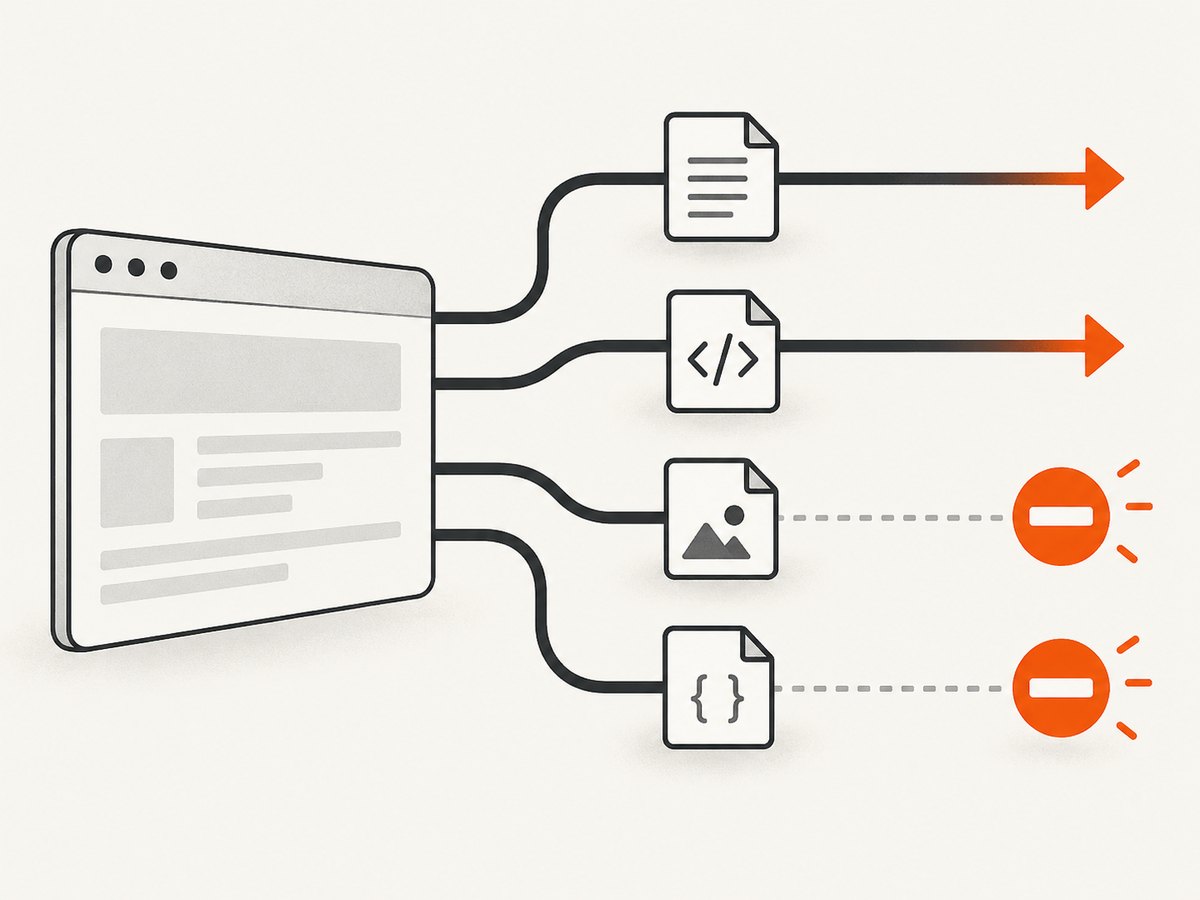
request.resourceType() returns Puppeteer’s lower-case classification for a request. Filtering by type is more complete than checking URL suffixes such as .png or .jpg: images may be served through query strings, redirects, data pipelines, or modern formats, while stylesheets may not end in .css.
- Images: raster images, SVG images, responsive image requests, and other requests classified as
imageare aborted. - Stylesheets: external CSS requests classified as
stylesheetare aborted. Inline<style>elements and style attributes are already in the document and are not network requests. - Everything else: documents, scripts, XHR, fetch, fonts, media, WebSockets, and other types continue unless you add them to the filter.
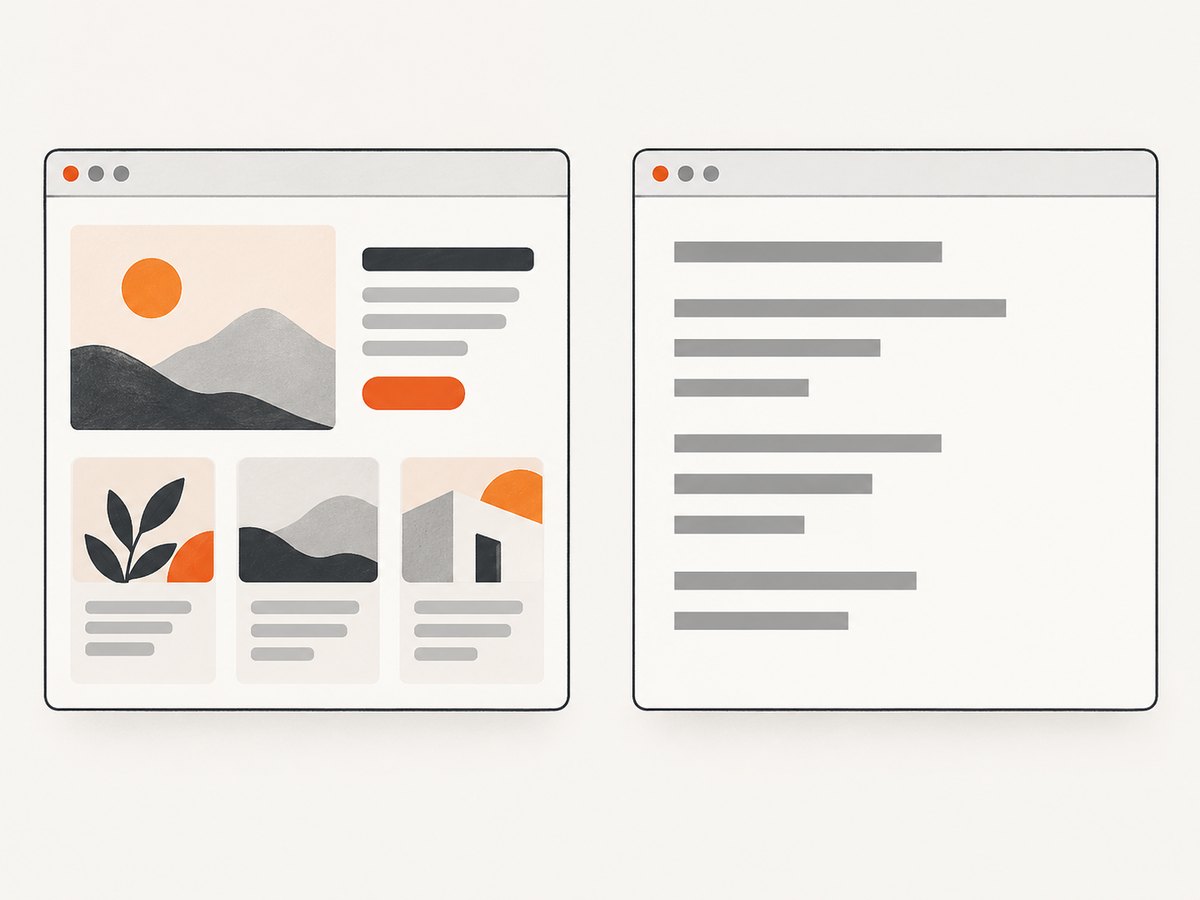
Blocking CSS changes layout, computed styles, typography, and visibility. Blocking images can also change layout when intrinsic image dimensions determine element size. Screenshots and PDFs therefore represent an intentionally unstyled or image-free page.
Complete setup
Install Puppeteer
npm install puppeteerRun a reusable capture script
import puppeteer from 'puppeteer';

async function openWithoutImagesOrCss(url) {
  const browser = await puppeteer.launch({ headless: true });
  try {
    const page = await browser.newPage();

    await page.setRequestInterception(true);
    page.on('request', request => {
      if (request.isInterceptResolutionHandled()) return;

      switch (request.resourceType()) {
        case 'image':
        case 'stylesheet':
          request.abort();
          break;
        default:
          request.continue();
      }
    });

    await page.goto(url, {
      waitUntil: 'networkidle0',
      timeout: 30_000
    });

    return await page.title();
  } finally {
    await browser.close();
  }
}

console.log(await openWithoutImagesOrCss('https://example.com'));
The try/finally ensures Chromium closes on navigation errors. Adjust the timeout and waitUntil condition for the target site.
Block only images
await page.setRequestInterception(true);
page.on('request', request => {
  if (request.isInterceptResolutionHandled()) return;
  request.resourceType() === 'image'
    ? request.abort()
    : request.continue();
});
This preserves CSS and usually keeps the page visually close to its normal state while removing image downloads.
Block only CSS
await page.setRequestInterception(true);
page.on('request', request => {
  if (request.isInterceptResolutionHandled()) return;
  request.resourceType() === 'stylesheet'
    ? request.abort()
    : request.continue();
});
This leaves images available but removes external stylesheets. Inline styles still apply.
Use a broader allowlist
If your task needs only the DOM and JavaScript data flows, an allowlist can remove fonts, media, and other supplemental resources as well:
const allowlist = new Set(['document', 'script', 'xhr', 'fetch']);

await page.setRequestInterception(true);
page.on('request', request => {
  if (request.isInterceptResolutionHandled()) return;
  if (!allowlist.has(request.resourceType())) {
    request.abort();
  } else {
    request.continue();
  }
});
Use this policy only when fonts, media, workers, preloads, WebSockets, and other non-DOM resources are unnecessary. Some applications depend on those resources for behavior, not just appearance.
Request interception rules
- Call
page.setRequestInterception(true)before navigation or any action that triggers requests. - Resolve every intercepted request exactly once with
abort(),continue(), orrespond(). - When multiple listeners or plugins may process requests, check
request.isInterceptResolutionHandled()first. - Keep the filter narrow until you understand the page’s dependencies.
Without a resolution path, a request remains stalled. If two handlers resolve the same request, Puppeteer can raise a “Request is already handled!” error.
Replace CSS instead of disabling it
Interception can also return a replacement response. This is useful when you want controlled styling rather than no external CSS:
await page.setRequestInterception(true);
page.on('request', request => {
  if (request.isInterceptResolutionHandled()) return;

  if (request.resourceType() === 'stylesheet') {
    request.respond({
      status: 200,
      contentType: 'text/css',
      body: 'body { background: white !important; color: black !important; }'
    });
    return;
  }

  request.continue();
});
Replacement CSS changes the page while retaining a stylesheet response. Keep the response status, content type, and body valid for the page you are automating.
Waiting and navigation
Aborting images and stylesheets does not automatically make a page reach an idle state. Analytics, polling, WebSockets, and long-running fetches can keep the network busy. Choose the wait condition that matches your task:
domcontentloadedfor work that needs the parsed document.loadwhen normal load handlers must run.networkidle0when the page should have no active network connections.networkidle2when a small number of connections can remain open.
await page.goto(url, {
  waitUntil: 'domcontentloaded',
  timeout: 30_000
});
await page.waitForSelector('#results', { timeout: 10_000 });
Effects on screenshots, PDFs, and tests
Use this technique when the objective is DOM extraction, script testing, request reduction, or intentionally degraded rendering. Do not use it for visual-regression baselines that must match a real visitor’s page.
- CSS removal can cause fallback fonts, unpositioned elements, changed dimensions, and altered responsive breakpoints.
- Image removal can collapse containers, change lazy-loading behavior, and remove content that is embedded in image pixels.
- Some pages insert dimensions only after images load; selectors and screenshots may therefore move.
- Canvas, CSS background images, and data URLs may not appear as ordinary image requests; inspect the resulting page when those assets matter.
Performance and reliability
Fewer downloads can reduce network work and transfer volume, but the improvement depends on the page. Measure the target workflow rather than applying a universal percentage. Compare navigation time, request count, transferred bytes, and the time until the selector you need is ready.
Aborting resources does not eliminate JavaScript execution, server-side delays, redirects, or API calls. A page with heavy scripts or polling may remain slow. For repeatable jobs, use a fixed viewport, explicit timeouts, a deterministic wait condition, and one interception policy per page.
Troubleshooting
| Symptom | Cause | Fix |
|---|---|---|
| Requests hang after enabling interception | A handler did not resolve every request. | Call continue(), abort(), or respond() on every path. |
| “Request is already handled!” | Two listeners or a plugin handled one request. | Return immediately when isInterceptResolutionHandled() is true and remove duplicate handlers. |
| The page looks unstyled | Stylesheets were intentionally aborted. | Remove stylesheet from the blocked set or use replacement CSS. |
| Content shifts or disappears | Images supplied intrinsic dimensions or content. | Allow image requests, wait for the relevant selector, or account for the changed layout. |
| Navigation times out | Wrong idle condition, polling, or a blocked dependency. | Try domcontentloaded, set a suitable timeout, and inspect request types. |
| Fonts or media are missing | An allowlist removed more than images and CSS. | Use the narrow two-type filter or add the required resource types to the allowlist. |
| URL checks miss images | The asset URL does not end in a familiar extension. | Filter using resourceType() rather than suffix matching. |
Debug which resources are being filtered
page.on('request', request => {
  if (request.isInterceptResolutionHandled()) return;
  const type = request.resourceType();
  console.log(type, request.method(), request.url());

  if (type === 'image' || type === 'stylesheet') {
    request.abort();
  } else {
    request.continue();
  }
});
Logging the type and URL helps identify fonts, media, preloads, API calls, and redirects that a broader policy might accidentally remove.
Or skip the browser setup
If your goal is a clean screenshot or PDF rather than custom Puppeteer control, ScreenshotNeo provides a website screenshot API and MCP server. One request returns PNG, JPEG, WebP, or PDF, with options for full-page capture, CSS selectors, dark mode, device presets, custom CSS and JavaScript, blocking rules, waits, headers, cookies, and more. See the ScreenshotNeo documentation.
curl -G "https://api.screenshotneo.com/v1/shot" -d access_key=YOUR_API_KEY --data-urlencode url=https://stripe.com -o shot.webpimport requests
r = requests.get(
"https://api.screenshotneo.com/v1/shot",
params={"access_key": "YOUR_API_KEY", "url": "https://stripe.com"},
timeout=90,
)
open("shot.webp", "wb").write(r.content)const q = new URLSearchParams({ access_key: 'YOUR_API_KEY', url: 'https://stripe.com' });
const res = await fetch(`https://api.screenshotneo.com/v1/shot?${q}`);Cookie banners, newsletter popups, and chat widgets are removed before the shot. Bot checks, blank pages, failed loads, timeouts, and cache hits are never billed, and response headers identify the page verdict and billing status. An MCP server lets Claude, Cursor, and other MCP clients take screenshots. The free plan includes 1,000 screenshots a month with no card; paid plans start at $5 for 3,000 shots.
Create a free ScreenshotNeo account and make your first 1,000 screenshots without a card.
FAQ
Does aborting a stylesheet remove inline CSS?
No. Interception affects network requests. Inline style elements and style attributes are already part of the document.
Can I block images after calling goto()?
You can intercept later requests, but requests already completed cannot be retroactively blocked. Register the handler before navigation.
Should I block fonts too?
Only when fallback fonts are acceptable. Fonts affect text metrics and can change layout, screenshots, and selector positions.
Is an allowlist always faster?
No. It may remove more work, but it can also break scripts or application behavior and cause retries. Start with the narrow image and stylesheet filter, then measure.
How do I keep normal screenshots while reducing asset traffic?
Do not block the resources needed for visual fidelity. Alternatively, use caching, a controlled replacement response, or ScreenshotNeo’s capture options for waits, blocking, and clean-page handling.


