How to Disable Screenshots and JavaScript in PhantomJS with Python Selenium
Disable PhantomJS page JavaScript before navigation, and understand why screenshot blocking depends on the driver version and capability negotiation.
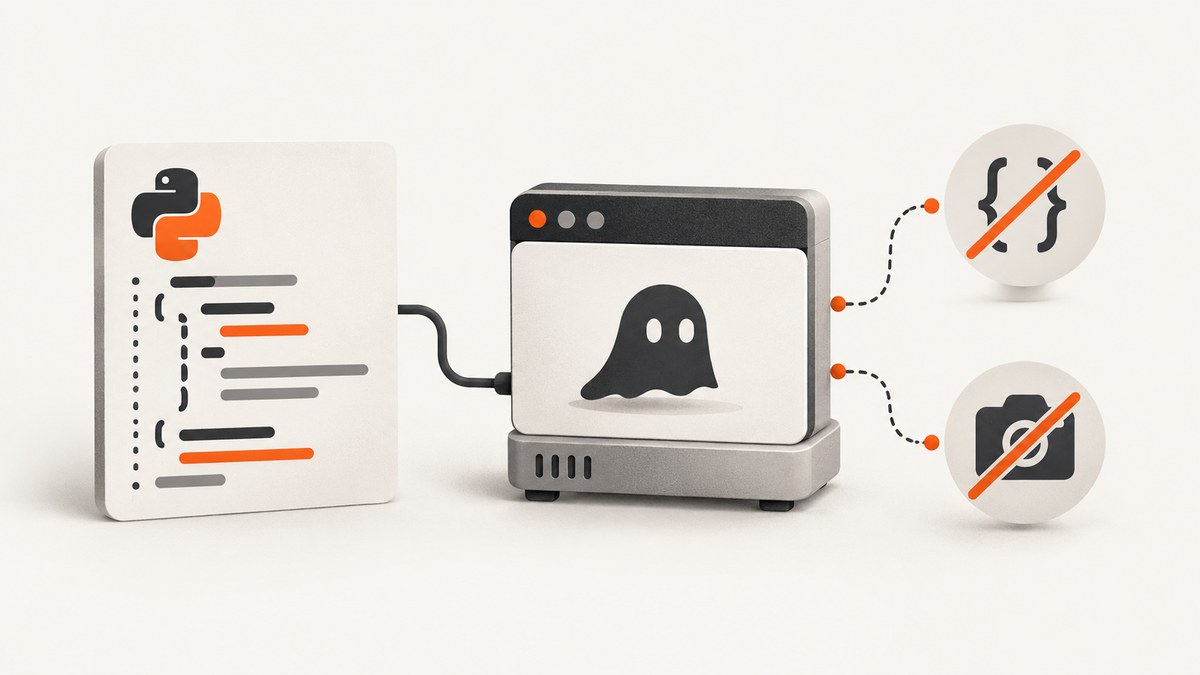
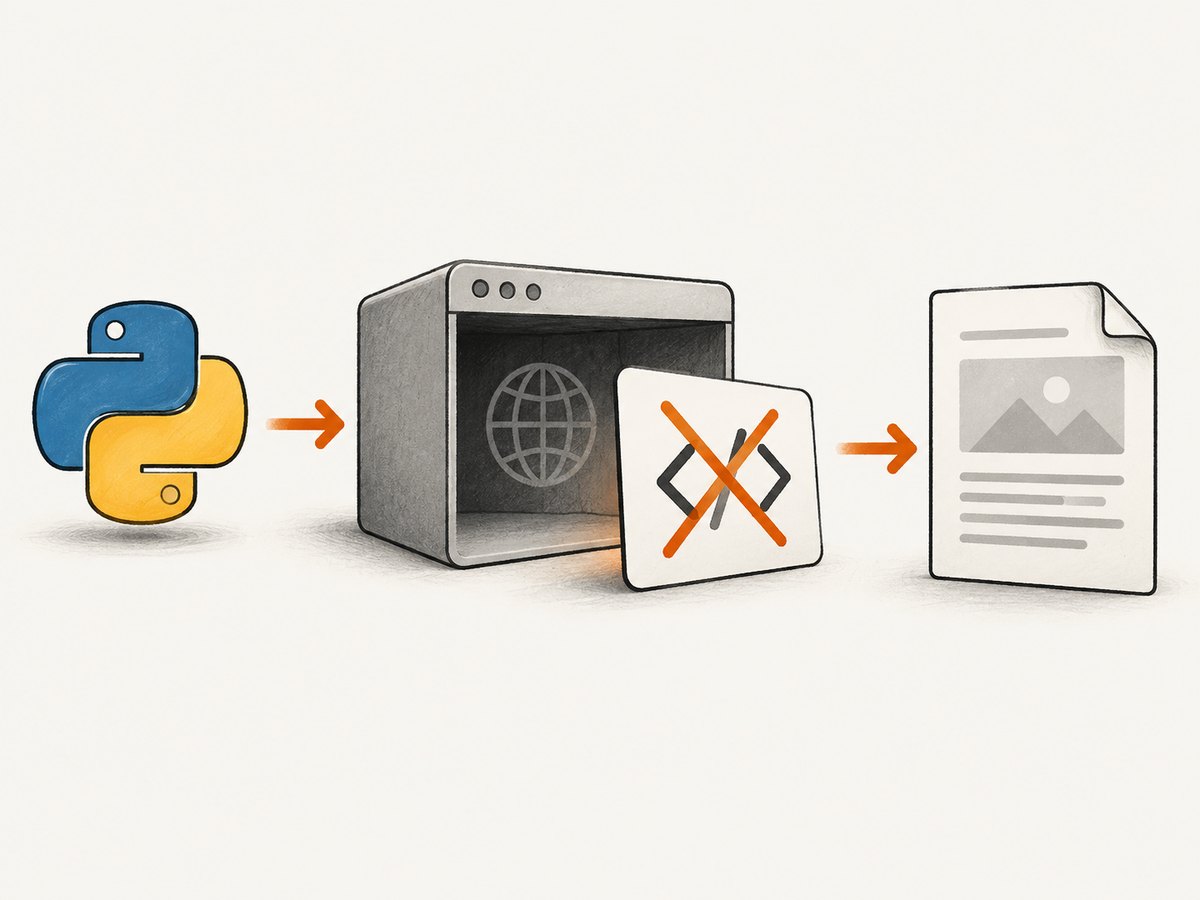
Direct answer: Set PhantomJS’s javascriptEnabled page setting to False in the desired capabilities before creating the driver and before the first navigation. GhostDriver maps PhantomJS WebPage settings through the phantomjs.page.settings.<setting> capability prefix. Disabling screenshots is separate: takesScreenshot is a WebDriver capability, and PhantomJS’s driver implements a screenshot command. Setting takesScreenshot to False is version-sensitive and is not a universal guarantee that every screenshot command is impossible.
PhantomJS is archived, so this is a maintenance solution for existing automation. For new systems, use a maintained browser or an API that handles capture directly.
1. Disable JavaScript before PhantomJS opens the page
PhantomJS documents javascriptEnabled as defaulting to true. The setting affects the initial page.open, so configure it before calling get().
from selenium import webdriver

caps = webdriver.DesiredCapabilities.PHANTOMJS.copy()
caps["phantomjs.page.settings.javascriptEnabled"] = False

driver = webdriver.PhantomJS(desired_capabilities=caps)
try:
    driver.get("https://example.com")
    print(driver.title)
finally:
    driver.quit()
The capability name is assembled from the documented GhostDriver prefix and the PhantomJS WebPage setting:
phantomjs.page.settings.javascriptEnabled = FalseDo not navigate first and then change the settings object. A later mutation does not change how that initial page load was opened.
Install the legacy dependencies
The constructor form above is the historical Python Selenium pattern. It may fail with current Selenium releases because PhantomJS support was removed from modern Selenium. Pin the Selenium version used by your existing project, or run this code in the same legacy environment as the application you are maintaining. The PhantomJS project and its repository are archived and read-only.
python -m pip install selenium
You also need the PhantomJS executable available to the driver. Keep the executable path and the Selenium, GhostDriver and PhantomJS versions together in your deployment documentation; capability negotiation is version-dependent.
2. What “disable screenshots” can and cannot mean
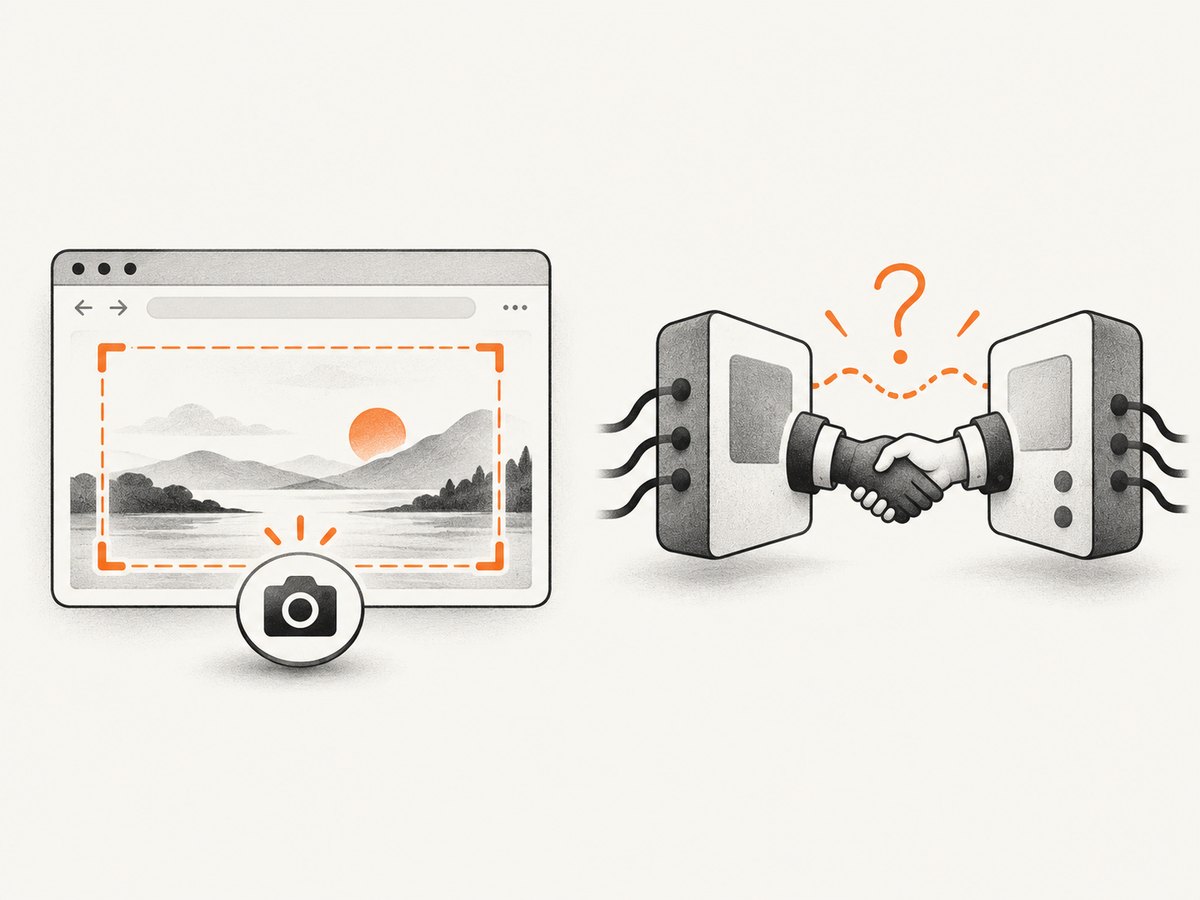
There are two different requirements:
| Requirement | Meaning | Practical control |
|---|---|---|
| Advertise that screenshots are unsupported | Tell WebDriver capability negotiation that capture is unavailable. | Set takesScreenshot to False, then verify your exact driver versions. |
| Prevent every screenshot operation | No caller can successfully invoke a screenshot command. | Do not expose a driver that has capture authority, or enforce the restriction in a tested wrapper/runtime. PhantomJS documentation does not define a universal page setting for this. |
A combined legacy configuration looks like this:
from selenium import webdriver

caps = webdriver.DesiredCapabilities.PHANTOMJS.copy()
caps["phantomjs.page.settings.javascriptEnabled"] = False
caps["takesScreenshot"] = False

driver = webdriver.PhantomJS(desired_capabilities=caps)
try:
    driver.get("https://example.com")
    print("JavaScript disabled; screenshot capability was requested as false")
finally:
    driver.quit()
Treat the second capability as an assertion to verify, not as a standards-level prohibition. A historical report involving Selenium 3.8.1, GhostDriver 1.2.0 and PhantomJS 2.1.1 describes screenshot and JavaScript capabilities being treated as mandatory during negotiation. That report applies to that particular combination, not every fork or version.
Check the negotiated capability
from selenium import webdriver

caps = webdriver.DesiredCapabilities.PHANTOMJS.copy()
caps["phantomjs.page.settings.javascriptEnabled"] = False
caps["takesScreenshot"] = False

driver = webdriver.PhantomJS(desired_capabilities=caps)
try:
    print(driver.capabilities)
finally:
    driver.quit()
If session creation fails, the server rejected or altered the requested capability. If the session starts but save_screenshot() still works, the driver is implementing the command despite the requested value. That is why a real prohibition must be enforced outside this unmaintained stack.
3. A complete Python example with a safe screenshot check
This example disables page JavaScript, requests screenshot support to be false, navigates once, and reports whether the command is still exposed. It does not claim that a successful session proves screenshots are impossible.
from pathlib import Path
from selenium import webdriver
from selenium.common.exceptions import WebDriverException

URL = "https://example.com"

caps = webdriver.DesiredCapabilities.PHANTOMJS.copy()
caps["phantomjs.page.settings.javascriptEnabled"] = False
caps["takesScreenshot"] = False

driver = webdriver.PhantomJS(desired_capabilities=caps)
try:
    driver.get(URL)
    print("title:", driver.title)
    print("negotiated takesScreenshot:", driver.capabilities.get("takesScreenshot"))

    try:
        output = Path("unexpected-shot.png")
        driver.save_screenshot(str(output))
        print("Screenshot command is still available:", output)
    except WebDriverException as exc:
        print("Screenshot command rejected by the driver:", exc)
finally:
    driver.quit()
Remove the screenshot probe in production if invoking the command itself violates your policy. The only reliable way to guarantee that no capture occurs is to control which code can access the driver and to enforce the restriction in the runtime or service boundary you operate.
4. Verify that JavaScript is actually disabled
Use a page whose visible result depends on script execution. A static page can look identical with JavaScript enabled or disabled.
from selenium import webdriver

caps = webdriver.DesiredCapabilities.PHANTOMJS.copy()
caps["phantomjs.page.settings.javascriptEnabled"] = False

driver = webdriver.PhantomJS(desired_capabilities=caps)
try:
    driver.get("data:text/html,<html><body><div id='status'>static</div><script>document.getElementById('status').textContent='script-ran'</script></body></html>")
    print(driver.find_element_by_id("status").text)
finally:
    driver.quit()
The expected text is static. If it is script-ran, inspect the negotiated capabilities, the exact GhostDriver version, and whether the page was opened before the setting was applied.
5. Common errors and fixes
| Error or symptom | Likely cause | Fix |
|---|---|---|
TypeError or an unexpected constructor argument |
Your modern Selenium release no longer supports the PhantomJS constructor pattern. | Use the legacy Selenium environment required by the application, or migrate to a maintained browser. |
| JavaScript still runs | The capability key is misspelled, was applied after navigation, or the server ignored it. | Use the exact phantomjs.page.settings.javascriptEnabled key, set it before driver creation, and test with a script-dependent page. |
Session creation rejects takesScreenshot: false |
Capability negotiation in that Selenium/GhostDriver/PhantomJS combination treats screenshot support as mandatory. | Remove the unsupported request and enforce the no-capture rule at the wrapper or runtime boundary, or change browser technology. |
save_screenshot() still succeeds |
The PhantomJS driver exposes its screenshot command regardless of the requested capability. | Do not expose that driver to code that may capture; use a tested runtime restriction. The page setting cannot disable the command. |
| Setting changes have no effect | PhantomJS WebPage settings apply during the initial page.open. |
Set capabilities before the first get() or other navigation. |
| PhantomJS executable is not found | The binary is absent or not on the configured path. | Install the executable used by your legacy environment and configure its path consistently in CI and local runs. |
| Different machines behave differently | Selenium, GhostDriver and PhantomJS versions differ. | Pin all three versions and record the negotiated capabilities in diagnostics. |
6. Reliability, performance and security considerations
- Reliability: PhantomJS is archived, so compatibility problems are more likely to require environment pinning or migration than a configuration tweak.
- Performance: Turning off JavaScript can reduce script execution, but it also removes client-rendered content, deferred requests and application navigation. A faster page is not necessarily the page your users see.
- Correctness: Disable JavaScript only when your test or policy requires a script-free document. Many modern sites render an empty shell without it.
- Security: Treat the no-screenshot requirement as an authorization boundary. A capability value alone is not sufficient if untrusted code can call WebDriver commands directly.
- Cost: The local PhantomJS approach has no ScreenshotNeo API charge, but it carries maintenance cost for an archived browser and its legacy bindings. Measure migration and operational cost separately from page-render time.
7. Or skip the browser setup
If your actual goal is to obtain a clean screenshot rather than maintain a PhantomJS runtime, ScreenshotNeo provides a GET endpoint for PNG, JPEG, WebP or PDF output. See the ScreenshotNeo API documentation for the request options.
curl -G "https://api.screenshotneo.com/v1/shot" -d access_key=YOUR_API_KEY --data-urlencode url=https://stripe.com -o shot.webpimport requests
r = requests.get(
"https://api.screenshotneo.com/v1/shot",
params={"access_key": "YOUR_API_KEY", "url": "https://stripe.com"},
timeout=90,
)
r.raise_for_status()
open("shot.webp", "wb").write(r.content)
const q = new URLSearchParams({ access_key: 'YOUR_API_KEY', url: 'https://stripe.com' });
const res = await fetch(`https://api.screenshotneo.com/v1/shot?${q}`);
if (!res.ok) throw new Error(`HTTP ${res.status}`);
const buffer = Buffer.from(await res.arrayBuffer());
require('fs').writeFileSync('shot.webp', buffer);
ScreenshotNeo removes cookie and consent banners, newsletter popups and chat widgets before capture. Bot checks, blank pages, failed loads, timeouts and cache hits are not billed; response headers identify the page verdict and whether the request was billed. Its MCP server provides take_screenshot, get_page_info and capture_pdf tools for Claude, Cursor and other MCP clients. The Free plan includes 1,000 screenshots per month with no card; paid plans start at $5 for 3,000 screenshots. Create a free ScreenshotNeo account.
8. FAQ
Does javascriptEnabled=False disable JavaScript for every future page?
It configures the PhantomJS page for the initial open. Create the session with the setting already present and do not rely on changing it after navigation.
Is takesScreenshot=False guaranteed to block screenshots?
No. It is a WebDriver capability request, and historical GhostDriver combinations have rejected or ignored it. Verify the exact versions and enforce a true prohibition at a runtime boundary.
Can I disable screenshots with a PhantomJS WebPage setting?
The documented WebPage settings include javascriptEnabled, but the official materials do not document a page setting that globally blocks screenshot commands.
Should new projects use PhantomJS?
PhantomJS is archived. Keep this configuration for legacy maintenance only; choose a maintained browser or a screenshot service for new automation.


