How to Disable Screenshot Assertions in Playwright
Playwright has no documented global switch for screenshot assertions. Learn how to remove, gate, or skip visual checks while preserving functional coverage.
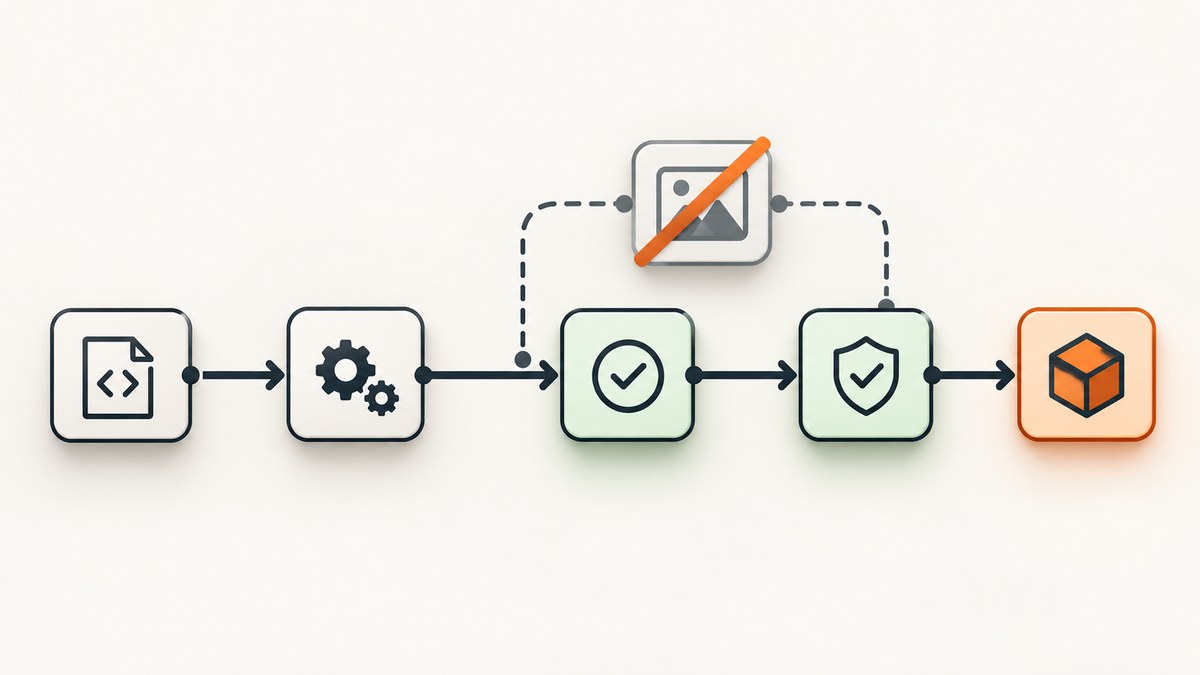
Direct answer: Playwright does not document a global disableScreenshotAssertions switch. Screenshot assertions run when their explicit assertion calls execute. To disable one, remove or gate that call, skip the visual test, or run a Playwright project that does not contain visual assertions. Keep functional assertions such as URL, text, role, and state checks when you still want the test to verify behavior.
This guide covers Playwright’s JavaScript and TypeScript test runner APIs. The examples use @playwright/test. Check the documentation bundled with your installed version before relying on options introduced later.
1. Identify what is taking the screenshot
Playwright has screenshot APIs and screenshot assertions. Calling page.screenshot() captures an image; an assertion compares an image against a stored snapshot. If your goal is to stop visual regression checks, locate the assertion call rather than every screenshot capture in the repository.
The common assertion forms are:
await expect(page).toHaveScreenshot('home.png');
await expect(locator).toHaveScreenshot('component.png');
expect(await page.screenshot()).toMatchSnapshot('home.png');
toHaveScreenshot is the page or locator matcher. toMatchSnapshot can compare a screenshot buffer captured by page.screenshot(). These screenshot assertions are provided through the Playwright test runner; they are not a browser-wide setting.
Search test code for toHaveScreenshot, toMatchSnapshot, and wrapper helpers that call them. A project may hide the matcher behind a custom helper such as assertVisualMatch(page), so search for that helper too.
2. Remove a screenshot assertion from one test
If the test is no longer meant to check visual appearance, remove the assertion line. Preserve behavioral checks that still serve the test’s purpose:
import { test, expect } from '@playwright/test';

test('checkout works', async ({ page }) => {
  await page.goto('/checkout');

  await expect(
    page.getByRole('heading', { name: 'Checkout' })
  ).toBeVisible();
  await expect(page).toHaveURL(/checkout/);

  // The visual assertion was removed; functional checks remain.
});
Deleting the assertion is the clearest choice when visual coverage is no longer wanted for that test. Commenting it out can be useful during a short investigation, but a stale commented assertion is easy to forget. If you temporarily remove a check, record the reason and decide who will restore or replace it.
3. Gate the assertion for selected runs
To keep visual coverage available while excluding it from a functional or smoke run, make the choice explicit. For example, an environment variable can control whether the assertion executes:
import { test, expect } from '@playwright/test';

const visualChecks = process.env.PW_VISUAL === '1';

test('checkout matches its visual baseline', async ({ page }) => {
  await page.goto('/checkout');
  await expect(page.getByRole('heading', { name: 'Checkout' })).toBeVisible();

  if (visualChecks) {
    await expect(page).toHaveScreenshot('checkout.png');
  }
});
Run functional checks with the visual gate off, and opt in for a visual run:
# Functional run: the assertion is not called
npx playwright test

# Visual run: the assertion is called
PW_VISUAL=1 npx playwright test
In PowerShell, set the variable for the process with $env:PW_VISUAL = '1' before running the command. In CI, configure the variable on the visual job, rather than setting it globally for every job. The key behavior is that the assertion call must not execute in the run where checks are disabled.
For a single test that is intentionally visual-only, conditionally skip the test instead. Be careful: a skipped test also skips its functional assertions. If you need functional coverage in ordinary runs, keep those assertions in a test that still runs, or gate only the screenshot assertion as above.
4. Separate visual tests into a Playwright project
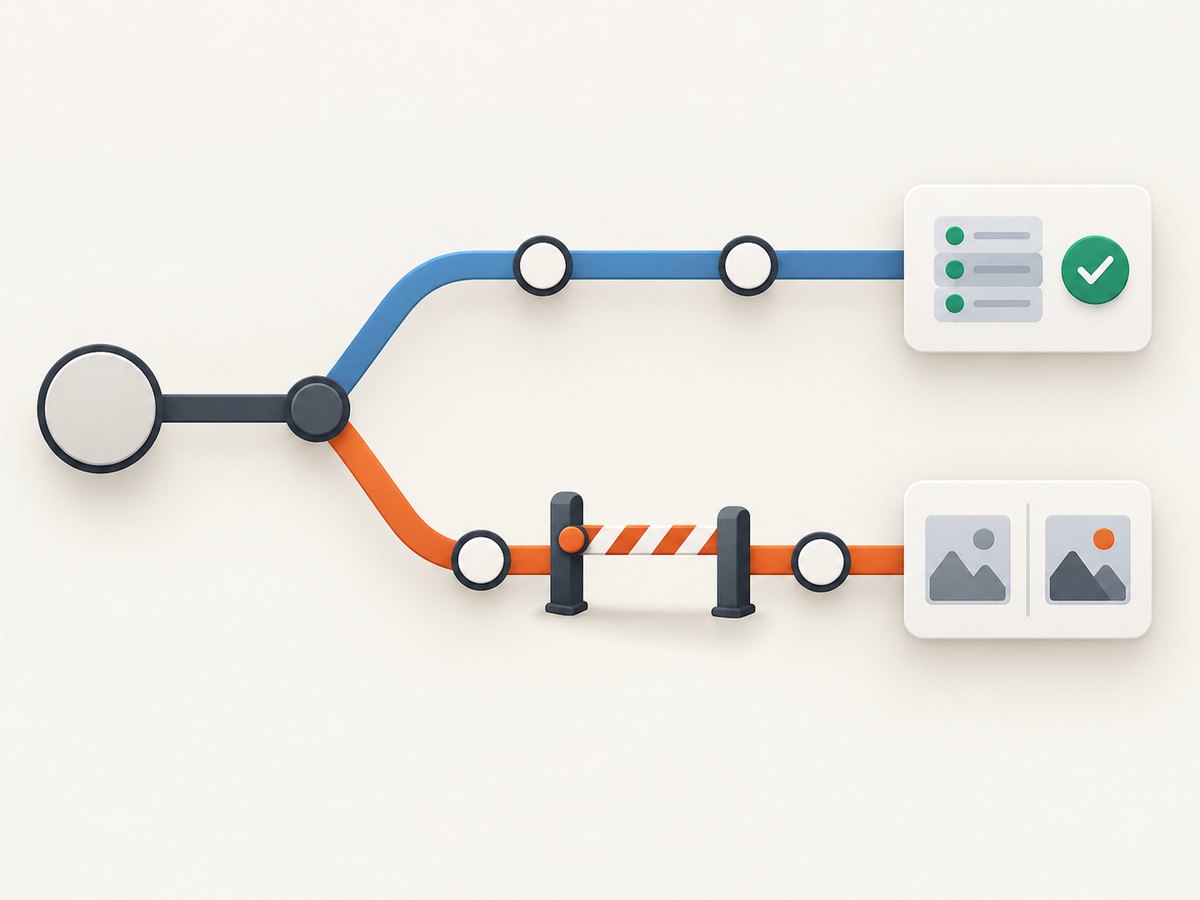
A named project provides a useful boundary when a suite has distinct functional and visual jobs. Put visual checks in files selected by a project, then choose the project to run from the CLI. For example:
// playwright.config.ts
import { defineConfig } from '@playwright/test';

export default defineConfig({
  projects: [
    {
      name: 'functional',
      testMatch: '**/*.functional.spec.ts',
    },
    {
      name: 'visual',
      testMatch: '**/*.visual.spec.ts',
    },
  ],
});
Run one project by name:
npx playwright test --project=functional
npx playwright test --project=visual
A visual test can still include functional assertions before its screenshot matcher. Project selection controls which tests run; it does not rewrite or disable assertion behavior within selected tests. Review your actual file naming and project configuration so each test belongs to the intended project.
5. Temporarily skip a visual test
When a visual test is temporarily unavailable, use the test runner’s ordinary skip mechanisms and make the reason visible. A conditional skip can be tied to the same explicit environment switch:
import { test, expect } from '@playwright/test';

test('checkout visual baseline', async ({ page }) => {
  test.skip(process.env.PW_VISUAL !== '1', 'Run in the visual project');

  await page.goto('/checkout');
  await expect(page).toHaveScreenshot('checkout.png');
});
Use this pattern when the whole test is visual-only. Do not put functional checks that must run on every build inside a test that is skipped in those builds. For a larger set, a conditional test.describe or project selection can apply the same scope to a group. Record why the test is skipped and create a follow-up issue if the skip is temporary.
6. Settings that change a comparison but do not disable it
Playwright’s screenshot matcher options tune a visual assertion; they do not switch it off. If an assertion line still runs, the matcher still performs a comparison.
| Setting or command | What it changes | Does it disable the assertion? |
|---|---|---|
expect.toHaveScreenshot.timeout |
How long the matcher waits | No |
maxDiffPixels, maxDiffPixelRatio |
Allowed pixel difference | No; comparison still runs |
threshold |
Pixel color sensitivity for comparison | No; comparison still runs |
animations: 'allow' |
How animations are handled during capture | No |
snapshotPathTemplate or expect.toHaveScreenshot.pathTemplate |
Where snapshot files are stored or resolved | No |
--update-snapshots |
Updates expected baseline images | No; this is baseline maintenance |
Raising tolerances can make a test pass despite more image differences, but it still consumes time and can conceal visual regressions. Updating snapshots replaces expected images; it does not prevent the assertion from executing. Avoid using either as a substitute for a deliberate skip or gate.
7. Choose the right scope
| Need | Approach | Coverage effect |
|---|---|---|
| Stop one obsolete visual check | Remove its assertion call | Other checks in the test continue |
| Pause visual comparison in a functional job | Gate the assertion with an environment variable | Functional assertions can still run |
| Run visual checks as a distinct suite | Use a named project or separate test files | CLI selection runs only the chosen project’s tests |
| Temporarily quarantine a visual-only test | Use test.skip or conditional describe |
Everything inside the skipped test or group is skipped |
For a short-lived CI issue, a gate is usually reversible and visible in code or job configuration. For a lasting suite split, projects make the invocation explicit. For a permanently retired baseline, remove the assertion and clean up the now-unused snapshot as part of the change.
8. Troubleshooting
“How do I disable expect(page).toHaveScreenshot()?”
There is no documented global disable switch. Remove the call, put it behind a condition that is false for the run, skip its visual-only test, or exclude its project. Confirm the code path: if the call still executes, the matcher is still enabled for that run.
“Can I turn off Playwright visual regression tests in CI?”
Yes. Run only the functional project, or set a CI variable that leaves the screenshot assertion gate off. Keep a separate visual job or invocation if you want the checks to remain available. Verify which projects and files the CI command selects; a project split does not help if the CI command still runs the visual project.
“Does setting the screenshot timeout to zero disable the check?”
No. The timeout controls waiting behavior, not whether the assertion is called. Use an explicit gate or selection rule to skip the assertion.
The test still fails after I removed a screenshot matcher
Check for another matcher in a helper, a second assertion in the same test, or a different visual test selected by the command. Search the repository for both toHaveScreenshot and toMatchSnapshot, plus project-specific helper names. Also inspect the CI command and project selection.
The visual test is skipped, but functional coverage disappeared too
The test likely contained both functional checks and the screenshot assertion. Skipping a test skips its entire body. Move the functional checks into a test that runs in the functional project, or gate only the screenshot assertion inside the shared test.
New snapshots appeared or old baselines changed
Check whether the run used --update-snapshots, and review the snapshot path configuration. Updating baselines changes expected image files; it does not disable assertions. Remove the update flag for ordinary CI runs unless baseline updates are the intended task.
9. Runtime, reliability, and cost considerations
Disabling a visual assertion removes that comparison from the test path, but it also removes the visual signal that would catch unintended layout or rendering changes. Functional assertions can confirm that a heading is visible or a URL is correct; they do not establish that the page looks as expected. Scope the pause to the tests or job that need it, and keep an explicit way to run the visual suite if visual coverage should return.
Do not infer that a timeout or a relaxed tolerance makes a visual job cheaper or more reliable: those settings still execute the matcher. Project selection or a gate makes it clear which runs perform the visual checks. For CI reliability, keep the condition controlled in one place and document which job is expected to run visual checks. This makes accidental omissions easier to spot during configuration review.
10. Or skip the browser setup
If the task is to capture a page image rather than compare it to a Playwright baseline, ScreenshotNeo provides a one-request screenshot API. This is a separate capture workflow; it does not disable a Playwright assertion already present in your test. See the ScreenshotNeo API documentation for request options.
curl -G "https://api.screenshotneo.com/v1/shot" \
  -d access_key=YOUR_API_KEY \
  --data-urlencode url=https://stripe.com \
  -o shot.webp
Cookie banners, newsletter popups, and chat widgets are removed before the shot, and each step can be turned off. Bot checks and CAPTCHAs, blank pages, failed loads, timeouts, and cache hits are never billed; response headers report the page verdict and billing status. An MCP server lets AI agents, including Claude, Cursor, and other MCP clients, take screenshots. The free plan includes 1,000 screenshots per month with no card; paid plans start at $5 for 3,000.
Sign up for 1,000 free screenshots a month, with no card required.
11. FAQ
Are screenshot assertions on by default for every Playwright test?
No. They run where test code calls a screenshot assertion such as toHaveScreenshot or toMatchSnapshot.
Can I keep a screenshot assertion for local use but omit it from CI?
Yes. Gate the assertion with an environment variable and set it only in the visual CI job, or select a dedicated visual project only where appropriate.
Does removing the assertion also delete its snapshot file?
No. Removing a call does not itself remove stored files. Review snapshot files separately and delete obsolete baselines only when they are no longer needed.
Is a screenshot assertion the same as taking a screenshot?
No. A capture produces an image. An assertion compares an image against an expected snapshot and reports whether the comparison meets its configured criteria.


