How to Disable Screenshots in Cypress
Stop Cypress failure screenshots with screenshotOnRunFailure, handle manual captures, CI artifacts, privacy, and troubleshooting.
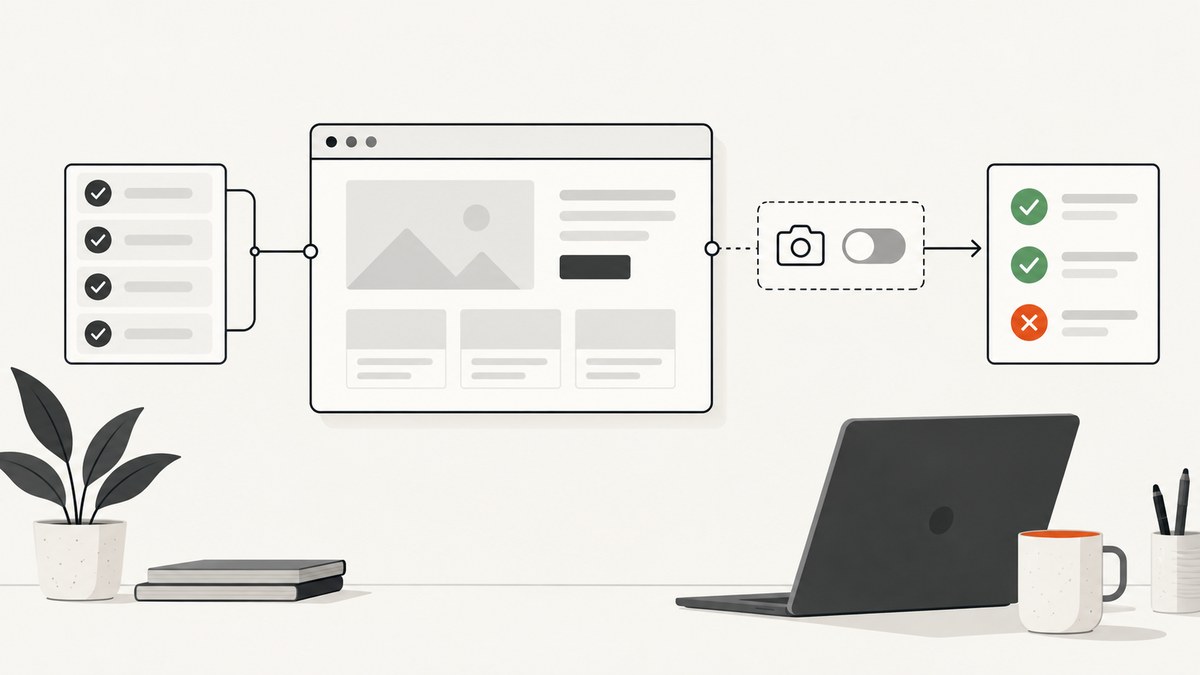
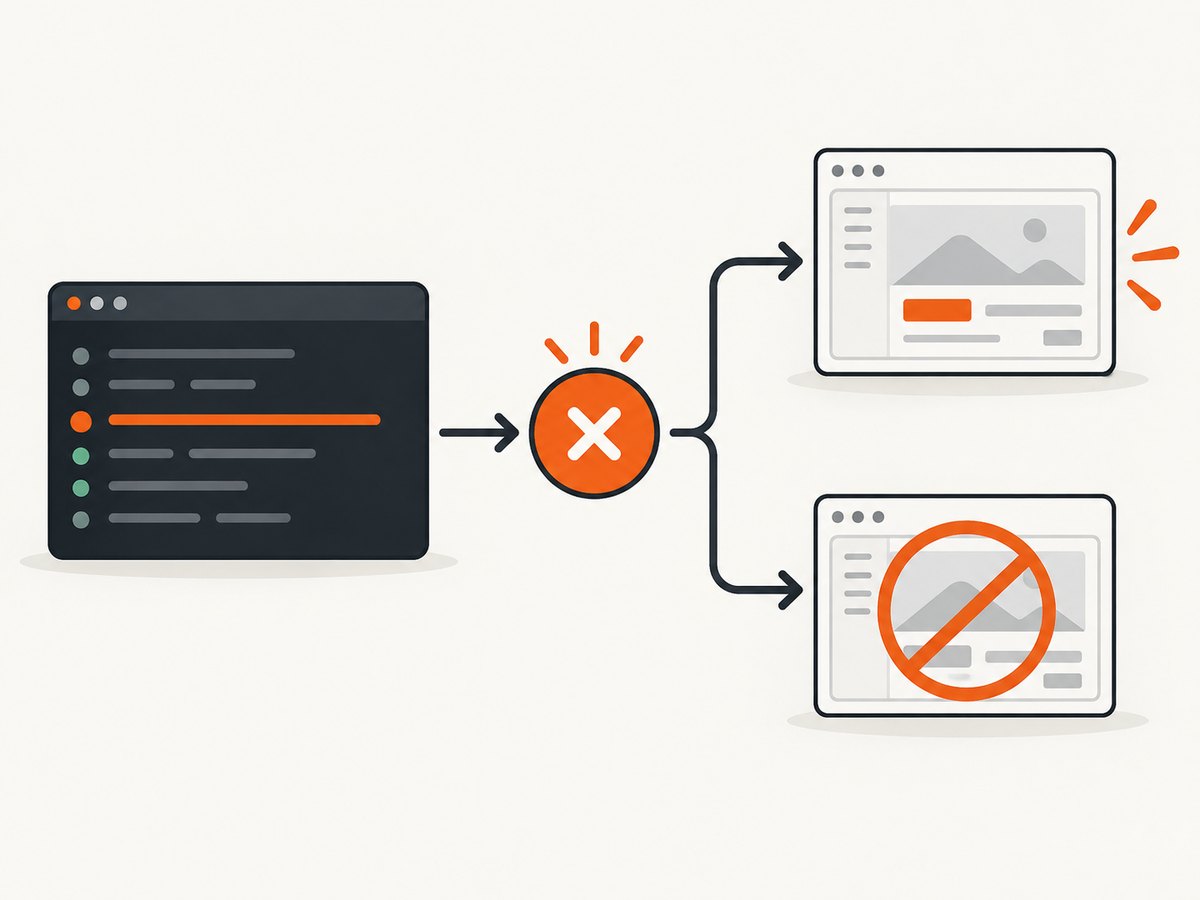
Set screenshotOnRunFailure: false in your Cypress project configuration. This stops Cypress from creating automatic screenshots when tests fail during cypress run. It does not disable screenshots requested with cy.screenshot(), and it does not change video recording.
Cypress enables failure screenshots by default for headless runs because they help diagnose CI failures. If your pipeline produces sensitive artifacts, consumes storage, or already collects another trace, turn the behavior off centrally. The setting works in JavaScript and TypeScript configuration, and through the Cypress.Screenshot.defaults() API.
1. Disable automatic failure screenshots in cypress.config.js
For a JavaScript project, add the option to the object passed to defineConfig:
const { defineConfig } = require('cypress')

module.exports = defineConfig({
  screenshotOnRunFailure: false,
})
Run the suite normally:
npx cypress runWhen a test fails in this mode, Cypress reports the failure without writing its automatic image to the screenshots artifact directory. The documented default is true; setting it to false is an explicit project-wide override. See the Cypress configuration reference.
2. TypeScript configuration
If the project uses cypress.config.ts, use the same property with an ES module export:
import { defineConfig } from 'cypress'

export default defineConfig({
  screenshotOnRunFailure: false,
})
Keep this in the Cypress configuration file loaded by the command that runs your tests. A common mistake is editing a similarly named config in a package that CI never invokes. Check the working directory and the config path shown in the Cypress startup log.
3. Configure the Screenshot API defaults
Cypress also exposes a defaults API. This is useful when your setup already centralizes Cypress behavior in a support file:
Cypress.Screenshot.defaults({
  screenshotOnRunFailure: false,
})
Place the call in the support file loaded by the relevant test type, such as cypress/support/e2e.js or its TypeScript equivalent. The API and project configuration express the same setting; choose one central location so another file does not silently override it. The Screenshot API reference documents this method.
4. Automatic screenshots versus cy.screenshot()
The option controls only screenshots Cypress takes automatically after a failure in cypress run. It does not remove explicit commands:
it('checkout flow', () => {
  cy.visit('/checkout')
  cy.screenshot('checkout-before-submit')
  cy.get('[data-cy=submit]').click()
})
If images continue to appear after you set the option, search the repository and support code:
rg 'cy\.screenshot|Cypress\.Screenshot' cypress .Remove those calls, guard them with an environment variable, or keep them for selected diagnostic checkpoints:
if (Cypress.env('CAPTURE_DEBUG') === true) {
  cy.screenshot('debug-state')
}
A plugin, custom command, or failure hook can call cy.screenshot() indirectly. Search for wrappers such as takeScreenshot as well.
5. What changes in cypress open and cypress run?
Cypress documents automatic failure screenshots for cypress run. They are not taken automatically while using the interactive cypress open app. You can still invoke cy.screenshot() in either workflow. This distinction explains why a developer may see no images locally but find them in CI.
| Execution mode | Automatic failure screenshot | Explicit cy.screenshot() |
|---|---|---|
cypress run |
Enabled by default; disabled with the option | Still runs |
cypress open |
Not taken automatically | Still runs |
6. Screenshots, video, and artifact folders are separate
Turning off screenshots does not turn off video. Cypress exposes a separate video setting, which is false by default. Configure it independently:
const { defineConfig } = require('cypress')

module.exports = defineConfig({
  screenshotOnRunFailure: false,
  video: false,
})
Deleting or ignoring the screenshots directory is not the same as preventing capture: a CI uploader may collect files before cleanup, and a test can still write an intentional screenshot. Cypress documents cypress/screenshots as the default screenshot folder. Configure retention and artifact upload in your CI system separately.
7. Privacy: when disabling every screenshot is the wrong control
If the requirement is to keep passwords, tokens, or customer data out of images, disabling all failure screenshots may remove useful evidence while leaving explicit screenshots untouched. First identify which command creates the artifact. For intentional captures, use Cypress Screenshot API controls such as blackout selectors and choose an appropriate capture target:
cy.screenshot('account', {
  blackout: ['[data-sensitive]', '[name=password]'],
  capture: 'viewport',
})
Masking and capture controls are also covered in Cypress Cloud guidance. Restrict artifact access and set retention in CI or your test dashboard, because a disabled automatic screenshot does not protect images created elsewhere.
8. CI and monorepo checks
- Confirm the file. Inspect the config loaded by CI. In a monorepo, each package can have its own Cypress project.
- Check overrides. A support-file call to
Cypress.Screenshot.defaults()can change behavior after configuration is loaded. Keep one source of truth. - Check the command. Verify that the failing job runs
cypress run, not a wrapper that invokes another project or Cypress process. - Inspect artifact upload. A previous run’s files can make it look as if new screenshots were created. Start from a clean workspace or include the run ID in artifact paths.
- Search custom hooks. Look in
afterEach,after:spec, custom commands, and reporter integrations for screenshot calls.
For a temporary CI-only policy, keep automatic failure images available to a local headless run while suppressing them in CI:
const { defineConfig } = require('cypress')

const isCi = process.env.CI === 'true'

module.exports = defineConfig({
  screenshotOnRunFailure: !isCi,
})
Document this difference so contributors know why local and CI behavior differs.
9. Troubleshooting common problems
| Symptom | Likely cause | Fix |
|---|---|---|
| Screenshots still appear | An explicit cy.screenshot() or wrapper is running |
Search with rg; remove or condition the call. |
| Images appear only in CI | Automatic captures happen in cypress run; local work uses cypress open |
Verify the CI config and set screenshotOnRunFailure: false. |
| The setting has no effect | The edited config is not the one the job loads | Check working directory, project root, and any explicit config path. |
| Old images remain | Artifacts were not cleaned between runs | Clean cypress/screenshots before the run or use per-run directories. |
| Videos still upload | video is independent |
Set video: false and adjust CI artifact rules. |
| Sensitive values are visible | No masking on intentional captures | Use blackout selectors and limit artifact retention and access. |
| TypeScript reports an unknown option | Outdated Cypress types or a non-Cypress config object | Update Cypress, import defineConfig from cypress, and run Cypress against that file. |
10. Performance, reliability, and cost considerations
A failure screenshot adds browser work and an image file while a test is already handling an error. Disabling it can shorten failure paths and reduce CI artifact size, especially with large pages or many parallel specs. The exact saving depends on page size, storage, compression, and your CI uploader; Cypress does not publish a universal benchmark.

Keep a deliberate diagnostic path for intermittent failures. Enable a conditional cy.screenshot() only when a debug environment variable is set, or retain videos when screenshots alone are insufficient. This preserves evidence without storing every automatic image.
Reliability also depends on deterministic cleanup. Delete stale screenshot files before a run, include the commit or run identifier in artifact names, and make upload steps fail loudly when they collect zero or unexpected files. Treat screenshot policy as part of CI configuration alongside retries, videos, and test reports.
Or skip the browser setup
If you need screenshots for documentation, regression review, or a separate capture service rather than Cypress failure artifacts, ScreenshotNeo provides a single HTTP request. Its API accepts a URL and returns PNG, JPEG, WebP, or PDF; the complete option list is in the ScreenshotNeo docs.
curl -G "https://api.screenshotneo.com/v1/shot" -d access_key=YOUR_API_KEY --data-urlencode url=https://stripe.com -o shot.webpimport requests
r = requests.get("https://api.screenshotneo.com/v1/shot", params={"access_key": "YOUR_API_KEY", "url": "https://stripe.com"}, timeout=90)
open("shot.webp", "wb").write(r.content)const q = new URLSearchParams({ access_key: 'YOUR_API_KEY', url: 'https://stripe.com' });
const res = await fetch(`https://api.screenshotneo.com/v1/shot?${q}`);Cookie banners, newsletter popups, and chat widgets are removed before the shot. Bot checks, blank pages, failed loads, timeouts, and cache hits are not billed, and response headers identify the page verdict and billing status. An MCP server provides take_screenshot, get_page_info, and capture_pdf tools for Claude, Cursor, and other MCP clients. The Free plan includes 1,000 screenshots each month with no card; paid plans start at $5 for 3,000 shots.
Create a free ScreenshotNeo account to get the 1,000 monthly screenshots without a card.
11. Quick checklist
- Set
screenshotOnRunFailure: falsein the config used by CI. - Use
Cypress.Screenshot.defaults()only when that support-file location is your chosen source of truth. - Search for explicit
cy.screenshot()calls and custom wrappers. - Configure
video, artifact upload, and retention separately. - Use
blackoutselectors when you need evidence without exposing sensitive fields. - Clean stale files and verify the loaded project in monorepos.
12. FAQ
Does this setting affect screenshots in Cypress Cloud?
It controls Cypress’s automatic failure screenshot behavior. Cloud retention, masking, and artifact access are separate concerns; configure those in the service and CI settings you use.
Can I disable screenshots for one spec only?
The documented option is project-level. For a single spec, avoid calling cy.screenshot() there, or select a different config or project for that run.
Will retries create screenshots?
Each failed attempt can follow the automatic failure-capture policy. Setting the option to false prevents those automatic images; explicit commands still run on any attempt.
What is the default screenshots directory?
Cypress documents cypress/screenshots as the default. A custom CI uploader can collect a different path, so inspect its configuration when files remain.
Do I need to uninstall anything?
No. This is a Cypress configuration change. Keep Cypress installed and change the setting in the project that runs your tests.


