How to Disable WebRTC Local IP Leaks in Puppeteer
Hide local IP addresses in Puppeteer by setting Chromium’s WebRTC IP-handling policy. See the headless and normal-browser switches, tradeoffs, runnable code, and fixes for common issues.
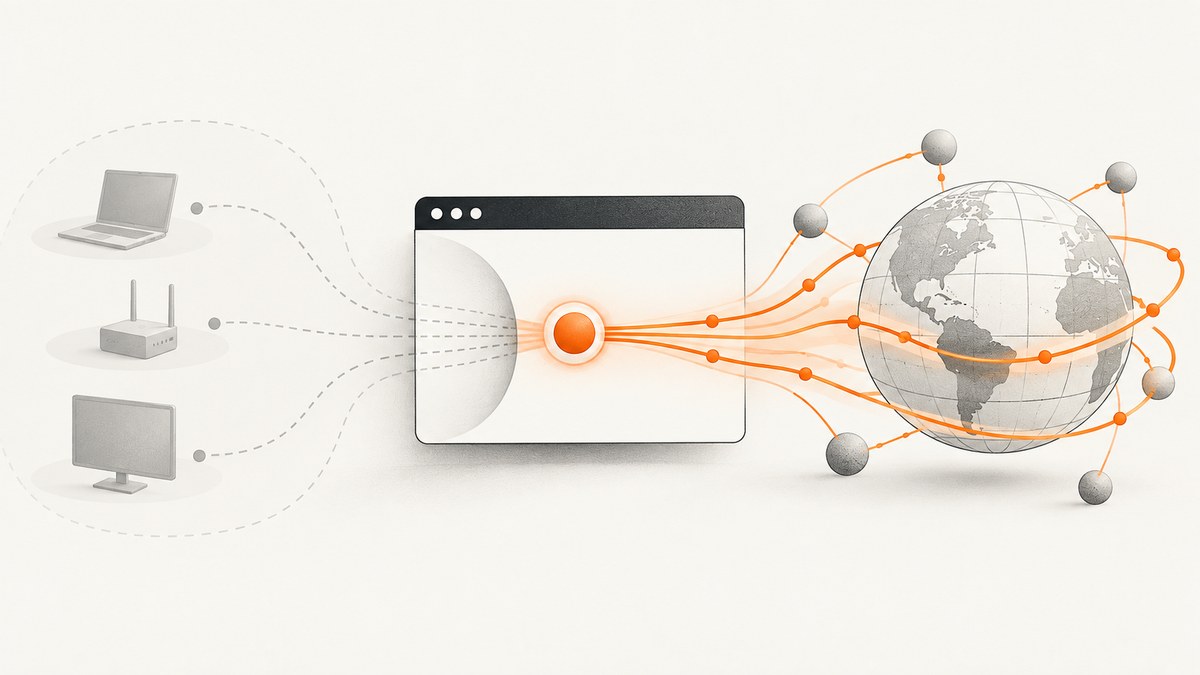
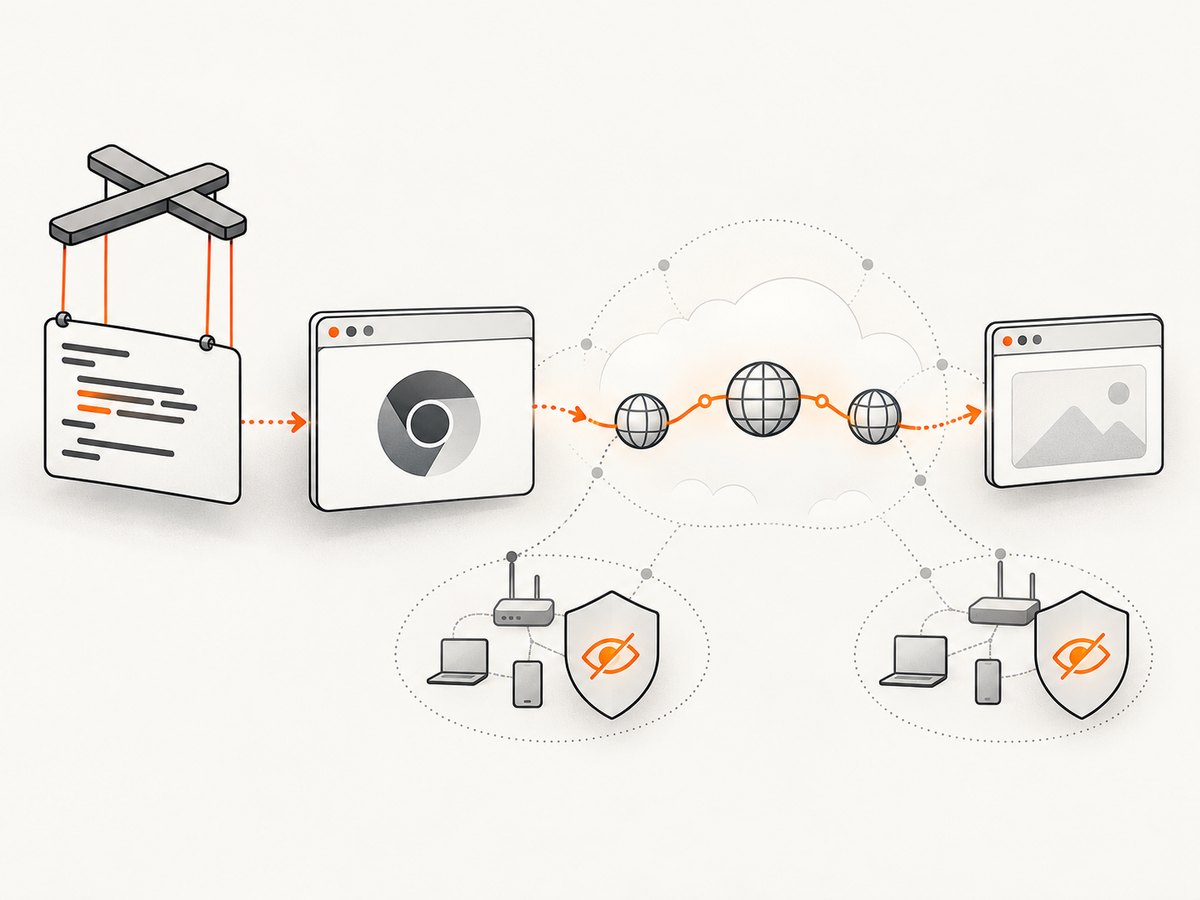
To stop WebRTC from exposing local interface addresses in Puppeteer, pass Chromium’s WebRTC IP-handling switch in the browser’s args. For headless Chromium, use --force-webrtc-ip-handling-policy=default_public_interface_only. For a normal, non-headless browser, use --webrtc-ip-handling-policy=default_public_interface_only. Puppeteer passes these additional command-line arguments to the browser when puppeteer.launch() starts it.
This setting keeps WebRTC on the public-facing default route while preventing it from exposing local addresses. If your requirement is stricter—preventing direct, non-proxied UDP paths—consider disable_non_proxied_udp, with the compatibility and latency tradeoffs described below. These launch switches are Chromium behavior; validate the result in the application and network environment you actually automate.
1. Choose the policy that matches your privacy requirement
Chromium’s WebRTC IP-handling policy has four values. The default applies when the policy is unset. Choose deliberately: stricter routing can change how a WebRTC application connects.
| Policy | Address and transport behavior | When to consider it |
|---|---|---|
default |
WebRTC can use all available interfaces. This is Chromium’s default if the policy is not set. | Only when local-interface address exposure is acceptable. |
default_public_and_private_interfaces |
Uses the default public route and may use private addresses. | When private-address candidates are needed and exposure is permitted. |
default_public_interface_only |
Uses the public-facing default route and does not expose local addresses. | A practical starting point when you want WebRTC to continue while concealing local interface addresses. |
disable_non_proxied_udp |
Uses TCP on the public-facing interface; UDP is used only when a configured proxy supports it. | When the environment requires preventing direct UDP paths, and you can accept stricter transport limits. |
The two restrictive settings are not interchangeable. default_public_interface_only addresses local-address exposure while preserving the normal public route. disable_non_proxied_udp imposes an additional transport restriction, which can affect latency or peer connectivity. Chromium’s routing rules do not establish a universal application success rate, so test the specific calls your workload depends on.
2. Set the switch in Puppeteer
Headless Chromium
For headless mode, Chromium’s documented switch spelling includes the force- prefix:
import puppeteer from 'puppeteer';

const browser = await puppeteer.launch({
  headless: true,
  args: ['--force-webrtc-ip-handling-policy=default_public_interface_only'],
});

try {
  const page = await browser.newPage();
  await page.goto('https://example.com', { waitUntil: 'domcontentloaded' });
  // Run your page automation here.
} finally {
  await browser.close();
}
Normal Chromium
For a visible, non-headless browser, use the switch without force-:
import puppeteer from 'puppeteer';

const browser = await puppeteer.launch({
  headless: false,
  args: ['--webrtc-ip-handling-policy=default_public_interface_only'],
});

try {
  const page = await browser.newPage();
  await page.goto('https://example.com', { waitUntil: 'domcontentloaded' });
  // Run your page automation here.
} finally {
  await browser.close();
}
The policy flag belongs in the browser launch options, not in page.goto(), page JavaScript, or Puppeteer’s page-level emulation settings. Use the switch corresponding to the browser mode in the Chromium examples. The supported args option is documented in the Puppeteer LaunchOptions API; Chromium documents the WebRTC IP-handling policies and the headless and normal switch spellings.
Use the stricter UDP policy
If preventing direct, non-proxied UDP is part of your requirement, substitute the policy value while preserving the mode-appropriate switch name:
// Headless:
args: ['--force-webrtc-ip-handling-policy=disable_non_proxied_udp']

// Normal, non-headless Chromium:
args: ['--webrtc-ip-handling-policy=disable_non_proxied_udp']
This does not guarantee that every peer connection will work. A site may need UDP paths, a proxy may not support UDP, or TCP fallback may have different latency. Check your application’s connection behavior under the same proxy and network setup that production uses.
3. Understand mDNS concealment and allowlists
The launch policy is one layer of Chromium’s behavior. Chromium also conceals local IP addresses with mDNS hostnames unless the origin is allowed by the WebRtcLocalIpsAllowedUrls policy or the mDNS-hiding feature is disabled. An allowlisted origin therefore weakens that concealment protection. If a test environment or managed browser has an allowlist, review it alongside the launch flag rather than assuming the flag is the only relevant setting.
For privacy-sensitive automation, inventory the effective browser policies and startup configuration. In particular, avoid adding the tested site to a local-IP allowlist unless the workflow requires it and the resulting exposure is acceptable. A policy change may come from the managed browser environment rather than the Puppeteer script itself.
4. Validate the behavior in your own workload
- Confirm the browser mode. Determine whether the job runs headless or visible; use the corresponding switch spelling.
- Launch a fresh browser process. Chromium command-line options are process startup settings. Restart the browser after changing them.
- Inspect the target’s WebRTC behavior. Exercise the page’s actual peer-connection flow and review the ICE candidates or diagnostic output available to your application.
- Check managed policies. Look for
WebRtcLocalIpsAllowedUrlsentries and any configuration that disables mDNS concealment. - Test connectivity as well as exposure. Ensure the application still establishes the sessions your automation needs, including through its configured proxy.
- Repeat under production conditions. Network routes, proxy support, browser mode, and enterprise policies can change the result.
There is no universal success rate for WebRTC apps under these policies. Treat privacy and application connectivity as two separate acceptance criteria: verify that local addresses are concealed and that the required application workflow still operates.
5. Troubleshooting
| Symptom | Likely cause | Fix |
|---|---|---|
| Local addresses still appear in diagnostics | The browser was launched with the wrong switch spelling, the setting was added after launch, or a local-IP allowlist/mDNS policy changes concealment. | Use the mode-specific switch at puppeteer.launch(), start a fresh process, and inspect WebRtcLocalIpsAllowedUrls and mDNS policy. |
| The setting seems ignored in headless mode | The normal-mode spelling was used in a headless launch. | Use --force-webrtc-ip-handling-policy=... for headless Chromium. |
| WebRTC calls fail or peers do not connect | The selected policy, proxy, or network may block a path the application expects. | Try default_public_interface_only if the stricter UDP restriction is not required; confirm proxy UDP support before using disable_non_proxied_udp. |
| Existing browser pages do not change behavior | Command-line arguments are applied when Chromium starts, not retroactively to an existing process. | Close and relaunch the browser with the updated args. |
| The script works locally but differs in managed infrastructure | The deployed browser may have enterprise policies, a different mode, proxy configuration, or network routes. | Inspect the deployed browser’s effective policy and launch configuration, then reproduce with the same mode and network path. |
| WebRTC has higher latency after changing policy | A more restrictive policy may force TCP or limit UDP to a proxy-supported path. | Use the least restrictive policy that satisfies the privacy requirement and measure the application’s own connection behavior. |
6. Reliability, performance, and operational notes
Because this setting is passed at browser startup, configure it centrally in the code that creates Puppeteer browsers. If several workers or services launch Chromium, each launch path needs the intended argument. Record the selected policy with the job configuration so a change in mode or deployment does not silently remove it.
The policy is a routing constraint, so performance depends on the application’s network paths and proxy. default_public_interface_only keeps the public-facing default route available. disable_non_proxied_udp can force TCP or proxy-supported UDP, and may affect latency or peer connectivity. Measure the page or call that matters to your workflow; the source material does not support a general numeric performance estimate.
Do not treat a screenshot, page load, or successful browser launch as proof that WebRTC privacy is configured correctly. Validate the candidate behavior in a WebRTC flow and confirm the effective Chromium policy. Likewise, a concealed local candidate does not by itself prove that every other privacy concern in a browser session is addressed.
7. Screenshot capture without managing a browser
If your task is to produce website screenshots and you do not need to control a WebRTC session, ScreenshotNeo is a website screenshot API and MCP server for developers. Its screenshot API uses one GET request to return a PNG, JPEG, WebP, or PDF. See the ScreenshotNeo API documentation for request options.
curl -G "https://api.screenshotneo.com/v1/shot" -d access_key=YOUR_API_KEY --data-urlencode url=https://stripe.com -o shot.webpimport requests
r = requests.get(
"https://api.screenshotneo.com/v1/shot",
params={"access_key": "YOUR_API_KEY", "url": "https://stripe.com"},
timeout=90,
)
open("shot.webp", "wb").write(r.content)const q = new URLSearchParams({ access_key: 'YOUR_API_KEY', url: 'https://stripe.com' });
const res = await fetch(`https://api.screenshotneo.com/v1/shot?${q}`);
if (!res.ok) throw new Error(`Screenshot request failed: ${res.status}`);
await Bun.write('shot.webp', res);The Node.js example uses built-in fetch and Bun’s file writer for a runnable save step. In Node.js, save the response body with the filesystem API:
import { writeFile } from 'node:fs/promises';

const q = new URLSearchParams({ access_key: 'YOUR_API_KEY', url: 'https://stripe.com' });
const res = await fetch(`https://api.screenshotneo.com/v1/shot?${q}`);
if (!res.ok) throw new Error(`Screenshot request failed: ${res.status}`);
await writeFile('shot.webp', Buffer.from(await res.arrayBuffer()));
Or skip the browser setup
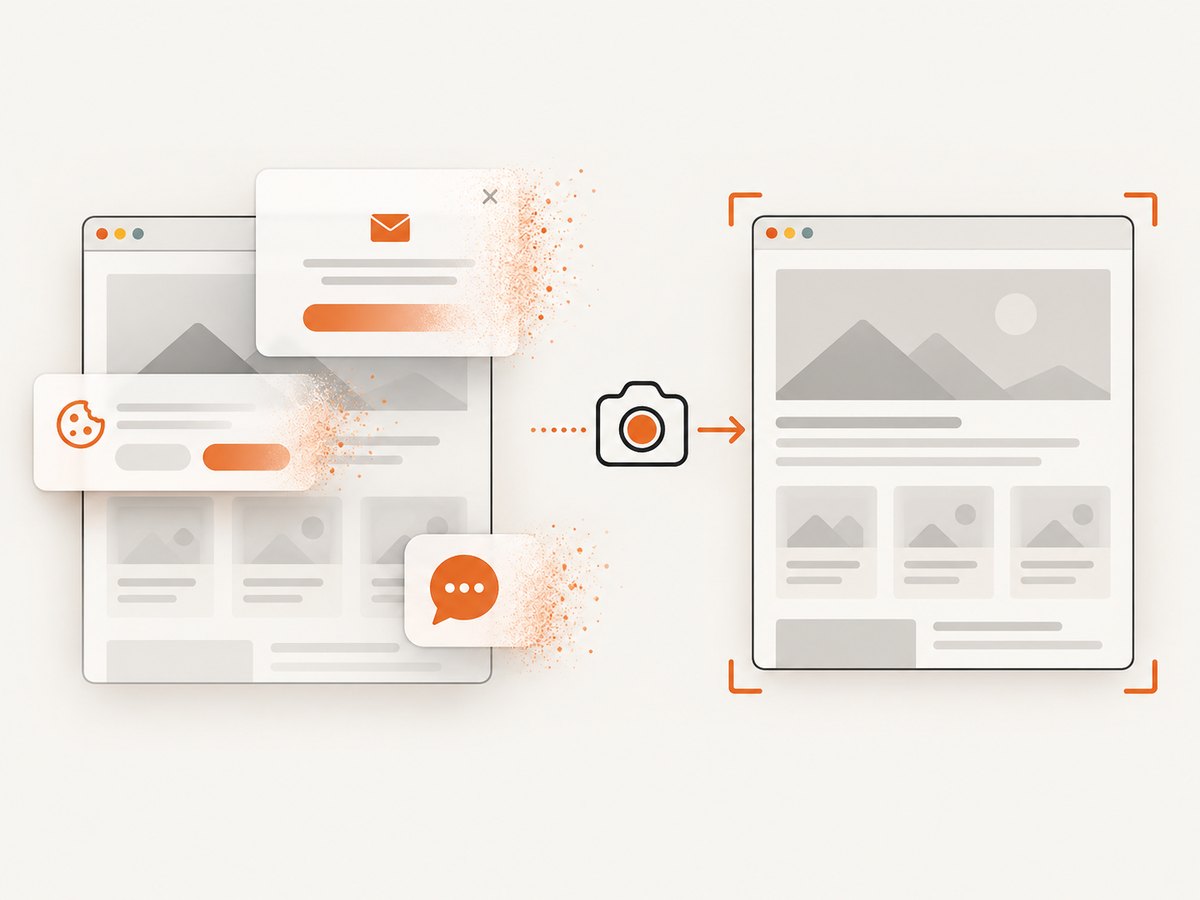
For screenshot work, ScreenshotNeo accepts the page URL in a single API request. Cookie banners are accepted like a visitor, and 60+ known consent platforms, newsletter popups, and chat widgets are removed before the shot; each step can be turned off. Bot checks and CAPTCHAs, blank pages, timeouts, failed loads, and cache hits are not billed, and response headers report the page verdict and billing status. Its MCP server provides take_screenshot, get_page_info, and capture_pdf tools for Claude, Cursor, and other MCP clients. The free plan includes 1,000 screenshots a month with no card; paid plans start at $5 for 3,000.
Sign up for 1,000 free screenshots a month, with no card required.
Frequently asked questions
Does this change Puppeteer’s JavaScript API for WebRTC?
No. It passes a Chromium startup argument through Puppeteer’s launch options. The policy itself is Chromium behavior.
Why does headless Chromium use a different switch name?
Chromium’s documented examples use --force-webrtc-ip-handling-policy in headless mode and --webrtc-ip-handling-policy in normal mode. Match the switch to the mode you launch.
Should I use the public-interface policy or disable non-proxied UDP?
Start with default_public_interface_only when you want local addresses hidden while WebRTC uses the public-facing default route. Choose disable_non_proxied_udp when blocking direct UDP paths is required and the stricter routing is acceptable for your application.
Will this guarantee every WebRTC app connects?
No universal compatibility guarantee follows from the policy definition. Verify connectivity for the app, proxy, and network that your automation uses.


