How to Display Images in PDFs Generated with iText
Add images to iText PDFs with flow layout, fixed coordinates, form fields, aspect-ratio-safe sizing, and troubleshooting for iText 5 and 7+.
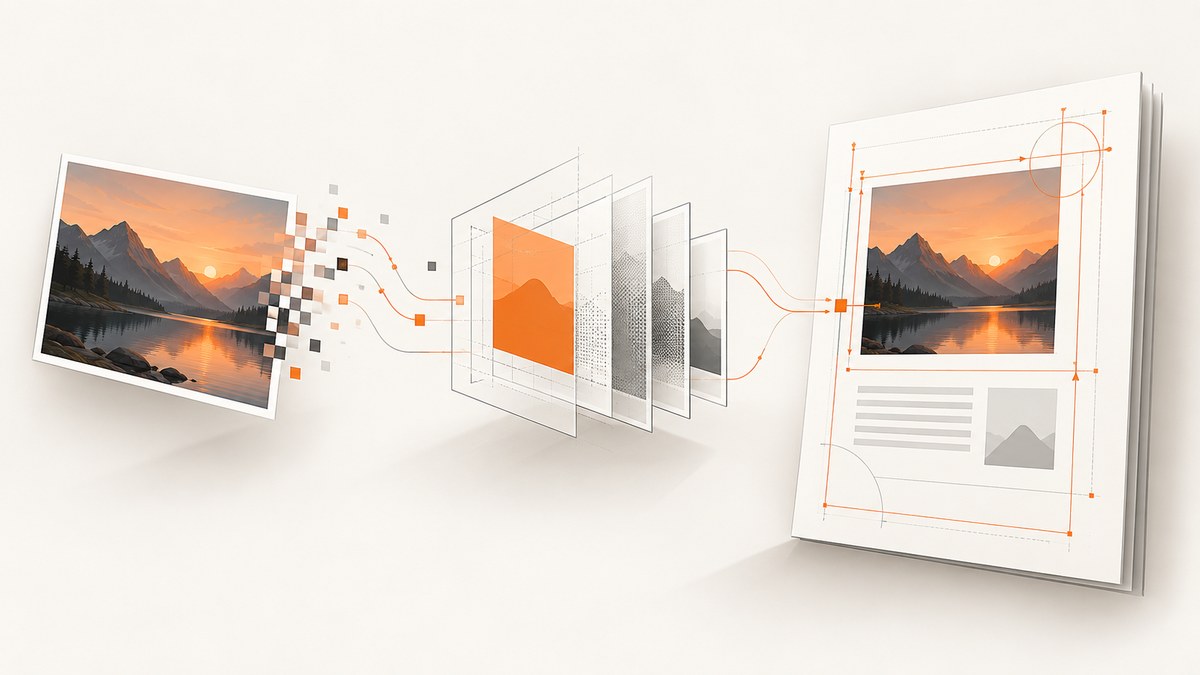
To display an image in an iText-generated PDF, load it as image data, create an iText layout Image, and add it to the Document. Use fixed positioning or a PDF canvas when the image must occupy exact coordinates. For an existing form, read the field rectangle and page number, scale the image to fit that rectangle, draw it on the page, then remove or flatten the field.
1. Choose the placement method
| Situation | Recommended API | Why |
|---|---|---|
| Image belongs in normal text flow | Layout Image added to Document |
Margins, paragraphs, spacing, and page breaks are handled by the layout engine. |
| Image must be at exact coordinates | PdfCanvas or fixed-position layout |
You control the page, x/y position, and target size. |
| Image belongs in an existing form field | Read field geometry, then draw on that page | The field supplies the rectangle and page number. |
| Legacy iText 5 application | Image plus PdfContentByte |
These classes are from the iText 5 API and should not be mixed with iText 7 classes. |
First identify the major version and language in your project. The iText 5, iText 7, iText 9, Java, and .NET APIs have different class names and method signatures. Check the API reference that matches the dependency actually installed in your build.
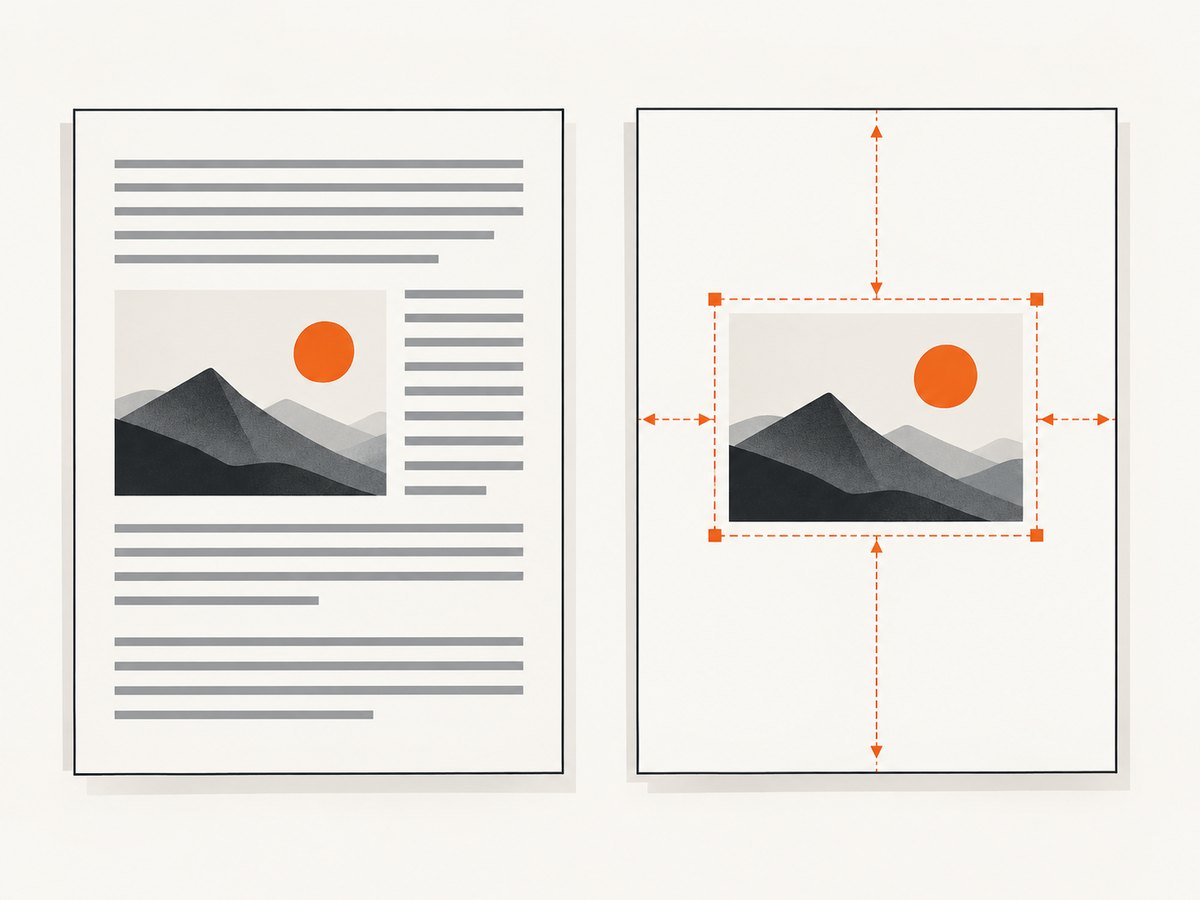
2. Add an image in normal document flow (iText 7 Java)
This is the simplest pattern for a new PDF. The image participates in layout and is placed after preceding content.
import com.itextpdf.io.image.ImageData;
import com.itextpdf.io.image.ImageDataFactory;
import com.itextpdf.kernel.pdf.PdfDocument;
import com.itextpdf.kernel.pdf.PdfWriter;
import com.itextpdf.layout.Document;
import com.itextpdf.layout.element.Image;

public class AddImage {
    public static void main(String[] args) throws Exception {
        String imagePath = "photo.png";
        try (PdfWriter writer = new PdfWriter("output.pdf");
             PdfDocument pdf = new PdfDocument(writer);
             Document document = new Document(pdf)) {
            ImageData data = ImageDataFactory.create(imagePath);
            Image image = new Image(data);
            document.add(image);
        }
    }
}
Use layout methods from your installed version to set width, height, margins, or a fixed position. Keep the image inside the page’s available area when it should remain in normal flow.
3. Place an image at exact coordinates with PdfCanvas
Canvas placement is appropriate for overlays, stamps, signatures, watermarks, and designs whose geometry is known in advance. The iText 7.1.7 Java API documents a width-based addImage overload that preserves aspect ratio: PdfCanvas API reference.
import com.itextpdf.io.image.ImageData;
import com.itextpdf.io.image.ImageDataFactory;
import com.itextpdf.kernel.pdf.PdfDocument;
import com.itextpdf.kernel.pdf.PdfPage;
import com.itextpdf.kernel.pdf.PdfReader;
import com.itextpdf.kernel.pdf.PdfWriter;
import com.itextpdf.kernel.pdf.canvas.PdfCanvas;

public class FixedImage {
    public static void main(String[] args) throws Exception {
        ImageData image = ImageDataFactory.create("photo.jpg");
        try (PdfDocument pdf = new PdfDocument(
                new PdfReader("input.pdf"), new PdfWriter("output.pdf"))) {
            PdfPage page = pdf.getPage(1);
            PdfCanvas canvas = new PdfCanvas(page);
            float x = 72;
            float y = 500;
            float width = 240;
            canvas.addImage(image, x, y, width, false);
        }
    }
}
PDF coordinates are expressed in user-space units. Derive x, y, and the target width from the page or field geometry instead of guessing. A rectangle overload can use both dimensions directly; verify its fit behavior in your exact iText version if preserving aspect ratio matters.
4. Fit an image into a rectangle without distortion
When a target box has a different shape from the source image, choose deliberately:
- Contain: preserve the complete image and accept empty space on two sides.
- Cover: crop the image to fill the rectangle.
- Stretch: fill both dimensions and accept distortion.
For photographs, logos, and scanned documents, containment or a calculated crop is usually safer than stretching. The image’s pixel count does not change when its displayed size changes. A smaller placed size raises effective rendered resolution; a larger placed size lowers it. A PDF document itself does not have a universal DPI. See the official iText discussion, How to preserve high resolution images in PDF?.
5. Put an image over an existing form field
For a form field, obtain the field’s rectangle and page number, scale the image to that rectangle, and draw it on that page’s over-content canvas. After drawing, remove or flatten the field so the empty field does not remain over the image. A button field is different: replace its icon through the button-field mechanism rather than treating it as a text field. The iText Knowledge Base covers this workflow in How to show an image at a text field position?.
// Outline of the field workflow (adapt names to your iText generation):
1. Open the existing PDF for editing.
2. Read the field position and page number.
3. Load ImageData from a file, URL, stream, or bytes.
4. Scale to fit the field rectangle while preserving aspect ratio.
5. Set the image position to the rectangle's lower-left point.
6. Draw it on that page's over-content canvas.
7. Remove the field or flatten the form.
Do not copy iText 5 form code into iText 7. The current API has different form, layout, and canvas types.
6. iText 5 example
In iText 5, the legacy classes are com.itextpdf.text.Image and PdfContentByte. The API supports loading images from filenames, URLs, streams, and bytes, then scaling and positioning them.
import com.itextpdf.text.Document;
import com.itextpdf.text.Image;
import com.itextpdf.pdf.PdfWriter;
import com.itextpdf.text.pdf.PdfContentByte;
import java.io.FileOutputStream;

public class IText5Image {
    public static void main(String[] args) throws Exception {
        Document document = new Document();
        PdfWriter writer = PdfWriter.getInstance(document,
                new FileOutputStream("output.pdf"));
        document.open();

        Image image = Image.getInstance("photo.png");
        image.scaleToFit(400, 300);
        document.add(image);

        PdfContentByte canvas = writer.getDirectContent();
        Image stamp = Image.getInstance("stamp.png");
        stamp.scaleToFit(120, 120);
        stamp.setAbsolutePosition(420, 60);
        canvas.addImage(stamp);

        document.close();
    }
}
Keep this sample isolated from iText 7 imports. Confirm the dependency and license terms for your deployment; iText Core is available under AGPL, with commercial licensing also discussed by iText.
7. .NET and newer layout APIs
The iText .NET layout API exposes Image constructors that accept ImageData or a PdfImageXObject, including fixed-coordinate forms. The exact namespaces and overloads depend on the installed release. Follow the matching iText API documentation rather than translating Java signatures mechanically.
ImageData data = ImageDataFactory.Create("photo.png");
Image image = new Image(data);
document.Add(image);
// For fixed placement, use the fixed-position overload or SetFixedPosition
// documented by the iText version referenced by your project.
8. Generate the source image with ScreenshotNeo
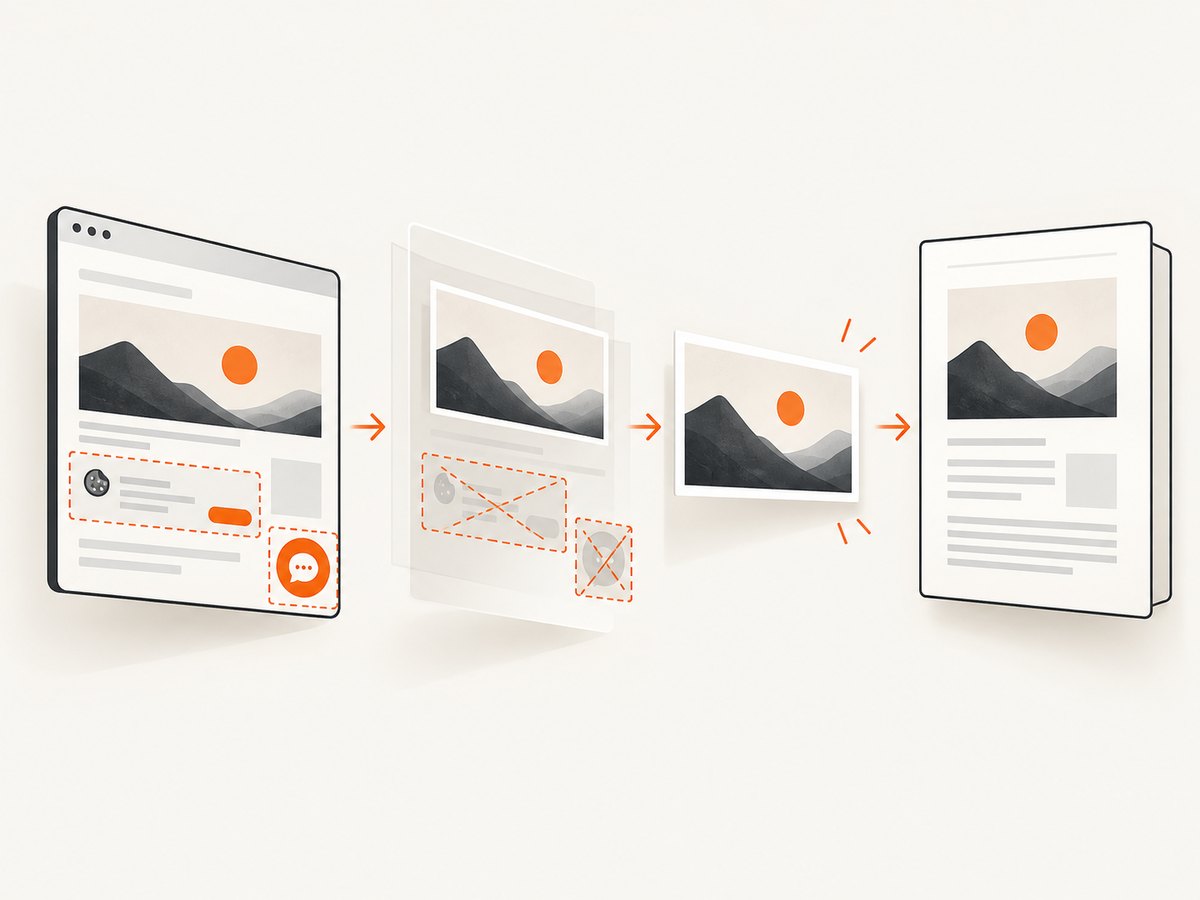
If the image starts as a web page, ScreenshotNeo can return a PNG, JPEG, or WebP from one GET request before you add it to iText. It removes cookie banners, newsletter popups, and chat widgets before capture. Only clean shots are billed; bot checks, blank pages, timeouts, failed loads, and cache hits are free, and the response reports the result in X-Page-Verdict and X-Billed headers.
9. Or skip the browser setup
Use the ScreenshotNeo API instead of maintaining browser automation, then pass the downloaded bytes or file to iText.
curl -G "https://api.screenshotneo.com/v1/shot" -d access_key=YOUR_API_KEY --data-urlencode url=https://stripe.com -o shot.webpimport requests
r = requests.get("https://api.screenshotneo.com/v1/shot", params={"access_key": "YOUR_API_KEY", "url": "https://stripe.com"}, timeout=90)
r.raise_for_status()
open("shot.webp", "wb").write(r.content)const q = new URLSearchParams({ access_key: 'YOUR_API_KEY', url: 'https://stripe.com' });
const res = await fetch(`https://api.screenshotneo.com/v1/shot?${q}`);
if (!res.ok) throw new Error(`Screenshot failed: ${res.status}`);
const buffer = Buffer.from(await res.arrayBuffer());See the ScreenshotNeo API documentation for the request options. You can select full-page or element captures, dark mode, device presets, retina scale, custom CSS and JavaScript, waits, blocked resources, headers, cookies, user agents, timezones, geolocation, transparent backgrounds, resizing, caching, signed links, asynchronous jobs, bulk capture, and PDF output. ScreenshotNeo also provides an MCP server with take_screenshot, get_page_info, and capture_pdf for AI agents.
There is a free allowance of 1,000 screenshots per month with no card. Paid plans start at $5 for 3,000 shots. Create a free ScreenshotNeo account.
10. Troubleshooting
| Symptom | Likely cause | Fix |
|---|---|---|
| Image is missing | Wrong path, unreadable bytes, or the image was never added to the document. | Check the file or stream, verify permissions, and confirm the add/addImage call executes before closing the PDF. |
| Image appears on the wrong page | Canvas code used a different page than the form field. | Read the field’s page number and draw on that page explicitly. |
| Image is stretched | Both rectangle dimensions were applied directly. | Use a width-based aspect-ratio-preserving overload or calculate a contain/cover fit. |
| Image is covered by a blank field | The original form field remains interactive. | Remove the field or flatten the form after overlaying the image. |
| Image is clipped | Fixed coordinates place part of the image outside the page or crop box. | Inspect page bounds and reduce the target rectangle or position. |
| Output looks blurry | The source has too few pixels for its final physical display size. | Use a larger source or place the same pixels at a smaller size; changing PDF page size alone does not create detail. |
| Compilation errors after migration | iText 5 and iText 7/9 APIs were mixed. | Remove imports from the other generation and consult the matching versioned API reference. |
| Web capture contains a cookie banner | The source screenshot was taken without consent handling. | Use ScreenshotNeo’s consent and cleanup steps, or implement equivalent browser actions before rendering. |
11. Performance, reliability, and cost notes
- Load and decode the image once when placing it more than once; reuse the image object or XObject where the API supports it.
- Prefer the smallest source image that still meets the intended display size. Oversized raster assets increase memory and PDF size.
- For many pages, stream output and close documents deterministically so buffers and file handles are released.
- Keep fixed-coordinate calculations in one unit system and derive them from page or field geometry.
- When fetching web images, set a timeout, check HTTP status, and retain the response bytes only as long as needed.
- ScreenshotNeo cache TTLs, async jobs, signed webhooks, and bulk capture can reduce repeated browser work. Failed loads and cache hits are not billed.
12. FAQ
Can I add PNG, JPEG, and GIF images?
The iText 5 image API documents common raster formats including JPEG, PNG, and GIF. Verify format support in the exact iText version and decoder configuration you use.
Does scaling an image remove pixels?
No. Scaling changes the displayed size and therefore the effective rendered resolution; it does not alter the source pixel count by itself.
Should I use layout or canvas?
Use layout when the image belongs in document flow. Use canvas or fixed positioning for exact coordinates, overlays, and field rectangles.
How do I preserve a logo’s proportions?
Use a width- or height-based aspect-ratio-preserving method, or calculate a contain rectangle yourself. Avoid independently forcing width and height unless stretching is intentional.
Can ScreenshotNeo return a PDF directly?
Yes. ScreenshotNeo supports PDF capture with paper size, margins, landscape mode, and page ranges; it can also return image formats for insertion into an iText document.


