How to Convert Django HTML to PDF with Python 3
Render a Django template as HTML, convert it with xhtml2pdf, WeasyPrint, or wkhtmltopdf, and return a secure downloadable PDF.
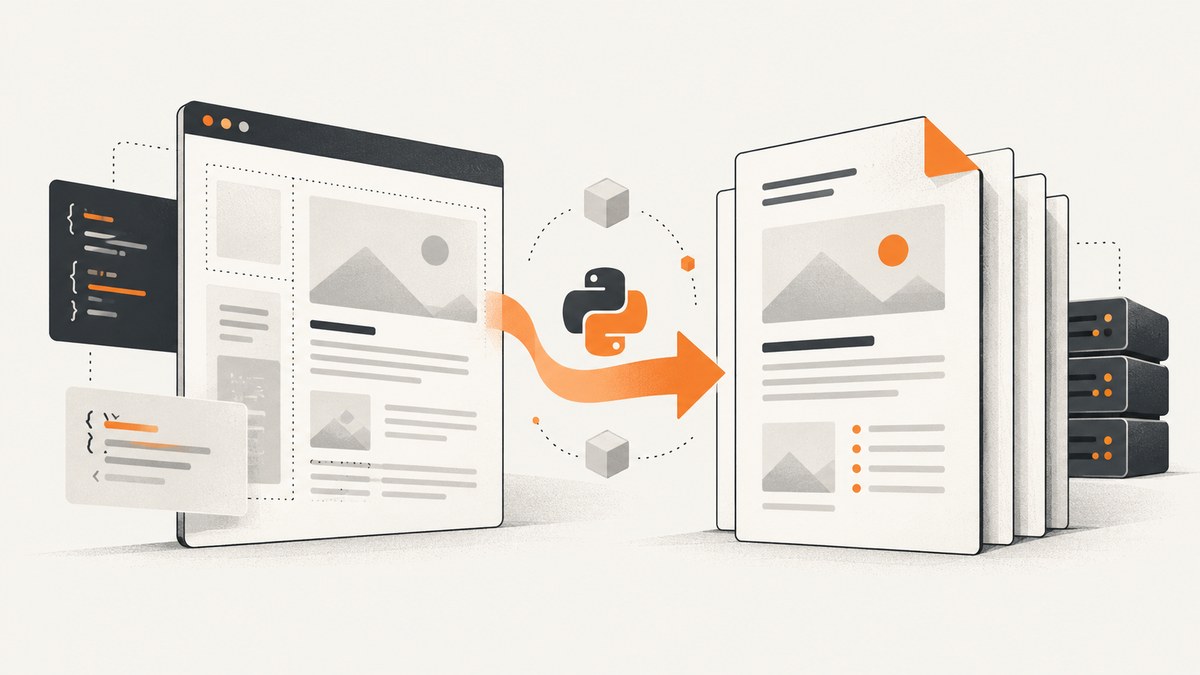
Direct answer: render the Django template to an HTML string, pass that string to a PDF engine, then return the generated bytes in an HttpResponse with content_type="application/pdf". For a Python-native starting point, use xhtml2pdf; use WeasyPrint when paged-media CSS and PDF navigation matter; consider wkhtmltopdf when your existing deployment already standardizes on it.
1. Choose a PDF renderer
| Renderer | Use it when | Watch for |
|---|---|---|
| xhtml2pdf | You need a Python/Django integration for invoices, receipts, letters, or other predictable layouts. | HTML5, CSS 2.1, and some CSS 3 are supported; responsive media-query conditions are ignored. Asset paths and resource policy must be configured. |
| WeasyPrint | CSS paged-media behavior, links, bookmarks, attachments, and print-oriented layout are important. | Check the installed release’s exact CSS support and operating-system dependencies before deployment. |
| wkhtmltopdf | An existing system already uses wkhtmltopdf and you need its Django wrapper. | Compare engine maintenance, JavaScript behavior, CSS output, and container packaging before adopting it for a new project. |
Django supplies the HTML; a separate renderer creates the PDF. The renderer runs outside the browser page context, so relative stylesheets, images, and fonts need an explicit base path or URL callback.
2. Install Django and xhtml2pdf
python -m pip install django xhtml2pdfxhtml2pdf documents pisa.CreatePDF(src, dest=...); dest is a file-like object and link_callback can rewrite asset URLs.
3. Create a PDF template
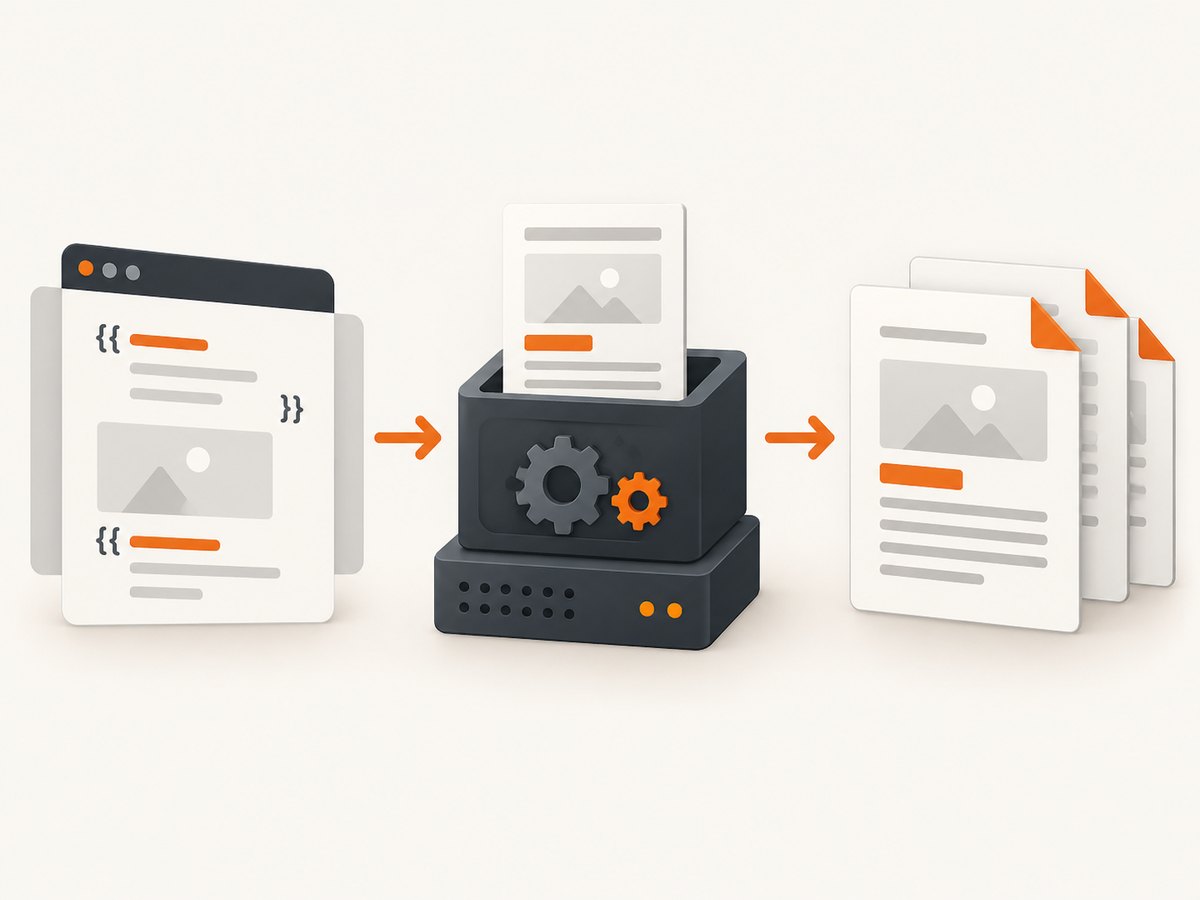
Keep the PDF template separate from your interactive page template. Use print-friendly dimensions, explicit margins, and simple layout primitives supported by your chosen engine.
<!-- templates/billing/invoice.html -->
<!doctype html>
<html>
<head>
  <meta charset="utf-8">
  <style>
    @page { size: A4; margin: 18mm 15mm; }
    body { font-family: DejaVu Sans, sans-serif; color: #222; font-size: 10pt; }
    h1 { font-size: 20pt; margin: 0 0 8mm; }
    .meta { color: #555; margin-bottom: 8mm; }
    table { width: 100%; border-collapse: collapse; }
    th, td { border-bottom: 0.3mm solid #ddd; padding: 2mm; text-align: left; }
    th { background: #f2f2f2; }
    .amount { text-align: right; }
    .total { font-weight: bold; }
  </style>
</head>
<body>
  <h1>Invoice {{ invoice.number }}</h1>
  <div class="meta">
    Issued {{ invoice.issued_at|date:"Y-m-d" }} · {{ invoice.customer_name }}
  </div>
  <table>
    <thead><tr><th>Description</th><th class="amount">Amount</th></tr></thead>
    <tbody>
      {% for line in invoice.lines.all %}
      <tr>
        <td>{{ line.description }}</td>
        <td class="amount">{{ line.amount }}</td>
      </tr>
      {% endfor %}
      <tr class="total">
        <td>Total</td>
        <td class="amount">{{ invoice.total }}</td>
      </tr>
    </tbody>
  </table>
</body>
</html>
4. Return a PDF from a Django view with xhtml2pdf
from io import BytesIO

from django.http import HttpResponse
from django.template.loader import get_template
from xhtml2pdf import pisa


def invoice_pdf(request, invoice_id):
    invoice = ...  # Load and authorize the invoice for this user.
    html = get_template("billing/invoice.html").render({"invoice": invoice})

    output = BytesIO()
    status = pisa.CreatePDF(
        src=html,
        dest=output,
        path="/srv/app/templates/",
    )
    if status.err:
        return HttpResponse("PDF generation failed", status=500)

    response = HttpResponse(output.getvalue(), content_type="application/pdf")
    response["Content-Disposition"] = (
        f'attachment; filename="invoice-{invoice_id}.pdf"'
    )
    return response
The path argument gives relative resources a deterministic base directory. In production, use your actual approved template or asset root and pair it with a callback when static and media files live elsewhere.
5. Resolve static files, media, and fonts
Relative URLs such as ../static/logo.svg do not automatically resolve as they would in a browser. Map Django URLs to approved filesystem paths or approved hosts. Do not enable unrestricted file or network access just to make a missing asset load.
from pathlib import Path
from urllib.parse import urlparse

from django.conf import settings
from django.contrib.staticfiles import finders


def link_callback(uri, rel):
    """Map static/media URLs to local files; reject everything else."""
    parsed = urlparse(uri)
    if parsed.scheme in {"http", "https"}:
        # Allow only hosts your deployment explicitly approves.
        if parsed.netloc not in {"cdn.example.com"}:
            raise ValueError("Unapproved remote asset host")
        return uri

    if uri.startswith(settings.STATIC_URL):
        relative = uri[len(settings.STATIC_URL):]
        static_path = finders.find(relative)
        if static_path:
            return str(static_path)

    if uri.startswith(settings.MEDIA_URL):
        relative = uri[len(settings.MEDIA_URL):]
        media_path = (Path(settings.MEDIA_ROOT) / relative).resolve()
        media_root = Path(settings.MEDIA_ROOT).resolve()
        if media_root in media_path.parents and media_path.is_file():
            return str(media_path)

    raise ValueError(f"Asset is not allowed: {uri}")
status = pisa.CreatePDF(
src=html,
dest=output,
link_callback=link_callback,
path=str(settings.BASE_DIR),
)xhtml2pdf’s link_callback rewrites a URI, after which the returned path still passes through the renderer’s resource policy. Keep local asset roots, remote hosts, timeouts, and output limits explicit.
6. Use WeasyPrint for paged-media layouts
python -m pip install weasyprintfrom django.http import HttpResponse
from django.template.loader import render_to_string
from weasyprint import HTML
def statement_pdf(request, statement_id):
statement = ...
html = render_to_string(
"billing/statement.html",
{"statement": statement},
request=request,
)
pdf_bytes = HTML(
string=html,
base_url=request.build_absolute_uri("/"),
).write_pdf()
response = HttpResponse(pdf_bytes, content_type="application/pdf")
response["Content-Disposition"] = (
f'attachment; filename="statement-{statement_id}.pdf"'
)
return responsebase_url is essential when the HTML contains relative assets. WeasyPrint is a strong candidate when CSS paged-media rules and PDF navigation features such as hyperlinks and bookmarks are central. Verify operating-system libraries and the exact feature set of the release you deploy.
7. Integrate wkhtmltopdf when it is already standard
django-wkhtmltopdf provides a PDFTemplateView class-based view around wkhtmltopdf. Configure the executable path and options in the Django settings used by your deployment, then compare JavaScript needs, CSS fidelity, maintenance, and container size with the other engines before committing.
from django.urls import path
from django_wkhtmltopdf.views import PDFTemplateView

urlpatterns = [
    path(
        "invoice/<int:invoice_id>.pdf",
        PDFTemplateView.as_view(
            template_name="billing/invoice.html",
            filename="invoice.pdf",
        ),
        name="invoice-pdf",
    ),
]
Pass the invoice context using the wrapper’s documented context hooks for your installed version. Keep the executable and its system dependencies in the same tested container image.
8. Page breaks, tables, links, and fonts
- Use
@pagefor paper size and margins rather than relying on browser defaults. - Keep table headers in
<thead>and test long tables across page boundaries. - Use explicit page-break rules where supported, and test the result with realistic data.
- Embed or install fonts available to the renderer; a browser-installed font is not automatically available in a server container.
- Use absolute or callback-resolved links for images, stylesheets, and fonts.
- Test hyperlinks, bookmarks, attachments, images, and text extraction if downstream users depend on them.
- Responsive CSS breakpoints are not a safe assumption. xhtml2pdf honors
all,print, andpdfmedia types but ignores media-query conditions.
9. Security controls
Treat user-authored HTML, rich-text fields, uploaded templates, and uploaded images as untrusted. Django auto-escapes most dangerous HTML characters, but safe, mark_safe, disabled autoescaping, stored HTML, and uploads can bypass that protection.
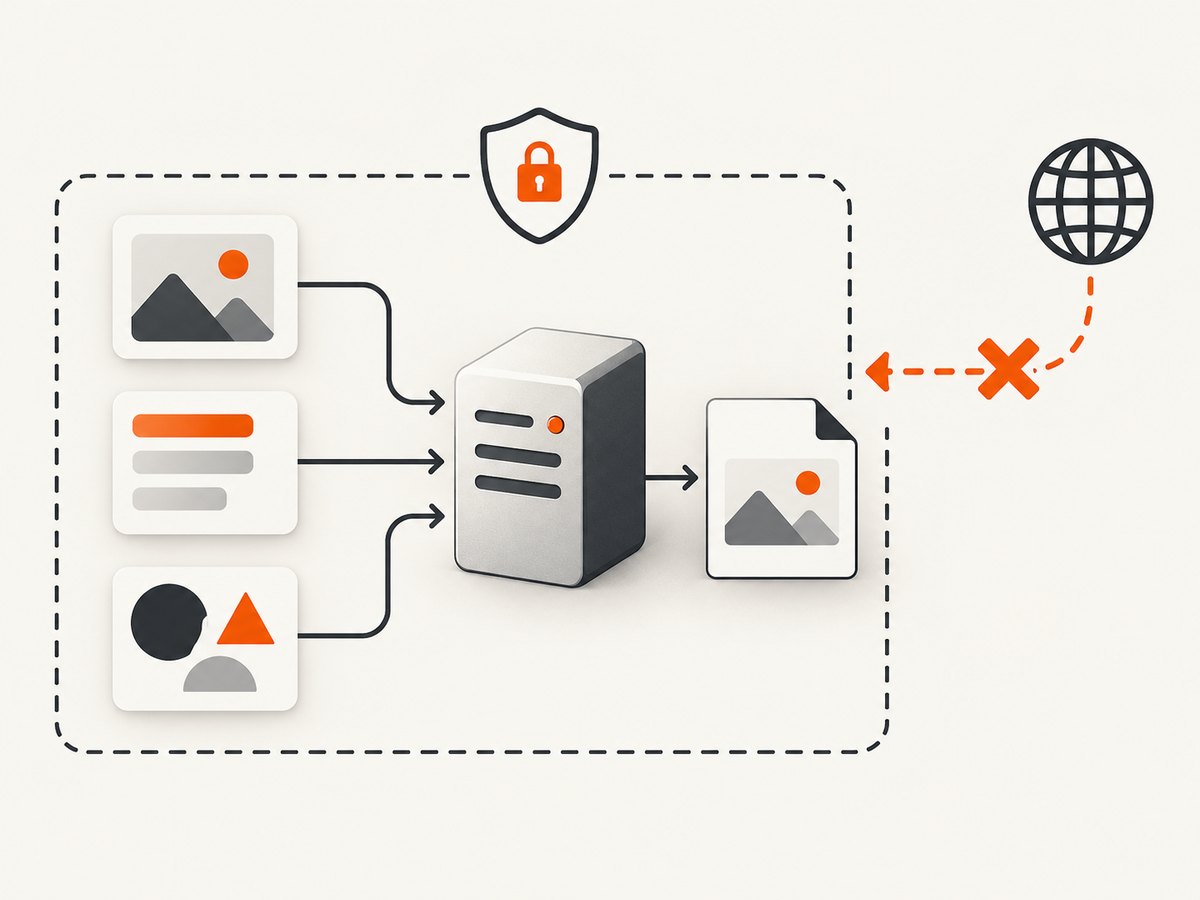
- Authorize the record before rendering it.
- Escape user values and avoid marking untrusted HTML safe.
- Allowlist local asset directories and remote hosts.
- Block access to internal addresses and metadata services.
- Set renderer timeouts and cap input and output sizes.
- Run conversion in a restricted worker or container when documents contain untrusted content.
- Log renderer errors without logging secrets or full sensitive documents.
xhtml2pdf’s resource policy controls which files the converter opens and hosts it contacts. Its documented defaults refuse internal destinations and local reads outside the document directory while allowing public HTTP(S). Keep that policy restrictive.
10. Test the PDF as an output contract
from django.test import TestCase
from django.urls import reverse


class InvoicePdfTests(TestCase):
    def test_pdf_response(self):
        invoice = ...
        response = self.client.get(
            reverse("invoice-pdf", args=[invoice.id])
        )
        self.assertEqual(response.status_code, 200)
        self.assertEqual(response["Content-Type"], "application/pdf")
        self.assertTrue(response.content.startswith(b"%PDF"))
        self.assertIn("attachment;", response["Content-Disposition"])
Add project-specific regression checks for page breaks, fonts, images, links, long tables, and representative data sizes. A status code alone cannot detect a clipped table or missing font.
11. Performance, reliability, and cost
- Render in a background worker for large documents or bursty traffic so web requests do not occupy application workers.
- Reuse loaded templates and cache immutable assets where your renderer supports it.
- Measure conversion time, memory, output size, and failure rate in your own deployment; the research does not establish universal benchmarks.
- Set a maximum number of rows and a maximum document size before conversion.
- Retry only transient failures, and make jobs idempotent so a retry does not create duplicate records.
- Store generated files outside the web root with authorization checks, or stream them directly when retention is unnecessary.
- Pin the renderer and system libraries, then rebuild and regression-test when upgrading.
12. Troubleshooting
| Symptom | Likely cause | Fix |
|---|---|---|
| PDF is blank | Template context is missing, rendering failed, or the engine cannot parse the markup. | Log the rendered HTML in a safe development environment, check template errors, and inspect the renderer status. |
| CSS or images are missing | Relative URLs have no base path or callback. | Set path/base_url and implement an allowlisted asset callback. |
| Font changes in production | The font is not installed or embedded in the container. | Install an approved font package or embed the font and test the generated PDF. |
| Responsive layout is wrong | The renderer does not implement browser media-query behavior. | Create a print-specific template or CSS; do not rely on mobile breakpoints. |
| Long tables overlap or split badly | Unsupported CSS, oversized rows, or missing table-header rules. | Simplify layout, keep headers in <thead>, add page-break rules, and test with worst-case data. |
| Remote images time out | Network access is blocked, slow, or disallowed by resource policy. | Prefer local approved assets, allowlist required hosts, and set a finite timeout. |
| SSRF or local-file risk | Permissive URL or filesystem access was enabled. | Restore a restrictive resource policy and validate every asset URI. |
| wkhtmltopdf executable not found | The binary is absent or its configured path is wrong. | Install the pinned binary in the image and verify the Django setting at startup. |
| PDF generation blocks requests | Large conversion runs inside the web worker. | Move conversion to a queue worker and return a job status or stored download. |
13. Or skip the browser setup
If you already expose the Django page at a reachable URL, ScreenshotNeo can return a PDF from one GET request. Cookie and consent banners, newsletter popups, and chat widgets are removed before the capture; bot checks, blank pages, failed loads, timeouts, and cache hits are not billed, and the response identifies the verdict and billing status in headers. Its MCP server lets Claude, Cursor, and other MCP clients call take_screenshot, get_page_info, and capture_pdf.
See the ScreenshotNeo API documentation for authentication and options.
curl -G "https://api.screenshotneo.com/v1/shot" \
  -d access_key=YOUR_API_KEY \
  --data-urlencode url=https://example.com/invoice/123 \
  -o invoice.pdf
import requests
r = requests.get(
"https://api.screenshotneo.com/v1/shot",
params={
"access_key": "YOUR_API_KEY",
"url": "https://example.com/invoice/123",
},
timeout=90,
)
r.raise_for_status()
open("invoice.pdf", "wb").write(r.content)const q = new URLSearchParams({
access_key: 'YOUR_API_KEY',
url: 'https://example.com/invoice/123'
});
const res = await fetch(`https://api.screenshotneo.com/v1/shot?${q}`);
if (!res.ok) throw new Error(`ScreenshotNeo returned ${res.status}`);
const fs = await import('node:fs/promises');
await fs.writeFile('invoice.pdf', Buffer.from(await res.arrayBuffer()));ScreenshotNeo includes full-page capture, custom CSS and JavaScript, waits, headers, cookies, authentication, device and viewport controls, PDF paper size, margins, landscape mode, page ranges, caching, signed links, asynchronous jobs, bulk capture, and a usage API. One thousand screenshots a month are free with no card; paid plans start at $5 for 3,000. Create a free ScreenshotNeo account.
14. FAQ
Can Django itself create the PDF?
No. Django renders the template; xhtml2pdf, WeasyPrint, wkhtmltopdf, or another renderer produces the PDF bytes.
Which renderer should a new project start with?
Start with xhtml2pdf for a Python-native, predictable document. Evaluate WeasyPrint when paged-media CSS and PDF navigation are requirements.
Why do relative assets work in a browser but not in the PDF?
The converter has no browser page context. Supply path, base_url, or a controlled URL callback.
How do I make a PDF download instead of display?
Set Content-Disposition to attachment; filename="your-file.pdf". Use inline when browser display is desired.
Should I allow arbitrary remote images?
No. Allowlist hosts and block internal addresses to reduce SSRF and data-exfiltration risk.


